Looking for a Photopea Alternative?
AI Layer Separation Meets Browser-Based PSD Editing.
Photopea is a capable web clone of Photoshop, but manual lassoing, pen-tooling, and cutouts take hours. ImageToLayers Studio uses AI to automatically isolate subjects, props, and background layers with clean inpainting.
Open the generated layers right in our built-in browser editor. Move, paint, mask, adjust colors, and refine every layer—all in a clean, ad-free interface with layered PSD export when you're ready.
No plugins or installation required · Works in Chrome, Edge, Safari & Firefox · Export layered PSD & PNG
Start With Any Flat Image
Upload a JPG, PNG, or WebP. Our AI separates the image into independent raster layers while reconstructing the hidden background behind foreground subjects.
Click or drag image to decompose into PSD
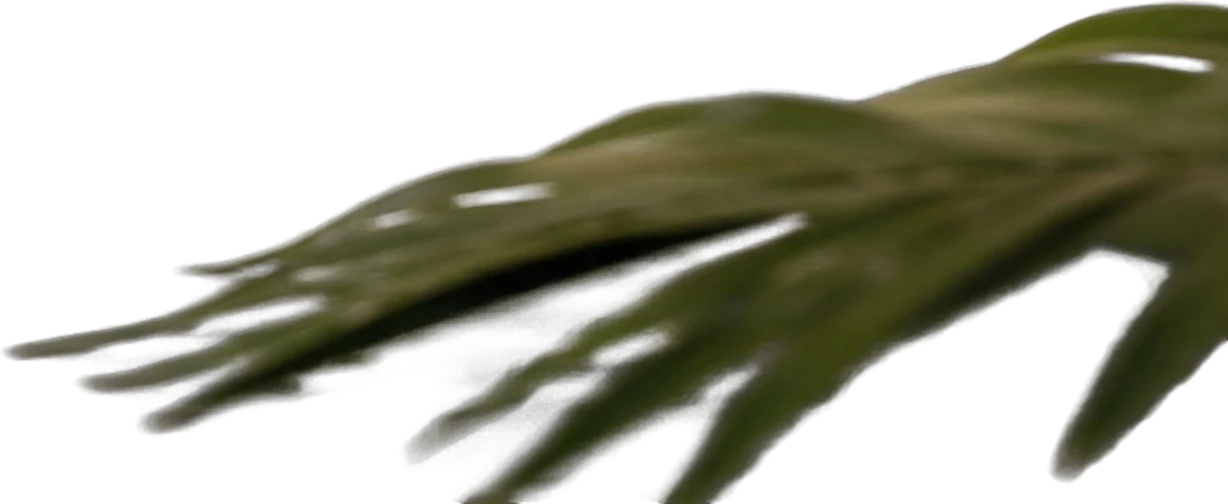
Foreground palm leaf
651×267 px
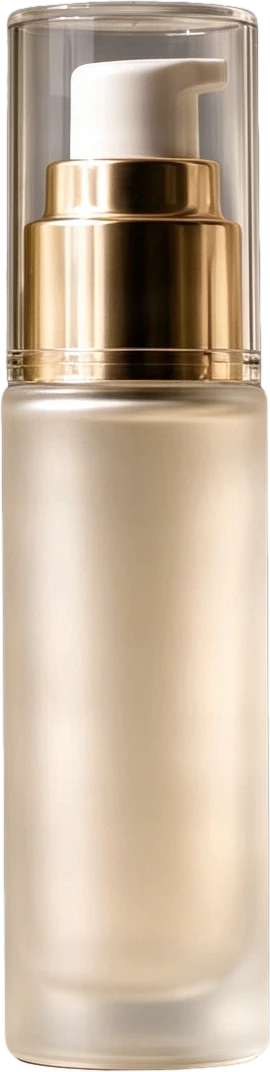
Frosted pump serum bottle
159×631 px
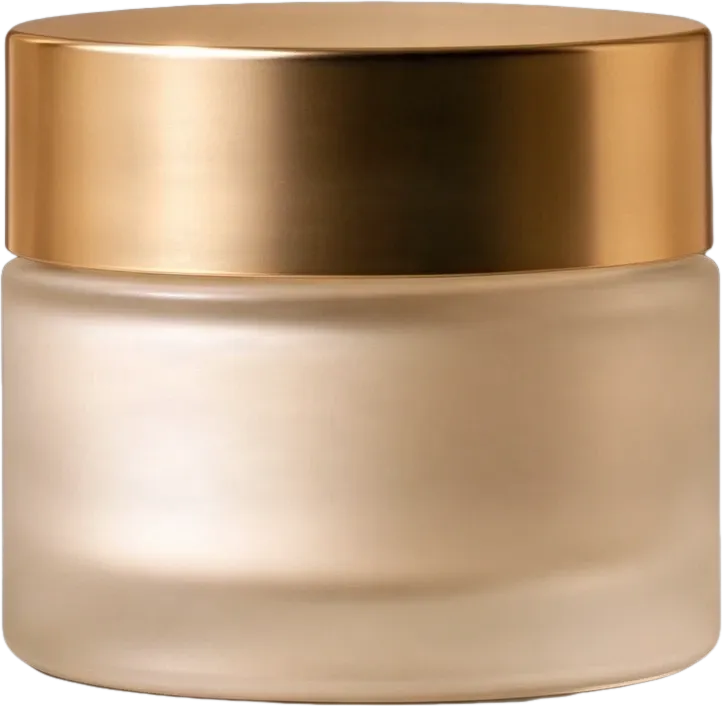
Frosted cream jar with gold lid
274×266 px
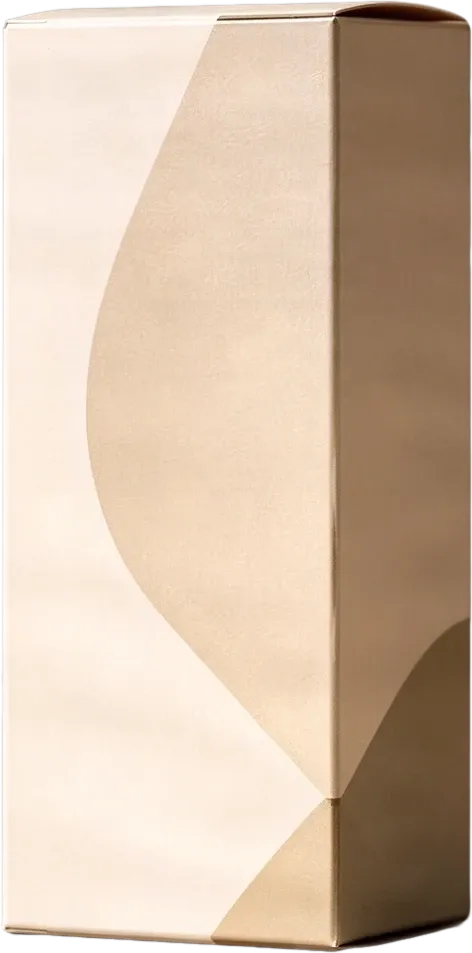
Beige product packaging box
298×602 px
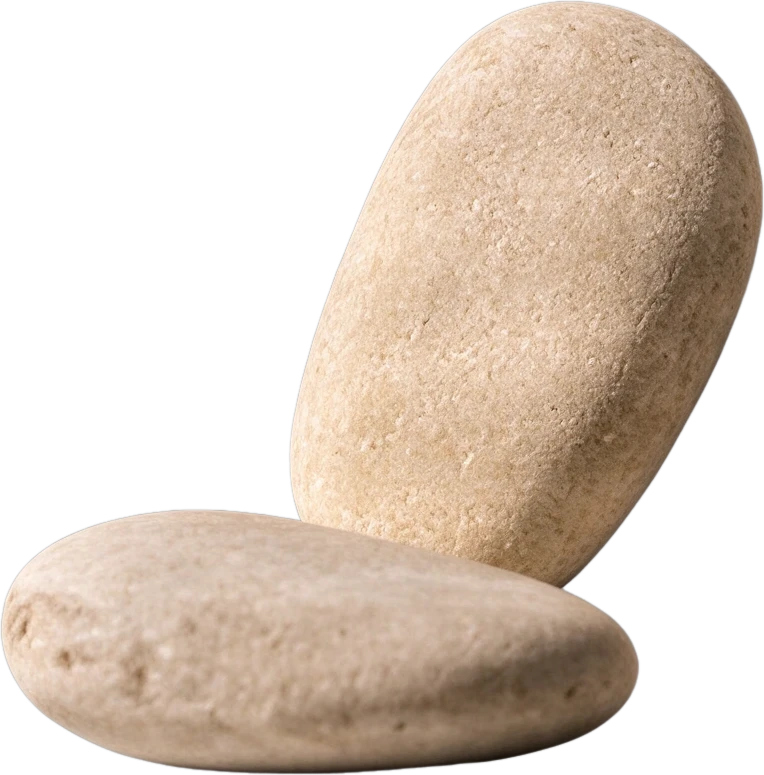
Smooth pebble group
244×247 px
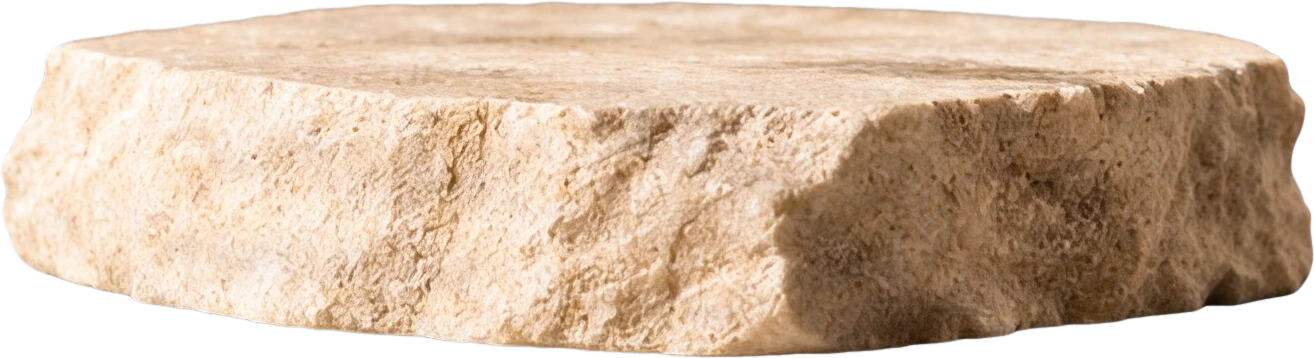
Stone display platform
536×145 px
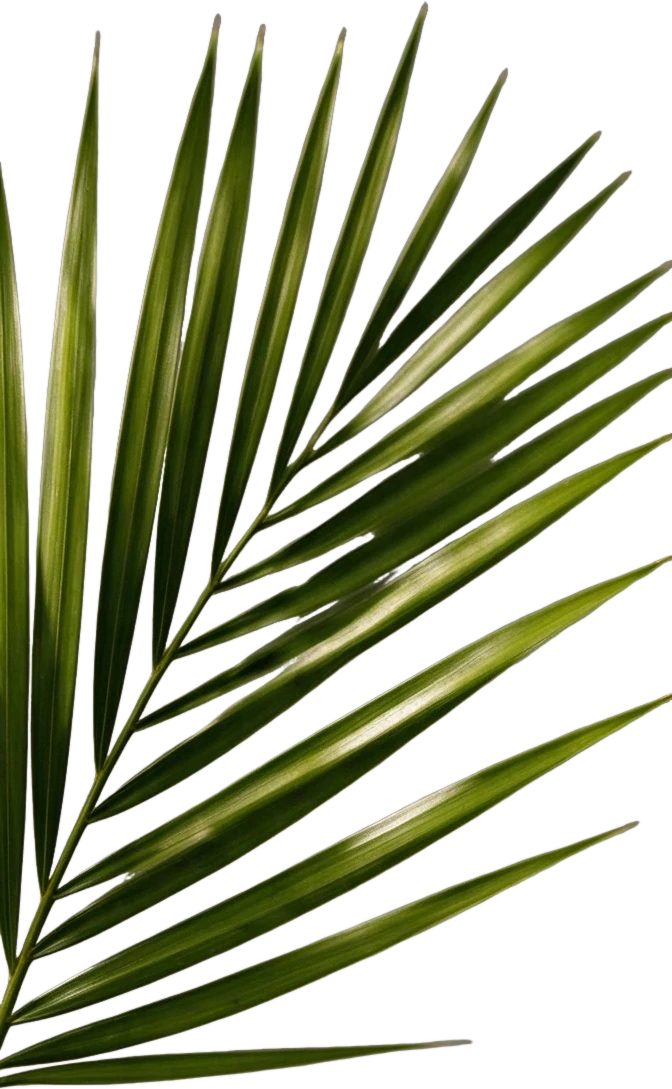
Right palm leaf
298×483 px
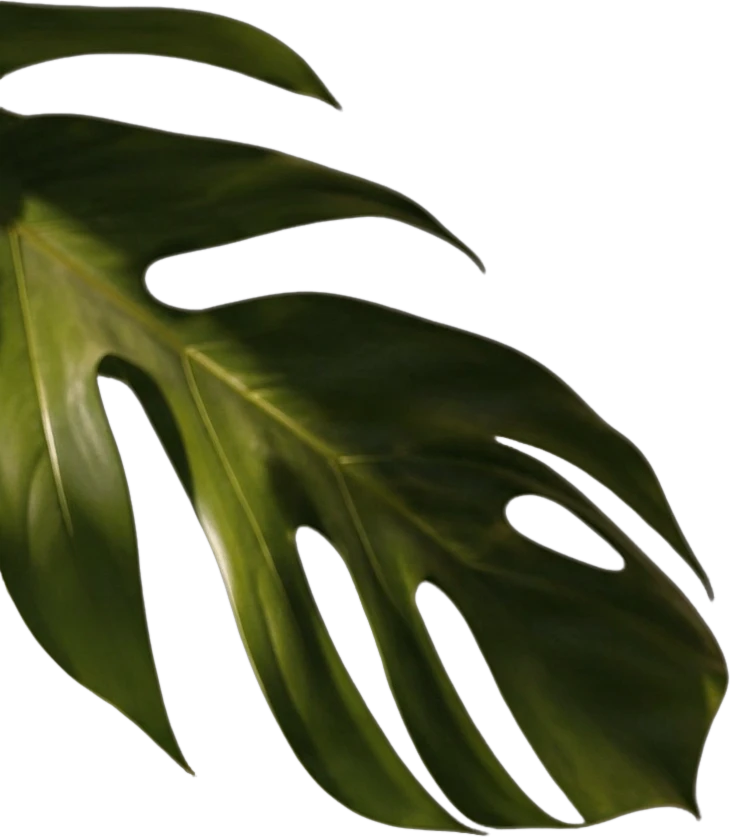
Left monstera leaf
526×603 px
Clean background
Background
Gestión privada de archivos
Los archivos subidos se asocian a tu cuenta y se entregan mediante URL firmadas. Puedes eliminar los trabajos completados de forma manual.
Resultado en PNG transparente
Capas detalladas devuelve cada elemento detectado como una capa independiente sobre un fondo transparente.
Continúa editando en el Espacio de trabajo del Agente
Abre el resultado por capas en el Espacio de trabajo del Agente para limpiar elementos, crear variaciones visuales o seguir trabajando en el mismo proyecto.
How ImageToLayers Differs from Traditional Web Editors
Instead of starting from a blank canvas or painstakingly cutting out elements manually, ImageToLayers decomposes an existing visual into a production-ready layer stack in seconds.
A Single Flat Image
The artwork, photo, or render has all elements merged together. In traditional editors like Photopea, editing one object requires manual selection and leaves empty holes.
Instant Layer Separation
AI analyzes the scene semantics and isolates subjects, props, foreground elements, and typography into standalone transparent layers.
Reconstructed Background
Unlike simple background removers, our neural inpainting generates what was hidden behind foreground objects, giving you true depth layers.
Browser Retouching & PSD
Adjust color balance, vibrance, masks, and layer ordering right in your browser, then export an authentic multi-layer PSD file.
Why Designers Look Beyond Photopea
Photopea pioneered Photoshop in the browser, but creative workflows have evolved with AI automation.
Heavy Manual Cutouts & Masking
In Photopea, isolating characters, products, or complex objects requires meticulous pen tool and magic wand work. ImageToLayers automates layer extraction in one click.
No Automatic Background Completion
When you cut out a subject in Photopea, you are left with a blank hole behind it. ImageToLayers automatically inpaints and fills the obscured background.
Cluttered Interface & Banner Ads
Photopea's free tier is crowded with third-party advertising banners that eat screen real estate. ImageToLayers Studio offers a focused, distraction-free environment.
Complex Desktop-Era Learning Curve
Photopea replicates Photoshop's dense 1990s toolbar and palette menus. ImageToLayers Studio streamlines the workflow around modern generative and layer tasks.
Why Choose ImageToLayers Studio
Get the flexibility of a browser-based PSD editor combined with state-of-the-art AI layer generation.
Automated Layer Decomposition
Isolate subjects, foreground graphics, and background scenery into independent layers without manual tracing.
Complete Clean Plate Inpainting
Reconstruct hidden visual information behind cutouts so you can reposition objects freely without patching holes.
Full Browser Editing Suite
Move layers, paint, apply masks, refine opacity, and tweak vibrance and color balance directly in the browser.
Photoshop-Compatible PSD Export
Download multi-layer PSD files ready for Adobe Photoshop, Figma, After Effects, Spine, and Live2D.
Photopea vs. ImageToLayers Studio
An objective look at how the tools compare across core image editing, AI layer extraction, and export features.
| Capability | Photopea | ImageToLayers Studio |
|---|---|---|
| AI Automatic Layer Separation | No (Manual Pen/Lasso only) | Yes (One-click multi-layer extraction) |
| Background Reconstruction Behind Cutouts | Manual clone stamp / patch tool | Automatic neural inpainting clean plates |
| Browser-Based Layer Editing | Yes (Full manual raster tools) | Yes (Connected layer & retouch studio) |
| Layered PSD Export | Yes | Yes (Standard multi-layer PSD) |
| Distraction-Free Workspace | Ad-supported on free tier | Clean, focused UI without banner ads |
| Game Asset & Animation Layering | Manual multi-file workflow | Dedicated Live2D & Spine character separation |
Disclaimer: Photopea is a trademark of its respective owner. ImageToLayers is an independent creative studio and is not affiliated with, endorsed by, or sponsored by Photopea. Capabilities noted above reflect standard feature availability as of November 2026.
What You Can Build with ImageToLayers Studio
Game Art & Character Animation
Separate 2D game characters into head, body, arms, and gear layers with intact backgrounds for rigging in Spine, DragonBones, or Live2D.
E-Commerce & Product Mockups
Decompose product photos to isolate the merchandise, shadow, and background. Swap backgrounds or change layouts instantly.
Marketing & Social Graphics
Turn static banners and promotional visuals into layered assets to create responsive aspect ratio variations and localized text edits.
Matte Painting & Concept Art
Break complex scenery into parallax depth planes (foreground, midground, sky) for motion graphics and visual effects compositing.
Print & Merchandise Prep
Extract graphics and logos from flat mockups onto transparent layers for DTG t-shirt printing, posters, and stickers.
Design Remixing & Iteration
Take Midjourney, Stable Diffusion, or FLUX generated artwork and turn it into editable Photoshop assets you can adjust by hand.
How to Use ImageToLayers Studio
Upload Your Image
Drop any JPG, PNG, or WebP image into the studio upload area.
AI Layer Separation
Our neural engine isolates subjects and inpaints occluded background areas.
Refine in the Studio
Open the job in our browser editor to move layers, adjust colors, and mask elements.
Export Layered PSD
Download your project as a layered PSD or transparent PNG zip bundle.
AI Layer Separation Is an Intelligent Starting Point
AI models estimate hidden visual information behind occluded foreground subjects. While neural clean plate inpainting produces seamless backgrounds for most creative assets, fine hair, high-frequency textures, and complex transparent glass may require slight brush touch-ups in the editor before production export.
Photopea Alternative: Frequently Asked Questions
How does ImageToLayers differ from Photopea?
Photopea is a traditional manual raster image editor that mirrors Photoshop's interface in the browser. ImageToLayers Studio combines an intuitive browser-based layer editor with generative AI that automatically separates flat images into independent layers and reconstructs the hidden backgrounds behind them.
Can I export layered PSD files compatible with Photoshop?
Yes. Every project processed in ImageToLayers Studio can be exported as a standard layered PSD file that opens cleanly in Adobe Photoshop, Photopea, Figma, Clip Studio Paint, and Procreate.
Do I need to install any software or browser extensions?
No installation is required. ImageToLayers Studio runs 100% in your web browser across Chrome, Safari, Firefox, and Edge on both desktop and tablet devices.
Can I edit and move layers inside ImageToLayers Studio?
Yes. Once an image is decomposed into layers, you can open it in our built-in editor to reposition layers, paint, apply layer masks, adjust opacity, and fine-tune vibrance and color balance.
What image formats are supported?
You can upload JPG, PNG, and WebP images up to 4K resolution. Exports are available in layered PSD, ZIP bundles of transparent PNGs, or single flattened formats.
Explore More AI Creative & Layer Workflows
Ready to Experience AI-Powered Layer Editing?
Turn your flat artwork, character designs, and product photos into editable layers in seconds.
ImageToLayers is an independent creative studio and is not affiliated with, sponsored by, or endorsed by Photopea. Photopea is referenced solely for product identification and objective comparison.