
Create product visuals from an image
Turn a single image into clean product shots, listing images, and branded visuals.
AI Image Agent is currently in beta. Results and workflows may change as we improve the experience.
Upload an image or describe what you want to create.
Upload an image and tell the Agent what you want to do, or describe an image to create from scratch.
The Agent can:
Describe what you need, or start from a playbook.
Sample before/after from one image. No sign-in needed.
Before
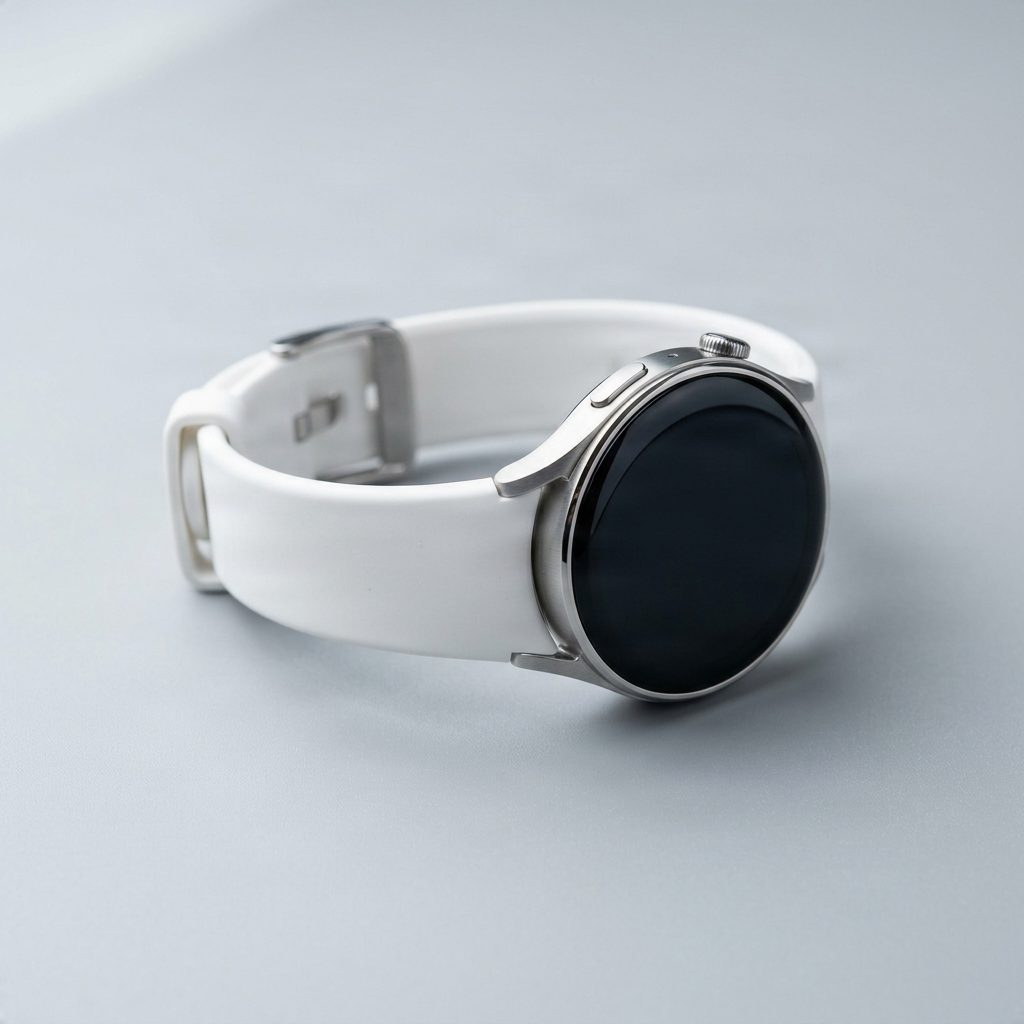
After
✨ AI Generated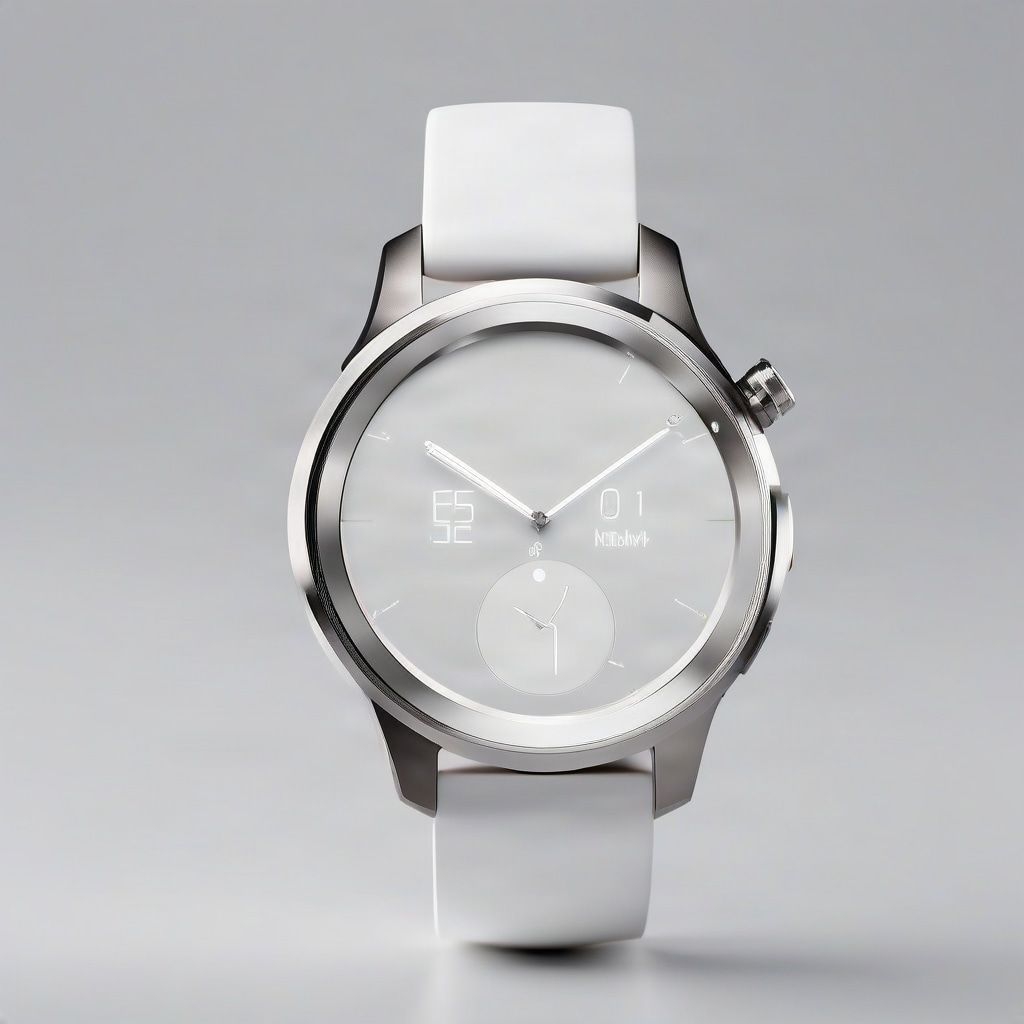
Turn a product shot into a cleaner campaign hero
Examples
Quick actions
Turn a single image into clean product shots, listing images, and branded visuals.
Use one image to create promotional visuals and campaign-ready ad variations.
Package coordinated listing, ad, and social stills you can reuse across channels and the next launch wave.
Generate visuals for TikTok, Instagram, thumbnails, and branded posts.
Optional
You don't need one to get started—describing what you need works just as well. These are ready-made starting points for a few common jobs.
Playbook
Clean, resize, and edit product photos for Amazon listings.
View playbookPlaybook
Vertical visual directions and cleanup for TikTok Shop.
View playbookPlaybook
Visual variations and background edits for your storefront.
View playbookPlaybook
Visual variations, cleanup, and layered assets for social media.
View playbookPlaybook
High-end visual cleanup, variations, and layering for campaigns.
View playbookContinue your work
Sign in to reopen your threads and keep building on past work.
How to use
Continue directly from an Image to Layers project, or upload any image to begin a new thread.
Ask for product shots, ad variations, or social crops in plain language. The workspace keeps your image and every generation together.
Get several ready-to-use variations in one pass instead of repeating the same edit by hand.
Your thread stays saved, so you can pick up the same image next time instead of starting over.
Use cases
Generate the main image, secondary angles, and lifestyle shots you need for a marketplace listing—without repeating the same edit for each one.
Ask for two or three directions and compare them side by side in the same thread.
Generate feed, story, and thumbnail sizes from the same source image in one pass.
Your thread keeps the image and every generation, so the next request builds on what you already made instead of starting over.
One photo, more done
Product shots, ad variations, and social crops stay in the same thread, so you're never starting from a blank prompt.
FAQ
No. It's the AI workspace built on top of Image to Layers—use it to turn a photo, or a layered export, into more: product shots, ad directions, and social crops, all in the same thread.
Anyone using Image to Layers who wants more from one image—sellers prepping a listing, creators making social crops, or anyone who'd rather generate a full set than repeat the same edit manually.
No. You can upload any photo directly. If you already have an Image to Layers project, you can continue straight from it instead of starting over.
Yes. Describe exactly what you want and generate a single result, or ask for a few directions at once—both work in the same thread.
Playbooks—Amazon, TikTok Shop, Shopify, social, brand campaigns—are optional starting points for common use cases. You don't need one to get started; describing what you need works just as well.
Yes. Threads keep your image and its generations together, so you can come back and keep building instead of re-uploading.
No, threads are private to your account. Sharing a link with someone else won't give them access.
No. It's for generating variations quickly; you can still export and refine anything in Photoshop or your usual tools.
Everything stays in one thread—your image, your requests, and every generation—so you're not re-uploading and re-explaining the same context each time.
No. You can preview sample outputs and describe what you want first. Signing in is only needed when you're ready to upload your own image and generate.
Connect ImageToLayers to Codex, Claude Code, Cursor, and other MCP-compatible clients.
Explore ImageToLayers MCP →Creative Toolkit Index
Quick access to precision layer extraction, AI photo editing & asset tools.