The Online PSD Editor Built for the AI Era
Don't Just Open PSDs—Turn Any Flat Image into an Editable Layered File.
Most online PSD editors only let you inspect existing files. ImageToLayers Studio goes further: upload any flat JPG or PNG, and AI separates it into editable raster layers with reconstructed clean-plate backgrounds.
Work directly in your browser with layer masks, opacity, blending, and color adjustments. When your design is ready, export a production-ready PSD compatible with Adobe Photoshop, Figma, and Clip Studio Paint.
Zero software installation · 100% in-browser editing · Export standard multi-layer PSD files
Create or Edit Layered PSDs Online
Upload a flat image or design asset to decompose it into independent layers, or open your project directly in our browser editor.
Click or drag image to decompose into PSD
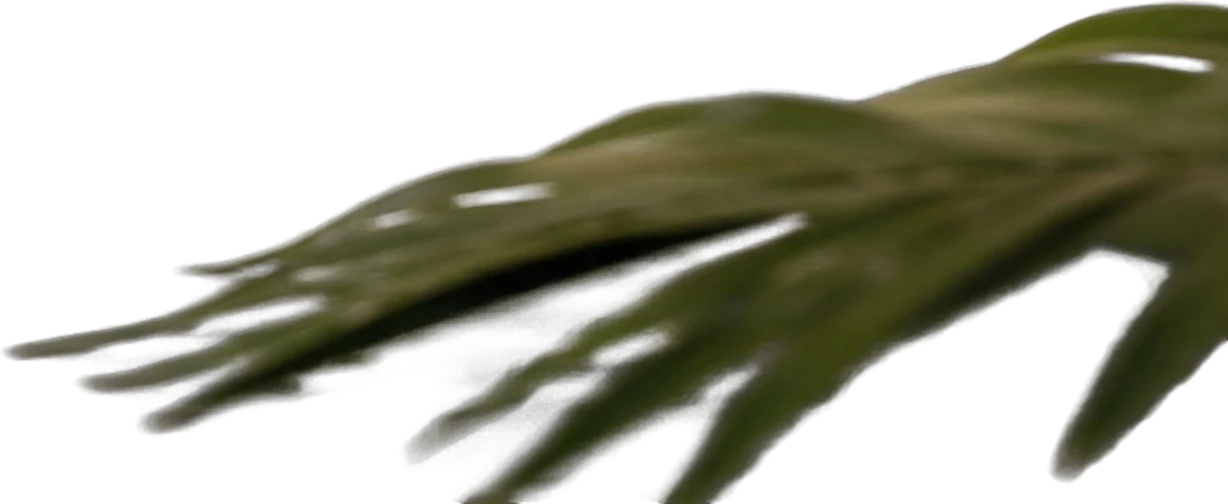
Foreground palm leaf
651×267 px
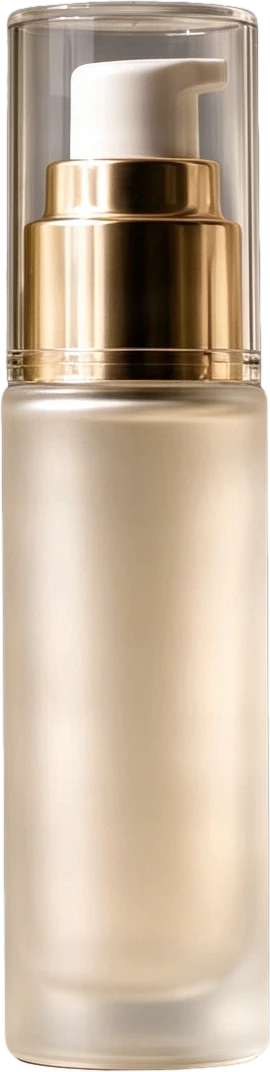
Frosted pump serum bottle
159×631 px
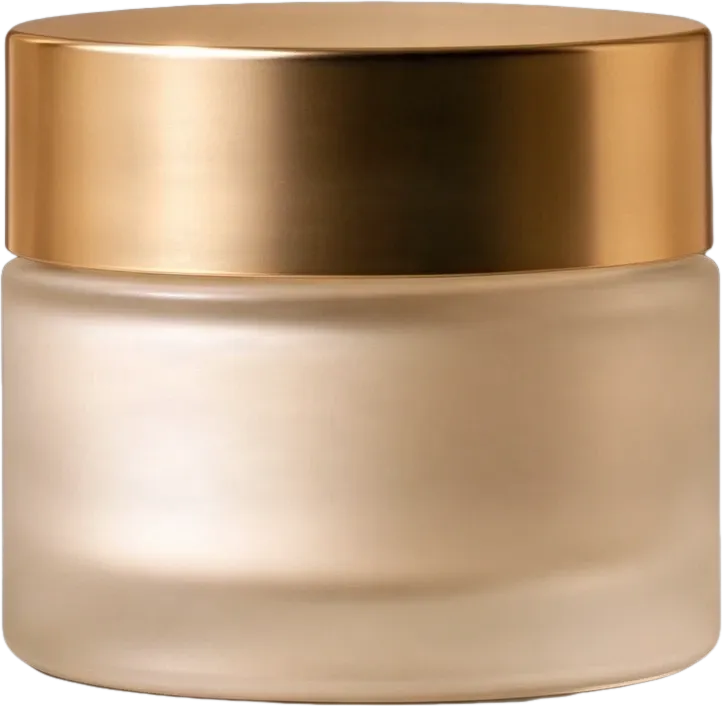
Frosted cream jar with gold lid
274×266 px
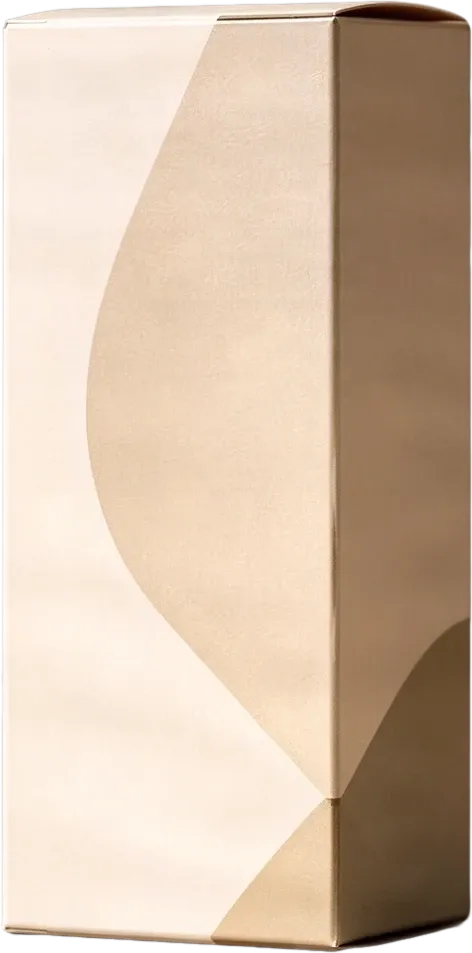
Beige product packaging box
298×602 px
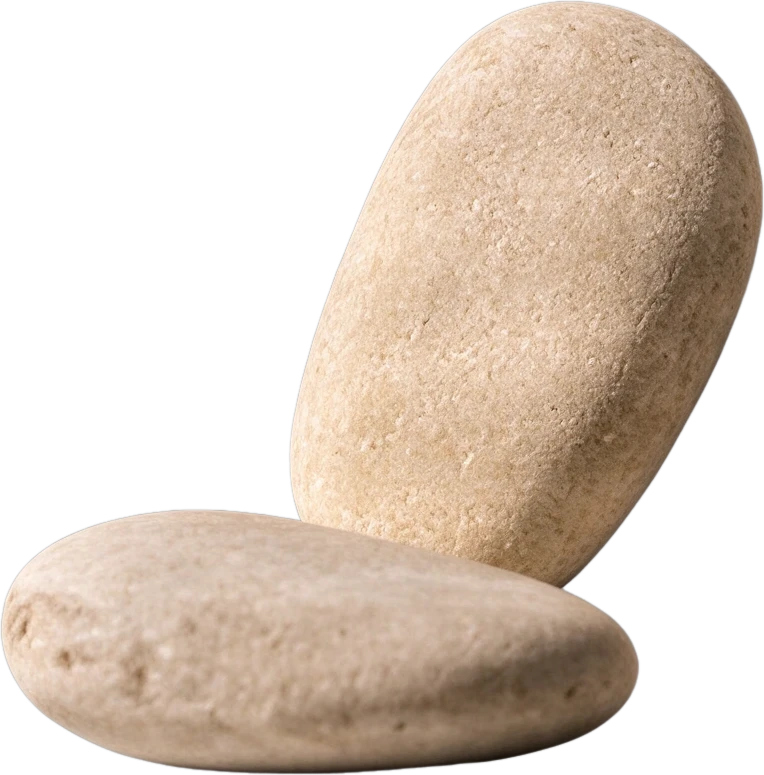
Smooth pebble group
244×247 px
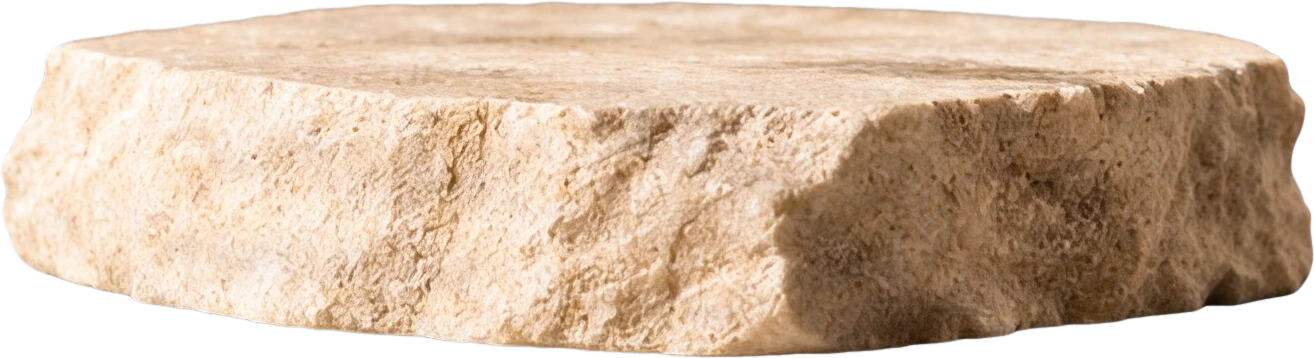
Stone display platform
536×145 px
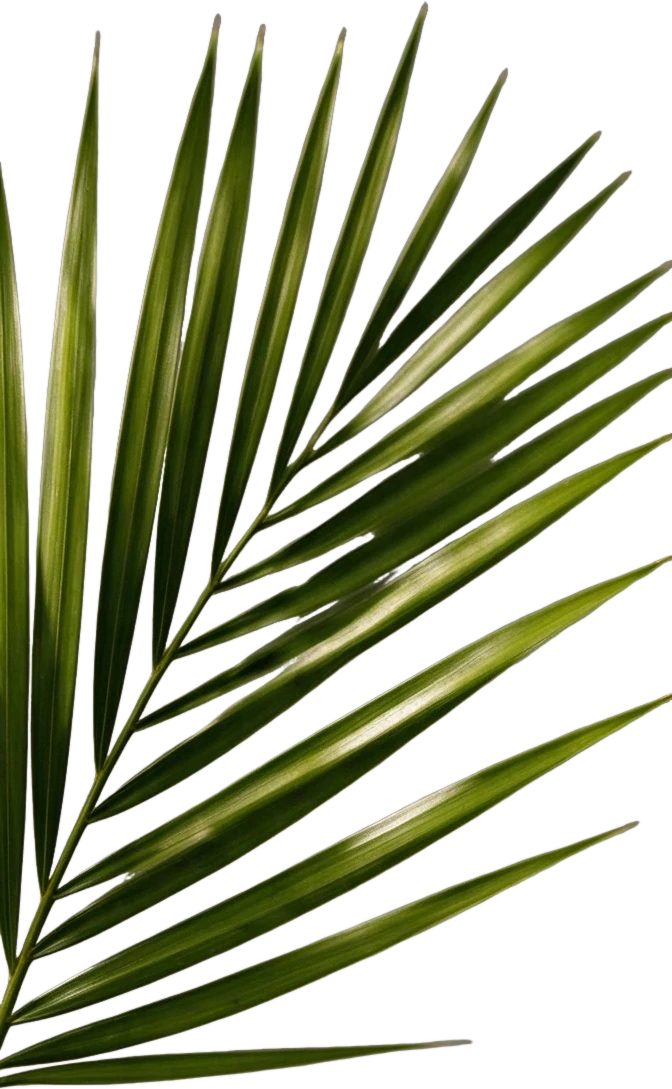
Right palm leaf
298×483 px
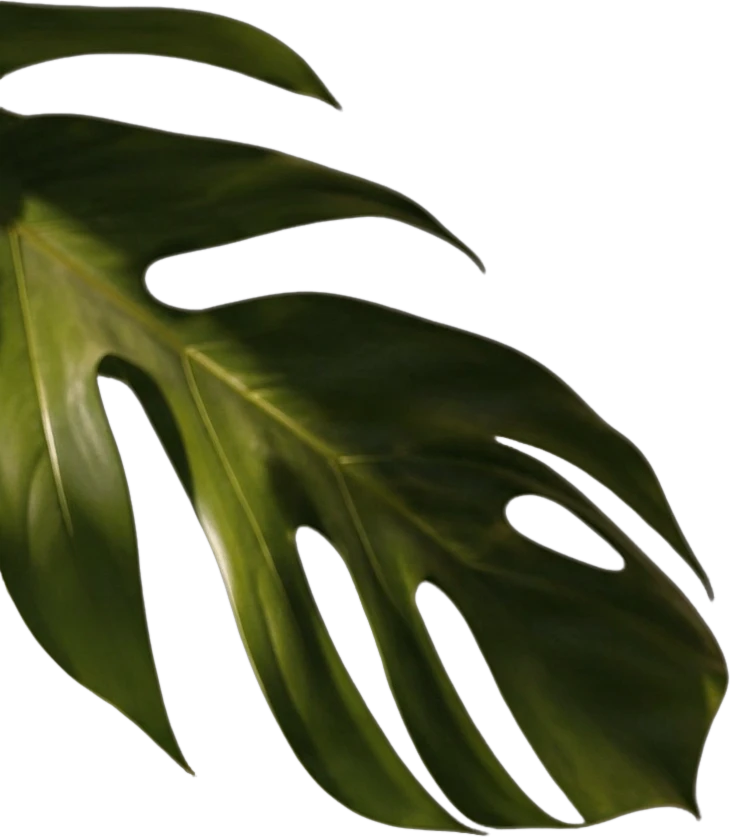
Left monstera leaf
526×603 px
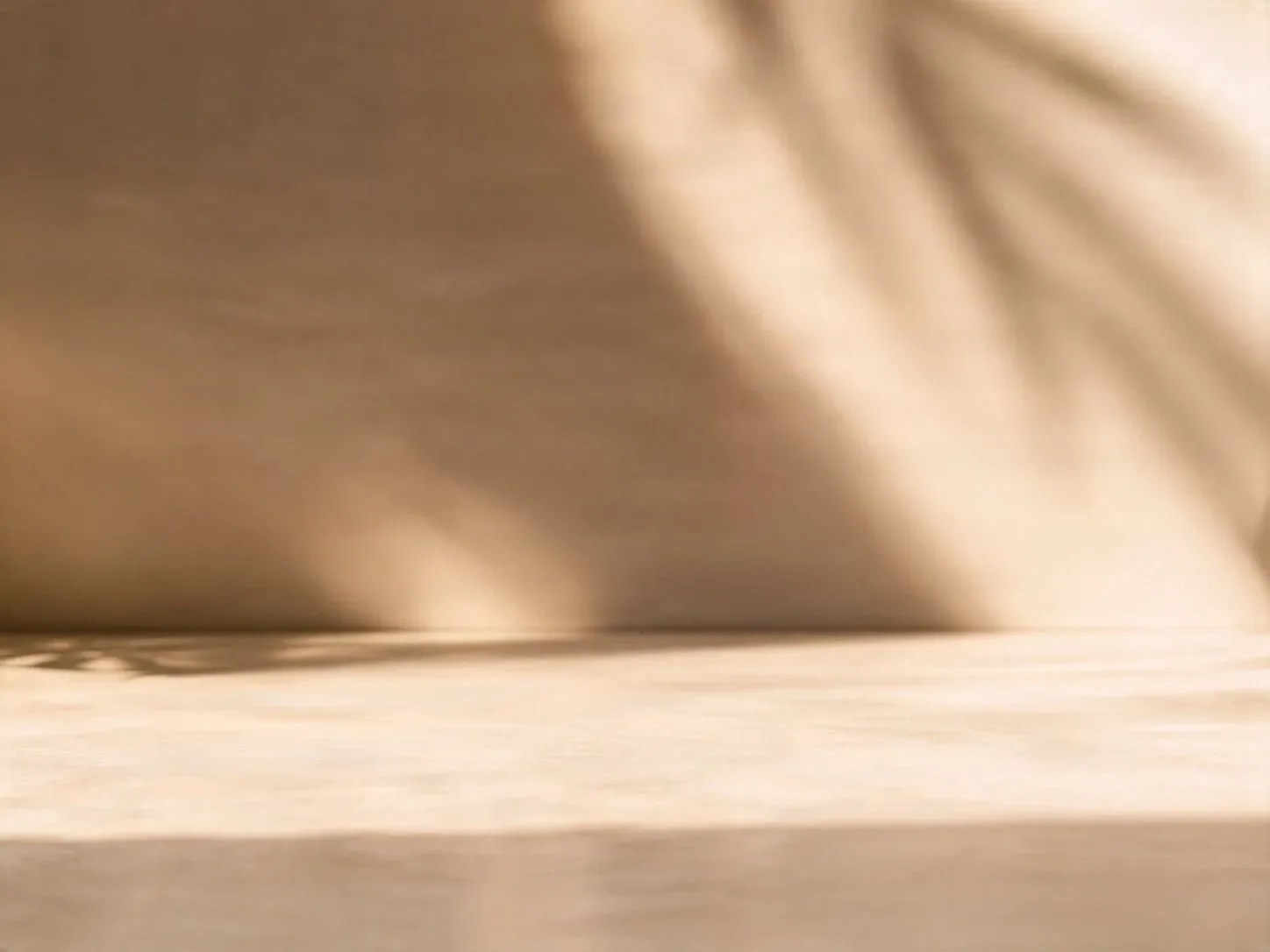
Clean background
Background
Gestion des fichiers privés
Les fichiers téléchargés sont associés à votre compte et livrés via des URL signées. Vous pouvez supprimer manuellement les tâches terminées.
Sortie PNG transparente
Les Calques détaillés renvoient chaque élément détecté comme son propre calque sur un fond transparent.
Continuer l'Édition dans l'Espace de Travail Agent
Ouvrez le résultat en calques dans l'Espace de Travail Agent pour nettoyer les éléments, créer des variations visuelles ou continuer à travailler sur le même projet.
How Our Online PSD Engine Works
Experience true non-destructive layer separation that turns a flattened image into a professional Photoshop document.
Standard JPG or PNG
Start with any visual—midjourney generations, digital illustrations, or product shots where original project layers were lost.
Semantic Layer Isolation
Our neural engine identifies distinct visual elements—characters, objects, effects, and typography—and splits them into separate channels.
No Empty Cutout Holes
The hidden areas behind subjects are seamlessly generated and painted, ensuring complete backgrounds for layout flexibility.
Production PSD File
Download an industry-standard .psd file with correct raster masks, transparency channels, and named layers ready for your desktop workflow.
Why Traditional Online PSD Editors Fall Short
Legacy browser tools mimic desktop software from 20 years ago without leveraging AI.
Requires an Existing PSD File
Traditional online PSD editors can only open files that were already saved as PSDs. If you only have a flat JPG or PNG, you're stuck doing manual cutouts.
Manual, Tedious Selection Tools
Extracting elements with lasso or pen tools in a browser window is frustrating and time-consuming, especially with fine hair or soft shadows.
Destructive Cutouts
Removing an object leaves an empty void that requires manual cloning and healing to repair the background.
Heavy and Slow Desktop Software
Launching heavy desktop editors like Photoshop for quick layer adjustments slows down creative turnaround.
Why Designers Use ImageToLayers Studio as Their PSD Editor
Combine intelligent layer separation with seamless in-browser retouching and export.
Flat Image to PSD in Seconds
Instantly convert flat renders, photos, or AI artwork into layered PSD files without manual masking.
Clean-Plate Background Synthesis
Our neural inpainting algorithm restores the occluded scenery behind foreground elements automatically.
Browser-Based Retouching Tools
Fine-tune individual layers with vibrance, color balance, painting, layer masks, and custom opacity controls.
Universal Workflow Compatibility
Exported PSDs are 100% compatible with Adobe Photoshop, Adobe After Effects, Figma, Procreate, and Live2D.
Standard Online PSD Editors vs. ImageToLayers
See how ImageToLayers Studio redefines what an online PSD editor can do.
| Feature | Standard Online PSD Editors | ImageToLayers Studio |
|---|---|---|
| Decompose Flat JPG/PNG to PSD | No (Requires pre-existing PSD file) | Yes (AI automated layer decomposition) |
| Background Fill Behind Objects | Manual cloning / healing stamp | Automatic neural clean-plate completion |
| Interactive In-Browser Layer Studio | Complex legacy interface | Modern, focused creative layer workspace |
| Standard .PSD File Export | Yes | Yes (Multi-layer standard PSD) |
| Transparent PNG Asset Bundles | Manual export per layer | One-click ZIP download of all isolated layers |
| Game & Animation Preparation | Manual slice and export | Built-in Live2D / Spine character workflows |
Disclaimer: Photoshop and PSD are registered trademarks of Adobe Inc. ImageToLayers is an independent creative studio and is not affiliated with, endorsed by, or sponsored by Adobe. Capabilities noted above reflect standard feature availability as of November 2026.
Who Needs an Online PSD Editor with AI?
Digital Illustrators & Concept Artists
Separate character illustrations, creature designs, and environment matte paintings into editable depth layers.
Graphic Designers & Marketers
Quickly extract key visuals from promotional posters and flyers to adjust typography or swap backgrounds for multiple campaign variants.
Game Developers & 2D Animators
Prepare sprite sheets, UI elements, and character rigging layers directly for import into Spine, After Effects, and Unity.
E-Commerce Product Photographers
Separate studio product shots into isolated item, reflection, and background layers for fast catalog asset production.
Print & Apparel Designers
Isolate graphics from flat client proofs onto clean transparent layers ready for direct-to-garment (DTG) or screen printing.
AI Creators & Prompt Engineers
Turn single-layer Midjourney or Stable Diffusion images into professional Photoshop files with editable component layers.
How to Create and Edit PSDs Online
Upload Any Image
Upload your flat JPG, PNG, WebP, or design asset into the editor.
AI Separates Layers
The AI model decomposes the image into independent foreground and background layers.
Edit in Your Browser
Move, mask, repaint, and adjust layers with our built-in editing tools.
Download Layered PSD
Export a production-ready PSD file with authentic layers and transparent alpha channels.
PSD Structure & Vector Text Considerations
ImageToLayers decomposes raster imagery into independent pixel layers. Vector text embedded in flat input images is separated as transparent raster graphics rather than live editable typography. Layer blending and masks correspond to standard PSD conventions, ready for fine-tuning in any compatible desktop software.
Online PSD Editor: Frequently Asked Questions
Can I open the exported PSD in Adobe Photoshop?
Yes. The exported .psd files follow the standard Adobe Photoshop format specifications. You can open and continue editing them in Photoshop, Illustrator, Figma, Photopea, GIMP, and Clip Studio Paint.
Can I turn a flat JPG or PNG into a multi-layer PSD?
Yes! This is our core specialty. Unlike traditional PSD editors that only open existing .psd files, ImageToLayers uses AI to decompose single-layer flat images into independent, editable layers with reconstructed backgrounds.
Is the background behind isolated objects preserved?
Yes. Our AI clean-plate inpainting automatically reconstructs what was hidden behind foreground objects, allowing you to move or hide objects without leaving blank cutout holes.
Is any software download required to use this editor?
No. The entire editing and PSD generation pipeline operates directly in modern web browsers (Chrome, Edge, Safari, Firefox) on desktop, laptop, or tablet.
What is the maximum resolution supported?
ImageToLayers Studio processes images up to 4K resolution (4096×4096 px) with lossless raster quality.
Explore More AI Creative & Layer Workflows
Start Creating Layered PSDs in Your Browser
Transform any flat image into an editable Photoshop document in seconds.
Photoshop and PSD are registered trademarks of Adobe Inc. ImageToLayers is an independent creative studio and is not affiliated with, endorsed by, or sponsored by Adobe.