
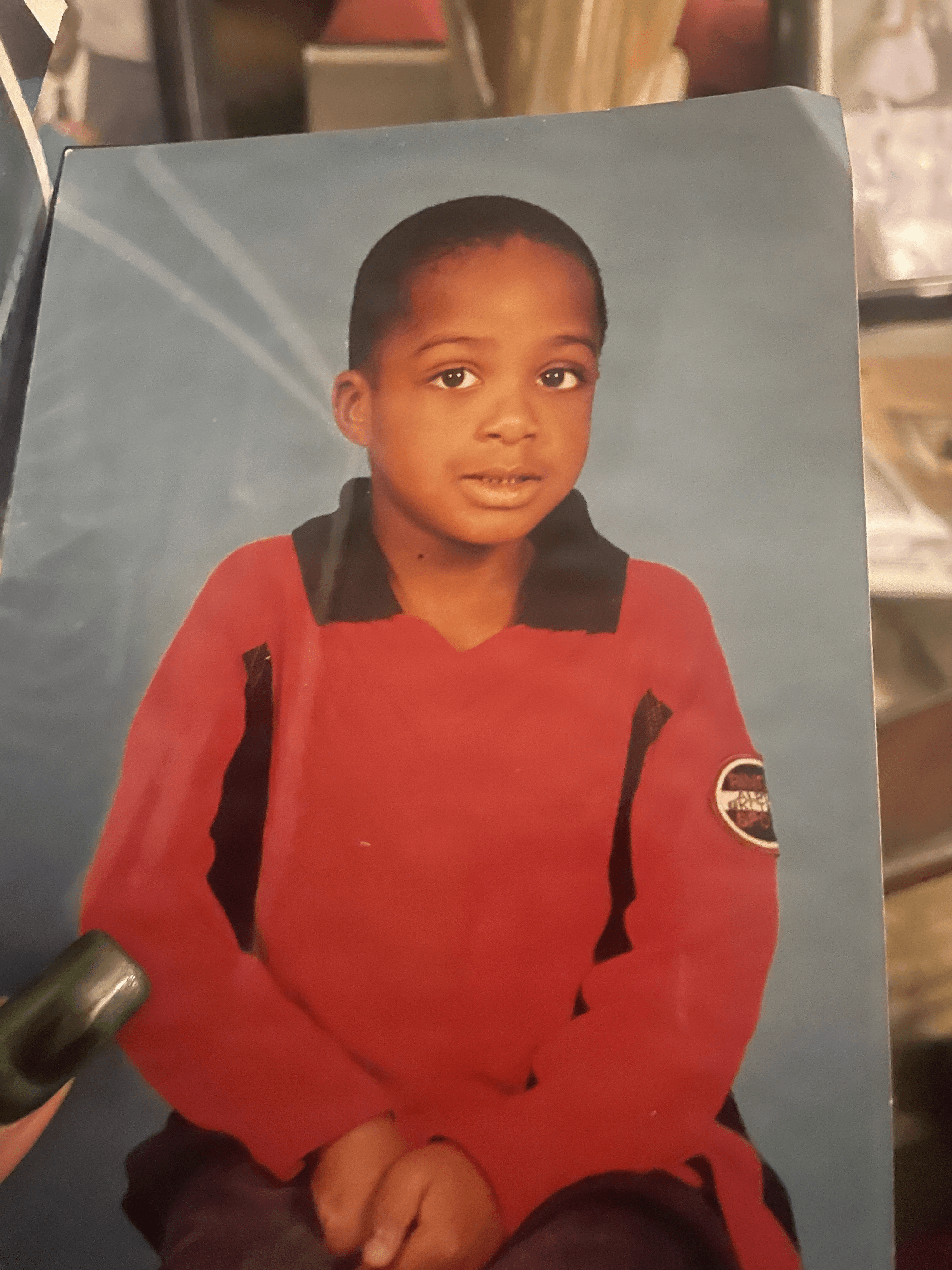
 変更前
変更前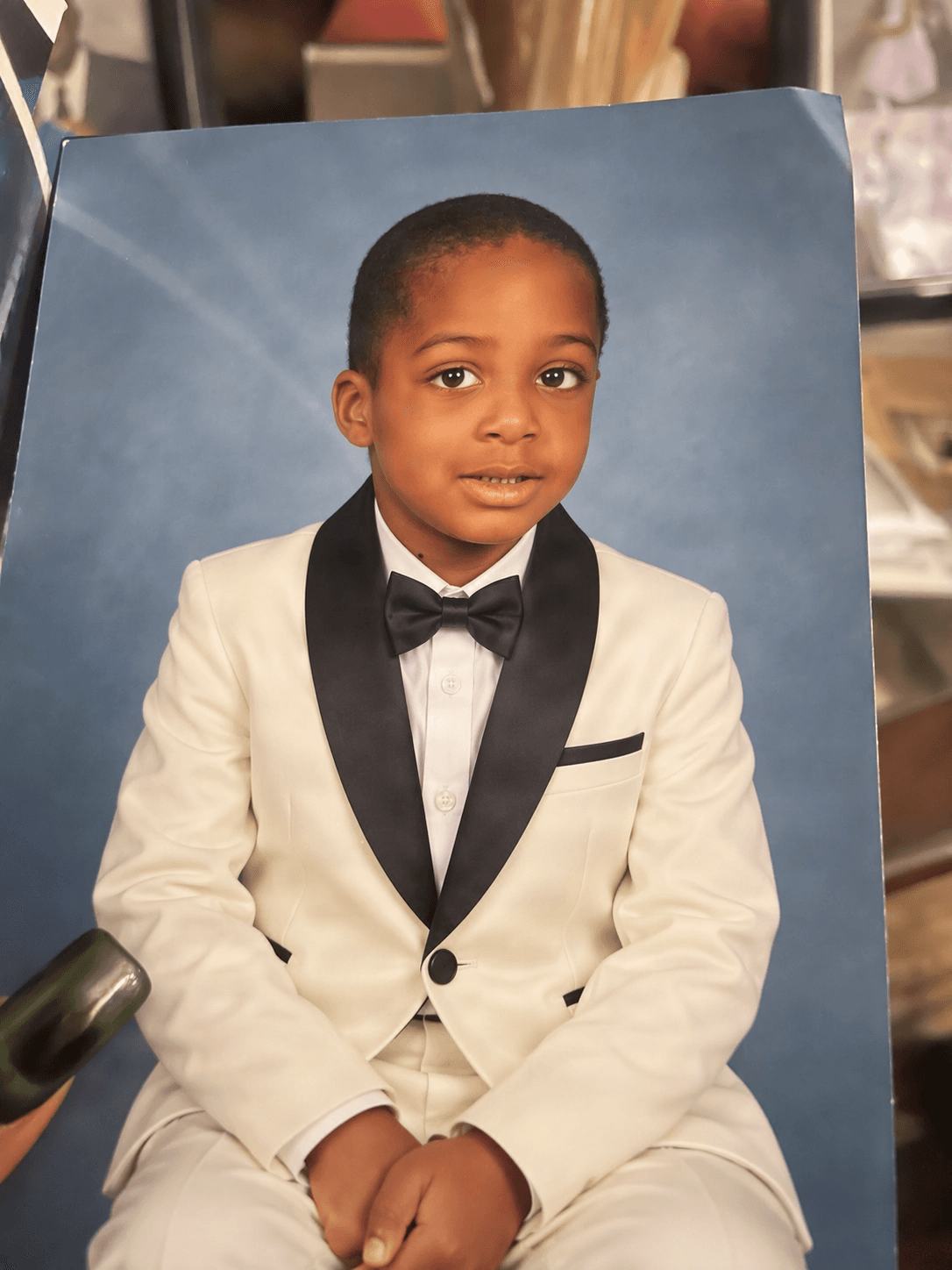 変更後
変更後服装だけを変えて、ポートレートはそのままに。
“Replace the red shirt with an ivory tuxedo and black bow tie. Keep the child, pose, framing, and blue studio background unchanged.”
服装の変更ポーズの維持背景の維持
画像をアップロードして、変更したい内容を説明するだけ。他の部分の整合性を保ちながら、服装の着せ替え、商品の新しいシーンへの配置、デザインの一部の更新、背景の変更、特定のディテールの微調整などが可能です。
GPT Image 2.5 Studio
Visual SynthesisPrompt-to-image synthesis, multi-reference blend, and intelligent background segmentation.
Image
OptionalAdd Image
Click or drag one source image here to start editing.
PNG, JPG, JPEG, or WEBP. The upload card is the primary starting point.
Enter a clear edit instruction. Cmd/Ctrl + Enter runs when ready.
0/500Advanced
Create Result
Add a prompt before running.
Interactive before / after inspection
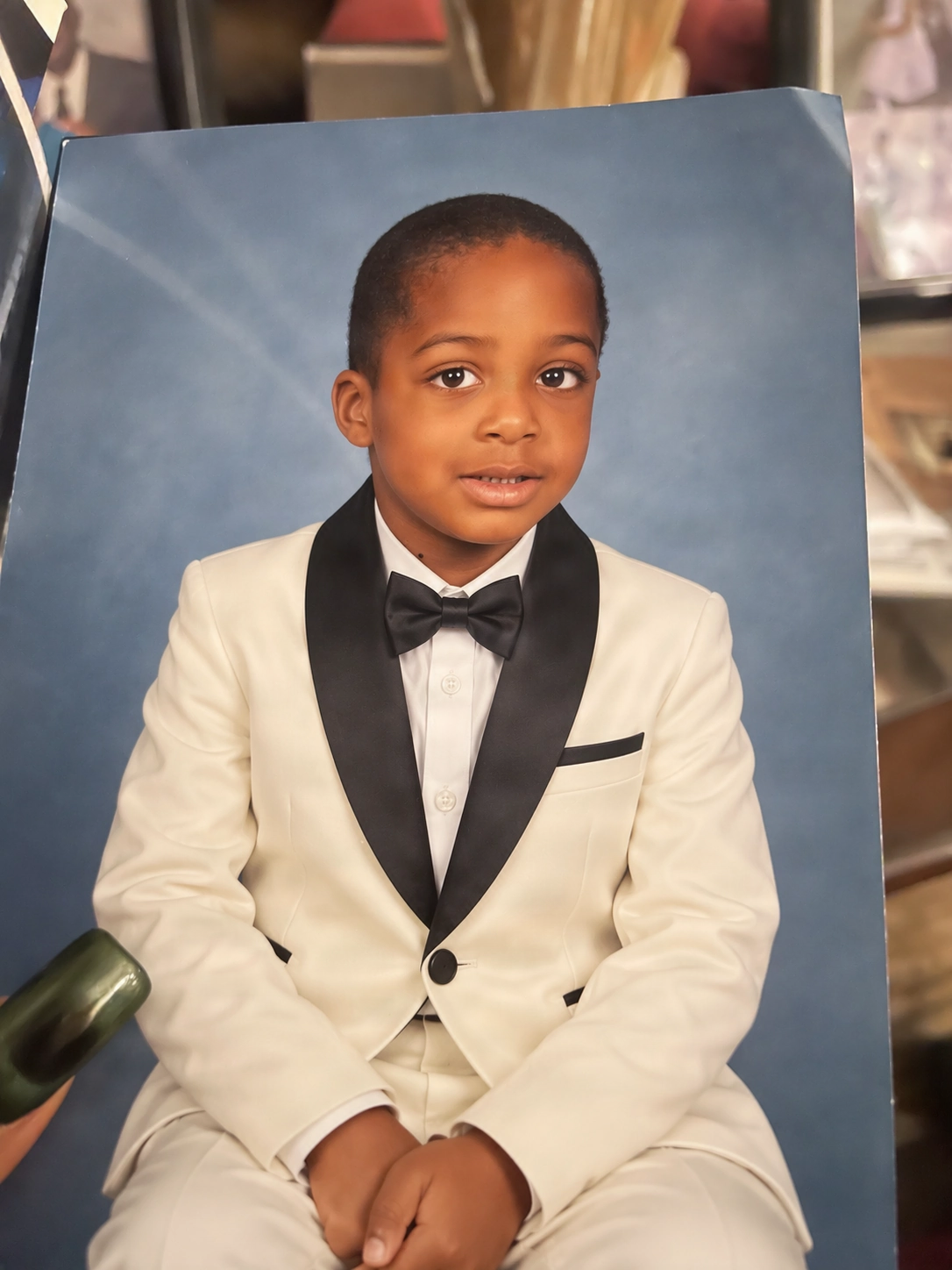
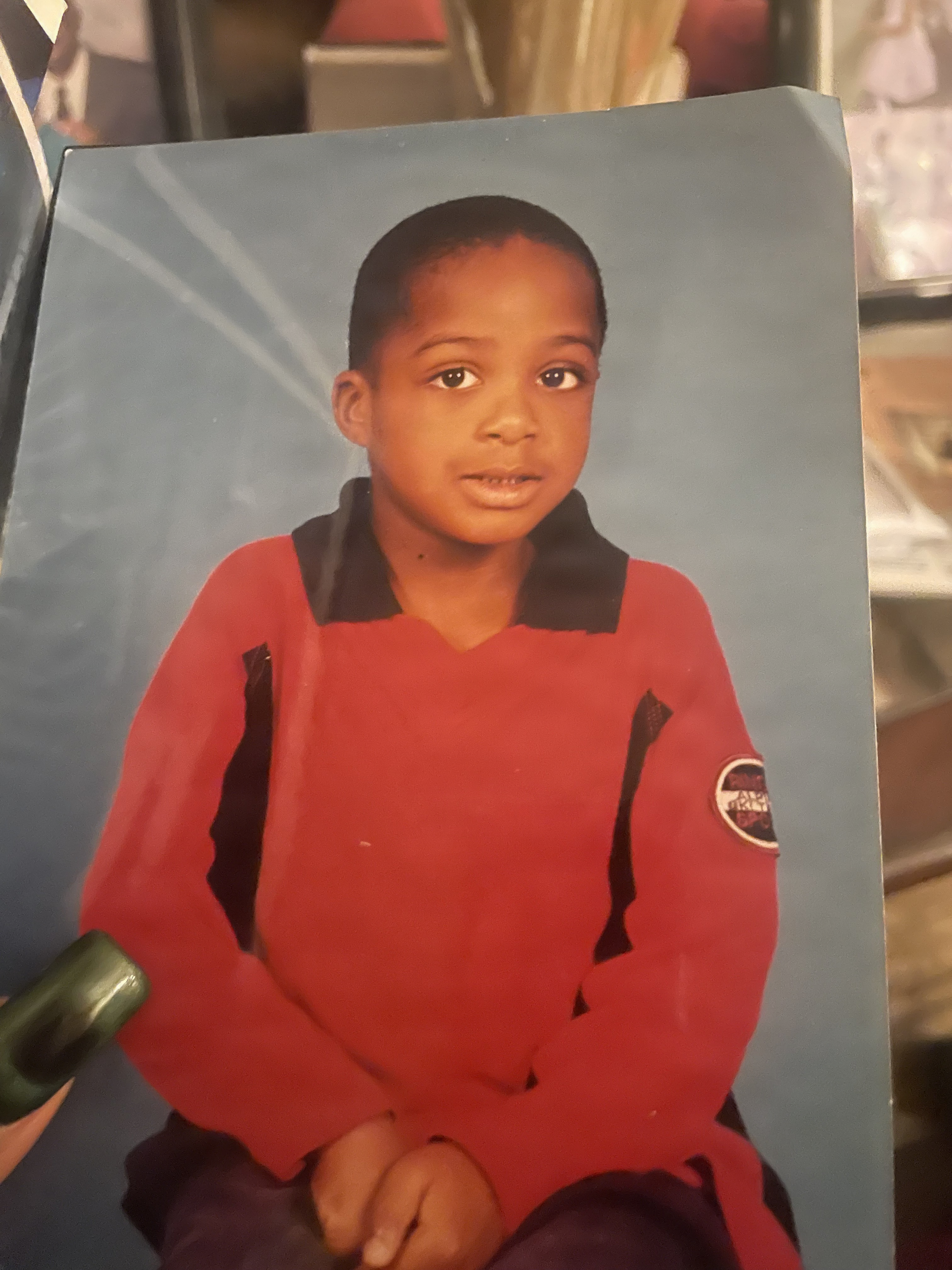
Studio Quality Standard
Studio capabilities
Reference images (up to 10) guide composition and style. Mask-guided editing isn't available for this model — use a full-image edit or Send Revision instead.
ピンポイント編集
画像の大部分が理想通りなら、すべてを作り直す必要はありません。エディターに明確な指示を1つ伝えるだけで、大切なディテールをしっかり保持できます。
変更前変更後“Replace the red shirt with an ivory tuxedo and black bow tie. Keep the child, pose, framing, and blue studio background unchanged.”
変更前変更後“Make one focused change to the uploaded image and preserve the subject, composition, lighting, and details that already work.”
編集できること
人物、ポーズ、構図の印象はそのままに、衣服だけをアップデートします。
シーン全体を作り直すことなく、特定の商品や小道具だけを入れ替えます。
被写体の視覚的な役割や馴染み感を保ったまま、新しいシチュエーションへ移動させます。
キャンペーンビジュアル、ラベル、見出し、その他の補足的なディテールを刷新します。
変更したい箇所と、そのまま残したい箇所を正確に指定して調整します。
プロンプトの構成
次のシンプルな構成を使用します:Change [element] to [new direction]. Keep [subject, pose, framing, lighting, text, or background] unchanged.([element]を[new direction]に変更。[subject, pose, framing, lighting, text, or background]は変更しない)。具体的な制約を指示するほど、意図通りの結果を得やすくなります。
使い方
はい、可能です。元画像をアップロードし、変更したい具体的な内容を指示してください。
はい、それが本ツールの基本的な使い方です。変更したい要素を指定し、残したいディテールをリストアップしてください。
いいえ。維持の指示は編集のガイドラインとなりますが、生成AIによる編集の性質上、予期しない変化が生じる場合があります。
はい。結果を比較し、さらにピンポイントな指示を追加して調整を重ねることができます。
Creative Toolkit Index
Quick access to precision layer extraction, AI photo editing & asset tools.