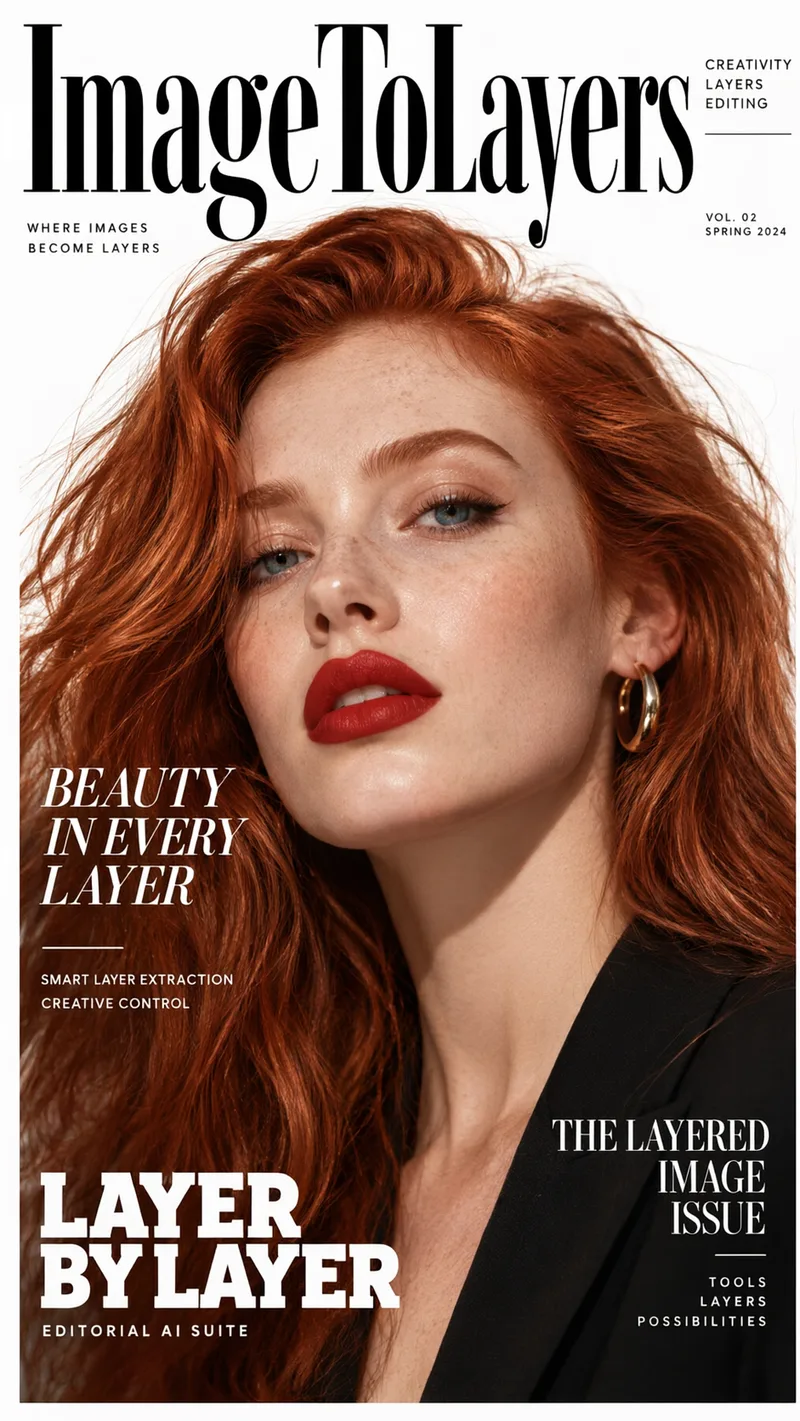
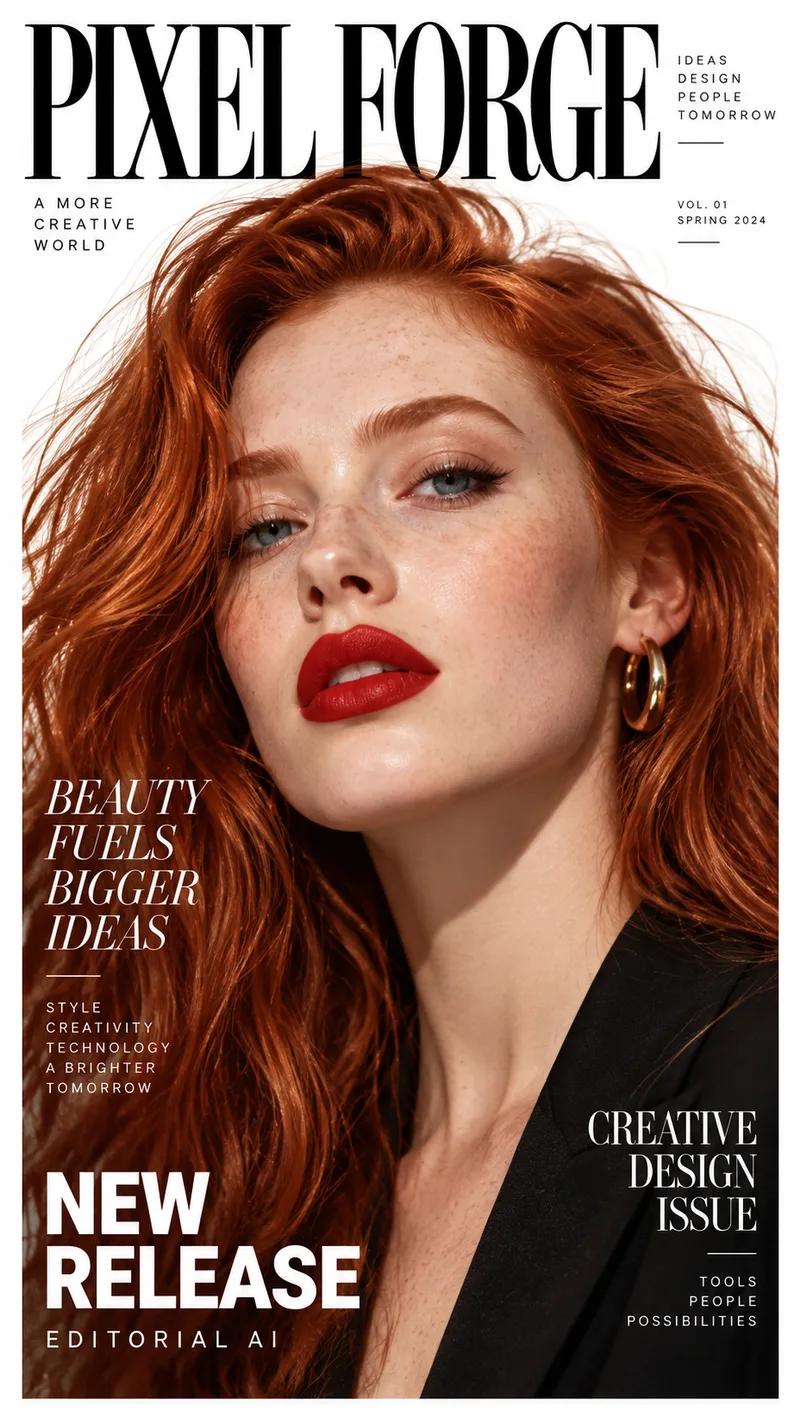
NEWGPT Image 2.5が登場 — 手戻りを減らして、集中的な編集を。

GPT Image 2.5をぜひお試しください

無料のAI画像編集オンライン

画像をアップロードし、変更したい内容を記述するだけ。AIでオブジェクトの削除、背景の置き換え、服装の変更、シーンの再ライティング、商品写真の調整が可能です。

AI Image Editor

Free Workspace

Upload an image, describe the desired transformation, and generate instantly online.

クイック編集

アクティブ

シンプルな編集を素早くプレビュー。

1日の無料枠無料
1Source Image
2Describe the Edit

Only edit photos you own or have permission to use. Face swapping and impersonating other people are not allowed.

編集エリア画像をアップロードしてブラシで編集
Quick Ideas:
3Change StrengthBalanced (Recommended)
Free online preview · No credits required

Edited Result

Live Demo
After
Before
Before
After

Real-time AI Image Transformation

Upload any photo and describe what to change — change outfits, modify backgrounds, adjust lighting, or edit details naturally.

Realistic textures & lighting
Preserves character likeness
No manual masking required
Free instant preview & export

最近の編集結果

画像を選択してプレビュー、ダウンロード、または次の入力画像として使用できます。

まだ結果はありません。編集が完了するとここに表示されます。

Edit an image above to start building your gallery.

AIの結果は異なる場合があります。公開前に顔、手、ロゴ、製品の形状、小さなテキストを確認してください。

AIで編集できることを見る

簡単なプロンプトで、特定の箇所を変更したり、シーン全体を変革したりできます。
モードを選択してください

クイック編集かプロ編集か?

クイック編集は、日常的な素早い画像編集のために設計されています。顔、製品、テキスト、細かいディテール、または欠損した画像コンテンツをより慎重に再構築する必要がある場合は、プロ編集を選択してください。

プロ編集

推奨
クレジットを使用 · 最大4K

正確な指示、人物、テキスト、製品、および細かいディテールに最適です。

より精密な編集を行う
クイック編集無料
プロ編集推奨

簡単な日常編集

基本
優れています

正確な指示

限定的
より正確

オブジェクトとディテールの編集

変動する可能性あり
より信頼性

顔と人物

変動する可能性あり
より一貫性

テキストとロゴ

限定的
より適しています

製品とパッケージ

変動する可能性あり
推奨

参照画像

利用不可
複数画像

出力解像度

標準
最大4K
クイック編集を試す

簡単な変更のための、高速無料プレビュー。 · 1日1回無料プレビュー

どちらを選ぶか迷っていますか?

クイック編集は、迅速で簡単な変更と素早いプレビューに使用します。正確な指示、詳細なディテール、一貫性のある顔、読みやすいテキスト、製品パッケージ、または高解像度出力が必要な場合は、プロ編集を選択してください。

AIで編集できることを見る

簡単なプロンプトで、特定の箇所を変更したり、シーン全体を変革したりできます。
After
Before
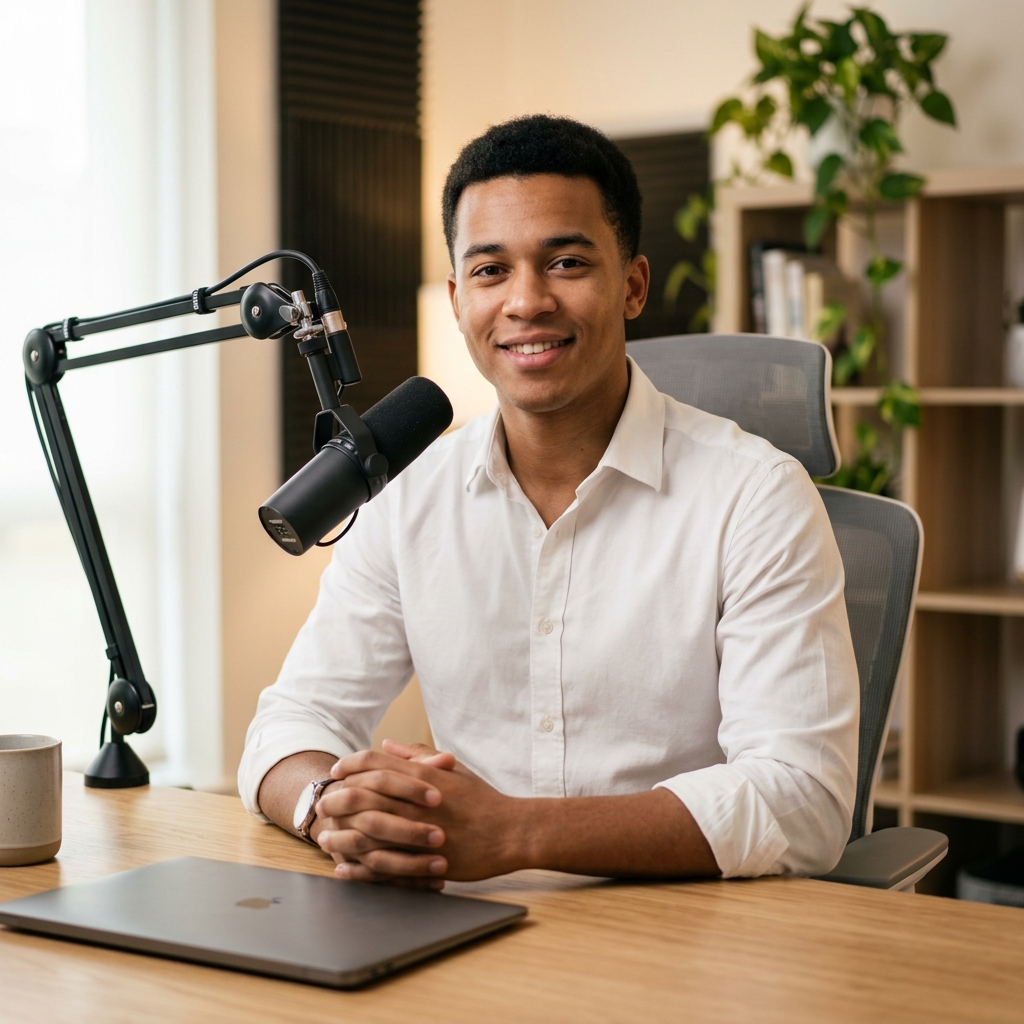
変更前
変更後
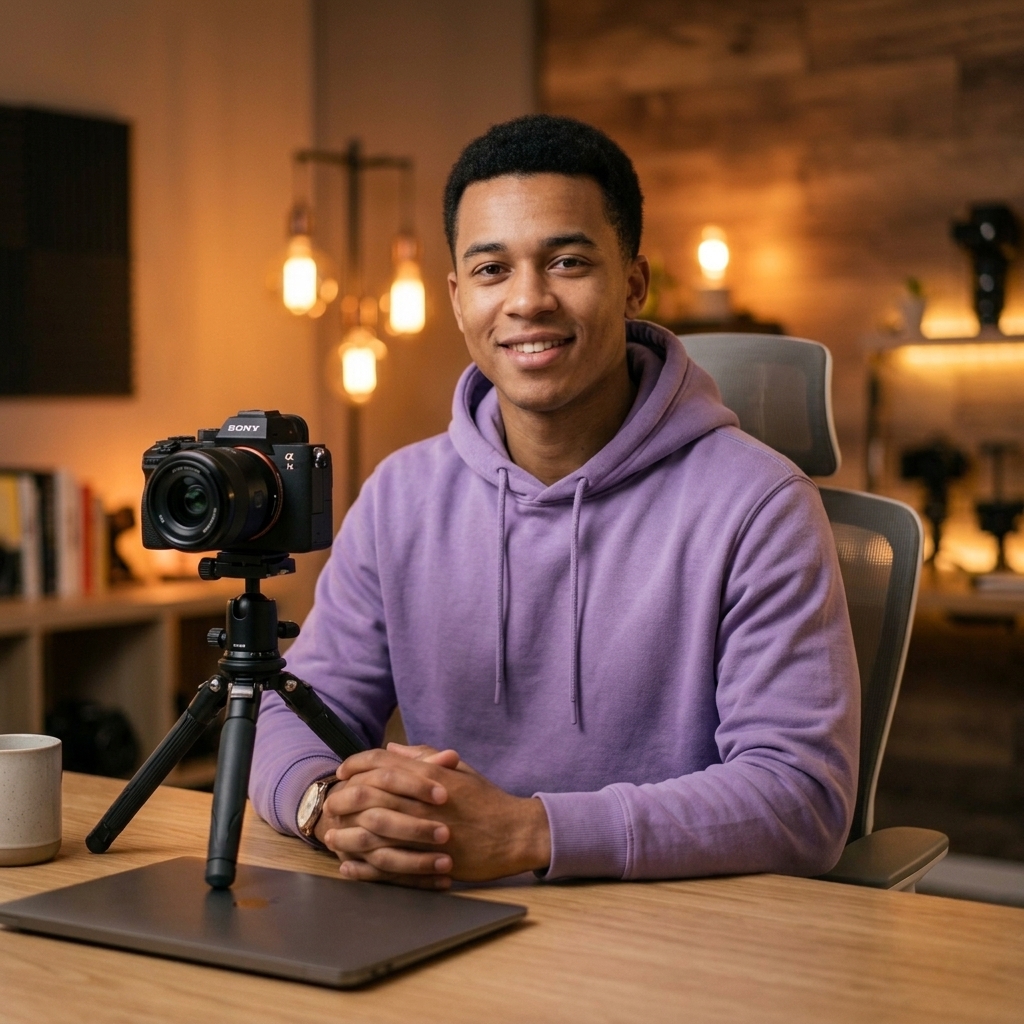
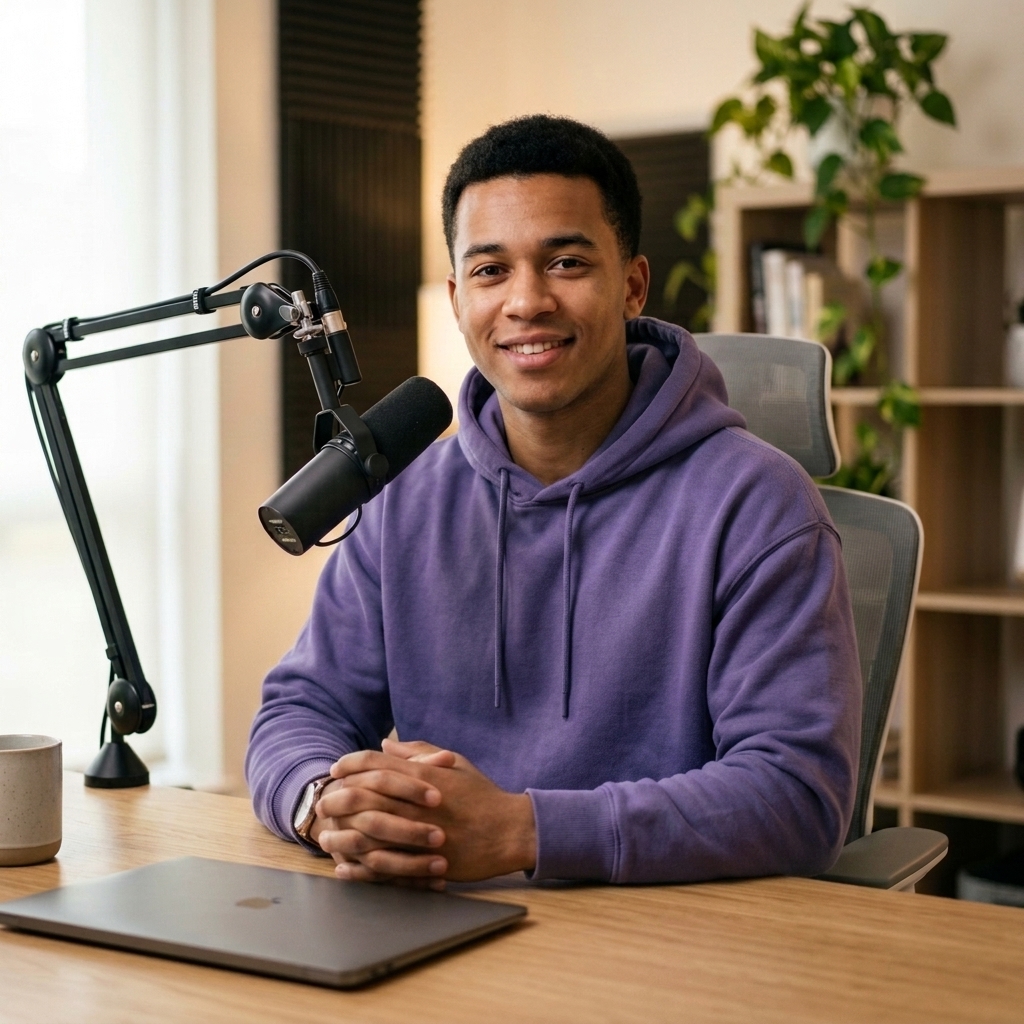
服装の変更

“白いシャツをこの紫のパーカーに置き換える。”

After
Before
変更前
変更後
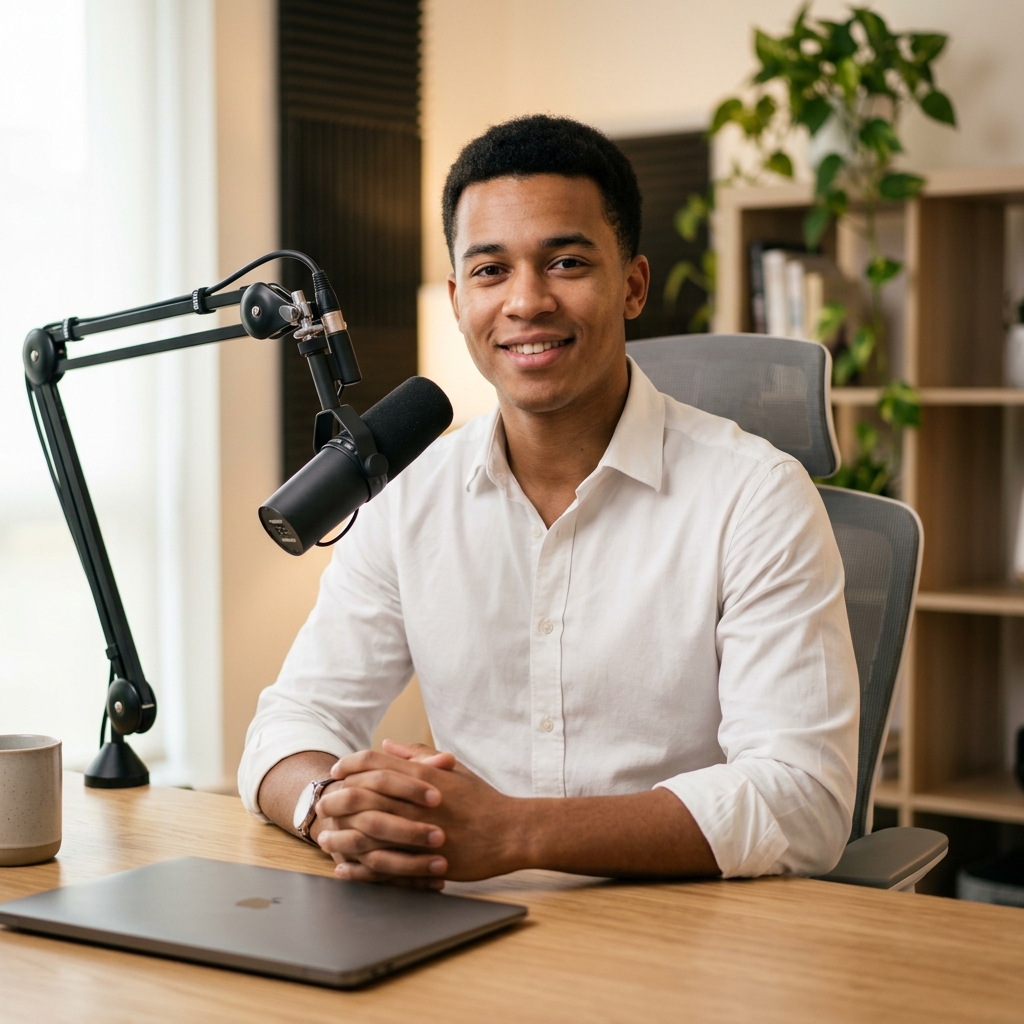
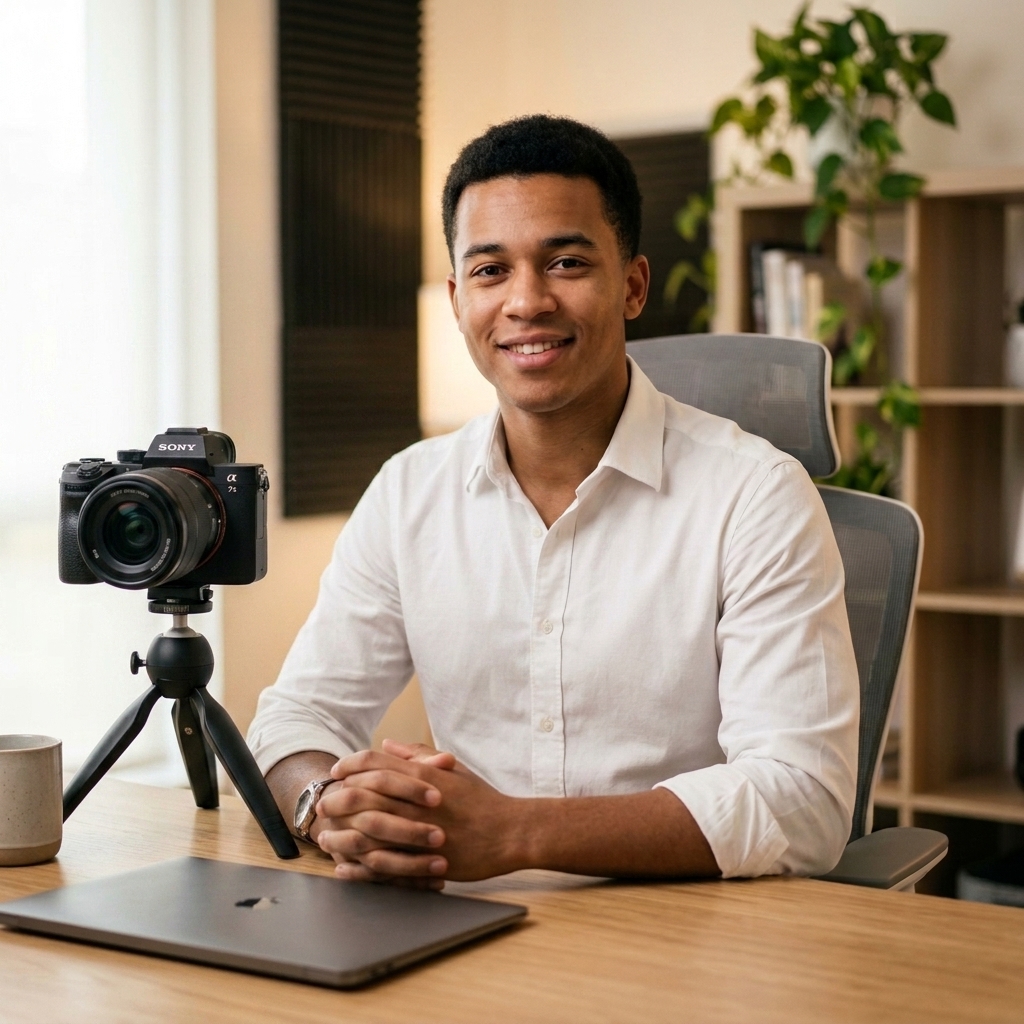
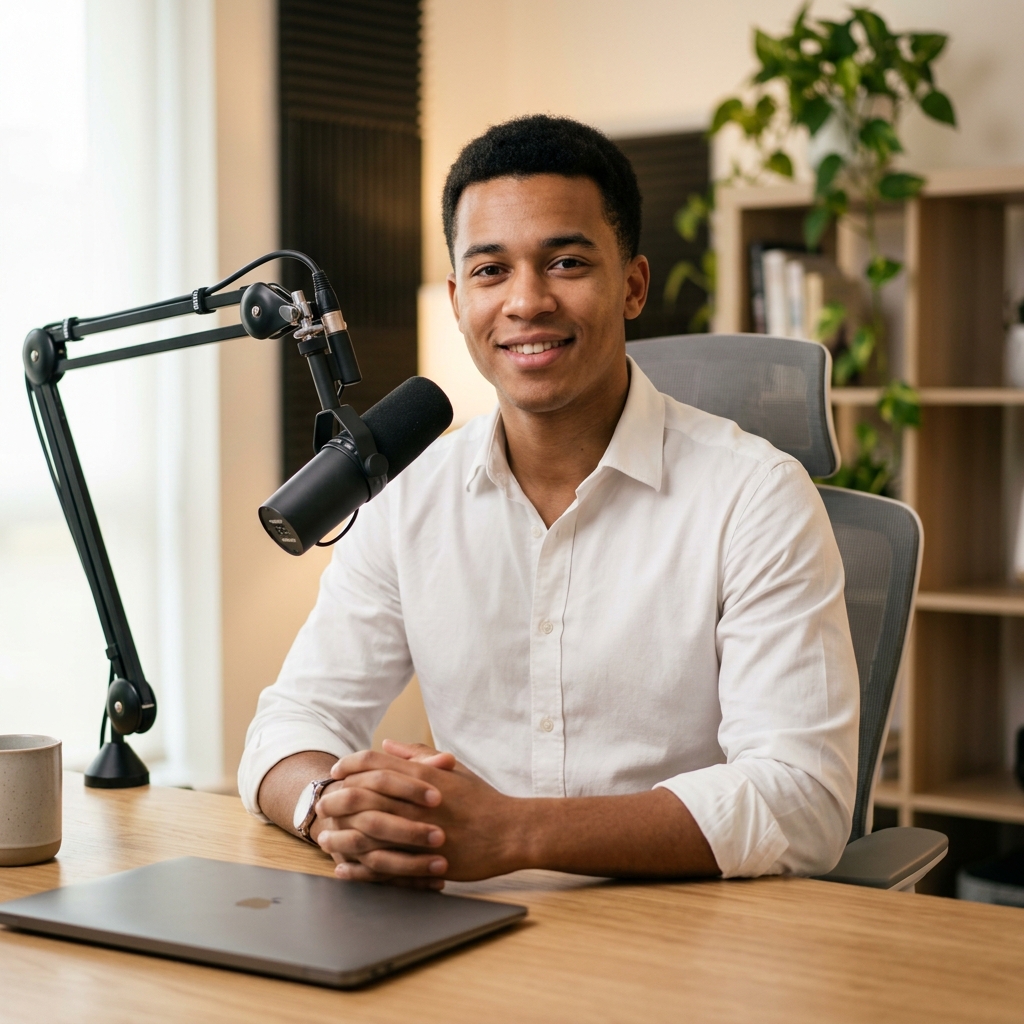
オブジェクトの置き換え

“マイクをこのカメラに置き換える。”

After
Before
変更前
変更後
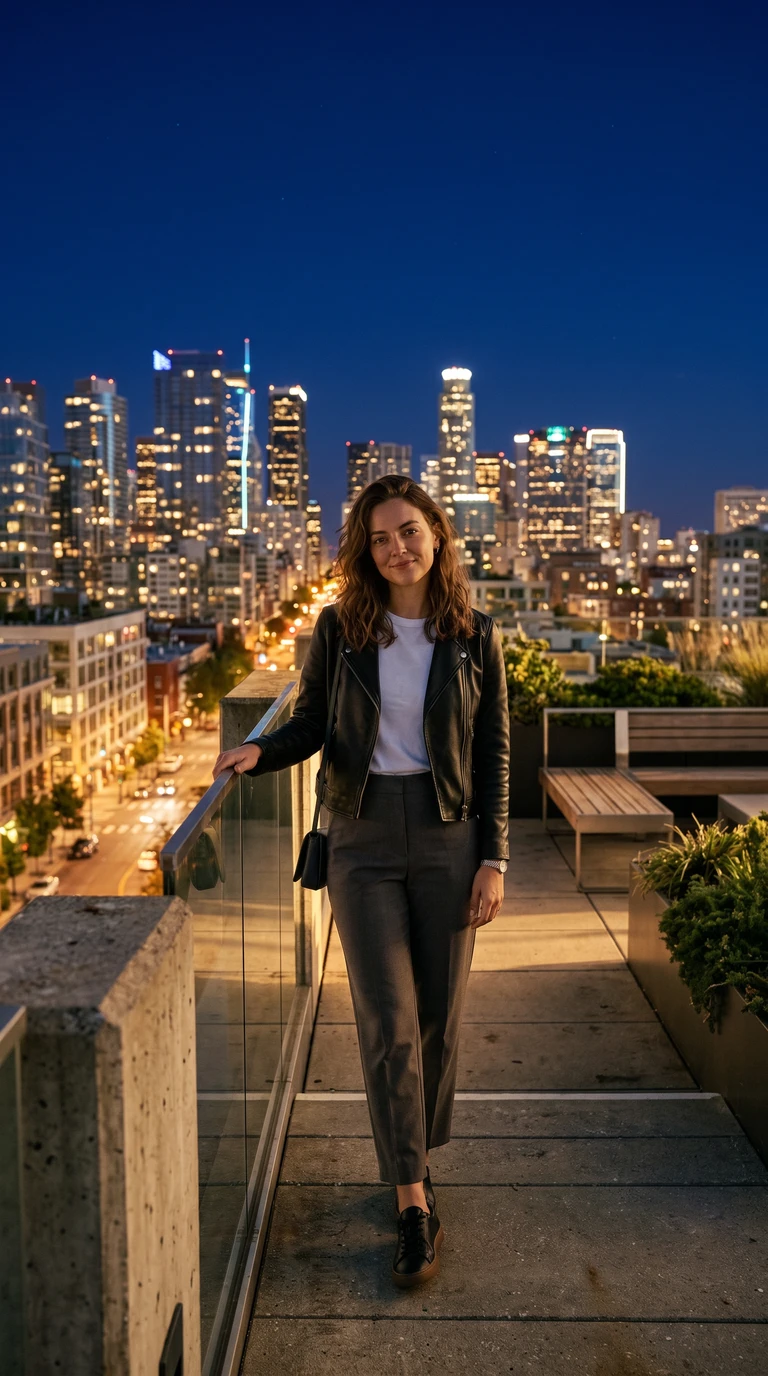
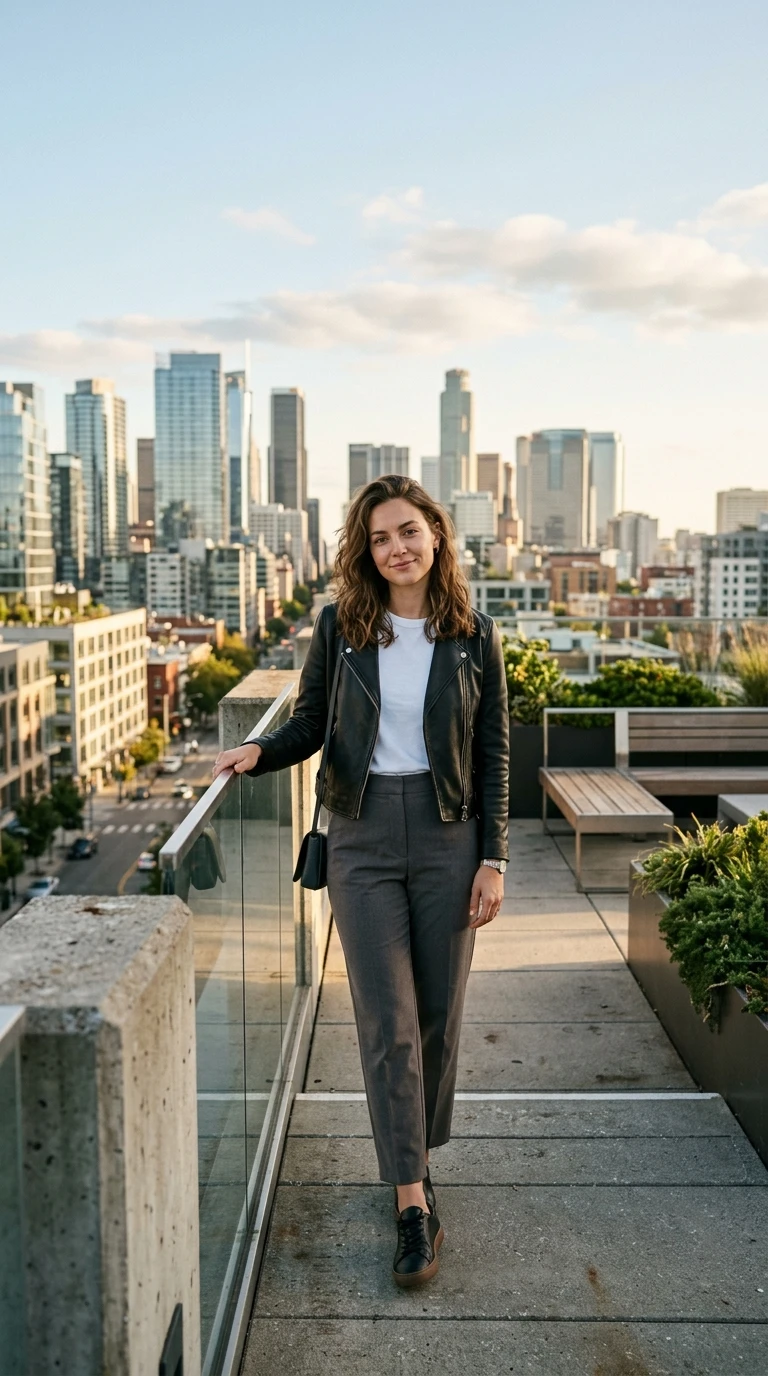
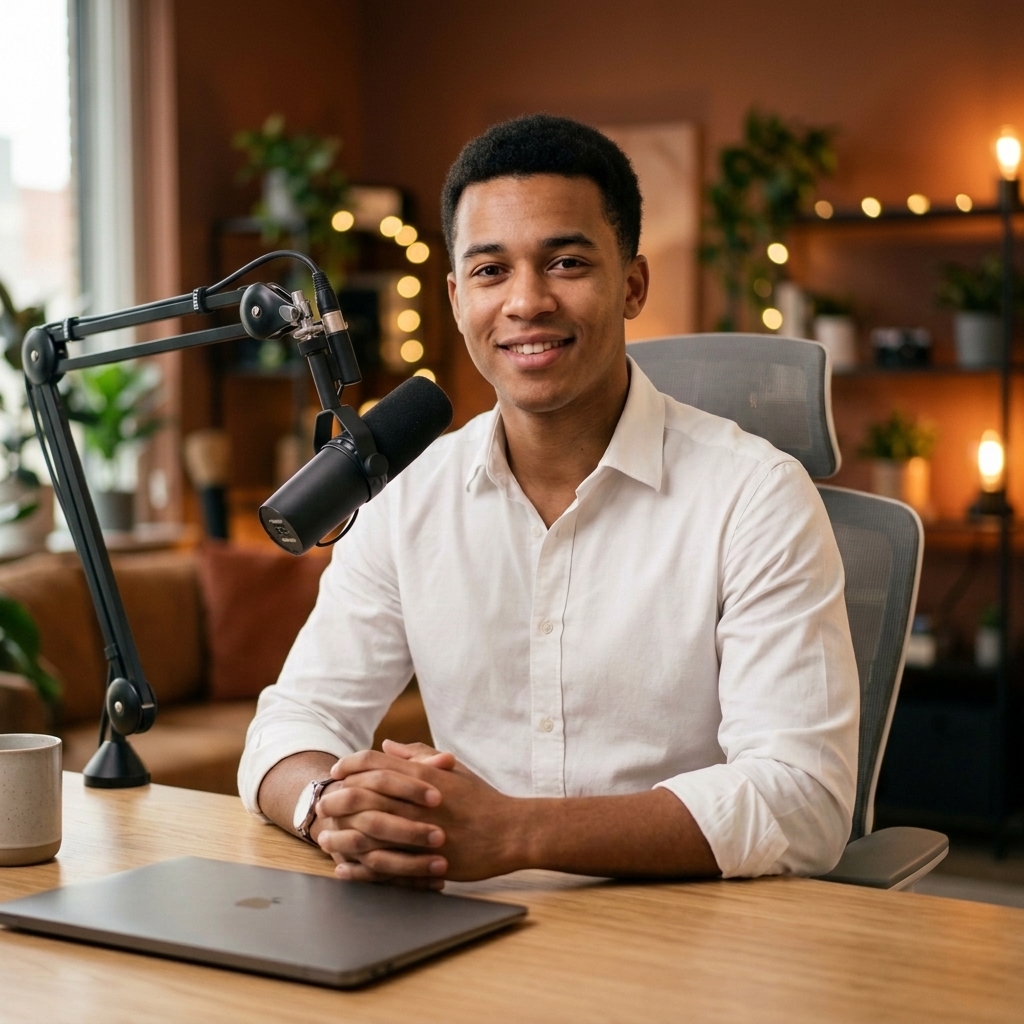
背景の変更

“私を暖かくクリエイティブなスタジオに配置する。”

After
Before
変更前
変更後
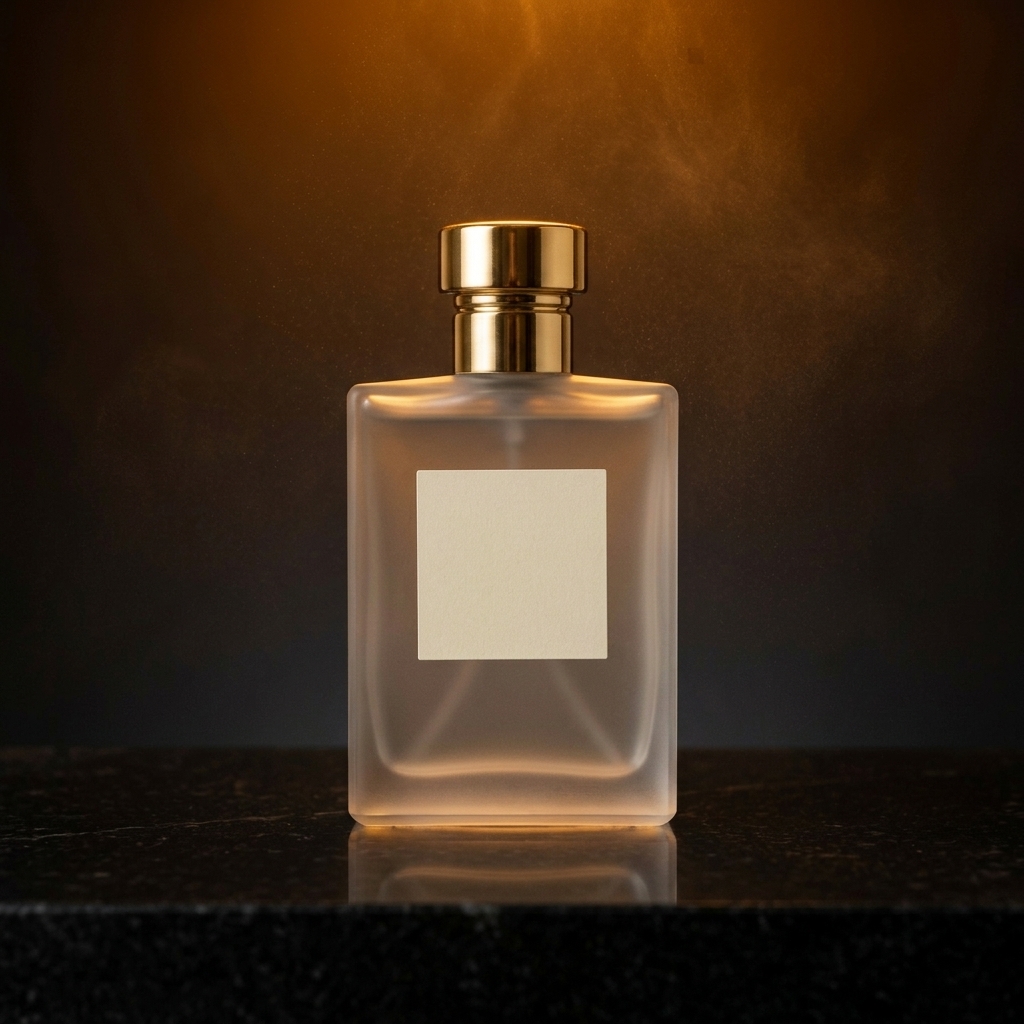
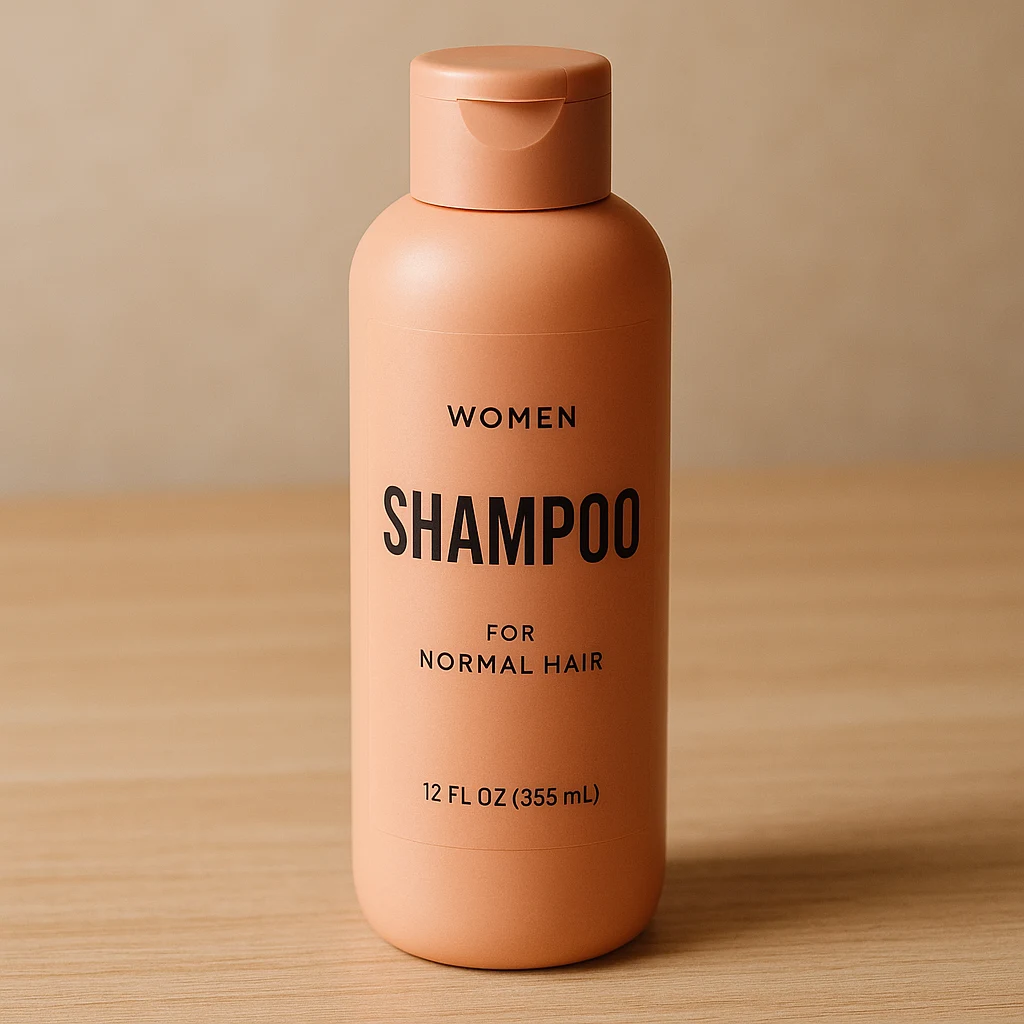
商品写真

“この商品写真を豪華なキャンペーン画像に変える。”

クリエイティブな作例とプロンプト

Nano Banana Proで生成された、厳選されたプロンプトと高精細な作例をご覧ください。
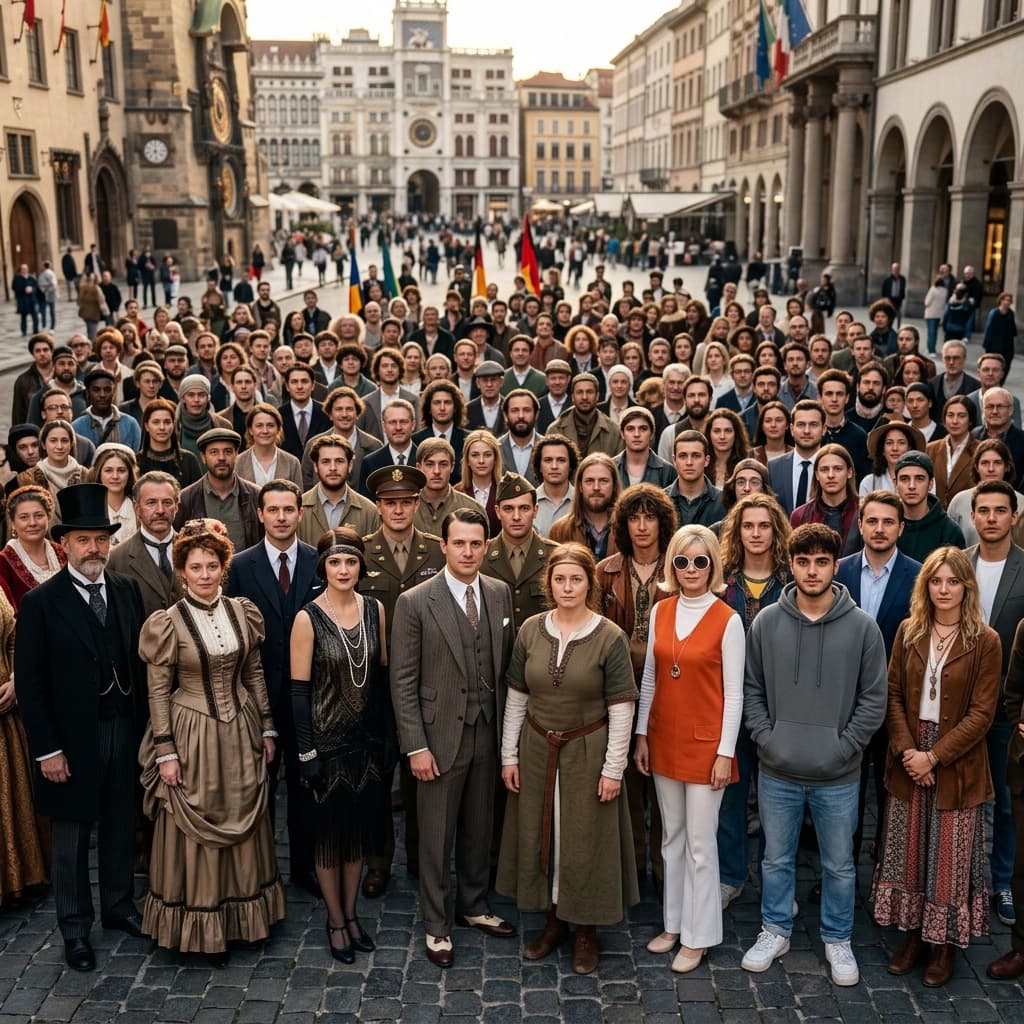
フォトリアリズムと美学

フォトリアリズムと美学

複雑なライティング、質感、リアルな肌の質感を再現した高精細なレンダリング。
Create a hyper-realistic, ultra-sharp, full-color large-format image featuring a massive group of celebrities from different eras, all standing together in a single wide cinematic frame. The image must look like a perfectly photographed editorial cover with impeccable lighting, lifelike skin texture, micro-details of hair, pores, reflections, and fabric fibers. GENERAL STYLE & MOOD: Photorealistic, 8k, shallow depth of field, soft natural fill light + strong golden rim light.
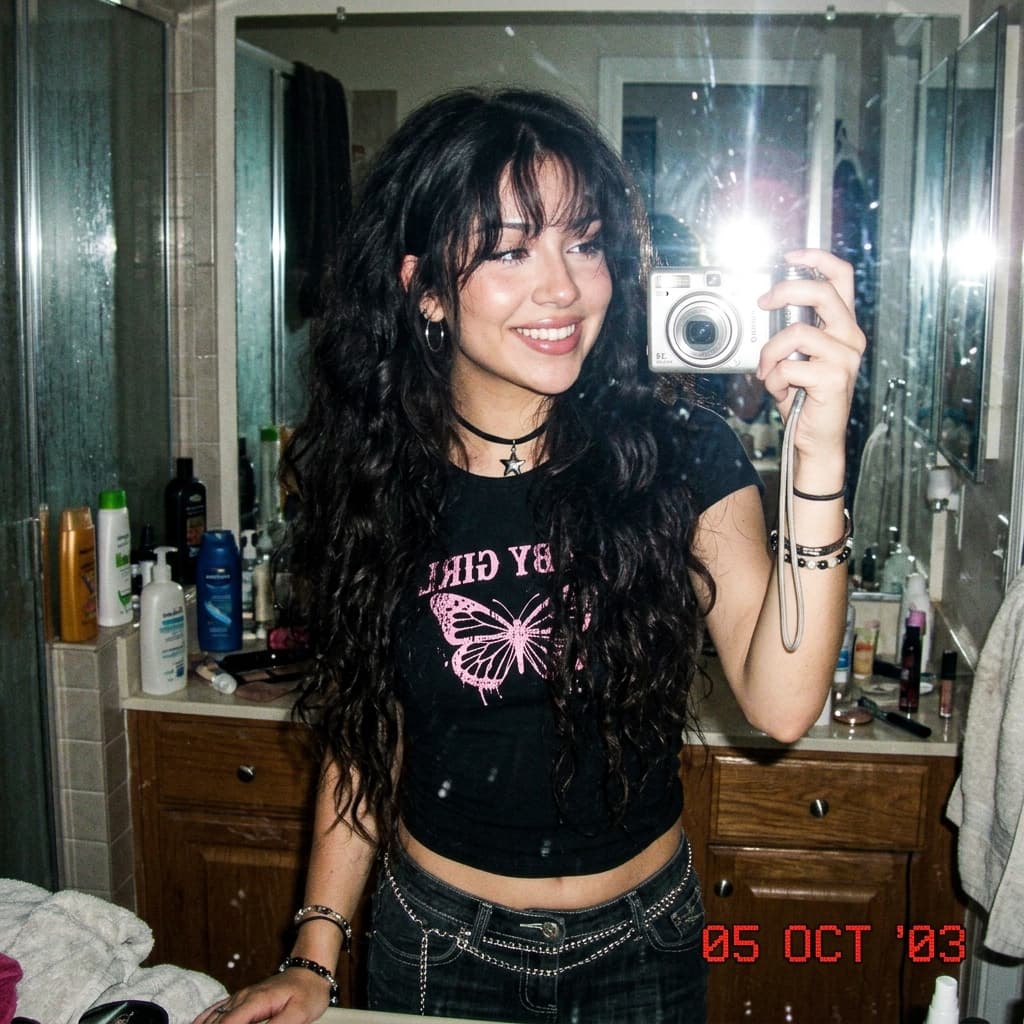
2000年代風ミラーセルフィー

2000年代風ミラーセルフィー

フラッシュ撮影とノスタルジックな要素を取り入れた、2000年代初頭の本格的な雰囲気。
Create a 2000s Mirror Selfie of yourself using Gemini Nano Banana. { "subject": { "description": "A young woman taking a mirror selfie with very long voluminous dark waves and soft wispy bangs", "age": "young adult", "expression": "confident and slightly playful" }, "photography": { "camera_style": "early-2000s digital camera aesthetic", "lighting": "harsh super-flash with bright blown-out highlights but subject still visible", "angle": "mirror selfie", "shot_type": "tight selfie composition" } }
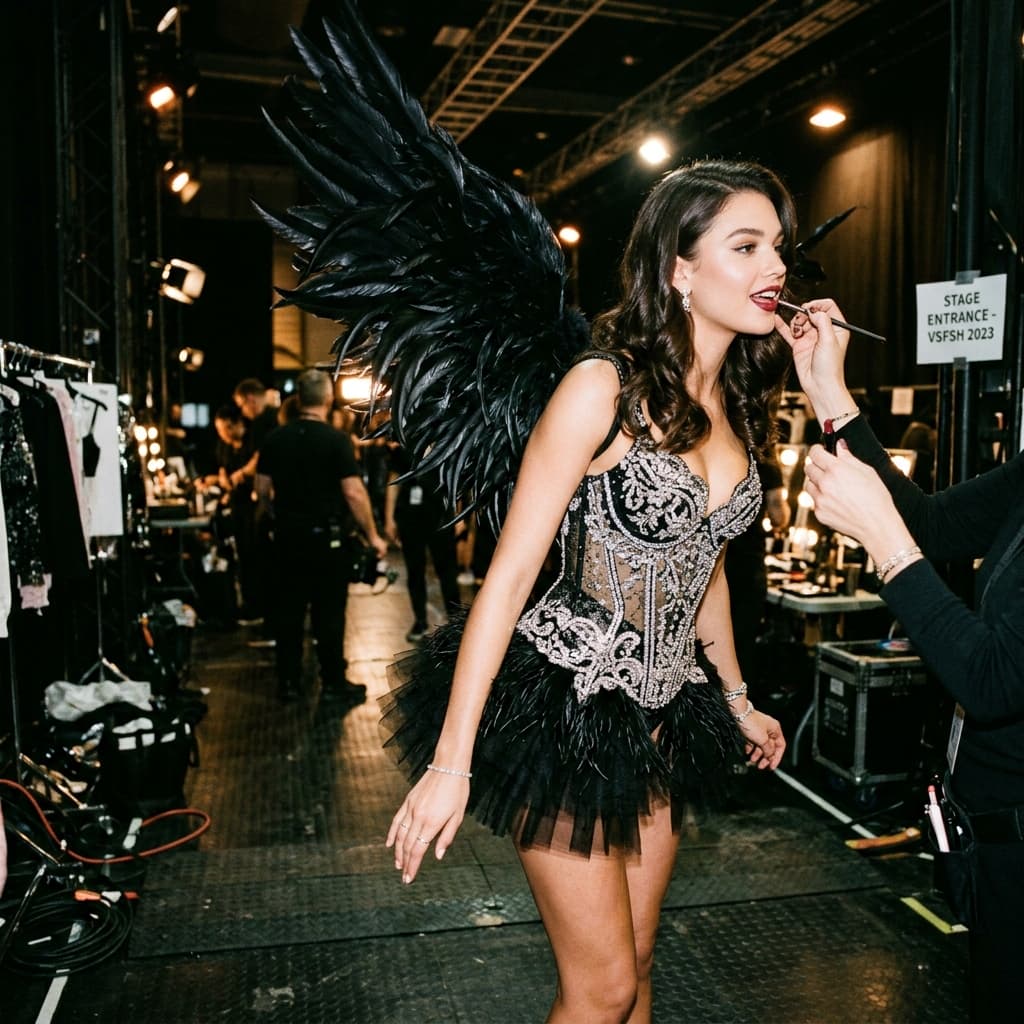
グラマラスなフォトシュート

グラマラスなフォトシュート

細部までこだわり抜いた、バックステージスタイルの華やかなファッションフォト。
Create a glamorous photoshoot in the style of Victoria's Secret. A young woman stands almost sideways, slightly bent forward, during the final preparation for the show. Makeup artists apply lipstick to her (only her hands are visible in the frame). She is wearing a corset decorated with beaded embroidery and crystals with a short fluffy skirt, as well as large feather wings. The image has a "backstage" effect. The background is a darkly lit room, probably under the podium.
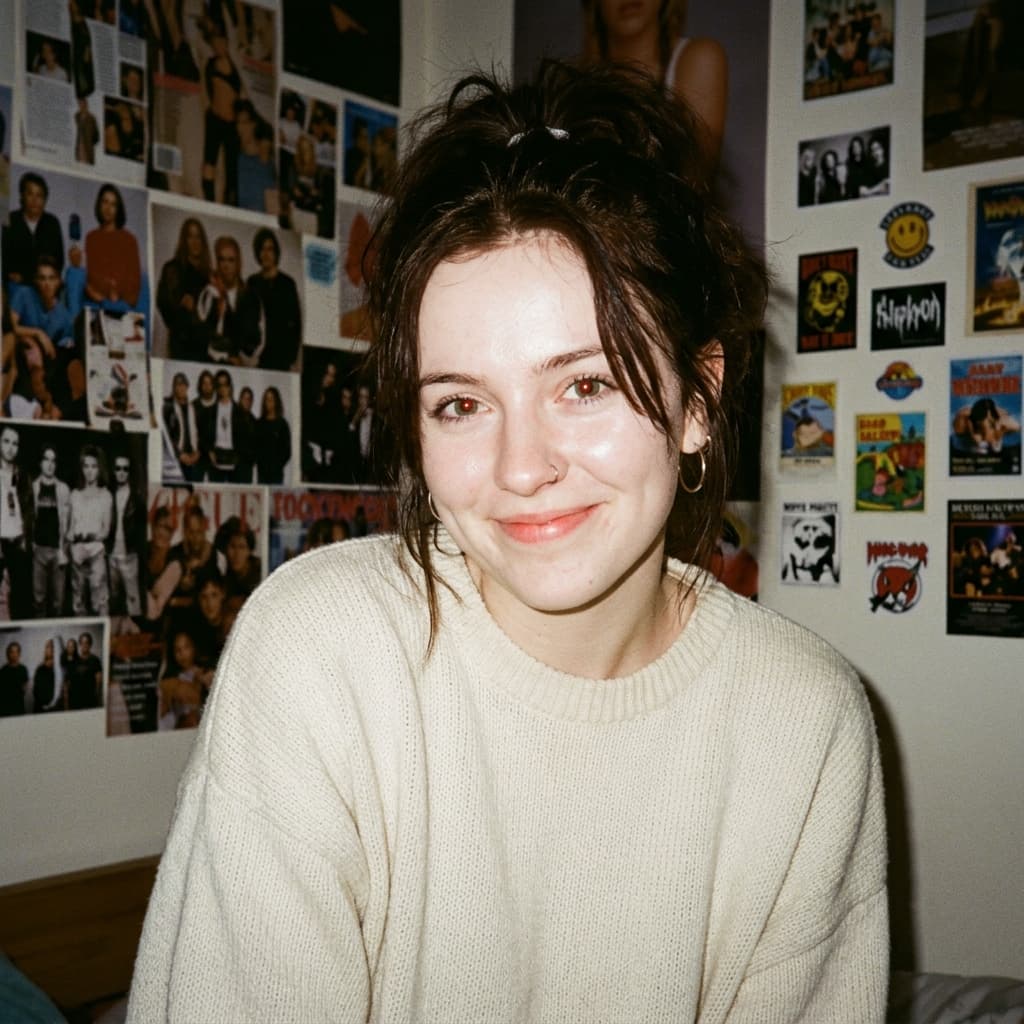
90年代カメラ風ポートレート

90年代カメラ風ポートレート

フィルムの質感、フラッシュ撮影、時代特有の空気感を再現するモデルの能力をテストします。

Without changing her original face, create a portrait of a beautiful young woman with porcelain-white skin, captured with a 1990s-style camera using a direct front flash. Her messy dark brown hair is tied up, posing with a calm yet playful smile. She wears a modern oversized cream sweater. The background is a dark white wall covered with aesthetic magazine posters and stickers, evoking a cozy bedroom or personal room atmosphere under dim lighting. The 35mm lens flash creates a nostalgic glow.
プロフェッショナルなヘッドショット作成

プロフェッショナルなヘッドショット作成

レンズとライティングの指定により、カジュアルな写真をスタジオ品質のプロフィール写真に変換します。
A professional, high-resolution profile photo... The subject is framed from the chest up, with ample headroom. The person looks directly at the camera. They are styled for a professional photo studio shoot, wearing a premium smart casual blazer in a subtle charcoal gray. The background is a solid '#562226' neutral studio color. Shot from a high angle with bright and airy soft, diffused studio lighting, gently illuminating the face and creating a subtle catchlight in the eyes, conveying a sense of clarity.
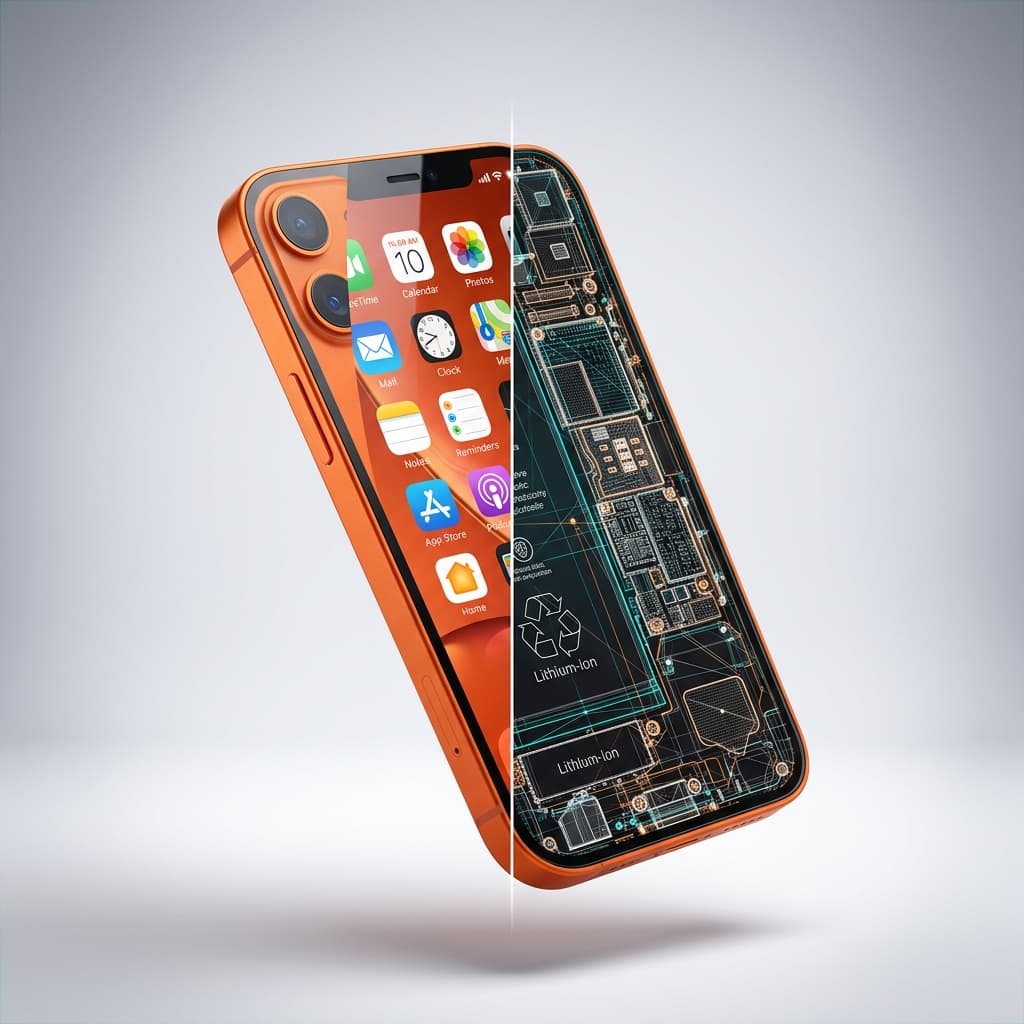
スプリットビュー3Dレンダリング

スプリットビュー3Dレンダリング

左半分はリアル、右半分はワイヤーフレームで構成された3Dレンダリングを作成します。

Create a high-quality, realistic 3D render of exactly one instance of the object: Orange modern smartphone. The object must float freely in mid-air and be gently tilted and rotated in 3D space. Left Half — Full Realism. The left half of the object should appear exactly as it looks in real life — accurate materials, colors, textures. Right Half — Hard Cut Wireframe Interior. The right half must switch cleanly to a wireframe interior diagram. The boundary between the two halves must be a perfectly vertical, perfectly sharp, crisp cut line.

簡単な指示で画像を編集

不要なオブジェクトを削除

人物、テキスト、ワイヤー、小道具、邪魔なものを消去。

オブジェクトを置き換え

服装、製品、家具、視覚要素を交換。

背景を変更

被写体を、ライティングが一致する新しい環境に移動。

特定の領域を編集

マスクを使用して、編集が行われる場所を正確にコントロール。

再ライティングとスタイル変更

ライティング、色、ムード、ビジュアルスタイルを変更。

商品ビジュアルを作成

商品写真をクリーンアップし、キャンペーン対応のシーンを作成。

4つのステップで写真を編集

01

画像をアップロード

デバイスからPNG、JPG、またはWebP画像で開始。

02

変更内容を記述

削除、置き換え、追加、またはスタイル変更したい内容をエディターに伝えます。より詳細なコントロールが必要な場合は、マスクや参照画像を追加してください。

03

確認と調整

結果を確認し、最初からやり直すことなく、追加のプロンプトで詳細を調整します。

04

エクスポートまたはレイヤーに継続

編集した画像をダウンロードするか、Image to Layersに送信して、さらなる分離と制作作業を行います。

まず編集。次にレイヤーに分離。

ほとんどのAI画像編集ツールは、別のフラットな画像で終わります。ImageToLayersでは、編集結果を再利用可能な被写体、オブジェクト、影、背景レイヤーに分離して、作業を継続できます。

AI画像編集に関するよくある質問

AI画像編集とは何ですか?

AI画像編集ツールは、手動でピクセルを編集する代わりに、自然言語の指示を使用して画像を編集できるツールです。

画像の一部のみを編集できますか?

はい、可能です。特定の変更内容を記述し、編集領域をより正確にコントロールしたい場合はマスクを使用できます。

参照画像を使用できますか?

サポートされているワークフローでは、参照画像を使用して、服装、製品、オブジェクト、スタイル、その他の視覚的な詳細をガイドできます。

AIは人物の顔を保持しますか?

エディターは、プロンプトが要求された変更を明確に制限する場合、被写体のアイデンティティを保持するように設計されています。複雑な編集では、追加の調整が必要になる場合があります。

写真からオブジェクトを削除できますか?

はい、可能です。「不要なものを削除」機能は、オブジェクト、人物、テキスト、ワイヤー、邪魔なものを消去し、覆われた領域を再構築できます。

編集結果をレイヤーに変換できますか?

はい、可能です。編集後、Image to Layersで作業を継続し、結果を再利用可能な視覚要素に分離し、レイヤー化されたアセットをエクスポートできます。

画像を編集する準備はできましたか?

写真をアップロードし、変更内容を記述し、1つの接続されたビジュアルワークスペースで調整を続けてください。

編集を開始
    AI画像編集 無料オンライン – AIで画像を編集 | Image to Layers