
AI Product Photos That Look Ready to Sell
Create realistic product visuals with clean backgrounds, natural lighting, consistent shadows, new angles, and editable PSD-ready assets from one product image.
Upload once. Generate multiple selling visuals for this SKU.
Conditioned product photography pipeline designed to maintain subject consistency, packaging geometry, and brand palette.
2. What do you need?
Choose what to create from this product.
Pure White (#FFFFFF), 85% frame fill, ground contact shadow
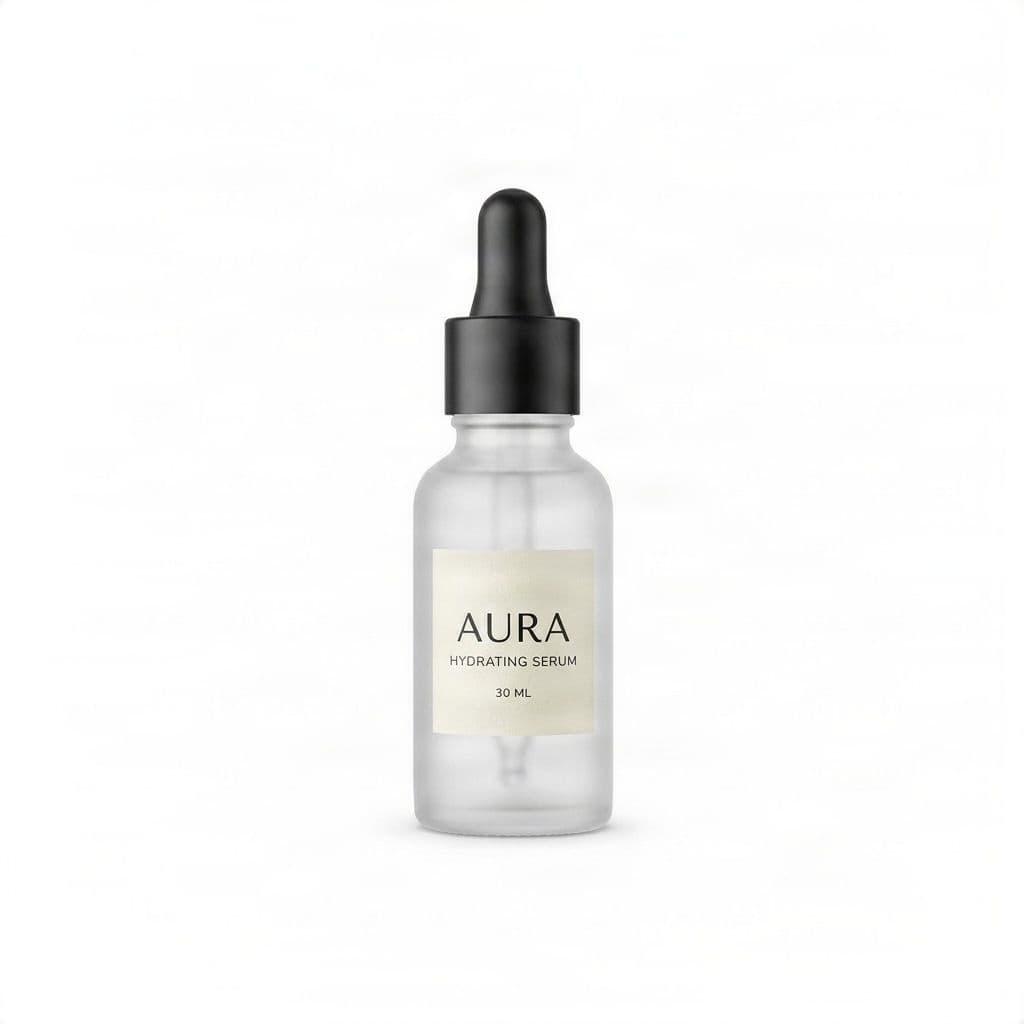
Pure white #FFFFFF, 85% fill, contact shadow
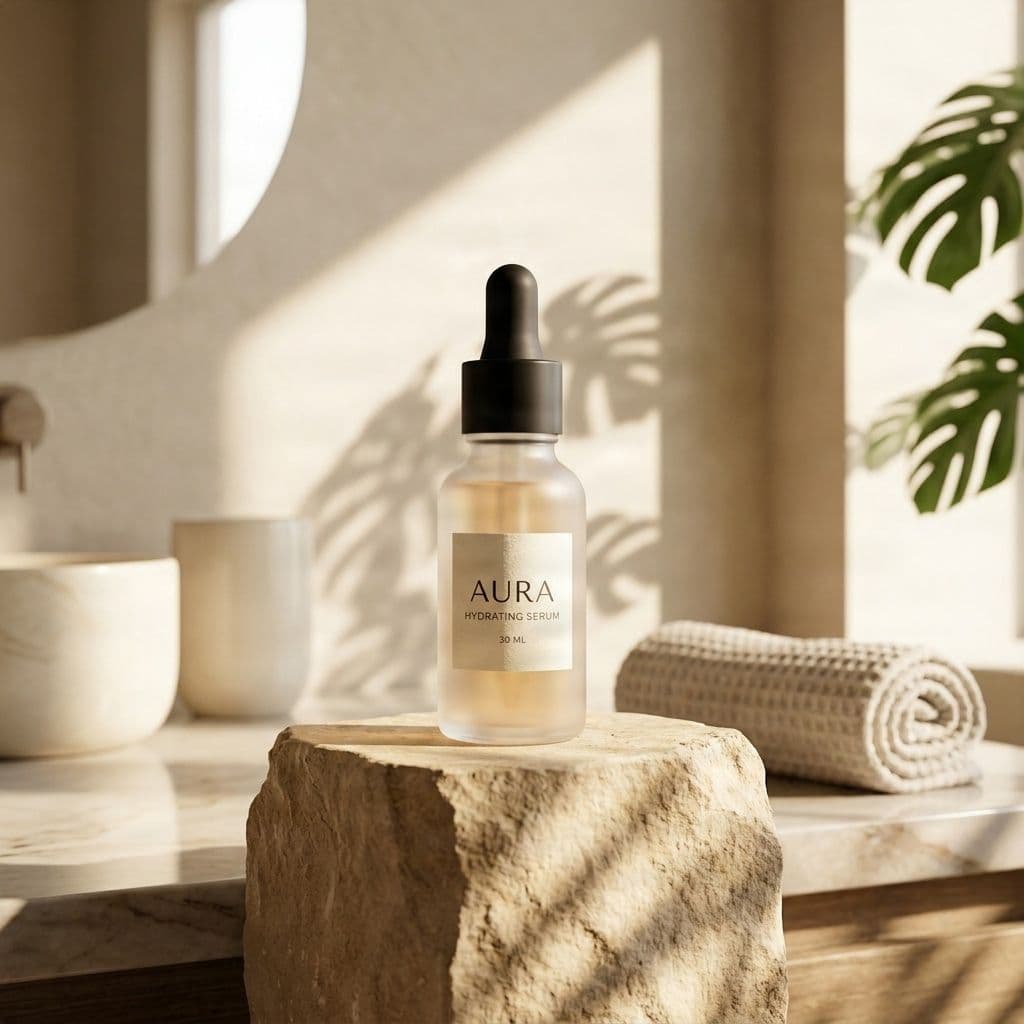
Warm limestone pedestal with morning sunlight
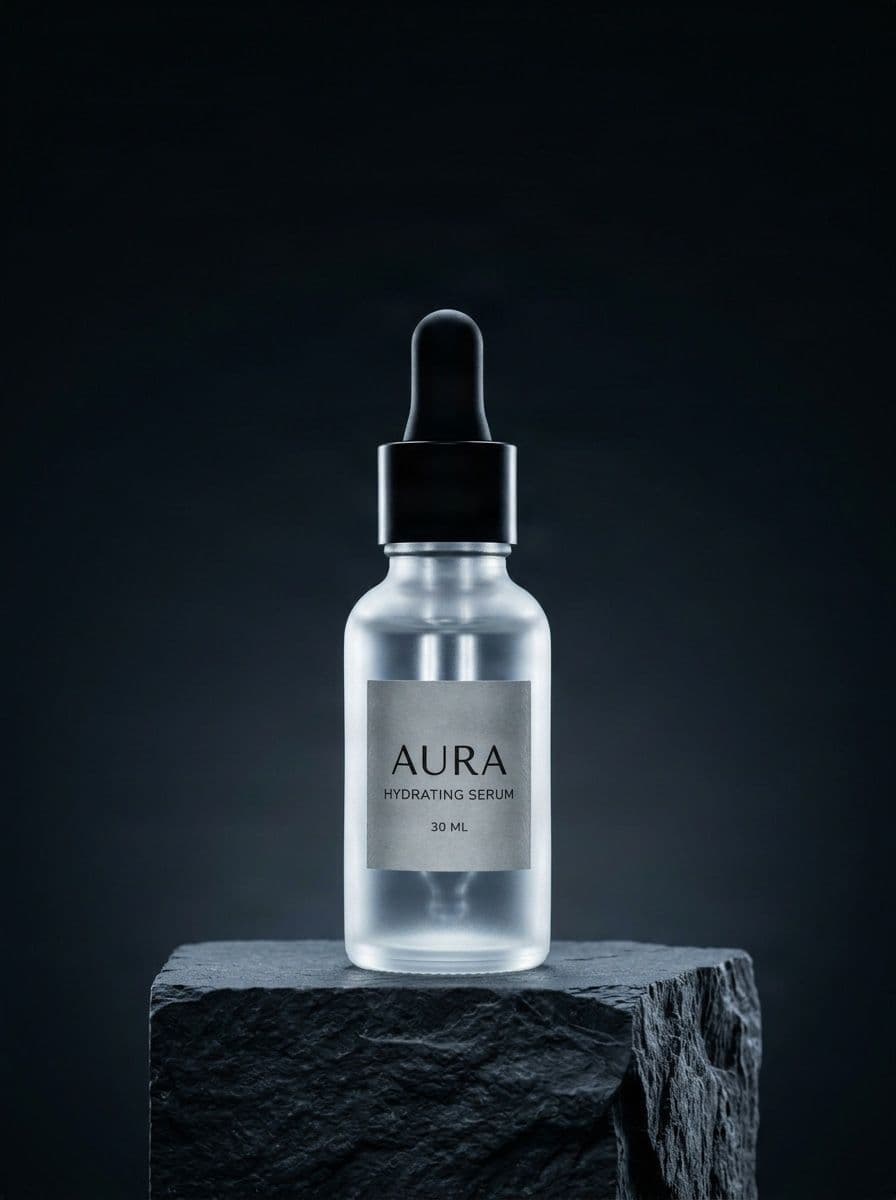
High-contrast rim light on charcoal slate
Built for ecommerce product content
From One Product Photo
ONE PRODUCT. MORE WAYS TO SELL IT.
All created from the same product.
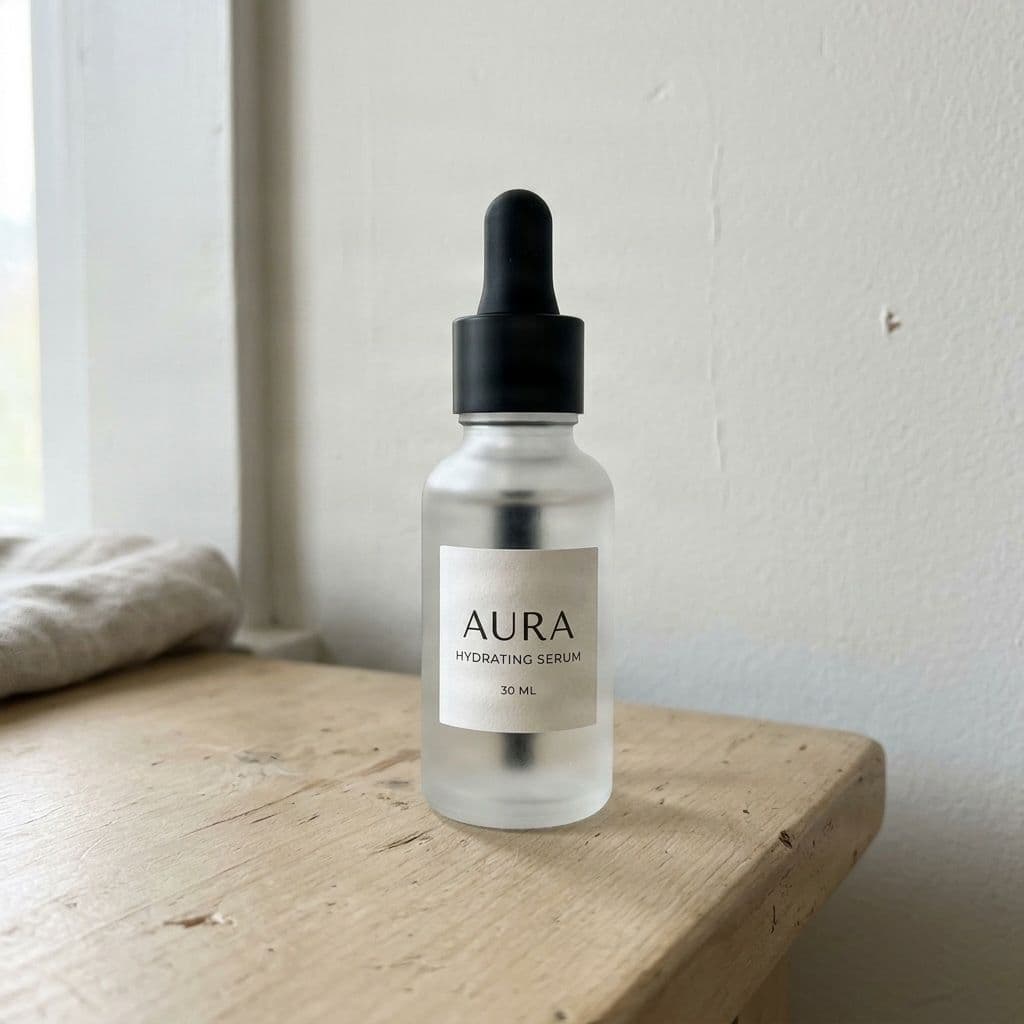 Source photo
AURA Hydrating Serum
Single raw desk snapshot · SKU AS-1001
Everything product teams need in one workspace
Use focused product photography tools instead of sending every image through a generic editor.
Marketplace Photo
Lifestyle Scene
Listing Image Set
Ad Creative
Feature Graphic
Generate Another Angle
Product Video & Motion
Editable Product PSD
Photography workflows tuned for product detail
The studio is organized around product content, so each workflow keeps product identity, brand rules, lighting, and export needs close to the generation controls.
Preserve product identity
Protect product shape, colors, logo placement, packaging text, proportions, and camera intent while creating new visuals.
Control backgrounds and style
Create white catalog backgrounds, lifestyle scenes, brand-colored visuals, reference-matched looks, and social formats.
Improve light and clarity
Relight dark photos, sharpen presentation, reduce blur, and prepare stronger product visuals for selling channels.
Supported Product Types
Accuracy Notice
New viewpoints infer details that may not be visible in the source. Generative edits can alter small labels, reflections, logos, or intricate packaging.
Review product accuracy and current licensing terms before publishing.
Create product content for every selling channel
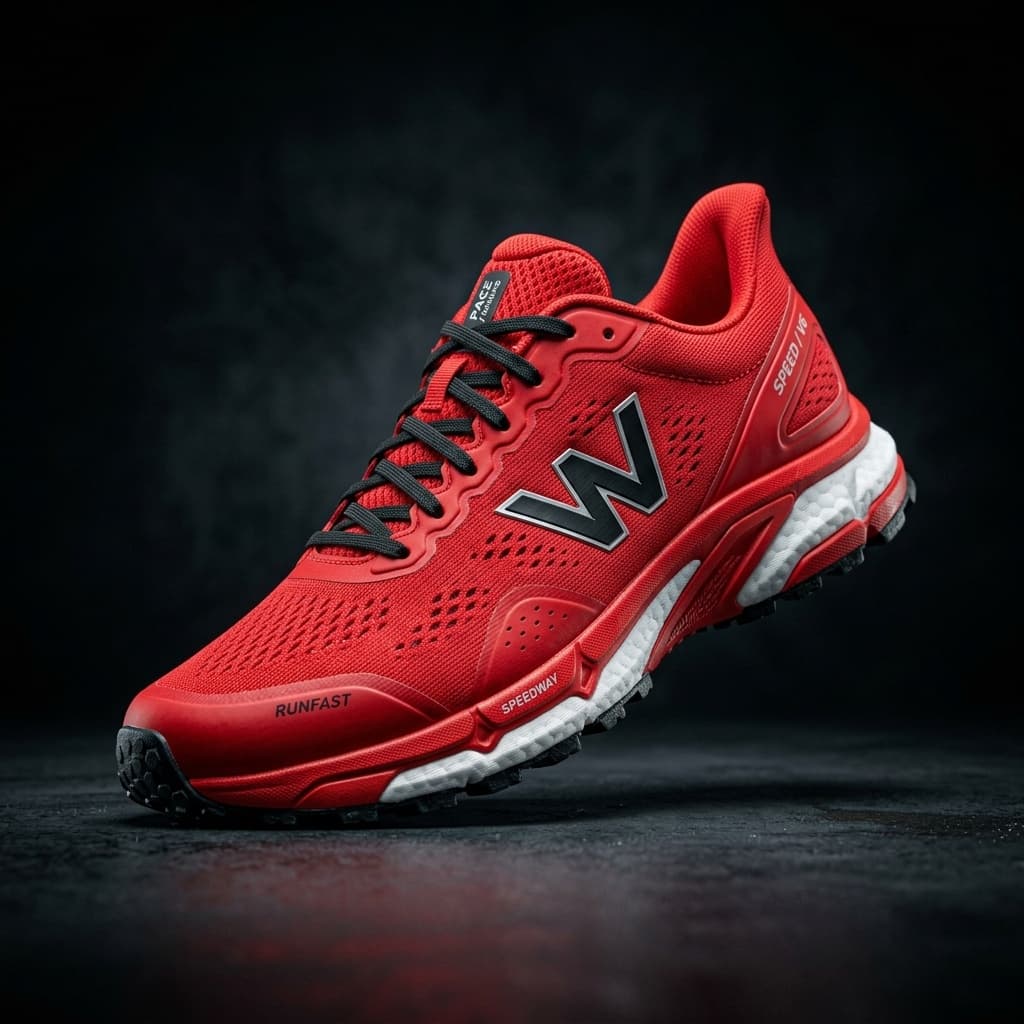
Improve conversions with polished product shots
Turn a plain product photo into clean catalog visuals, richer lifestyle scenes, and campaign-ready ad creatives.
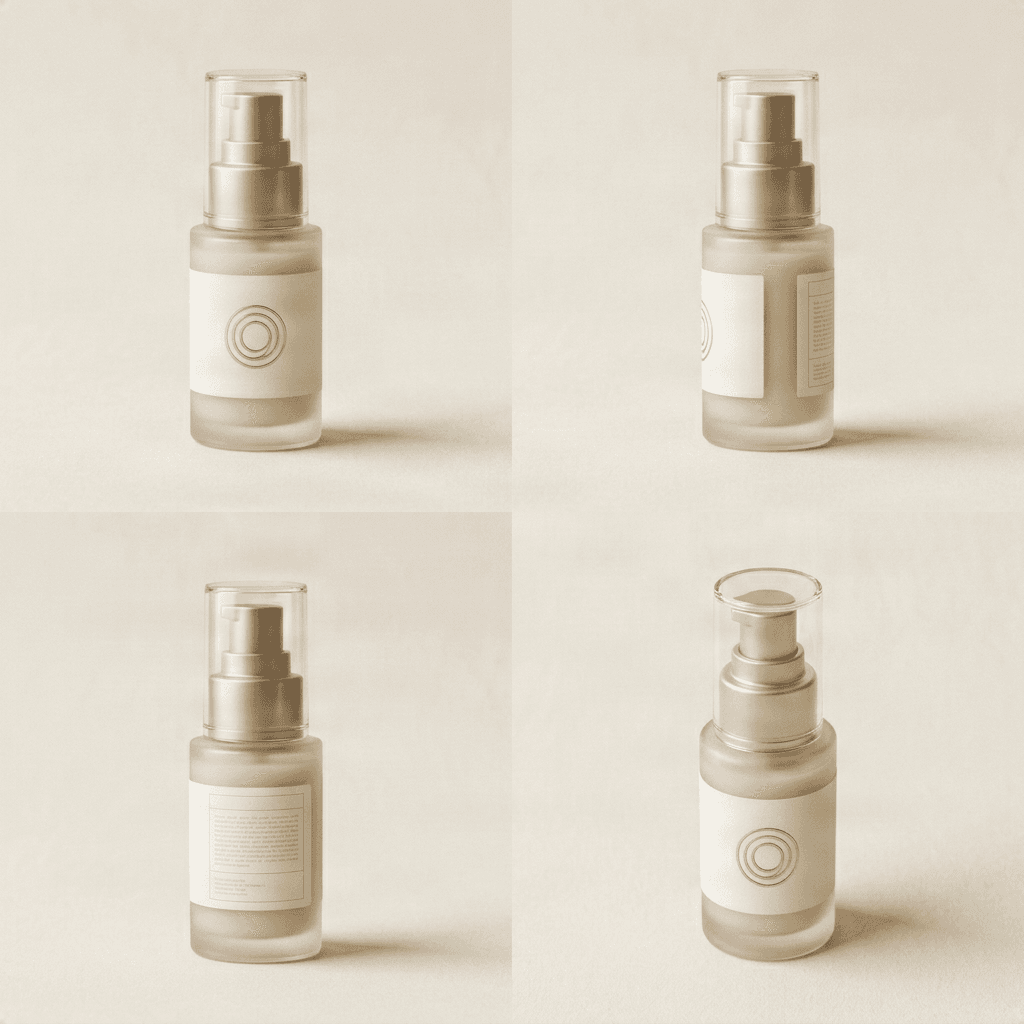
Onboard product catalogs faster
Standardize background, lighting, aspect ratio, and export formats so large product sets feel consistent.
1
source product image
6+
content workflows
30
credits per result
A production path beyond one-off edits
Saved product identity
Keep product name, SKU, category, source image, and protected details together before generating assets.
Marketplace-ready images
Create white-background packshots, clean catalog visuals, and ecommerce aspect ratios.
Lifestyle and ad creative
Turn one product image into campaign scenes, social ads, story formats, and hero visuals.
New angles and backgrounds
Generate alternate camera views, relight studio shots, match references, or change backgrounds.
Brand guardrails
Capture logos, colors, descriptions, and product features that should not be changed.
PSD and ZIP handoff
Move approved assets into editable layer workflows when the team needs PSD-ready production files.
Product Content Studio FAQ
What is AI Product Content Studio?
AI Product Content Studio is an upgraded product photo workspace. It starts from one saved product image and helps create marketplace photos, lifestyle scenes, ads, new angles, and editable assets.
Is this replacing Product Photo Editor?
Yes. The existing /product-photo-editor URL remains the public entry, but the product name expands to AI Product Content Studio so users can build a longer-term product content library.
Do I need to create a product project?
A product project is recommended because it keeps the source image, SKU, category, brand notes, generated assets, and exports connected instead of treating every edit as a separate one-off job.
Can it preserve logos and packaging text?
The workflow is designed to preserve product details, but generative edits may still alter small text, logos, labels, reflections, or intricate packaging. Review every result before publishing.
Can I generate new product angles?
Yes. Generate Another Angle is available for product viewpoints, and generated angles should be reviewed because hidden details are inferred from the visible source image.
Can I create ads and lifestyle scenes?
Yes. Use lifestyle scene and ad creative workflows to create campaign visuals, social formats, and product story assets from the saved product.
Which file formats are supported?
The upload workflow supports JPG, PNG, and WebP source images. Export paths can include PNG, JPG, ZIP, PSD, and platform size packs depending on the generated asset.
How many credits does a result use?
Product photo generation currently uses 30 credits per result. Failed jobs are refunded by the job system.
Can I use a reference image?
Yes. Match Reference can use a second image to guide lighting or visual style while keeping the source product as the main subject.
Do I need an account?
An account is required to create jobs, manage credits, save product projects, and return to recent product work.
Create a product content library
Save one product image and turn it into marketplace photos, lifestyle scenes, ad creatives, new angles, and editable PSD assets.