
Nano Banana 2 Generate & Edit Fast
Generate images from a prompt or edit an existing photo with Nano Banana 2. Add reference images, set aspect ratio and resolution, then send results to Image to Layers.
Nano Banana 2 Studio
Studio TierMulti-reference consistency, prompt-guided editing, and 4K master rendering.
Image
OptionalAdd Image
Click or drag one source image here to start editing.
PNG, JPG, JPEG, or WEBP. The upload card is the primary starting point.
Enter a clear edit instruction. Cmd/Ctrl + Enter runs when ready.
0/5000Advanced
Create Result
Add a prompt before running.
Nano Banana 2 · Proofing Canvas
Interactive before / after inspection
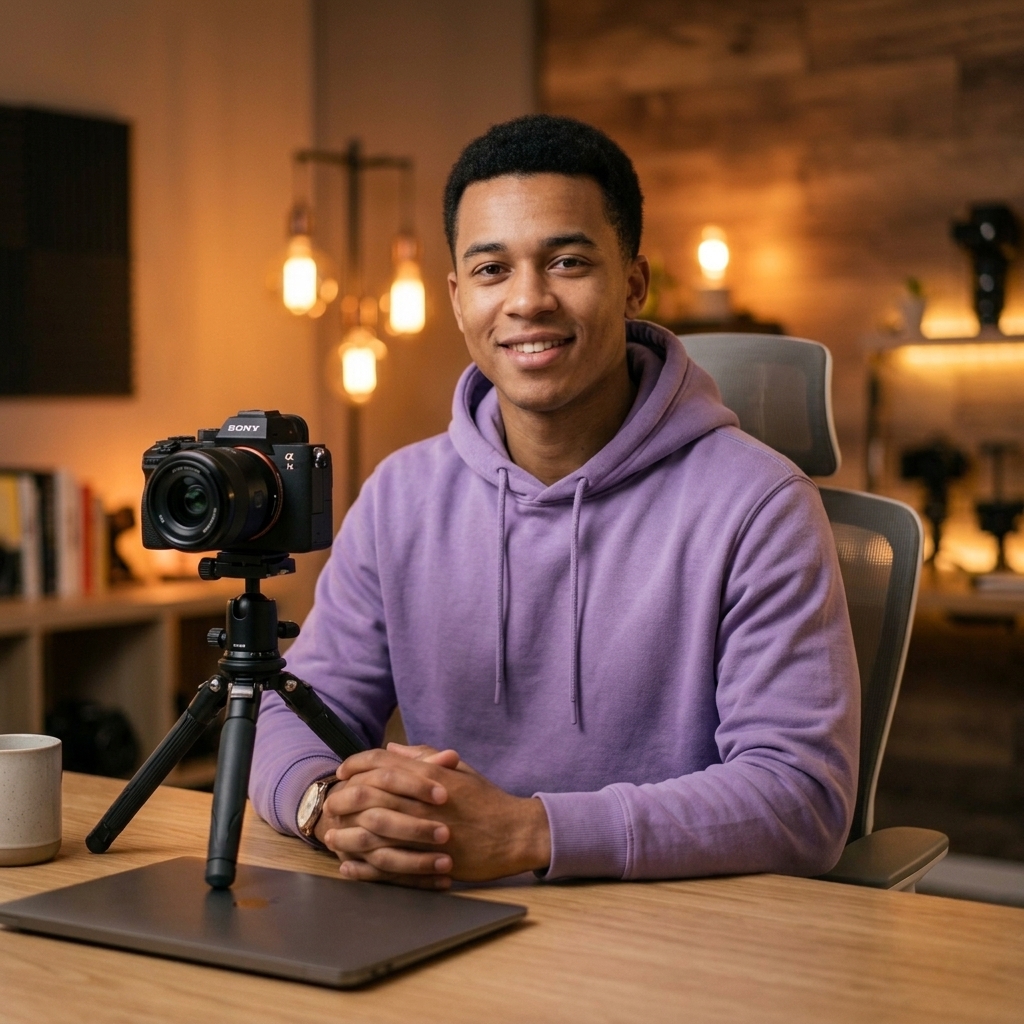
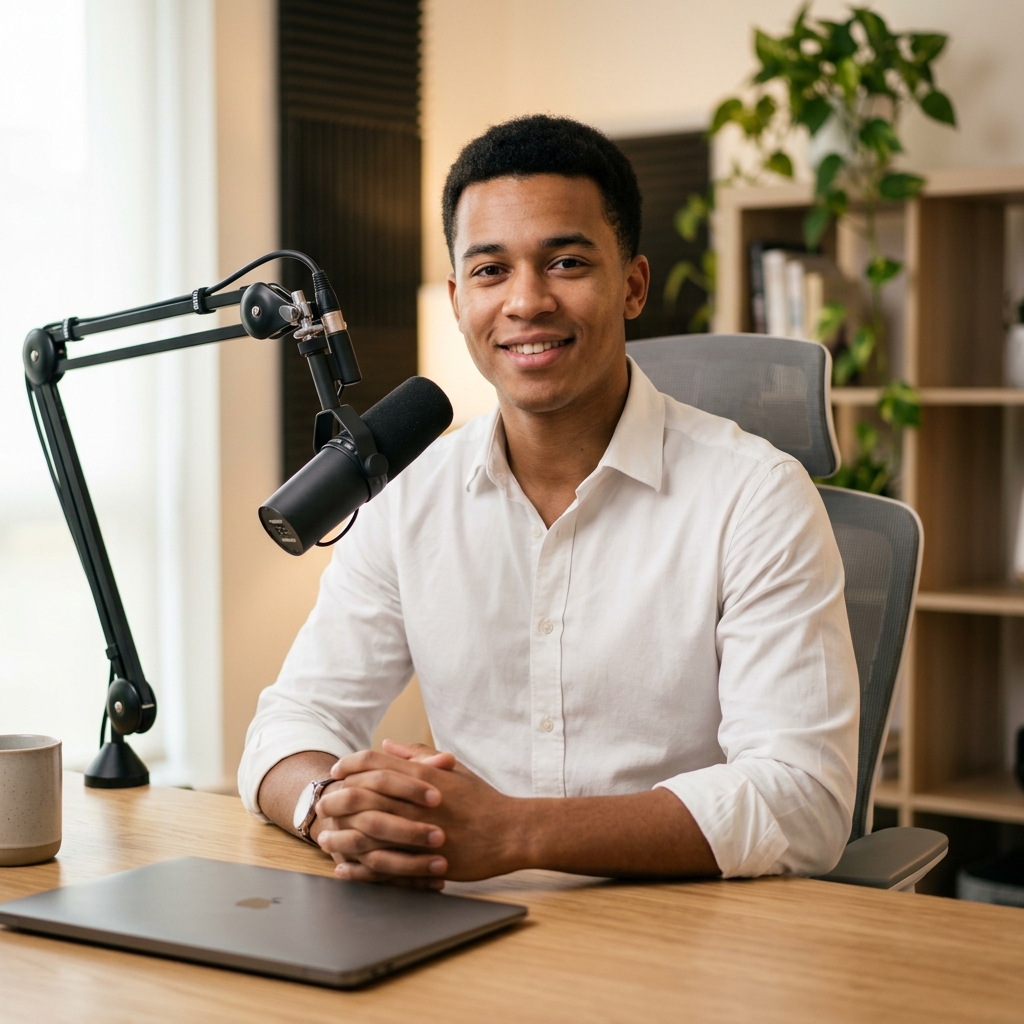
Studio Quality Standard
Recent Sessions
Studio capabilities
Reference images (up to 13) guide composition and style. Mask-guided editing isn't available for this model — use a source image edit or Send Revision instead.
Master In 4 Steps
Write a prompt, add references, set your output, then review and refine.
Write your prompt
Describe what to generate, or describe the edit you want if you're starting from a source image.
Add references (optional)
Upload up to 13 reference images to guide style, composition, or color.
Set aspect ratio and resolution
Pick an aspect ratio — including ultra-wide options — and an output resolution of 1K, 2K, or 4K.
Review and refine
Compare variants, send a revision to adjust the result, or send it to Image to Layers for further editing.
Studio Performance
Real controls for generation and editing, not decorative toggles.
Prompt-only generation
Generate a new image from just a text prompt — no source image required.
Source image editing
Upload a photo and describe the edit to apply it directly.
Reference images
Guide composition, color, and style with up to 13 reference images.
1-4 outputs per run
Generate up to four variants from one prompt and compare them side by side. Each output is billed as its own generation.
Resolution & aspect ratio
Choose 1K, 2K, or 4K output across 14 aspect ratio presets, including 1:4, 4:1, 1:8, and 8:1, or match the source image.
Conversational revisions
Send a follow-up instruction to refine a result without starting over.
Example Workflows
Generate a marketing visual
Start from a text prompt when you don't have a source photo yet.
- 1.Describe the subject, mood, and lighting
- 2.Add reference images for color or style guidance
- 3.Choose an aspect ratio and resolution
- 4.Generate and compare variants
Edit an existing photo
Upload a source image and describe the change you want.
- 1.Upload the source image
- 2.Describe the edit — background, color, composition
- 3.Generate and review the result
- 4.Send a revision if it needs adjustment
Design an ultra-wide layout
Use the extra aspect ratio presets for banners and wide-format assets.
- 1.Pick an ultra-wide preset such as 8:1 or 4:1
- 2.Describe the composition across the wide frame
- 3.Generate and review at the target resolution
Iterate with revisions
Refine a result without restarting the whole prompt.
- 1.Generate an initial result
- 2.Send a follow-up instruction describing the change
- 3.Compare the new variant to the original
- 4.Repeat until the result is ready
Send results to Image to Layers
Move a finished generation into layer-based editing.
- 1.Generate or edit an image
- 2.Open the result's Full Job view
- 3.Continue editing in Image to Layers
Which One Should You Use?
Both tools cost the same, take the same number of reference images, and run in the same studio — but they're different models. Here's what's actually different.
| Nano Banana 2 | Nano Banana Pro | |
|---|---|---|
| Credit pricing | Flat — same at every resolution | Scales with output resolution |
| Default output resolution | 1K | 2K |
| Resolution options | 1K / 2K / 4K | 1K / 2K / 4K |
| Aspect ratio presets | 14 presets + Auto (adds ultra-wide 1:4, 1:8, 4:1, 8:1) | 10 presets + Auto |
| Reference images | Up to 13 | Up to 13 |
| Results per run | 1-4 | 1-4 |
| Prompt-only generation | Supported | Supported |
| Mask-guided editing | Not supported | Not supported |
| Safety filter setting | Uses platform default | Configurable (Strict / Balanced / Permissive) |
Scale Your Production
Marketing visuals
Generate campaign assets from a prompt with fast iteration.
Wide-format design
Use ultra-wide aspect ratios for banners and layout assets.
Product storytelling
Maintain subject consistency through multi-scene edits and revisions.
App-integrated generation
Send results to Image to Layers for downstream layer editing.
Everyday content ops
Quickly generate and revise visuals without a photoshoot.
Known Limitations
Small text artifacts
Fine label or caption text can distort, especially at 1K resolution.
Reflective materials
Metallic and glossy surfaces may show inconsistent highlights.
Prompt drift on revisions
Multiple chained revisions can gradually shift style or composition.
Extreme aspect ratios
Very wide or narrow presets (e.g. 1:8, 8:1) can compress subjects unpredictably.
Mask editing isn't available
This model doesn't accept mask input — use a full-image edit or a revision instead.
Frequently Asked
Do I need a source image to generate with Nano Banana 2?
How many credits does a generation cost?
Can I generate several variants at once?
How many reference images can I add?
What aspect ratios are available?
Can I control the output resolution?
Does Nano Banana 2 support mask-guided editing?
How do I refine a result without starting over?
What's the difference between Nano Banana 2 and Nano Banana Pro?
Can I continue editing the result elsewhere?
Creative Toolkit Index
Explore More AI Features
Quick access to precision layer extraction, AI photo editing & asset tools.