
GPT Image 2 Generator & Editor
Image Generator & EditorGenerate images from a prompt or edit and combine existing images with GPT Image 2. Multilingual text, poster and editorial layouts, and conversational revisions — then send results to Image to Layers.
GPT Image 2 Studio
Visual SynthesisPrompt-to-image synthesis, multi-reference blend, and intelligent background segmentation.
Image
OptionalAdd Image
Click or drag one source image here to start editing.
PNG, JPG, JPEG, or WEBP. The upload card is the primary starting point.
Enter a clear edit instruction. Cmd/Ctrl + Enter runs when ready.
0/500Advanced
Create Result
Add a prompt before running.
GPT Image 2 · Proofing Canvas
Interactive before / after inspection
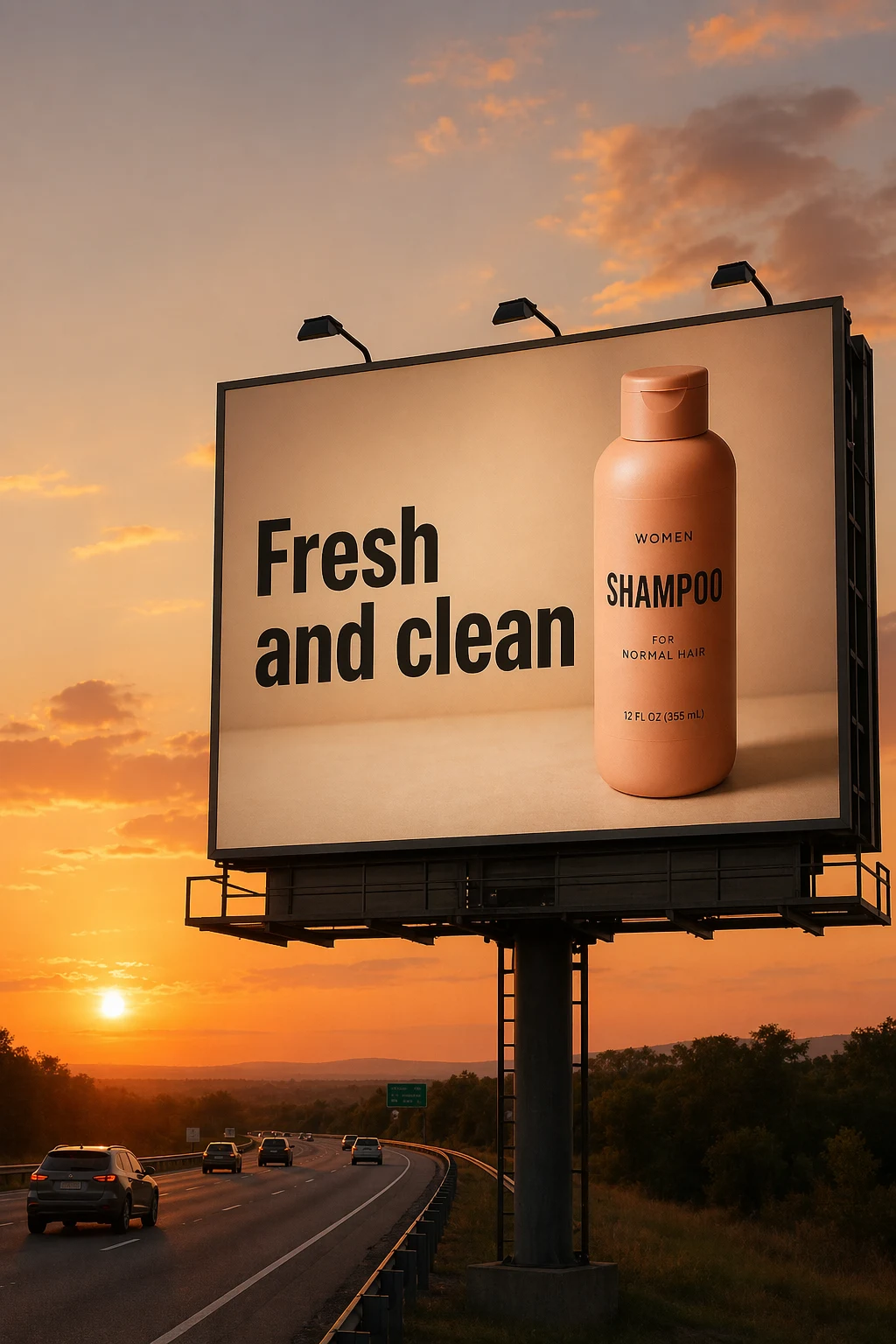
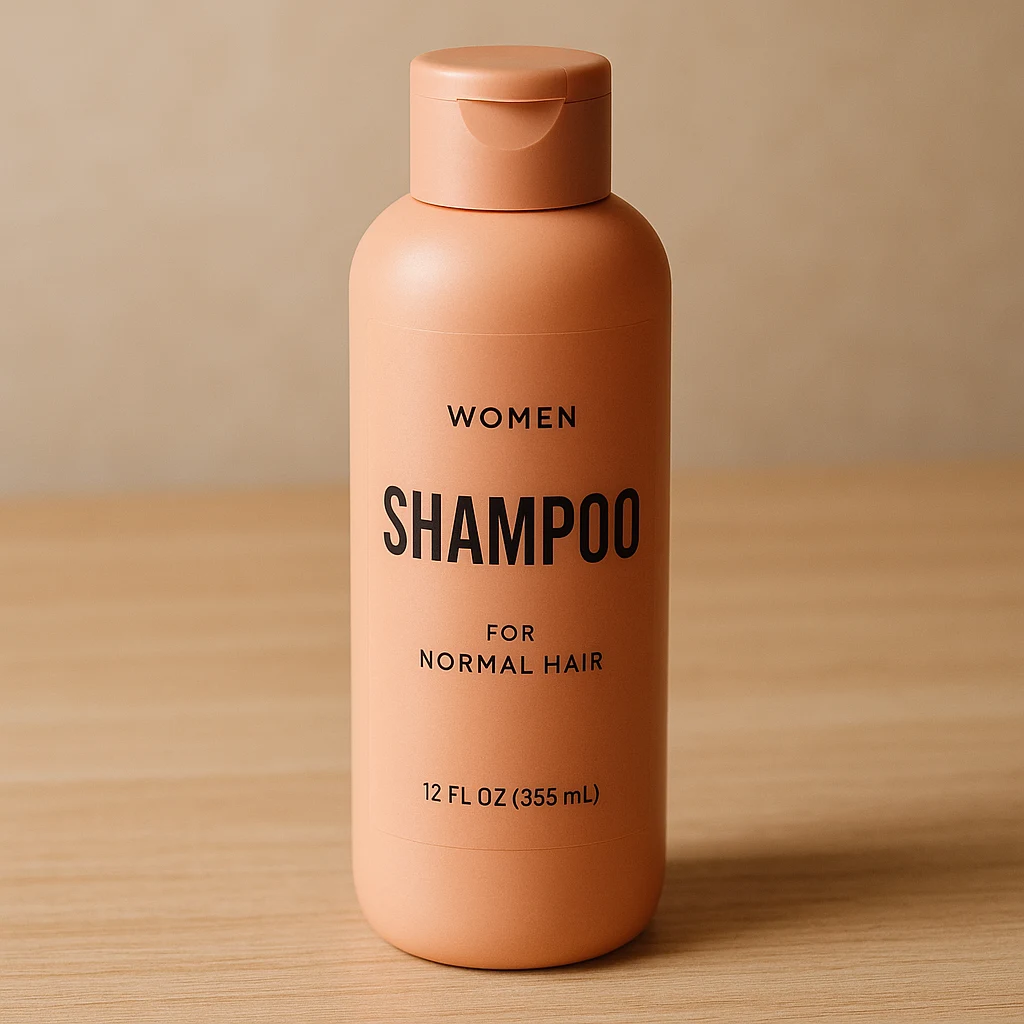
Studio Quality Standard
Recent Sessions
Studio capabilities
Reference images (up to 10) guide composition and style. Mask-guided editing isn't available for this model — use a full-image edit or Send Revision instead.
Master In 4 Steps
Write a prompt, add optional images, set your output, then review and refine.
Write your prompt
Describe what to generate, or the exact change to make if you're starting from a source image.
Add source or reference images (optional)
Upload up to 10 images to edit, combine, or use as style and layout references.
Set aspect ratio, quality, and background
Choose 1:1, 3:2, or 2:3, a quality level, and an opaque or auto background.
Review and refine
Compare the result, send a revision to adjust it, or send it to Image to Layers for layer-based editing.
Studio Performance
Real controls for generation and editing, not decorative toggles.
Prompt-only generation
Generate a new image from just a text prompt — no source image required.
Conversational revisions
Send a follow-up instruction to refine a result without restarting the prompt.
Multi-image composition
Combine up to 10 source and reference images into one new visual.
Text-rich layouts
Generate posters, infographics, and graphics with visible multilingual text.
Aspect ratio & background control
Choose from 3 aspect ratios and an opaque or auto background.
Example Workflows
Product campaign visual
Combine a product reference with a new scene and refine it through follow-up instructions.
- 1.Upload a product reference image
- 2.Describe the new scene and composition
- 3.Generate and review the result
- 4.Send a revision to adjust lighting or framing
Poster and editorial layout
Create a structured layout with a clear headline and visible text.
- 1.Describe the layout, headline, and supporting text
- 2.Choose an aspect ratio
- 3.Generate and review text legibility
- 4.Send a revision to adjust the layout
Photo revision
Change a specific element in an existing photo while preserving the rest.
- 1.Upload the source image
- 2.Describe exactly what should change
- 3.Generate and compare to the original
- 4.Send a revision if needed
Multi-reference composition
Combine a product, a person, and a style reference into one new visual.
- 1.Upload up to 10 reference images
- 2.Describe how to combine them
- 3.Generate and review the composition
Send results to Image to Layers
Move a finished generation into layer-based editing.
- 1.Generate or edit an image
- 2.Open the result's Full Job view
- 3.Continue editing in Image to Layers
GPT Image 2 vs Nano Banana Pro vs Nano Banana 2
Each model is a better fit for a different job. Here's how they actually compare.
| GPT Image 2 | Nano Banana Pro | Nano Banana 2 | |
|---|---|---|---|
| Credit pricing | Flat — same at every quality level | Scales with output resolution | Flat — same at every resolution |
| Aspect ratio options | 3 (1:1, 3:2, 2:3) | 10 presets + Auto | 14 presets + Auto |
| Output resolution control | Not available | 1K / 2K / 4K | 1K / 2K / 4K |
| Reference images | Up to 10 | Up to 13 | Up to 13 |
| Results per run | 1 | 1-4 | 1-4 |
| Background control | Opaque or Auto | Not applicable | Not applicable |
| Prompt-only generation | Supported | Supported | Supported |
| Mask-guided editing | Not supported | Not supported | Not supported |
Choose GPT Image 2 for conversational editing, text-rich visuals, and multi-image composition. Choose Nano Banana Pro or Nano Banana 2 when you need resolution control or a wider range of aspect ratios.
Where GPT Image 2 Fits
Poster & editorial design
Create text-rich layouts with a clear visual hierarchy.
Product campaigns
Combine product references into new commercial scenes.
Photo revisions
Change a specific element while preserving the rest of the image.
Character & storytelling assets
Create character sheets and multi-scene narrative visuals.
Multi-reference composition
Merge products, people, and style references into one visual.
Known Limitations
Logos and small text
Text rendering is strong, but small packaging copy, prices, and exact logos should always be checked.
Product accuracy
Substantial edits may alter packaging proportions, labels, or other product-specific details.
Identity consistency
Repeated or major edits can gradually change facial or character details.
Sequential editing drift
Long revision chains can drift from the strongest earlier result — branch from a good version instead of endlessly editing one output.
No native layer output
GPT Image 2 creates a flat image. Use Image to Layers for transparent assets and layered PSD export.
Frequently Asked
What is GPT Image 2?
Do I need a source image to generate with GPT Image 2?
How many reference images can I add?
What aspect ratios are available?
How many credits does a generation cost?
Does the quality setting change the cost?
Does GPT Image 2 support transparent backgrounds?
Can it generate visible text?
Can I export a PSD directly?
Creative Toolkit Index
Explore More AI Features
Quick access to precision layer extraction, AI photo editing & asset tools.