NEWGPT Image 2.5 is here — make focused edits with less rework.

Try GPT Image 2.5
Product photo background changer

Change the Background of Your Product Photo

Already have a product photo you like? Keep the product and replace the surrounding scene with a clean studio, lifestyle setting, campaign background, solid color, or your own uploaded image.

Create new product visuals without arranging another photoshoot just to change the background.

Upload your product photo

PNG, JPG, and WebP · up to 20 MB

New product background
Spa bathroom

The product stays. The scene around it is replaced.

Keep the product

Change the Scene Without Starting Over

A good product photo should be reusable. Instead of photographing the same item again for every campaign, listing, or season, keep the product and change the environment around it.

Create a cleaner listing image

Replace a distracting room or tabletop with a simple studio, white, neutral, or branded background.

Build lifestyle visuals

Place the product into a home, office, wellness, outdoor, or other setting that helps customers imagine where it belongs.

Try new campaign directions

Change colors, materials, lighting, and mood without arranging another complete product shoot.

Reuse one product photo

Start from the same source image and create several visual directions for your store, ads, social posts, and launches.

Product background examples

See the Same Product in a Better Setting

A new background can turn the same product photo into a clean listing image, lifestyle visual, or campaign-ready creative.

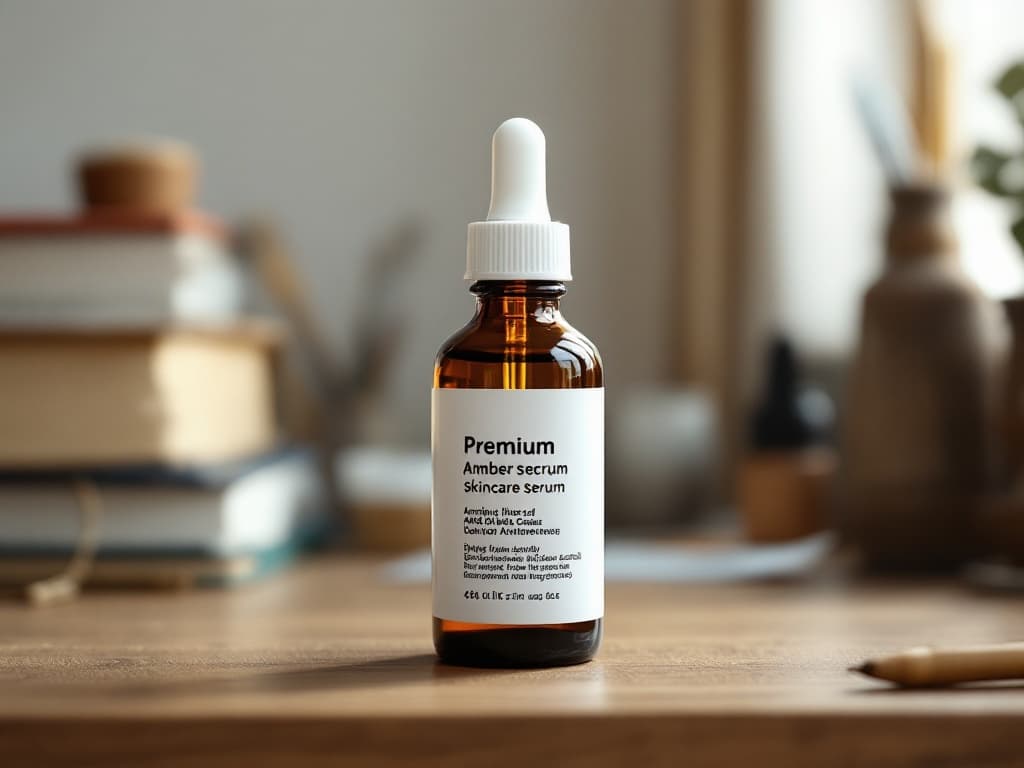
Original
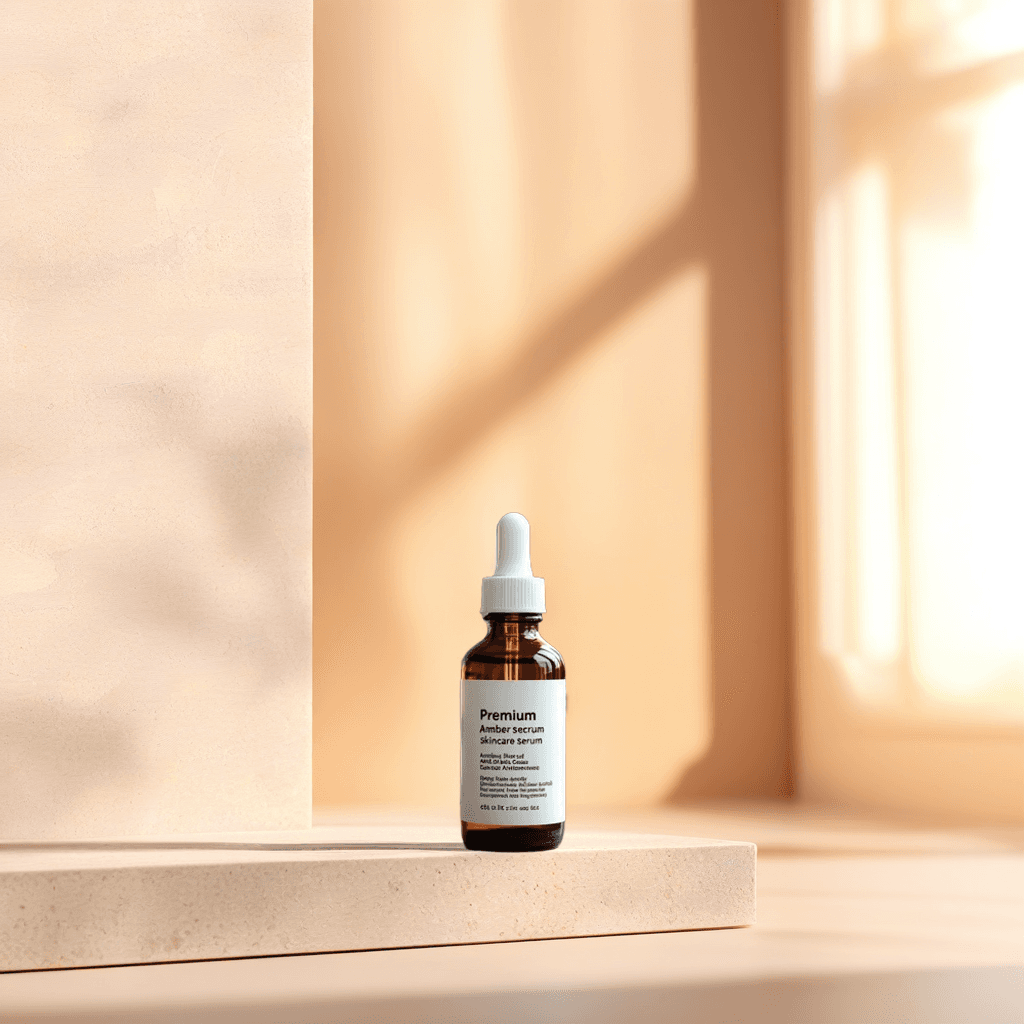
New background

Move a skincare product into a premium bathroom scene

Turn a simple product photo into a warmer beauty and wellness visual without photographing the bottle again.

Background prompt: A luxury light-stone bathroom counter beside a softly blurred window, warm morning sunlight, subtle reflections and clean skincare campaign lighting.
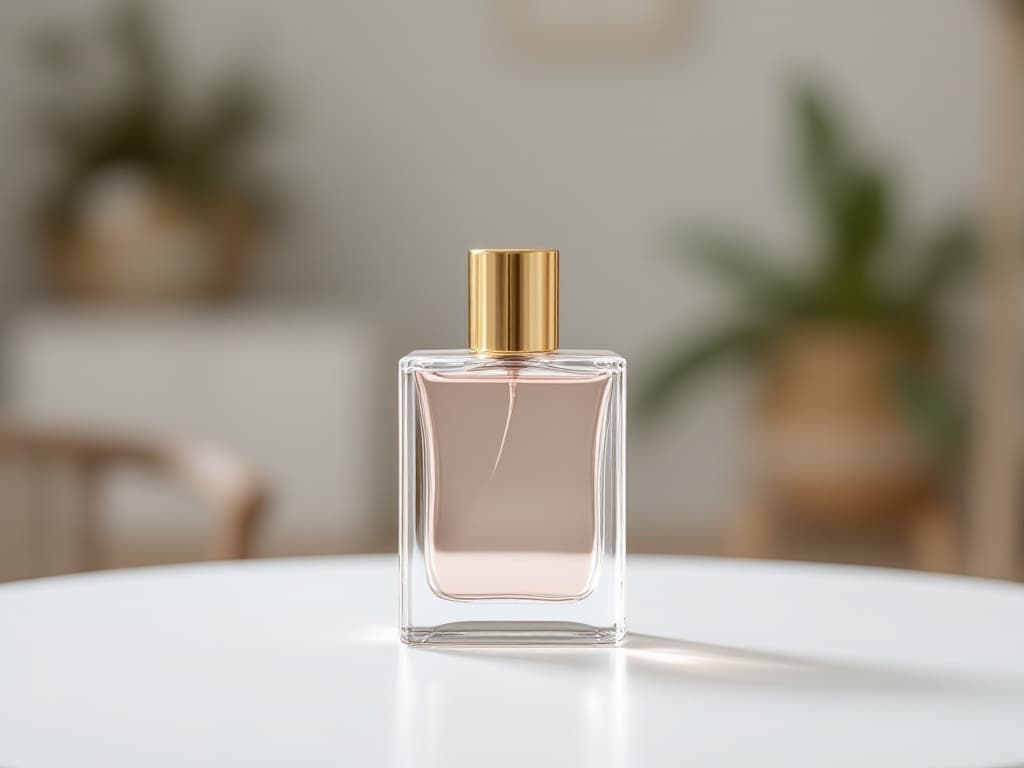
Original
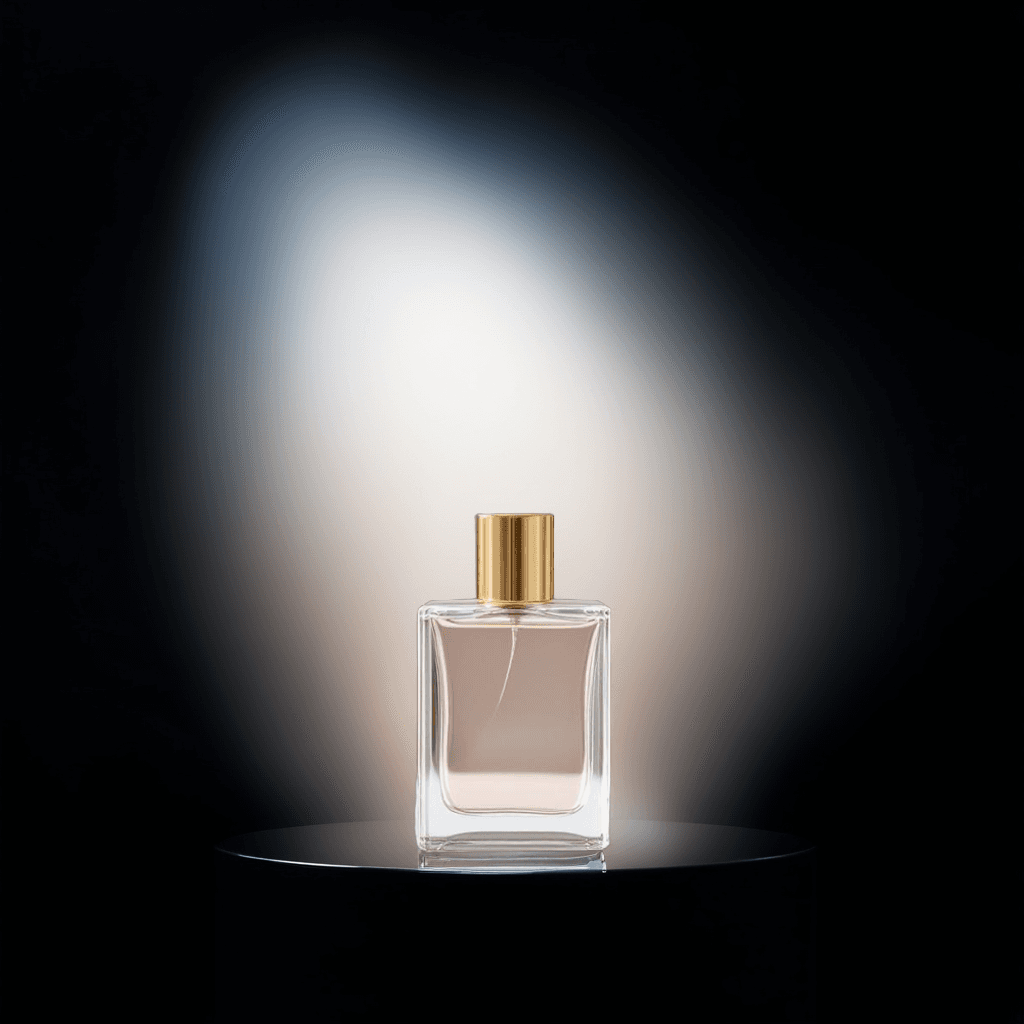
New background

Create a darker luxury fragrance campaign

Use richer lighting, stone surfaces, and reflections to create a more premium visual direction.

Background prompt: A dark luxury photography studio with a glossy black stone pedestal, soft golden rim lighting, elegant reflections and dramatic product lighting.

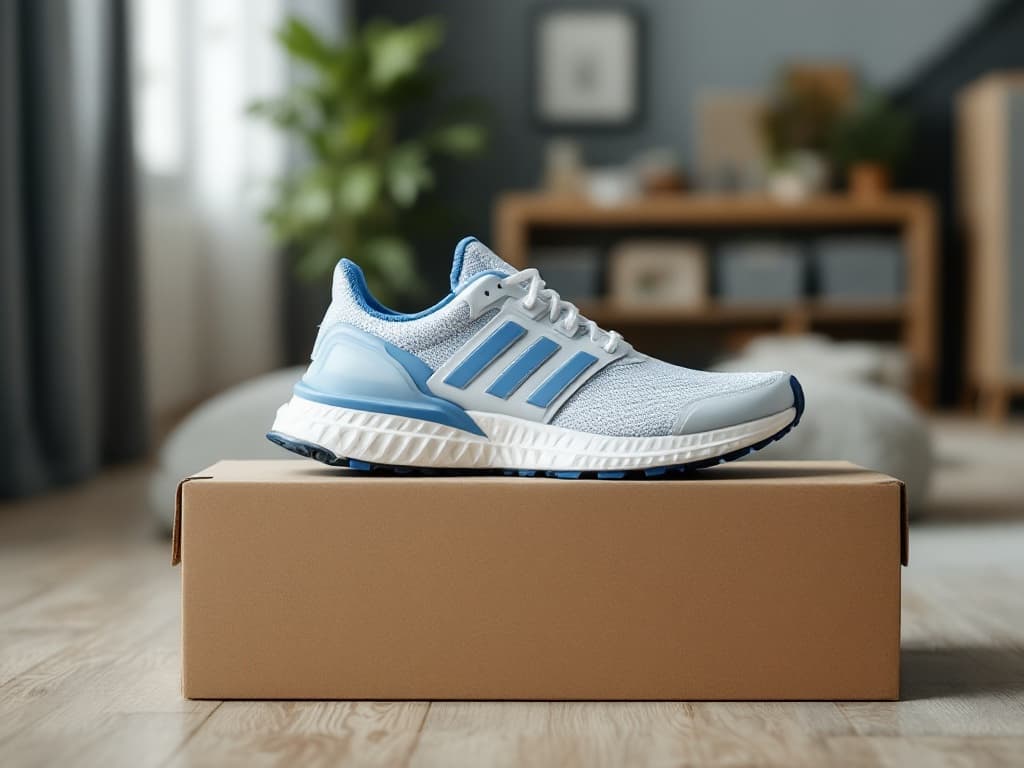
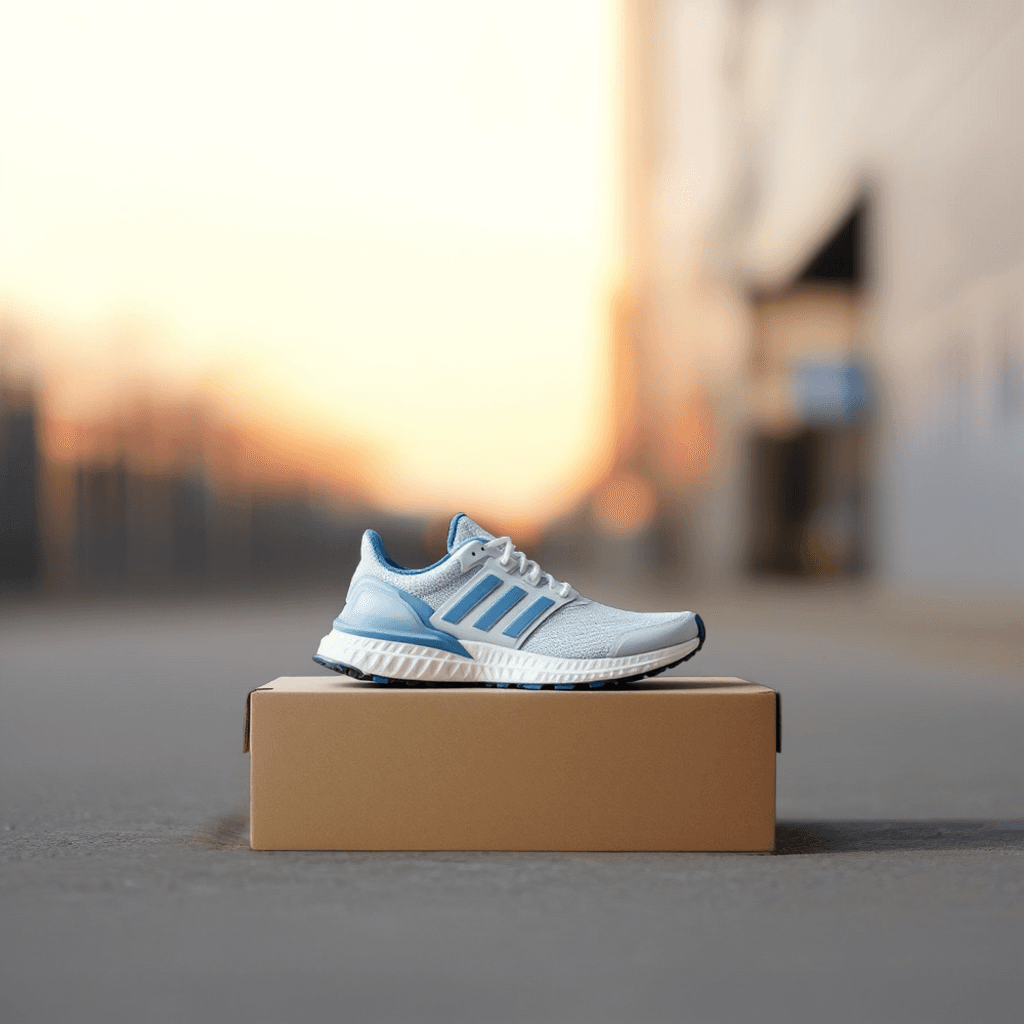
Original
New background

Place footwear into a believable outdoor setting

Turn a basic shoe photo into a sports or lifestyle image with more context.

Background prompt: A modern city street at soft morning light, textured pavement, blurred urban background, realistic ground contact and lifestyle sports photography.

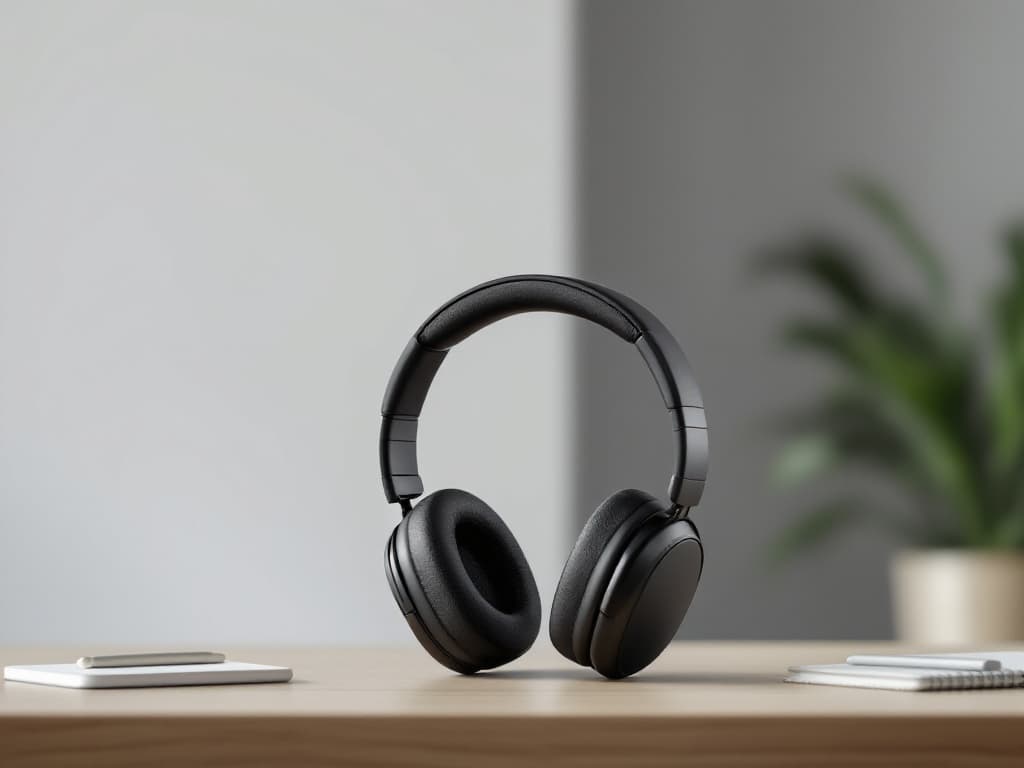
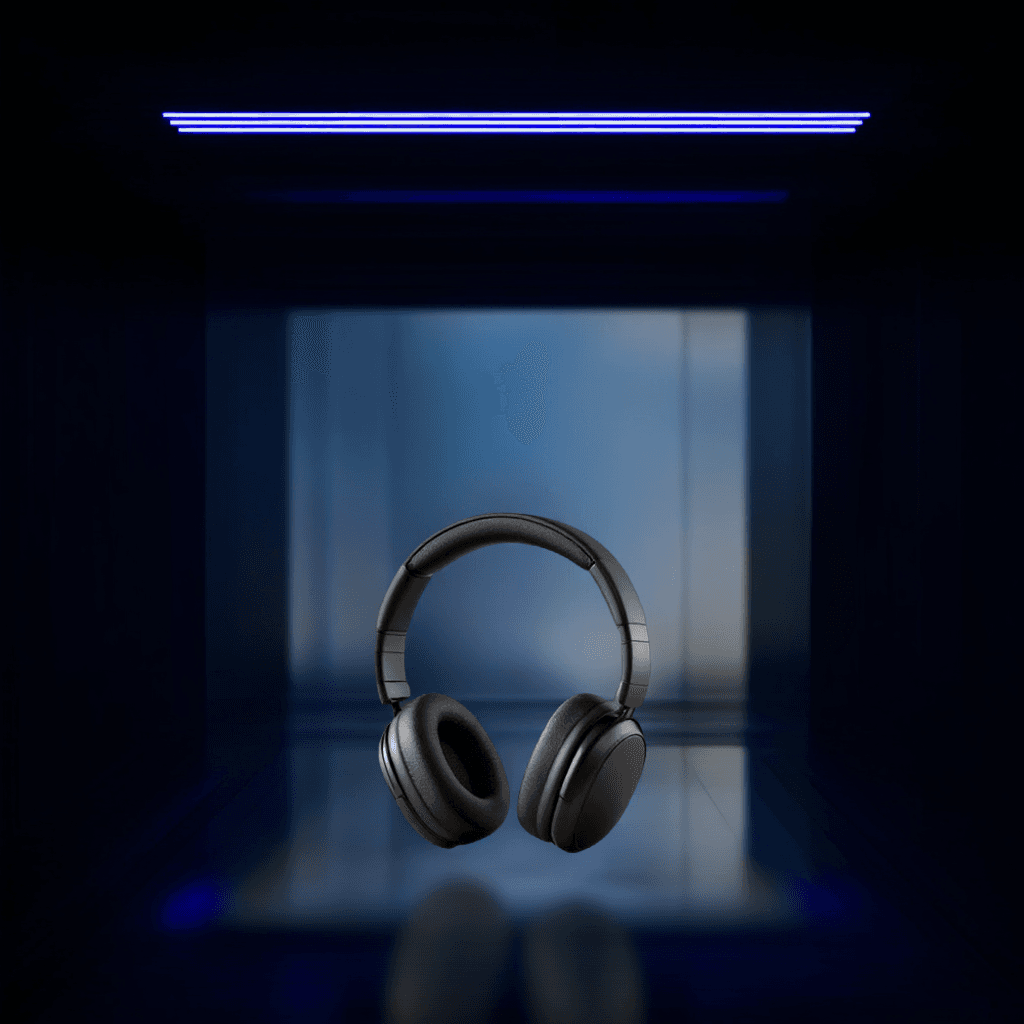
Original
New background

Give electronics a cleaner technology background

Use dark surfaces, controlled lighting, and negative space for product pages or campaign graphics.

Background prompt: A dark technology studio with a matte charcoal surface, focused key light, subtle blue rim light, deep shadows and clean negative space.

Original
New background

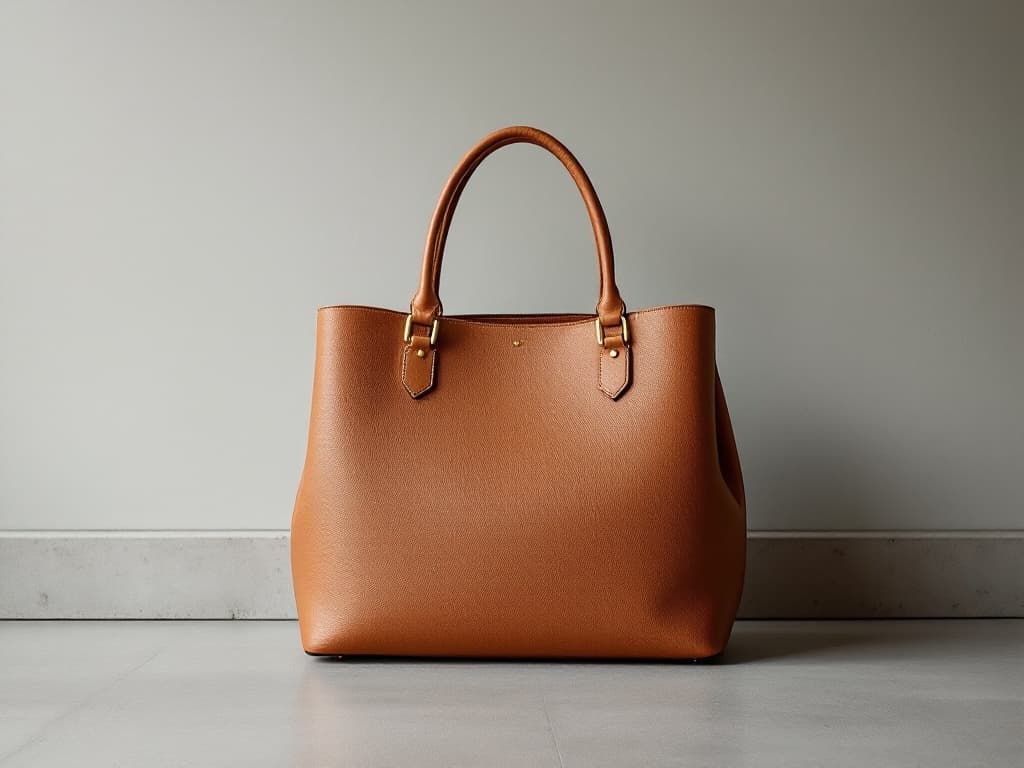
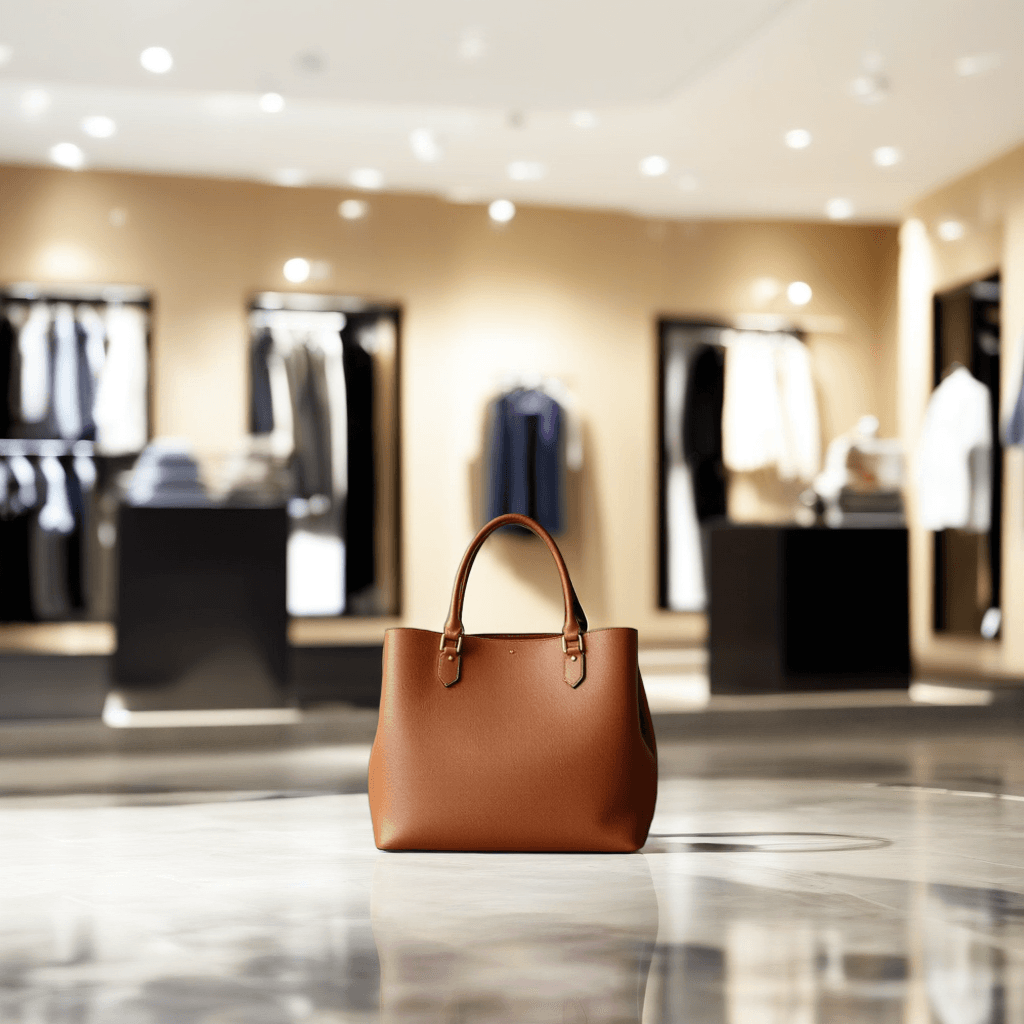
Move a handbag into a boutique-style scene

Create a fashion context without arranging another location shoot.

Background prompt: A warm boutique interior with a marble display plinth, soft directional light, blurred shelving and premium fashion retail styling.

Original
New background

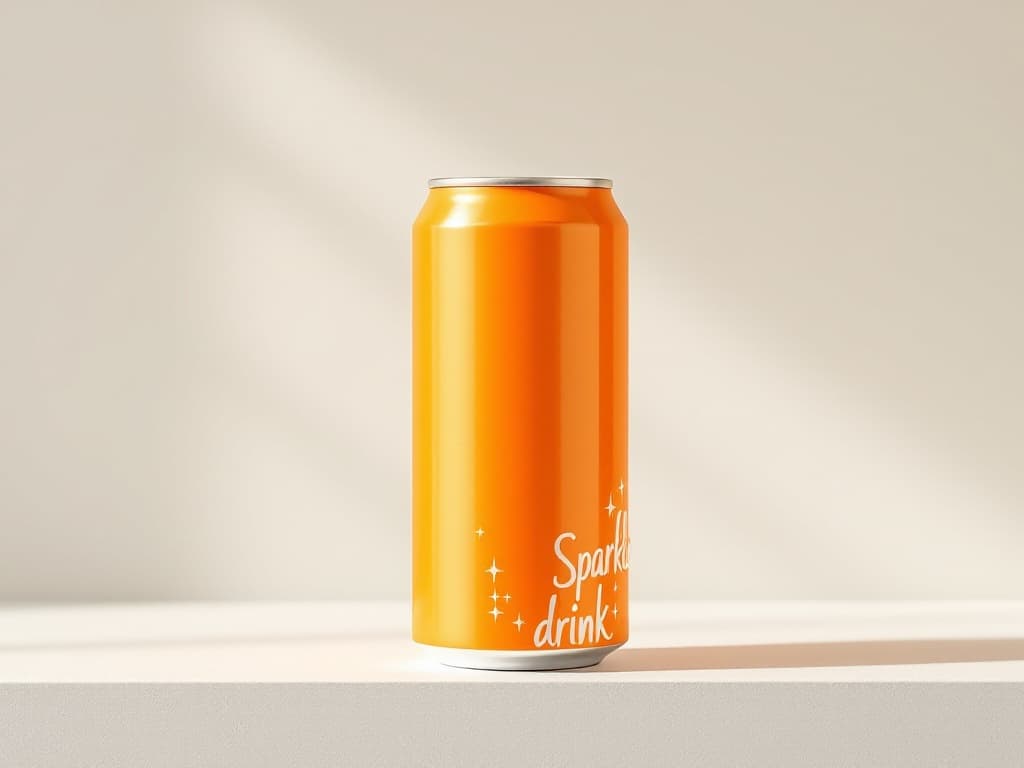
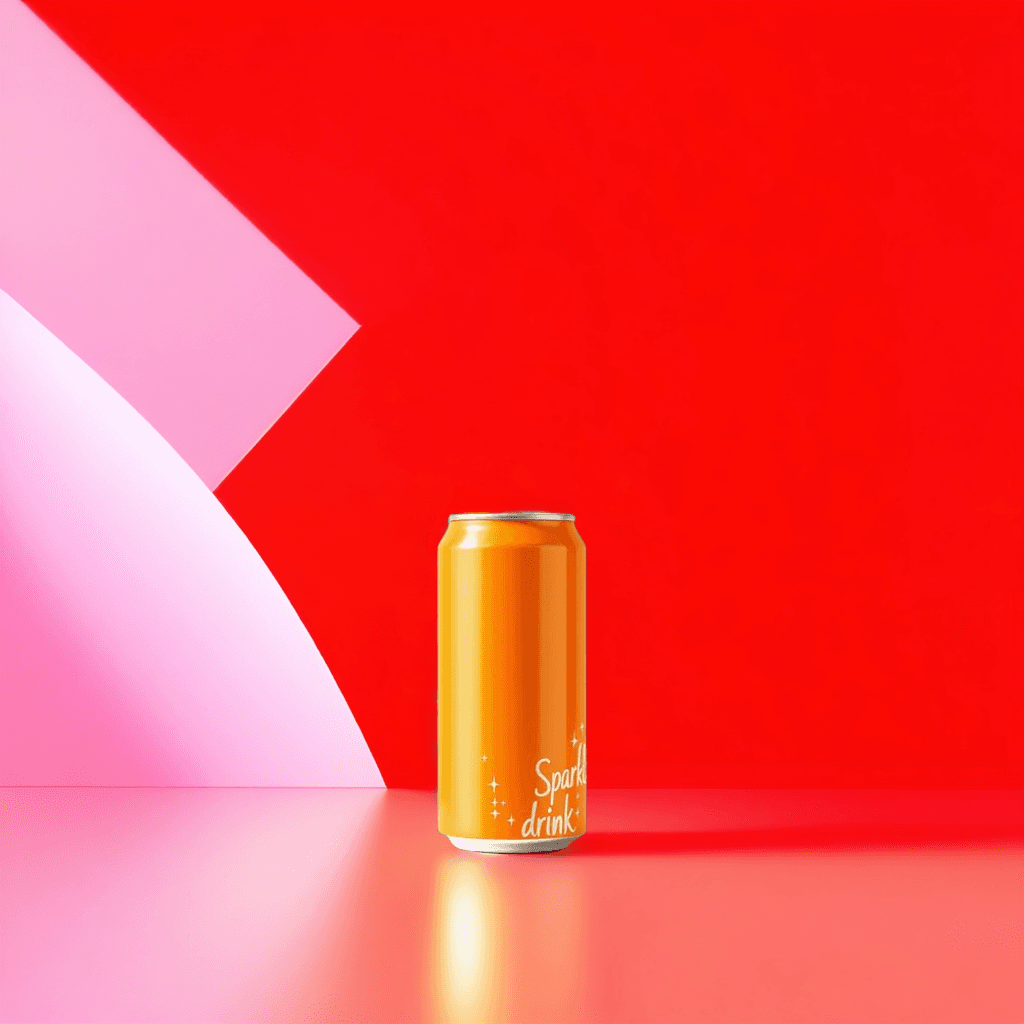
Create a brighter advertising background

Add color, shapes, and copy space around packaged goods for social and campaign content.

Background prompt: A colorful advertising studio with bold geometric props, glossy reflective surfaces, saturated lighting and clean empty space for copy.

Make one photo work harder

One Product Photo Can Support More Than One Campaign

Ecommerce listings

Create clean, consistent backgrounds for storefronts, collection pages, and marketplace listings.

Lifestyle images

Show the product in a setting that helps shoppers understand how or where it could be used.

Paid ads

Create backgrounds with stronger color, lighting, contrast, or empty space for campaign copy.

Product launches

Turn an existing product shot into a more premium hero image for a launch page or announcement.

Seasonal campaigns

Reuse the same product in warmer, darker, festive, summer, botanical, or other seasonal environments.

Social content

Create more visual variety from a product you have already photographed.

Choose the right workflow

When Should You Use Product Photo Background Changer?

What you need
Best workflow
“My product photo is good. I only want a new background.”
Product Photo Background Changer
“I need a complete new product scene generated around my product.”
Generate Background
“I need to fix lighting, product details, angles, or other product issues too.”
Product Photo Editor
“I only need a transparent product cutout.”
Background Remover

Use Product Photo Background Changer when the product itself is already usable and the main thing you want to change is the environment around it.

How it works

Change a Product Background in Four Steps

  1. 1

    Upload your product photo

    Choose a clear image with the complete product visible.

  2. 2

    Choose the new background

    Describe an AI background, upload your own scene, choose a solid color, or start from a preset.

  3. 3

    Adjust the composition

    Set the product position, background fit, and shadow so the new scene fits your layout.

  4. 4

    Generate and review

    Check product edges, packaging text, logos, reflections, transparent materials, scale, and contact shadows before publishing.

For better results

Start With a Product Photo the Model Can Understand

Keep the full product visible

Avoid cutting off important handles, packaging edges, straps, lids, or other parts you want preserved.

Use a clear source image

Sharp product edges and good lighting make it easier to blend the product into a new environment.

Match the scene to the camera angle

A tabletop product photographed straight on usually looks more believable in a background with a similar perspective.

Describe the surface

If the product should sit on a desk, stone slab, shelf, floor, or pedestal, say so in the prompt.

Describe the lighting

Mention soft daylight, studio lighting, rim light, warm sunlight, or another direction that fits your product.

Leave space for copy when needed

Ask for negative space if the image will be used in an ad, banner, or social post with text.

Review the product

Check Important Product Details Before Publishing

Packaging text and logos

Small text, logos, labels, and printed details can occasionally change during generative processing.

Transparent and reflective materials

Glass, glossy packaging, polished metal, and transparent products can interact with the new background in complex ways.

Fine edges

Straps, handles, fur, wires, thin packaging details, and other small edges deserve a closer look.

Shadows and reflections

Review whether the product appears naturally grounded in the new environment.

Shape and proportions

The workflow is designed to preserve the main product, but always compare the result with the source image before using it as a final commercial asset.

Ideas to try

Product Background Ideas You Can Try

Clean white studio

Best when the product should stay simple and easy to compare on a listing page.

Prompt: A clean pure white ecommerce studio with soft even lighting and a subtle natural contact shadow.

Warm neutral studio

Good for beauty, wellness, home, and lifestyle products.

Prompt: A warm beige studio with limestone surfaces, soft window light, subtle shadows, and premium minimal styling.

Dark premium studio

Useful for fragrance, electronics, luxury accessories, and campaign visuals.

Prompt: A dark premium studio with polished black stone, subtle reflections, controlled rim lighting, and clean negative space.

Lifestyle interior

Add more context around home, office, beauty, wellness, or technology products.

Prompt: A bright modern interior with natural window light, realistic surfaces, soft depth of field, and a clean lifestyle photography look.

Outdoor lifestyle

Useful for shoes, bags, sports equipment, travel products, and outdoor categories.

Prompt: A modern outdoor urban setting with natural morning light, realistic ground contact, soft depth of field, and commercial lifestyle photography.

Bold advertising set

Add stronger visual energy when the image is for social or paid campaigns.

Prompt: A colorful advertising studio with bold geometric shapes, glossy surfaces, dramatic lighting, and clean empty space for copy.

Frequently Asked Questions About Product Photo Background Changes

What is a product photo background changer?

It lets you keep an existing product photo while replacing the environment around it with a generated background, uploaded image, solid color, or preset.

Do I need to remove the product background first?

No. Upload the original product photo and the workflow handles the background replacement as part of the process.

Can I create a white background for product listings?

Yes. Use the Solid Color option for a precise white background, or choose a white studio direction when you want a more photographic look with surface and shadow.

Can I upload my own product background?

Yes. Use Upload Background when you already have a specific studio, lifestyle scene, branded set, or other background image you want to use.

Can I create lifestyle product backgrounds?

Yes. Describe the environment you want, such as a kitchen, bathroom, office, outdoor scene, boutique, fitness setting, or another context that fits the product.

Will the product remain exactly unchanged?

The workflow is designed to keep the product as the main subject, but generative processing can sometimes affect small text, logos, reflections, transparent materials, edges, or fine details. Review the result before publishing.

Is this suitable for ecommerce?

Yes. It is useful for creating new listing, storefront, catalog, advertising, and social visuals from an existing product photo. Always check marketplace-specific image requirements before uploading.

Can I create several background variations from one product photo?

Yes. Reuse the same source image with different prompts, presets, colors, or uploaded backgrounds to explore several directions.

What source photo works best?

Use a clear, well-lit image with the complete product visible. Distinct edges and enough resolution around labels, handles, transparent parts, and small details make the result easier to review.

Should I use Product Photo Background Changer or AI Product Photography?

Use Product Photo Background Changer when the product photo is already usable and you mainly want to replace the environment. Use AI Product Photography when you need a broader commercial transformation or a complete new product visual workflow.

How many credits does it cost?

Each product background generation costs 20 credits. The exact cost is shown in the workspace before you generate.

What happens if generation fails?

If generation fails before a usable result is created, the charged credits are automatically returned. Your uploaded image remains available so you can try again.

Give Your Product a Better Background

Keep the product photo you already have and create a new setting for your listing, campaign, launch, or social content.

    Product Photo Background Changer - Replace Product Backgrounds With AI | Image to Layers