
AI Virtual Staging for Real Estate Photos
Turn empty room photos into realistic furnished interiors for property listings, marketing, and real estate presentations.
Create professional real estate listing images from empty rooms in seconds.
Image
RequiredAdd Image
Click or drag one source image here to start editing.
PNG, JPG, JPEG, or WEBP. The upload card is the primary starting point.
Recent Sessions
Virtual staging examples
See Empty Rooms Become Listing Images
Drag each comparison to see how virtual staging adds furniture while preserving the property.
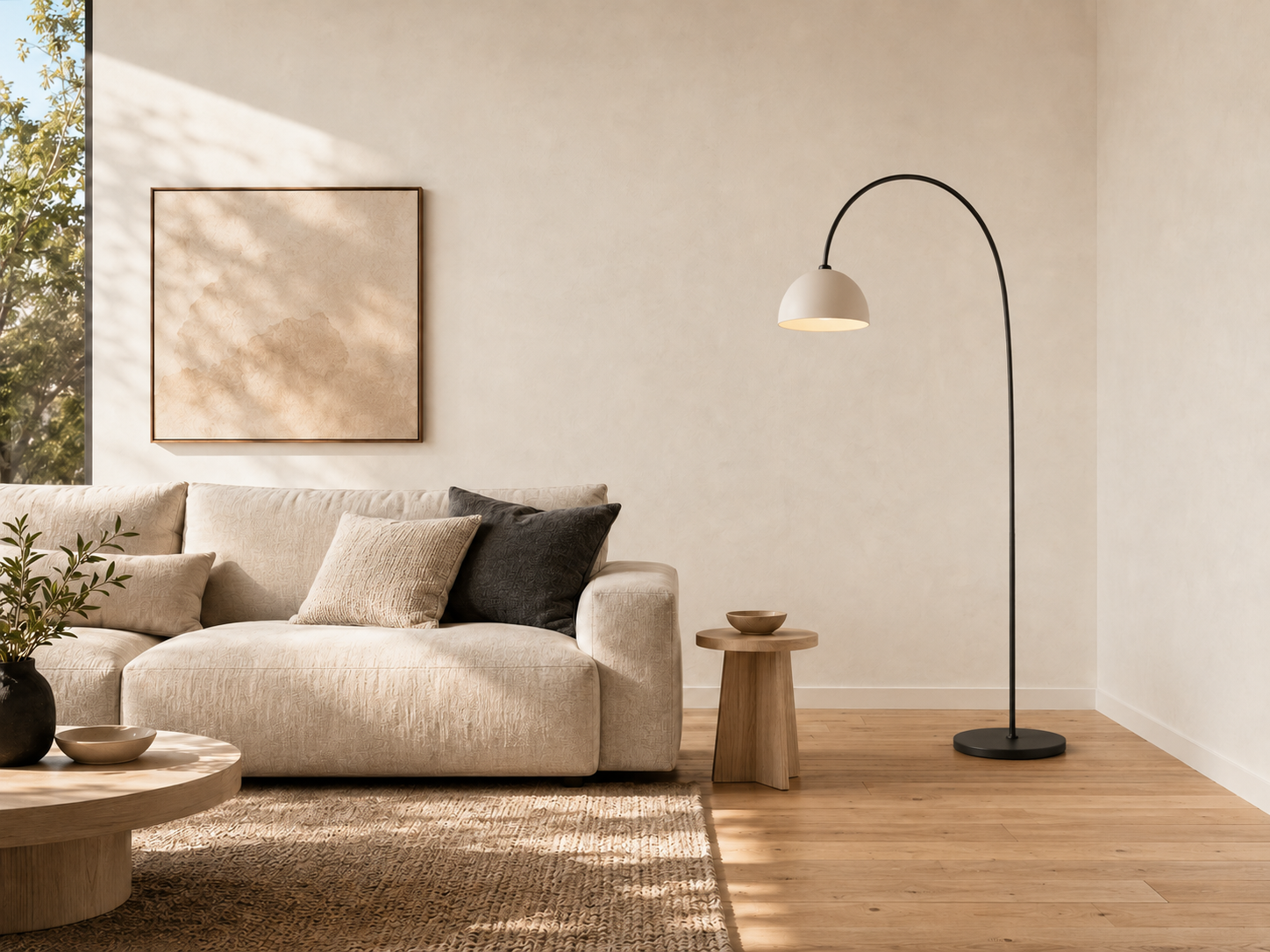
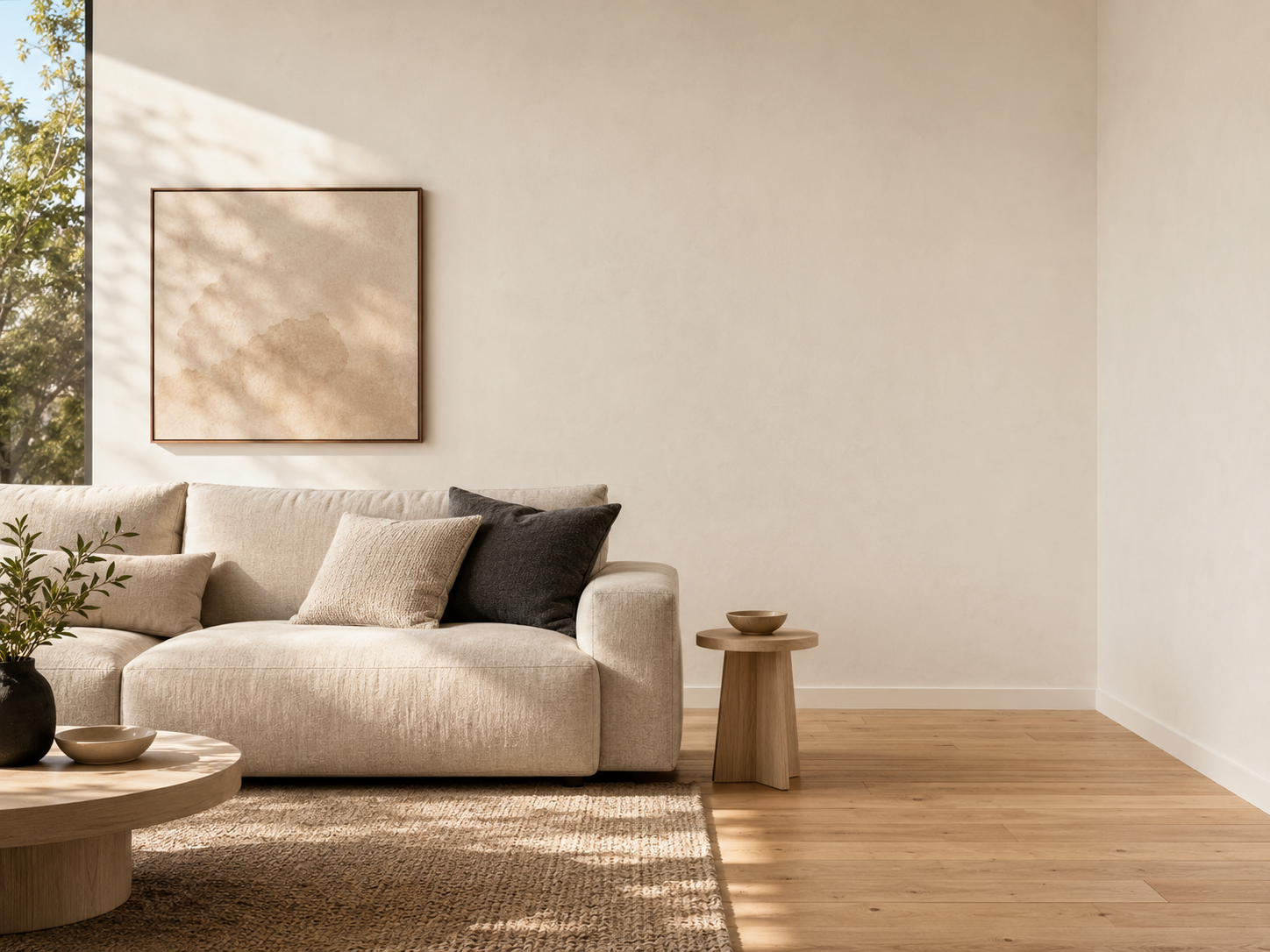
Empty Living Room → Scandinavian Living Room
Empty Living Room to Scandinavian Interior
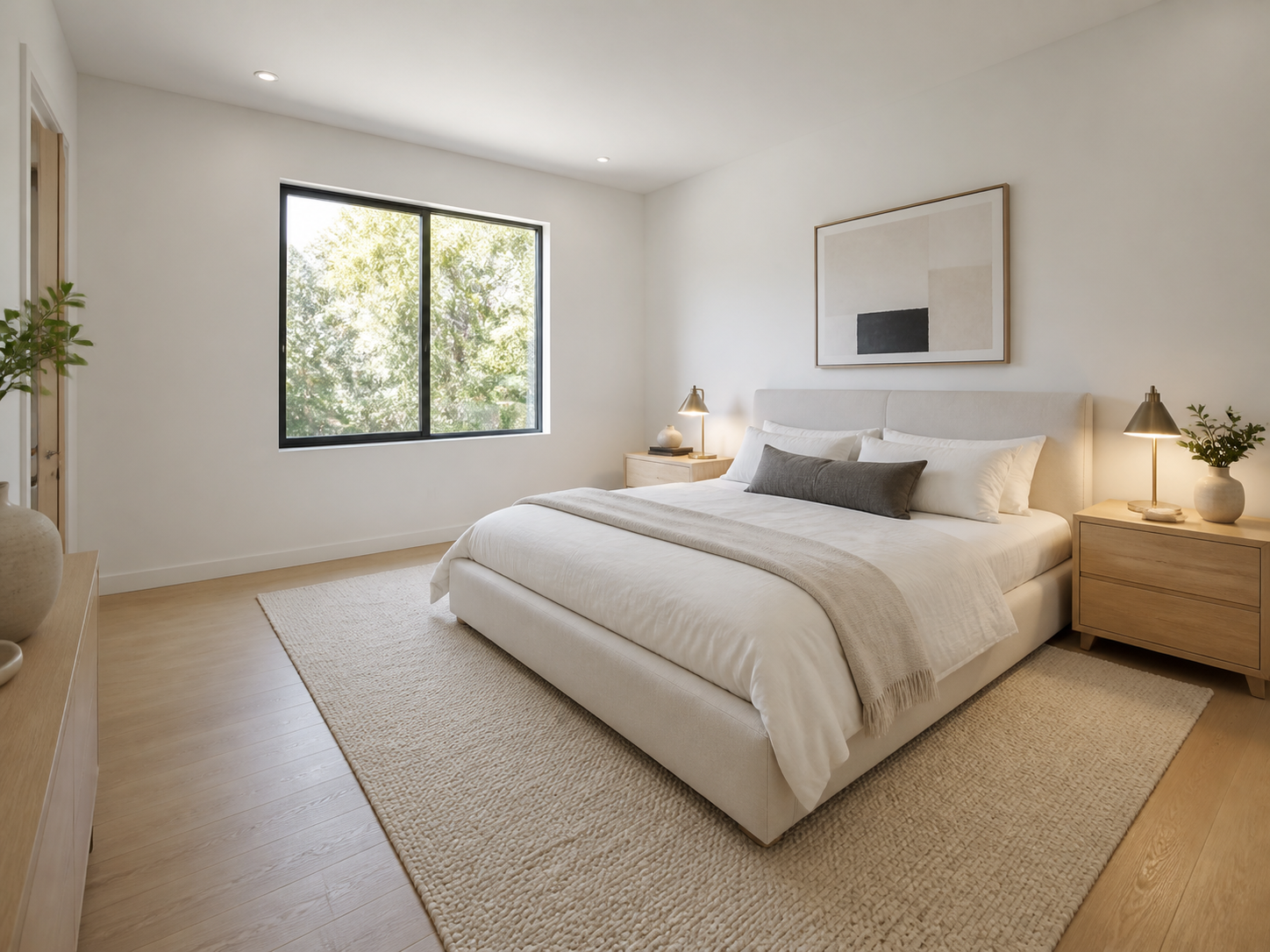
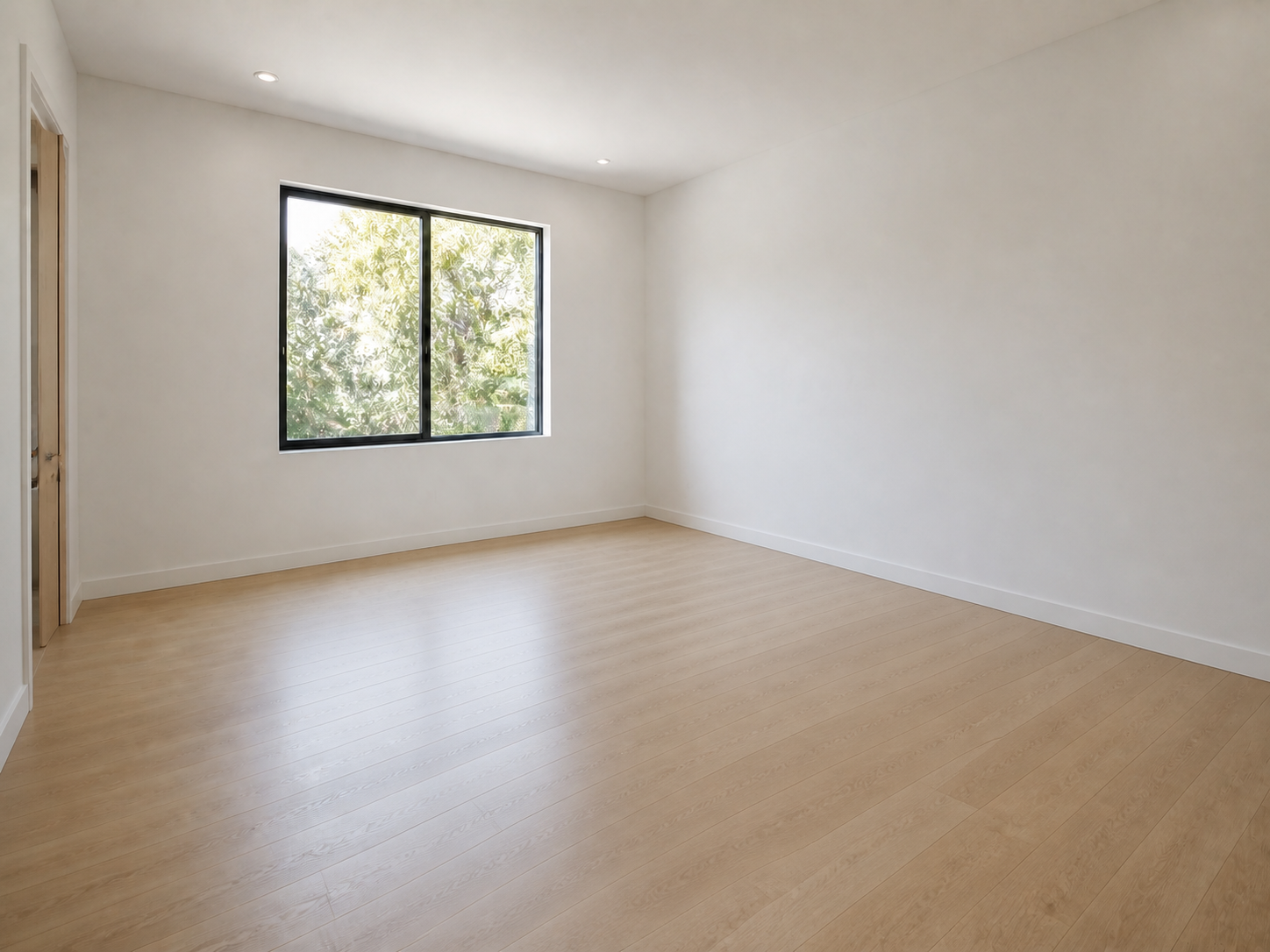
Empty Bedroom → Luxury Bedroom
Empty Bedroom to Luxury Bedroom
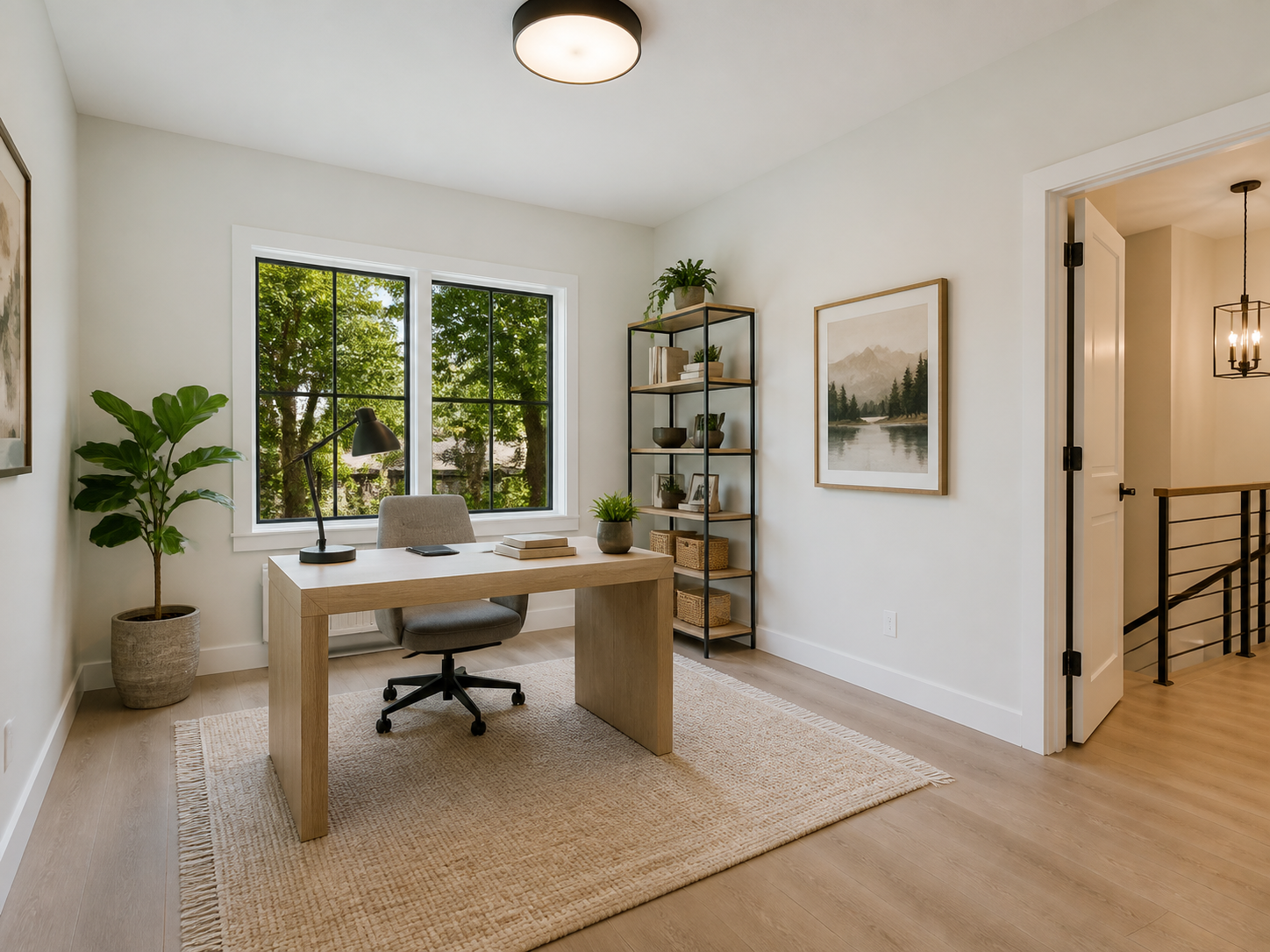
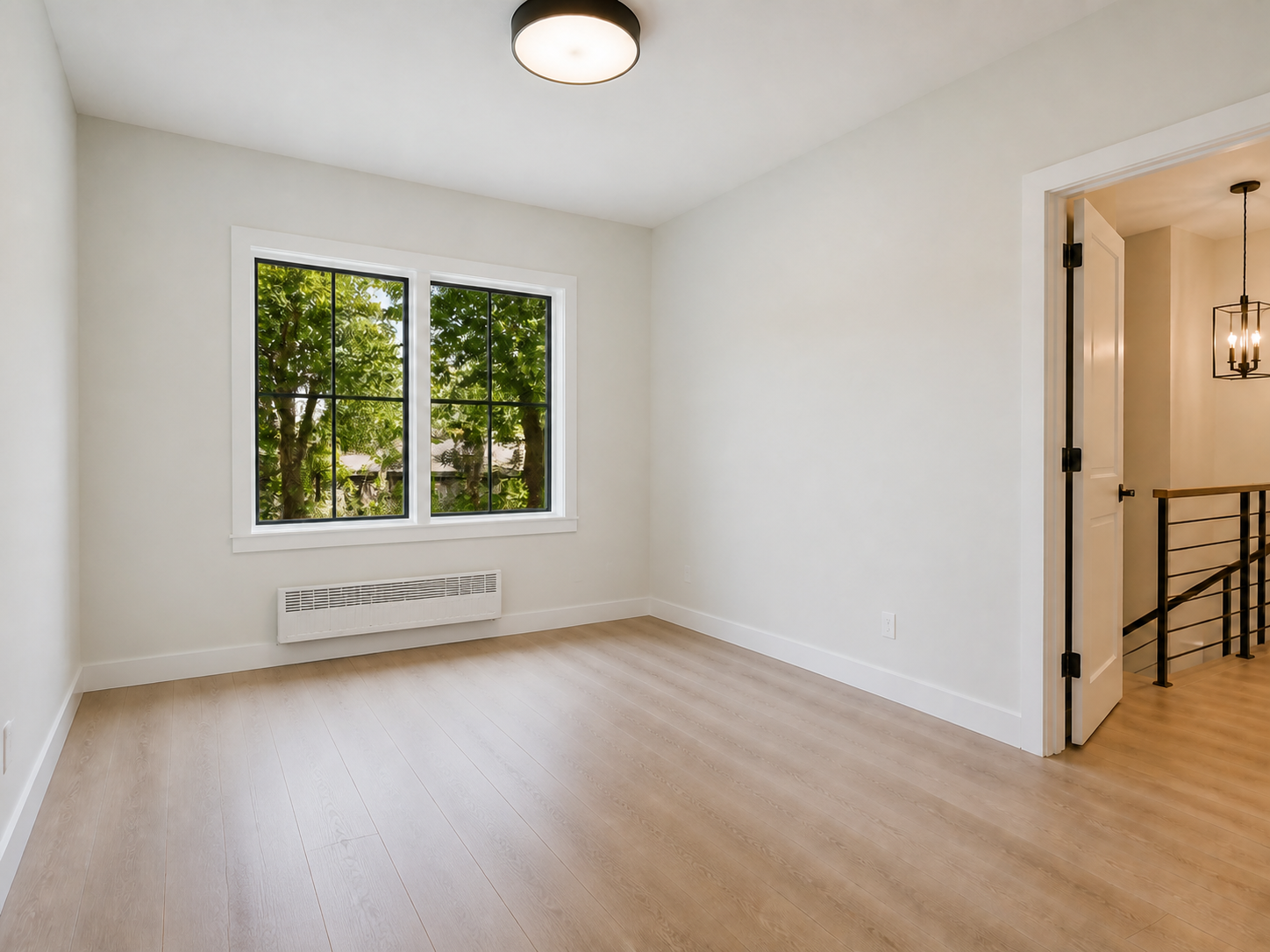
Empty Office → Home Office
Empty Office to Home Office
Property accuracy
Keep Your Property Accurate
Preserve Walls and Windows
Add furniture while keeping permanent architectural details recognizable.
Maintain Room Perspective
Keep the original camera viewpoint and realistic furniture scale.
Keep the Original Layout
Respect the visible room shape, flooring, doors, and circulation space.
How it works
Create a Listing Image in Four Steps
Upload an empty room
Choose a clear property photo with visible walls, flooring, windows, and enough space for furniture placement.
Choose the design direction
Select a room type and interior style, then optionally describe specific furniture, colors, or materials.
Generate and download
Generate a furnished interior and review the property details.
Download your listing image
Save the staged result for property listings, marketing, and presentations.
Built for property marketing
Built for Real Estate Marketing
For Real Estate Agents
Create stronger property listings without renting and moving physical furniture.
For Real Estate Photographers
Offer virtual staging as an additional visual service for property clients.
For Home Sellers
Help buyers visualize empty spaces before they schedule an in-person visit.
Get better results
How to prepare a room photo for virtual staging
Use a wide, clear view
Choose a photo that shows most of the room without excessive cropping or extreme lens distortion.
Start with an empty room
Results are usually more predictable when the room contains little or no existing furniture.
Use even lighting
Bright, balanced lighting helps the model understand walls, floors, corners, and available space.
Keep architectural details visible
Avoid covering doors, windows, built-in storage, fireplaces, or other permanent property features.
Important for property listings
Review every staged image before publishing
AI virtual staging creates a visual concept rather than a photograph of physically installed furniture. Although the tool is designed to preserve the original room, generated results may occasionally alter small architectural details, reflections, fixtures, or proportions.
Always compare the result with the original property photo before using it in a listing. Clearly disclose virtual staging where required by local laws, platform policies, or professional standards.
AI Virtual Staging FAQ
What is AI virtual staging?
AI virtual staging adds digitally generated furniture and decor to a photo of an empty or lightly furnished room. It helps viewers imagine how the space could look when furnished.
What rooms can I virtually stage?
You can stage living rooms, bedrooms, dining rooms, offices, kitchens, studios, entryways, and other residential spaces.
Will AI change my room structure?
No. The goal is to add furniture while keeping the original walls, windows, layout, and perspective of the room. Always review the final result before publishing.
Can I stage a room that already contains furniture?
The most predictable results come from empty rooms. Photos with existing furniture may produce inconsistent layouts unless the workflow specifically supports furniture removal or room redesign.
Is AI virtual staging suitable for real estate listings?
Yes. Virtual staging is commonly used for property marketing, online listings, and real estate presentations. Staged images should be disclosed where required.
Can I choose the furniture style?
Yes. You can select interior styles such as Modern, Luxury, Scandinavian, Minimal, Warm Family, and Industrial.
Do I need an empty room photo?
Empty rooms usually produce the clearest results. Furnished rooms may require furniture removal before applying a new staging style.
Is AI virtual staging cheaper than traditional staging?
AI virtual staging can create furnished listing images without renting furniture or physically preparing the property, making it a more accessible option for many listings.
Create Professional Real Estate Listing Images
Upload an empty room photo and create a realistic furnished interior for your next property listing.
Upload Room Photo