
AI OUTPAINTING
Expand Images Beyond Their Original Borders
Extend backgrounds, uncrop photos, and convert images into new aspect ratios without stretching or cropping the original subject.
Expansion mode
Upload an Image
Drag and drop or browse files
PNG/JPG Resize & Expand
Outpainting examples
See how a scene continues beyond the frame
Drag the handle to compare. The original composition stays in place while AI generates more environment around it.
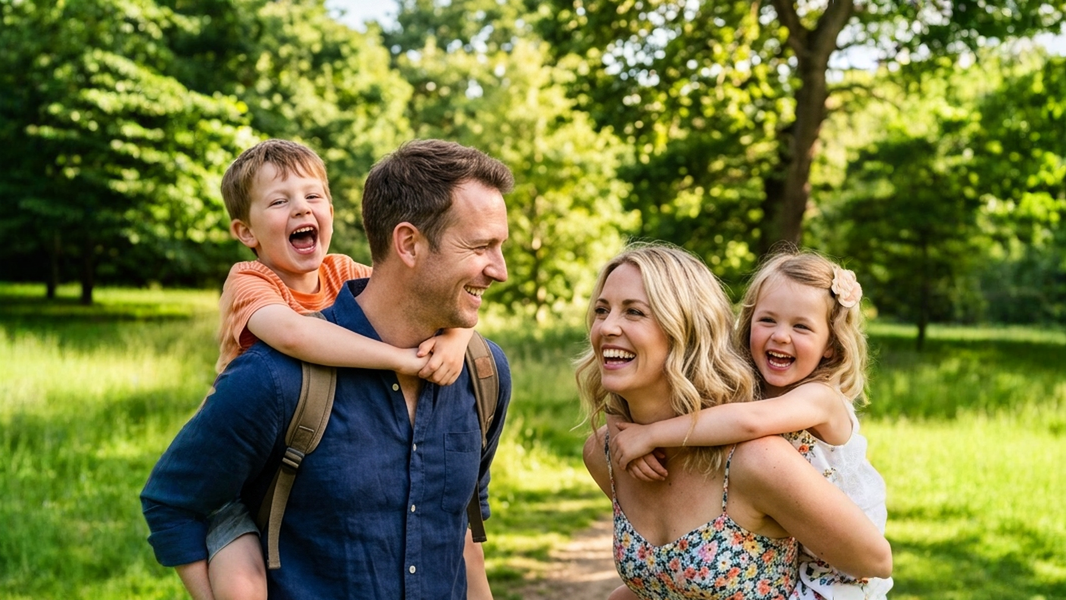
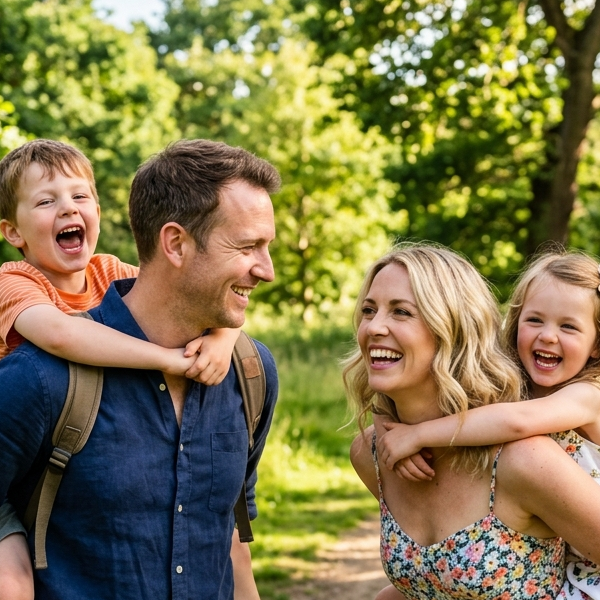
Outpainting example produced with the same production workflow used by Image Extender. Frames shown unretouched.
Core Capabilities
Extend the Background
Generate new content beyond the original image boundaries while continuing the surrounding lighting, texture, and perspective.
Uncrop Photos
Recover visual space around tightly cropped people, products, and objects.
Change Aspect Ratios
Turn square, portrait, or landscape images into new formats without cutting off the original subject.
Prepare Social Formats
Create space for Instagram posts, TikTok stories, YouTube thumbnails, banners, and advertising layouts.
Choose the Right Background Tool
Need a Transparent Background?
Use Background Remover to isolate the subject as a transparent PNG.
Try Background Remover →Need a Completely New Background?
Use Generate Background to place the subject in a new scene.
Try Generate Background →Need to Edit an Area Inside the Image?
Use Generative Fill to paint and regenerate a selected region.
Try Generative Fill →Need More Space Around the Image?
Use Image Extender to expand the canvas beyond the original borders.
FAQ
Frequently Asked
What is an AI image extender?
An AI image extender generates new content beyond the original image borders instead of stretching or cropping the existing image.
What is the difference between Image Extender and Generative Fill?
Image Extender adds content outside the original canvas. Generative Fill regenerates a selected area inside the existing image.
Can I expand an image to 9:16?
Yes. Choose the 9:16 preset to prepare portrait images for Stories, Reels, TikTok, and other vertical formats.
Will the original image be changed?
The original image remains inside the new canvas, while AI generates the surrounding extension. Complex edges may still require review.
Can I describe what should appear in the new area?
Yes. Add an optional prompt to guide the generated background and surrounding content.