
Generate Product Views From Any Camera Angle
Upload one product or object image and create front, side, three-quarter, top, back, or custom exploratory viewpoints.
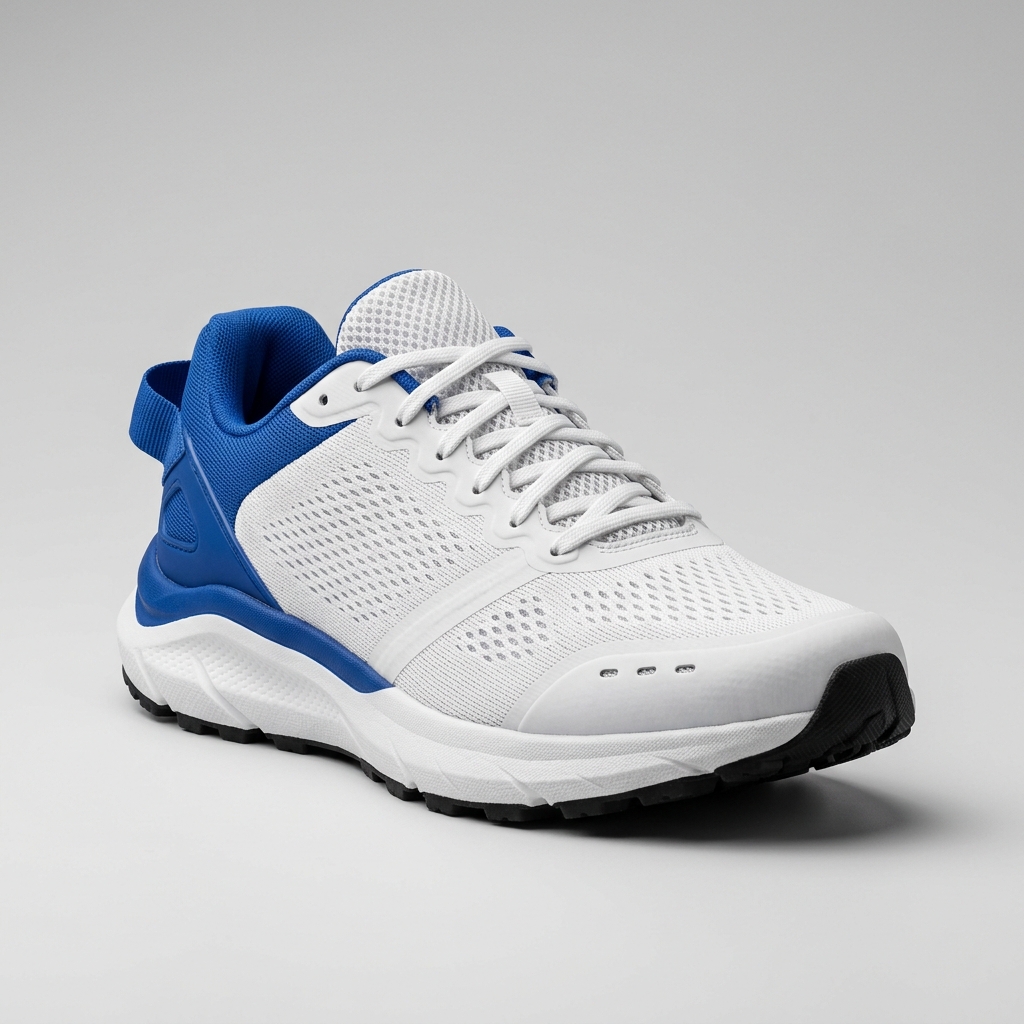
Ready to create multiple views for your product?
Click or drag & drop any photo here (PNG, JPG, WEBP)
Working with a character?
Related Angle Tools
AI Multiple Angles SuiteFront, side, back & 3/4 views in one run
Lateral, heel & outsole sneaker views
Front, side & rear model reference sheets
Front, side, back & 3/4 views for anime characters
One left or right profile, 30 credits
Clean marketplace angles for listings
Interactive 360° rotatable spin view
Example Workflows
Click an angle thumbnail to preview the generated view
Footwear Catalog Production
- Shoe proportions and silhouette
- Material consistency (mesh, foam, rubber)
- Stitching and ventilation details
Generated from
1 → 4
source photo to angle views
Click an angle thumbnail to preview the generated view
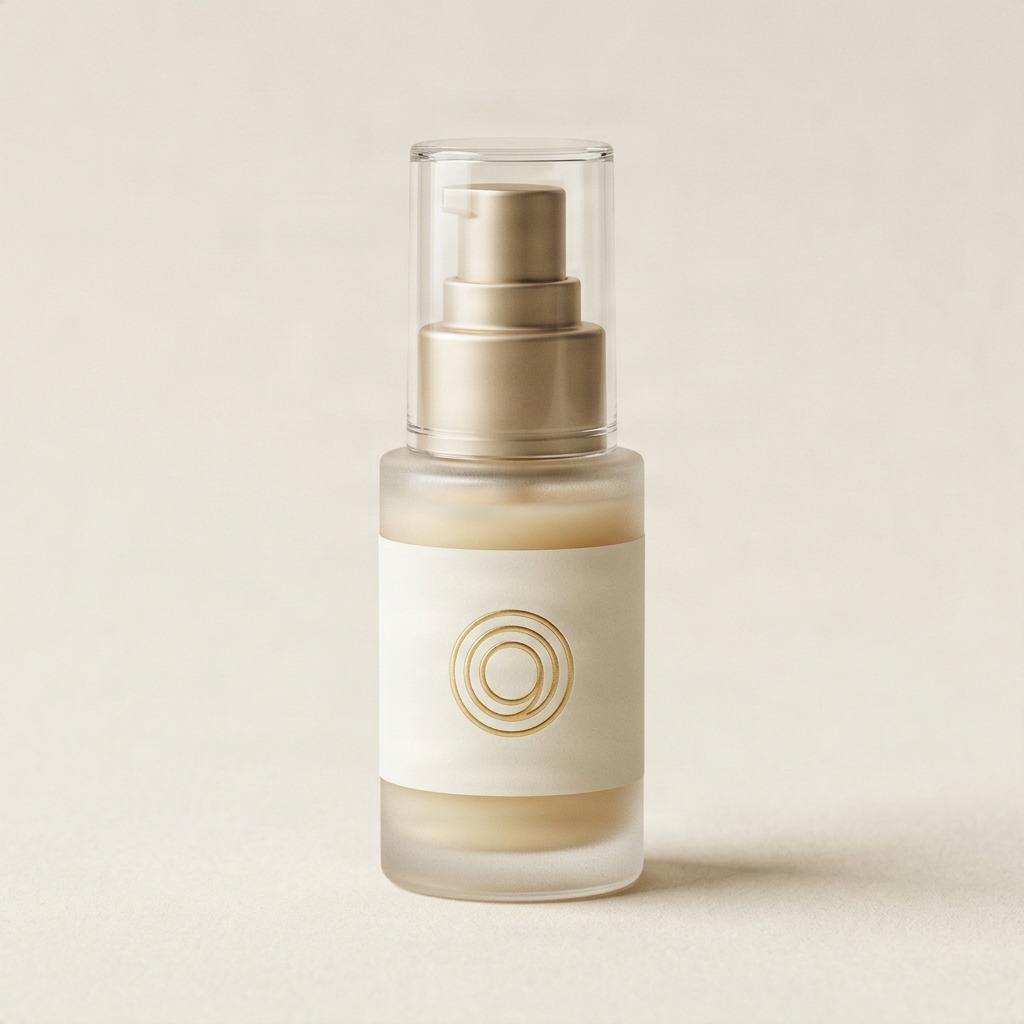
Cosmetics PDP Gallery
- Label placement and packaging details
- Cap shape and pump proportion
- Frosted glass and liquid color consistency
Generated from
1 → 4
source photo to angle views

Click an angle thumbnail to preview the generated view
Consumer Electronics
- Port, button, and dial placement
- Headband and ear-cup proportions
- Material finish (matte plastic, aluminum)
Generated from
1 → 4
source photo to angle views
From One Source Image to a Complete Creative Workflow
Generate multiple camera views from one source image, then use with other ImageToLayers tools for backgrounds, upscaling, and production.
Upload a Product or Object
Start with one clear product or object image
Generate Multiple Camera Views
Select preset angles or create custom views
Create Background and Campaign Variations
Use with other ImageToLayers tools
Export for Listings, Ads or Production
Download high-resolution PNG files
Key Features
Professional multi-angle generation tools for ongoing production
Full 360° Camera Control
Generate any horizontal angle from 0° to 360° with elevation and zoom control
Batch Generation
Create multiple views in one workflow with preset angle collections
10 Preset Camera Angles
Pick from ten ready-made camera positions, or dial in your own rotation and elevation
Frequently Asked Questions
What does this tool do?
It generates additional product viewpoints from a single source photo using AI camera controls. You can target front, side, back, top, 3/4, or custom angles without reshooting.
Can I create character turnaround sheets?
For game characters and animation references, use Character Turnaround Generator. It uses a dedicated character workflow designed to preserve identity, clothing, style, and key details across front, side, and back views.
How many source images are required?
You can start with one high-quality product photo. The model uses the visible shape and details as a reference when generating additional viewpoints.
Are the generated product views consistent?
The model aims to preserve the product’s overall shape, colors, materials, and visible branding. Because hidden surfaces must be inferred, review logos, text, proportions, and product-specific details before publishing.
Can I control the target viewpoint?
Yes. Use camera presets or adjust the target azimuth, elevation, and framing. These controls guide the generated perspective, but they do not represent a reconstructed 3D model or guarantee an exact geometric rotation.
Can I use the generated views in a 360-degree product viewer?
The outputs can be used as concept frames or a starting point for a multi-angle gallery. They are not guaranteed to provide the frame-to-frame geometric consistency required for a true 360-degree product spin.
Which product categories work well?
The tool works for a range of product types including jewelry, cosmetics, accessories, electronics, and home goods. Results depend on the source image quality and how much of the product surface is visible in the input.
How does it connect with Image to Layers?
After downloading a generated view, you can open it in Image to Layers for optional layer separation and PSD export. The angle generator produces PNG outputs; layer separation is a separate step.
What export formats are available?
Generated views are available as PNG files. You can also open individual results in Image to Layers for layer separation and PSD export.
Do I need professional studio equipment?
No. The tool is designed to work from standard product photos. A clean, well-lit source image with the full product visible will produce better results.
What should I review before publishing a generated view?
Review logos, printed text, buttons, ports, clasps, product dimensions, back and underside details, and material texture. These areas may differ from the real product since they are inferred rather than photographed.
Ready to generate product viewpoints?
Start with one product photo, review each generated viewpoint, and download the approved PNG results.
Get Started