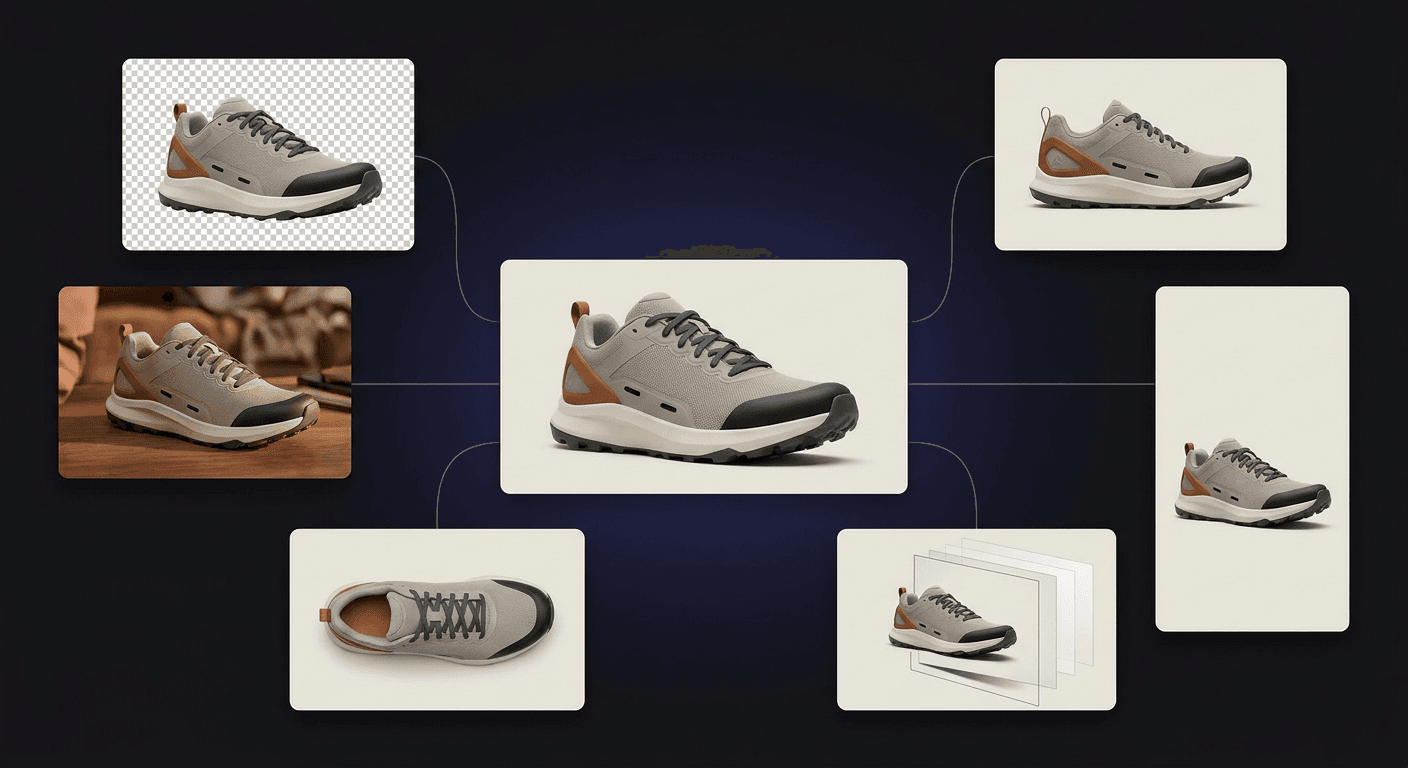
A Flat Image Shouldn't Be the End of Your Workflow.
AI can create a finished-looking image in seconds. But when you want to move an object, change a character part, replace a background, or reuse the composition, a flat image becomes difficult to work with. ImageToLayers turns finished pixels back into workable visual assets by separating meaningful regions, reconstructing plausible hidden areas, and keeping your work connected as you continue creating.
Start With an Image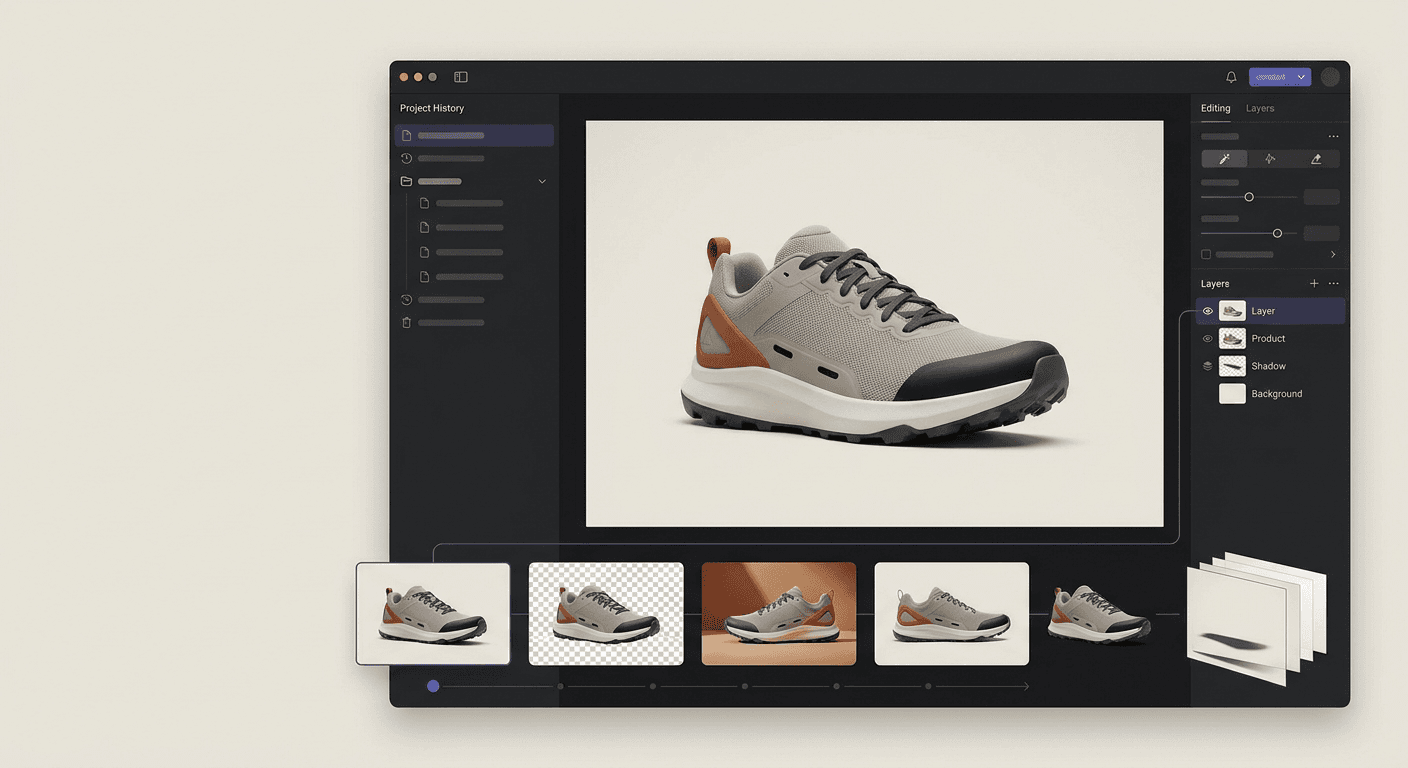
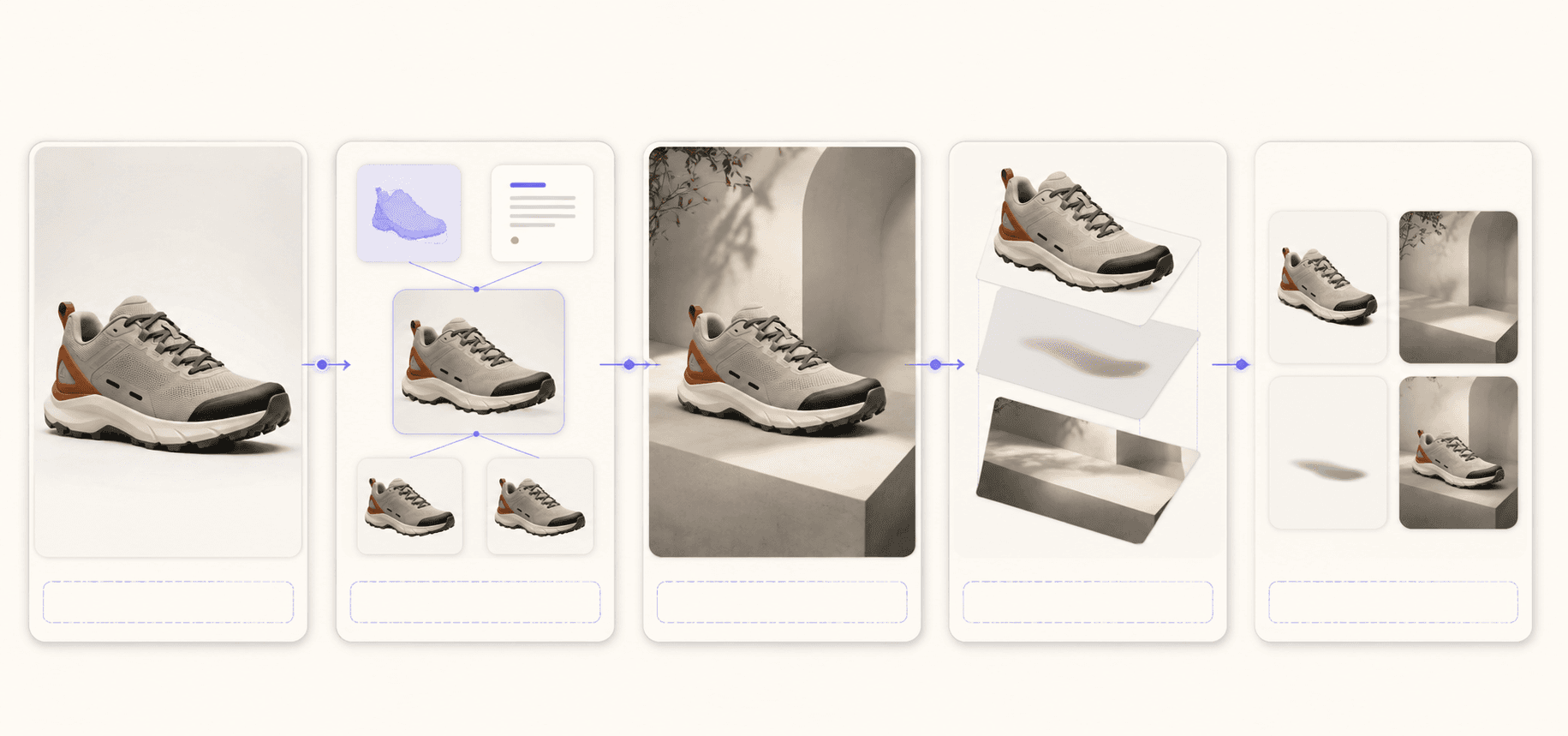
From Flat Image to Editable Layers
We don't just erase backgrounds. We deconstruct flat images into semantic subjects, contact shadows, foreground objects, and AI-reconstructed background layers.
Keep Creating From the Same Image
Separate what you can see, reconstruct what was hidden, and continue instead of starting over.
Separate What's Already There
Turn a flattened visual into meaningful, independently usable layers instead of treating every image as one permanent bitmap.
Reconstruct What Was Hidden
reconstruction of hidden areas can create a plausible continuation behind overlaps so separated layers remain more useful. Reconstructed regions are AI-generated estimates, not recovered original pixels.
Continue Instead of Starting Over
Change a layer, generate a variation, replace a background, or branch into another version while keeping the work connected to the same project.
What 'Project Memory' Means
Every action inside ImageToLayers is connected to the same original source.
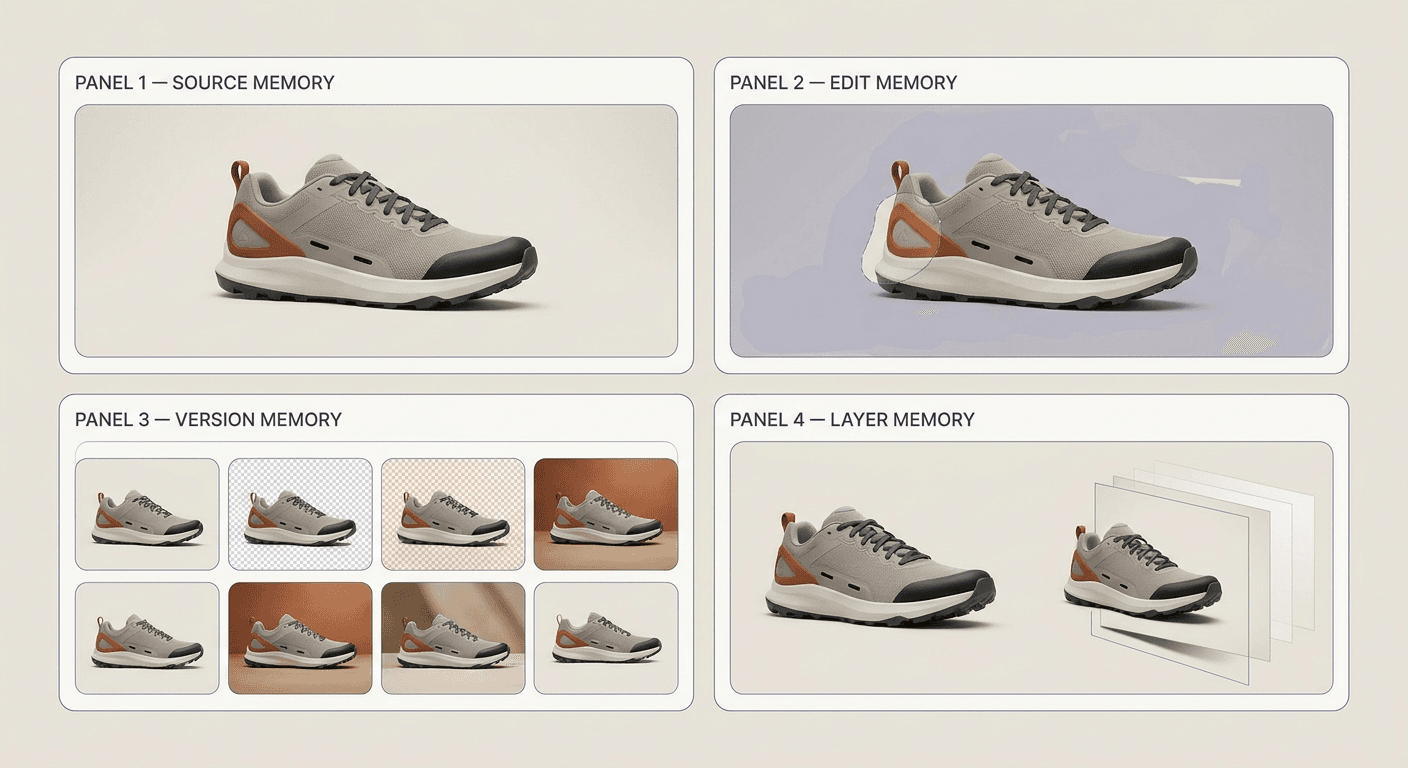
Source Memory
The original source stays available as context throughout the project, helping later edits and variations stay grounded in the image you started with.
Edit Memory
Masks and selections are retained so you can quickly switch between different backgrounds or modifications.
Version Memory
Generated variations remain connected to their source and previous results, making it easier to compare, branch, and maintain visual continuity.
Layer Memory
Visual elements are kept independent. Adjust the subject without touching the reconstructed background.
One Connected Workflow
Track a single product from source photo to final layered asset.
Capabilities
Real workflows powered by context-aware AI.
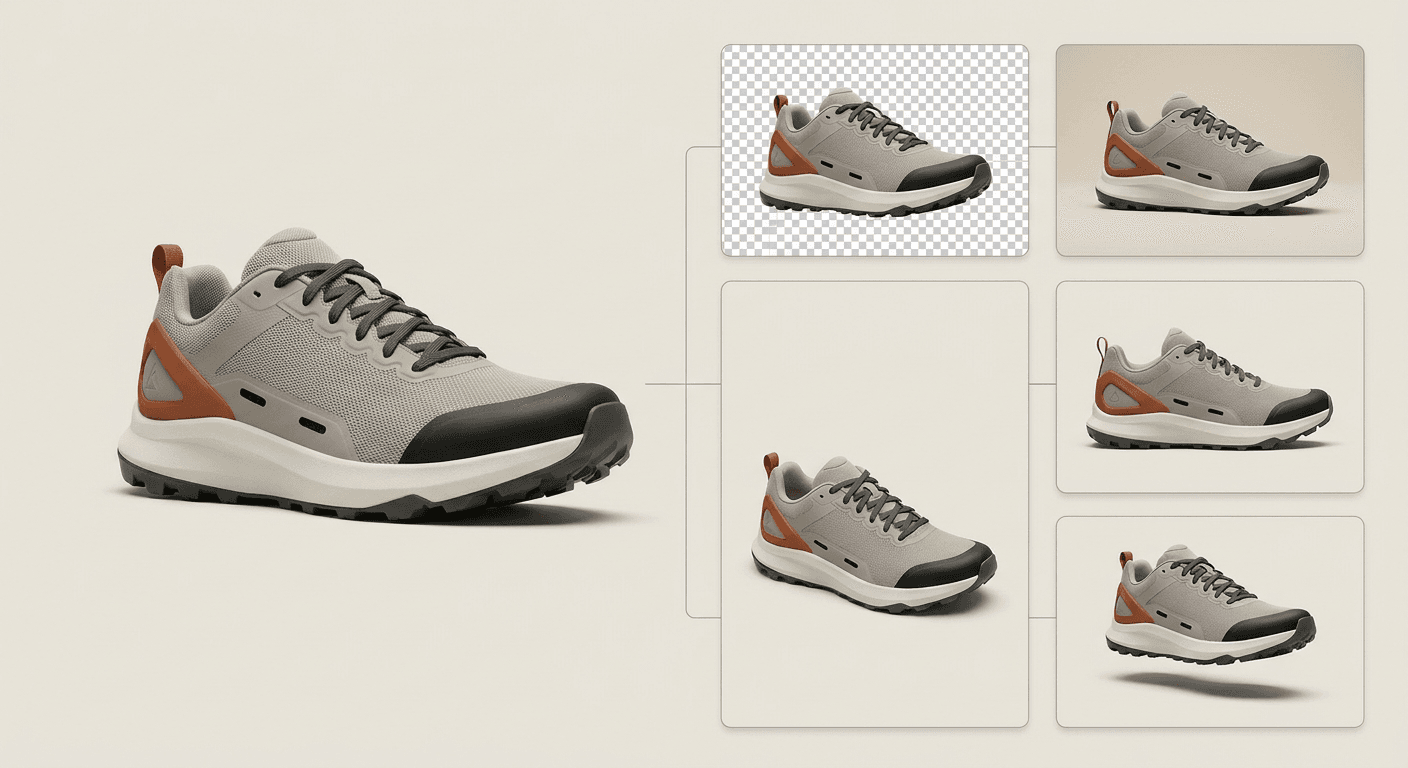
Product Workflow
Clean, generate, and separate ecommerce assets.
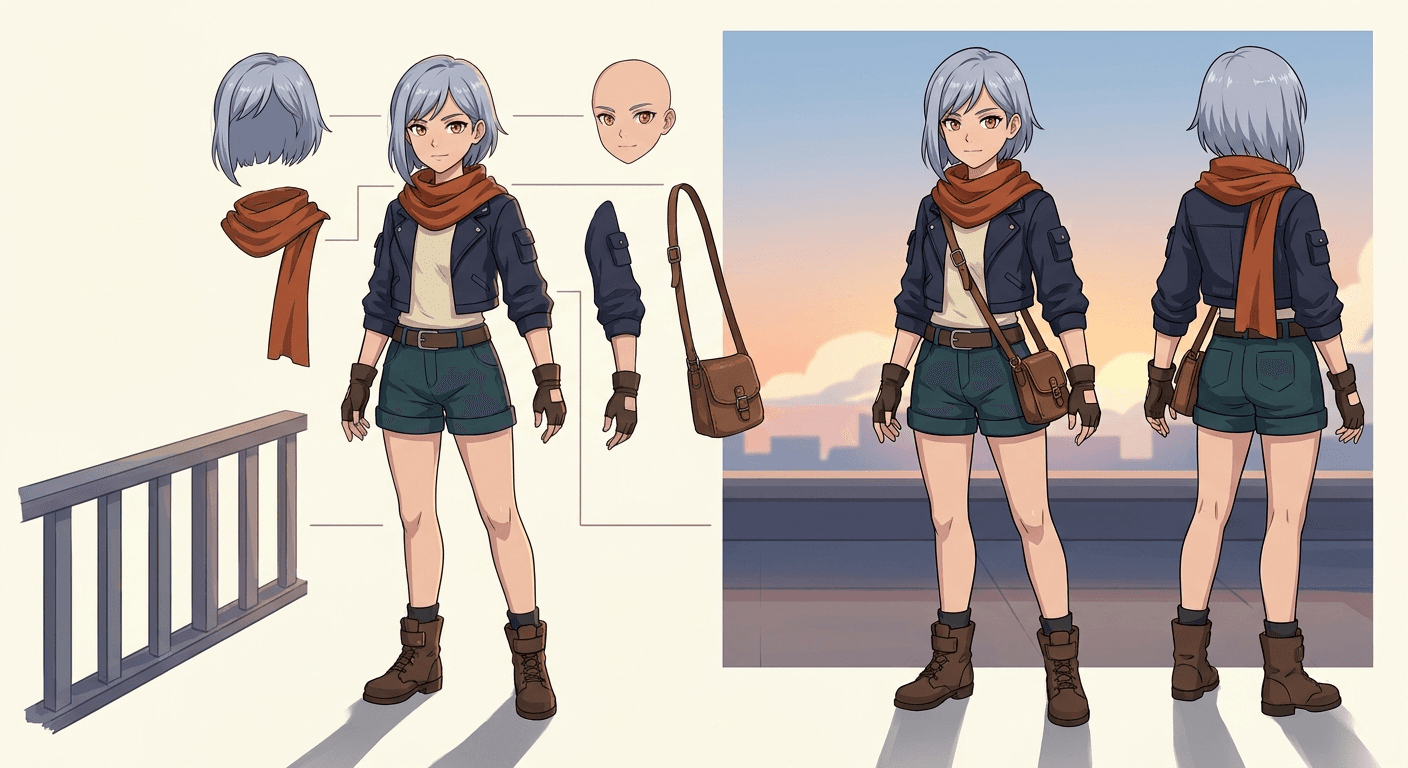
Character Workflow
Decompose anime characters into editable body parts and backgrounds.
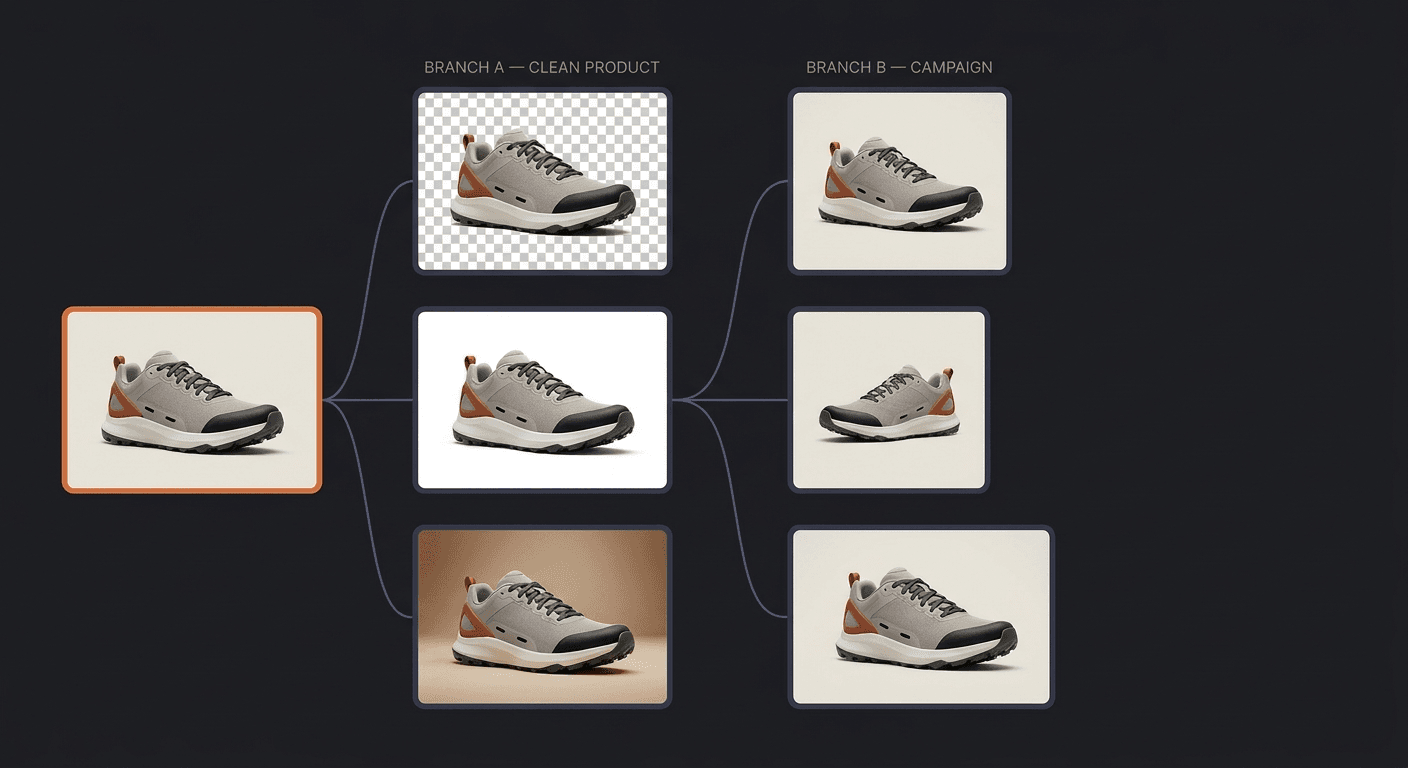
Why Memory Matters
Previous results don't disappear. New versions are generated from existing outcomes, allowing you to branch out into clean catalog shots and vivid campaign visuals within the same project.
Who It's For
Practical tools for teams that need reusable assets, not just one-off generations.
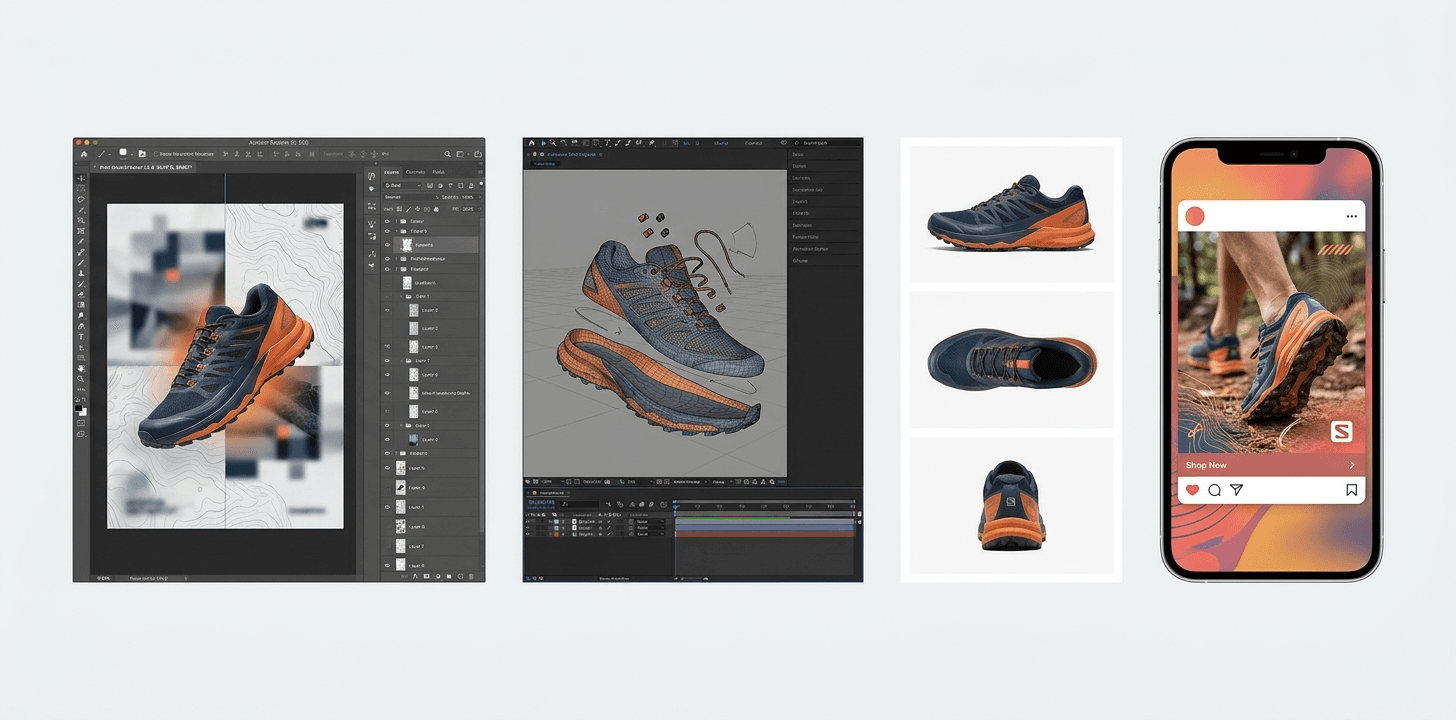
Designer
Layered poster PSDs.
Animator
Separated character components.
Ecommerce Team
Multi-angle product galleries.
Marketer
Multi-size campaign assets.
Capability Boundary
Honest technical reconstruction.
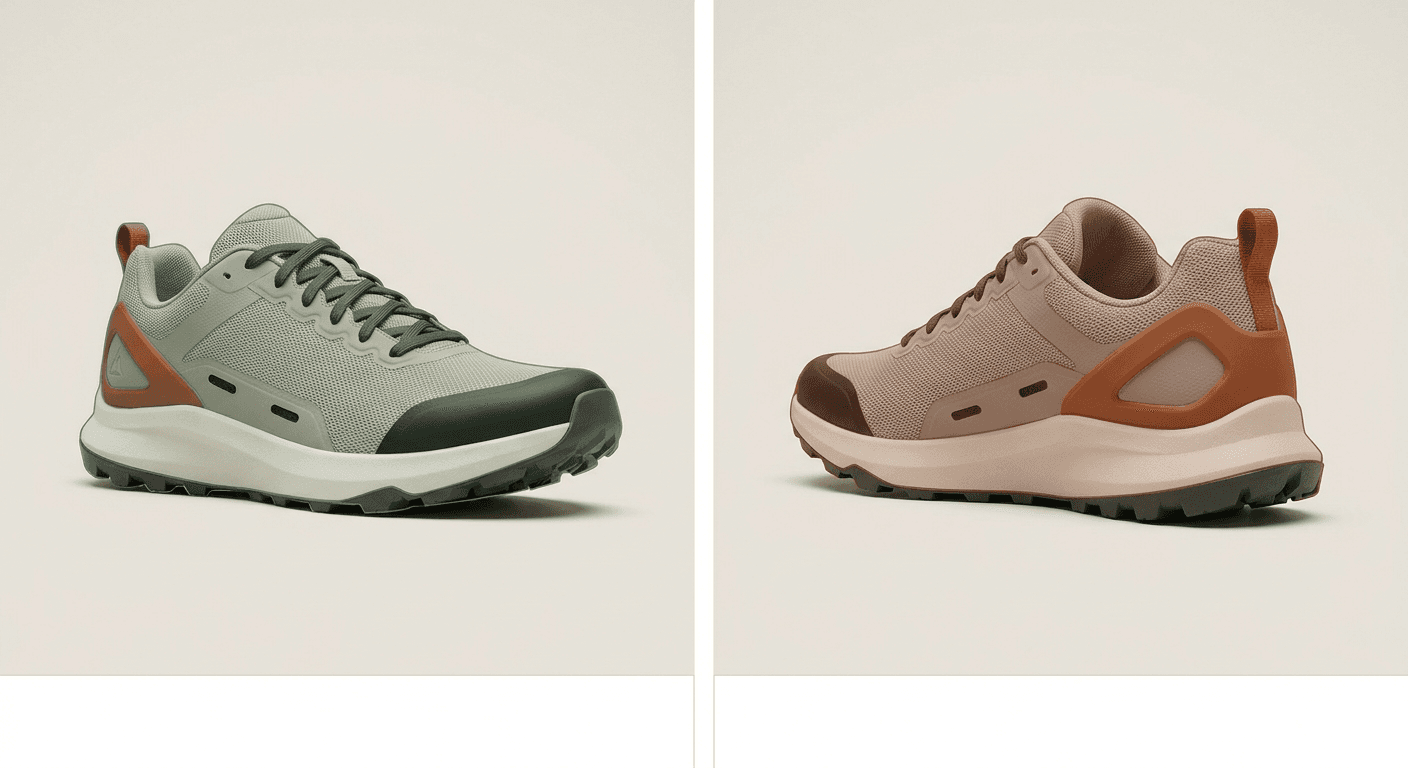
Visible details are referenced. Hidden surfaces are inferred and should be reviewed.
Privacy & Control
Your projects remain yours.
Private Projects
Uploaded images are stored securely.
Storage Controls
Automatic deletion policies to protect sensitive client work.
Portable Outputs
Export everything as standard ZIP or PSD files.
Your Layers Aren't Trapped Here.
Export standard PSD and transparent PNG layers and continue working in the tools you already use.