
Try Clothes On Your Photo
Virtual Try-On
Add a person photo and up to six clothing images. No garment categories or prompt are required.
Your Photo
Upload the person who will wear the outfit.
Works best with a clear subject, natural pose, and good lighting.
Add Clothes
Upload the clothes you want to try on.
Clear flatlay or product photos work best. Add up to six pieces for a complete outfit.
Need to specify an item?
Usually you can leave this blank. Add instructions only when a reference image contains several garments.
Try-On Preview
Example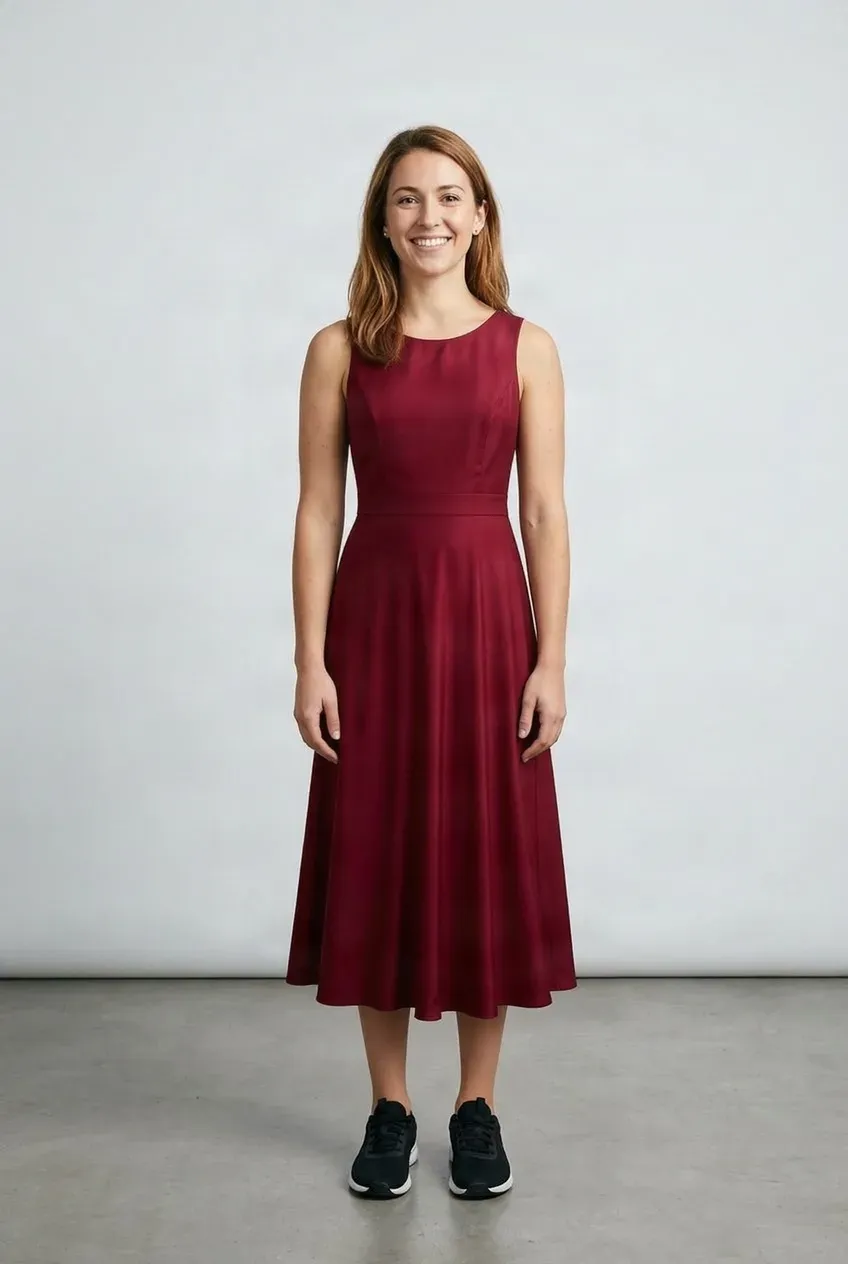
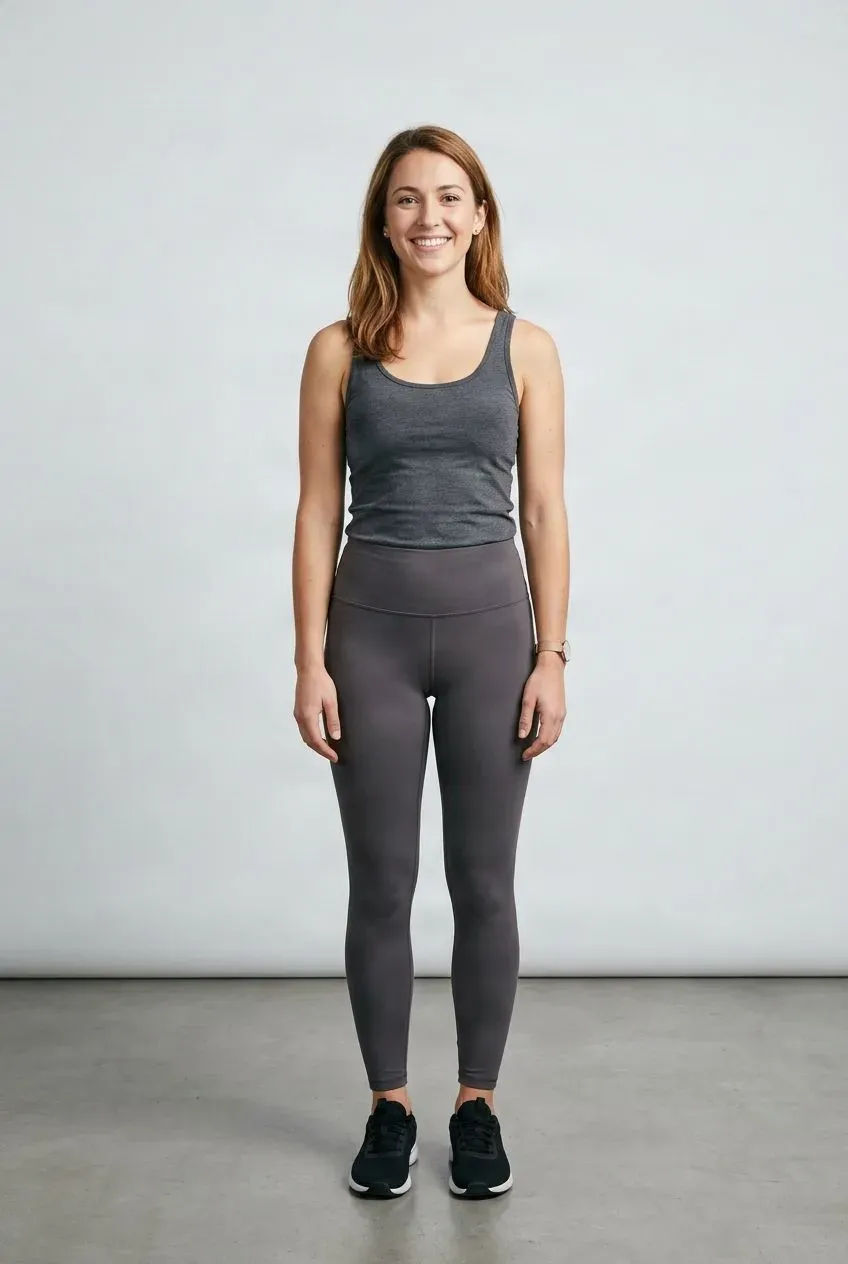
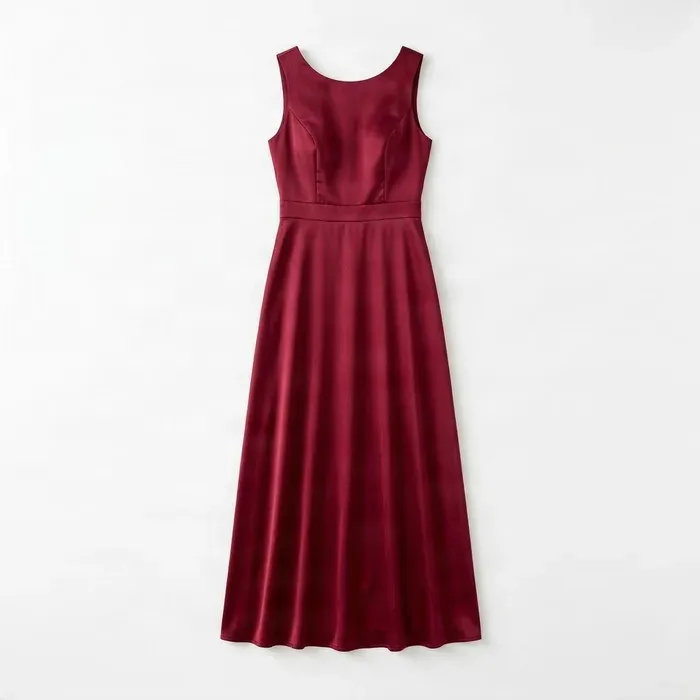 Dress
DressDrag to compare — the same person in a different outfit.
Upload your photo and at least one clothing item to create your own try-on.
See how an outfit may look on you without changing clothes. Upload a clear photo of yourself and one or more clothing images to create a virtual try-on preview.
Want to see the outfit in motion?
Turn your virtual try-on into a short AI video.
Choose the Try-On That Matches What You Need
Start here, or jump straight to the workflow built for your task.
AI Clothes Try-On
Try one everyday item — a shirt, jacket, pants, or dress — on your photo.
Try on clothesVirtual Dress Try-On
Preview a single dress, from casual to evening, on your own photo.
Try on a dressVirtual Outfit Try-On
Combine a top, bottom, and outerwear into one complete look.
Build an outfitCharacter Outfit Generator
Change the outfit on a character image while keeping the character recognizable.
Change character outfitAnime Character Outfit Generator
Explore new clothes for anime and manga-style character art.
Change anime outfitAI Cosplay Generator
Preview a cosplay outfit on your own photo before buying or dressing up.
Try on cosplayOC Outfit Generator
Give your original character a new wardrobe without starting over.
Dress your OCGame Character Outfit Generator
Explore alternate outfits, skins, and wardrobe concepts for game characters.
Dress your characterSee it in action
Try clothes without changing your photo
Every result below was created with this tool. Same person, same pose — different clothes.
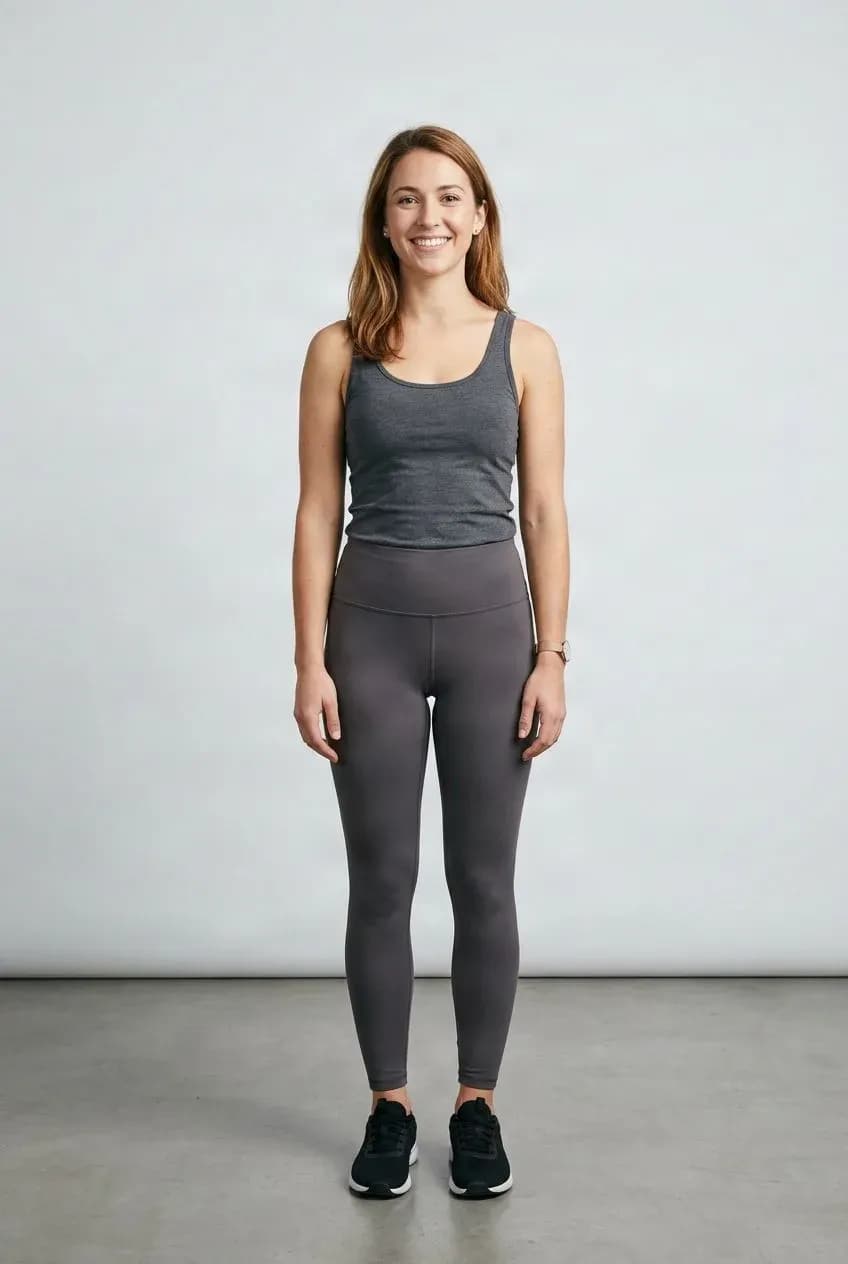
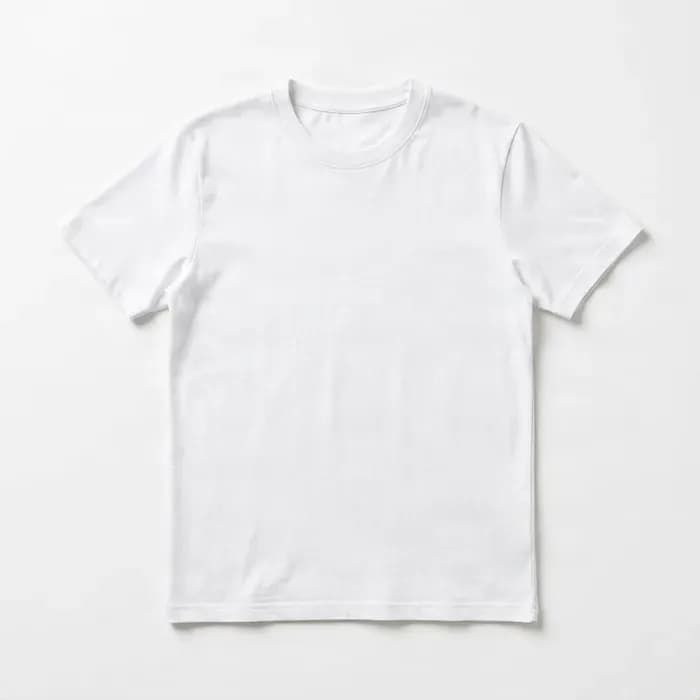
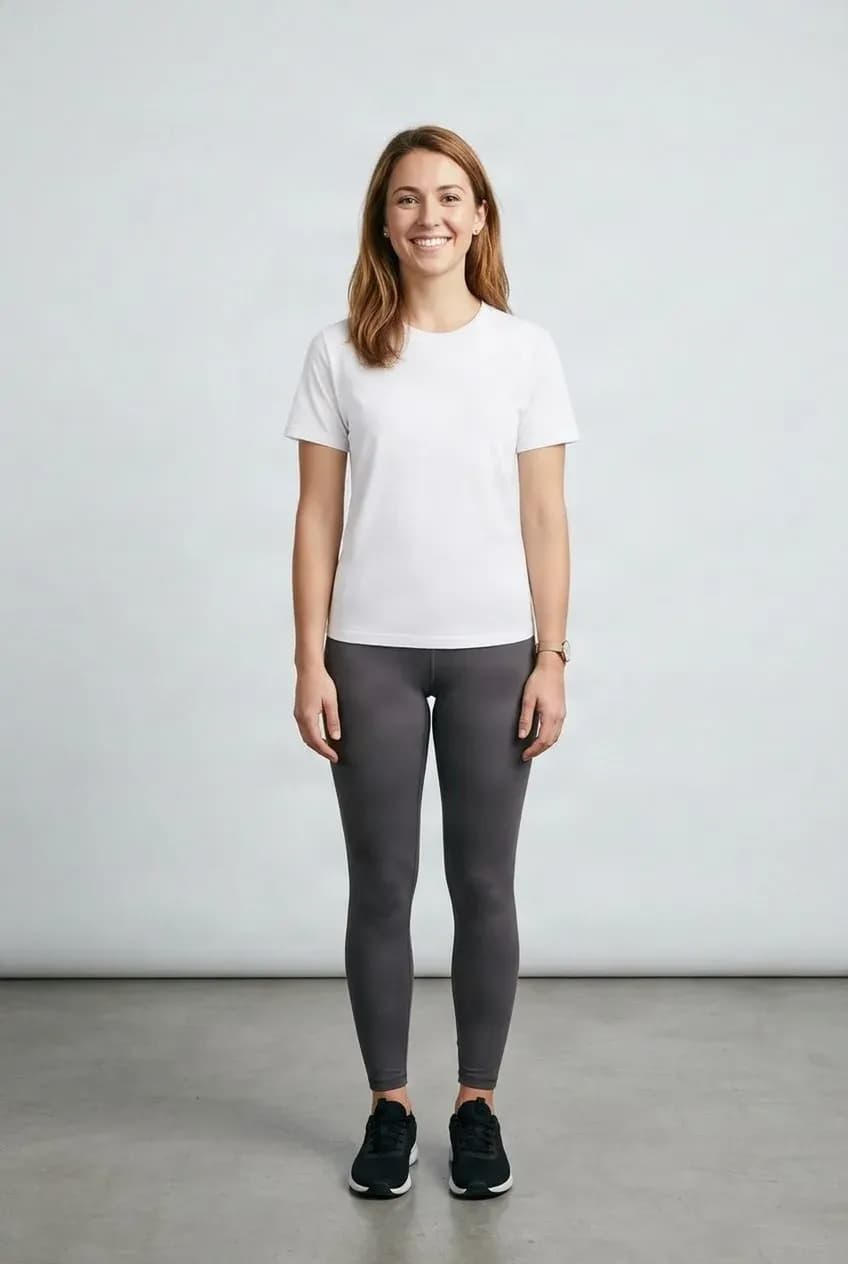
Try a New Top
Try a shirt or top on the same person and pose.
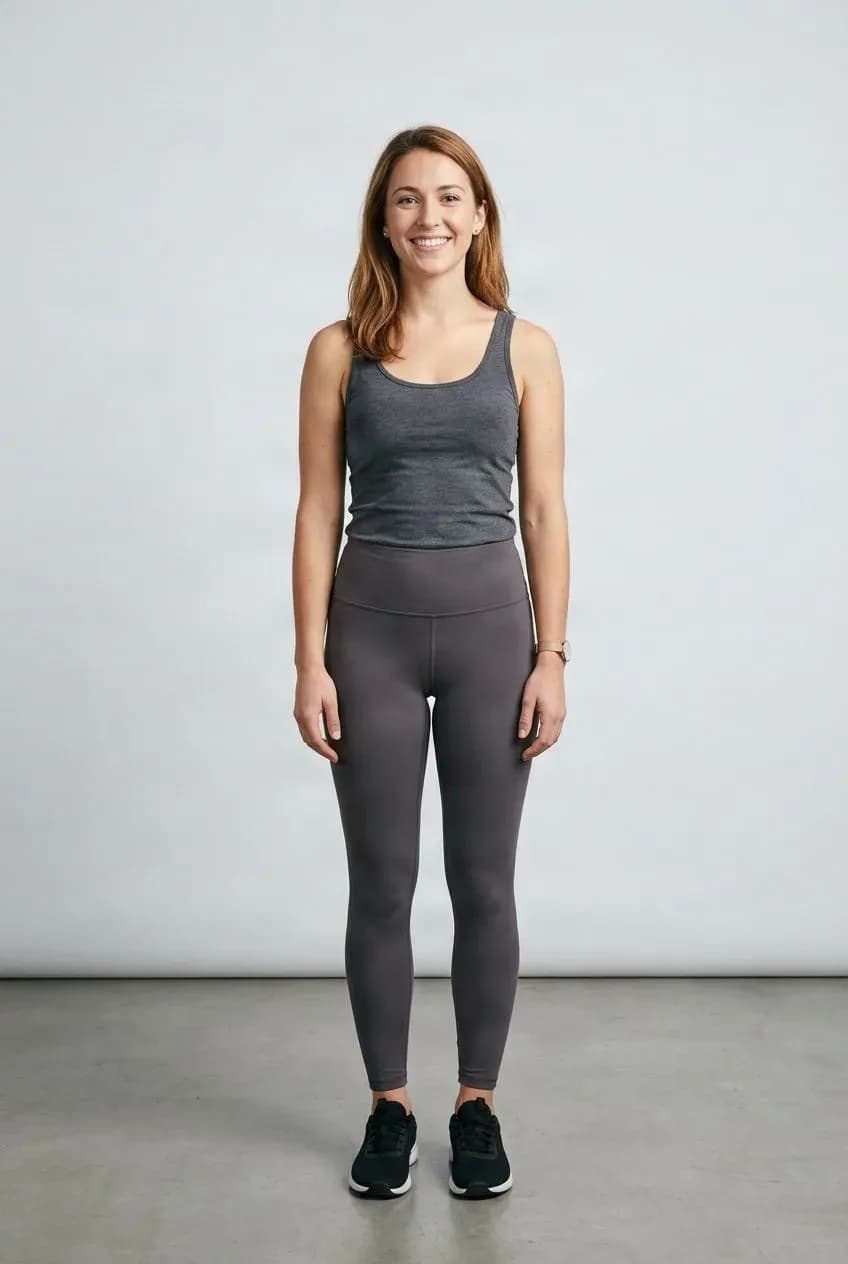
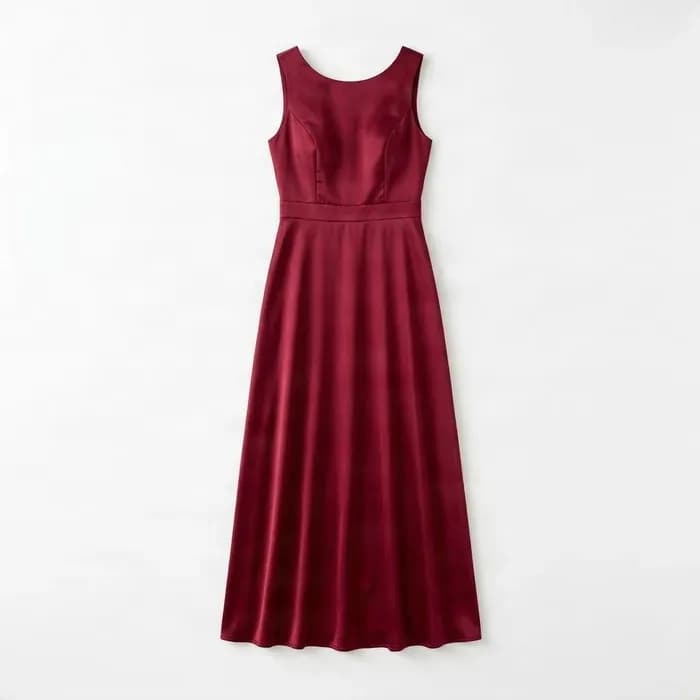
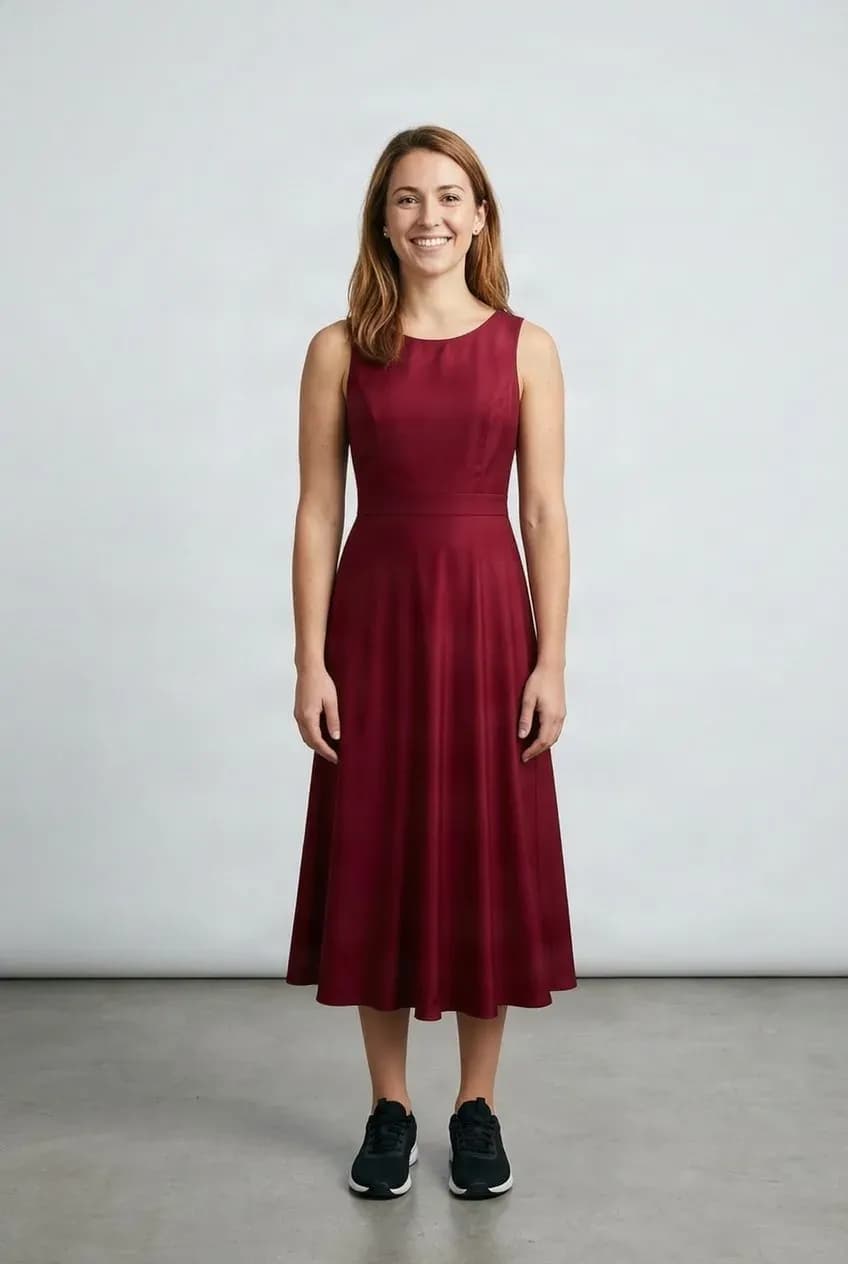
Preview a Dress
See a dress on your photo before trying it in person.
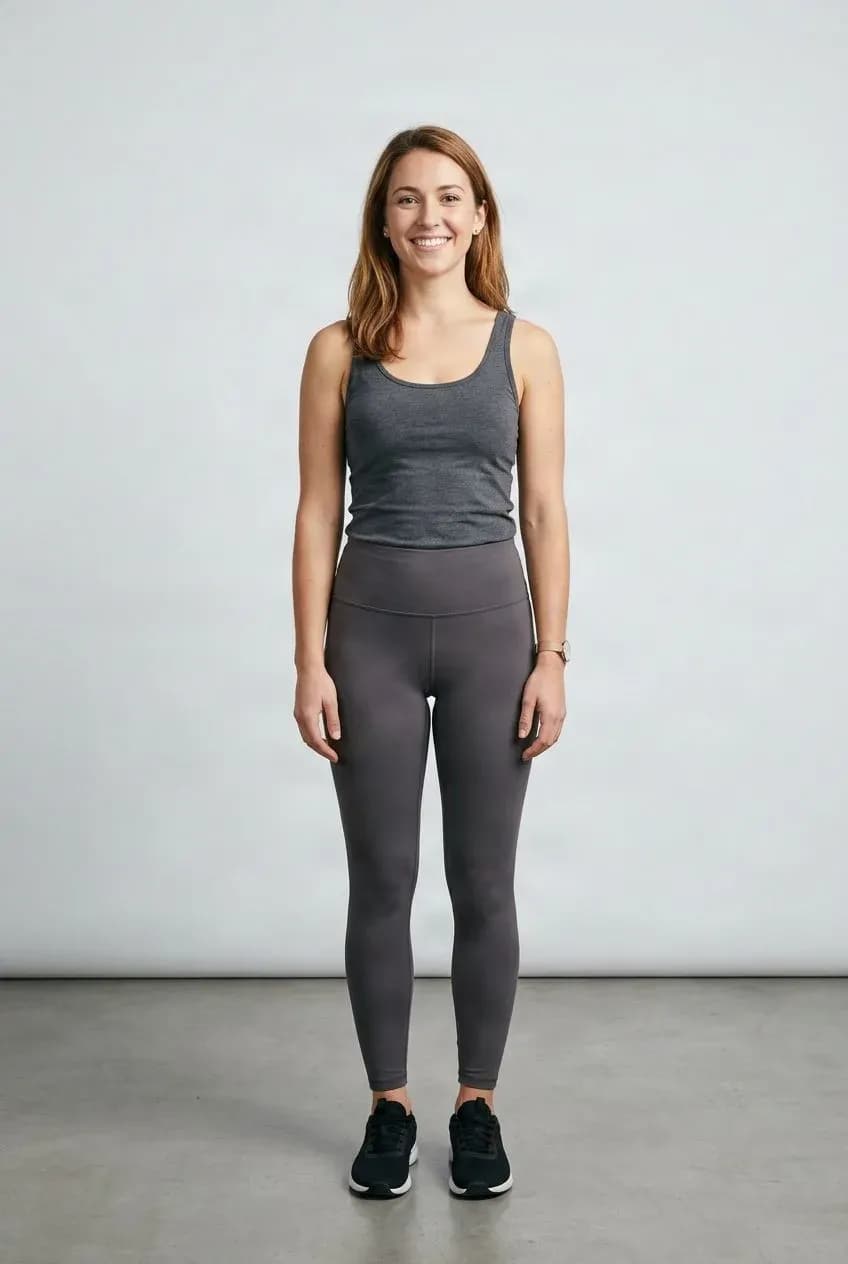
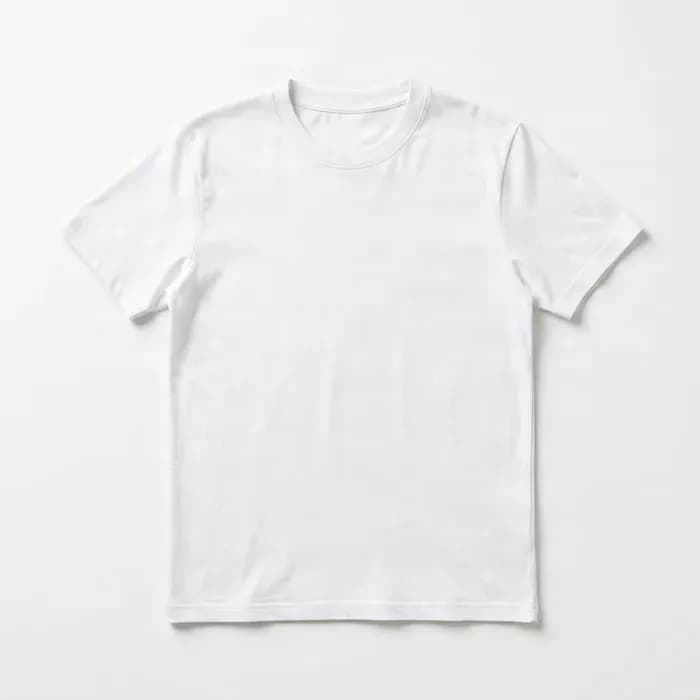
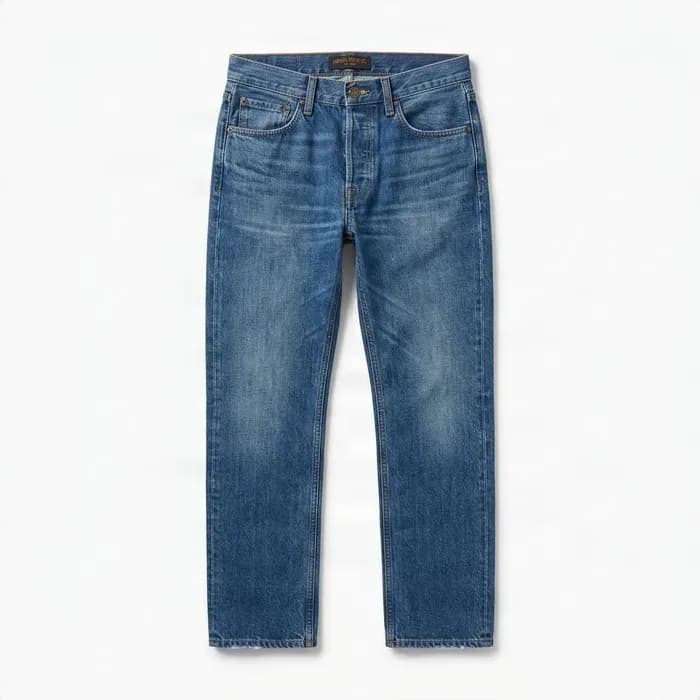
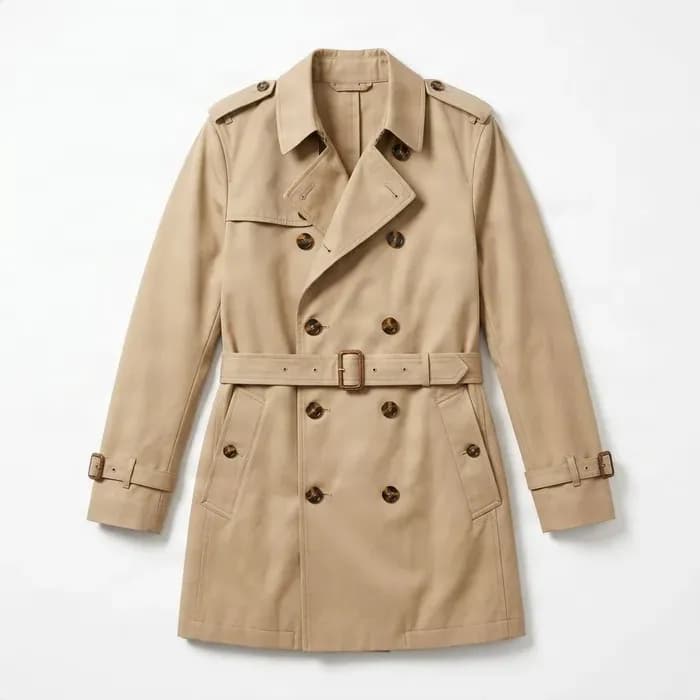
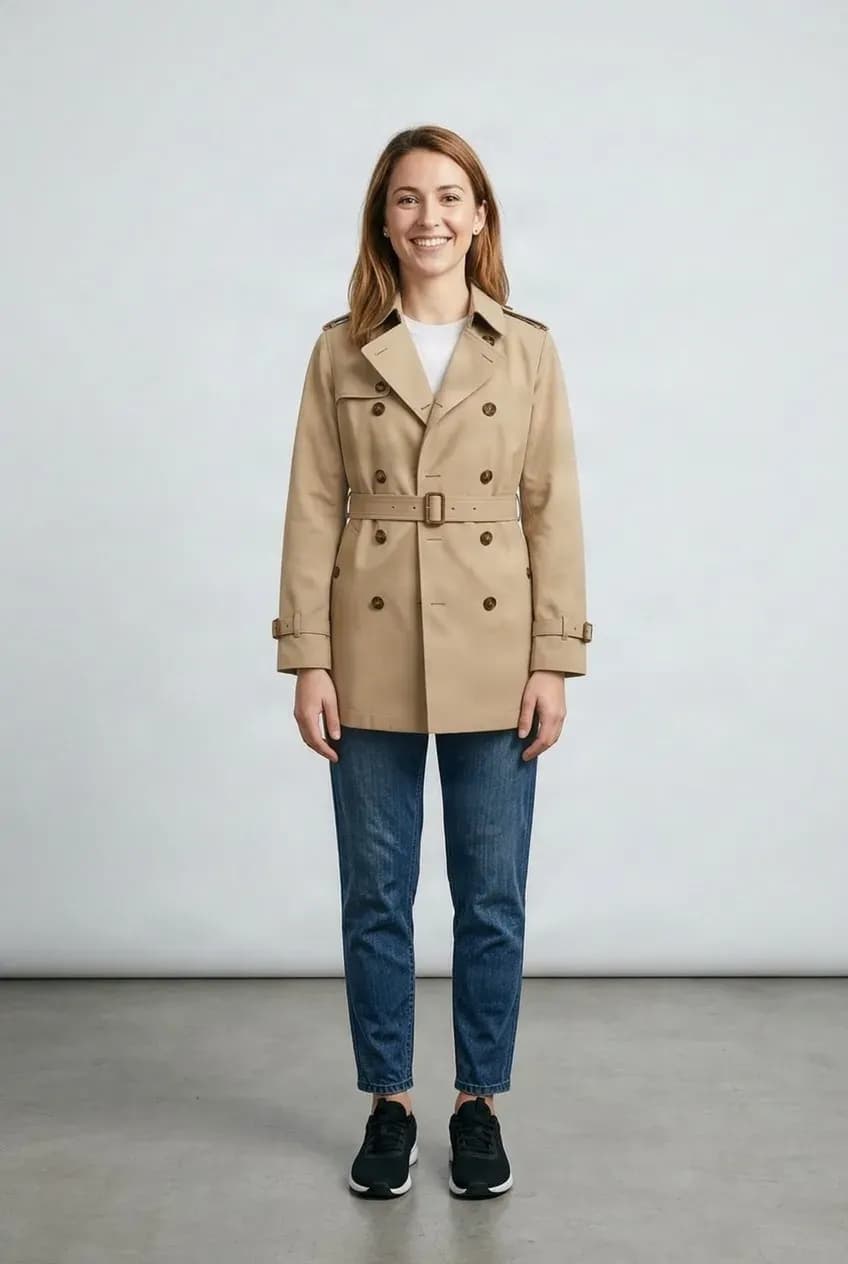
Build a Complete Outfit
Combine a top, bottom, outerwear, and other pieces into one complete look.
See the Outfit Before You Change Clothes
Use the photos you already have to explore a style before trying it on, buying another item, or arranging a new photoshoot.
Try Before You Buy
Preview an item with your own photo before deciding whether you like the look.
Compare Outfits
Try several tops, dresses, jackets, or combinations without changing clothes each time.
Plan a Look
Put different pieces together before deciding what to wear.
Create Fashion Previews
Make quick outfit visuals for styling, content planning, or product presentation.
Try Clothes On in Three Steps
Upload Your Photo
Choose a clear photo of the person who will wear the outfit.
Add the Clothes
Upload one garment or several pieces you want to try together.
Review Your Try-On
Compare the result, try another item, or download the look you want to keep.
Start With Clear Photos
Virtual try-on works best when the person and garment are easy to see.
Person photo
Works well
- Clothing area visible
- Good lighting
- Limited obstruction
Avoid
- Body heavily covered
- Very blurry image
- Extreme crop
Garment image
Works well
- Clear flatlay or product photo
- Garment fully visible
- Clean background
Avoid
- Folded clothing
- Heavily blocked garment
- Tiny product image
A Visual Preview, Not a Size Prediction
Virtual Try-On shows how clothing may look on a person in an image. It does not measure the body, predict exact garment sizing, or simulate how fabric will physically fit, stretch, or feel. Use the result as a visual styling preview rather than an exact fit guarantee.
Check Important Garment Details
Patterns, logos, text, buttons, seams, accessories, and small design details may change during generation. Compare important details with the original clothing image before using a result for shopping, catalog, or marketing decisions.
Virtual Try-On FAQ
Will this show exactly how the clothes will fit me?
No. It creates a visual preview and does not know exact body measurements, garment measurements, fabric stretch, or physical fit.
Do I need a full-body photo?
Not always. For a top, keep the upper body visible. Pants, dresses, and complete outfits usually benefit from a photo showing more of the body.
Can I use a normal clothing product photo?
Yes. Clear product photos and flatlay garment images work well when the clothing is fully visible.
Can I try more than one piece at the same time?
Yes. Add multiple garment references to build an outfit. This tool accepts up to six clothing images per try-on.
Will my face or body change?
The model is designed to preserve the person, pose, and body, but small visual changes can occur with difficult poses, heavy occlusion, or low-quality photos.
Will logos and patterns stay exactly the same?
Not always. Tiny logos, text, embroidery, and fine prints may change, so compare important details with the source garment.
Can I try jackets over another shirt?
Yes. Add both clothing references. Complicated layered combinations may vary depending on how clearly each garment is shown.
Can I use someone else's photo?
Yes, as long as you have appropriate permission to use that person's image.