
Change Photo Backgrounds With AI
Replace the background of a product photo, portrait, marketing image, or social media visual in seconds.
Upload your image
PNG, JPG, and WebP · up to 20 MB
Drag & drop, or choose a file
Upload the photo whose background you want to change.
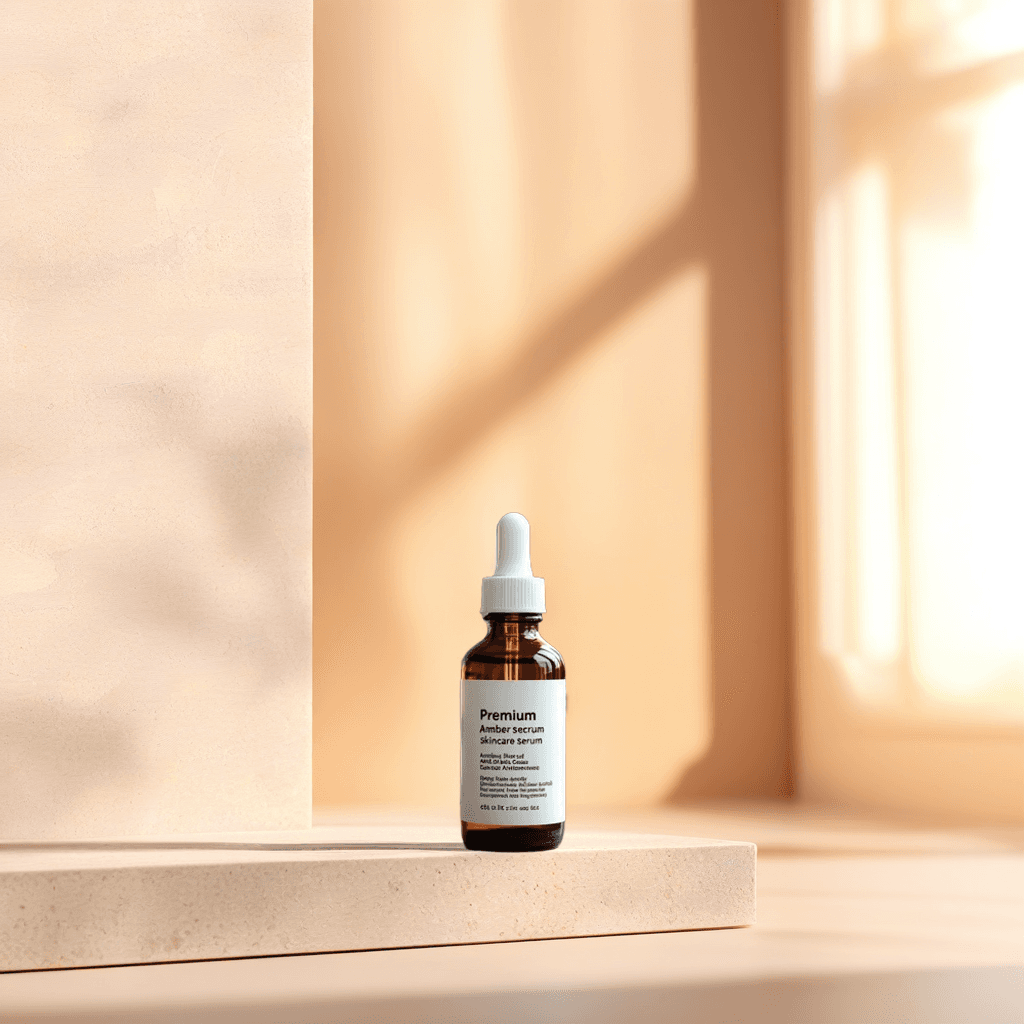
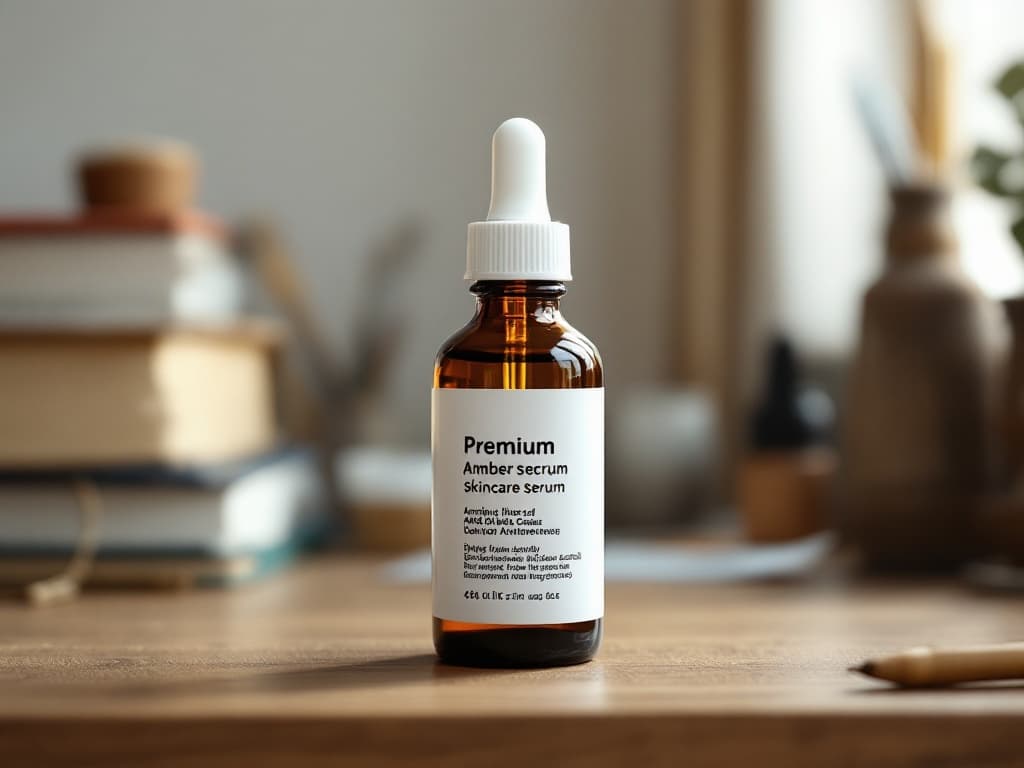
The main subject stays. Everything behind it is replaced.
Change more than the background color
Use AI to place your existing subject into a different environment without manually cutting around every edge.
Generate a new background from text
Describe a studio, room, landscape, event setting, or branded environment while keeping the main subject visible.
Use your own background image
Upload a specific office, store, studio, campaign set, or branded background and use it as visual guidance.
Create clean product backgrounds
Turn ordinary product photos into clean studio shots, ecommerce visuals, lifestyle scenes, and promotional images.
Replace portrait backgrounds
Move a portrait into a professional office, neutral studio, outdoor setting, or custom company environment.
Change the background color
Create white, gray, black, transparent, or brand-colored backgrounds without manually tracing the subject.
Match lighting and shadows
Blend the foreground subject with the new environment using perspective, lighting, shadows, and surrounding colors.
Background changer showcase
See how one subject can fit many new scenes
These examples use the ready-made before and after assets from the Background Changer gallery. Each result keeps the main subject while replacing the surrounding scene.
Skincare bottle in a spa bathroom
Move a simple product shot into a warm campaign-ready bathroom scene.
Background prompt: A luxury light-stone bathroom counter beside a softly blurred window, warm morning sunlight, subtle reflections and clean skincare campaign lighting.
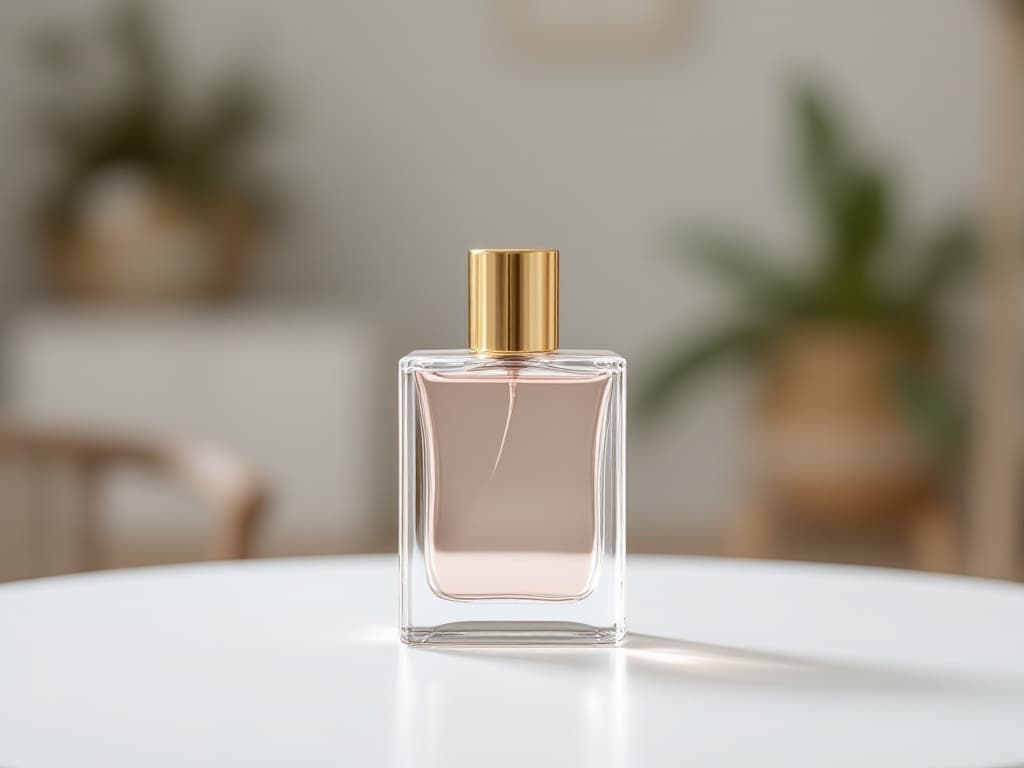
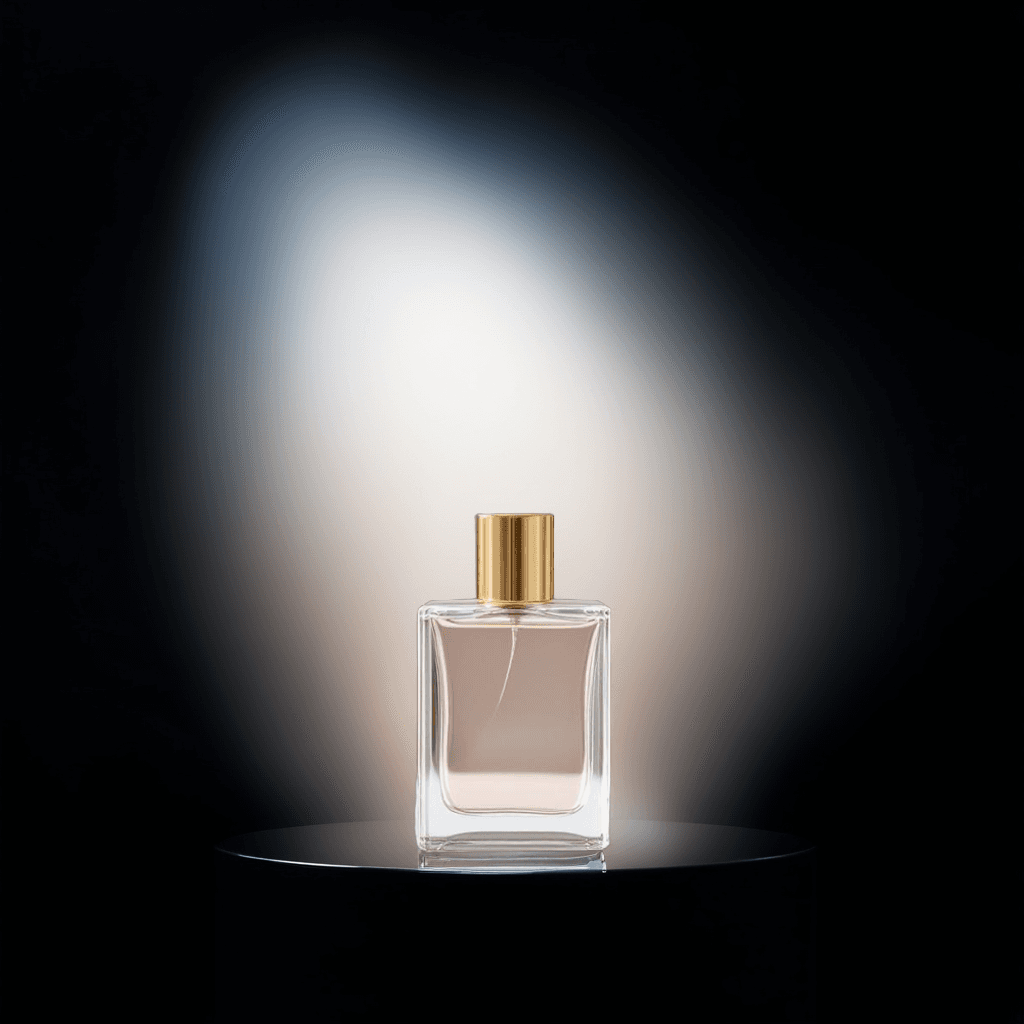
Perfume bottle in a dark luxury studio
Turn a plain tabletop photo into a premium fragrance advertising image.
Background prompt: A dark luxury photography studio with a glossy black stone pedestal, soft golden rim lighting, elegant reflections and dramatic product lighting.
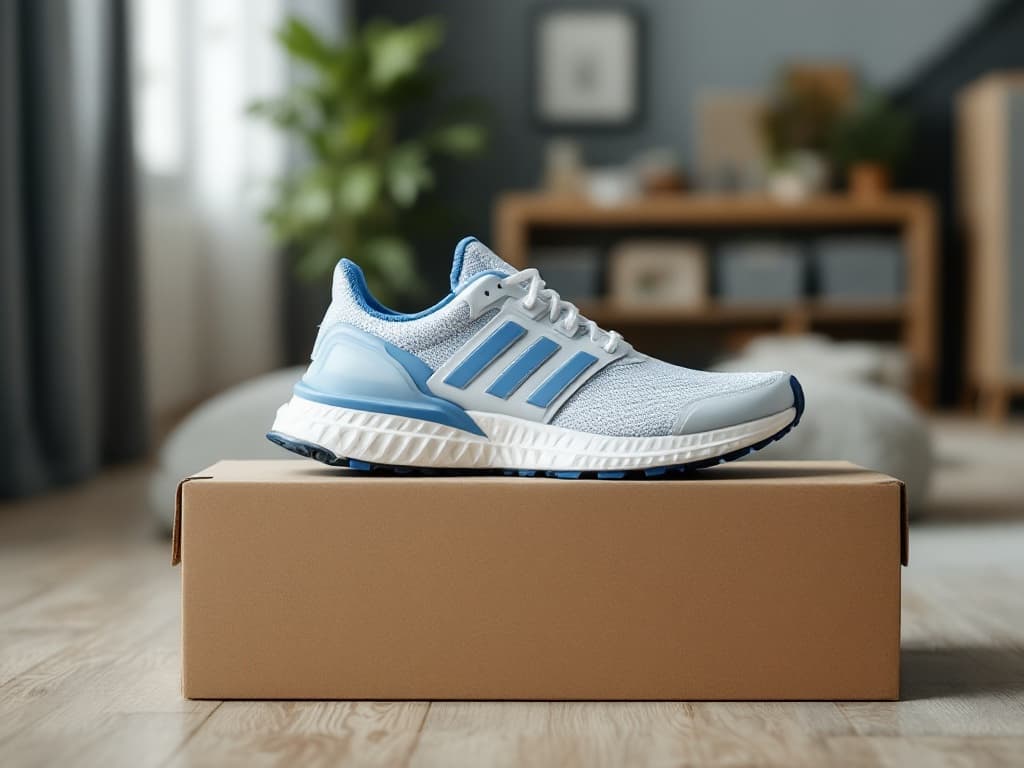
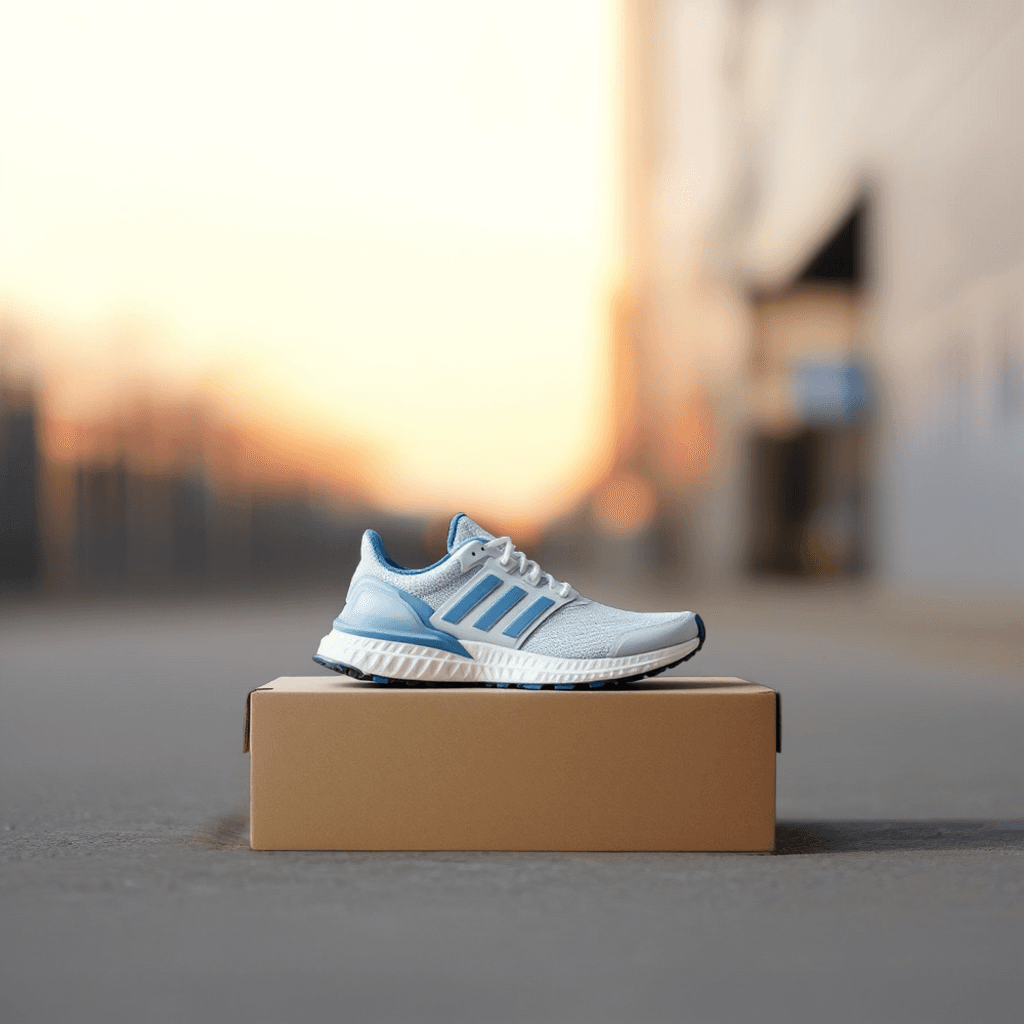
Running shoe on an urban street
Place footwear into a realistic outdoor sports scene with natural ground contact.
Background prompt: A modern urban street at sunrise with softly blurred concrete architecture, low-angle commercial sports photography and a natural contact shadow.
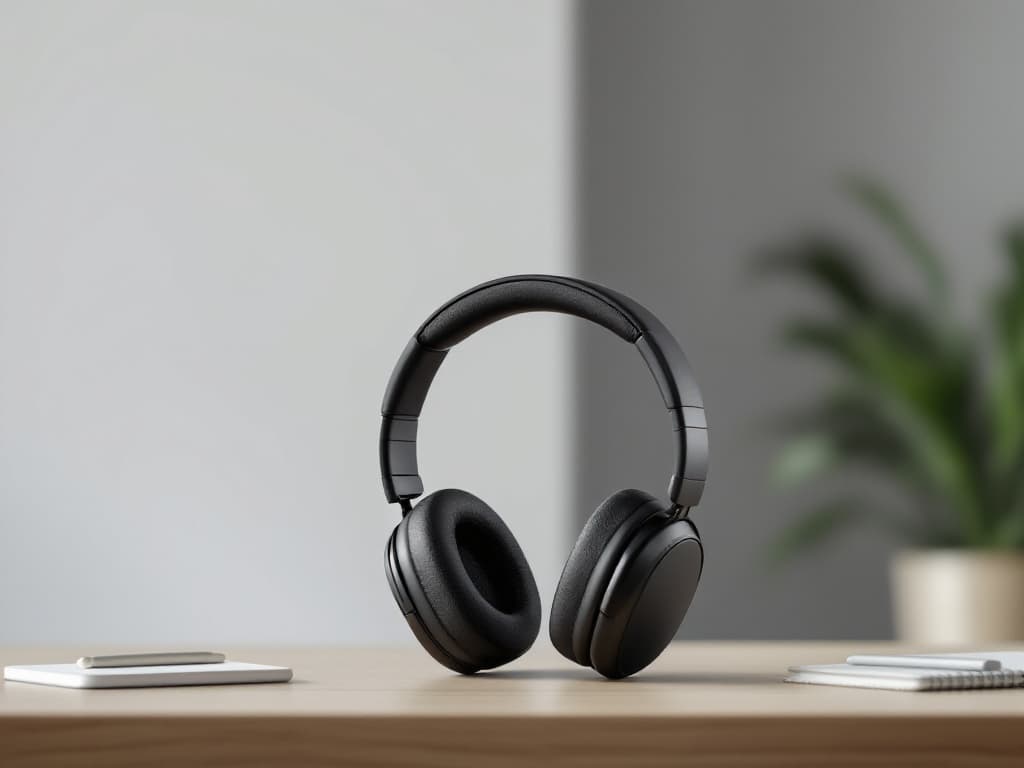
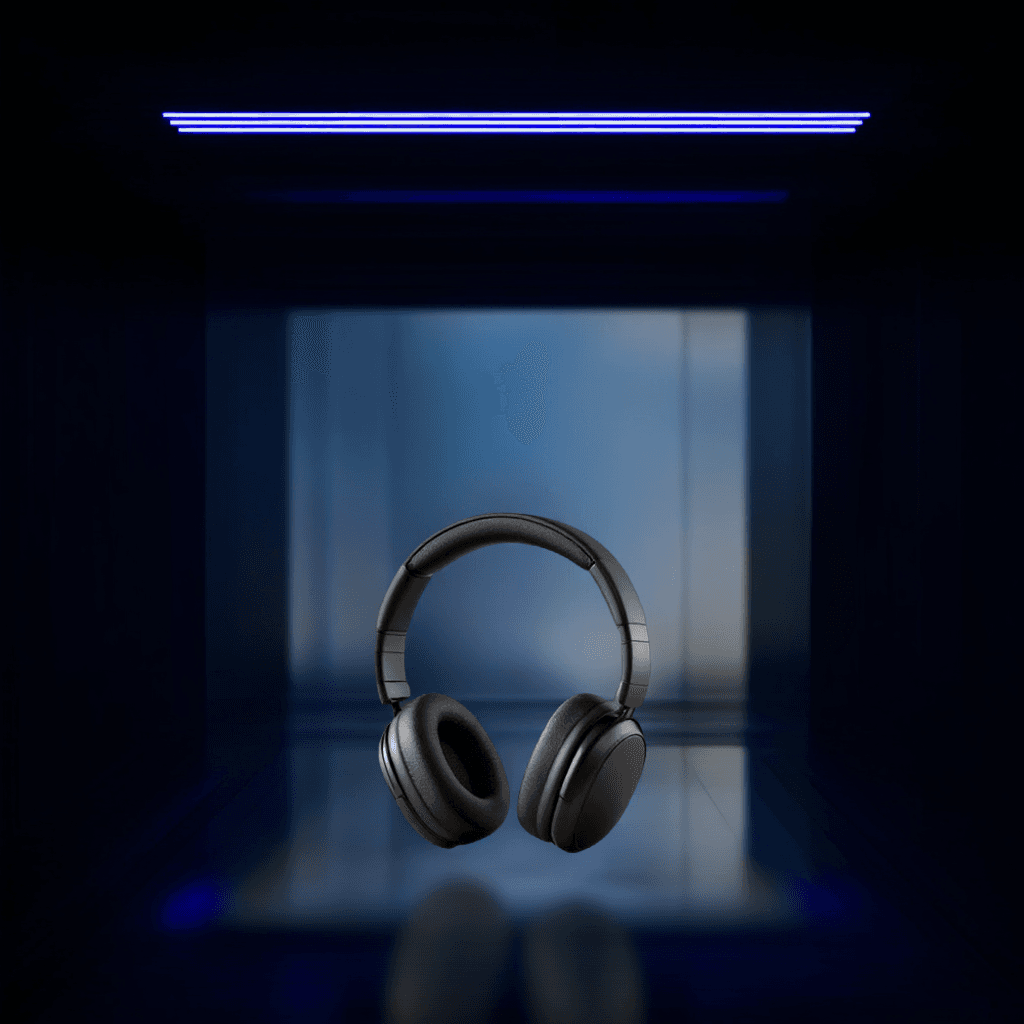
Headphones in a technology studio
Create a polished electronics background without changing the product shape.
Background prompt: A futuristic dark technology studio with subtle blue light strips, brushed metal surfaces, clean reflections and cinematic rim lighting.
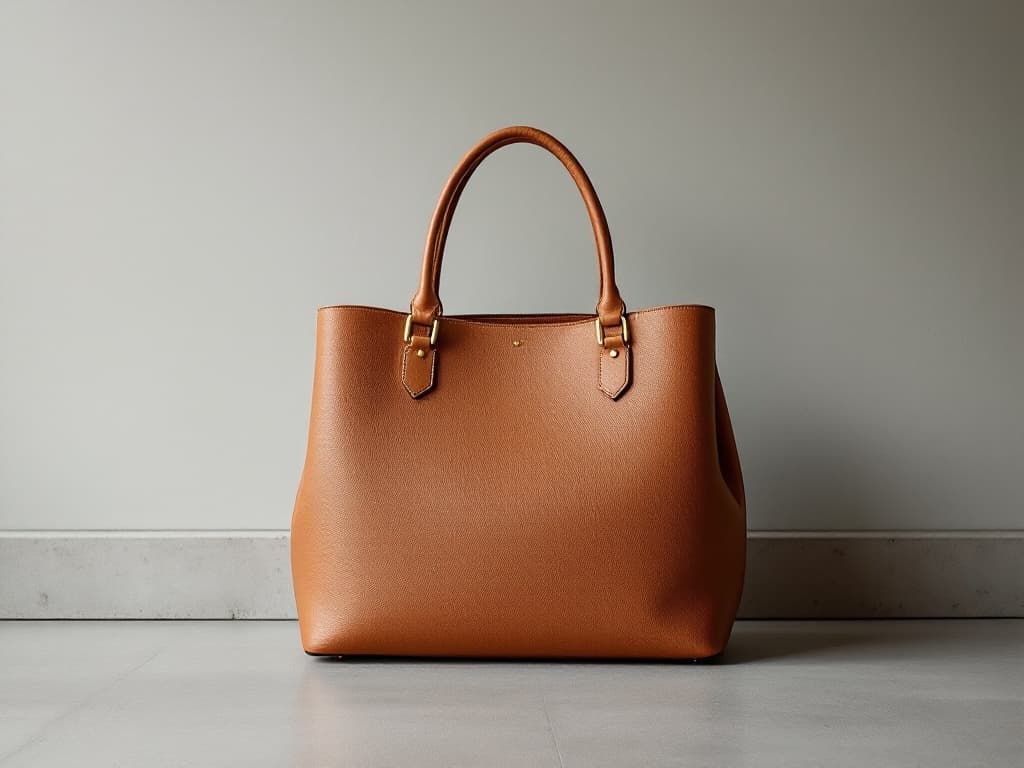
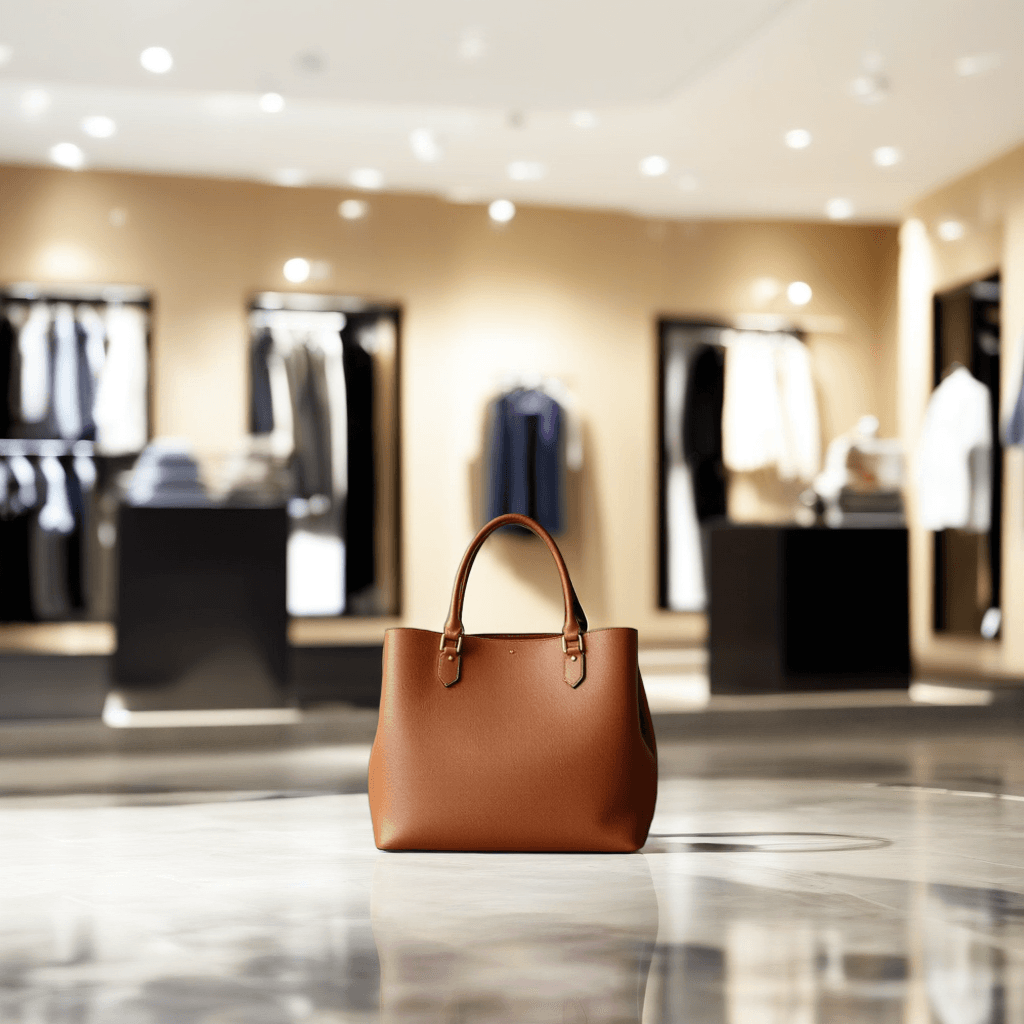
Handbag in a boutique setting
Replace a plain wall with a fashion retail environment for editorial use.
Background prompt: An elegant luxury fashion boutique with warm cream walls, polished travertine floor, softly blurred displays and diffused editorial lighting.

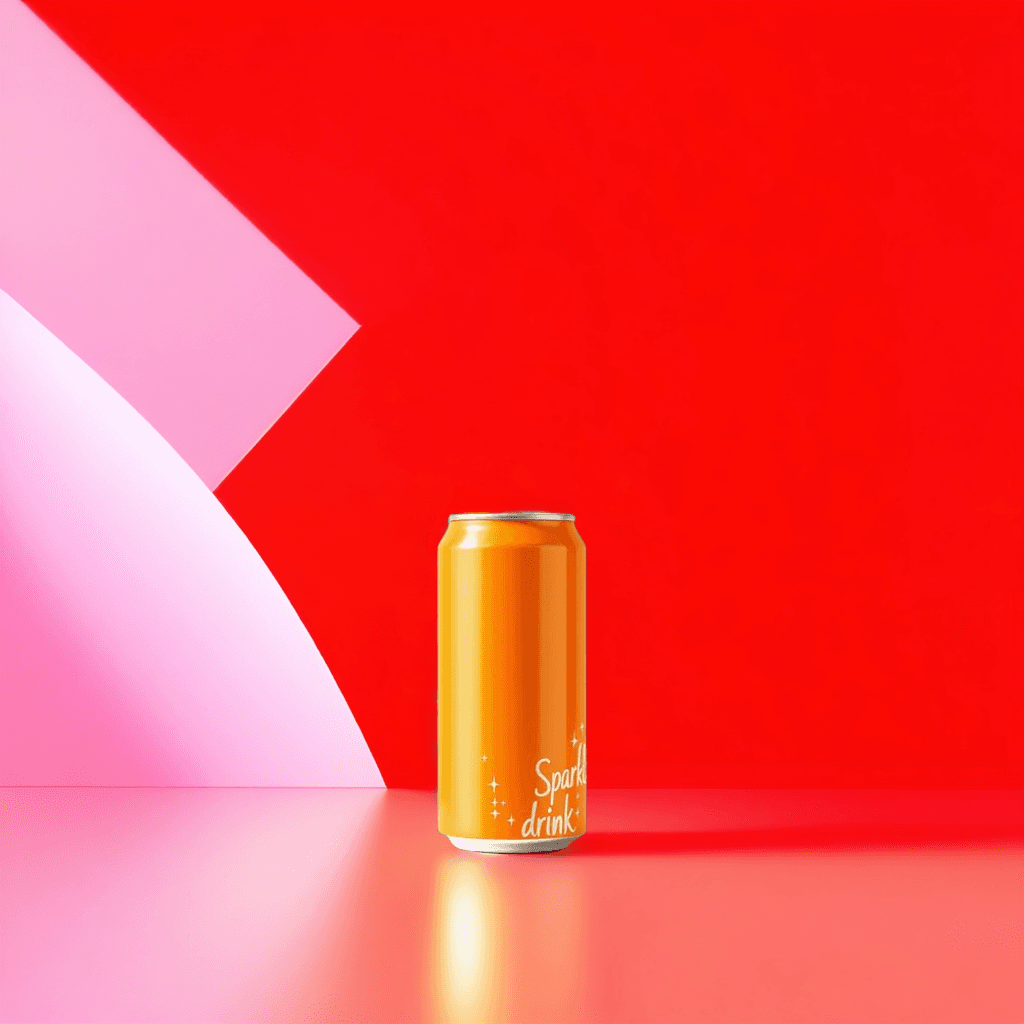
Drink can in a colorful ad set
Give packaged goods a bright studio campaign background with space for copy.
Background prompt: A vibrant orange and pink advertising studio with curved geometric shapes, glossy reflective floor, energetic lighting and clean empty copy space.
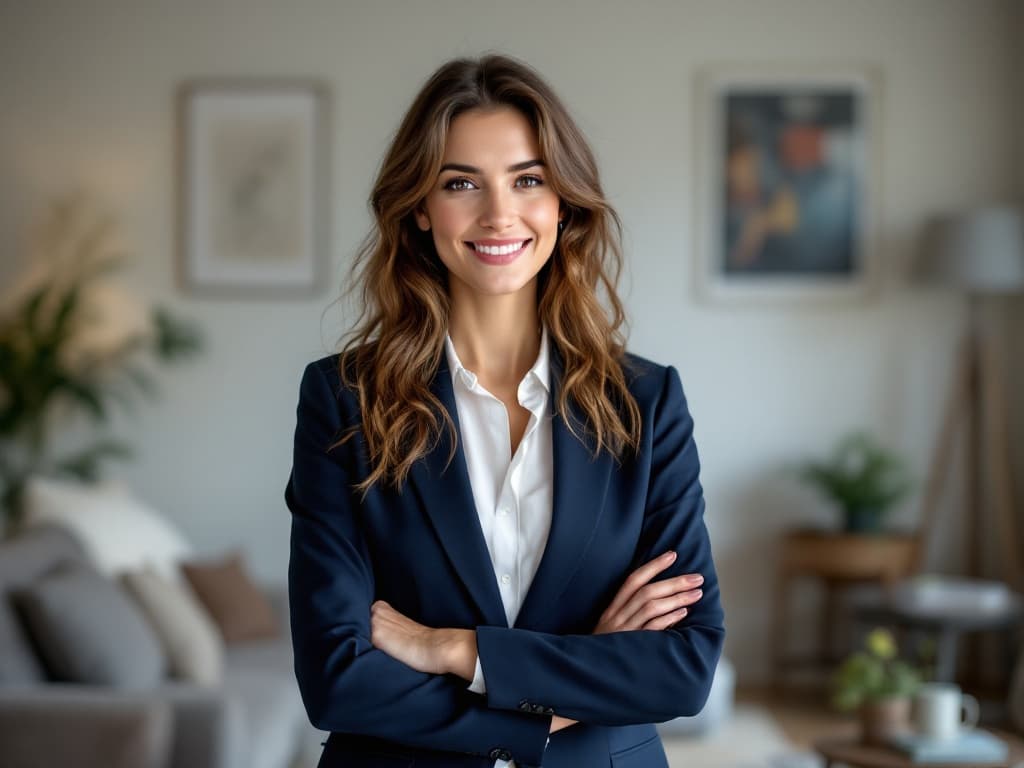
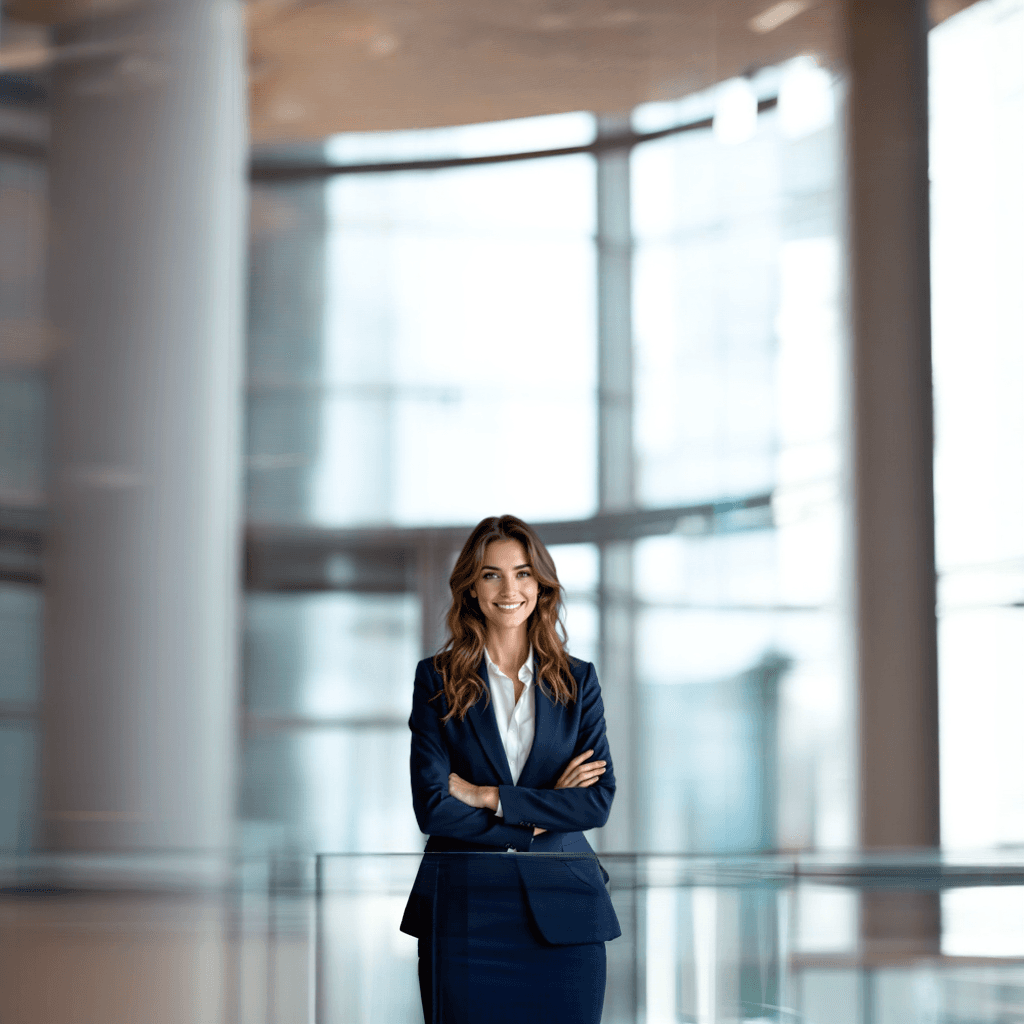
Professional portrait in an office
Change a casual headshot into a cleaner profile image or team photo.
Background prompt: A modern professional office with large windows, soft daylight, neutral interiors and a polished business portrait atmosphere.


Healthcare portrait with a clinical backdrop
Create a focused professional environment for staff photos and service pages.
Background prompt: A bright clean medical office with softly blurred equipment, natural daylight, white surfaces and a calm professional look.
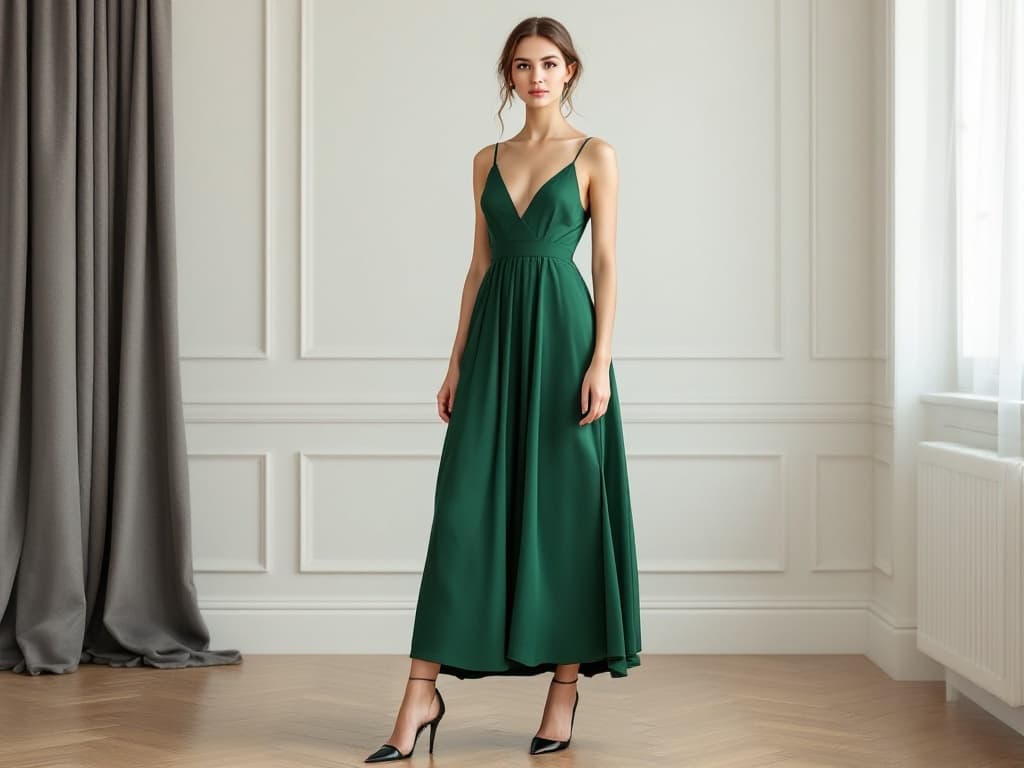
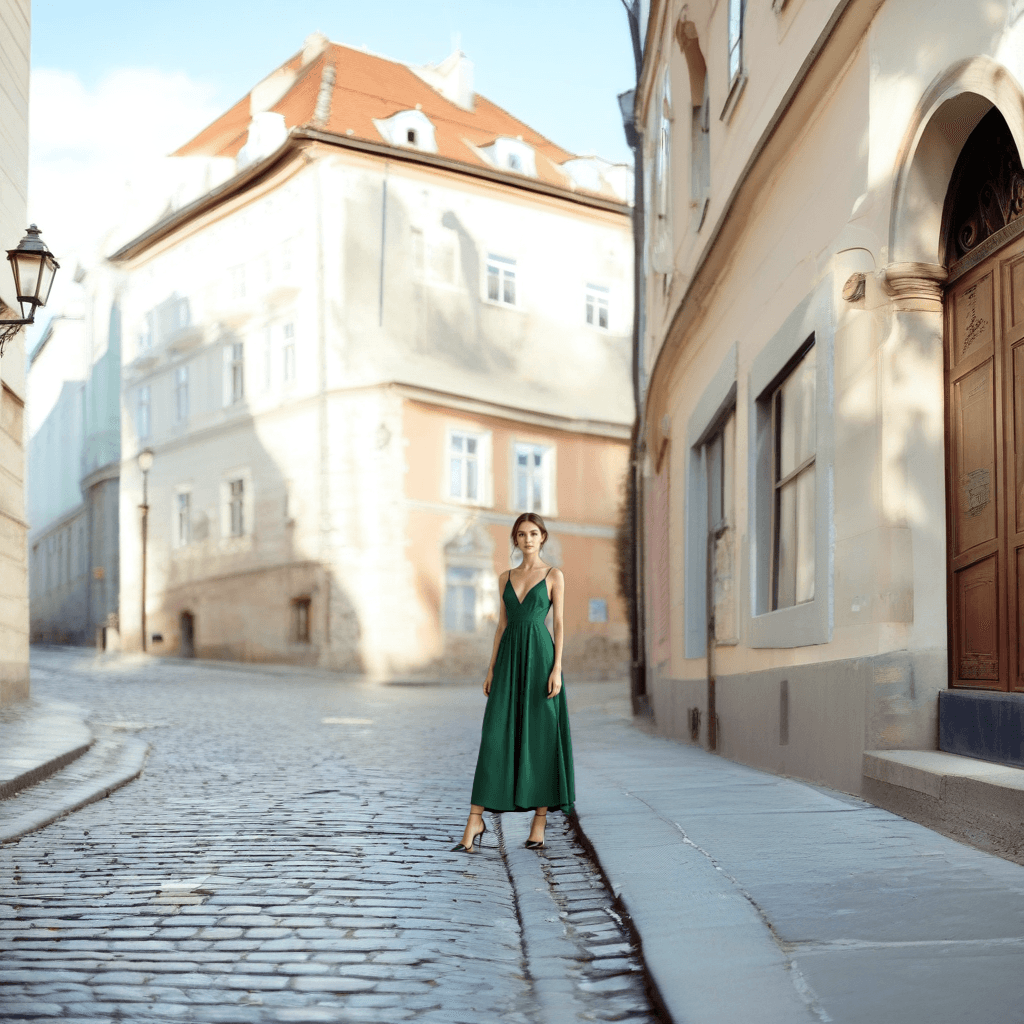
Fashion portrait in an editorial scene
Move a portrait into a more expressive lifestyle or campaign background.
Background prompt: A refined editorial street scene with soft depth of field, balanced natural light, premium fashion styling and realistic perspective.

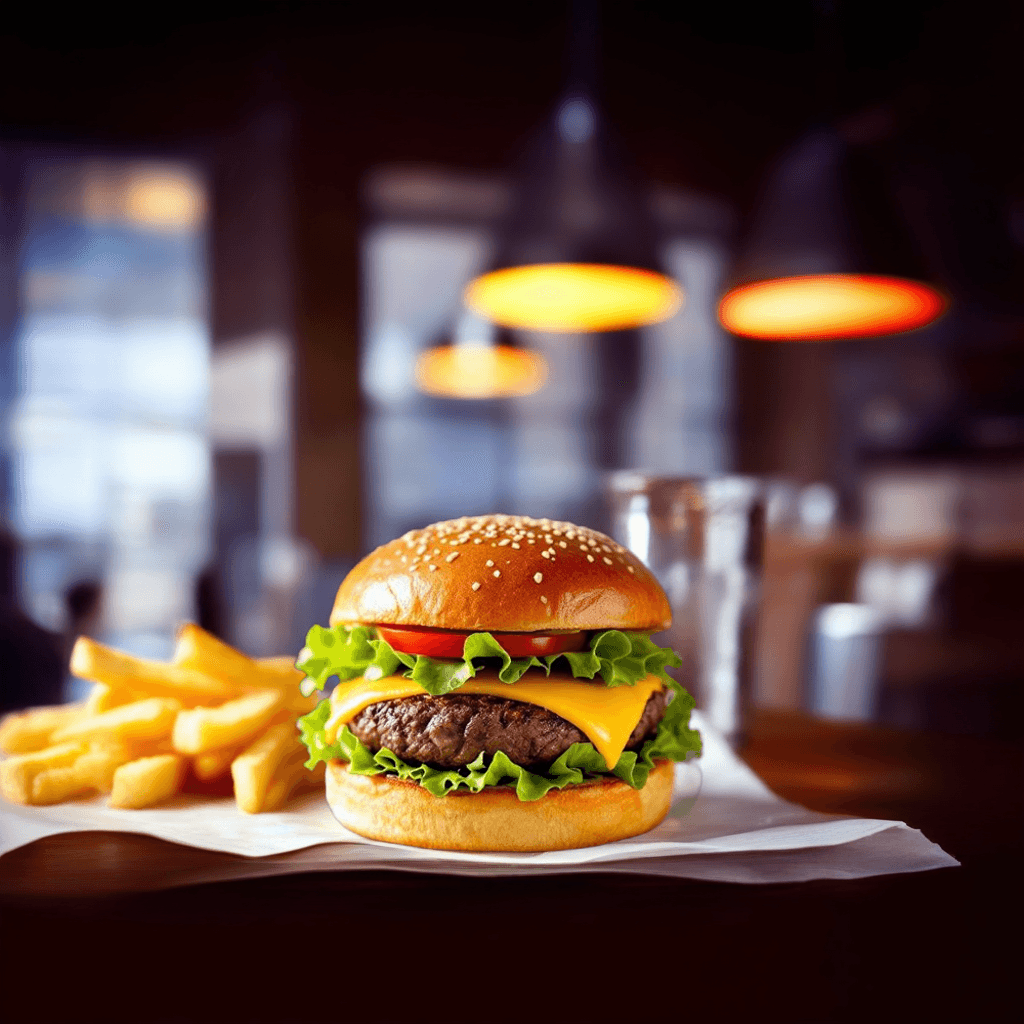
Food photo in a restaurant setting
Replace an ordinary table with a more appetizing dining environment.
Background prompt: A warm casual restaurant table with soft window light, subtle plate styling, realistic shadows and an inviting food photography atmosphere.
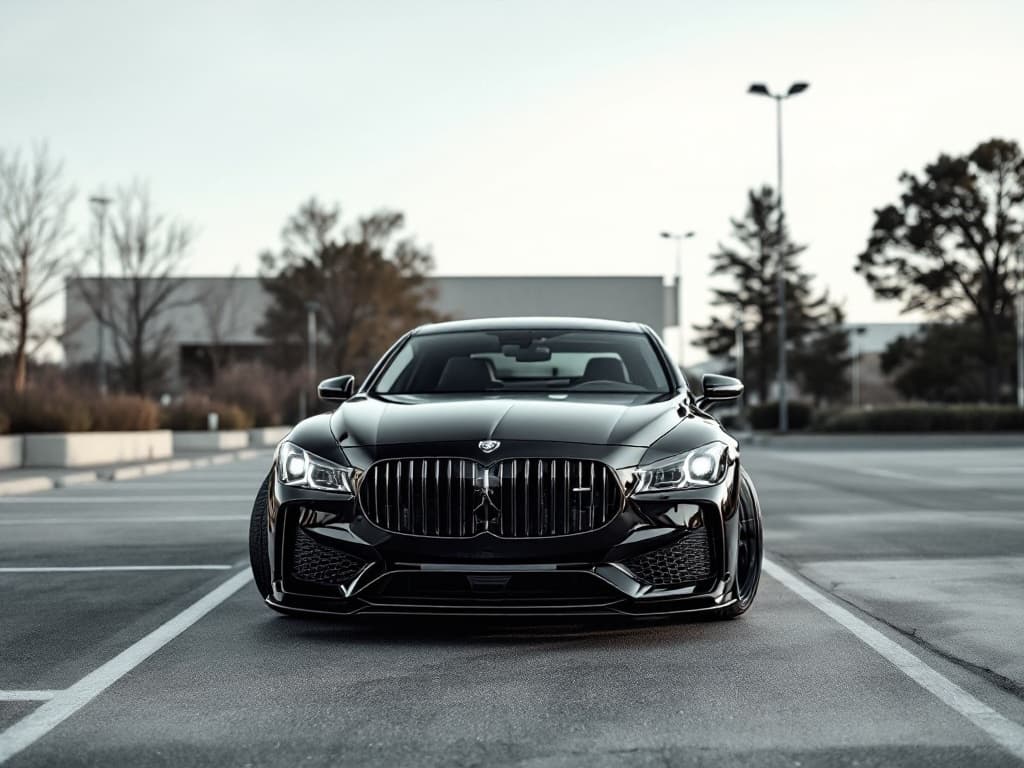
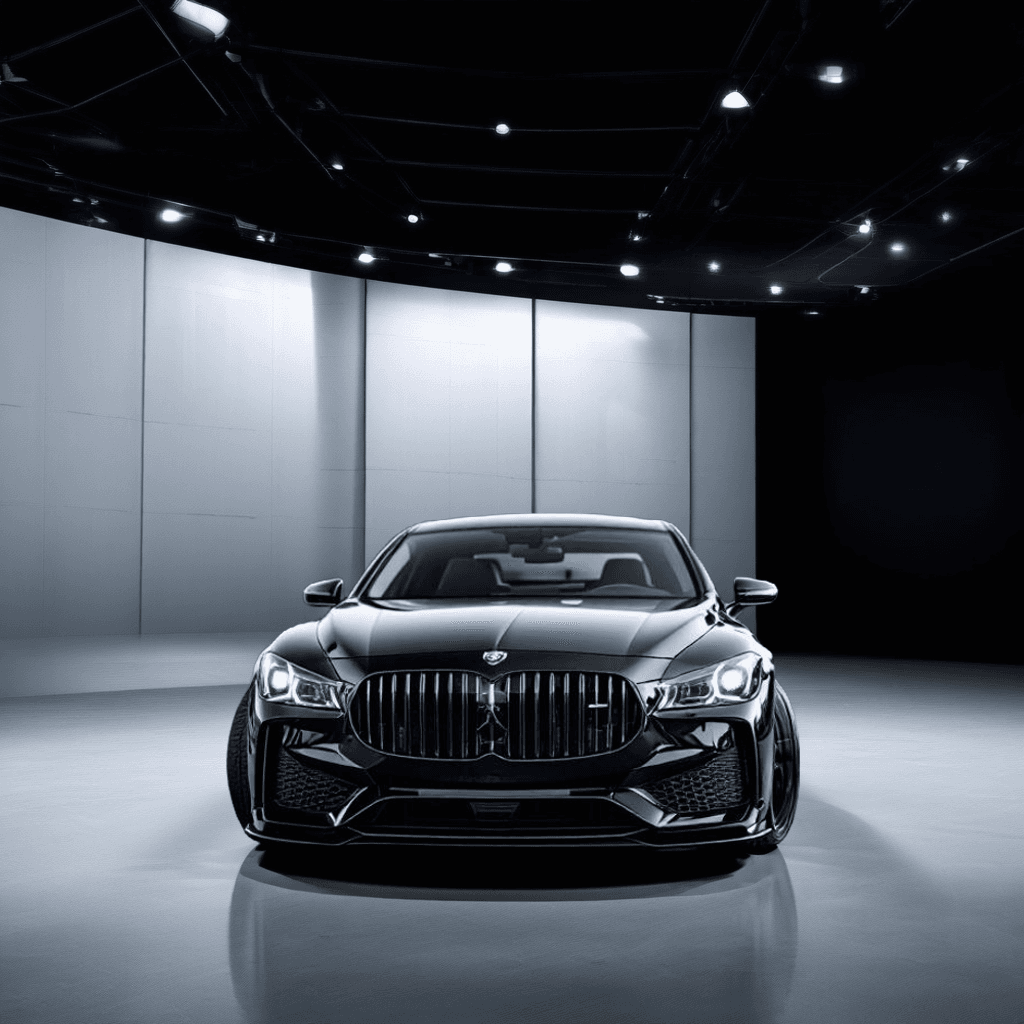
Luxury car in a cinematic location
Give vehicle photography a more dramatic outdoor or showroom-style scene.
Background prompt: A cinematic premium city location with controlled reflections, soft evening light, realistic road surface and high-end automotive campaign styling.
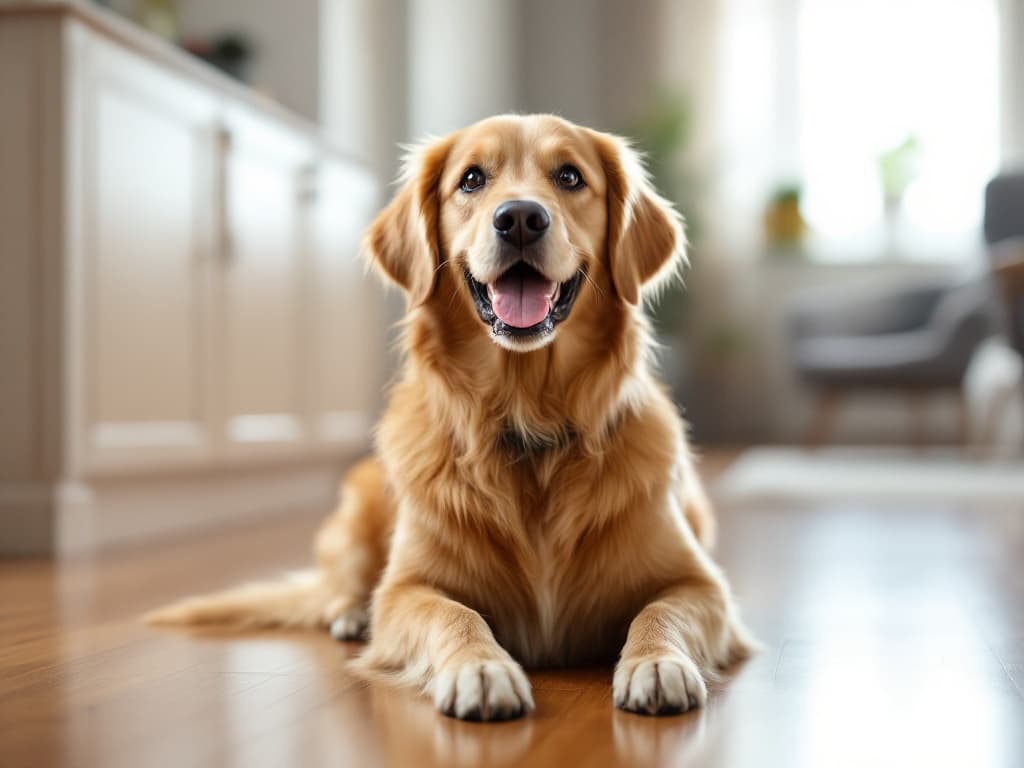
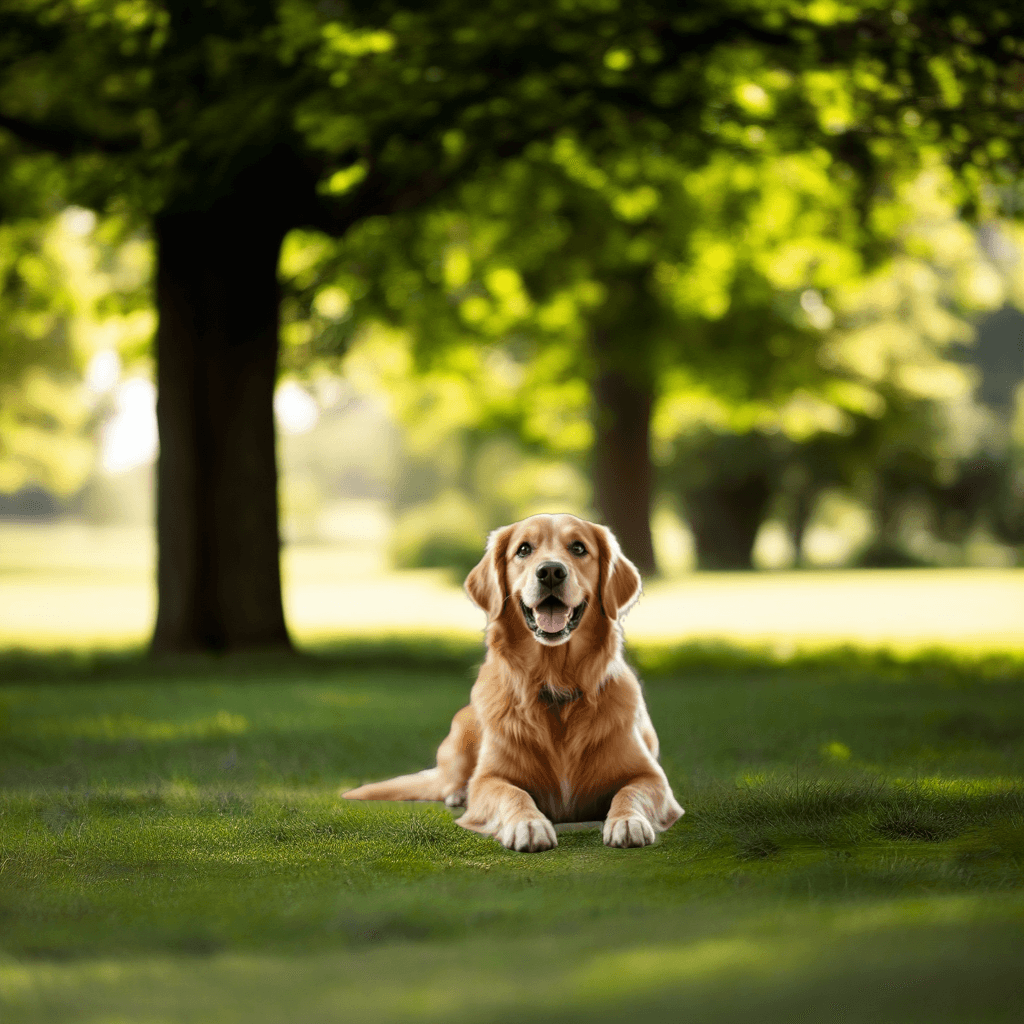
Pet portrait in a cozy room
Change a home photo background while preserving the subject details.
Background prompt: A cozy bright living room with soft daylight, warm neutral furniture, shallow depth of field and natural portrait lighting.


Laptop in a modern workspace
Create a clean office environment for device, SaaS, and productivity visuals.
Background prompt: A clean modern creative workspace with a pale oak desk, softly blurred monitor, natural window light and organized minimalist styling.
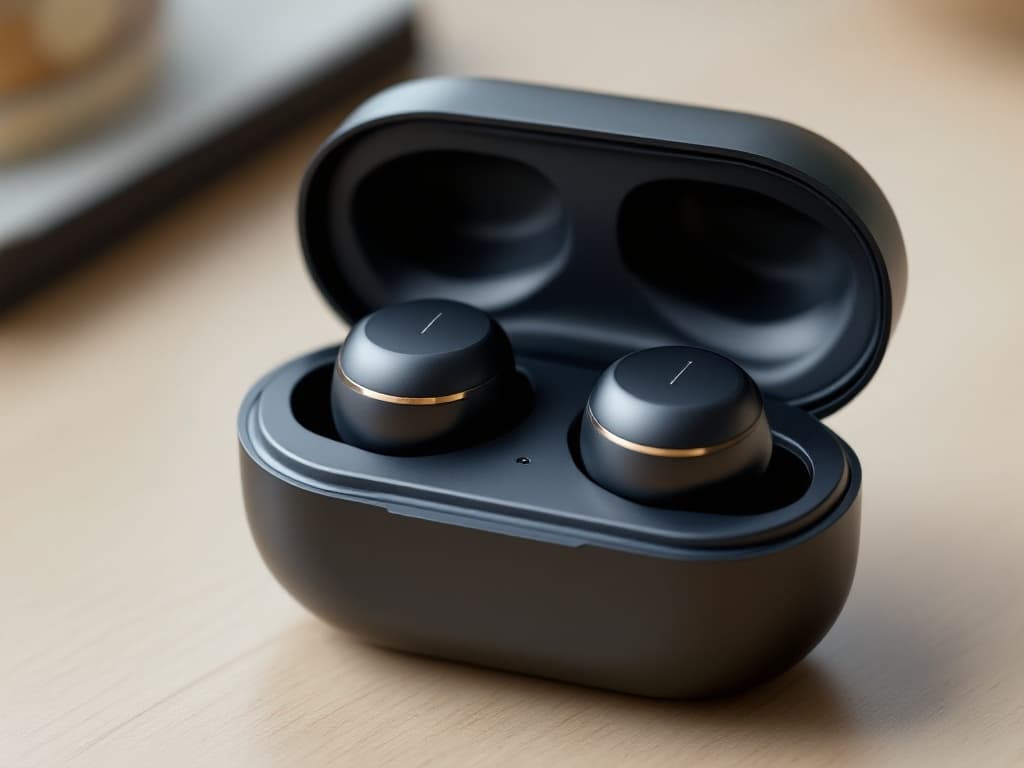
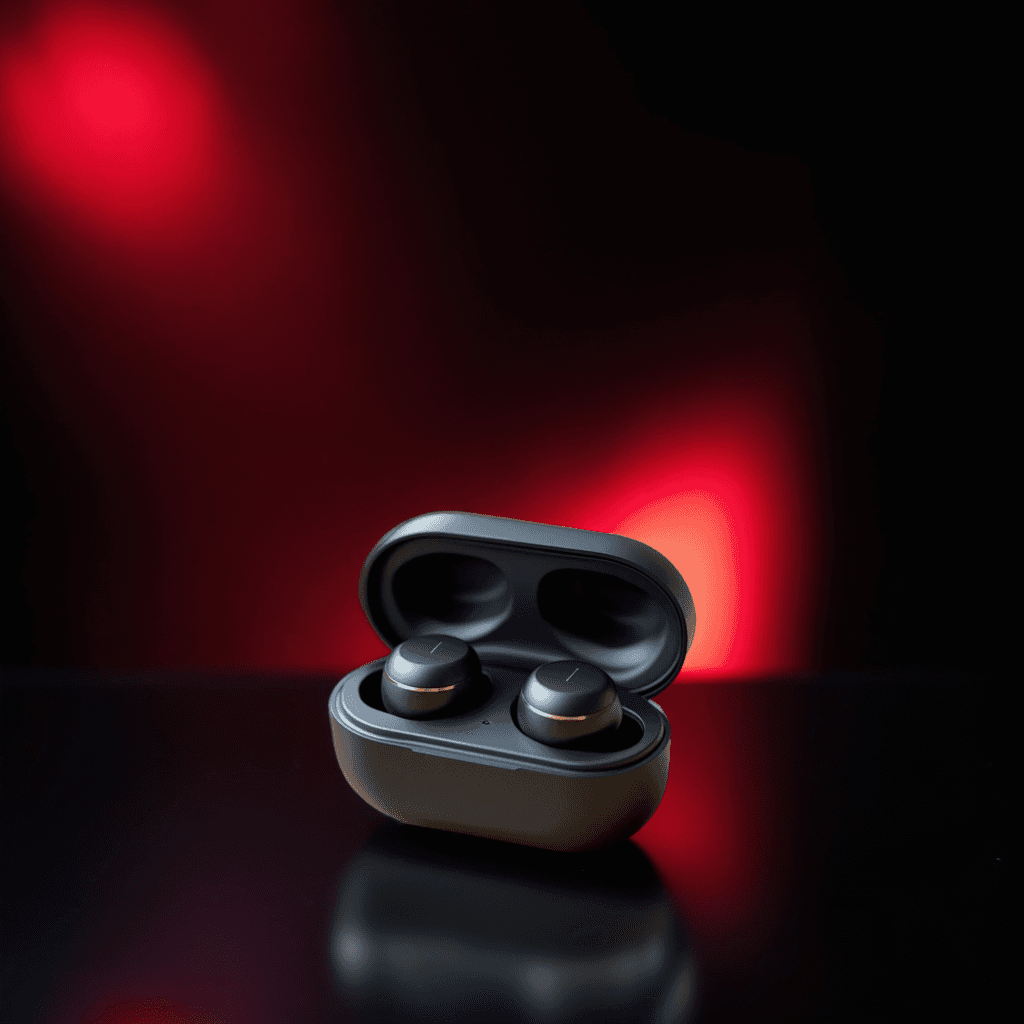
Earbuds in a premium tech scene
Place small electronics into a darker commercial product environment.
Background prompt: A premium dark consumer electronics studio with subtle reflections, soft rim lighting, clean negative space and realistic contact shadows.
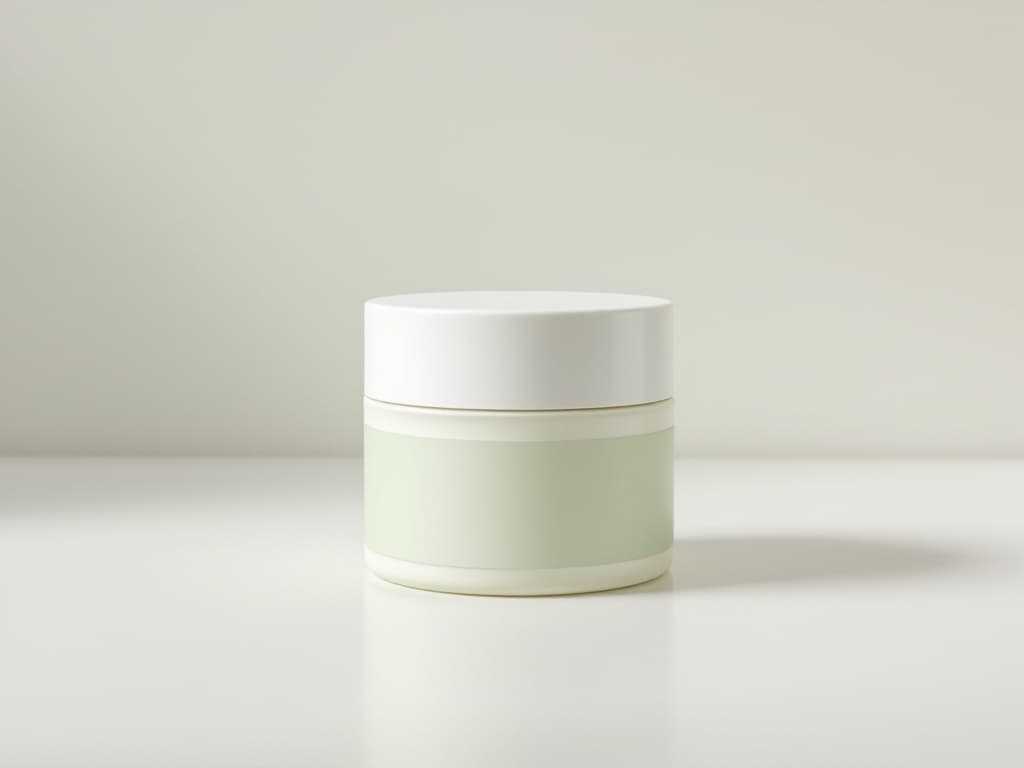
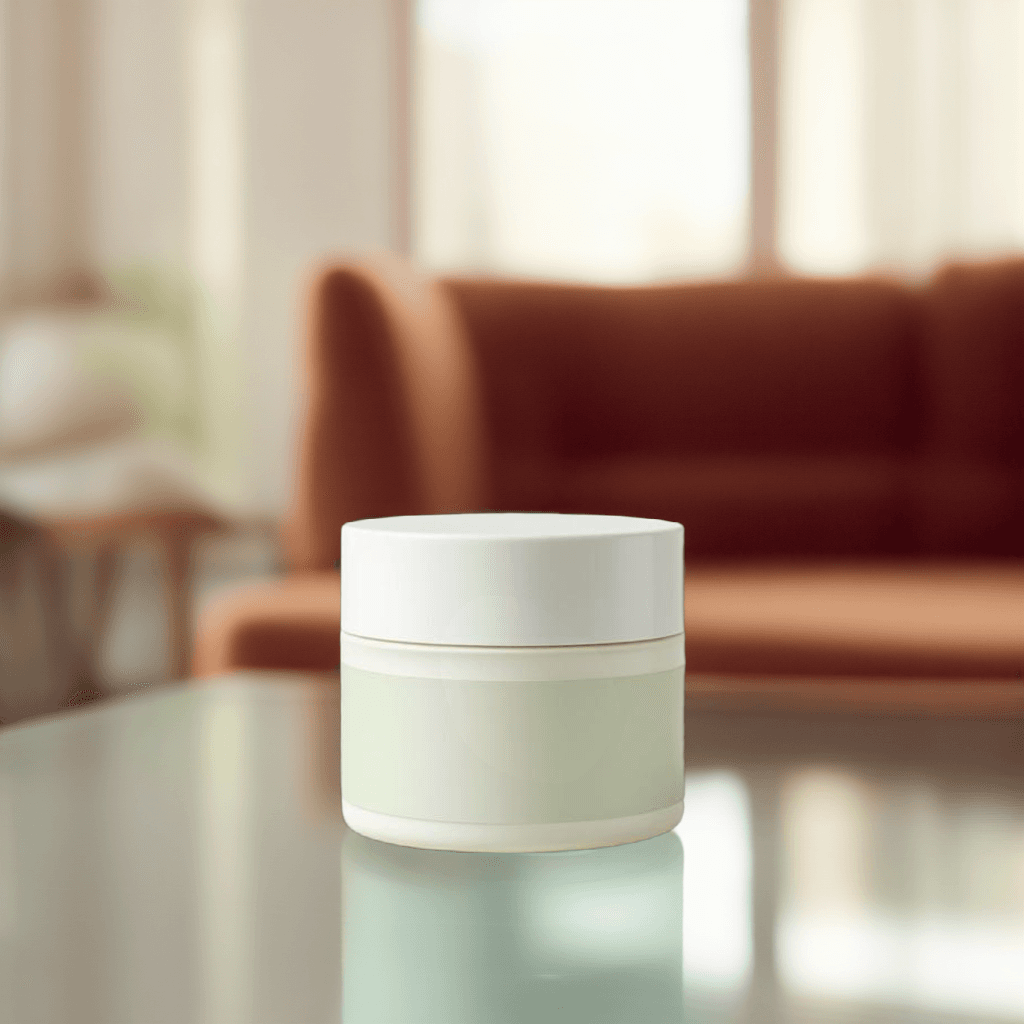
Exact uploaded background replacement
Use a supplied background image when the final environment must match a specific location or visual direction.
Background prompt: Use the uploaded background as the final scene, keep the subject centered, and blend the edges with realistic lighting and shadow.
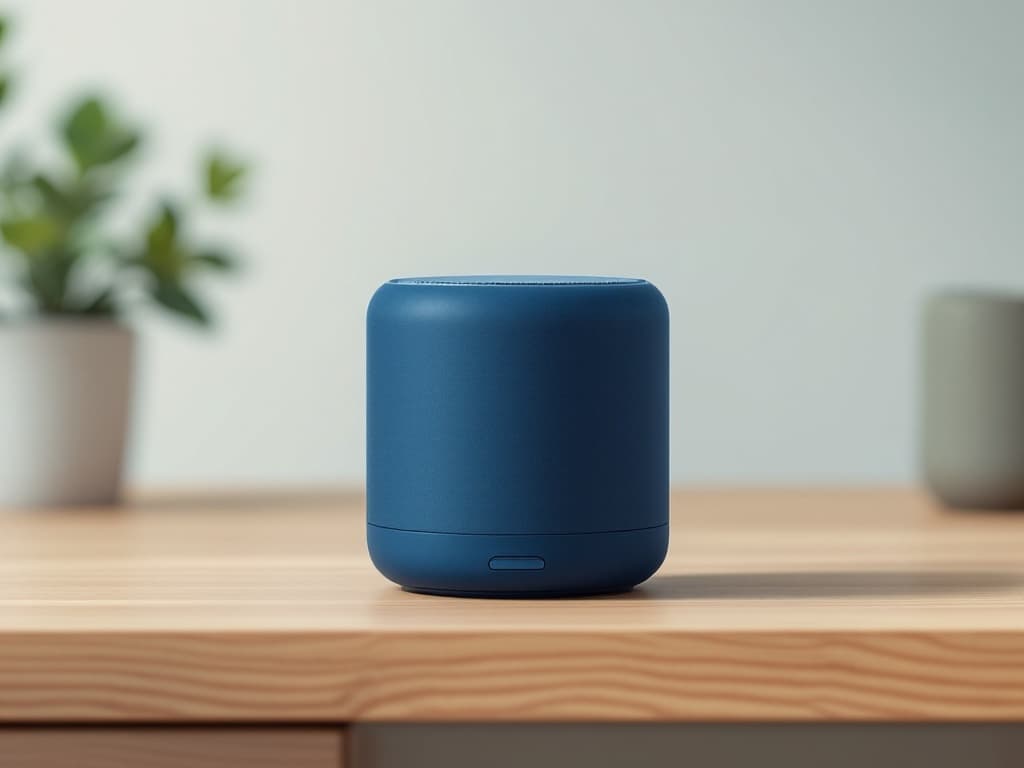
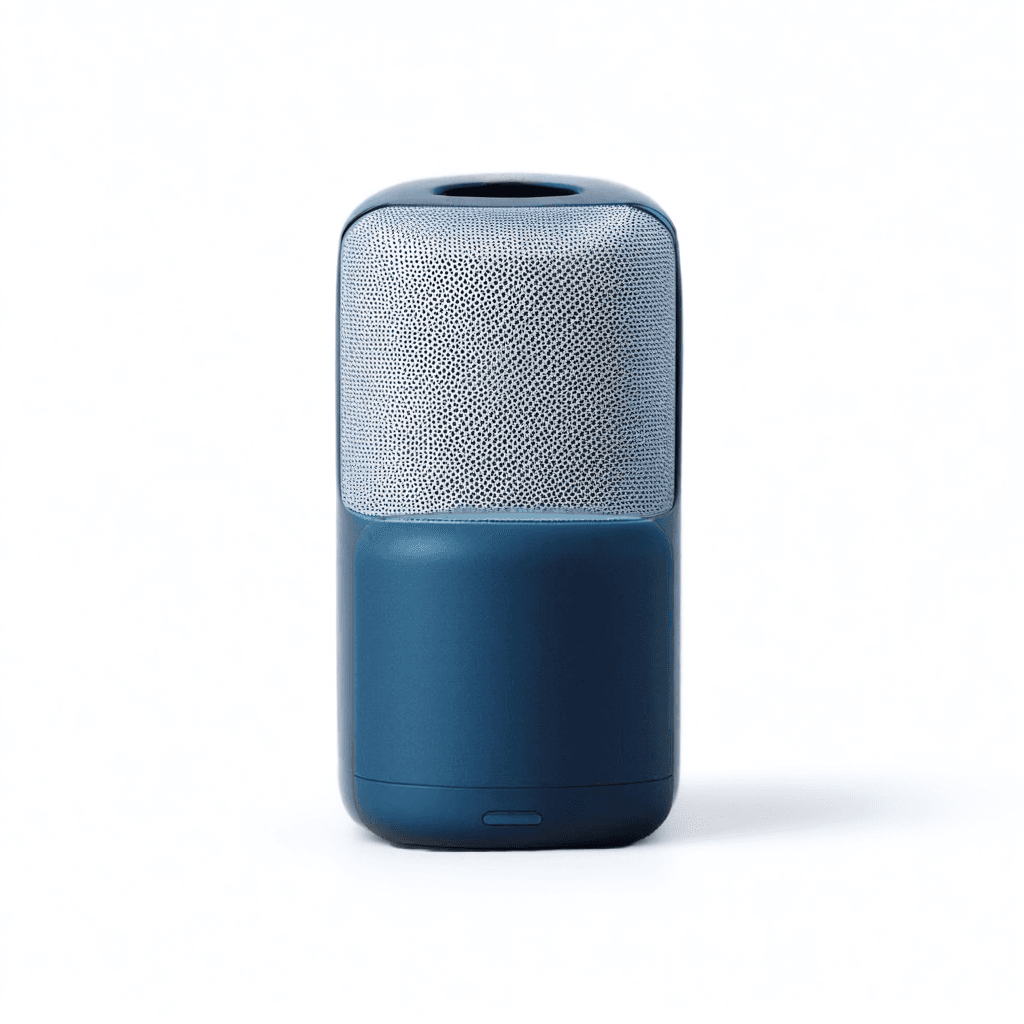
Clean white background
Switch a photo to a simple white background for ecommerce, catalogs, and clean listing images.
Background prompt: A clean pure white studio background with soft even lighting and a subtle natural floor shadow.
How to change a photo background
Upload an image
Choose a product photo, portrait, marketing image, or other photo with a clearly visible main subject.
Select a background type
Describe a new AI background, upload your own background image, choose a solid color, or select a preset.
Adjust the composition
Choose the subject position, background fit, output ratio, and shadow style.
Generate and review
Create the new image and inspect the subject edges, shadows, reflections, text, logos, and small details.
Background changer vs. background remover
A background remover deletes the original background and returns a transparent subject. A background changer keeps the subject and places it into a new finished image.
Background changer vs. generate background
Background Changer works for general photos, portraits, uploaded backgrounds, colors, and presets. Generate Background focuses on production-ready product scenes.
Tips for better background replacement
Frequently asked questions
What is an AI background changer?
An AI background changer identifies the main subject in a photo and replaces the surrounding background with a generated scene, uploaded image, solid color, or background preset.
Can I describe the new background with text?
Yes. Enter a description of the location, surface, lighting, colors, perspective, and style you want AI to create.
Can I upload my own background?
Yes. You can upload a background image and use it as visual guidance for the replacement.
Can I change the background to white?
Yes. Choose Solid Color and select pure white, or use a clean white studio prompt.
Can I change a portrait background?
Yes. Background Changer can be used for professional portraits, profile images, team photos, marketing images, and social media content.
Does AI change the main subject?
The tool is designed to preserve the foreground subject, but generative processing may occasionally alter small edges, reflections, transparent areas, text, logos, or fine details.
How do I get realistic results?
Use a clear source image and describe the background surface, camera angle, lighting direction, depth, and shadow style.
Which image formats are supported?
You can upload common formats including PNG, JPG, and WebP.
Replace your photo background
Upload an image, choose a new background, and create a polished visual for products, portraits, marketing, or social media.
Change background nowExplore More Tools in This Series
Choose a focused workflow for the image or project you are working on.
Backgrounds and scene depth
- Change the Background of Your Product PhotoAlready have a product photo you like? Keep the product and replace the surrounding scene with a clean studio, lifestyle setting, campaign background, solid color, or your own uploaded image.
- Change the Background Color of Your PhotoReplace a distracting or mismatched background with a clean color while keeping the main person, product, pet, or object in the photo.
- Change Your Photo Background to WhiteTurn a distracting or mismatched background into a clean white background while keeping the main person, product, pet, or object in your photo.