
Ecommerce Product Angle Generator
Generate listing-ready front, side, three-quarter, back, and top views from one product photo without reshooting inventory.
Generate Ecommerce Product Views
Upload a clear product image, choose one view or a complete product set, and preserve branding, materials, labels, colors, and proportions across every result.
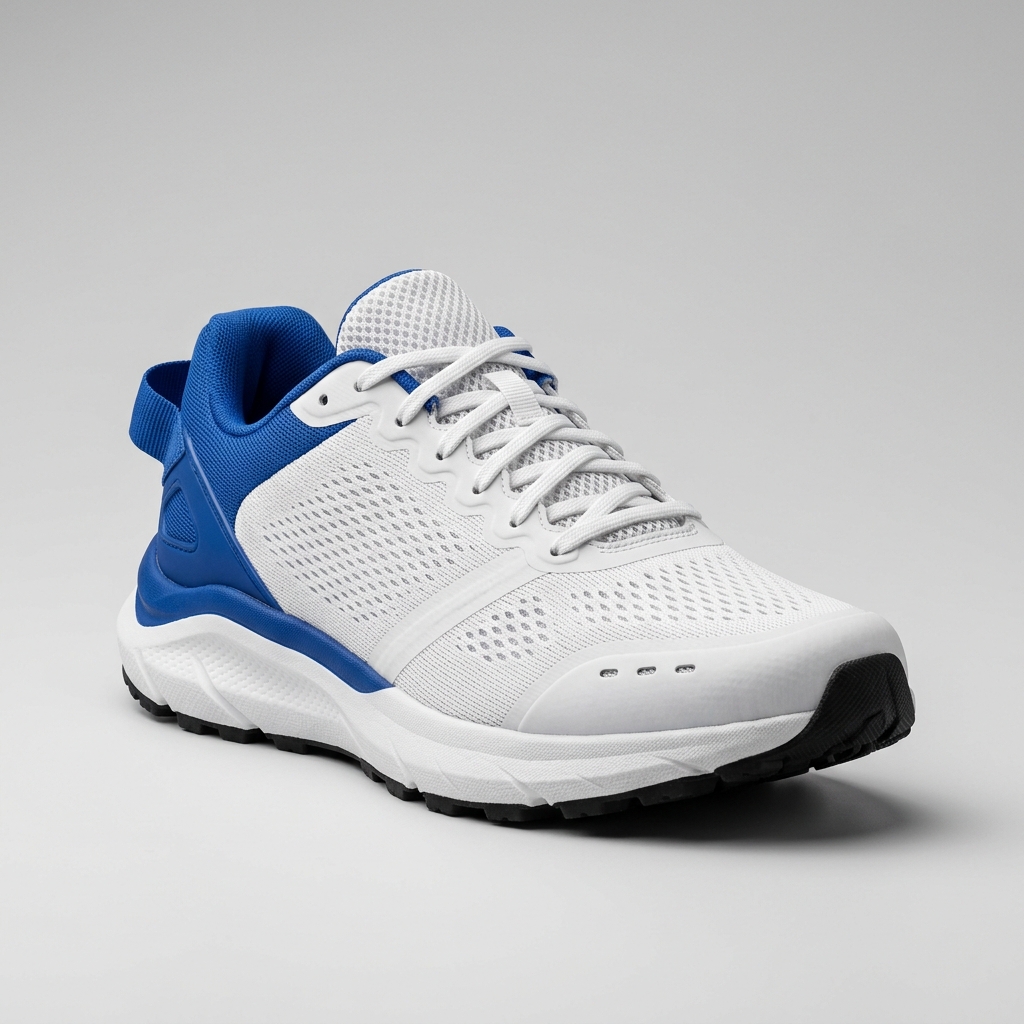
Ready to create multiple views for your product?
Click or drag & drop any photo here (PNG, JPG, WEBP)
Working with a character?
Related Angle Tools
AI Multiple Angles SuiteFront, side, back & 3/4 views in one run
Lateral, heel & outsole sneaker views
Front, side & rear model reference sheets
Front, side, back & 3/4 views for anime characters
One left or right profile, 30 credits
Interactive 360° rotatable spin view
Precise azimuth & elevation controls
Listing-ready angle variants
Create standard product detail page views for galleries, catalogs, and marketplace listings.
No reshooting required
Build missing product views from one approved hero photo and reduce photography logistics.
Consistent across SKUs
Apply the same view set across a catalog for more predictable product presentation.
Generate Ecommerce Product Angles in 5 Steps
Move from one product photo to a complete listing gallery in a focused workflow.
Step 1
Upload your hero product photo
Start with a clear image showing the complete product on a simple background.
Step 2
Choose the views your listing needs
Select a single view or generate a complete set with front, three-quarter, side, back, and top views.
Step 3
Add product-specific guidance
Describe labels, materials, branding, or construction details that must stay consistent.
Step 4
Review every generated view
Check proportions, colors, logos, materials, and details before publishing.
Step 5
Download for your storefront
Use the finished images in product galleries, catalogs, ads, and marketplace listings.
Built for Ecommerce Image Workflows
Complete product coverage without turning the page into a general product photography editor.
Complete product sets
Generate the most useful listing views together instead of creating each angle manually.
Brand and material fidelity
Preserve logo placement, product colors, labels, surface texture, and proportions.
Custom camera control
Use the shared Custom Camera when a standard ecommerce preset does not cover the view you need.
Catalog consistency
Repeat the same angle plan across multiple SKUs and product categories.
Marketplace coverage
Fill missing gallery positions for direct storefronts, marketplaces, and wholesale catalogs.
Browser-based workflow
Generate and download product views without installing a desktop application.
Common Use Cases
Use existing product photography to complete galleries and standardize catalog coverage.
Complete a product detail gallery
Challenge: A listing has a strong hero image but is missing side, back, and top views.
Workflow: Generate the missing views from the approved source image and add them to the gallery.
Expand a large SKU catalog
Challenge: Hundreds of products were photographed from only one angle.
Workflow: Apply a consistent complete product set across the catalog without scheduling another shoot.
Create product ad variants
Challenge: A campaign needs more visual variety than the existing product photography provides.
Workflow: Generate additional product sides for display, social, email, and retargeting creative.
Frequently Asked Questions
What is an ecommerce product angle generator?
It creates multiple product views from one source photo so an ecommerce listing can show the product from more useful directions.
Which views can I generate?
You can generate front, three-quarter, side, back, top, and custom camera views, either individually or as a set.
Will logos and materials remain consistent?
The workflow is designed to preserve branding, colors, materials, labels, geometry, and proportions, but every result should be reviewed before publishing.
Can I use the images in marketplace listings?
Yes. The generated views can be used in storefront galleries, marketplace listings, catalogs, and marketing creative.
Does the source image need a white background?
A clean studio or neutral background usually produces the most predictable result, but other clear product photos can also work.
How is this different from Product 360?
This tool generates selected 2D product views. Product 360 reconstructs one Trellis 3D asset for interactive rotation and spin export.