
Upscale Images to 4K with AI
Enlarge photos, product images, portraits, and artwork by 2x, 4x, or 6x while improving clarity and reducing visible compression artifacts.
PNG, JPG, and WebP supported · Preview output dimensions before processing
Image Upscaler
Click to upload or drag & drop image
Supports JPG, PNG, WebP up to 10MB · Paste with Ctrl+V
Upscale Settings
Live 4K Preview
Recovers textures & clear edges
300 DPI ultra-HD export
Retention depends on your plan
✨ Auto-scanning demo: Showing real-time enhancement from low-res original to crisp 4K.
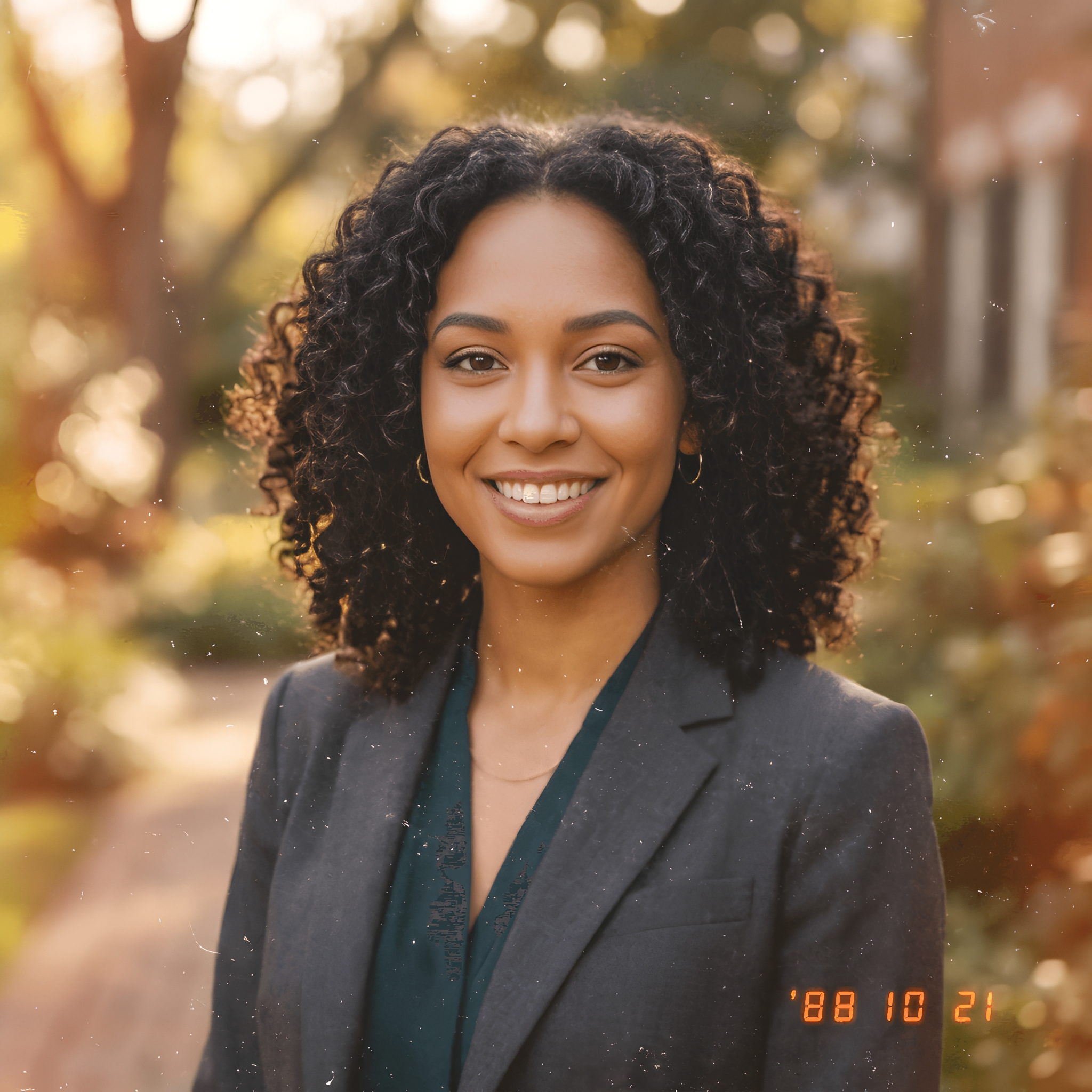
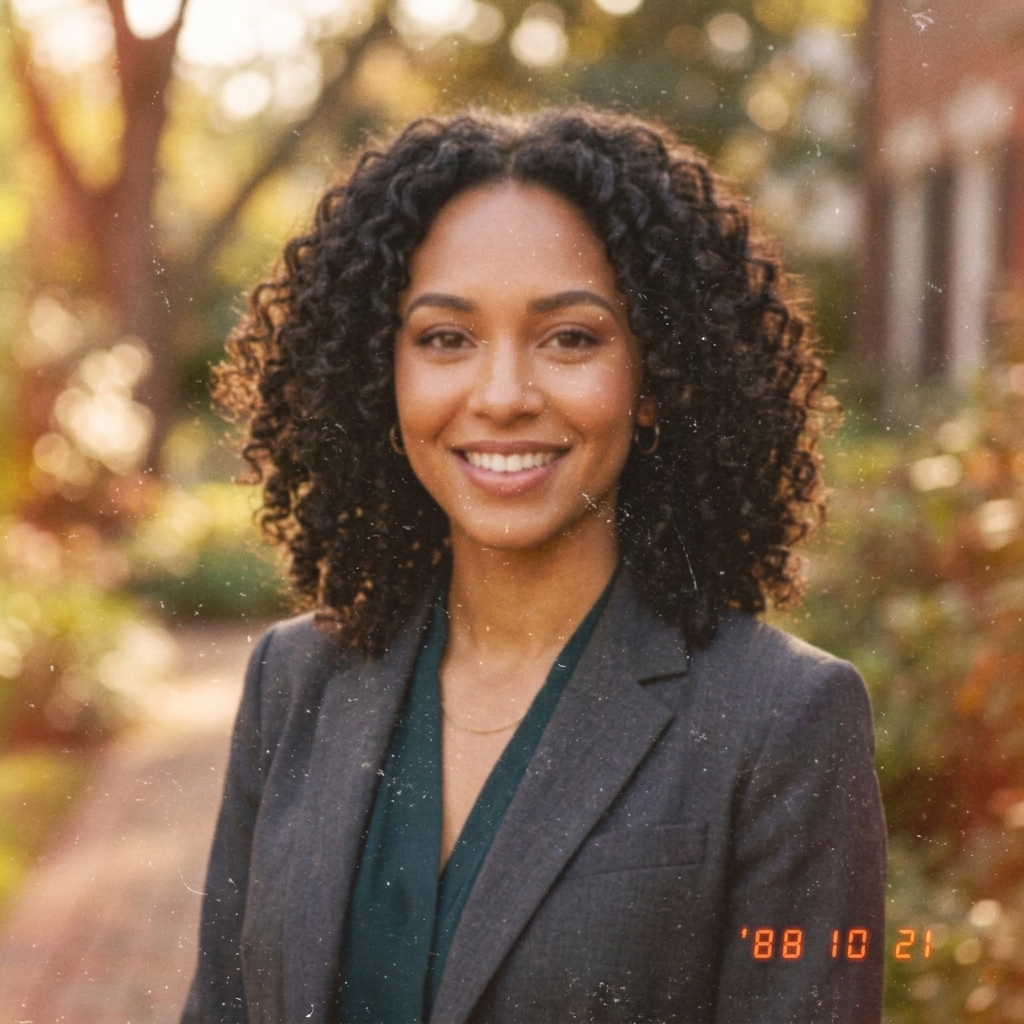
Recent Sessions
Output Example
Demo Preview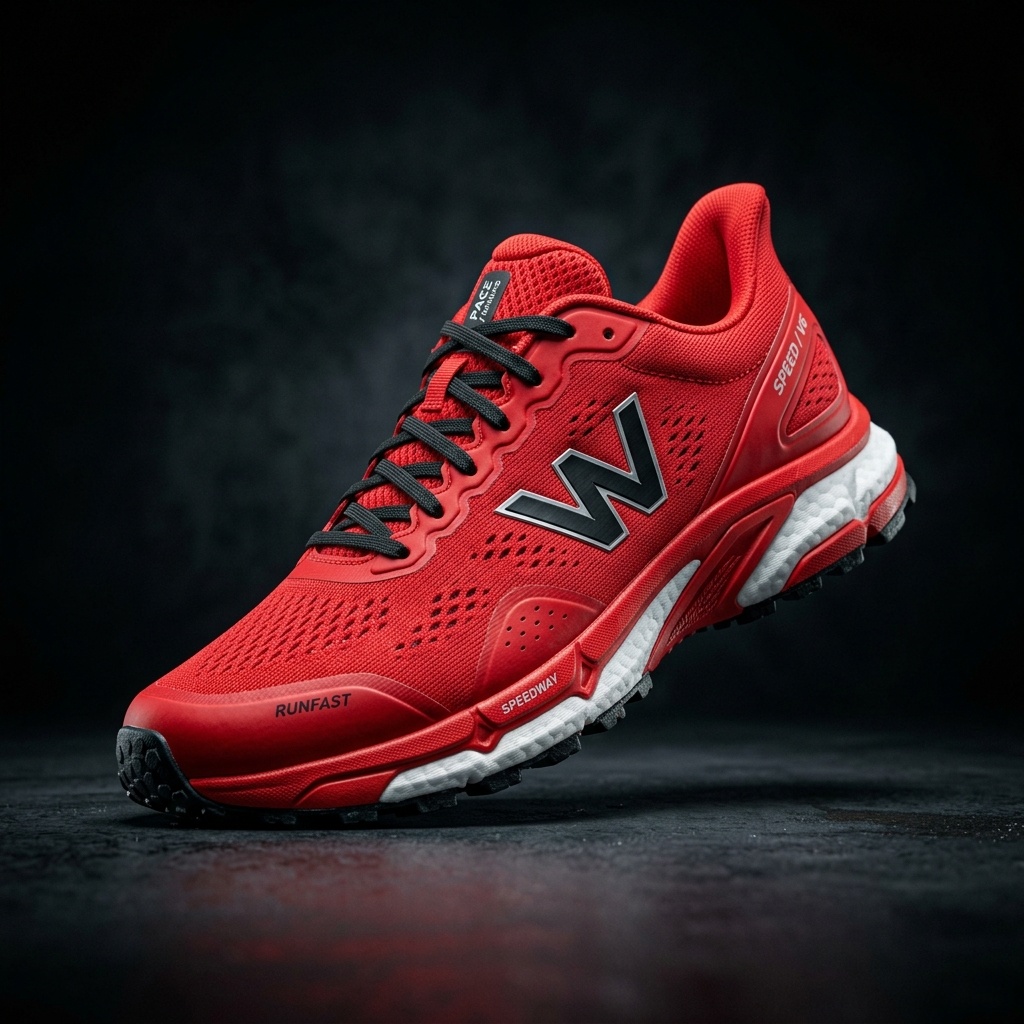
Drag the slider to compare the original image with the AI-upscaled result.
2×, 4×, and 6× Upscaling
Choose an enlargement level based on your source resolution and intended output size.
Image-Aware Enhancement
Use dedicated processing for photos, portraits, anime, and illustrated artwork.
High-Resolution Output
Create larger images for websites, product listings, presentations, and creative projects.
How to Upscale an Image to 4K
Upload an image, choose the processing mode that matches your content, and select an upscale size. The tool calculates the expected output resolution before you use any credits.
Upload Your Image
Choose a PNG, JPG, or WebP image from your device. Starting with a clearer source usually produces a more natural result.
Choose an Image Type
Select General Photo, Anime & Illustration, or Face Enhance to match the content of your image.
Select 2×, 4×, or 6×
Review the calculated output dimensions and choose the smallest scale that meets your resolution target.
Upscale and Download
Run the upscaler, compare the result with the original, and download the high-resolution image.
What Does 4K Image Resolution Mean?
For images, "4K" commonly refers to a width of approximately 4,000 pixels. A standard 4K UHD frame measures 3840 × 2160 pixels, but photos may use different aspect ratios.
Whether an image reaches 4K depends on its original dimensions and the selected upscale size. For example, a 1200-pixel-wide image reaches 4800 pixels at 4×, while an 800-pixel-wide image reaches only 3200 pixels at the same setting.
ImageToLayers calculates your expected output dimensions before processing so you can choose the appropriate scale.
Example Calculation
AI Upscaling for Different Image Types
General Photo Upscaling
Enlarge product photos, landscapes, lifestyle images, and other real-world photography while improving visible edge clarity.
Portrait Enhancement
Improve the apparent clarity of faces in portraits and headshots. AI-generated facial details should be reviewed before professional use.
Anime and Artwork Upscaling
Enlarge anime, cartoons, and illustrations with processing designed for clean outlines and flat-color regions.
When to Use the AI Image Upscaler
Product Listings
Create larger product images for storefront galleries, marketplace listings, and zoom views.
Social and Marketing Creative
Enlarge older or smaller assets for social posts, advertisements, presentations, and campaign layouts.
Portraits and Headshots
Improve the resolution of profile photos, team portraits, and personal images.
Anime and Illustrations
Produce larger versions of character art, cartoons, posters, and digital illustrations.
Explore More Image Enhancement Tools
Choose a specialized AI tool for your image format or enhancement goal.
Improve Image Quality
Upscale by Image Type
Example Upscaling Workflows
Small Product Photo → 4× Upscale → Marketplace Gallery
Compressed Portrait → Face Enhance → Profile Image
Anime Artwork → Anime Mode → Larger Poster Asset
Frequently Asked Questions
Can I upscale any image to 4K?
You can enlarge most supported images, but whether the result reaches 4K depends on the original dimensions and selected scale. The editor shows the expected output resolution before processing.
What image size is considered 4K?
4K usually refers to an image width of approximately 4,000 pixels. Standard 4K UHD is 3840 × 2160 pixels, while photos with different aspect ratios may have different heights.
Should I choose 2×, 4×, or 6×?
Choose the smallest scale that meets your required output size. Use 2× for moderate enlargement, 4× when targeting higher-resolution or 4K output, and 6× for very small source images or larger deliverables.
Can AI upscaling recreate original details?
AI upscaling can improve apparent sharpness and generate plausible detail, but it cannot recreate information that was never captured in the source image. Review faces, text, logos, and fine product details before publishing.
Which mode should I use?
Use General Photo for most photography and product images, Anime & Illustration for stylized artwork, and Face Enhance when facial clarity is the main priority.
Can the upscaler reduce JPEG artifacts?
It can reduce the appearance of compression blocks, noise, and ringing, although results depend on the quality and compression level of the source image.
Does upscaling improve blurry images?
It may improve perceived clarity in mildly blurry images, but severe motion blur or out-of-focus photography may require a dedicated enhancement workflow.
Ready to Upscale Your Image to 4K?
Upload an image, preview the expected output resolution, and choose the right upscale size for your project.
20 credits per image