
Create More Amazon Product Views From One Photo
Already have your product image? Generate additional 3/4, side, back, and top views for your Amazon product gallery — without arranging another product shoot.
Amazon Angle Workbench
Upload your existing product photo, pick the Amazon Angle Set or a single missing view, and generate them in one pass.
One photo in · choose only the views you need
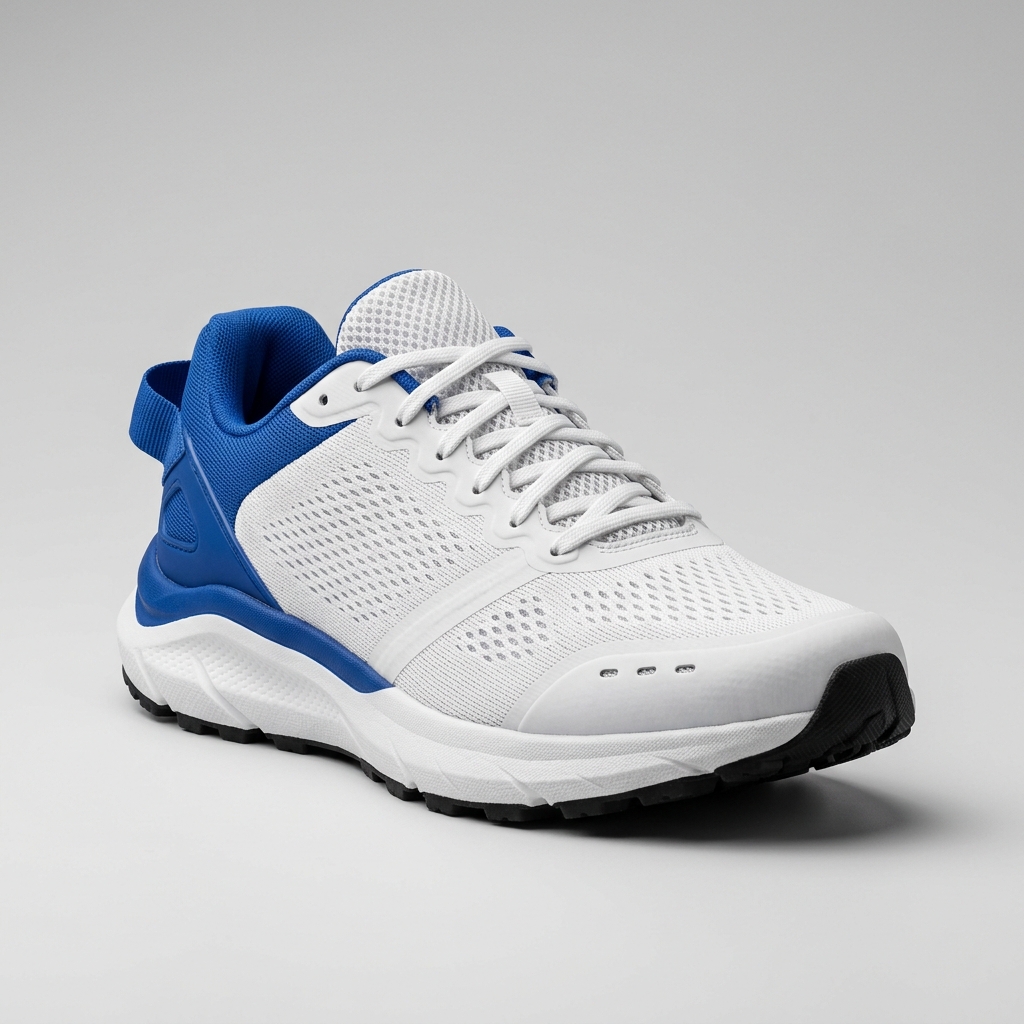
Ready to create multiple views for your product?
Click or drag & drop any photo here (PNG, JPG, WEBP)
Working with a character?
Review hidden details before publishing
New camera angles may require AI to infer areas not visible in your source photo. Check labels, logos, ports, packaging text, and other product-specific details.
Fill the Gaps in Your Amazon Product Gallery
You already paid for the product. You already have the hero photo. But your gallery is still missing the angles shoppers want to inspect before they buy. Generate additional views from the product image you already have, instead of arranging another shoot just for a side or back photo.
Show More of the Product Before Shoppers Buy
3/4 View
Show shape and depth in one image.
Side View
Help shoppers understand thickness, profile, and construction.
Back View
Show the side of the product your hero image cannot reveal.
Top View
Useful for openings, controls, layouts, lids, and product structure.
Main Image vs. Additional Amazon Images
Main Image
Amazon's main image generally needs a pure white background, with the product taking up at least 85% of the frame and no added text, graphics, or watermarks.
Additional Images
Amazon encourages additional images that help customers evaluate the product, including different angles, features, and use contexts. Amazon seller guidance recommends providing six product images.
This angle generator is primarily designed to help create additional product views. Always review generated images against the current requirements for your category before publishing.
When the Camera Moves, AI May Have to Imagine What It Can't See
Your source image may show the front of a bottle but not the back label. When generating a back view, AI has to infer those hidden areas.
Always review:
For products where exact hidden details matter, use real additional photos or a verified 3D model as reference.
Made for Real Amazon Listing Gaps
You Only Have the Supplier Photo
Generate additional visual directions before arranging the final shoot.
You Forgot to Photograph the Back
Create a draft back view from the approved product reference.
Your Older ASIN Has Only One or Two Images
Expand the existing product gallery with additional viewpoints.
You Need More Product Angles for A+ Content
Create angle variants that can be incorporated into your A+ design workflow.
You're Launching Another Product Variant
Generate consistent visual directions for new catalog assets.
Amazon Seller FAQ
Can I use these images directly on Amazon?
Generated views work well as additional/supplemental listing images. Always check the result against your category's current image requirements before publishing, especially for the main image slot.
Does Amazon require this exact angle set?
No. There is no official Amazon-required angle combination. Amazon seller guidance recommends providing several images, including different angles, but the Front 3/4 / Side / Back / Top set here is a practical starting point, not a requirement.
Will labels and text stay accurate on generated views?
AI aims to preserve the product's visible shape, color, materials, and branding — but it cannot read text it never saw. If a label is hidden in your source photo, the generated view may not reproduce it exactly. Always review logos, labels, and printed text before publishing.
Can it generate a back view from a front-facing photo?
Yes, but the back of the product wasn't visible in your source photo, so AI has to infer that area. Treat generated back views as a strong starting draft, not a substitute for a real photo when exact hidden details matter.
What if I'm only missing one angle?
Switch to "Choose Views Manually" and select just that view. You don't need to generate the full Amazon Angle Set to fill a single gap.
How many credits does this cost?
Each generated view costs 30 credits. The default Amazon Angle Set (4 views) costs 120 credits; unchecking a view lowers the total automatically — a single view costs 30 credits.
Does this work for packaged products?
Yes, it works on packaged goods, but hidden panels (like the back of a box) are reconstructed by AI rather than photographed. Review packaging text and graphics on any hidden face before publishing.
Can I use a supplier or sample photo as the source?
Yes. A supplier photo is a common starting point when your own photography isn't ready yet — generate additional views from it, then swap in real photos once your shoot is done.
Is this suitable for the Amazon main image?
Not directly. Amazon's main image generally needs a pure white background with the product filling at least 85% of the frame. Generated views are best used as additional images; use a dedicated white-background editor for the main image slot.
What happens to parts of the product I can't see in my photo?
AI reconstructs them based on the visible parts of the product. That reconstruction is a best estimate, not a scan of the real object — review hidden components, ports, and printed details before you publish.
Can I generate a custom angle instead of the presets?
Yes. Advanced camera controls let you set a specific azimuth, elevation, and distance if none of the preset views match what you need.
What kind of source image works best?
A clear, well-lit photo with the whole product visible and a simple background works best. The cleaner your starting photo, the more reliable the generated angles will be.
Fill the gaps in your Amazon gallery
Upload the product photo you already have and generate the views your listing is missing.
Generate Product ViewsNeed a clean white-background hero image?
Create a main-image-ready product photo with a pure white background.
Open Product Photo EditorNeed a full 360° product spin?
Generate a continuous multi-angle turntable view instead of individual images.
Open Product 360 Generator