
AI product photography
You Already Have the Product Photo. You Shouldn’t Need a New Photoshoot for Every Campaign.
Your product hasn't changed.
Built for visual creation. Always review labels, logos, packaging, and product details before publishing.
Product Stage
Place Product on Stage
Drag & drop, browse file, or snap with mobile camera
Supports JPG, PNG, WebP up to 20MBTry with a studio demo product:
Product Geometry & Label Protection:
Your product contours, typography, barcode, and packaging materials are locked. The studio engine only renders commercial lighting, physical contact shadows, and realistic staging.
Studio Scene & Lighting
From Raw Cutout to Commercial E-Commerce Hero
Realistic physical contact shadows, raytraced reflections, and studio lighting without re-photographing.
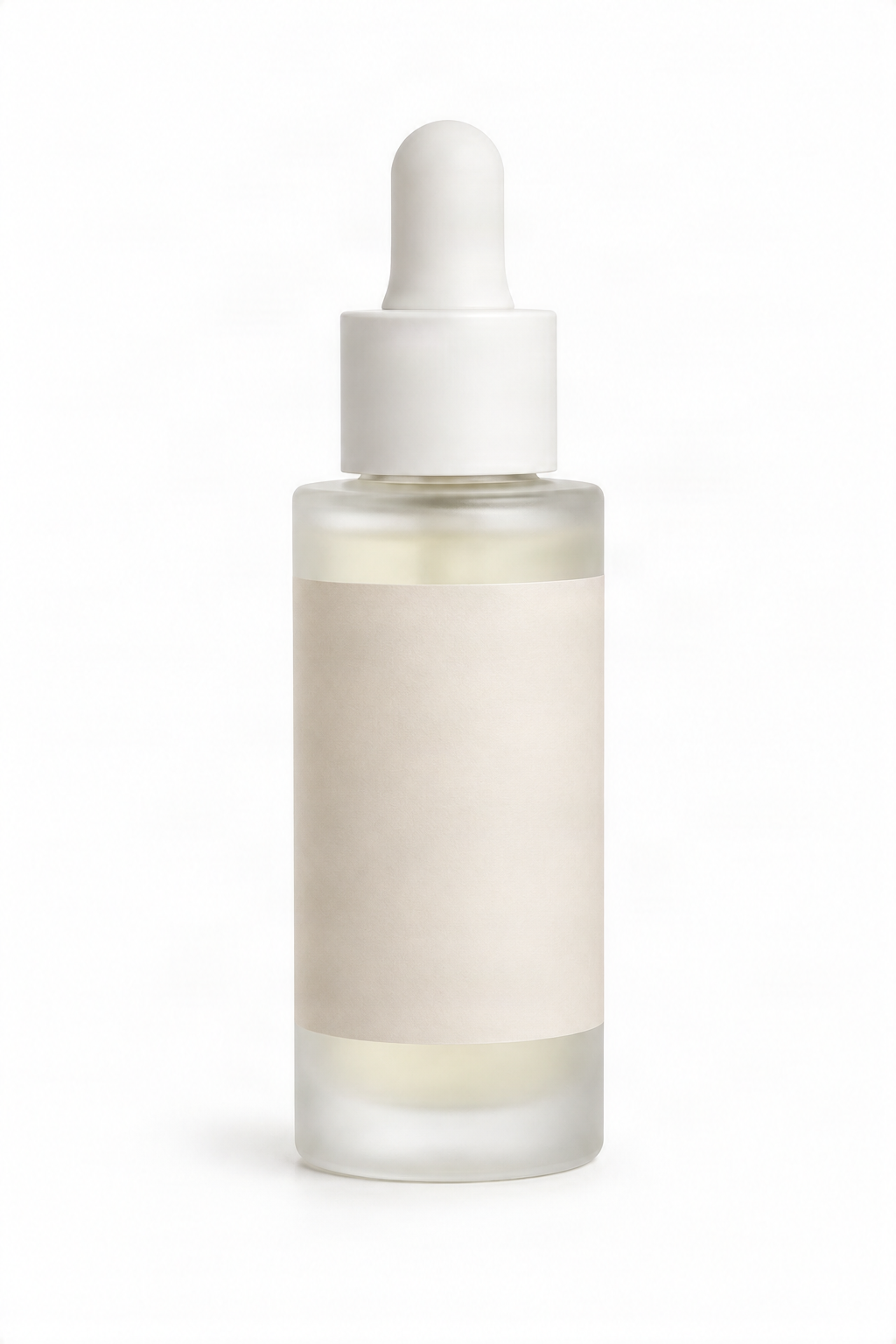 RAW PRODUCT REFERENCE
Flat studio cutout without environment or contact shadows
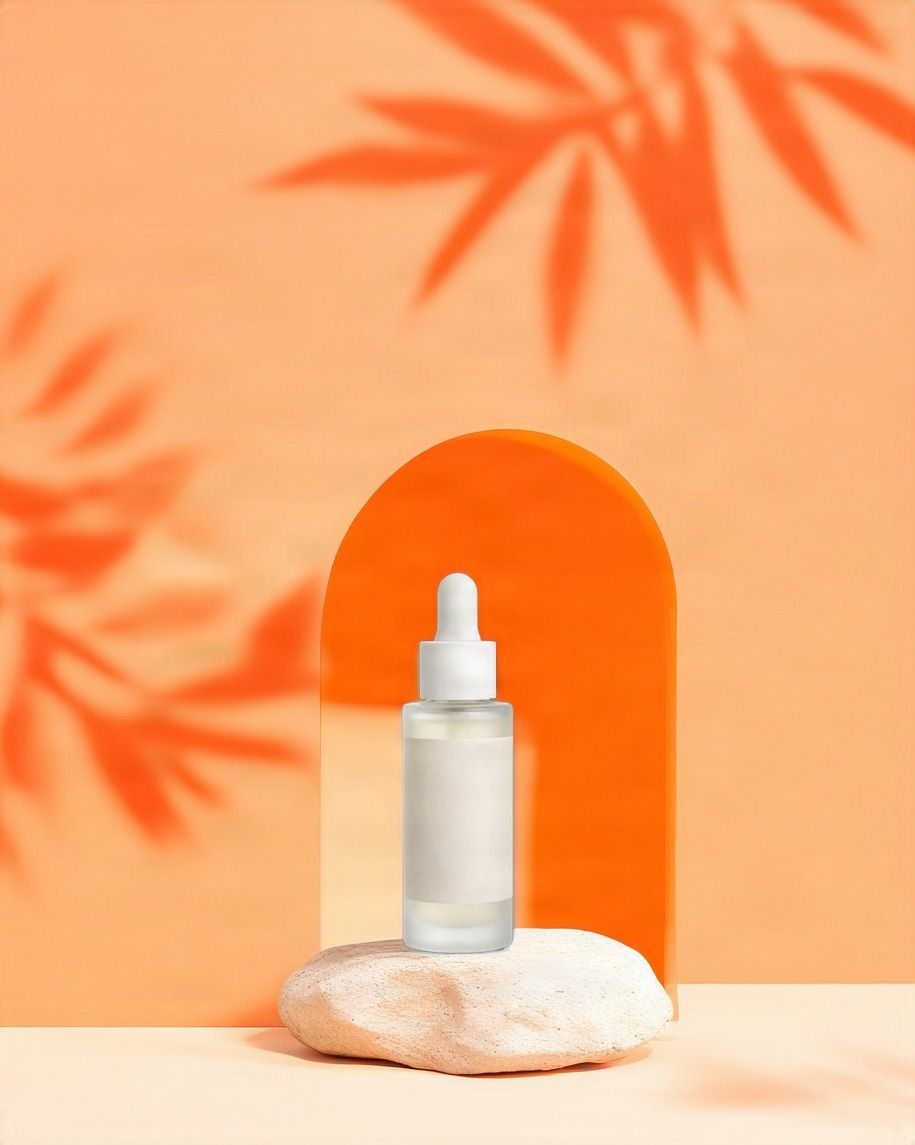 STUDIO LIGHTBOX OUTPUT
100% Label & Logo preserved with natural limestone pedestal
Recent Sessions
Scroll to the product photo generator to create and refine commercial product scenes.
The product is still the same
One Product. Too Many Images to Produce.
A single product may need:
- a clean store image
- a lifestyle photo
- a launch visual
- a social media post
- a seasonal campaign
- a banner
- a marketplace image
- an email hero
- an ad creative
- a different aspect ratio
The product is still the same. Only the scene changes. Instead of rebuilding the set every time, start from the product image you already have.
One product photo. A completely new scene.
One Product Photo. More Than One Campaign.
You don't need a different photoshoot every time your marketing changes. Start with one product and create new visual directions around it.
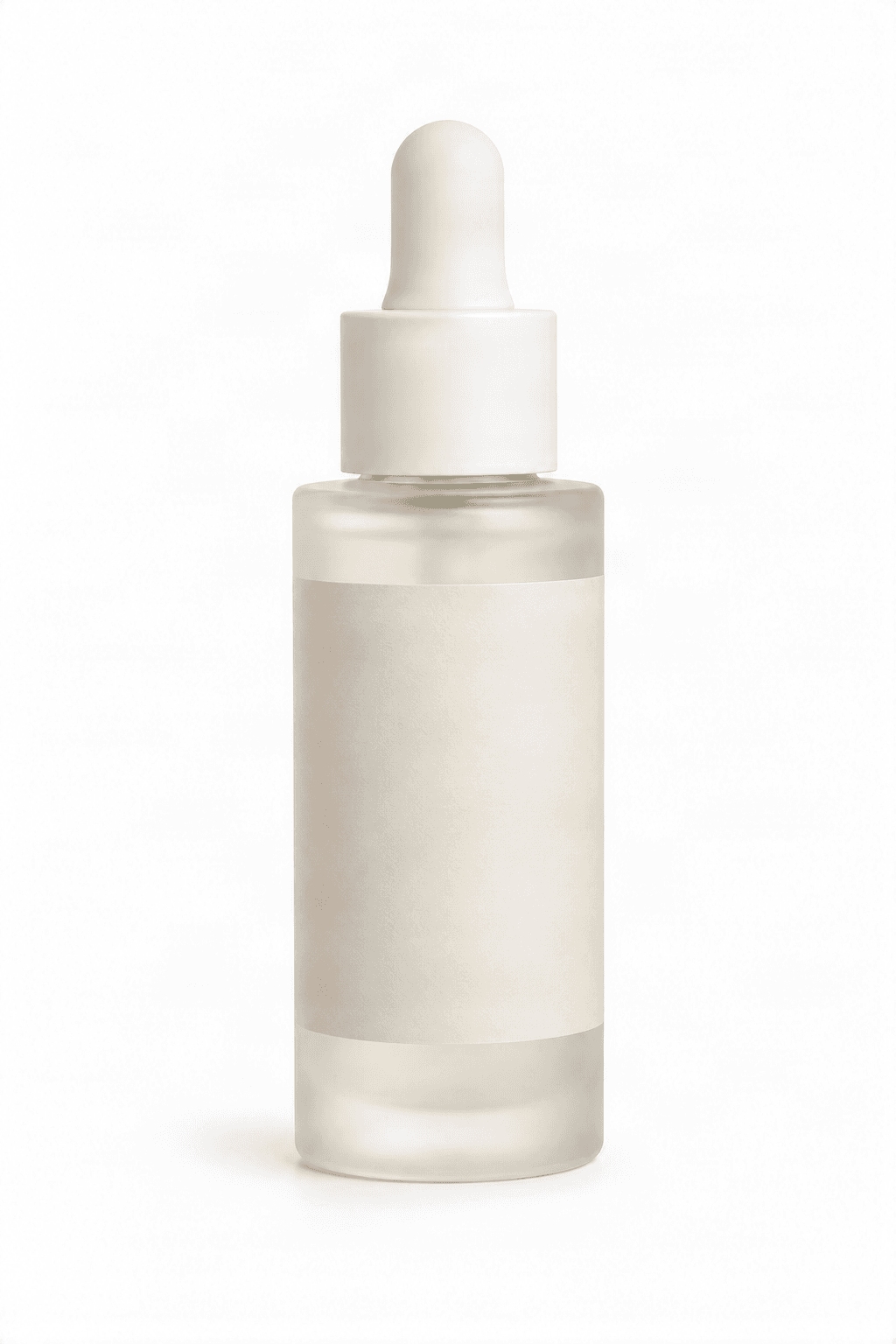
Original Product
Scene Direction
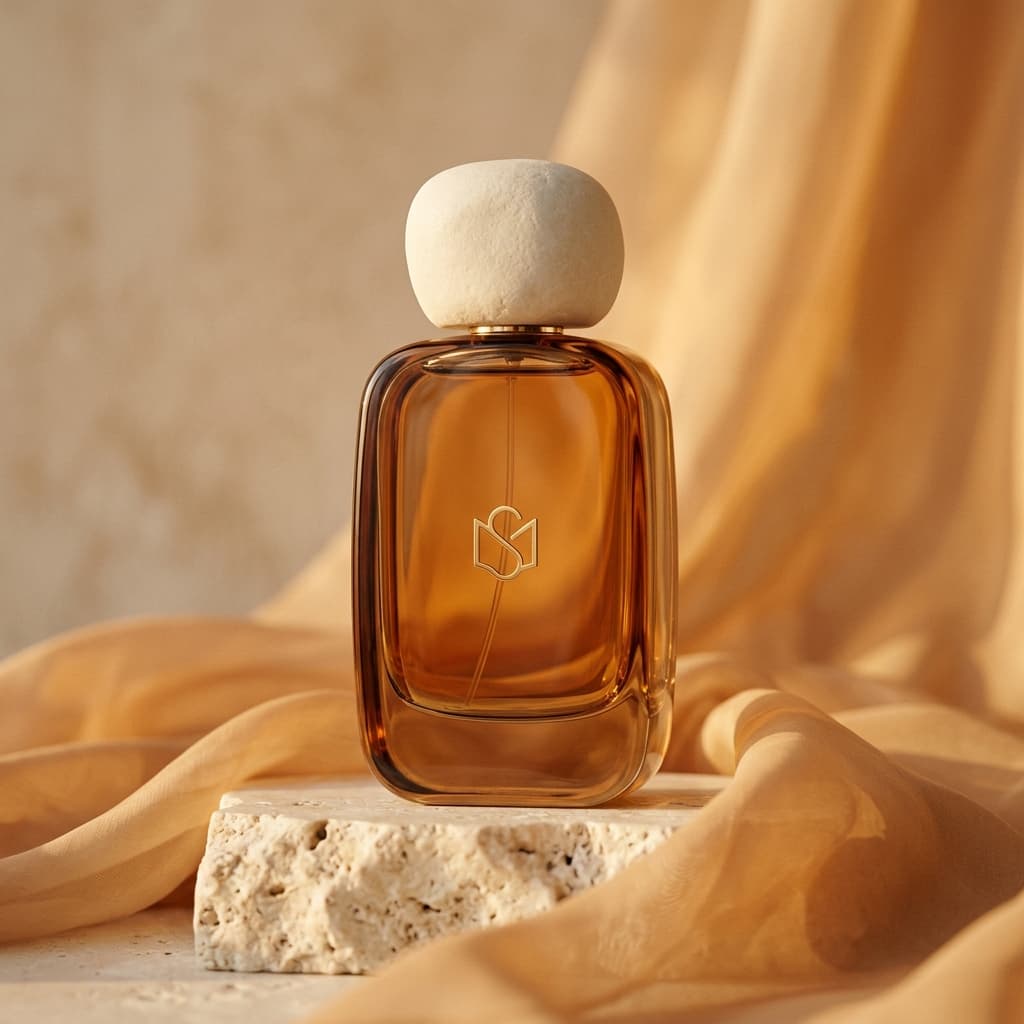
Warm Minimal Skincare Campaign
Warm stone, soft morning light, and subtle botanical shadows.
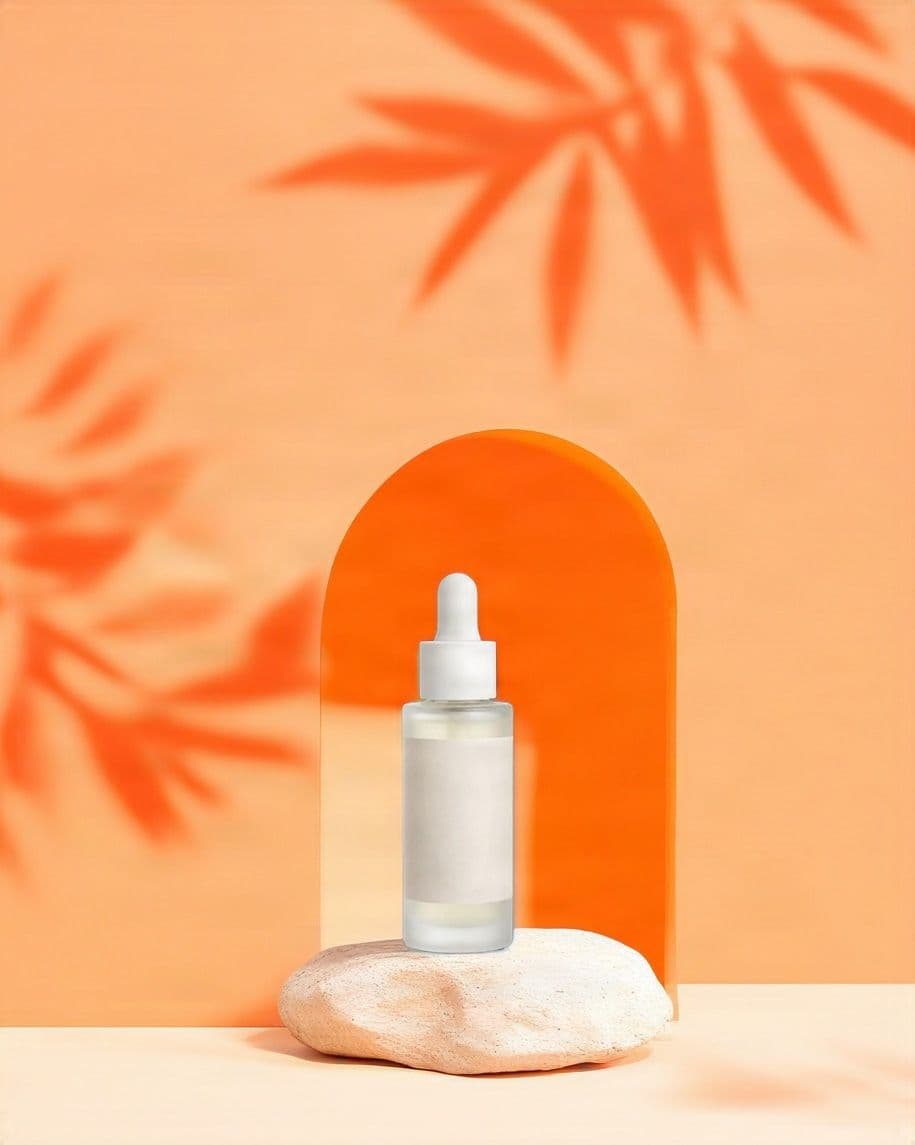
Generated Product Photo
Same product reference. Different marketing need.
Make It Look Good for Me
Auto
Don't have a specific scene in mind? Let AI create a polished product setting around your image.
I Know the Scene I Want
Describe a Scene
Describe the environment, mood, lighting, surface, or composition you want.
I Already Have a Visual Direction
Reference Background
Upload a background or scene reference when you already know the kind of setting you want to follow.
Product photography examples
Create product images for different campaigns
Explore studio, lifestyle, seasonal, and advertising directions while keeping the product at the center of the image.
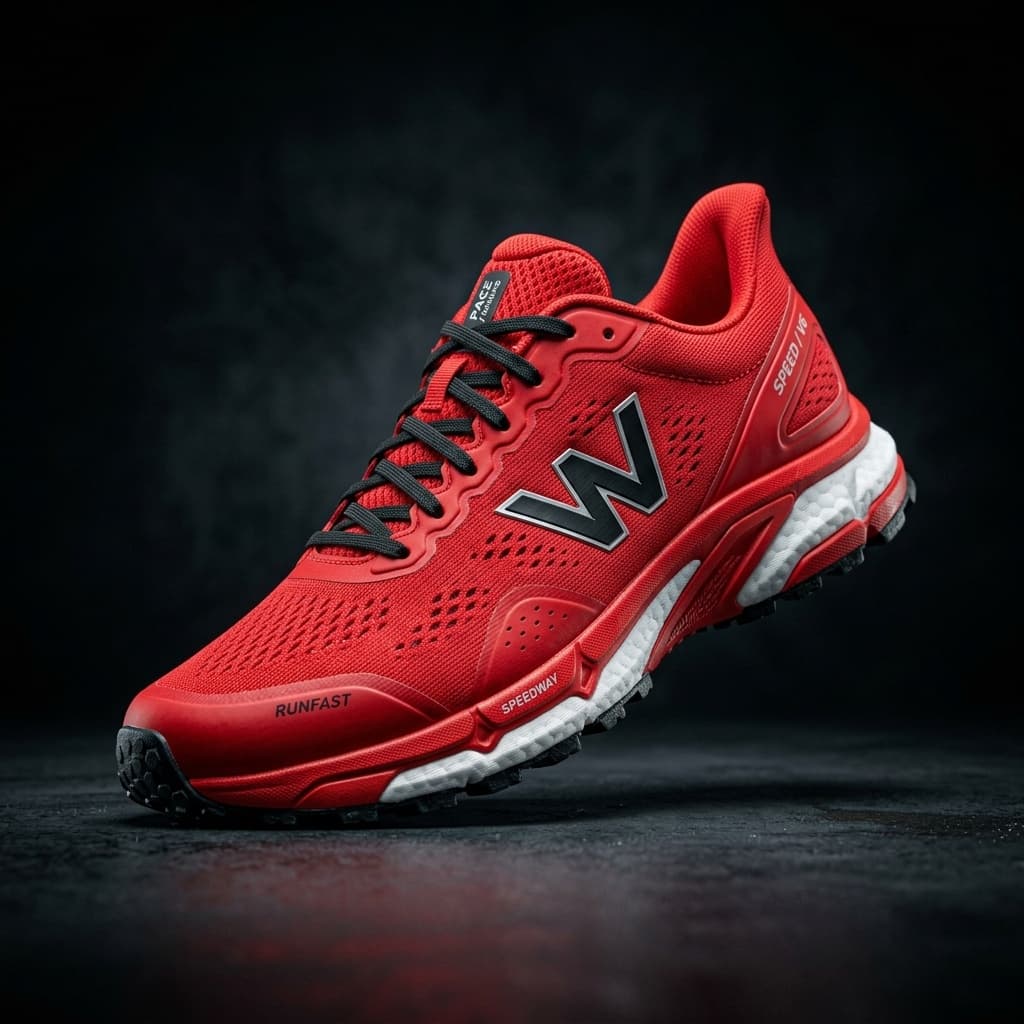
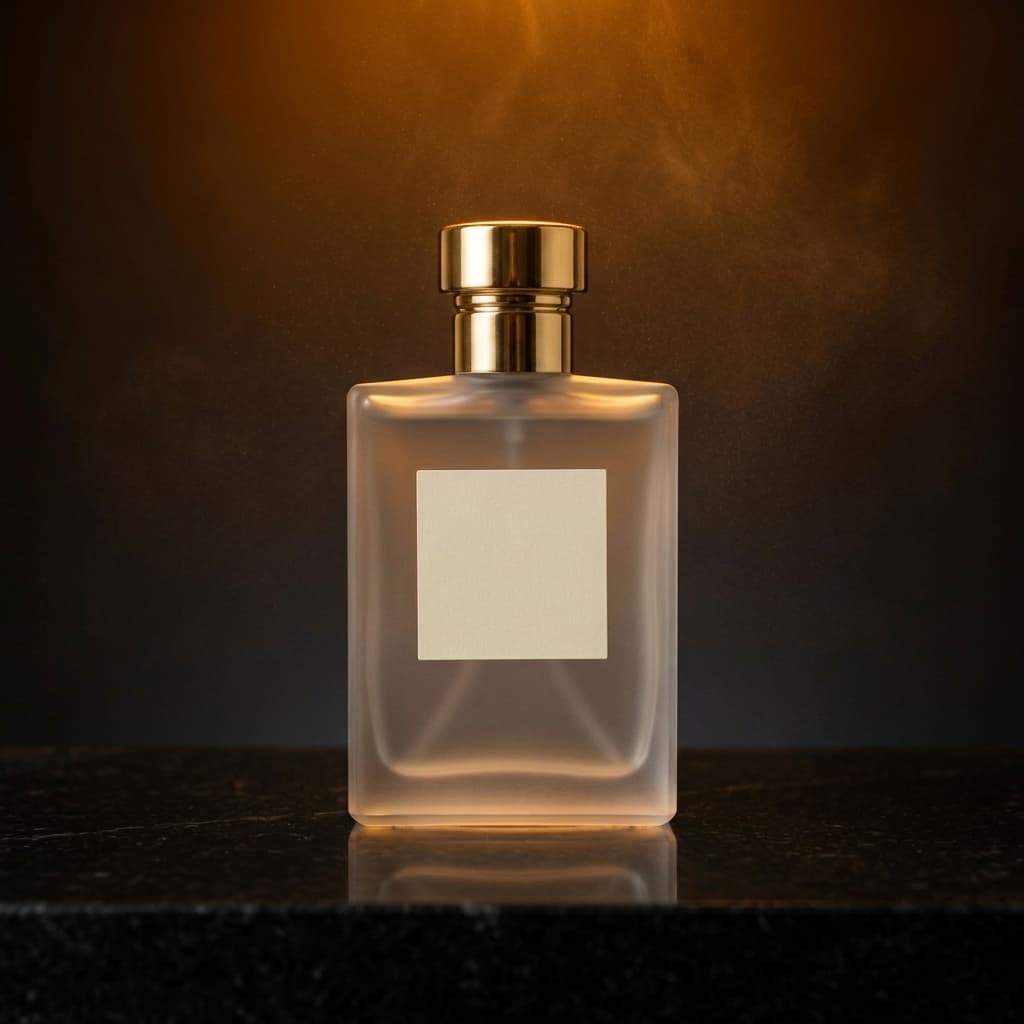
Luxury · Studio · 4:5
Luxury skincare
A premium frosted glass serum bottle on a light travertine pedestal, warm beige background, soft morning shadows, delicate botanical elements, refined minimalist skincare campaign, front three-quarter view
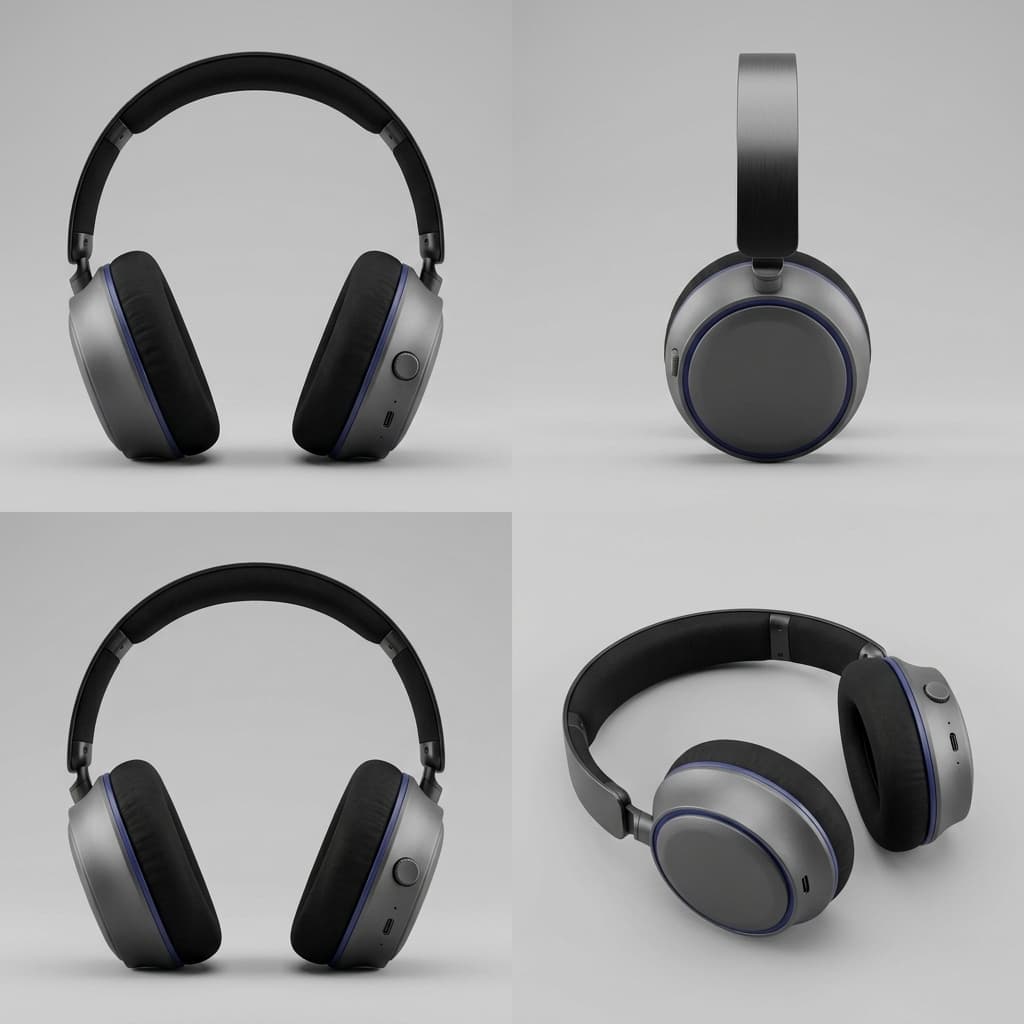
Technology · Minimal · 1:1
Minimal technology
A sleek pair of wireless headphones floating above simple geometric platforms, matte charcoal and deep violet color palette, subtle rim lighting, premium futuristic product photography
Lifestyle · Natural · 4:5
Natural lifestyle
A reusable glass water bottle with a bamboo lid on a moss-covered stone beside a calm forest stream, fresh morning light, soft green palette, sustainable lifestyle product photography
Fashion · Editorial · 4:5
Fashion editorial
A structured burgundy leather handbag on a sculptural cream pedestal, soft directional shadows, muted gallery background, high-fashion editorial product photography
For every product channel
Create product photos for storefronts and campaigns
Ecommerce product images
Create clean product visuals for online stores, collection pages, product launches, and marketplace listings.
Lifestyle photography
Show how a product could look in a home, workspace, outdoor setting, or everyday customer environment.
Advertising creatives
Generate bold commercial scenes with product-focused compositions and room for campaign copy.
Social media content
Produce square, portrait, and story-sized visuals for product announcements, promotions, and organic posts.
Creative direction
Test backgrounds, lighting, surfaces, props, seasons, and visual styles before committing to a traditional production.
Product catalogs
Create a more consistent visual direction across multiple products, collections, or seasonal releases.
From product image to campaign visual
Build product scenes without starting from scratch
Keep the product at the center
Upload the actual product instead of generating a fictional product entirely from text.
Generate custom backgrounds
Describe a studio, lifestyle, seasonal, abstract, or commercial setting in natural language.
Follow a reference image
Upload a visual reference to guide the background style, lighting, palette, and overall composition.
Control the layout
Choose the output format and product position to create space for headlines, pricing, and calls to action.
Generate multiple variations
Compare several scenes and campaign directions without rebuilding a physical photography setup.
How it works
Create an AI product photo in three steps
Upload your product
Choose a clear product image with the full item visible and enough resolution to preserve fine details.
Choose or describe the scene
Select an automatic preset, write a custom scene prompt, or upload a reference background.
Generate and refine
Create several product photos, compare the results, and adjust the scene, placement, or format as needed.
Write a better product prompt
What to include in a product photography prompt
A useful prompt describes the scene around the product rather than trying to redefine the product itself.
Surface + environment + lighting + camera angle + color palette + commercial style
On a light stone pedestal in a warm neutral studio, soft directional morning light, front three-quarter camera angle, beige and ivory palette, premium minimalist skincare photography
Describe the surface
Use materials such as marble, wood, metal, sand, fabric, glass, stone, acrylic, or paper.
Set the environment
Choose a clean studio, home interior, outdoor landscape, abstract set, retail display, or lifestyle scene.
Direct the lighting
Try soft window light, dramatic side lighting, bright commercial lighting, golden hour, or subtle rim lighting.
Control the composition
Request a centered hero image, close-up crop, low camera angle, top-down view, or product positioned to one side.
Add copy-safe space
Ask for clean negative space on the left, right, or top when the image will be used in an advertisement.
Get better results
How to prepare your product image
Show the full product
Avoid cropping important edges, handles, packaging details, or accessories that belong to the product.
Use a clear image
Sharp, well-lit source images make it easier to preserve product shape and surface details.
Use a simple background
Transparent, white, or uncluttered backgrounds usually make product isolation more reliable.
Avoid heavy reflections
Highly reflective, transparent, or glossy products may require additional review around edges and reflections.
Good to know
Review product details before publishing
The tool is designed to preserve the uploaded product while generating a new environment around it. However, AI processing may occasionally alter small labels, lettering, reflections, transparent materials, fine patterns, connectors, or packaging details.
Always compare the generated image with the original product before using it for ecommerce, advertising, packaging, or customer-facing materials.
Add final legal text, prices, logos, and exact labels afterward in a design editor.
AI Product Photography FAQ
What is AI product photography?
AI product photography uses an uploaded product image to generate new backgrounds, scenes, lighting, and compositions without requiring a new physical photoshoot.
Do I need a professional product photo?
No, but a clear, sharp image with the full product visible will usually produce better results than a blurry, heavily cropped, or cluttered source image.
Will the product stay exactly the same?
The tool is designed to preserve the uploaded product, but small details such as labels, reflections, transparent materials, fine patterns, and text may occasionally change. Review every generated result before publishing.
Can I generate lifestyle product photos?
Yes. Describe the environment, customer setting, lighting, mood, and photography style you want to create.
Can I use a reference background?
Yes. A reference image can guide the scene, color palette, lighting, materials, and composition while your uploaded product remains the main subject.
Can I create images for advertising?
Yes. Request a commercial composition and specify where clean negative space should appear for headlines, offers, and calls to action.
Can I generate product images with a white background?
Yes. Choose the Marketplace style for a clean studio or white background. If you need an isolated transparent cutout or solid-color backdrop, use our dedicated Background Remover or Background Color Changer tools.
Can I add text or a logo to the generated image?
For accurate, editable headlines, prices, logos, labels, and legal copy, generate the product scene without text and add the final typography afterward.
What products work best?
The tool works well for packaged goods, beauty products, electronics, homeware, accessories, beverages, footwear, and many other physical products. Transparent, reflective, or highly detailed products may need additional review.
Can I generate several images for the same product?
Yes. Keep the product image consistent while changing the background, season, lighting, surface, format, or campaign style.
Turn one product image into a full campaign
Upload your product, choose a visual direction, and generate professional product photos for ecommerce, advertising, and social media.
Create product photos