
AI YouTube Thumbnail Generator
Turn your video idea into a scroll-stopping YouTube thumbnail in seconds. Add your topic, headline, or photo and let AI create a polished 16:9 thumbnail for your channel.
Create gaming, tutorial, reaction, tech, lifestyle, podcast, and cinematic thumbnails with AI.
Upload image - Optional
Add a face, product, character, or reference image
JPG, PNG, or WebP up to 10MB
Thumbnail style directions
Use one topic to explore different 16:9 visual directions.
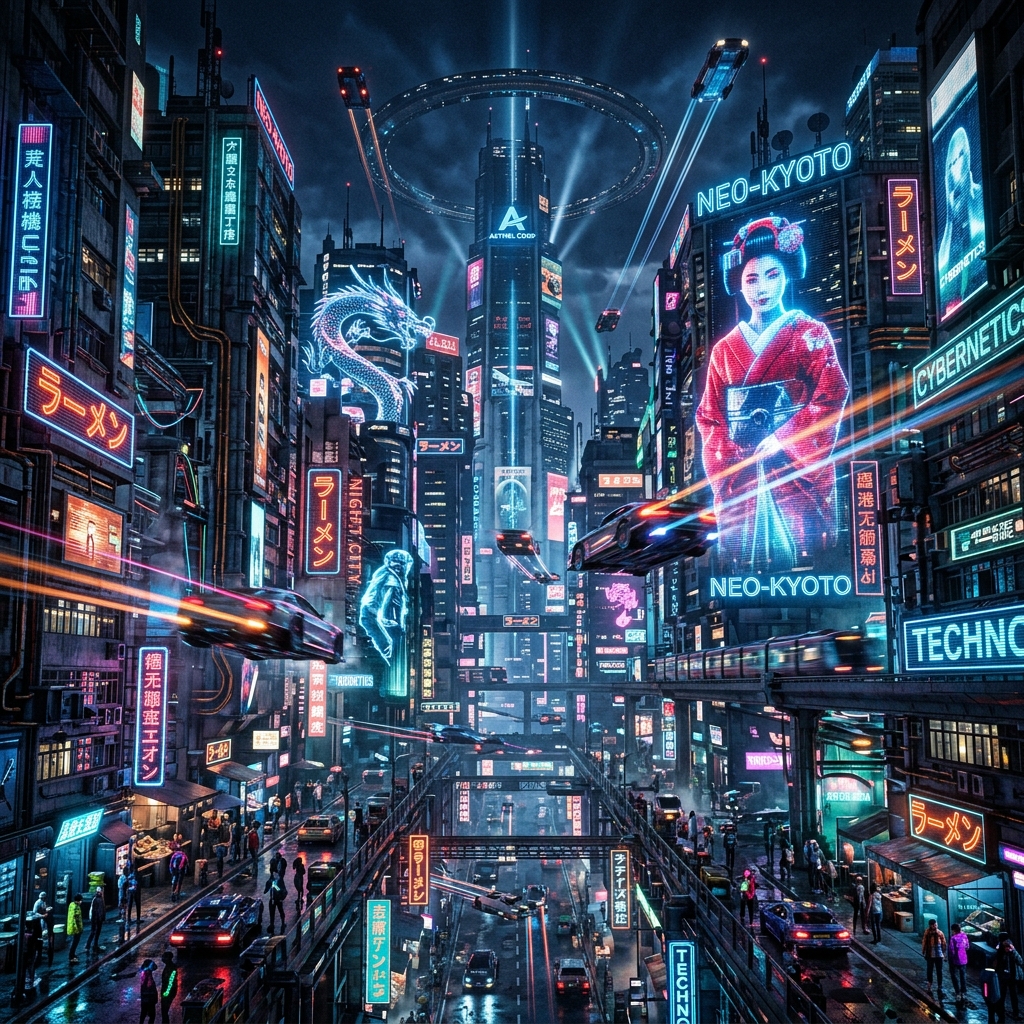
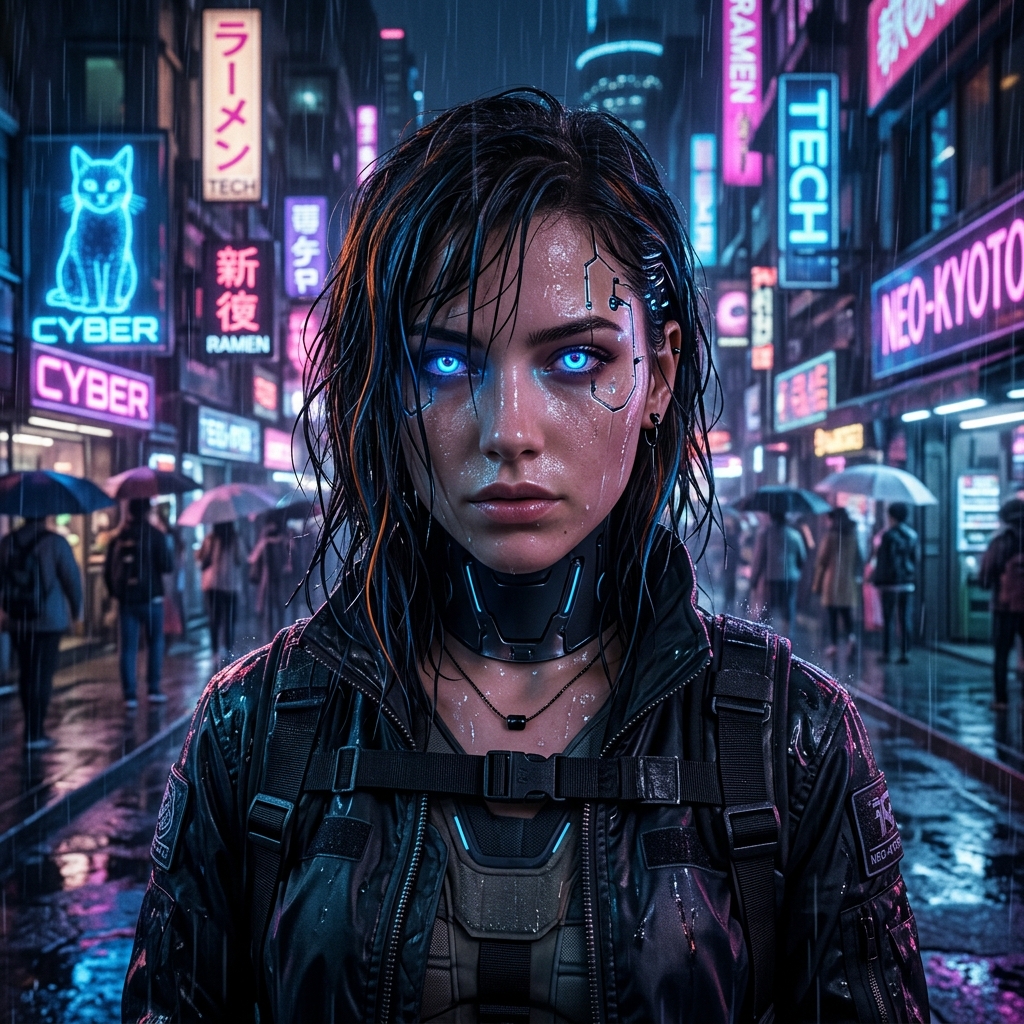
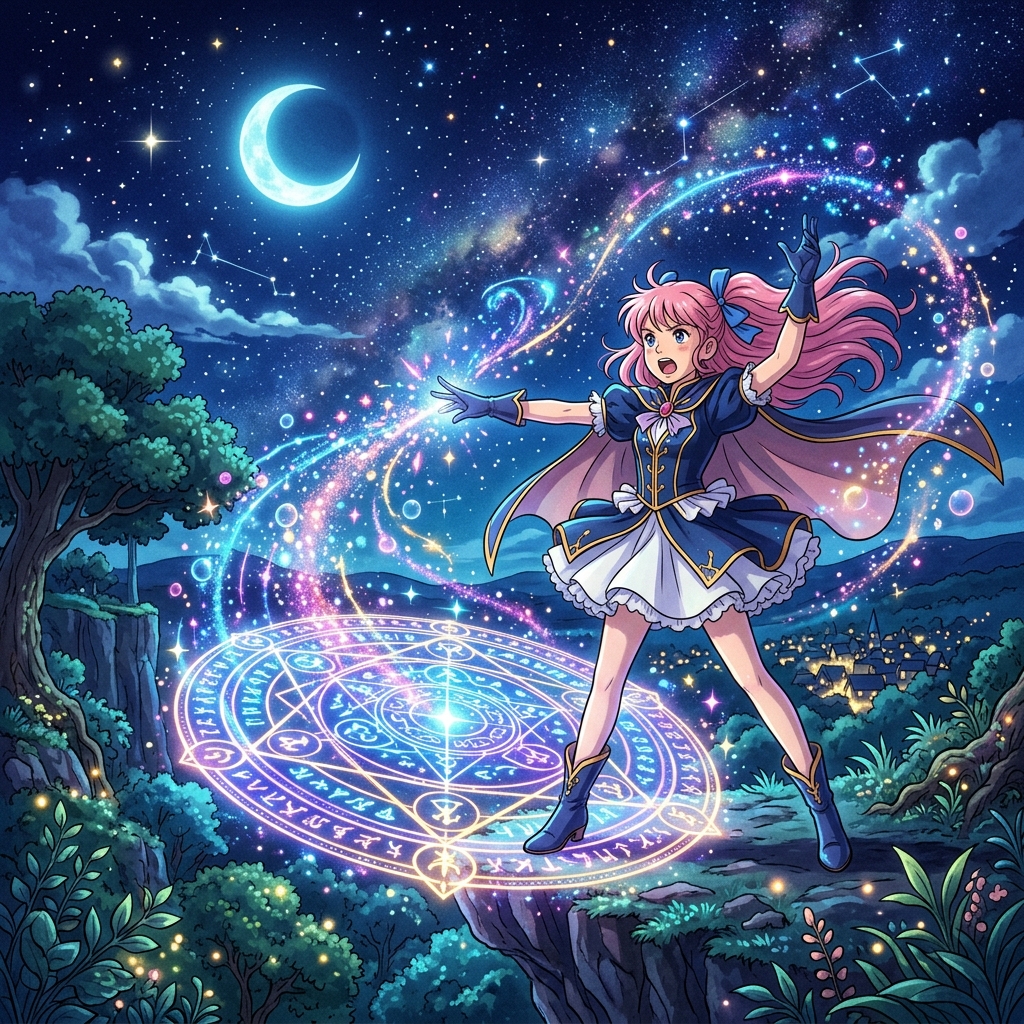

YouTube creative
Create YouTube thumbnails with AI
A great thumbnail communicates the video idea before someone reads the title.
Enter your topic, add a headline and optional image, then generate a polished design with clear focus, contrast, and readable type in YouTube's 16:9 format.
Need a campaign visual beyond YouTube? Explore the AI Product Ad Generator.
Related generators
Continue creating visual content
AI Product Ad Generator
Turn a product photo into campaign-ready advertising creative.
AI Sketch Generator
Transform a reference photo into pencil, charcoal, and line-art styles.
Text to Image for Ads
Create advertising visuals from a written campaign brief.
AI Image Generator
Explore general text and reference-guided image generation.
Image Generator Templates
Browse all current task-specific image generator templates.
Style examples
AI YouTube thumbnail examples
Use the same video idea across different creator formats.
Tech comparison
Split two tools or products with bold comparison text.
AI tools · Reviews · Software
Gaming reaction
Combine expressive subjects, dramatic moments, neon lighting, and high contrast.
Gaming · Highlights · Challenges
Tutorial
Make the promised outcome clear with one subject and a large readable headline.
Education · Productivity · How-to
Lifestyle
Pair an editorial portrait with bold type and supporting callouts.
Health · Beauty · Personal growth
Cinematic story
Use movie-poster lighting and restrained typography for narrative content.
Documentary · History · Essays
Podcast
Turn speaker portraits into a polished episode thumbnail.
Interviews · Commentary · Business
Creative direction
Choose a style that fits your video
Viral
Bold type, expressive visuals, and immediate meaning.
Gaming
Dynamic scenes, saturated color, outlines, and effects.
Tech
Clean cutouts, comparisons, and modern lighting.
Reaction
A strong subject paired with a surprising result.
Tutorial
Simple layout and clearly readable value.
Lifestyle
Editorial portraits and friendly visual hierarchy.
Cinematic
Atmosphere, storytelling imagery, and premium titles.
Minimal
One subject, limited copy, and useful negative space.
Workflow
How to make a YouTube thumbnail with AI
Step 1
Enter your video idea
Describe the topic, title, or key concept.
Step 2
Add your headline
Enter the short phrase viewers should notice first.
Step 3
Upload an image
Optionally add a face, product, screenshot, or character.
Step 4
Choose a style
Select Viral, Gaming, Tech, Tutorial, or another direction.
Step 5
Generate
AI combines the inputs into a complete 16:9 thumbnail.
Step 6
Download or edit
Use the result directly or continue with ImageToLayers.
Thumbnail fundamentals
Designed around how thumbnails work
Bold readable headlines
Keep the main phrase clear at smaller display sizes.
Clear visual focus
Organize the image around one dominant subject.
Subject and text separation
Reserve useful space for copy and supporting graphics.
16:9 by default
Generate in YouTube's standard widescreen format.
Channels
Thumbnails for every type of content
Gaming videos
Tech reviews
Tutorials
Video essays
Lifestyle
Podcasts
Purpose-built
More than a generic AI image generator
A normal image generator creates an image from a prompt.
A thumbnail generator combines subject, headline, composition, contrast, and hierarchy into one design that still works at thumbnail size. Choose the direction and let the preset handle the layout details.
FAQ
AI YouTube Thumbnail Generator FAQ
What is an AI YouTube Thumbnail Generator?
It creates thumbnail visuals from your topic, headline, style, and optional reference image.
Can AI create text in the thumbnail?
Yes. Enter the exact headline you want included in the composition.
What size are generated thumbnails?
The generator uses a 16:9 widescreen format designed for YouTube.
Can I upload my own photo?
Yes. Add a portrait, product, screenshot, character, or other reference.
Can I make gaming thumbnails?
Yes. Gaming emphasizes dramatic lighting, bold text, and energetic effects.
Can I create thumbnails without showing my face?
Yes. Use products, screenshots, environments, illustrations, or typography.
Can I make multiple versions?
Yes. Keep the topic and headline while changing the style or generating again.
Can I edit the result?
Yes. Continue with ImageToLayers and the connected editing tools.
Create your next YouTube thumbnail with AI
Enter your video idea, add a headline, and turn it into a thumbnail designed to stand out.