
AI Image Generator
Create images from text in one professional workspace. Choose the daily-included FLUX model or a credit-based production model, then continue with format controls, saved sessions, and connected editing workflows.
Start With A Template
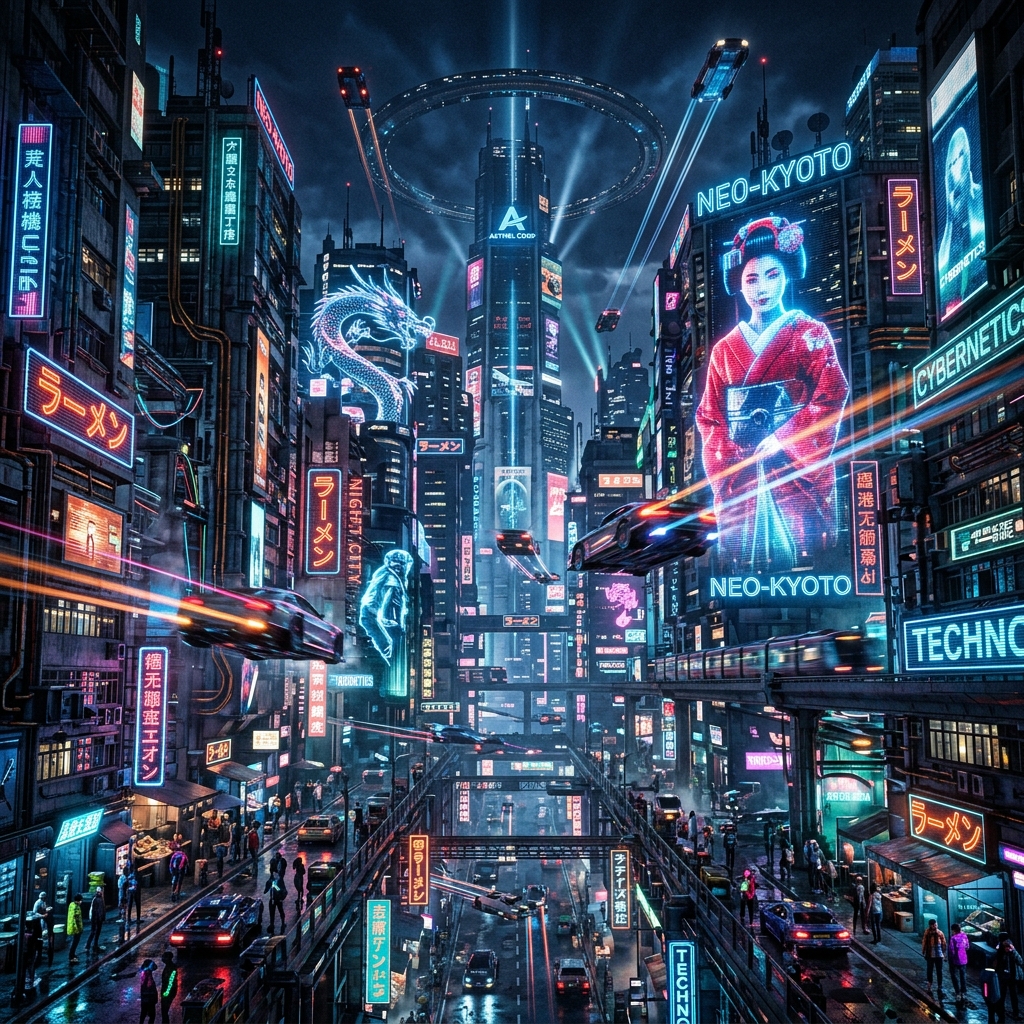
A neon-lit cyberpunk city street at night, rain falling, holographic advertisements, cinematic lighting, 8k resolution, Unreal Engine 5 render.
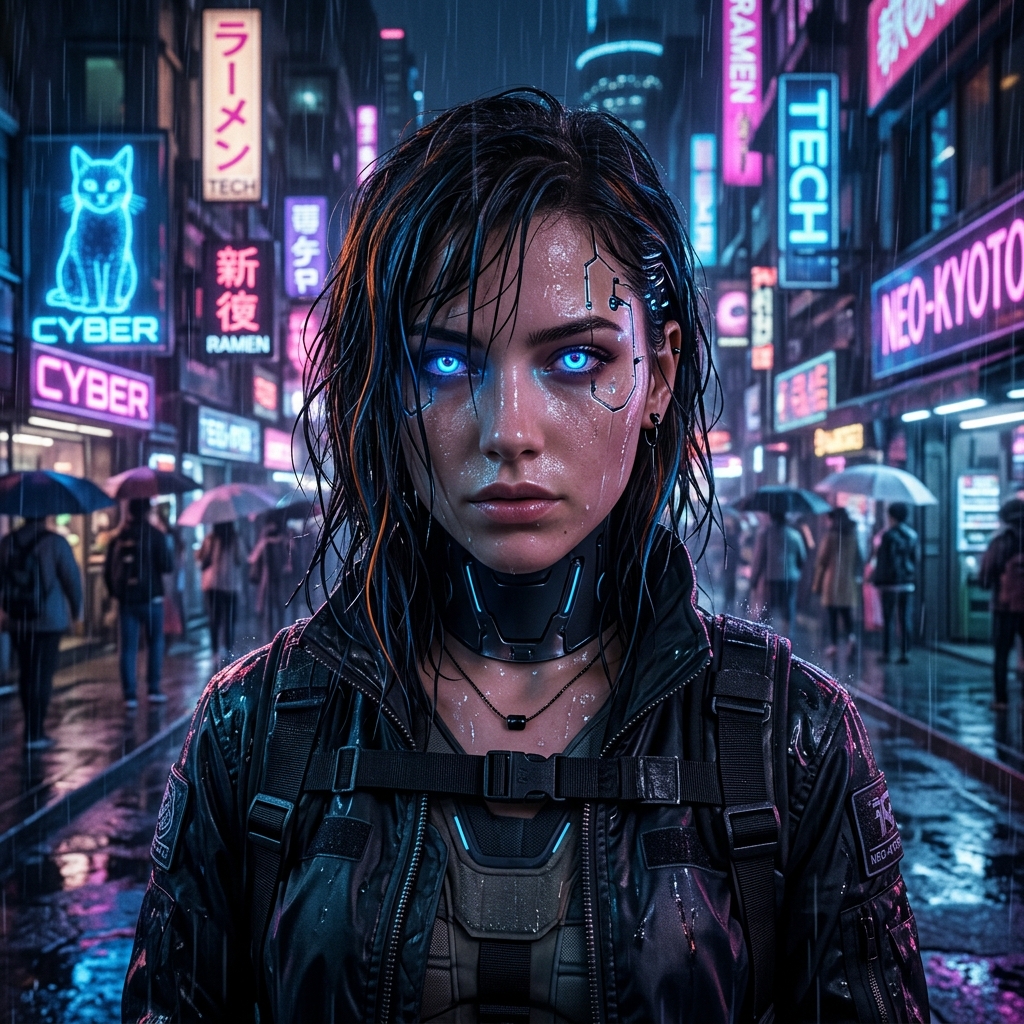
A beautiful young woman with glowing neon blue eyes and subtle cybernetic implants, realistic portrait, 8k resolution, sharp focus, magazine cover style.
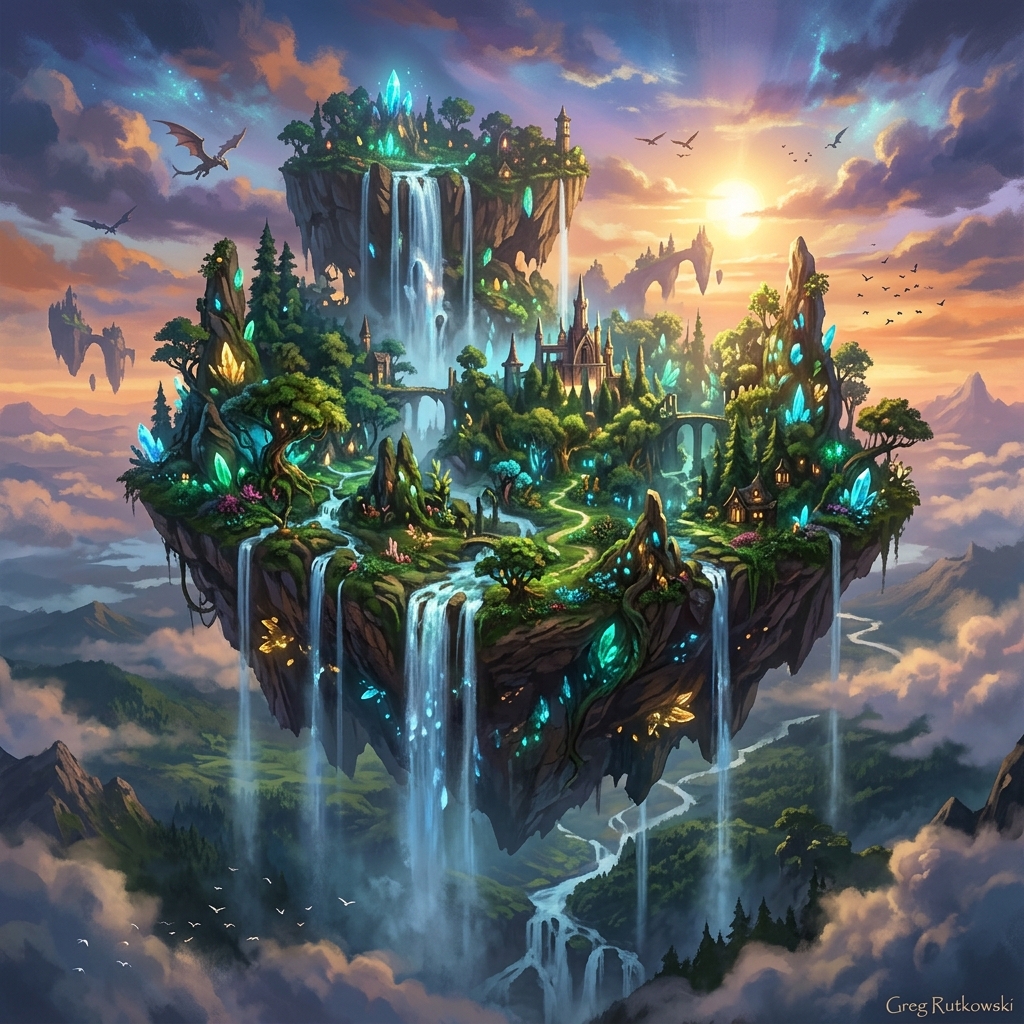
A majestic magical floating island with waterfalls, glowing crystals, lush green fantasy forest, ethereal lighting, concept art.
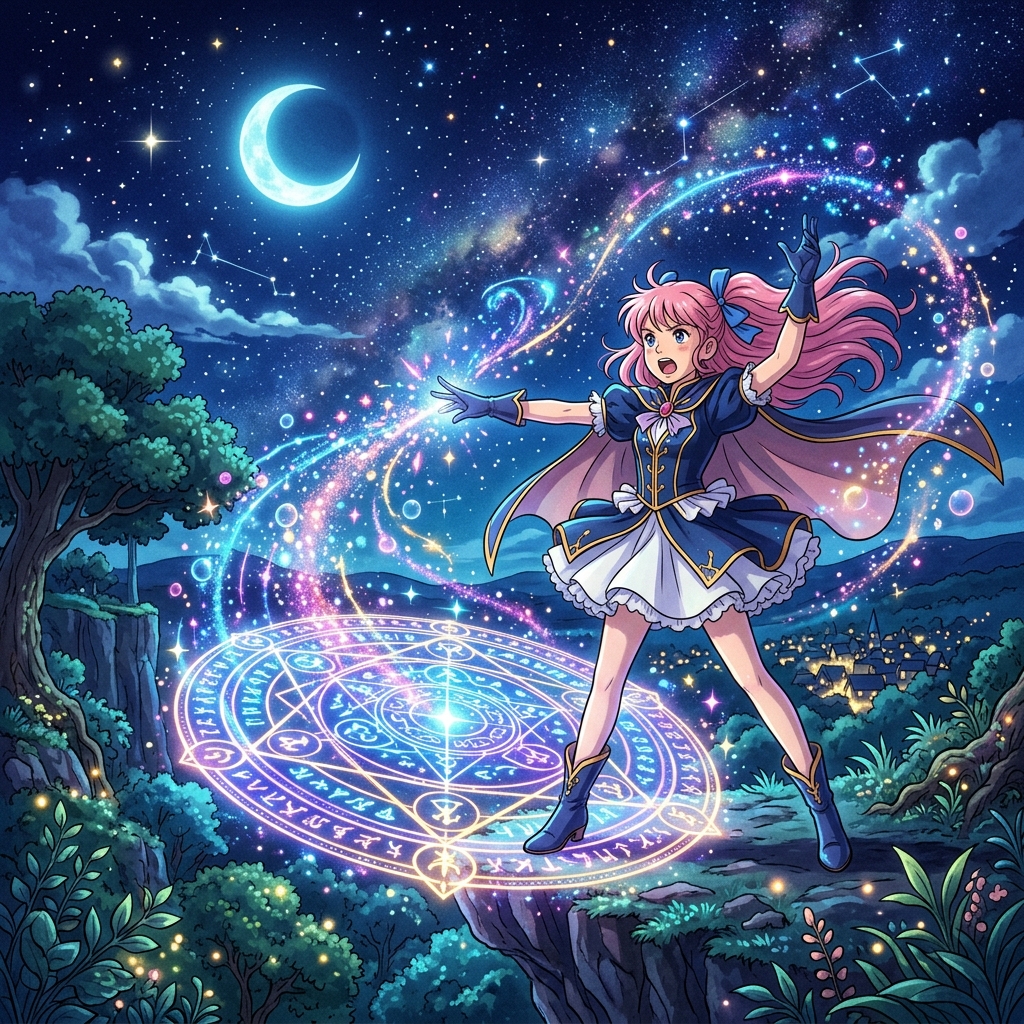
A high quality anime style illustration of a magical girl casting a spell, glowing magical circle, colorful particles, starry night sky.
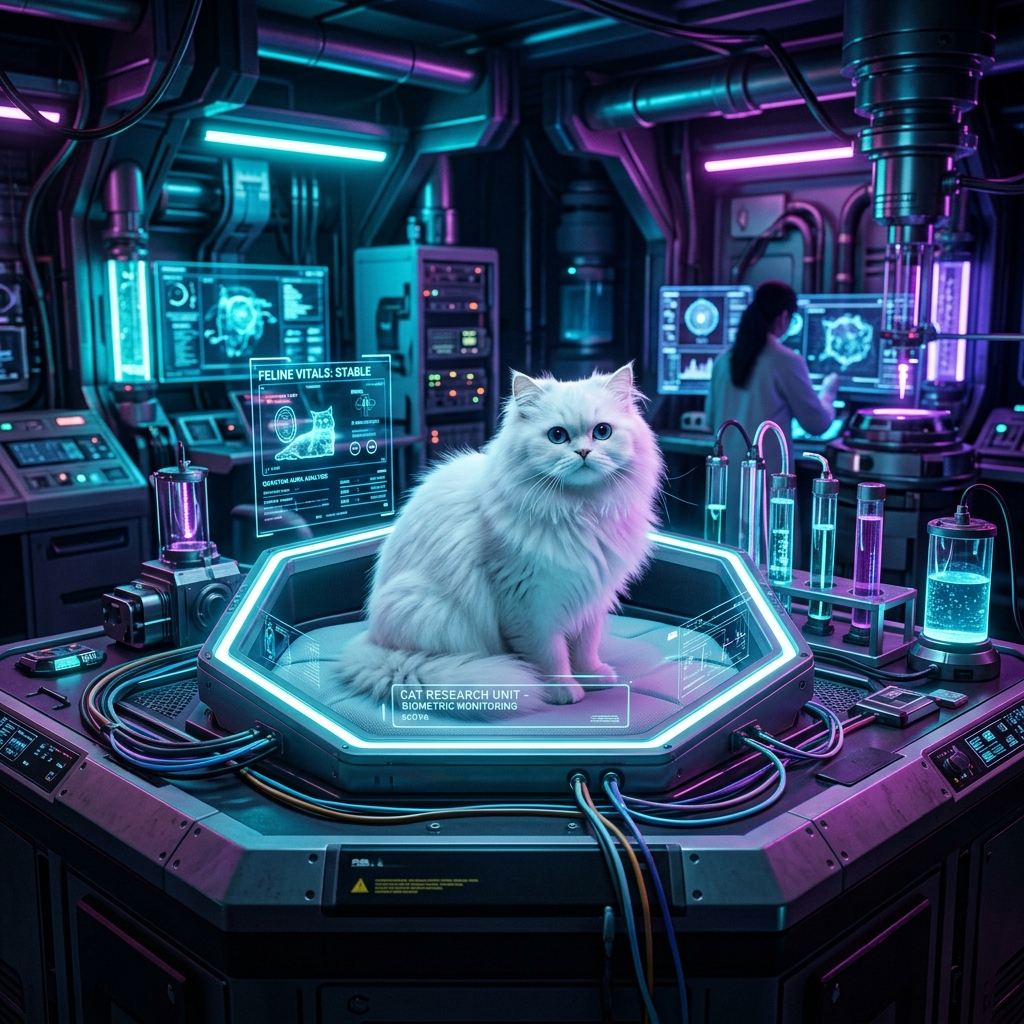
A cute fluffy white cat sitting inside a futuristic glowing neon laboratory, sci-fi equipment, photorealistic, cinematic lighting.

A cozy modern bedroom with warm sunlight streaming through large windows, minimalist furniture, highly detailed architectural rendering.
Try a style
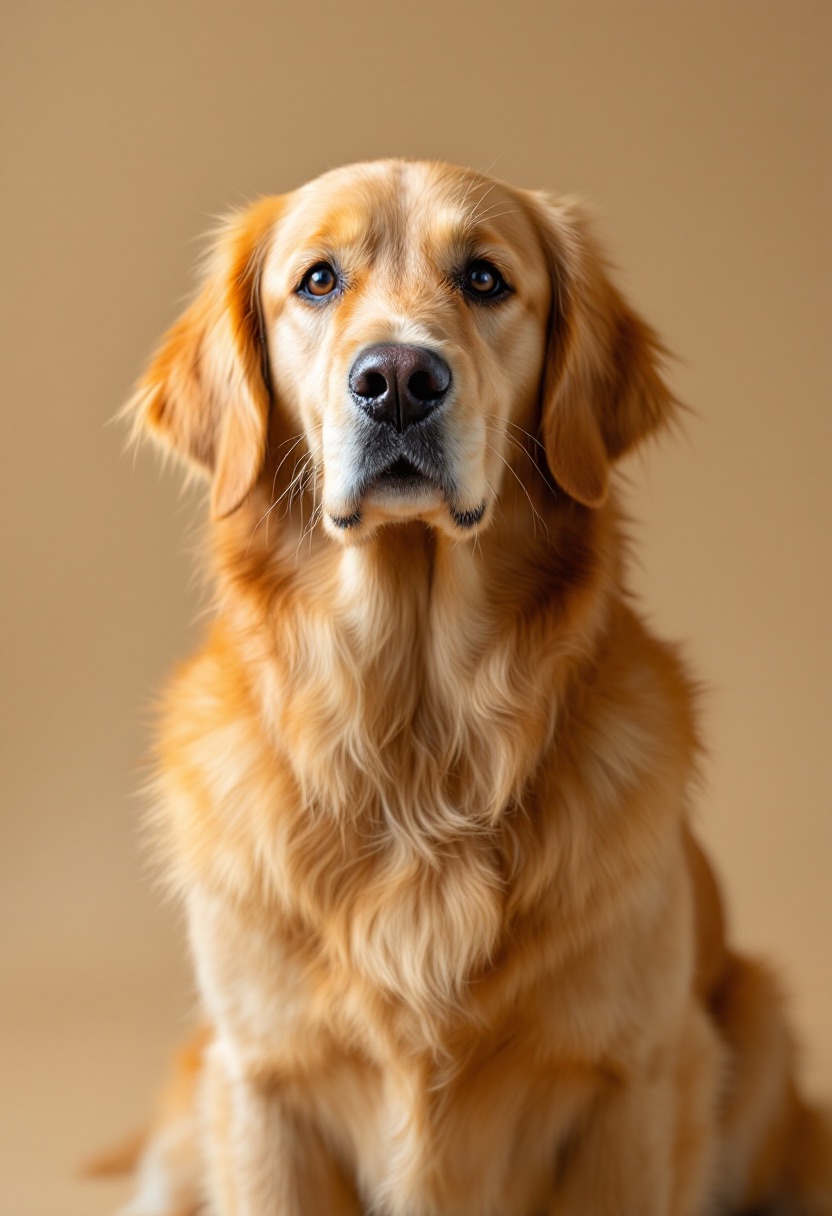


AI Dramatic Black and White Portrait

AI Plushie Generator

AI Baseball Bobblehead Generator

AI 3D Glam Doll Generator
Image generator directory
Explore AI image generators
Choose a generator built around the content, campaign, or transformation you need.
Create content
Create marketing visuals
Build a Visual Direction in Four Steps
1. Write a creative brief
Describe the subject, environment, composition, lighting, style, and intended use.
2. Set the output format
Choose dimensions and format based on where the image will be used.
3. Generate and compare
Run multiple directions, compare the results, and identify the strongest composition.
4. Refine and reuse
Continue editing the selected image, separate it into layers, or reuse the prompt for another variation.
Choose the Right Image Model
Use the daily-included model for quick visual directions, or choose a credit-based production model when you need more output control and model-specific quality.
Frequently Asked Questions
What can I create in Image Generator?
You can create product concepts, campaign visuals, social-ready artwork, moodboard directions, and branded image ideas from a prompt.
Do I need an uploaded image to use Image Generator?
No. This workflow starts from prompt input, then lets you continue refining the strongest output in the broader editing workspace.
Is Image Generator good for product visuals?
Yes. It works well for early product scene exploration, launch concepts, and branded visual direction before detailed production work.
Can I use it for ad creatives?
Yes. Image Generator is useful for generating multiple ad directions quickly so teams can compare layouts, scene styles, and messaging approaches.
Can I use it for social content concepts?
Yes. It can generate visual directions for posts, covers, thumbnails, and branded short-form content planning.
Can I refine outputs after generation?
Yes. Generated results can move into Image to Layers or other editor flows for cleanup, element work, and layered export.
What kind of prompts work best?
Short, specific prompts with clear subject, environment, lighting, and style details usually produce more reliable results.
Can I create multiple variations from one idea?
Yes. The generator is designed for rapid iteration, so it is well suited to exploring several directions from one starting brief.
Is this better for ideation or final art?
It is strongest for fast ideation and early visual exploration, then you can use follow-up tools for polish and production refinement.
Can teams use it as part of a larger workflow?
Yes. It fits well as the first stage in a broader visual workflow where concept generation leads into editing, cleanup, and asset preparation.
Ready to Move Beyond the First Draft?
Generate more directions, keep successful prompts, and continue the strongest image through editing and layered production.