
Generate More Furniture Views From One Photo
Already have a good photo of your chair, sofa, table, cabinet, or other furniture? Generate matching 3/4, front, side, and back views without rebuilding the entire photo shoot. Choose only the angles you need.
Made for furniture stores, ecommerce catalogs, designers, marketplaces, and product teams.
Furniture Angle Workbench
Upload a clear photo of the furniture piece — legs, arms, and backrest easy to see — then pick the Furniture View Set or a single missing view.
One furniture photo in · choose your views · 30 credits per generated view
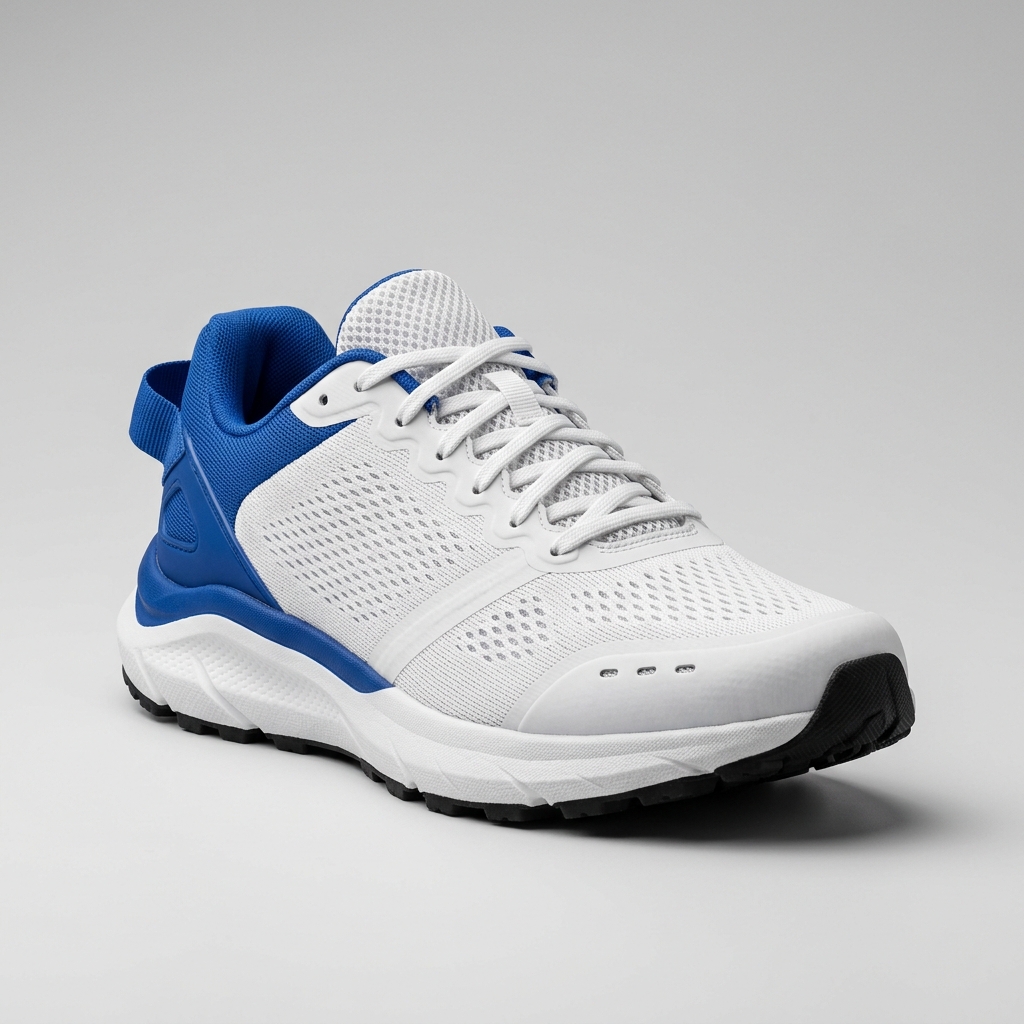
Ready to create multiple views for your product?
Click or drag & drop any photo here (PNG, JPG, WEBP)
Working with a character?
Review structural details before publishing
New viewpoints may require AI to infer parts of the furniture that were not visible in the original photo. Check legs, seams, armrests, back panels, hardware, wood grain, fabric patterns, and dimensions before production use.
One Furniture Photo. More Useful Views.
Start with one product image and generate the angles your catalog is missing.
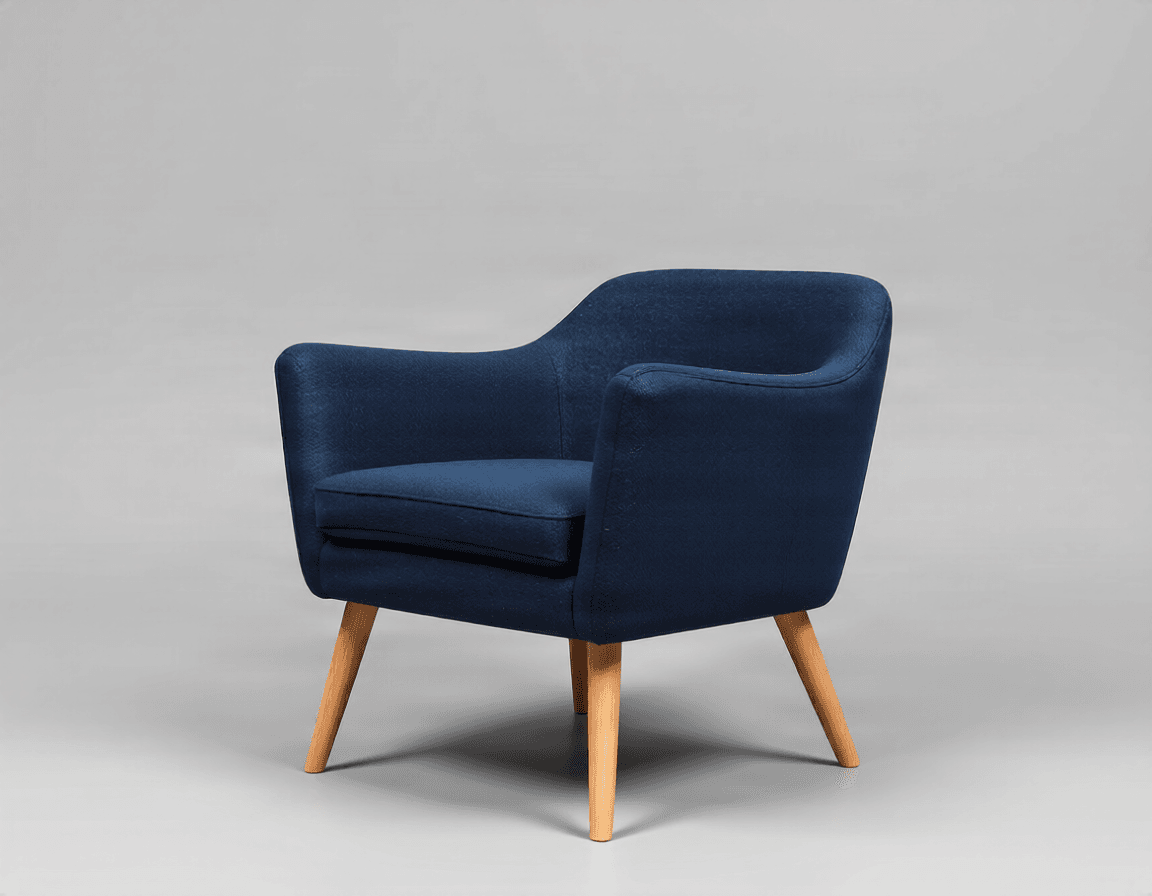
Hero 3/4 View
Show the overall shape and depth in one product-friendly view.
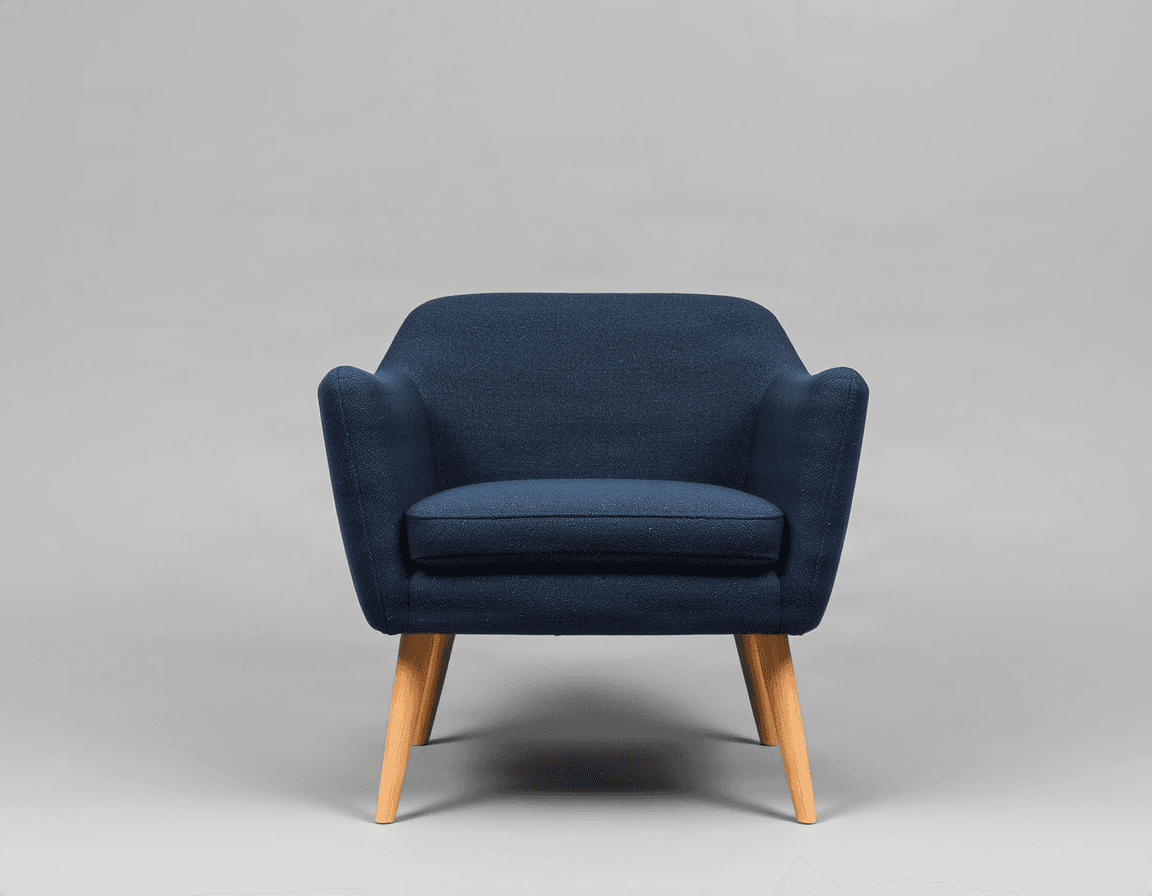
Front View
Give shoppers a clear straight-on look at proportions and design.
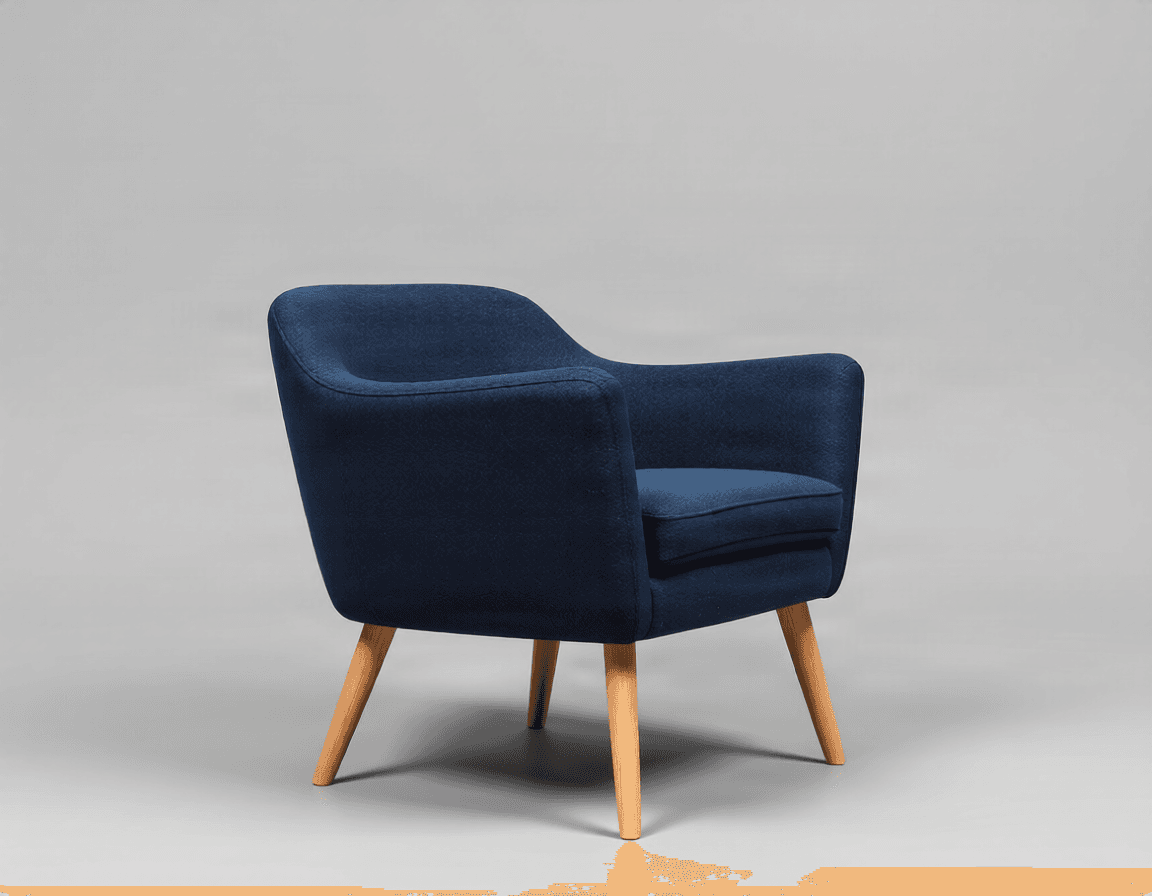
Side View
Reveal depth, thickness, arm structure, and side construction.
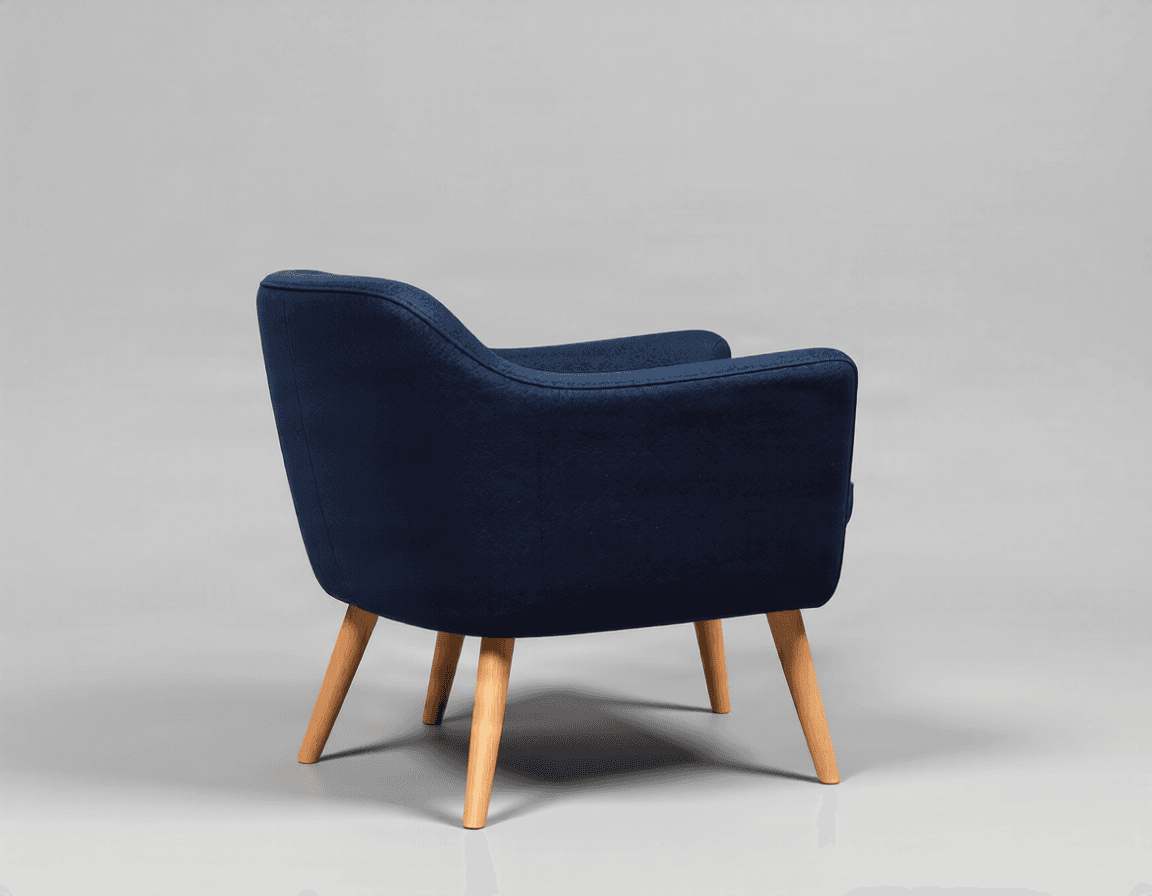
Back View
Show rear structure, upholstery, panels, and details hidden from the front.
You Already Have the Furniture Photo. You Just Need More Angles.
Maybe your front photo is already perfect. But your customer still cannot see the depth. The side profile is missing. The back was never photographed. The chair is already packed. The sofa is too heavy to bring back into the studio. The supplier only sent one image.
Instead of rebuilding the entire shoot just to capture another viewpoint, start from the image you already have. Generate the missing views and decide which ones are useful enough to add to your catalog.
Keep the Design Connected Across Views
The generator uses your uploaded photo as the visual reference for each new viewpoint. It aims to preserve visible characteristics such as:
Shape
Keep the overall silhouette, proportions, and form connected to the source image.
Materials
Preserve visible material cues such as wood, fabric, leather, metal, glass, plastic, and stone.
Colors
Maintain the visible color palette of the furniture.
Structure
Keep recognizable features such as legs, arms, backrests, drawers, doors, handles, and shelves.
Surface Details
Carry visible textures, seams, stitching, grain, and finish into new views where possible.
New Angles May Show Parts the Original Photo Never Revealed
A front-facing sofa photo cannot show the exact construction of the back. A 3/4 chair photo may not reveal every leg connection. A cabinet image may not show the rear panel. A table photo may hide the underside structure. When a generated camera angle reveals previously hidden areas, AI has to infer what those parts could plausibly look like.
Always review generated:
Generated hidden areas are AI interpretations — they are not recovered original product information. For manufacturing, technical drawings, engineering, dimensions, or construction decisions, use verified product documentation or real reference photography.
Made for Real Furniture Image Gaps
You Only Have the Supplier Photo
Generate additional viewpoints before deciding which assets need a final professional shoot.
The Furniture Is Already Packed
Create draft views without unpacking and moving a heavy chair, sofa, table, or cabinet back into the studio.
Your Product Page Is Missing a Side View
Generate the missing profile so customers can better understand depth and construction.
Your Older Catalog Has Only One or Two Images
Expand the visual coverage of older furniture products without rebuilding every asset from scratch.
You Need a Consistent View Set Across a Collection
Use similar angle patterns across multiple chairs, tables, sofas, or cabinets.
You Need More Visual Reference for Design Review
Create additional viewpoints before moving into a more detailed 3D, design, or production workflow.
Useful Across Different Furniture Categories
Chairs
Show the seat profile, leg placement, arm shape, and backrest from multiple directions.
Sofas
Reveal depth, side panels, cushions, arms, rear upholstery, and overall proportions.
Tables
Show tabletop depth, edge profile, legs, supports, and underside structure.
Cabinets & Storage
Generate front, side, and back views to show depth, doors, drawers, handles, and rear structure.
Beds
Explore frame depth, headboard structure, side rails, and rear design.
Office Furniture
Create additional views for desks, chairs, storage units, and workspace products.
Start With a Strong Furniture Reference
For better results:
- Use a clear, reasonably high-resolution photo
- Keep the full furniture piece visible when possible
- Avoid large objects covering important parts
- Make the major silhouette easy to understand
- Use an image where legs and supports are visible
- Avoid extreme perspective distortion
- Keep textures and materials reasonably clear
- Use additional real references when hidden construction must be accurate
A clean front or 3/4 photo usually provides useful information about the furniture's shape, proportions, materials, and construction.
Generate Only What You Need
Single View
Best when you only need one missing side, one back view, one front view, or one additional 3/4 angle.
30 credits per generated view
Furniture View Set
Best when you need broader visual coverage. Default set: Hero 3/4 · Front · Side · Back.
4 views = 120 credits
Remove any view you don't need before generating.
Frequently Asked Questions
What does Furniture Angle Generator do?
It generates additional viewpoints of furniture from one source image. You can create views such as 3/4, front, side, and back without starting from a completely new image.
What furniture can I use it with?
You can use it with many types of furniture, including chairs, sofas, tables, cabinets, beds, desks, shelving, storage furniture, and office furniture. Results depend on the clarity and complexity of the source image.
Can I generate only one missing view?
Yes. Use Single View when you only need one specific furniture angle. Each generated view costs 30 credits.
What is included in the Furniture View Set?
The default Furniture View Set includes Hero 3/4, Front, Side, and Back. You can remove views you don't need before generating.
How much does each furniture view cost?
Each generated view costs 30 credits. For example, 1 view costs 30 credits and 4 views cost 120 credits.
Can it generate a side view from a front photo?
Yes. The AI can generate a plausible side view based on the visible shape, proportions, materials, and construction of the furniture.
Can it generate the back of furniture?
Yes. A back view can be generated even when the source photo mainly shows the front. However, parts that were completely hidden in the original image must be inferred by AI.
Will the furniture stay exactly the same?
The generator is designed to preserve visible shape, colors, materials, proportions, and recognizable design features. Small differences can still occur, especially in areas that were hidden in the original photo.
Will wood grain and fabric patterns stay accurate?
The AI may preserve the general appearance of visible materials and textures, but exact grain, stitching, pattern placement, or fabric details may change in newly generated areas. Always review these details before publishing.
Can I use generated images directly in my furniture store?
You can use the generated views as product visuals where appropriate, but you should review them carefully first — make sure the generated image accurately represents the real product, especially hidden structural details, materials, hardware, and dimensions.
Can I use it for Amazon, Shopify, or other marketplaces?
Yes. The generated furniture views can be useful for ecommerce stores and marketplaces. You should still review the current image requirements of the platform where you plan to publish them.
Is this useful for furniture catalogs?
Yes. It can help expand the number of viewpoints available for product pages, catalogs, sales materials, or visual planning.
Can it replace professional furniture photography?
Not in every situation. AI angle generation can be useful when you need additional views, draft assets, or faster visual coverage. For products where exact materials, dimensions, hidden construction, or technical accuracy matter, real photography or verified 3D rendering may still be the better option.
Can I use it for 3D modeling reference?
Yes, as a visual starting point. The generated views may help you understand possible shape and structure from additional directions. They should not be treated as exact orthographic drawings or engineering references.
What input image works best?
A clear front or 3/4 photo where the full furniture piece is visible usually works well. Images with heavy cropping, strong perspective distortion, blur, or large occlusions can make new-angle generation less predictable.
What happens when part of the furniture was never visible?
The AI generates a plausible interpretation of the hidden area based on the visible design. It does not recover the real hidden structure.
Can I generate custom furniture angles?
Yes. Advanced camera controls remain available if you need a viewpoint outside the standard furniture presets.
Can I download each generated angle separately?
Yes. Each generated furniture view can be downloaded individually, and multiple generated results can also be downloaded together.
One Furniture Photo Doesn't Have to Be Your Only View
Generate the front, side, back, or 3/4 angles you're missing. Use the furniture image you already have instead of rebuilding the entire workflow from scratch.
Generate Furniture ViewsChoose only the views you need · 30 credits per generated view
Need a clean product background?
Remove or replace the background behind a furniture photo.
Open Background RemoverNeed a full 360° product spin?
Generate a continuous multi-angle turntable view instead of individual images.
Open Product 360 Generator