
Generate Multiple Product Views for Shopify
Turn one product photo into a more complete set of product views for your Shopify store.
Create front, side, back, three-quarter, top, and detail images without arranging another photoshoot.
Build a More Complete Product Gallery
Upload one clear product image, then generate the additional views you need for your Shopify product page.
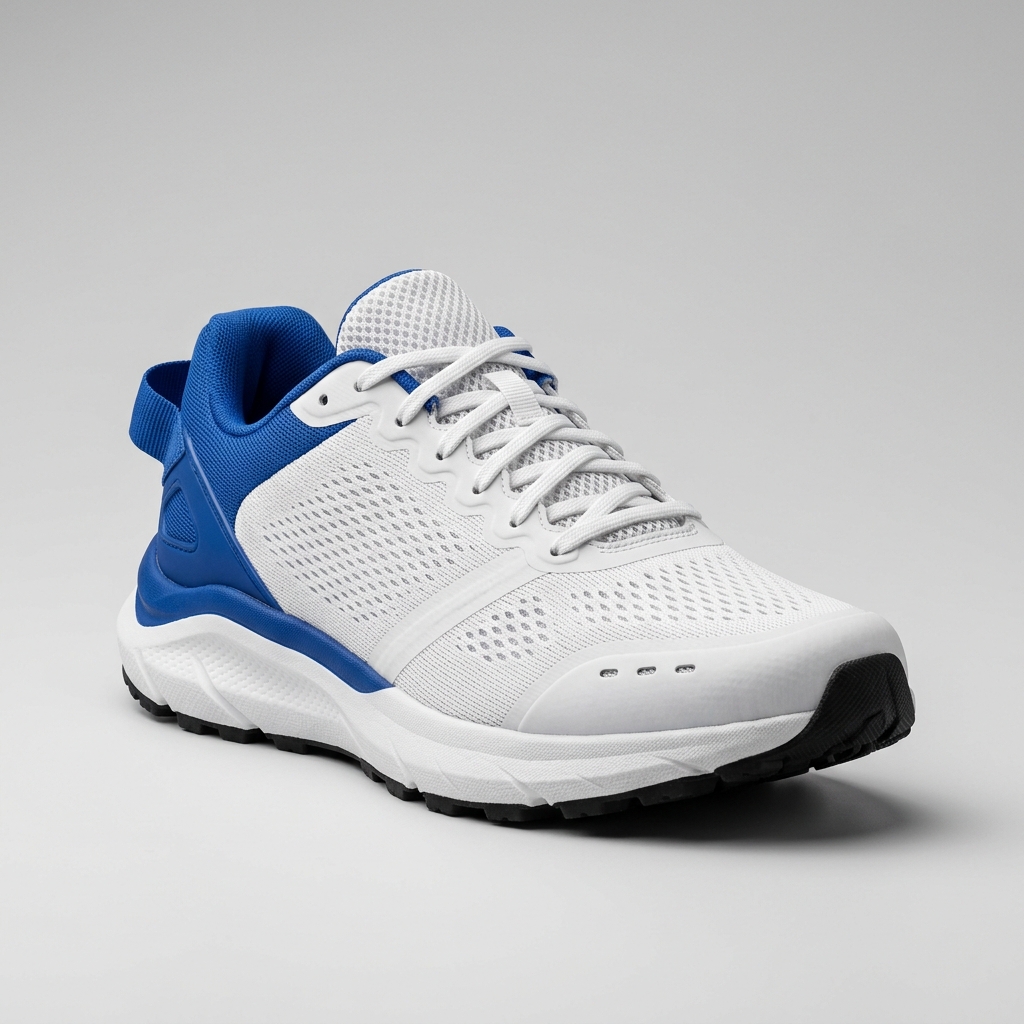
Ready to create multiple views for your product?
Click or drag & drop any photo here (PNG, JPG, WEBP)
Working with a character?
Keep the Product Consistent
Colors, materials, branding, labels, proportions, and construction details are preserved automatically.
One Supplier Photo Is Often Not Enough
Many Shopify stores begin with one or two supplier images. Create additional views to help shoppers understand the full product.
Show More of the Product
Help customers see the front, side, back, depth, and important details.
Fill Gaps in Supplier Photography
Create additional views when a supplier provides only a limited image set.
Keep the Gallery Consistent
Build views with a similar product appearance instead of mixing unrelated photos.
Test Before a New Photoshoot
Prepare an initial product gallery before investing in more studio photography.
From One Product Photo to Multiple Store Views
The same workflow can complete galleries across different Shopify product categories.
Beauty Product
Source: One three-quarter bottle image
Generated Views: Front · Side · Back · Top
Show packaging shape, label placement, cap design, and product depth.
Electronics
Source: One front three-quarter image
Generated Views: Front · Side · Back · Top / Detail
Reveal ports, buttons, rear panels, and product thickness.
Handbag
Source: One standard product photo
Generated Views: Front · Side · Back · Three-quarter
Show shape, depth, handles, and rear construction.
Home Product
Source: One catalog image
Generated Views: Hero 3/4 · Front · Side · Back
Create a fuller visual set for furniture and home accessories.
Useful Across Many Shopify Categories
Beauty & Skincare
Bottles, jars, tubes, cosmetic packaging, and personal care products.
Electronics
Speakers, keyboards, accessories, chargers, and small devices.
Fashion Accessories
Bags, shoes, watches, sunglasses, jewelry, and accessories.
Home & Living
Furniture, lamps, kitchenware, storage, and home accessories.
Packaged Goods
Boxes, bottles, containers, pouches, and retail packaging.
Create Additional Product Views in Three Steps
1. Upload One Product Photo
Choose a clear source image where the whole product is easy to see.
2. Choose the Views You Need
Generate a complete product set or select individual views.
3. Review and Download
Check each result and add approved images to your Shopify product gallery.
How to Get Better Product Views
Use a Clear Source Image
Choose a sharp image with good lighting and a clearly visible product.
Show the Whole Product
Avoid heavy cropping when you want full-product views.
Use a Helpful Starting Angle
Front and three-quarter views usually provide more useful shape information.
Describe Important Details
Mention logos, materials, patterns, labels, hardware, and colors that should remain consistent.
Review Hidden Areas
Side, rear, bottom, and other unseen surfaces must be estimated.
Important Limitation
Hidden Details Are Estimated
A single photo cannot show every part of a physical product. Surfaces missing from the source image are estimated from available visual information.
Compare generated results with the real product before publishing when exact accuracy matters.
A Simple Workflow for New Shopify Listings
Professional photography may still be the better choice when exact physical accuracy is required.
Need a Few Views or a Full 360° Spin?
Shopify Product Multiple Views
Best for separate front, side, back, three-quarter, top, and detail gallery images.
Generate Product ViewsProduct 360 View Generator
Best for a rotatable product experience created from one reconstructed 3D asset.
Create a 360° Product ViewFrequently Asked Questions
I only have one supplier photo. Can I still create more product views?
Yes. Upload the clearest image available. A front or three-quarter image usually works better than a tightly cropped detail photo.
Will the new images show exactly the same product?
The tool preserves visible colors, materials, proportions, branding, and details, but unseen areas must be estimated. Always review results when accuracy matters.
Can I use these images on my Shopify product page?
You can use generated views when they accurately represent the product and your use complies with applicable terms. Check labels, colors, dimensions, ports, and features before publishing.
How many product views should I add?
There is no required number. Choose views that help shoppers understand the product. A useful set often includes a hero three-quarter, front, side, back, and one top or detail view.
Can I choose only one missing angle?
Yes. Choose Views Manually when your gallery only needs one specific side or camera direction.
Can I choose a custom product angle?
Yes. Select Single View and open Custom Camera when the standard product views do not match the angle you need.
Will my logo and product label stay the same?
Visible branding is preserved where possible, but small text and fine logo details can change. Describe important details and review the output carefully.
What happens if the source does not show the back or bottom?
Those areas are estimated. Do not treat generated hidden details as verified product information.
Can I use this for dropshipping products?
Yes. It can help complete a limited supplier image set, but compare every result with supplier information and the actual item whenever possible.
Does this replace product photography?
Not always. It is useful for early listings and missing views. Professional photography remains safer when exact materials, labels, dimensions, or construction must be shown.
Can I change the background too?
This page focuses on product views. Use a dedicated product-photo or background editing tool after generation when you need a different background.
Is this the same as Product 360?
No. This tool creates separate gallery images. Product 360 reconstructs one 3D asset for interactive rotation and spin export.
Build a More Complete Shopify Product Gallery
Start with one product photo and create the additional views customers need to understand it.