
Turn Anime Art into Editable Layers
Separate a flat anime illustration or comic panel into character, foreground, prop, effect, and background layers for parallax animation, visual novels, game assets, and creative remixing.
Separate faces, eyes, hair, clothing, and other supported character parts into editable layers.
Choose Anime or Comic Art
PNG, JPG or WebP
or drag and drop your artwork
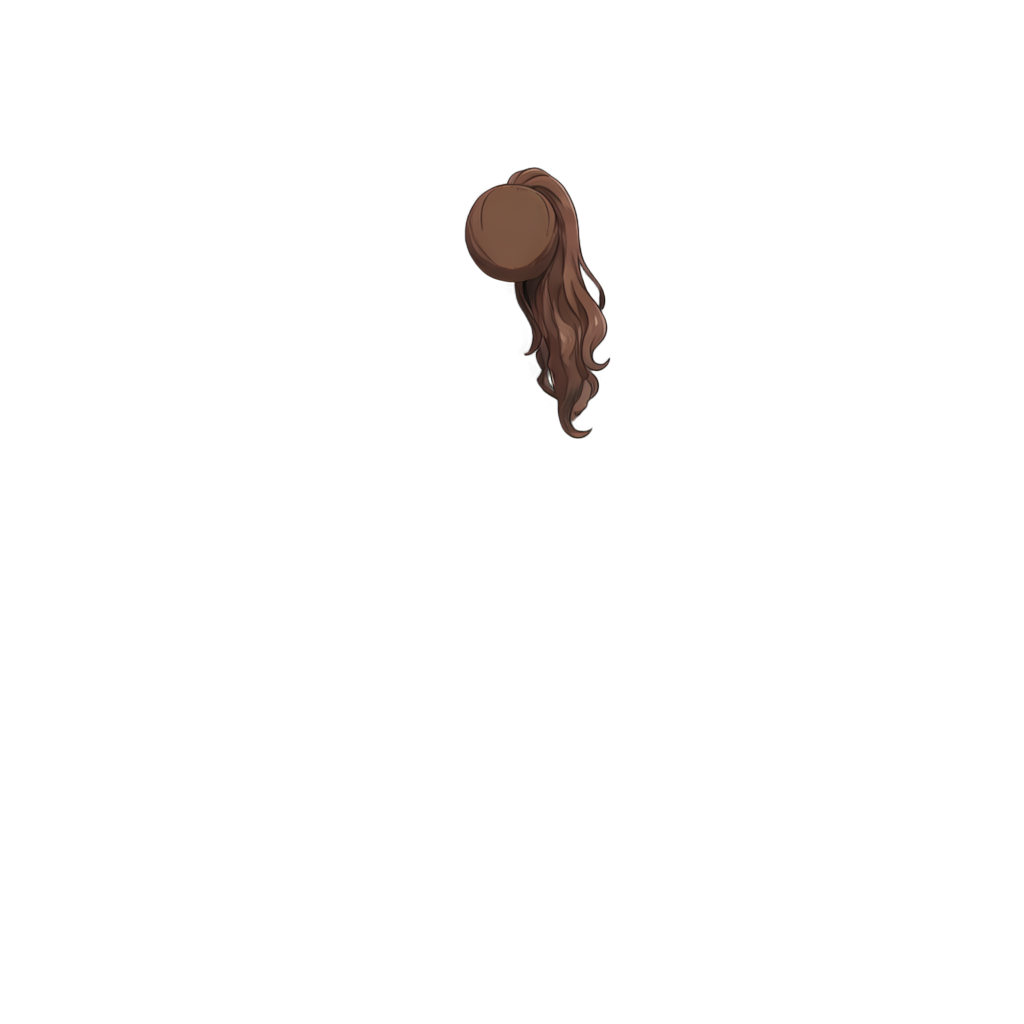
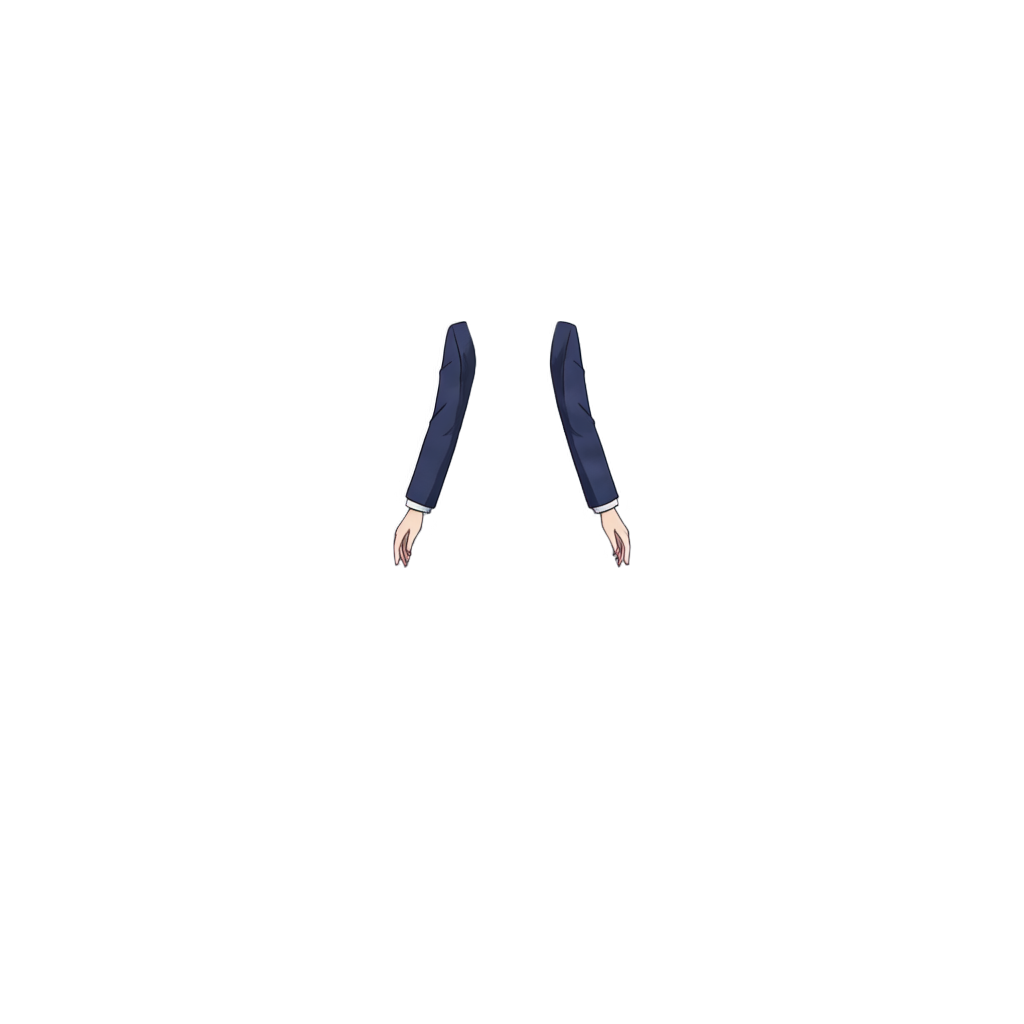
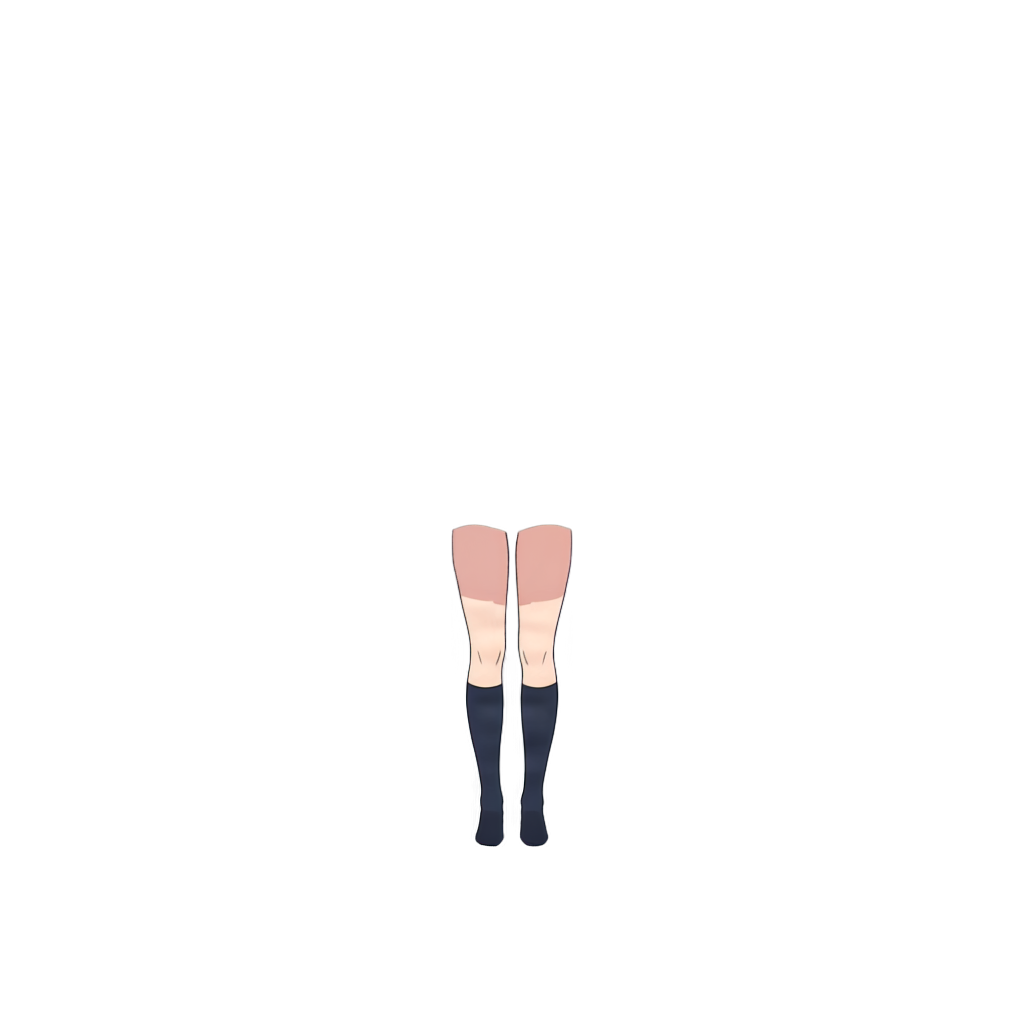
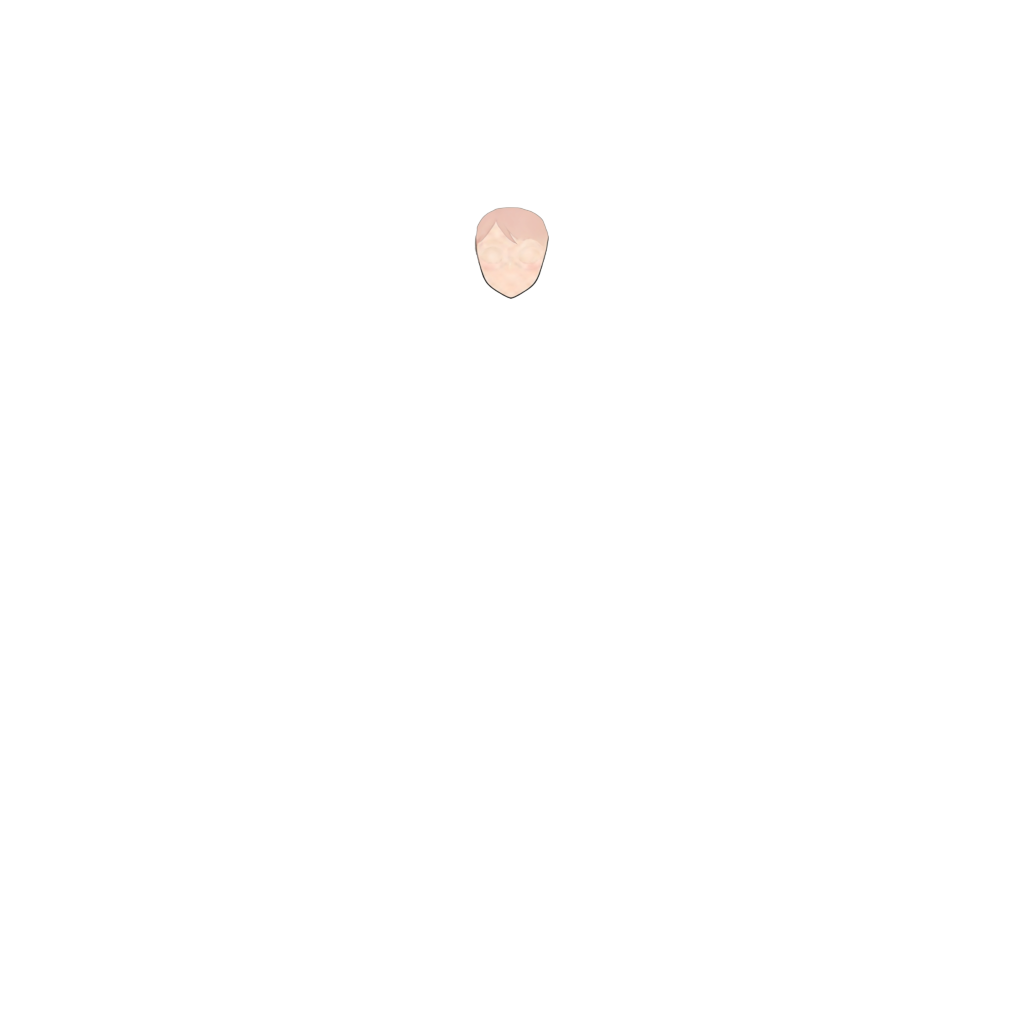
Ready to test with your own or this sample character
Use a clear illustration with visible character, foreground, and background planes. The tool creates new layers from visible pixels; it does not recover the artist's original PSD or hidden sketch layers.
Your source artwork stays private
Uses 30 credits per image
Processing time varies with image complexity. Detailed characters and complex poses may take longer.
AI layer splitter
Split illustrations into useful production assets
Anime and comic artwork benefits from a character-first split that keeps visible scene planes practical for motion, editing, and reuse.
Character-first layers
A faster first separation pass
Parallax-ready scene planes
Upload, split, and reuse the scene
Upload anime or comic art
Start with an illustration, comic panel, game character image, VTuber-style graphic, or AI-generated anime scene with visible depth.
Let AI separate visible parts
The model creates usable image layers for the character, foreground detail, effects, supporting objects, and background.
Review and export
Inspect the generated layers in the shared result workspace, then download PNG or PSD output for further cleanup and production.
Where anime layer separation helps
Comic panel editing
Game and visual novel assets
Animation and parallax
Creative remixing
Best for clear visual planes
It does not recover source files
Focused on editable reuse
Anime Art into Layers FAQ
What is an AI layer splitter for anime art?
It analyzes a flat anime illustration or comic panel and creates new editable image layers from visible characters, foreground details, props, effects, and background regions.
Can I use the separated layers for animation?
Yes. You can import the layers into animation or compositing tools for parallax movement, depth, camera motion, reels, and visual tests.
Does it work for game and visual novel assets?
Yes. It can prepare character art, background plates, effects, and prop layers for prototypes, dialogue scenes, interface art, and later cleanup.
Will it reconstruct hidden parts of the background?
Layer splitting primarily works from visible pixels. Background areas hidden behind a character may require inpainting or manual painting after separation.
Does it recover the original artist layers?
No. It creates a new layer approximation from the flattened image and cannot recover original names, brush strokes, vector paths, hidden sketches, or the source PSD structure.
What anime images work best?
Images with clear silhouettes, defined scene depth, limited occlusion, and distinct character, prop, effect, and background regions usually produce the most practical layers.
Related image tools
Character to Layers
Use the broader character workflow for avatars, game characters, and general character production.
Open toolImage to Layers
Split posters, product scenes, collages, and other non-anime images into editable layers.
Open toolAI Image Generator
Create a new visual source, then return here to separate it into reusable scene layers.
Open tool