
A focused alternative for character layer separation
Looking for a Komiko AI Layer Splitter Alternative?
If you already have an anime character, game sprite, or VTuber illustration, use ImageToLayers to prepare editable character parts from your own image. Upload a saved PNG, JPG, or WebP, review the generated layers, and continue editing or export them for your workflow.
Separate faces, eyes, hair, clothing, and other supported character parts into editable layers.
Upload a Character
Supports JPG, PNG, and WebP
or drag and drop
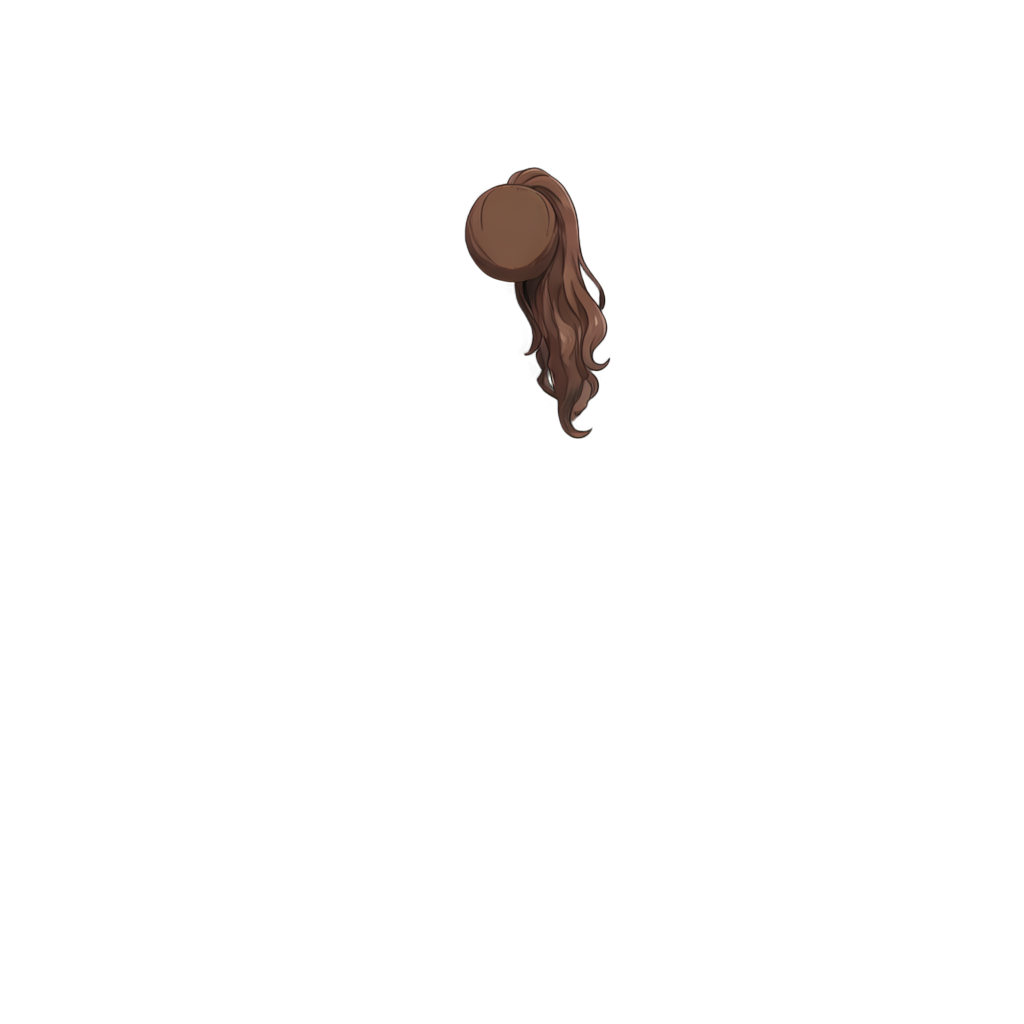
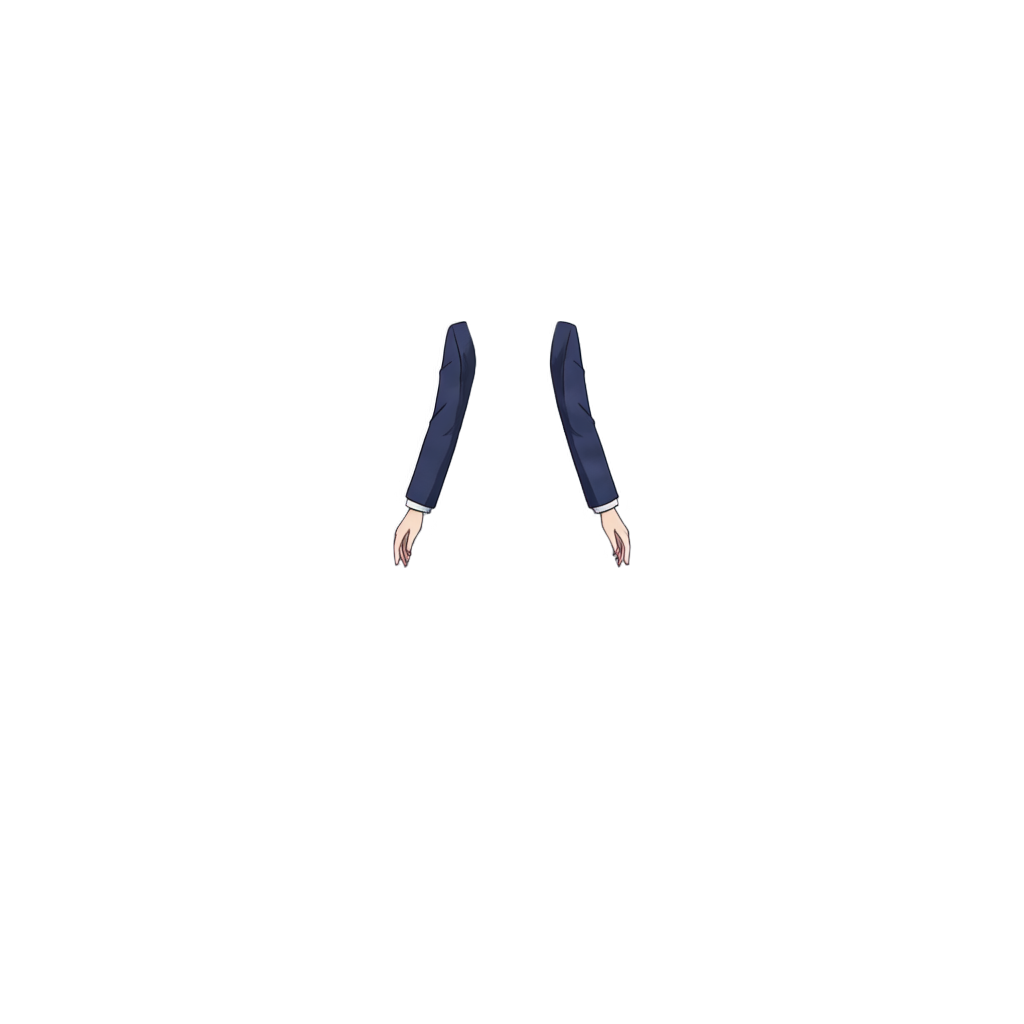
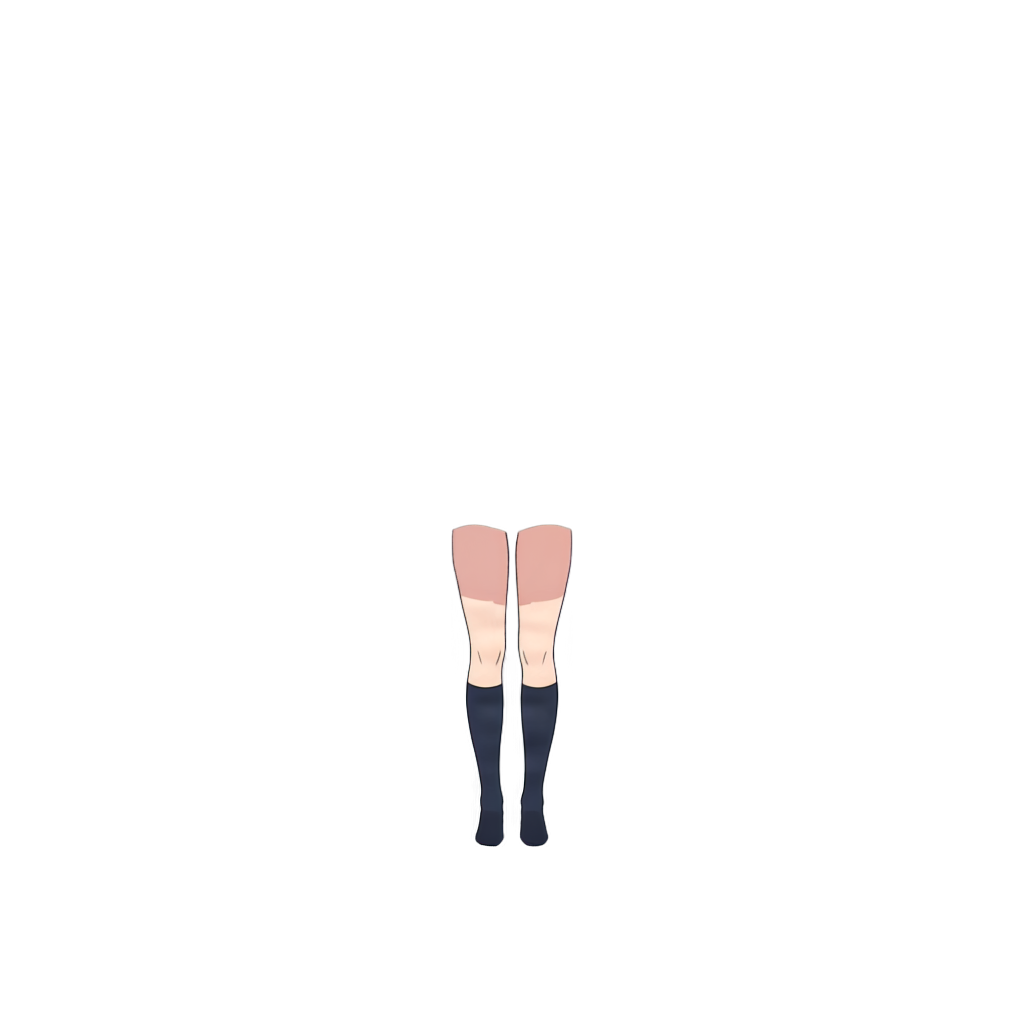
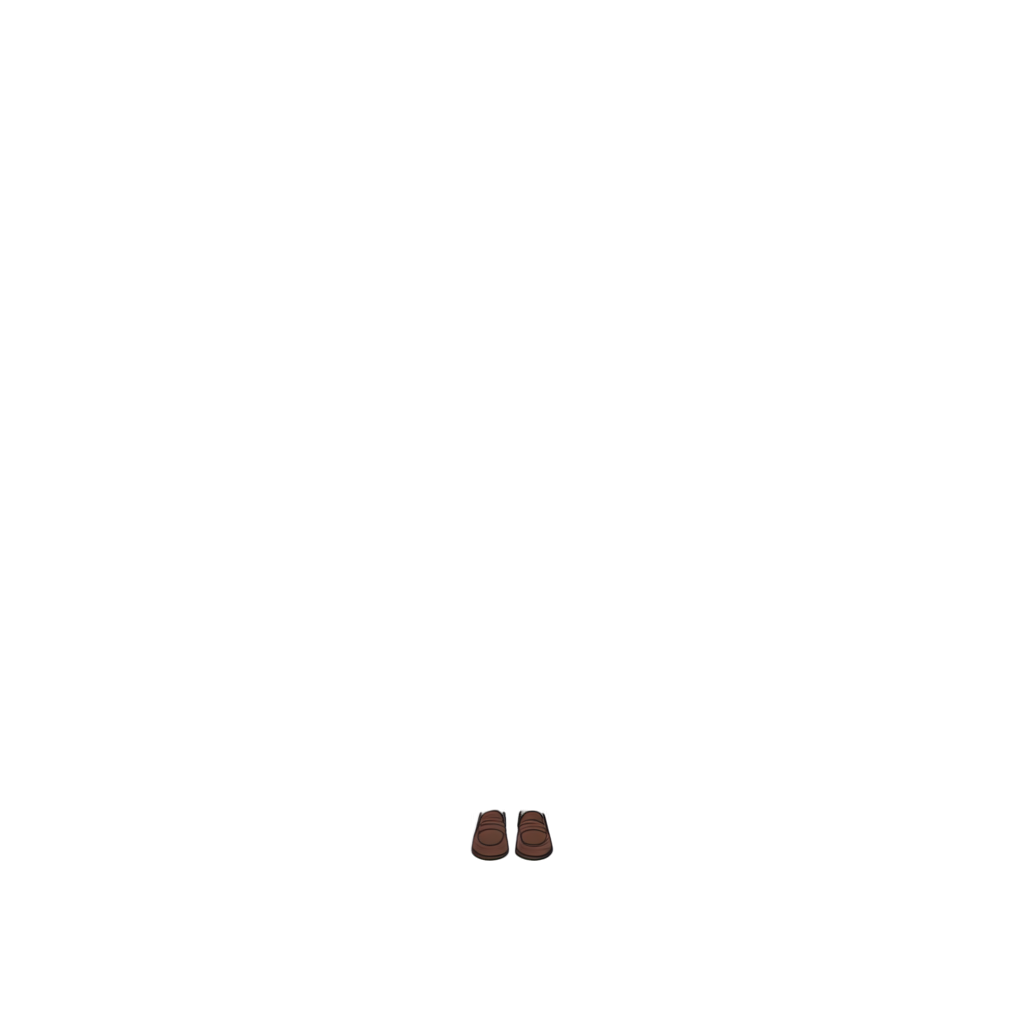
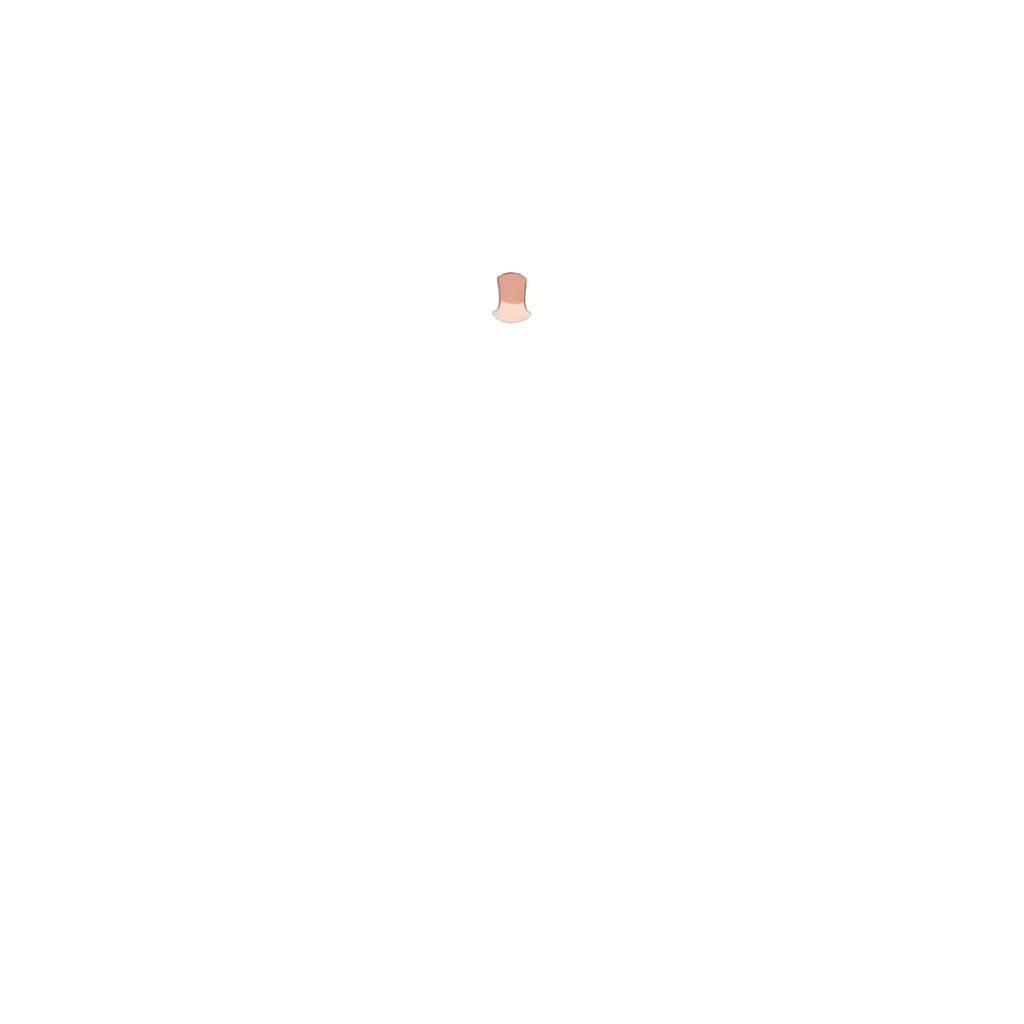
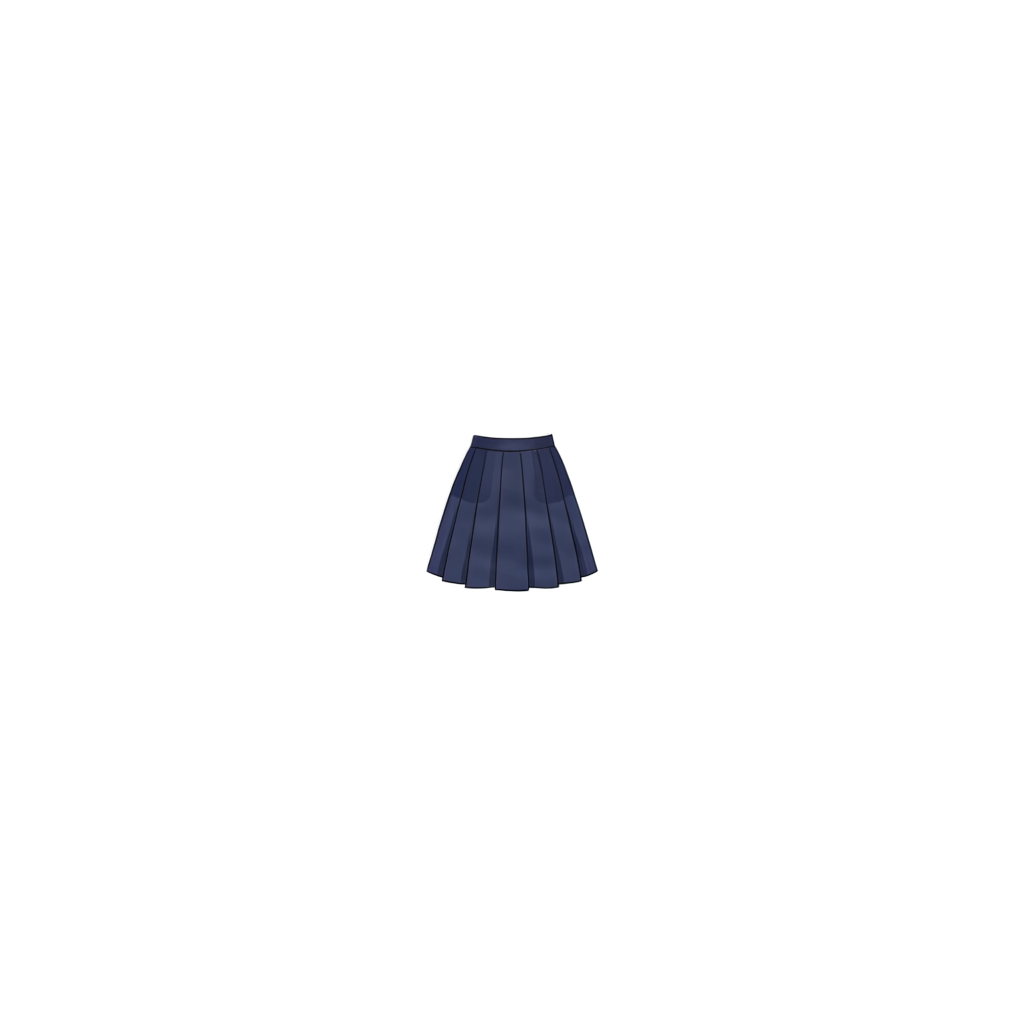
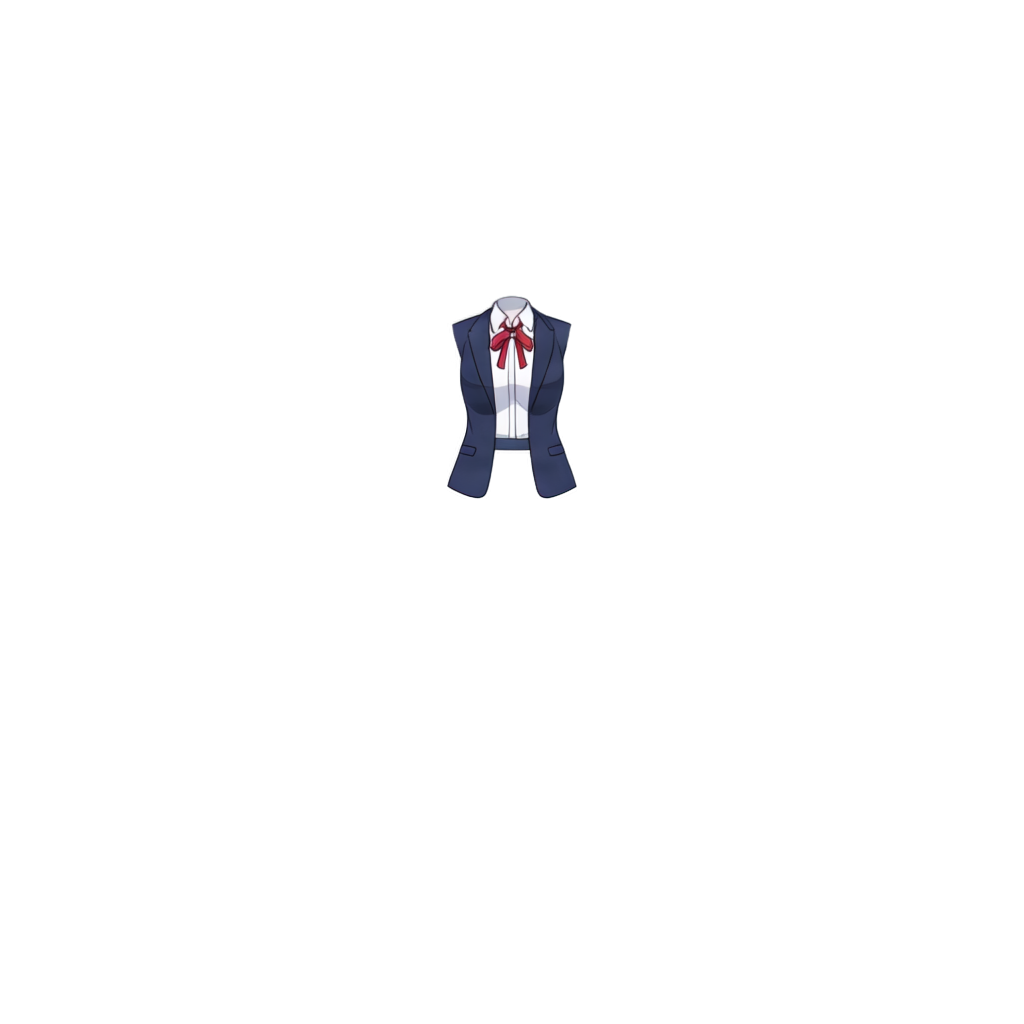
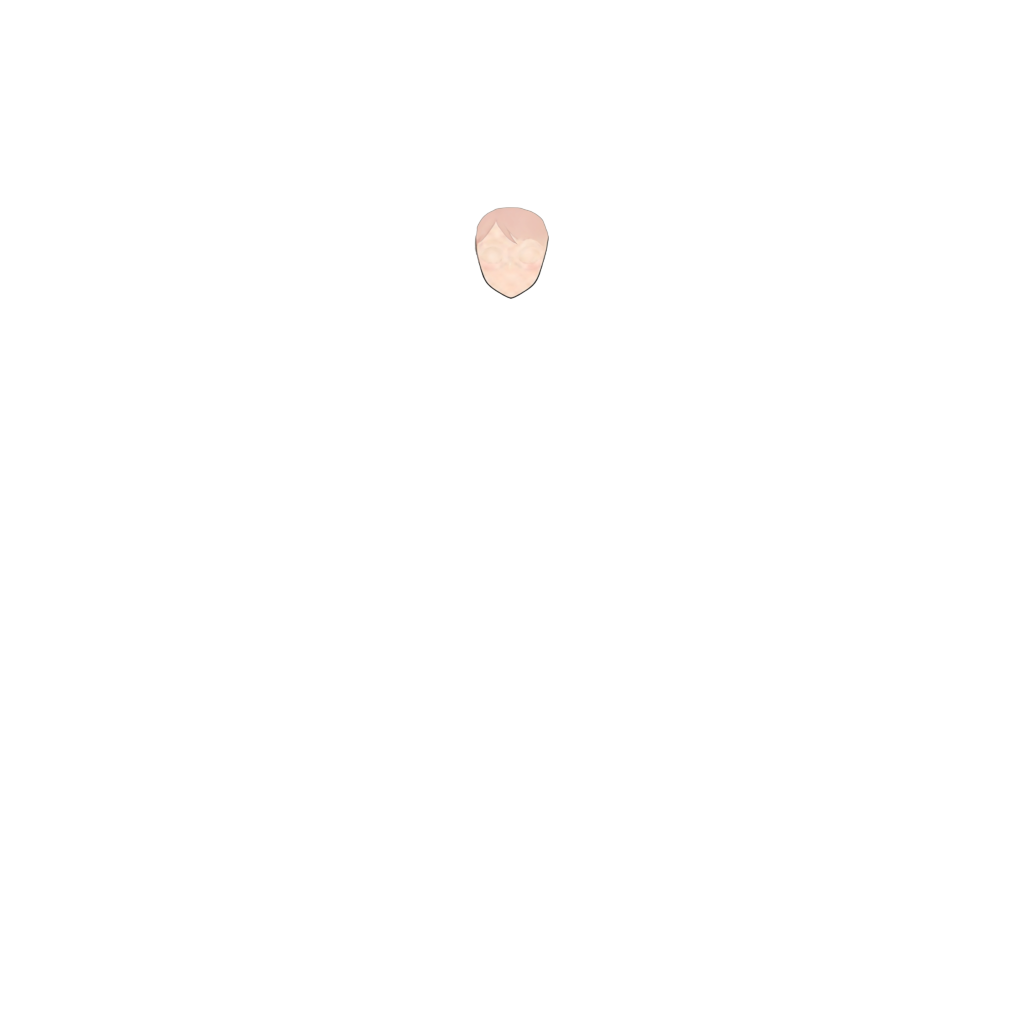
Ready to test with your own or this sample character
Upload one complete character with a visible face and body. Isolated hair, clothing, or accessory layers may return only partial results.
Your source image stays private
Uses 30 credits per image
Processing time varies with image complexity. Detailed characters and complex poses may take longer.
Best with one clearly visible character, defined hair and facial features, and limited overlap. Generation uses credits. Review the output and refine difficult edges or reconstructed regions before production.
From One Character Image to Separate Layers
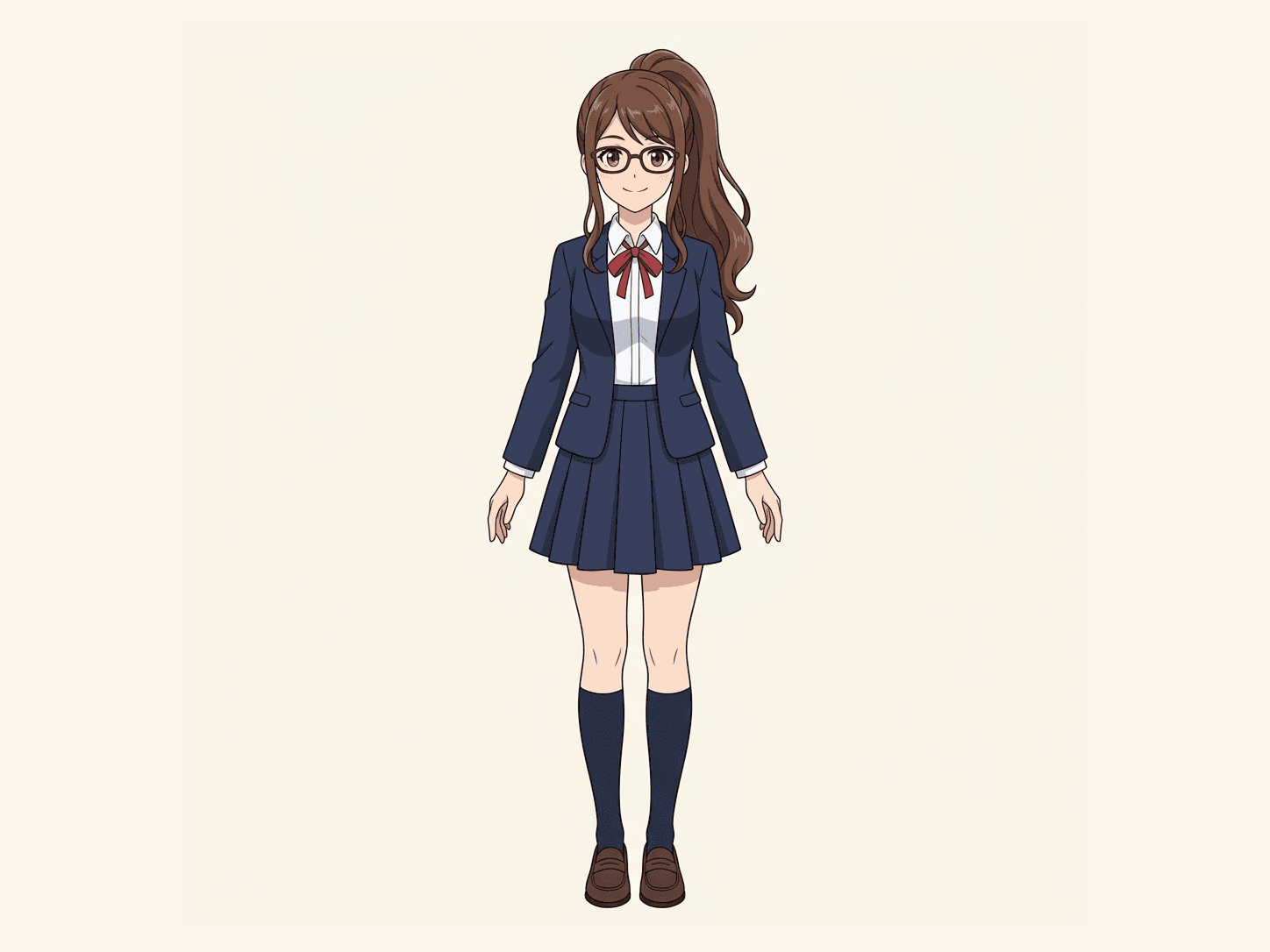
See a sample of the existing Character to Layers workflow. You can preview character parts, then continue editing or export the result.
Original artwork
Separated character layers
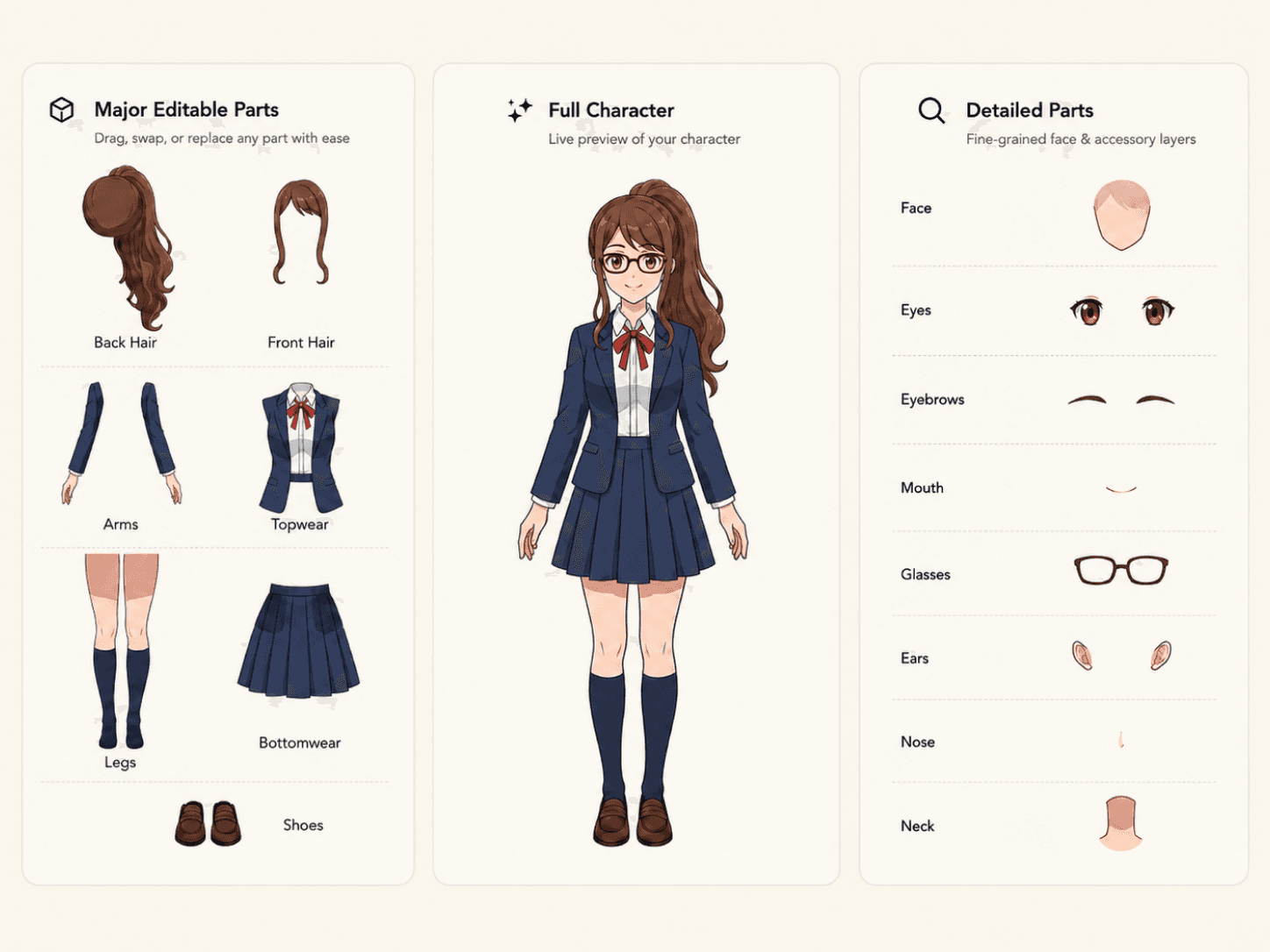
Illustrative result from ImageToLayers, not a side-by-side quality test against Komiko AI. Different inputs and settings can produce different results.
A Character Layer Workflow for Artwork You Already Have
A layer splitter is one step in a larger art workflow. ImageToLayers focuses on the editable deliverables: separate transparent image layers, a real layered PSD on eligible plans, and files you can continue refining in your preferred software. It does not import Komiko accounts or replace its wider creative suite.
Edit Existing Art, Not Just Generate New Art
Bring an image you already like. Start separating its visible character structure so you can make targeted edits instead of starting the design over.
Work with Hair, Face, and Clothing Parts
Depending on the artwork, separate recognizable hair sections, facial features, clothing, body regions, and accessories into independently editable visual assets.
Export a Layered PSD or Transparent PNGs
Export a newly assembled PSD with separate raster layers on eligible plans, or download transparent PNG layers. The PSD is a practical editing file, not the original artist source document.
Continue in Photoshop, Clip Studio, or Live2D
Open the PSD in Photoshop or compatible editors such as Clip Studio Paint. For Live2D or Spine, use the exported image layers as source assets, then check alignment and complete meshing and rigging yourself.
Compare Character Layer Workflows
Komiko AI describes a broader creative suite that includes an AI Layer Splitter. ImageToLayers is an independent alternative for artists who want to upload existing character art and export editable layer assets. Check each product directly for current availability and formats.
| Workflow | Komiko AI | ImageToLayers |
|---|---|---|
| Split an existing character image | Yes. Its AI Layer Splitter separates image components. | Yes. Character to Layers focuses on recognizable visual and character parts. |
| Character-focused editable parts | Its Layer Splitter supports separating characters and image elements. | Supports character regions such as hair, eyes, mouth, clothing, and accessories when identifiable. |
| Layered PSD and transparent PNG exports | Offers downloads of separated layers; verify current format choices on its product page. | Export a layered PSD on eligible plans or download transparent PNG layer assets. |
| Anime images, comics, and videos | Provides image generation, comics, animation, and other creative tools. | This workflow specializes in layer separation; it is not an equivalent all-in-one anime studio. |
| Ready-made Live2D or Spine rig | Layer splitting does not by itself establish a finished Live2D or Spine rig. | No automatic finished rig; created layers require review and manual rigging. |
| Who it is best for | People looking for a broader anime, character, and visual-story creation suite. | Artists who already have artwork and primarily want to edit and export its parts. |
This is a feature overview based on publicly available product information, not a controlled speed, accuracy, or pricing benchmark. Availability and export options can change; check the official product page for its current status. Layer dimensions can vary by input and processing limits, so verify the downloaded files before production. Review Komiko AI Layer Splitter
How to Separate Your Character Into Layers
Upload a Character Image
Choose a JPG, PNG, or WebP character image you own or have permission to edit. One clear character usually gives a better starting point.
Generate and Review the Parts
Use the shared Character to Layers workspace. Inspect the hair, face, clothing, body, and accessories that the AI was able to separate.
Export and Keep Editing
Download supported PNG layers or a layered PSD, then refine boundaries, overlaps, and reconstructed hidden areas before rigging or publishing.
Frequently Asked Questions
Is ImageToLayers a Komiko AI Layer Splitter alternative?
It is an independent alternative for preparing editable layers from existing character artwork. It does not replace Komiko AI's broader image, video, comics, or character tools, and it does not import Komiko accounts or saved projects.
Is Komiko AI Layer Splitter still available?
Komiko's public site currently lists its AI Layer Splitter, and its service availability may change. Check the official page for the latest status. ImageToLayers is a separate option and does not transfer Komiko accounts, credits, or project history.
What is the main difference between Komiko AI and ImageToLayers?
Komiko AI presents a wider set of creative tools, including layer splitting. ImageToLayers Character to Layers focuses on separating an existing image into editable character components and exporting assets for further editing.
Can I upload character images made with Komiko AI?
You may upload artwork you have the right to process. A flat character image from Komiko AI or another tool can be an input, subject to its licensing terms and image quality.
Can I transfer my Komiko account, credits, or projects?
No. ImageToLayers does not import Komiko accounts, credits, or project history. If you have an image file you are allowed to use, upload that file to start a separate layer-separation job.
Can it separate anime hair, eyes, and mouth?
It can identify supported regions such as front and back hair, eyes, eyebrows, mouth, face, clothing, and accessories when they are visible and sufficiently clear. Results are image-dependent.
Does it create a complete Live2D or Spine model?
No. It prepares raster character layers. You must still refine parts and create meshes, bones, deformers, parameters, keyframes, and other animation setup in your own software.
Can I download a layered PSD file?
Yes. Layered PSD export is available on eligible plans and contains separate raster layers assembled from the generated result. It is a new editing file, not the artist's original PSD with its original masks, folders, or history.
Can I download transparent PNG layers?
Yes. Supported character layer results can be exported as transparent image layers for additional editing or asset preparation.
Will the export always keep the exact original pixel dimensions?
Not always. Processing limits may resize very large inputs, and generated layer dimensions can vary. Check the canvas and pixel dimensions of the downloaded PSD or PNG files before using them in a production pipeline.
Can ImageToLayers generate comics or animate a character like Komiko AI?
Not through this Character to Layers tool. This workflow separates existing images; it does not create a finished comic, video, talking character, or animation.
Can it rebuild artwork behind overlapping hair or clothes?
AI may reconstruct some occluded regions, but these are estimates. Review and repaint hidden or complex areas when needed.
Will it recover the exact original PSD and layer names?
No. Flattened pixels do not contain the original masks, folders, brushes, blend modes, adjustment layers, or edit history. The tool creates a new approximation of useful parts.
How many layers will be created?
There is no guaranteed number. Layer count depends on the character pose, visible features, hair design, clothing, accessories, resolution, and separation mode.
What image formats can I upload?
The shared Character to Layers uploader accepts JPG, PNG, and WebP. Clear, high-resolution images with one main character are a good starting point.
Is this a free Komiko AI alternative?
No. ImageToLayers is a credit-based service. Check the current credits required in the workspace before starting a generation; this page does not promise a free trial.
Is ImageToLayers associated with Komiko AI?
No. ImageToLayers is an independent product and is not affiliated with, endorsed by, or sponsored by Komiko AI.
Can I use exported layers in commercial projects?
Commercial use depends on the rights to your source art and your applicable plan terms. Only upload and use imagery you are authorized to process.
Need Editable Character Layers? Start with Your Artwork.
If your goal is to edit hair, facial features, clothing, or other character parts, upload an existing character image and generate a layered starting point for your next creative step.
Separate My CharacterIndependent alternative for a specific workflow. Not affiliated with or endorsed by Komiko AI.