
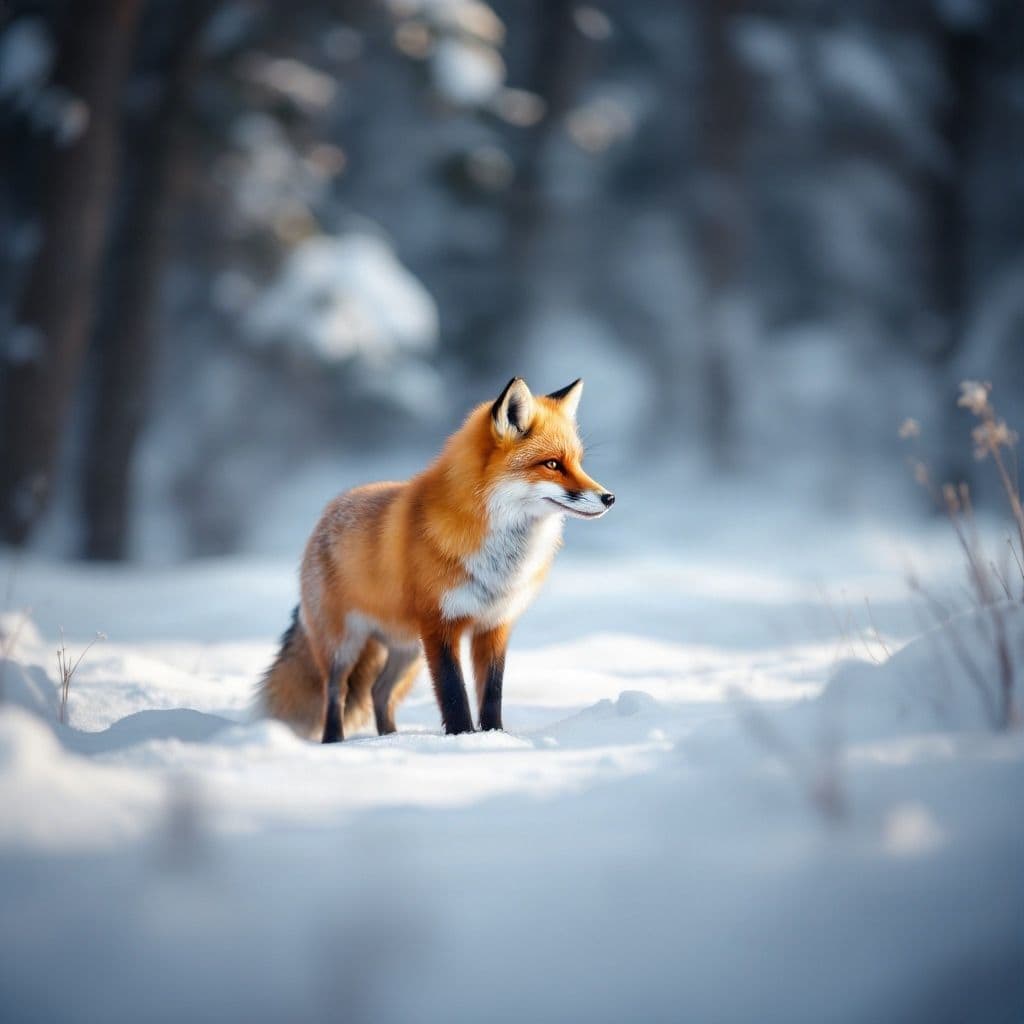
Realistic
Natural fur detail, believable lighting, real-world environments, and photography-style composition.
Describe the animal you want to see and turn your idea into an original image. Create realistic wildlife, playful pets, fantasy creatures, cartoon characters, or something completely new.
Start with a simple idea, then choose a style, format, and image model that fits what you want to create.
Describe the animal, setting, mood, and style you want.
Upload a pet or animal reference when you want the new image to follow its appearance more closely.
Start from a direction
Load one of these prompts into the generator, then adjust the animal, setting, and style to match your idea.
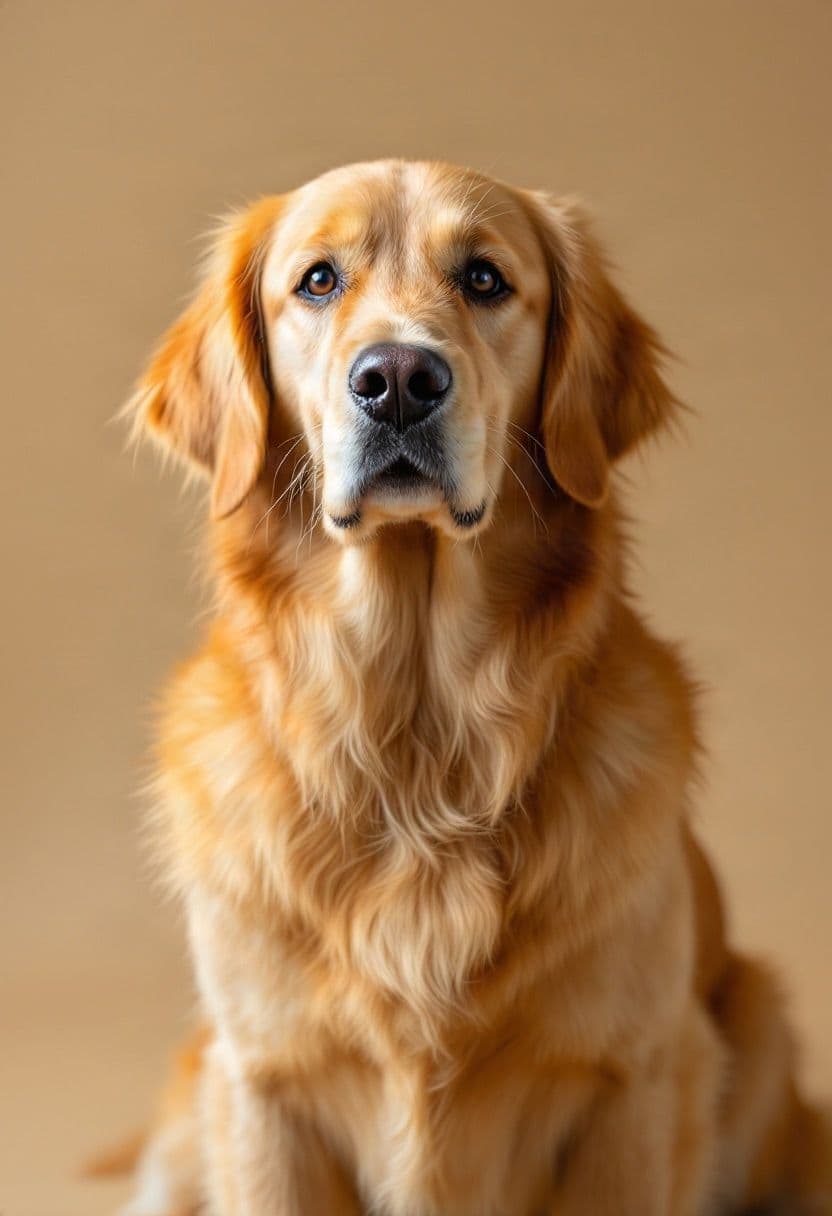 Pet Portrait
Turn a simple animal idea into a clean portrait for sharing, printing, or creative projects.
Suggested format: 1:1
Use this prompt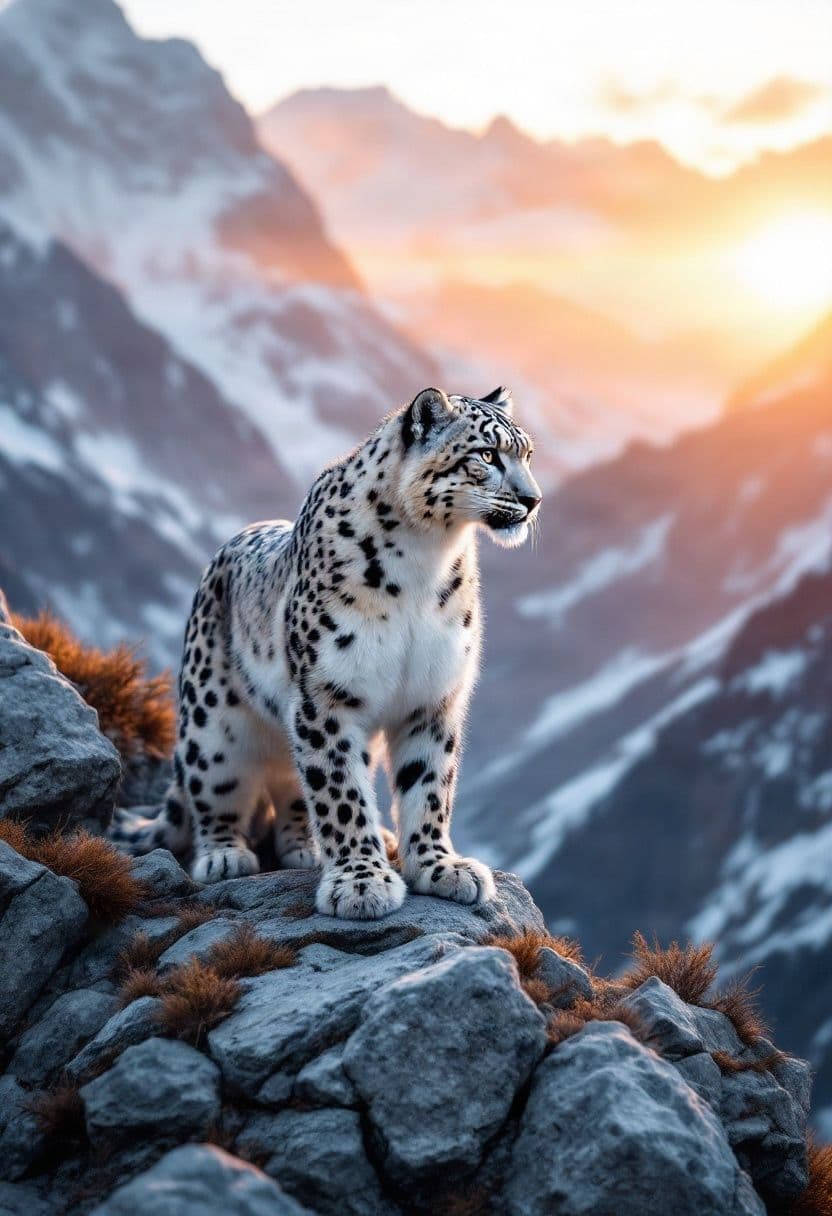 Wildlife
Build wildlife-style scenes with natural environments, lighting, poses, and photographic detail.
Suggested format: 4:3
Use this prompt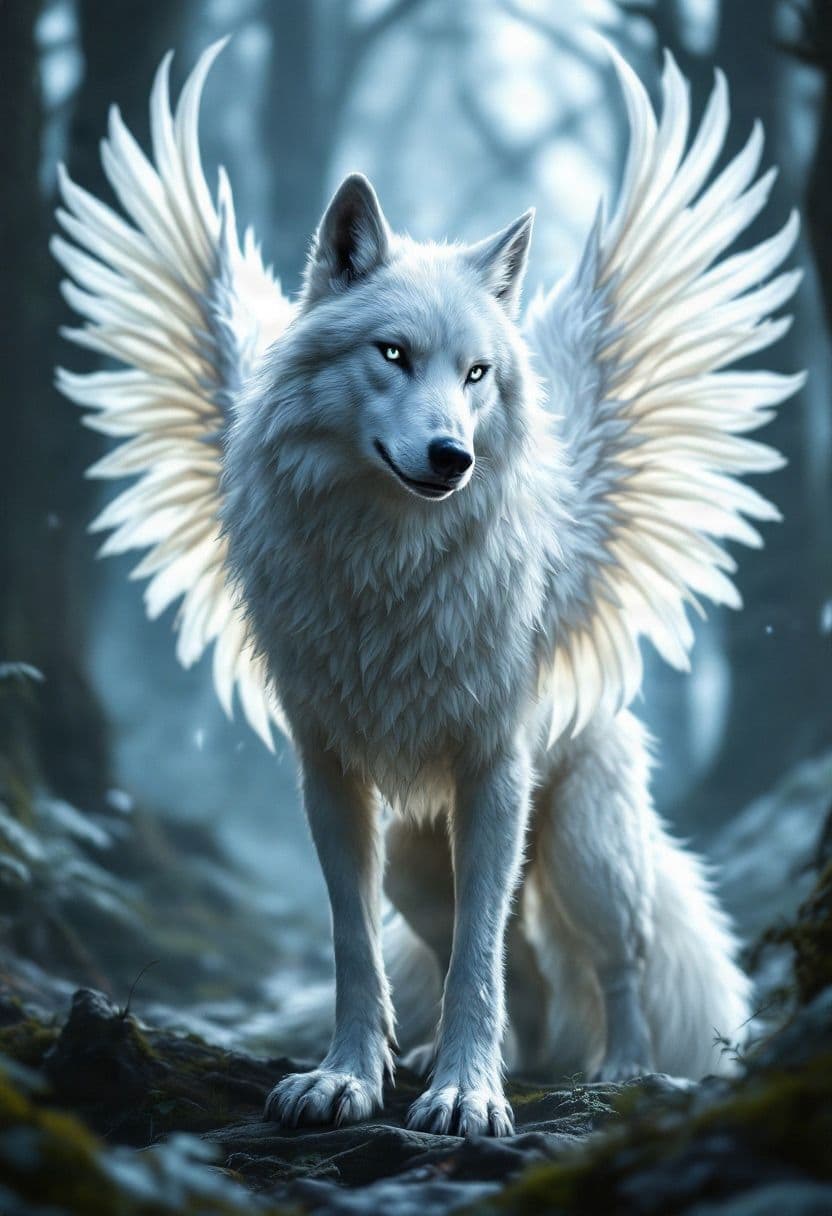 Fantasy Creature
Combine real animal traits with wings, horns, scales, magical environments, or entirely original features.
Suggested format: 1:1
Use this prompt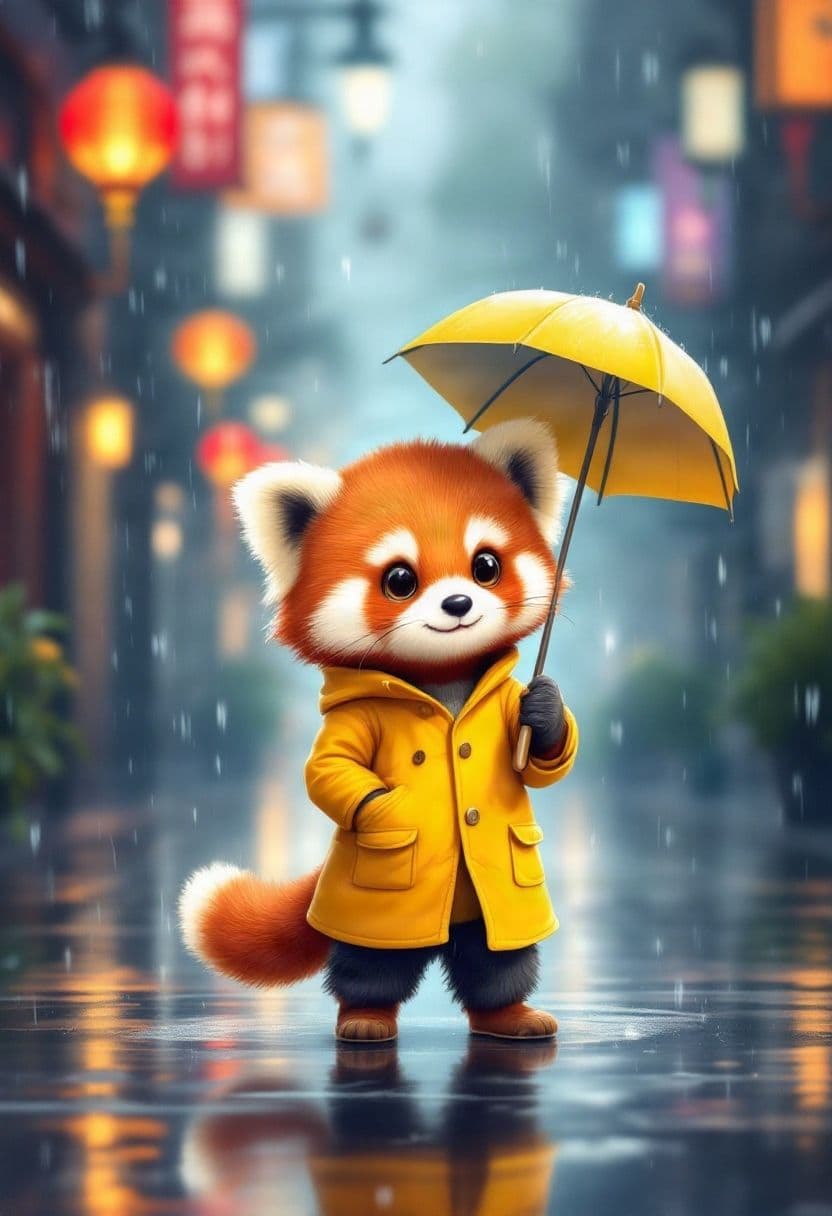 Cute Animal
Create friendly animal characters for stickers, stories, social posts, avatars, or simply for fun.
Suggested format: 1:1
Use this promptCreate any animal
Start with an animal you know — or describe one that has never existed. Choose the species, colors, pose, environment, mood, and visual style, then generate a direction you can keep refining.
Choose a look
A fox can feel like a wildlife photograph, a children's-book character, a fantasy guardian, or a bold mascot. Describe the style you want instead of settling for a generic animal image.
Natural fur detail, believable lighting, real-world environments, and photography-style composition.
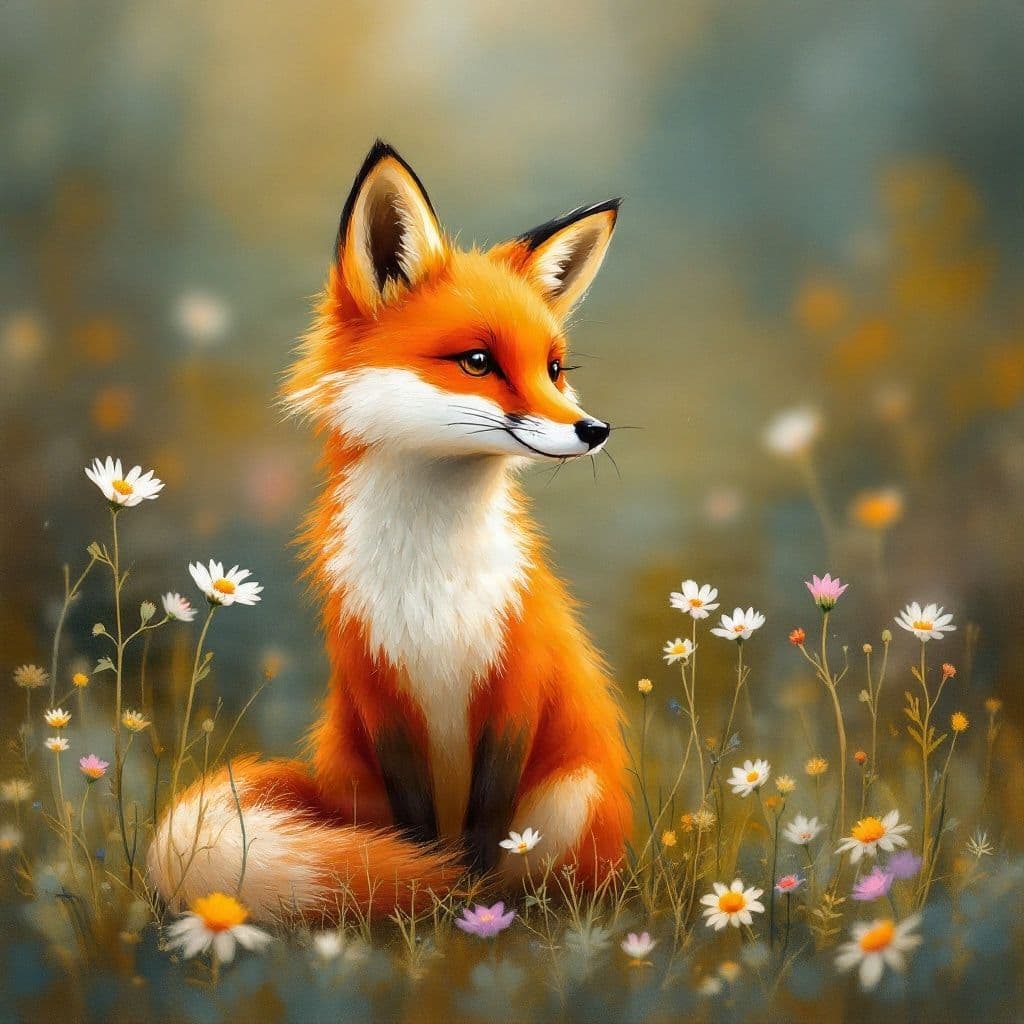
Softer shapes and expressive colors for books, posters, and creative artwork.
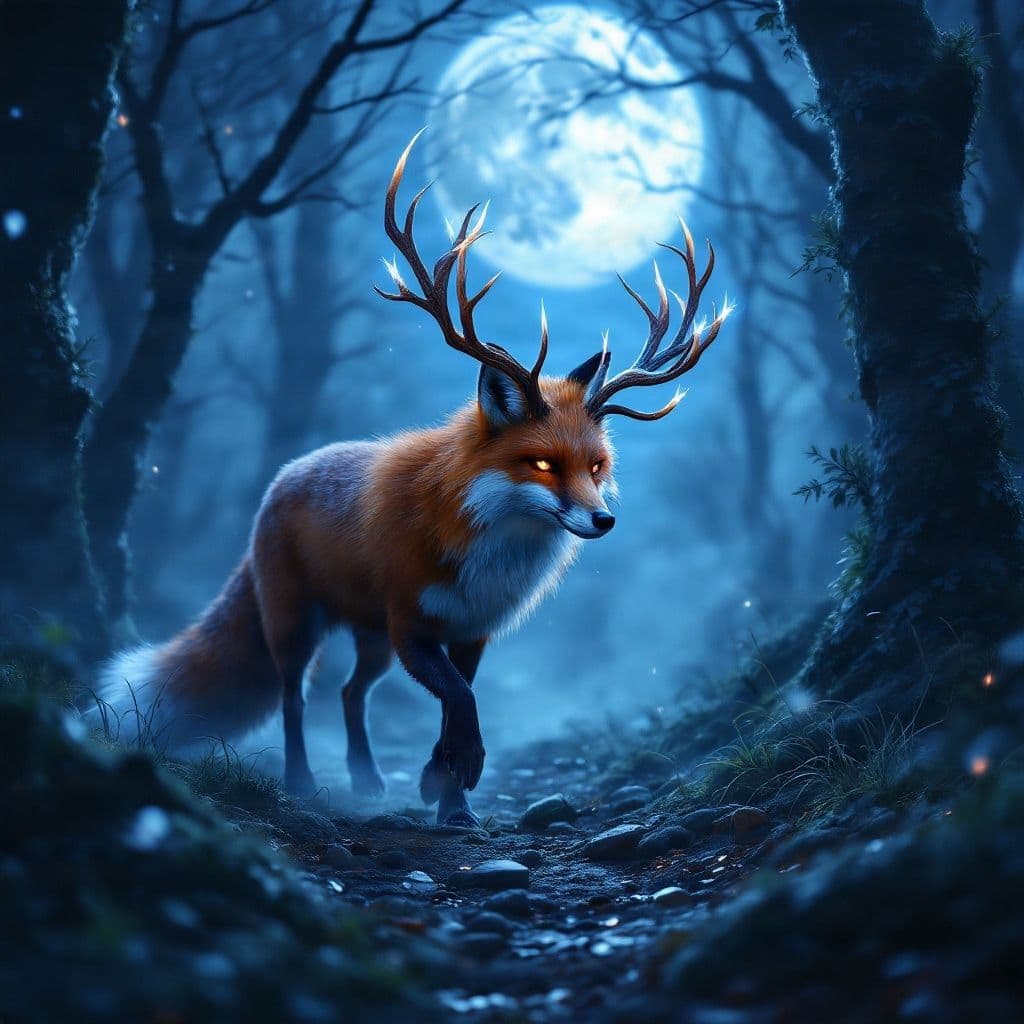
Add magical environments and imaginative features while keeping the animal recognizable.
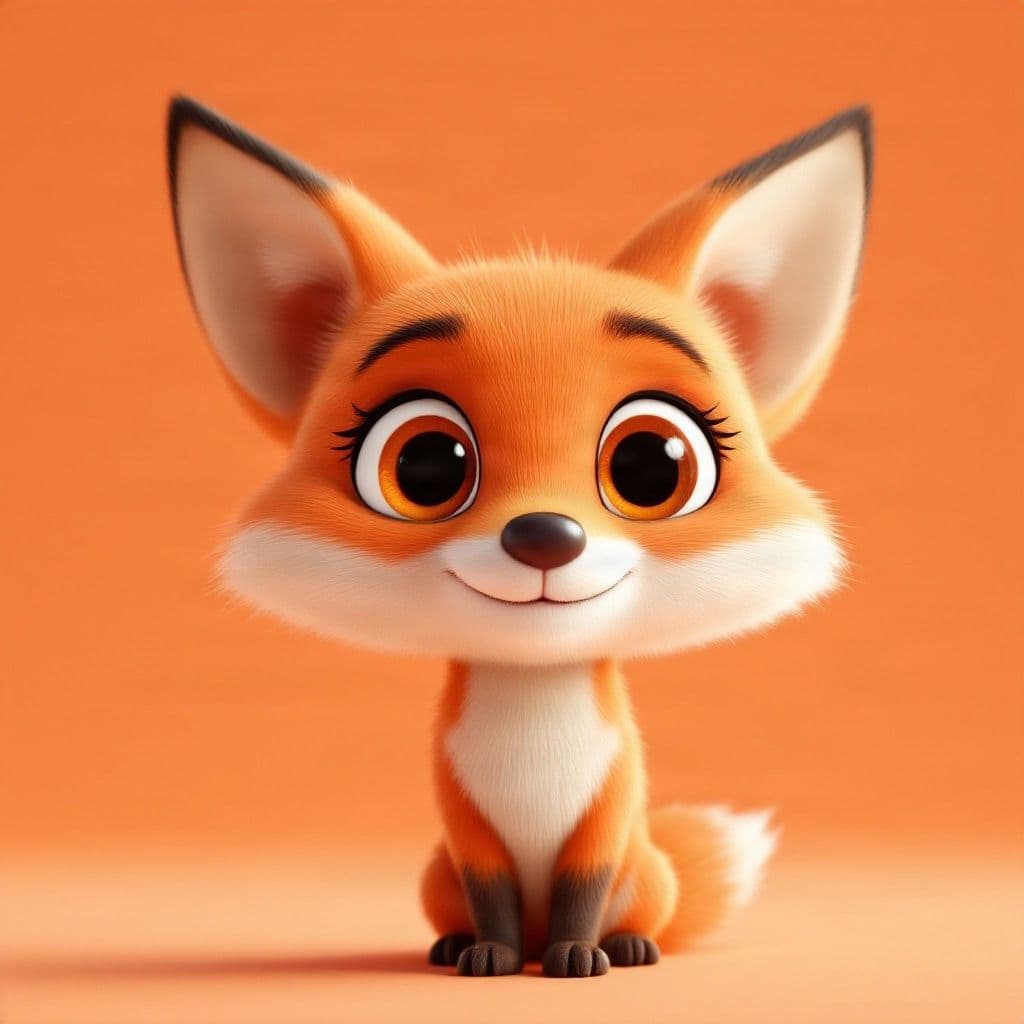
Create a friendly character look for avatars, stickers, mascots, or playful visual content.
Consumer use cases
Write a better prompt
You don't need a long prompt. Start with the animal, then add the details that matter most.
Animal
snow leopard
Appearance
thick pale fur with dark rosettes
Pose
standing on a rocky ridge
Setting
snowy mountains at sunrise
Style
realistic wildlife photography
Put together
A snow leopard with thick pale fur and dark rosettes standing on a rocky ridge in snowy mountains at sunrise, realistic wildlife photography.
How it works
Step 1
Write the animal, appearance, pose, setting, and style you have in mind.
Step 2
Pick an aspect ratio and image model based on whether you are exploring quickly or preparing a more polished result.
Step 3
Compare the result, adjust your prompt, generate another direction, or continue the image into editing and other workflows.
Free vs production models
Use the included models to explore animal ideas quickly, or choose a production model when you want to test more detailed or polished directions. The current cost is shown in the workspace before you generate.
What to expect
Animal images can look convincing at first glance, but complex anatomy and small details still deserve a closer look.
Dynamic poses or overlapping limbs can sometimes produce awkward anatomy.
Fine fur, collars, clothing, wings, horns, or other overlapping details may need another generation or edit.
A reference photo can guide the result, but generated artwork may not reproduce every identifying detail of a real pet exactly.
Continue the workflow
Change colors, backgrounds, props, or details with AI Photo Editor.
Edit ImageTurn a successful animal image into a short motion concept.
Animate ImageIncrease resolution when you want a larger final image.
Upscale ImageSplit a character or animal scene into reusable visual parts for more detailed editing.
Separate Into LayersAn AI animal generator turns a written description into an animal image. You can describe a real species, pet-style portrait, illustrated character, fantasy creature, or other animal concept.
You can describe common pets, wildlife, birds, marine animals, reptiles, farm animals, fantasy creatures, or original combinations. The quality of unusual species or very complex concepts can vary.
Yes. Describe realistic photography, natural lighting, environment, lens style, and physical details when you want a wildlife or pet-photography look.
Yes. You can describe a cartoon, storybook, 3D character, sticker, mascot, or other stylized direction in your prompt.
Yes. Describe the animal traits you want to combine, such as a wolf with wings or a feline creature with scales and horns. Complex anatomy may require a few iterations.
The Reference Image workflow can use an uploaded animal image to guide a new generation. The result can follow the reference visually, but exact identity preservation is not guaranteed.
Start with the animal, then add important appearance details, pose, environment, lighting, mood, and visual style. Clear descriptions are usually more useful than simply adding more adjectives.
Included image models are available for quick generation, while some production models use credits. The current cost is shown in the workspace before you generate.
Yes. Change the prompt, style, model, or composition and generate another direction when the first result is not quite right.
Yes. You can continue a generated image into editing, upscaling, layer separation, and other connected workflows.
Commercial use depends on the model used and the applicable ImageToLayers terms. Check the current model and usage terms before using generated images in commercial work.
This page is the same generator with animal-focused prompts, showcases, and guidance. Use the main Image Generator when your subject is not an animal.
Describe a real animal, playful pet, fantasy creature, or original character and generate your first visual direction.
Creative Toolkit Index
Quick access to precision layer extraction, AI photo editing & asset tools.
Select a template to populate your prompt and output format.