
Upscale Anime Images to 4K with AI
Enlarge anime art, character illustrations, and cartoon images while improving line clarity and reducing visible pixelation.
Image Upscaler
Click to upload or drag & drop image
Supports JPG, PNG, WebP up to 10MB · Paste with Ctrl+V
Upscale Settings
Live 4K Preview
Recovers textures & clear edges
300 DPI ultra-HD export
Retention depends on your plan
✨ Auto-scanning demo: Showing real-time enhancement from low-res original to crisp 4K.
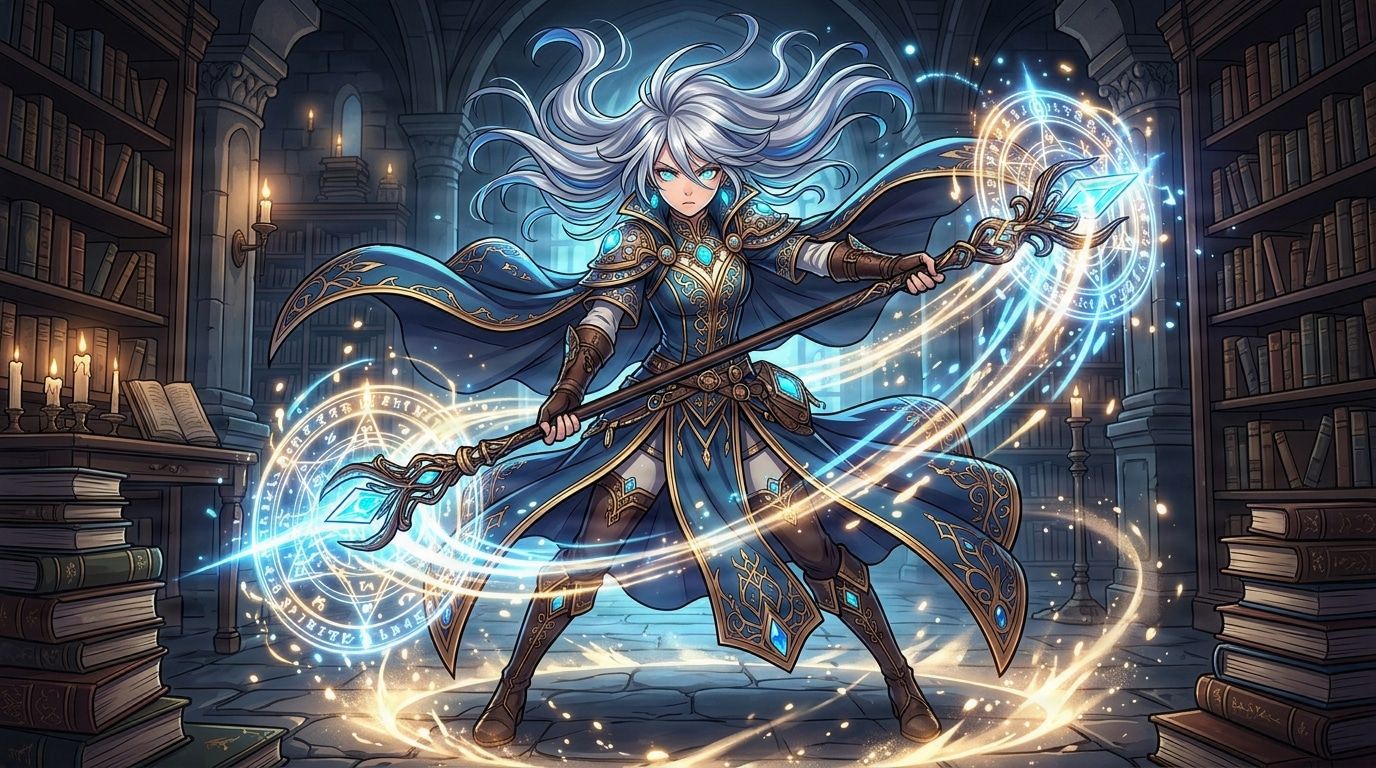
Workflow Steps:
- Step 1 · Upload Your Anime Image
- Step 2 · Choose Image Type
- Step 3 · Select Upscale Size
Recent Sessions
Upscale Anime Art to 4K
Compare the original compressed illustration with the AI-upscaled version. Notice how edges become sharper and cleaner without losing the artist's original style.
How to Upscale an Anime Image
Upload your anime image, illustration, or character artwork.
Keep Anime / Cartoon selected as the image type.
Choose 2×, 4×, or 6× based on the output dimensions you need.
Run the upscaler and review lines, eyes, hands, and small details.
Download the result when it meets your needs.
What Can You Upscale?
AI upscaling improves the appearance of an enlarged image, but it cannot recover exact detail that was never present in the source. Review faces, hands, text, and fine linework before publishing.
Frequently Asked Questions
Can I upscale an anime image to 4K?↓
Yes. Choose an enlargement level that produces an output with a width or height of at least 3840 pixels. The editor shows the expected dimensions before processing.
Does the upscaler redraw the anime image?↓
It may reconstruct small visual details while enlarging the image. The result should remain close to the source, but very small facial features and lines may change slightly.
Which mode should I use for anime art?↓
Use Anime / Cartoon for illustrated images with defined outlines and flat or stylized colors. Use General for painterly or highly realistic artwork.
Will transparent PNG images remain transparent?↓
Transparency support can depend on the selected processing mode. Check the preview and output format before using the result in production.
Make Your Anime Artwork Larger
Upload an illustration, check the expected output dimensions, and create a larger version with AI.
Upscale Anime ImageCreative Toolkit Index
Explore More AI Features
Quick access to precision layer extraction, AI photo editing & asset tools.