
AI Print Image Upscaler
Turn low-resolution images into print-ready files for photos, posters, banners, and large-format printing.
Print preview
Upload image
Choose a size first or upload an image to check its print quality.
Print settings
We automatically choose an appropriate PPI based on your print type and size.
Showcase
See the difference at print resolution
A larger image is not always a better print. Compare the original and enhanced versions at 100% to see how details, edges, textures, and small features hold up when the image is prepared for a larger print.
Photography
12 × 16 in print · 300 PPI
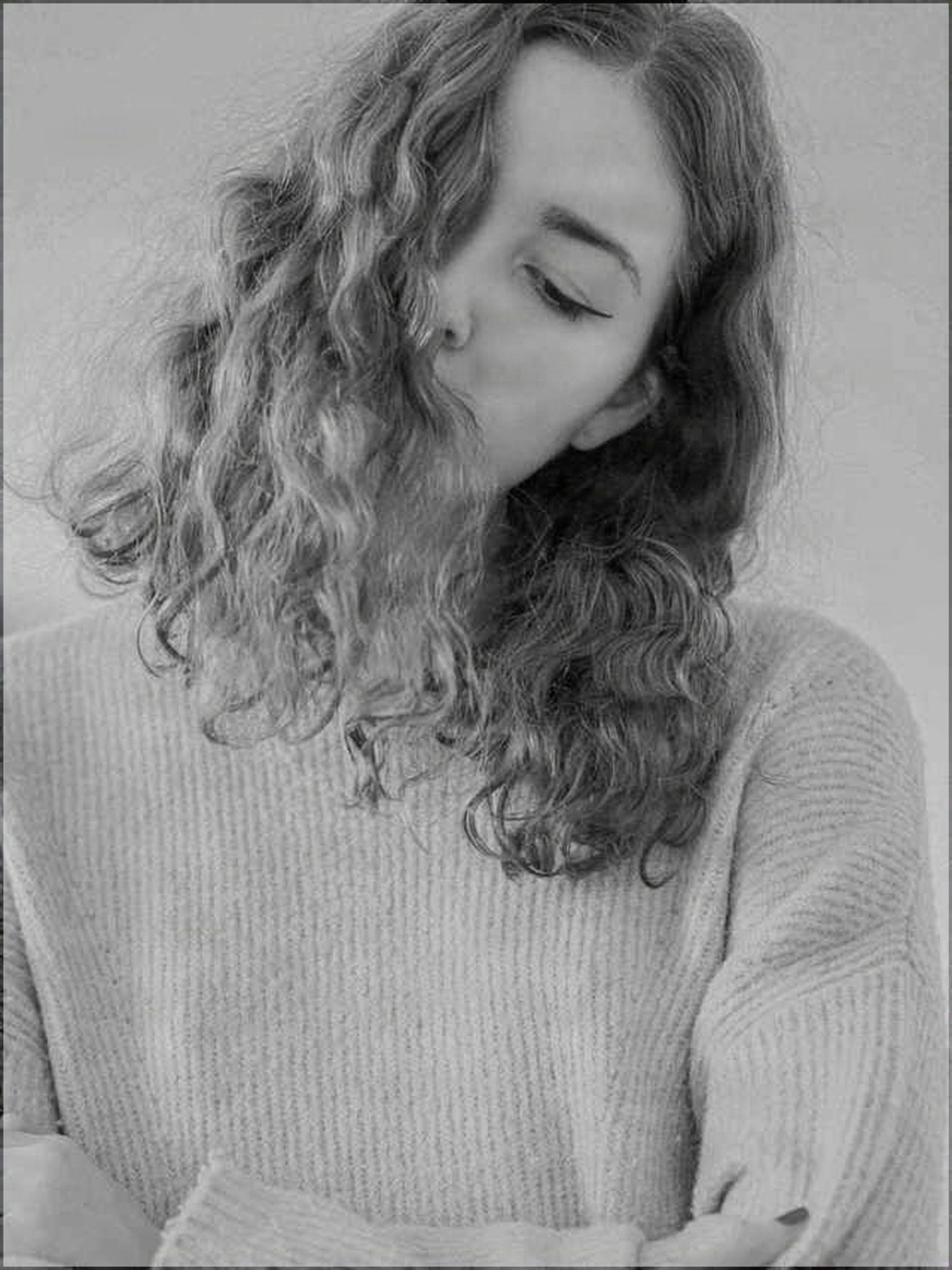

Drag to compare before and after
Print sizes
Made for real print sizes
Stop guessing whether 2× or 4× is enough. Choose the size you want to print, and the Print Image Upscaler calculates the pixel resolution required for that output.
Photo prints
Prepare images for high-quality photo printing at close viewing distances.
Posters
Create enough resolution for wall art, photography, illustrations, and promotional posters.
Banners
Use an appropriate resolution for large-format prints without creating unnecessarily huge files.
Custom prints
Enter any width and height to generate a target resolution for your exact print dimensions.
How it works
From upload to print-ready file
Upload your image
We analyze the image dimensions and its effective resolution at your selected print size.
Choose your print size
Select a photo, poster, banner, standard paper size, or enter custom dimensions.
Prepare for print
The image is enhanced to meet the required resolution while preserving the original appearance.
Download your print-ready file
Get a file prepared for your selected dimensions and target PPI.
Why it's different
More than a 4× image upscaler
Traditional image upscalers ask how much you want to enlarge an image.
Printing asks a different question: how many pixels does this print actually need?
The Print Image Upscaler calculates the target resolution from your physical print size, enlarges by exactly that amount, and tags the file with the print density — so you don't have to guess between 2×, 4×, or 8×.
Fidelity
Preserve what matters
For printing, accuracy matters as much as sharpness.
The Print Image Upscaler uses a preservation-focused enhancement mode designed to retain the appearance of the original image rather than regenerate it. Text, logos, product details, and artwork style stay as they were.
What we verify
What print ready means
A print-ready result means the image meets the technical resolution target for the selected print size. We verify:
- Final pixel dimensions
- Effective PPI
- Aspect ratio
- Target print dimensions
- Cropping status
Physical print appearance can still vary depending on the printer, paper, color profile, print service, and viewing conditions.
FAQ
Frequently asked questions
What resolution do I need for printing?
It depends on the physical print size and viewing distance. Small photo prints often benefit from around 300 PPI, while larger posters and banners can use lower PPI because they are viewed from farther away. The tool calculates a recommended resolution automatically.
Is 300 PPI always necessary?
No. 300 PPI is useful for high-quality prints viewed closely, but large posters and banners often do not require it. Using an unnecessarily high PPI can create much larger files without a visible benefit.
What is the difference between PPI and image resolution?
Image resolution is the total number of pixels in the image. PPI describes how densely those pixels are used at a specific physical print size. The same image can have a high PPI when printed small and a low PPI when printed large.
Does the tool simply upscale every image 4×?
No. The required resolution is calculated from your selected print dimensions and print quality, and the image is enlarged by exactly the amount needed to reach it — not a fixed multiplier.
What size file do I get back?
Exactly the pixel dimensions your print size and PPI call for. The file is also tagged with that print density, so a print service knows what physical size to output.
Can AI recover every missing detail?
No. Enhancement can improve low-resolution images, but details that do not exist in the source cannot always be recovered accurately. The preservation-focused mode is designed to avoid inventing detail that was not there.
What does print ready mean?
Print ready means the exported image meets the resolution requirements calculated for your selected print dimensions and target PPI. It does not guarantee identical results from every physical printer or print provider.
Creative Toolkit Index
Explore More AI Features
Quick access to precision layer extraction, AI photo editing & asset tools.