
PACKAGING DESIGN TO PSD
Turn Packaging Designs into Editable PSD Layers
Got a packaging image but not the original design file? Upload your box, carton, or label artwork to recover editable text, separate visual elements, and prepare layered files for your next design update.
Edit Your Packaging Without Rebuilding It
Start with the skincare carton example or upload your own packaging image. Explore individual layers, update detected text, and download the resulting design assets.
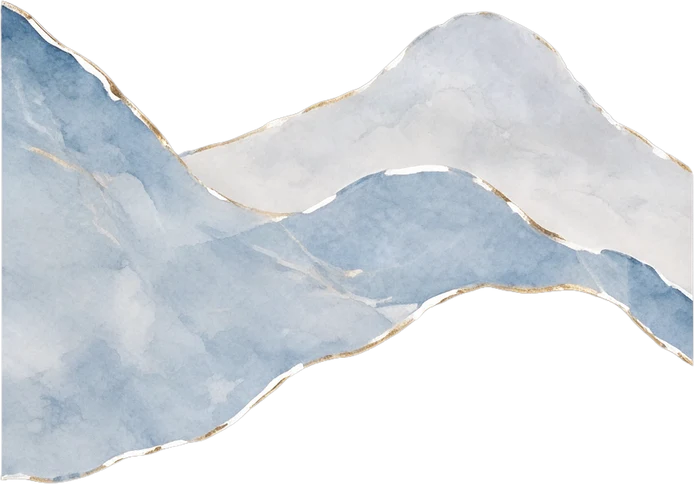
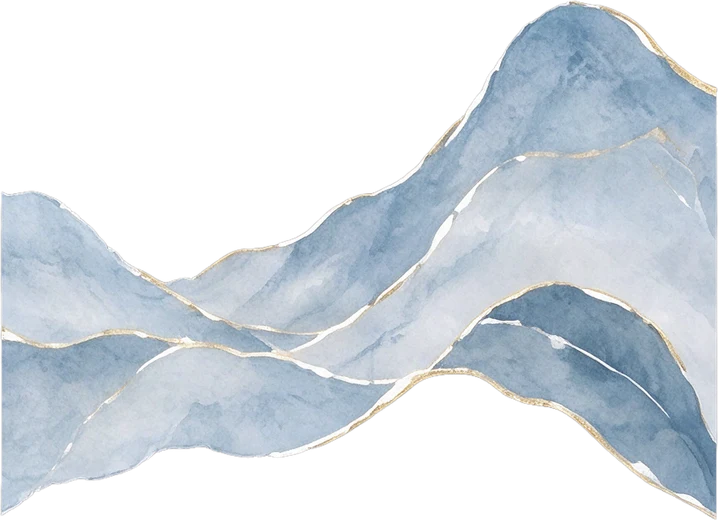
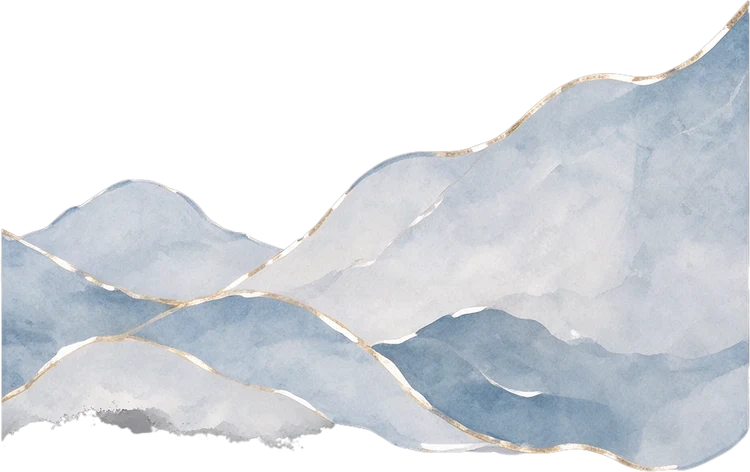
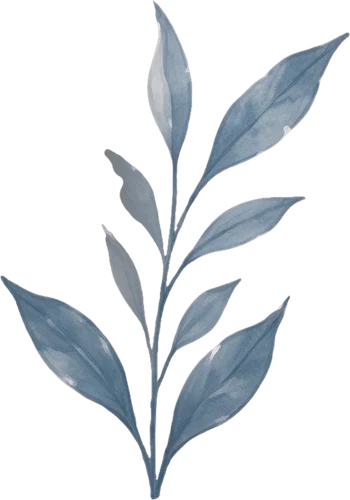
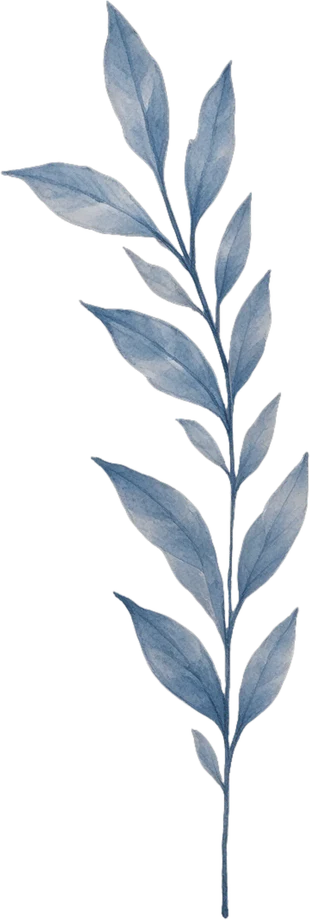
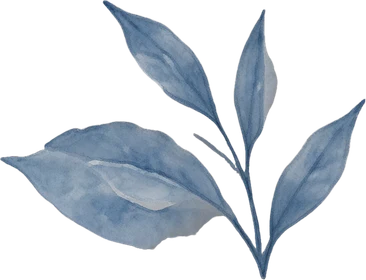




Left watercolour mountain range
347 × 242 px
Middle watercolour mountain range
359 × 260 px
Right watercolour mountain range
375 × 236 px
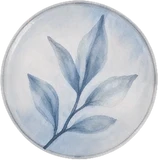
Left leaf branch
175 × 250 px
Middle leaf branch
155 × 460 px
Right leaf branch
183 × 140 px
Top circular leaf illustration
79 × 80 px
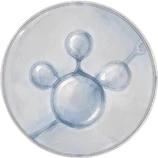
Middle circular molecule illustration
79 × 79 px
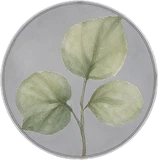
Bottom circular green leaf illustration
79 × 80 px
REAL PACKAGING EXAMPLE
See How a Flat Packaging Design Becomes Separate Layers
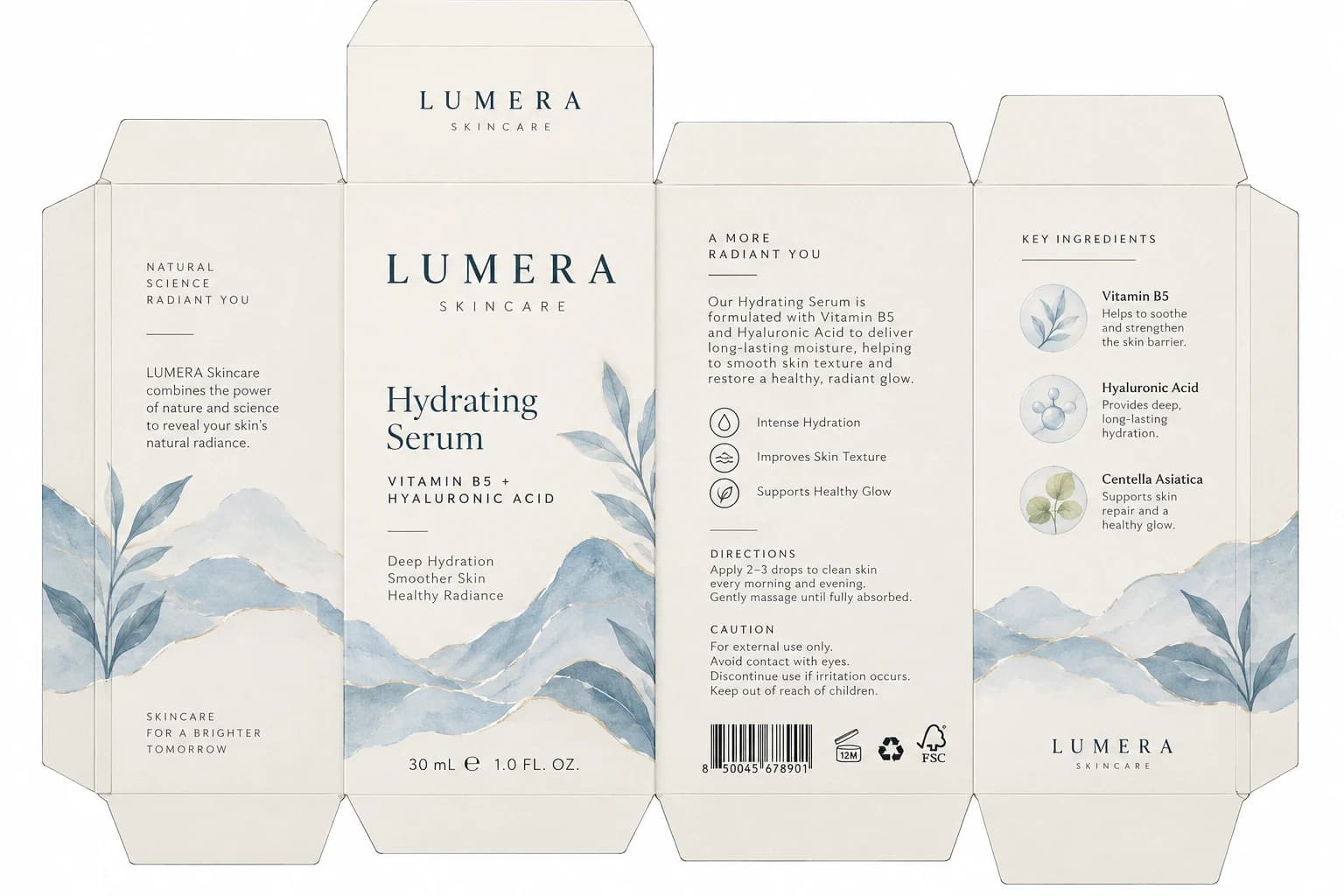
We started with a single skincare carton image containing product copy, branding, watercolor mountains, and botanical illustrations. The result brings detected text, brand marks, and separate artwork into one layered workspace. Explore the individual elements below to see what can be updated or reused.
Recover Packaging Text and Brand Details
Product names, ingredient lists, directions, and short descriptions are difficult to change when they're baked into a flat image. Bria Ad Delayer identifies text regions and returns their content and approximate styling. The studio lets you revise recovered words while keeping them positioned in the packaging layout. Logos and other detected marks can also be separated.
23 detected text elements · 9 separate graphic and mark layers
Separate Illustrations Without Redrawing Everything
Want to adjust a mountain illustration, remove a botanical accent, or reuse part of your packaging artwork? Seedream Layerize reconstructs visual elements as separate image layers. You can inspect the pieces individually and work with them without flattening the entire design again. The artwork is AI-reconstructed, so details and shapes may differ from the original image.
9 separated artwork elements in this example
Change Product Copy Without Starting From Scratch
A product name changes. An ingredient needs updating. A description needs a rewrite. Instead of manually covering old words, inspect the text detected from the packaging image and edit it directly in the online studio. In this example, text from multiple carton panels is available as separate elements, including product information, ingredient names, directions, and caution copy.
NATURAL SCIENCE RADIANT YOU
Detected text · Approx. 12px in the example
LUMERA Skincare combines the power of nature and science to reveal your skin’s natural radiance.
Detected text · Approx. 15px in the example
SKINCARE FOR A BRIGHTER TOMORROW
Detected text · Approx. 11px in the example
Hydrating Serum
Detected text · Approx. 43px in the example
VITAMIN B5 + HYALURONIC ACID
Detected text · Approx. 15px in the example
Deep Hydration Smoother Skin Healthy Radiance
Detected text · Approx. 15px in the example
30 mL ℮ 1.0 FL. OZ.
Detected text · Approx. 17px in the example
A MORE RADIANT YOU
Detected text · Approx. 13px in the example
Our Hydrating Serum is formulated with Vitamin B5 and Hyaluronic Acid to deliver long-lasting moisture, helping to smooth skin texture and restore a healthy, radiant glow.
Detected text · Approx. 15px in the example
Intense Hydration
Detected text · Approx. 13px in the example
Improves Skin Texture
Detected text · Approx. 13px in the example
Supports Healthy Glow
Detected text · Approx. 13px in the example
DIRECTIONS
Detected text · Approx. 12px in the example
Apply 2–3 drops to clean skin every morning and evening. Gently massage until fully absorbed.
Detected text · Approx. 13px in the example
CAUTION
Detected text · Approx. 12px in the example
For external use only. Avoid contact with eyes. Discontinue use if irritation occurs. Keep out of reach of children.
Detected text · Approx. 13px in the example
KEY INGREDIENTS
Detected text · Approx. 12px in the example
Vitamin B5
Detected text · Approx. 15px in the example
Helps to soothe and strengthen the skin barrier.
Detected text · Approx. 13px in the example
Hyaluronic Acid
Detected text · Approx. 15px in the example
Provides deep, long-lasting hydration.
Detected text · Approx. 13px in the example
Centella Asiatica
Detected text · Approx. 15px in the example
Supports skin repair and a healthy glow.
Detected text · Approx. 13px in the example
Text styles are reconstructed from the image. Exact fonts, line spacing, and letter shapes may not match the original source file.
Keep Important Brand Details Separate
Logos, decorative lines, icons, and packaging symbols don't always need to be rebuilt alongside the rest of the design. Explore the elements recovered from this carton and see how they sit independently from the illustrations and text. Some extracted elements are available as SVG graphics, while others may remain image-based.
main-wordmark
top-wordmark
bottom-wordmark
benefit-symbols
certifications
Always verify brand assets, symbols, and barcodes against approved originals before use.
Explore the Artwork Behind the Packaging
This carton combines watercolor mountains, leafy branches, and smaller ingredient-themed illustrations. Instead of showing all these elements as one picture, the example presents the artwork as separate pieces you can inspect, hide, or prepare for further editing.
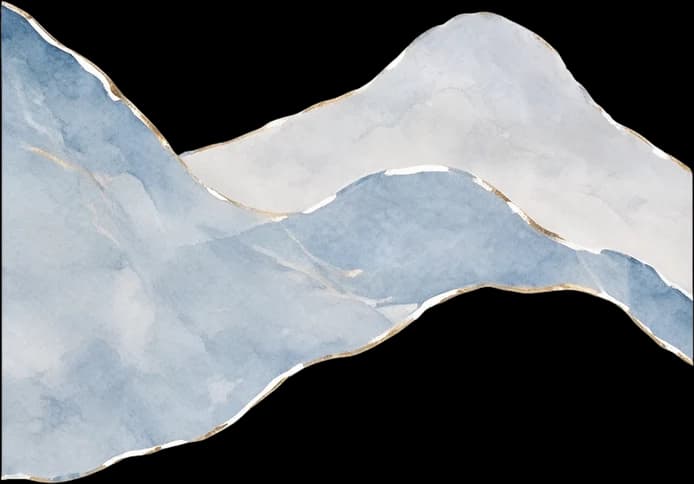
Left watercolour mountain range
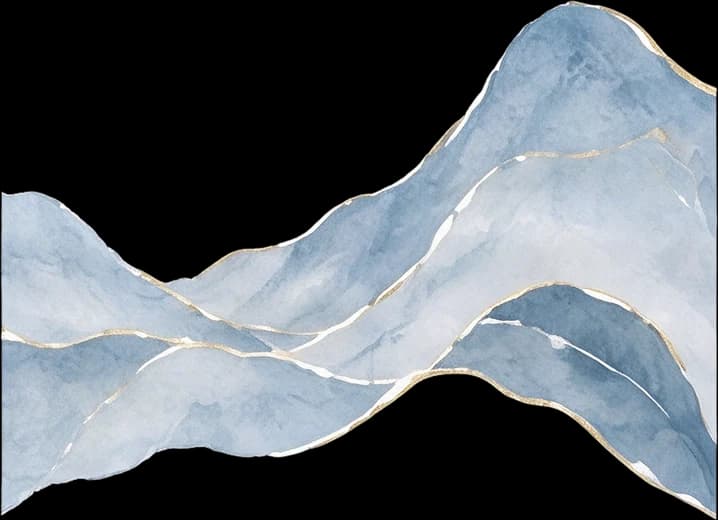
Middle watercolour mountain range
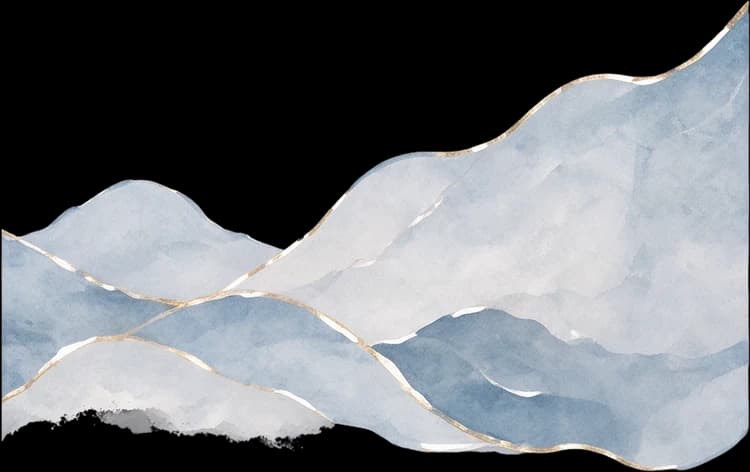
Right watercolour mountain range
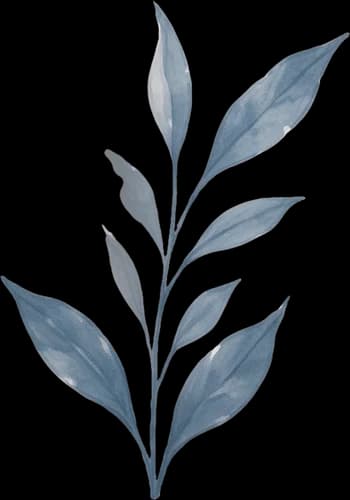
Left leaf branch
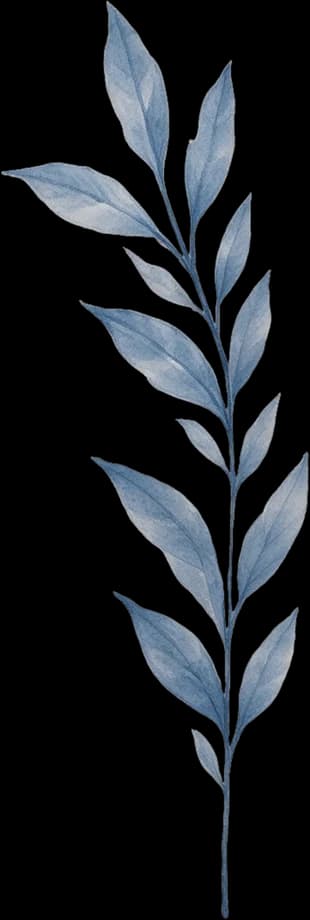
Middle leaf branch
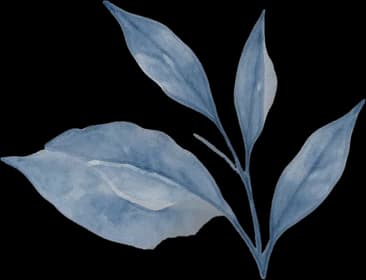
Right leaf branch
Top circular leaf illustration
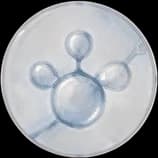
Middle circular molecule illustration
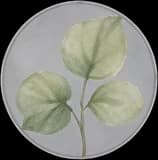
Bottom circular green leaf illustration
Individual artwork layers reconstructed from the original packaging image. AI layer reconstruction can change fine textures, edges, brushwork, or details hidden behind other objects.
Bring Different Elements Back Into One Design
Separating text and artwork is only useful when the pieces can be brought back together. The workspace aligns detected typography and graphics with the reconstructed artwork so the packaging design can be viewed on one canvas. In this example, the 1152 × 768 layout coordinates of the text and marks are mapped into the 1536 × 1024 design canvas, which keeps text, illustrations, and other elements positioned relative to the original packaging.
A More Flexible Design — Not the Original Source File
The result is an AI-assisted reconstruction of a flat packaging image, not a recovery of the original Illustrator or Photoshop project. You can edit recovered text in the online studio and work with separate graphics and artwork layers. The exported PSD contains individual image layers, but the text is not currently exported as native Photoshop Type Layers. Fonts may be approximated. Illustrations may be redrawn. Small lettering, barcodes, regulatory copy, and fine packaging details require review. Use the resulting layers for design revisions and preparation—not as an automatically approved, print-ready production file.
MADE FOR REAL DESIGN UPDATES
What Would You Change in Your Packaging?
Update Product Names and Descriptions
You've already approved the visual design, but the product name or description needs to change. Recover the detected wording and revise it in the studio.
Create Another Product Variation
Reuse artwork from an existing packaging design as a starting point for another variation, scent, size, or product in the same collection.
Revise Ingredients and Instructions
Locate packaging copy that needs revision instead of rebuilding the full composition. Always check updated ingredient, directions, and compliance text manually.
Adjust Illustrations and Decorative Elements
Work with separate mountains, leaves, patterns, or icons rather than editing the whole flattened picture at once.
Prepare an Existing Design for a Designer
Give a designer a layered starting point when the original project file has been lost or is unavailable.
Explore an AI-Generated Packaging Concept
Convert a generated packaging concept into separate design elements that can be reviewed and refined before professional production work.
Get more control over the packaging image you already have, even when you don't have the original working file.
FROM FLAT IMAGE TO LAYERED DESIGN
Convert Packaging Artwork in Four Steps
- 1
Upload Your Design
Choose a clear image of a box, carton, label, or other packaging artwork. Flat, front-facing designs generally provide the clearest starting point.
- 2
Let AI Find the Elements
The workflow analyzes the layout and attempts to separate text, logos, graphical marks, illustrations, and background artwork.
- 3
Edit and Inspect the Layers
Open the studio to review recovered text, hide or display elements, explore the artwork, and make available edits.
- 4
Download Your Files
Save a composite image or download layered assets for further work in your preferred design software.
The number and quality of layers vary with the source image.
WORK WITH YOUR EXISTING PACKAGING
From Small Brand Updates to Packaging Design Handoffs
Small Product Brands
Make revisions to packaging concepts without having to commission a full rebuild for every minor copy change.
Packaging Designers
Recover a workable layered starting point from a flat image when the original source file isn't available.
E-commerce Sellers
Adapt visual concepts for new product variations, promotional packages, or alternative labels.
Creative Agencies
Prepare separated design elements for revisions, client feedback, and further artwork production.
AI Design Creators
Take an AI-generated packaging image beyond a single flattened result and explore its visual components.
Marketing Teams
Reuse approved-looking packaging concepts while updating text and artwork for new campaigns.
FAQ
Frequently Asked Questions About Packaging to Editable PSD
How do I convert packaging artwork to an editable PSD?
Upload your packaging image and start a conversion. The workflow identifies text, graphics, and artwork elements, then organizes the available results into layers. You can preview the composition in the studio and download a layered PSD.
Can I turn a JPG or PNG packaging design into layers?
Yes. You can upload supported image formats, including JPG, PNG, and WebP. The resulting layers depend on image quality, layout complexity, and the elements the AI can identify.
Can I change the product name on existing packaging?
The studio lets you revise text that has been successfully recovered as a text element. You can change a product name or headline and preview the result in the image.
Can I update ingredient lists or packaging instructions?
You can attempt to update detected ingredient names, product descriptions, directions, and caution text. Always proofread the final wording, especially for regulated products.
Will the exported PSD have editable Photoshop text layers?
Not currently. The online studio supports text editing, but the existing PSD export renders text as individual image layers. You can work with the exported layer structure, although direct Photoshop Type Tool editing of the text isn't supported by this export.
Does the tool separate packaging illustrations?
The workflow attempts to separate distinct illustrations and decorative graphics into individual image layers. Some details may remain combined, and AI may reconstruct areas that were hidden in the original.
Can I edit or remove a logo?
Detected logos may appear as separate graphic layers, allowing them to be inspected or hidden in the studio. Whether a particular logo separates cleanly depends on the original image.
Will the original packaging layout stay the same?
The workflow aims to preserve the relative positions of text, graphics, and artwork. Some typography, shapes, spacing, or reconstructed details may differ. Review the resulting design before using it.
Does the tool preserve the original image resolution?
Packaging designs are processed at a higher resolution than standard ad images. Input size limits still apply, and larger images may be resized for processing. The resulting canvas and available artwork resolution depend on the processed image.
Can I use the exported PSD for commercial packaging?
The exported design can serve as a starting point for further work, subject to your rights to the source artwork and the applicable service terms. It should not be treated as a production-approved print file without additional design and prepress checks.
Does it preserve barcodes and certification symbols accurately?
The AI may identify and separate some printed symbols, but you should not assume barcode scannability or certification accuracy. Reuse verified original barcode artwork and approved symbols for production.
Can I convert a packaging dieline?
You can upload a flattened carton dieline image. The tool may recover the printed artwork and some structural lines, but it does not guarantee manufacturing-accurate die cuts, fold geometry, bleed, or print specifications.
Can I use a photo of a product box rather than a flat design?
You can try, but perspective, reflections, curved surfaces, and shadows can make separation less predictable. Flat packaging artwork is generally a better choice when you need aligned design layers.
How many layers will I get?
There is no fixed number. The count depends on the packaging design and how the models interpret its elements. The LUMERA showcase demonstrates one result, not a guaranteed layer count for every image.
What happens if the artwork separation stage fails?
You still receive the text and mark result, and the credits for the artwork stage are refunded automatically. Check the job result for the layers actually delivered.
How many credits does a conversion cost?
One conversion uses a fixed number of credits. The studio shows the exact amount before you start, so there are no surprises.
Can I download separate PNG layers?
The workflow supports ZIP and PSD downloads. Layer export provides individual rendered image assets for further editing or import into other design tools.
Is this a replacement for Adobe Illustrator or Photoshop?
No. It's a way to recover a layered starting point from a flattened packaging image. For exact typography, vector production artwork, print color management, bleed, and die-line engineering, professional design software is still recommended.
Have the Packaging Image but Not the Design File?
Don't start every packaging update from a blank canvas. Upload your existing artwork, recover the elements AI can separate, edit the detected copy in the studio, and download layered assets for further work.
Convert Packaging to Editable LayersPreview the included LUMERA example before converting your own image. Processing uses credits and results depend on the source design.