
Animate a character image with AI
Upload a character image, choose how you want the character to move, and turn the static artwork into a short animated video.
Choose an idle, wave, or victory motion and turn static character art into movement — no rig required.
Or test with demo heroes:
Action & Skill Moveset
Select an animation preset for your heroMotion Arena Inspector
Real-time motion transfer preview
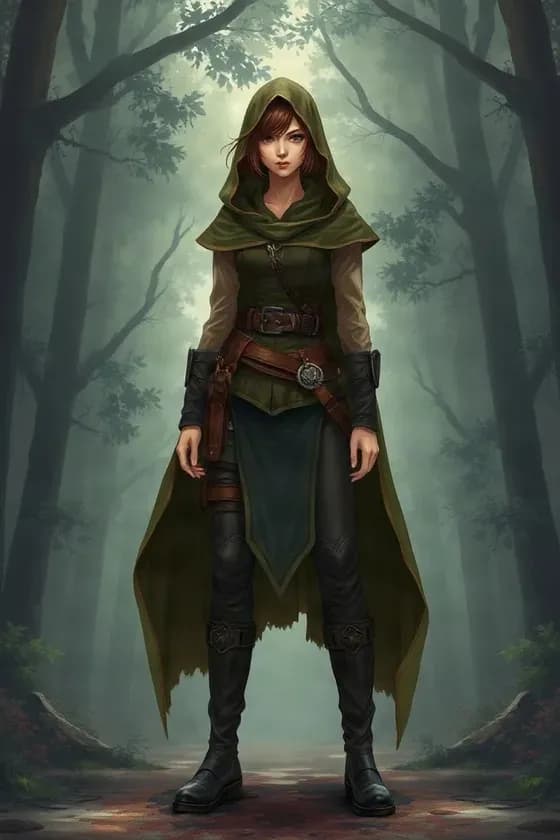
Kaze (Ronin)
RONIN · SWORDSMAN
WAN 2.2 Mocap Inference
230 Credits
Auto-refund if generation failsFrom character art to motion
Give your character more than a static pose
A finished character illustration can already communicate design and personality. Character animation adds movement so the same artwork can be used in previews, trailers, interface moments, social posts, or animation references.
Idle motion
Character gestures
Action concepts
Video-ready output
Where character animation helps
Animate characters for more than one workflow
Character previews
Show how a character could feel in motion without building a full rig first.
Game UI concepts
Add short idle or gesture clips to character-selection concepts, promotional UI, and presentation mockups.
Trailers and teasers
Turn character artwork into short motion clips for announcements, trailers, and reveal videos.
Social content
Add motion to character art for short posts, teasers, reels, and promotional clips.
Animation reference
Explore pose timing and broad motion ideas before committing to a more detailed production animation workflow.
Concept presentations
Make a static character pitch or art presentation feel more alive.
Choose the right output
Character animation or sprite sheet?
Both animate a character, but they produce different kinds of assets.
Character animation
You're hereA continuous video clip
Animate a static character into a short video motion result.
Best for
- Trailers
- Social posts
- Character previews
- UI concepts
- Animation references
Sprite sheet
Frame-based game animation
A sprite sheet is a sequence of individual animation frames intended for sprite-based 2D game engines. This tool does not produce sprite sheets — its output is a continuous video.
Better suited to
- 2D games
- Frame animation
- Engine sprite import
- Animation packs
Motion with more control
Why use character motion presets instead of a generic video prompt?
Generic image-to-video
The model decides more of the movement from a text prompt, which can produce creative but less predictable character motion.
Character motion preset
A reference motion gives the model a clearer movement pattern while your uploaded image defines the character appearance.
Pick a motion preset when you want a specific gesture such as idle, wave, or victory. Add optional motion details to fine-tune it.
Animate a character in three steps
Upload your character
Describe the motion
Generate the animation
Review and download
What to expect
Motion can change fine character details
Character animation models use your uploaded image as a visual reference, but the generated video is still new AI-created content.
Faces
Facial features are intended to remain recognizable but can shift slightly during stronger movement.
Hands and arms
Complex gestures can create inconsistent fingers, hands, or limb shapes.
Clothing and accessories
Small costume details, jewelry, patterns, and accessories can change between frames.
Props and weapons
Thin, complex, or partially hidden props can bend, disappear, or change during motion.
Simpler motions such as idle, breathing, and wave usually require less visual reconstruction than complex action sequences.
For better character motion
Start with a character that is easy to read
One character
Use a single main character rather than a crowded group image.
Clear pose
Keep the face and body visible without large objects blocking important joints.
Good resolution
A clear source image gives the model more information about clothing, facial features, and character proportions.
Neutral starting pose
A character standing in a relaxed pose is easier to animate than one already locked into an extreme action pose.
Frequently asked questions about AI character animation
What is an AI character animation generator?
It turns a static character image into a short animated video by using AI to create movement while referring to the uploaded character for appearance.
Do I need to rig the character first?
No. This workflow generates a video directly from the character image and a movement description or motion reference.
Can I animate a 2D character?
Yes. Illustrated, stylized, anime-inspired, concept-art, and other 2D-style characters can be used as input.
Can I animate a 3D-style character image?
Yes. Rendered or 3D-style character artwork can also be animated from a static image.
What motions can I generate?
The motion presets are idle, wave, and victory. You can also add optional motion details to adjust the selected motion.
Will the character look exactly the same in every frame?
Not always. The model aims to keep the character recognizable, but faces, hands, clothing, accessories, props, and other fine details can change during generation.
Which motion is best for character consistency?
Subtle motions such as idle and breathing usually require less visual change than stronger action sequences.
Can I animate a character holding a weapon?
Yes, but weapons and thin props can be harder to preserve consistently during large movements.
Can I animate multiple characters at once?
The workflow is designed primarily for one main character. Multi-character scenes can be less predictable.
Is this a sprite animation generator?
No. The result is a continuous video clip, not a set of sprite frames for a 2D game engine.
Can I use the animation in a game?
The generated video can be used as a visual asset or reference, but it is not automatically converted into a game-ready sprite animation or rig.
Can I download the result?
Yes. Completed generations can be opened on the result page and downloaded as a video file.
What happens if video generation fails?
If a generation fails before a usable result is created, the charged credits are handled according to the current failure and refund policy.
Turn your character into motion
Upload a character image, describe the movement you want, and generate a short animated clip without building a rig first.
Start with a simple idle or wave motion for the most predictable first result.
Related tools
A wider range of video
AI Video Generator
Generate video from image or text inputs across more styles and models.
Create a character first
AI Image Generator
Generate an original character image before turning it into motion.
Consistent character views
Character Turnaround
Generate consistent front, side, and back views of one character from a single image.
Separate a character
Character to Layers
Split character art into separate editable parts for further editing or animation prep.