
Remove a Person and Keep the Scene
Like the photo but not the person in it? Upload the image and create a cleaner version of the scene with the foreground person removed.
No need to rebuild the whole background by hand.
Upload an image
Separate one image into a transparent foreground, reconstructed background, and reusable subject mask.
Remove Person From Photo
Keep the subject and create a reusable background behind it.
Drag and drop your image here or browse files

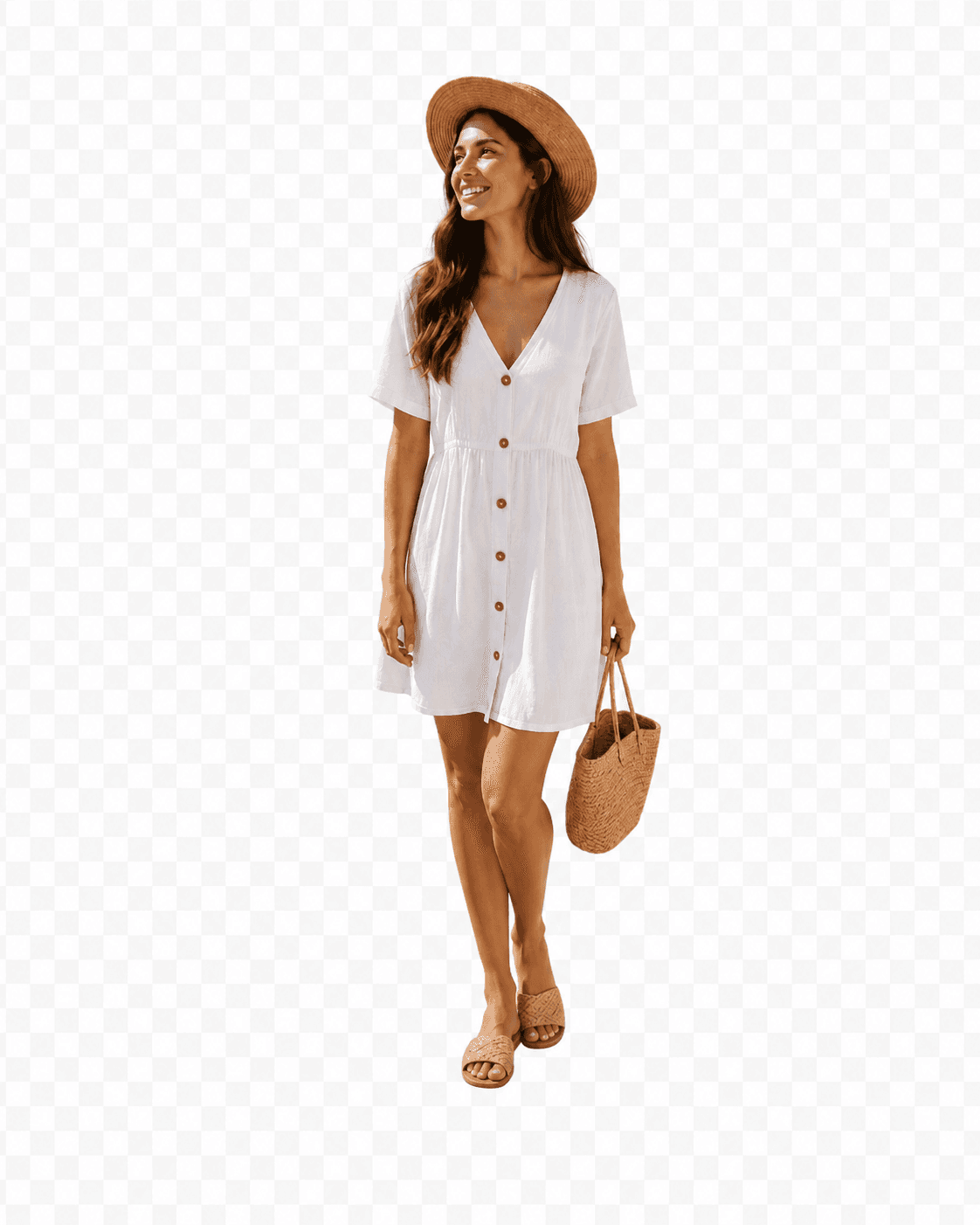

The covered background area is reconstructed with AI using the visible scene as context.
Processing time varies with image complexity. Large subjects and detailed backgrounds may require more reconstruction.
Keep the photo you like
Sometimes You Want the Scene — Just Without the Person
Maybe someone walked into the frame. Maybe you want to reuse the room without the model. Or maybe the background is perfect for another design.
Instead of starting over, remove the foreground person and keep the scene you already have.
When it helps
Useful When the Photo Is Good Except for One Person
Travel photos
Keep the street, landmark, beach, or scenery when someone in the foreground distracts from the shot.
Interiors
Remove the person from a room so you can reuse the interior for a listing, mood board, or new composition.
Product and lifestyle shoots
Keep the scene or setup after removing the model or foreground person.
Social content
Clean up a photo before adding text, graphics, or a new subject.
Creative layouts
Start with the existing scene instead of generating a completely new background.
Reusable clean plates
Create a background-only version before continuing into another editing or compositing workflow.
See the difference
Keep the Scene Without the Person
Compare the original photo with the reconstructed background after the foreground person is removed.
Remove someone from a travel photo
Keep the location and composition without the distracting foreground person.
Clear the person from a room
Reuse the interior as a clean background for another layout or listing.
Keep the setup after removing the model
Reuse the scene for another person, product, headline, or creative concept.
More than a crop
Why Not Just Crop the Person Out?
Keep the composition
Cropping can remove part of the scene you wanted to keep.
Keep the original dimensions
You can preserve the overall framing instead of making the image smaller.
Make room for something new
Once the person is gone, you can add another subject, product, text block, or visual element.
About the rebuilt area
The Tool Can Fill What Was Hidden — It Cannot Reveal What Was Really There
A person can cover a large part of the original background. Those hidden pixels do not exist in the uploaded photo.
The tool creates a visually plausible continuation based on the surrounding scene. That means the result may look natural without being an exact reconstruction of what was physically behind the person.
Complex architecture, text, repeating patterns, reflections, or very large hidden regions may require additional editing.
Which Background Workflow Fits Your Photo?
| Your goal | Use |
|---|---|
| I want the person with a transparent background | Background Remover |
| I want the photo without the person | Remove Person From Photo |
| I want the subject and background separately | Foreground Background Separator |
| I want several objects separated into layers | Image to Layers |
Remove a Person in Three Steps
Upload the photo
Choose an image containing the person you want removed.
Create the background
The person is separated and the scene behind them is completed where necessary.
Download the result
Save the background-only image and continue editing, posting, or designing.
Consumer tips
Get a Better Result From the First Try
Give the tool enough background context
More visible scene around the person gives the reconstruction more information to work with.
Large foreground people are harder
If one person covers most of the photo, more of the final background needs to be reconstructed.
Watch detailed patterns
Signs, text, tiles, railings, shelves, and repeating patterns can be harder to continue perfectly.
Review important edges
Check areas around hair, hands, furniture, and objects that overlap with the person before publishing.
Frequently Asked Questions About Removing a Person From a Photo
Can I remove a person from a photo and keep the background?
Yes. This workflow separates the foreground person and creates a background-only result you can download.
What happens to the area behind the person?
If that area was hidden in the original photo, the tool creates a plausible continuation using the visible surroundings. It cannot recover exact pixels that were never captured.
Is this the same as background removal?
No. Background removal usually keeps the person and removes the scene. This page prioritizes the opposite result: keep the scene and remove the person.
Can I remove someone who is standing in the middle of the image?
Yes, but the more of the background they cover, the more content needs to be reconstructed. Large hidden areas can be more difficult.
Can I remove more than one person?
Results depend on how the people are positioned and how much of the scene they cover. This workflow works best when there is a clear foreground subject to separate.
Will the background be exactly what was behind the person?
No. Hidden content is reconstructed based on the surrounding image, so details may differ from the real scene that was originally behind the person.
Does it work on travel photos?
Yes. It can be useful when someone in the foreground distracts from a location or scene you want to keep.
Can I use it for interior photos?
Yes. Interior scenes can work well when enough of the room is visible around the person. Detailed furniture, patterns, mirrors, and text may need extra review.
Can I still download the removed person?
Yes. Because the underlying workflow separates foreground and background, the transparent foreground is also available even though this page prioritizes the clean background.
What if I want to remove a small object instead of a person?
A targeted object-removal or generative-fill workflow is usually a better fit when the item is small or is not the main foreground subject.
Should I use this or Foreground Background Separator?
Use Remove Person From Photo when the clean scene is the result you care about. Use Foreground Background Separator when you want both sides as equally important assets.
Need a Different Result?
Keep the person instead
Background Remover
Create a transparent cutout and discard the scene.
Keep the PersonKeep both
Foreground Background Separator
Separate the person and background into reusable assets.
Separate BothRemove a smaller object
AI Inpainting
Better when you want to erase a smaller item rather than the main foreground person.
Erase an ObjectKeep the Scene. Remove the Distraction.
Upload your photo and create a reusable version of the background without the foreground person.
Remove a Person