
Prepare 2D Character Art for Spine
Separate a flat game character illustration into visible layers so you can start setting up bones and animation in Spine without manually cutting every part by hand.
Separate faces, eyes, hair, clothing, and other supported character parts into editable layers.
Choose Character Art
PNG, JPG or WebP
or drag and drop your artwork
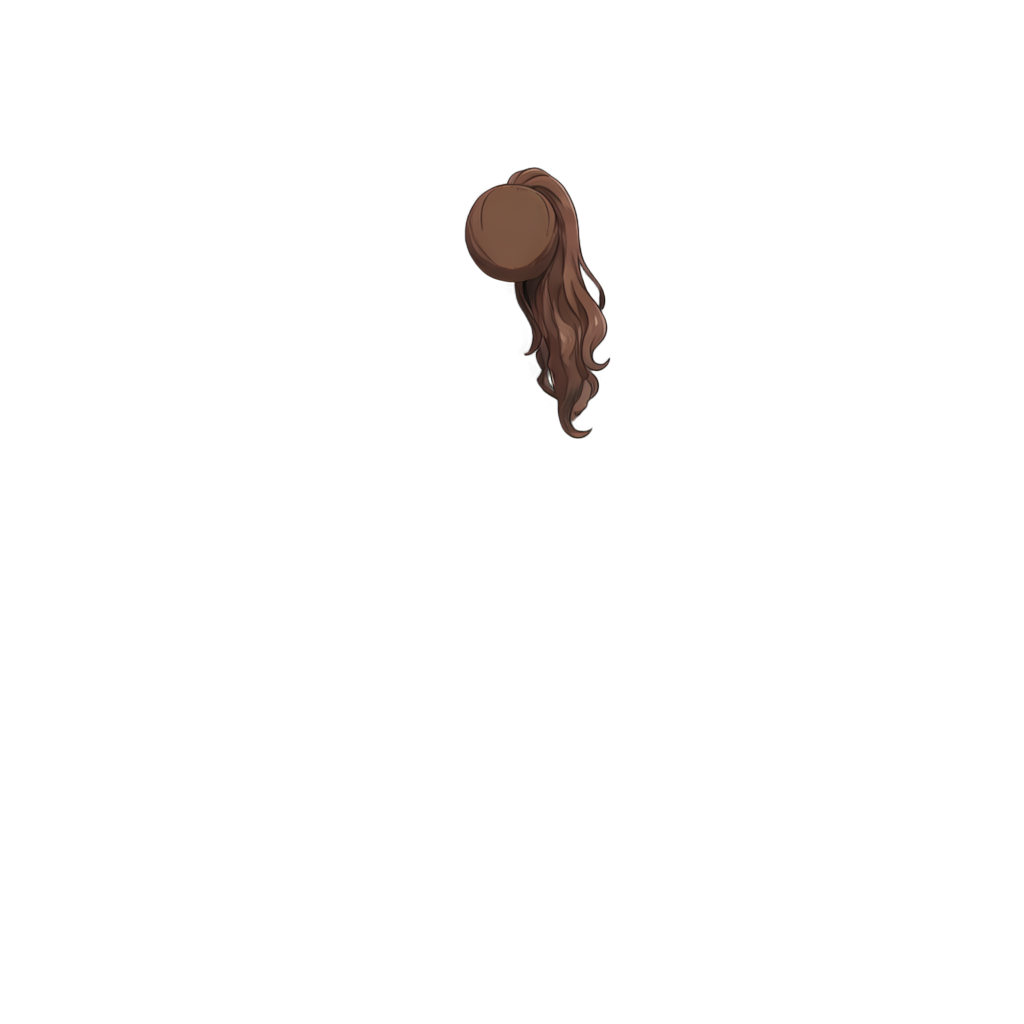
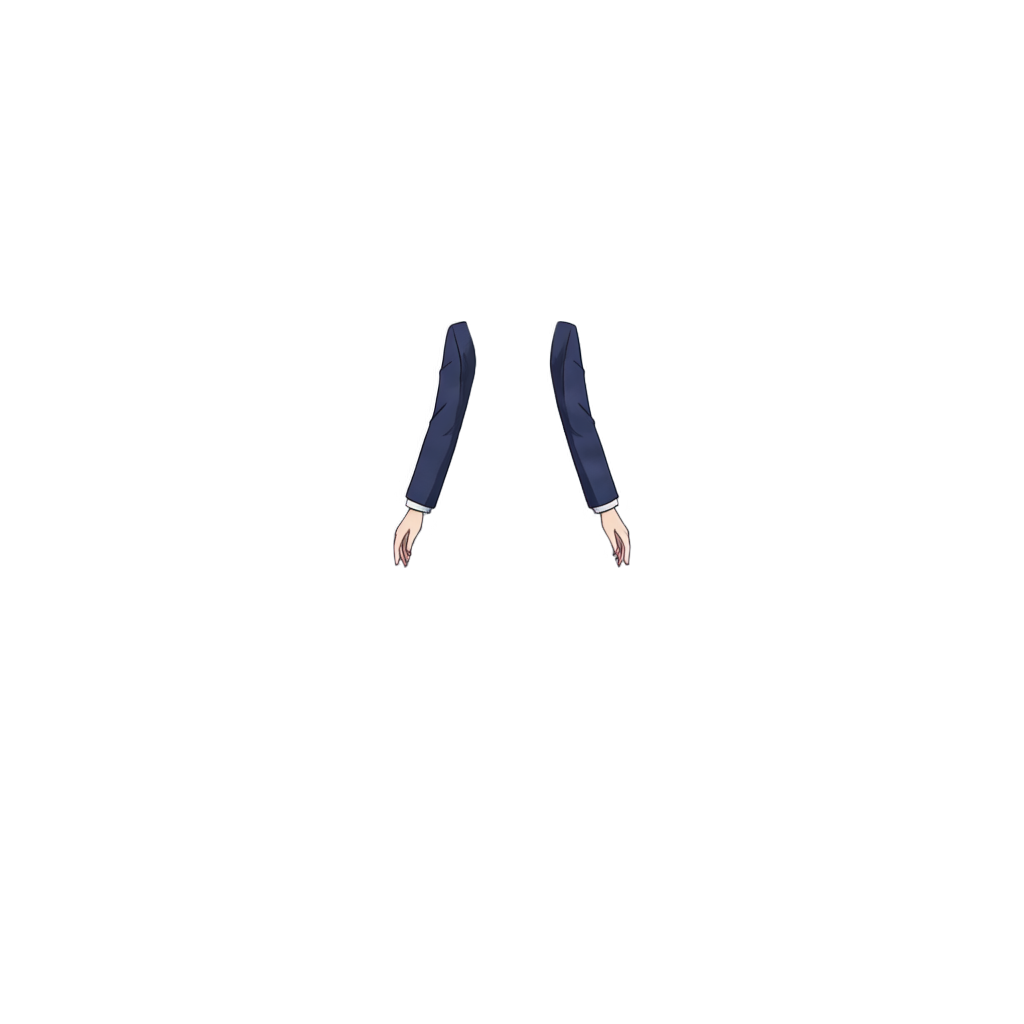
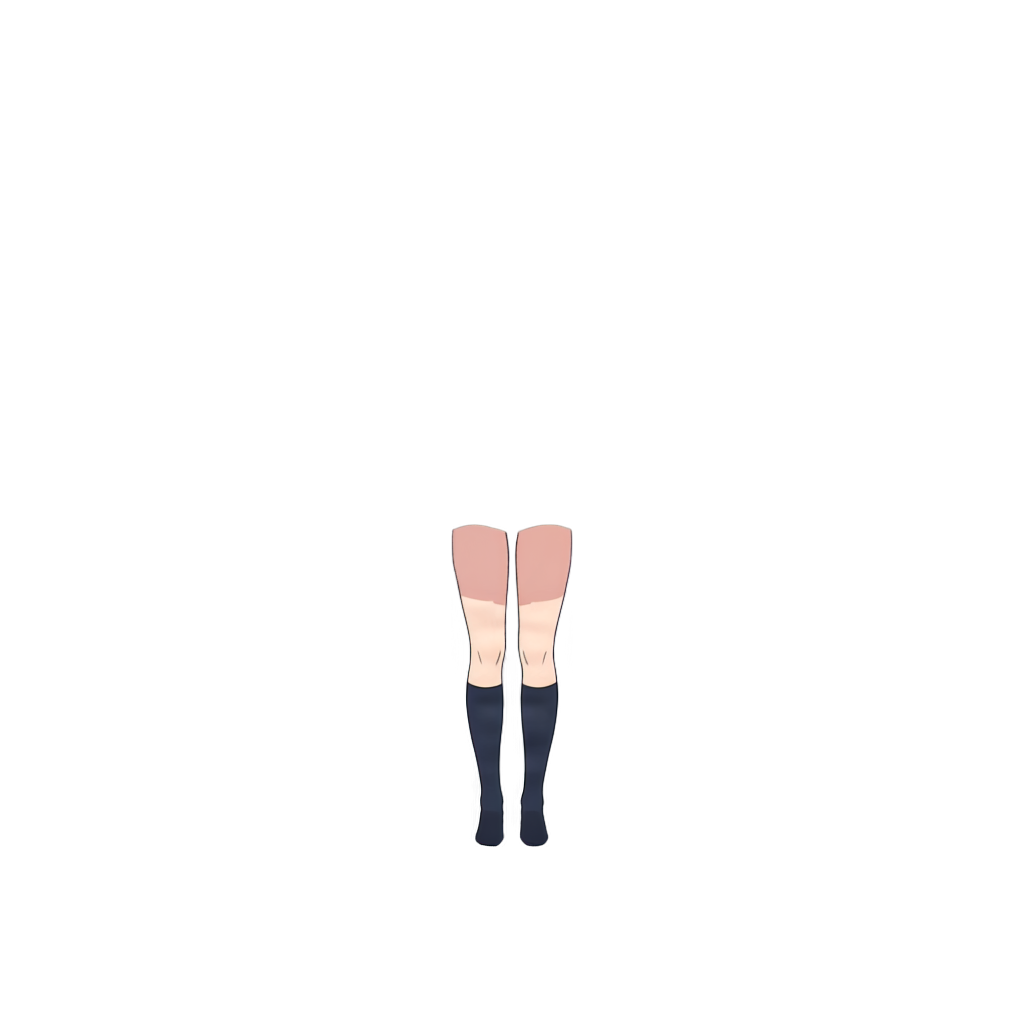
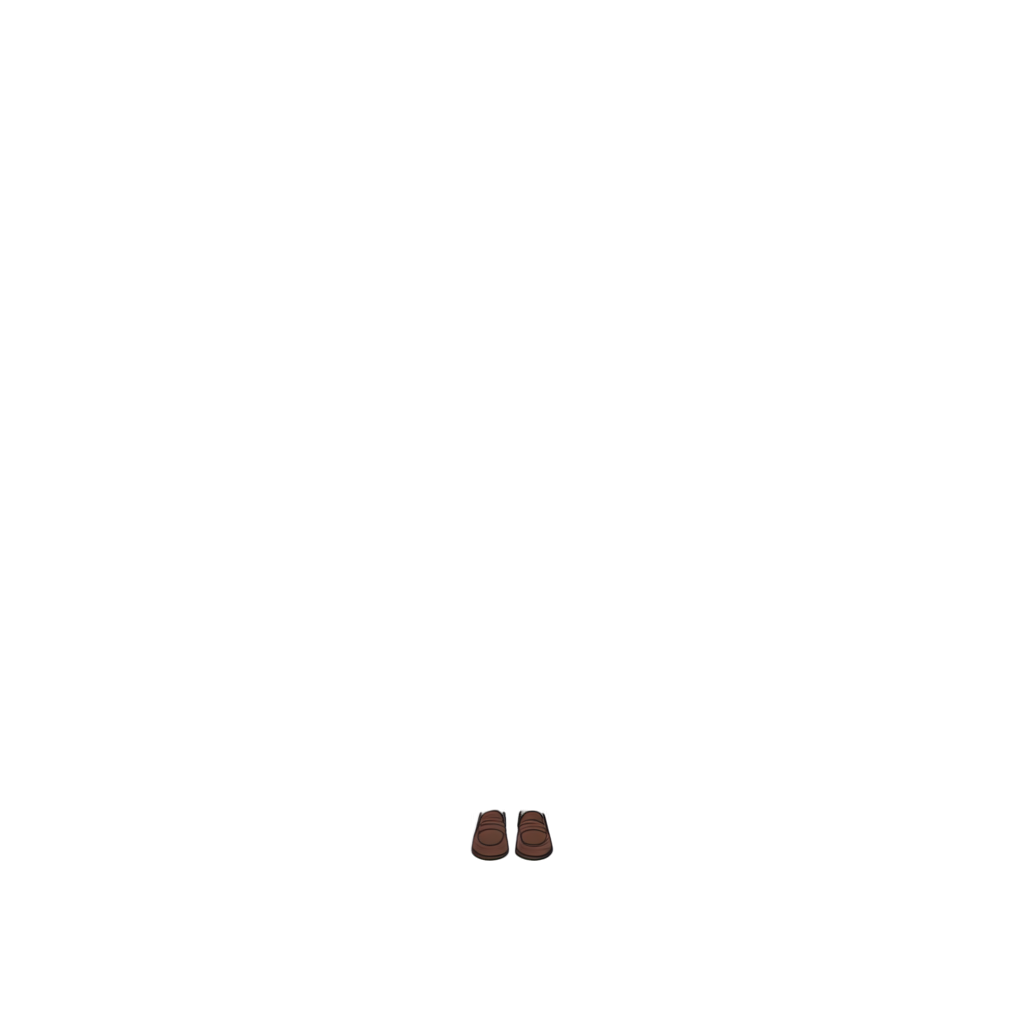







Ready to test with your own or this sample character
Use a clear character illustration with visible limbs, equipment, and clothing boundaries. The tool creates new layers from visible pixels; it does not create Spine bones, slots, or skins.
Your source artwork stays private
Uses 30 credits per image
Processing time varies with image complexity. Detailed characters and complex poses may take longer.
AI layer splitter
Get a faster starting point for animation setup
Spine animation prep usually starts with manually separating body parts, clothing, and equipment. This workflow creates an initial layer split you can refine before bone and slot setup.
Character-first layers
A faster first separation pass
Ready for manual bone setup
Upload, separate, and continue setup
Upload your character art
Start with a game character or illustration with clearly visible limbs and equipment.
Let AI separate visible layers
The model creates image layers from the visible character, supporting details, and background.
Review and export
Inspect the layers in the shared result workspace, then download PNG or PSD output to continue bone and animation setup in Spine.
Where this helps Spine animators
Game character animation prep
Equipment and skin variants
Prototype animation
Visual novel and cutscene assets
Best for clear character illustrations
It does not create a Spine rig
Focused on a faster starting point
Spine Character Prep FAQ
What does this Spine character prep workflow create?
It separates a flat character illustration into visible image layers — such as the character, supporting details, and background — that you can review before animation setup.
Does this create bones or animations automatically?
No. It creates visual layers only. Bones, slots, skins, attachments, meshes, weights, constraints, and animations still need to be created in Spine.
Can it separate limbs like arms and legs?
Results depend on the image. Clearly visible, unobstructed limbs are more likely to separate cleanly; overlapping or hidden joints may need manual correction.
Will it reconstruct areas hidden behind clothing or weapons?
The workflow may generate a plausible fill for covered areas from visible pixels, but this is an estimate, not the original design.
What character images work best?
Clear, high-resolution illustrations with visible limbs, equipment, and clothing boundaries usually produce the most useful layers.
Can I download transparent PNG layers?
Yes. Separated layers can be exported as transparent PNG files.
Can I export a layered PSD?
Yes. You can download a layered PSD. It contains raster layers only — no Spine bones, slots, skins, or animation data.
Is this the same as the general Character to Layers workflow?
Yes, it uses the same layer-separation workflow. This page is focused on Spine-specific positioning and guidance.