
Generate Ad Images From Text
Turn a campaign idea into an attention-grabbing ad visual. Describe the subject, audience, mood, composition, and platform to create social ads, promotional graphics, and display campaign concepts.
Create campaign concepts without starting from a blank canvas
Generate Ad Concepts for Multiple Channels
Start with a sample prompt, then adapt the subject, offer, audience, and visual style to fit your campaign.
Social Media Ads
Display Campaigns
Product Promotions
Apps and Services
Go From an Ad Idea to a Visual Direction
Use natural language to define the subject, audience, setting, mood, lighting, and advertising style.
Ask for clear negative space on the left, right, top, or center so headlines and calls to action can be added afterward.
Generate square, portrait, landscape, story, and banner compositions for different campaign placements.
Change the color palette, audience, environment, season, or campaign mood to compare multiple visual concepts.
Create an Ad Visual in Three Steps
Describe the Campaign Goal
Define what is being promoted, who the campaign is for, and the feeling the visual should communicate.
Choose a Layout and Style
Select an ad format and describe the composition, visual style, colors, lighting, and space required for copy.
Generate and Refine
Create the first visual, then adjust the prompt to test different audiences, placements, moods, and creative directions.
What to Include in an Advertising Image Prompt
A strong prompt explains the campaign context as well as the desired image.
Offer or subject + audience + scene + campaign mood + composition + copy space
A premium running shoe on a wet city street at sunrise, designed for ambitious urban runners, energetic commercial photography, low camera angle, dramatic reflections, open space on the upper left for a headline
Create a general image from text
Start with the broader daily preview workflow for general prompt-to-image exploration.
Create product-focused visuals
Generate product hero images, lifestyle scenes, and launch concepts.
Edit the generated image
Refine a generated campaign visual with focused image editing tools.
Describe the audience, offer, and visual direction to generate your first advertising concept.
Generate an Ad VisualFeatured Results
See what you can create.
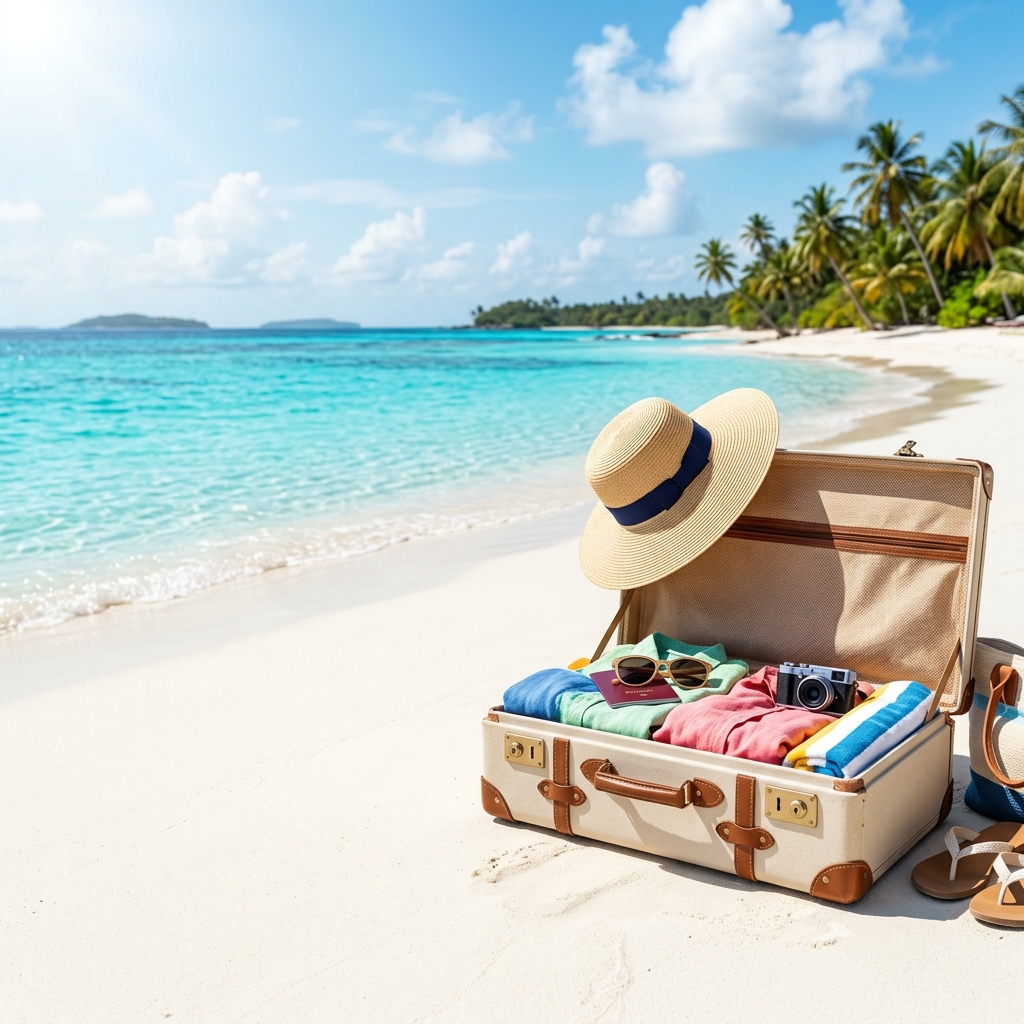
Summer Travel Promotion
“A vibrant tropical travel campaign showing turquoise ocean water, a white sandy ...”
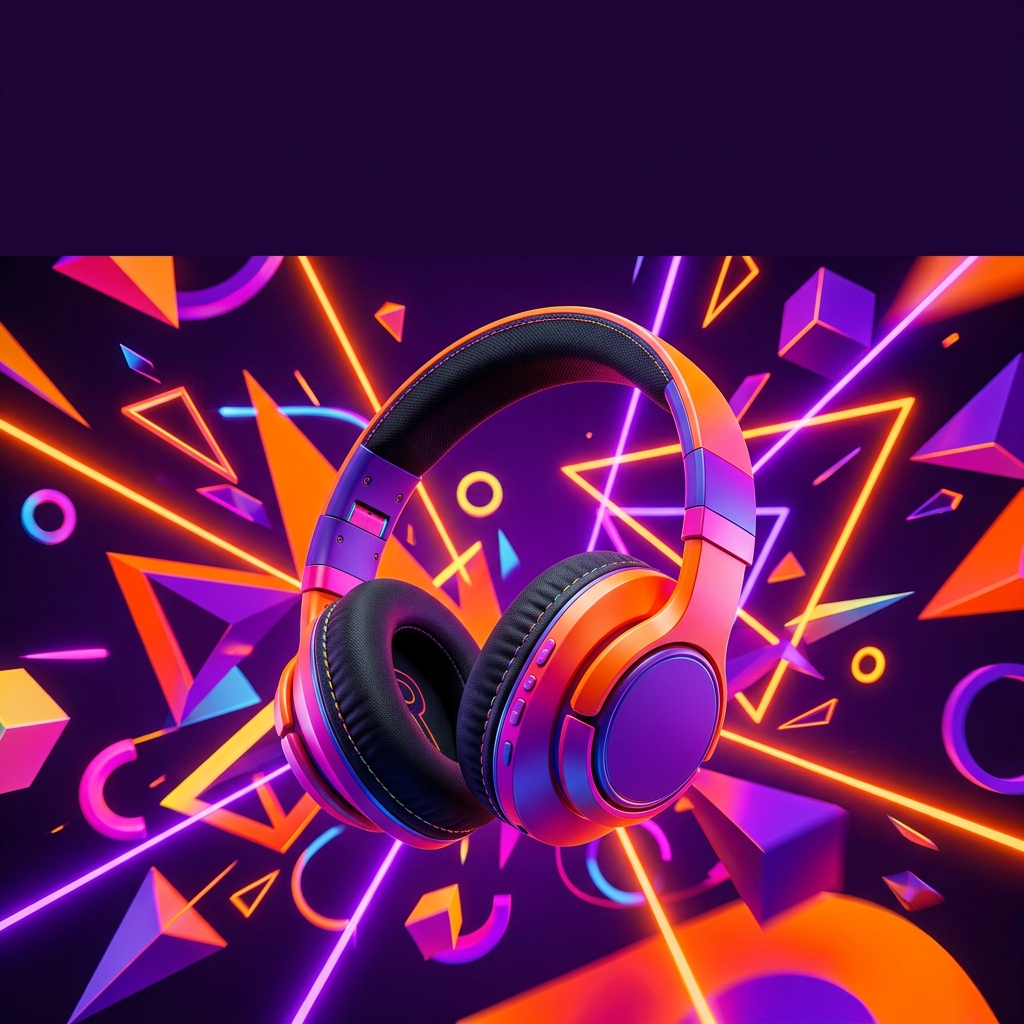
Wireless Headphones Social Ad
“A colorful pair of wireless headphones floating among bold neon geometric shapes...”

Winter Fashion Sale
“Folded premium knitwear, a wool scarf and winter accessories arranged beside war...”
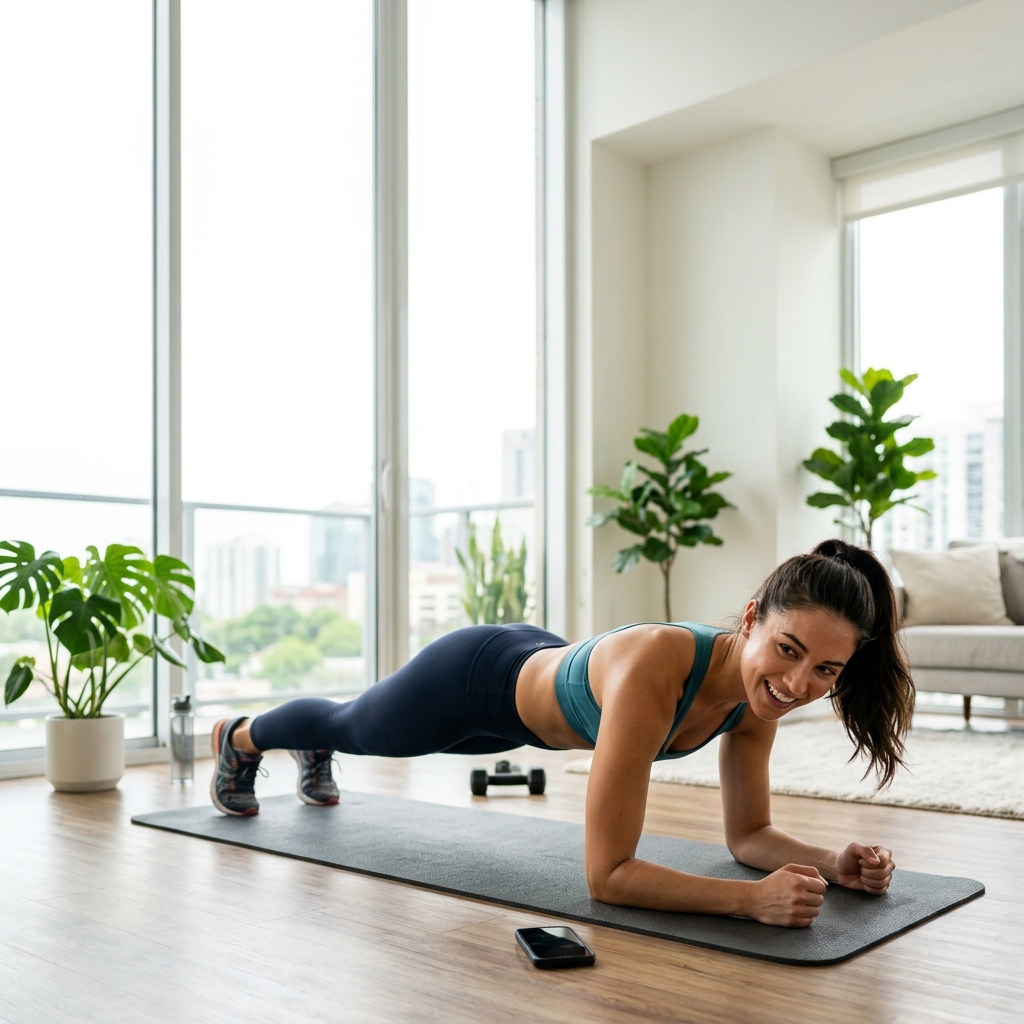
Fitness App Campaign
“An athletic young adult completing a morning workout in a bright modern apartmen...”
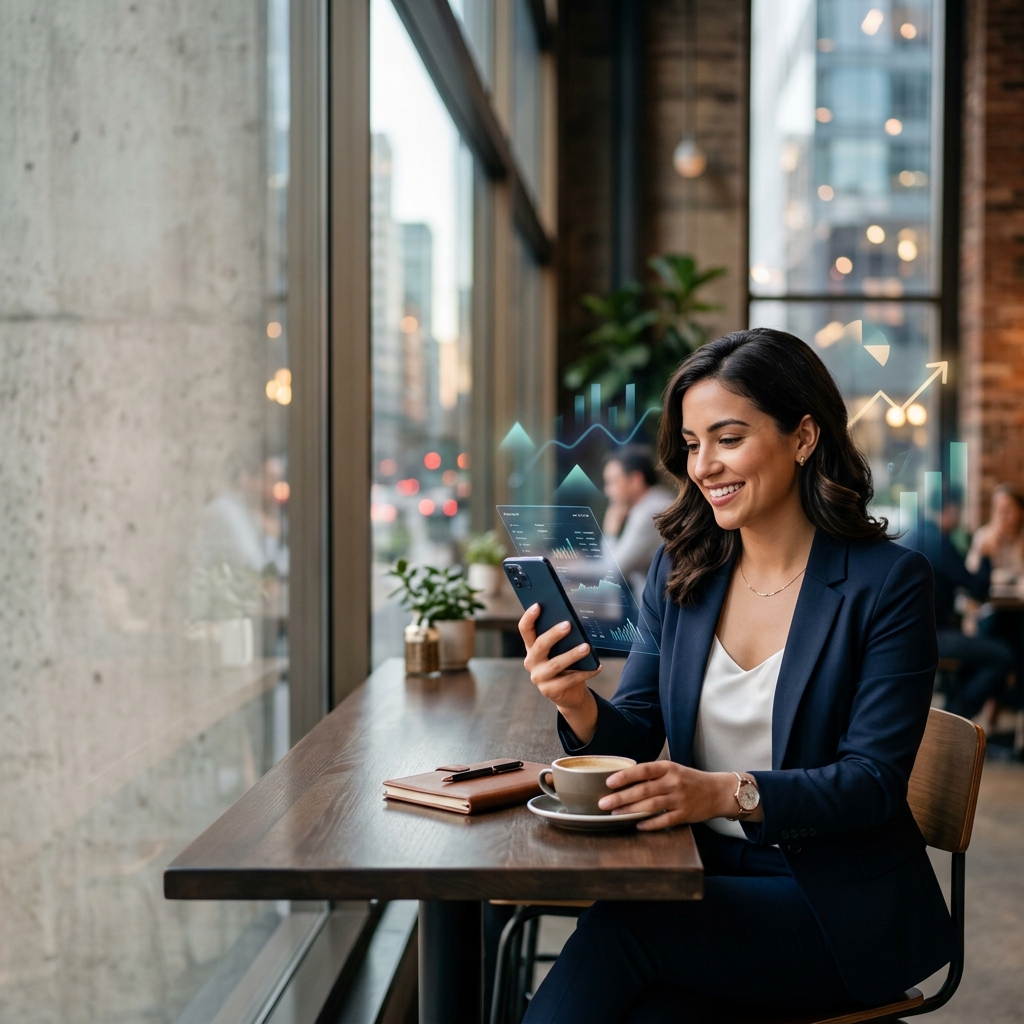
Fintech Service Ad
“A confident young professional reviewing finances on a smartphone in a modern ci...”

Food Delivery Promotion
“A colorful overhead arrangement of fresh pizza, salad, noodles and drinks on a c...”
SaaS Productivity Banner
“A focused creative team collaborating in a bright modern workspace, laptops and ...”
Music Festival Event Ad
“An energetic outdoor music festival scene with colorful stage lights, silhouette...”
Browse by Use Case
Electric Vehicle Campaign
“A sleek futuristic electric car driving through a clean modern city at sunrise, ...”
Luxury Hotel Promotion
“An elegant infinity pool overlooking a calm ocean at sunset, refined resort arch...”
Healthy Beverage Launch
“A chilled citrus sparkling drink can surrounded by sliced orange, lime, mint lea...”
Online Learning Campaign
“A university student learning online at a clean desk with a laptop and notebook,...”
Cybersecurity Display Ad
“A sophisticated abstract cybersecurity visual with a glowing shield, layered dig...”
Pet Care Social Campaign
“A happy golden retriever playing in a bright modern living room beside simple un...”
Home Furniture Promotion
“A stylish contemporary armchair in a calm sunlit living room, soft neutral walls...”
Skincare Social Ad
“A radiant skincare campaign featuring a minimal serum bottle, soft water ripples...”
How to write a better prompt
DESIGN TIP
Generate the Visual First, Then Add Final Ad Copy
AI-generated text inside an image may be misspelled, distorted, or difficult to edit. For clear campaign headlines, prices, disclaimers, logos, and calls to action, generate the visual without final text and add the copy afterward in your preferred design editor.
Suggested prompt phrase: clean empty space on the right for advertising copy, no text, no lettering
PLAN FOR THE PLACEMENT