Transform a favorite photo into a colorful stained glass design with defined glass-piece outlines and a numbered pattern. Upload your image, let AI reimagine it as stained glass artwork, and download editable SVG files for your next creative project.
Upload a photo to create a stained glass-inspired design with individually outlined pieces.
Upload Your Photo
Choose an image you want to turn into a stained glass pattern.
JPG, PNG or WebP. For better results, choose a photo with a clear subject and visible details.
Generation cost30 Credits per generation
Generation usually takes a minute or two.
See the Transformation
Stained Glass Design
Original Photo
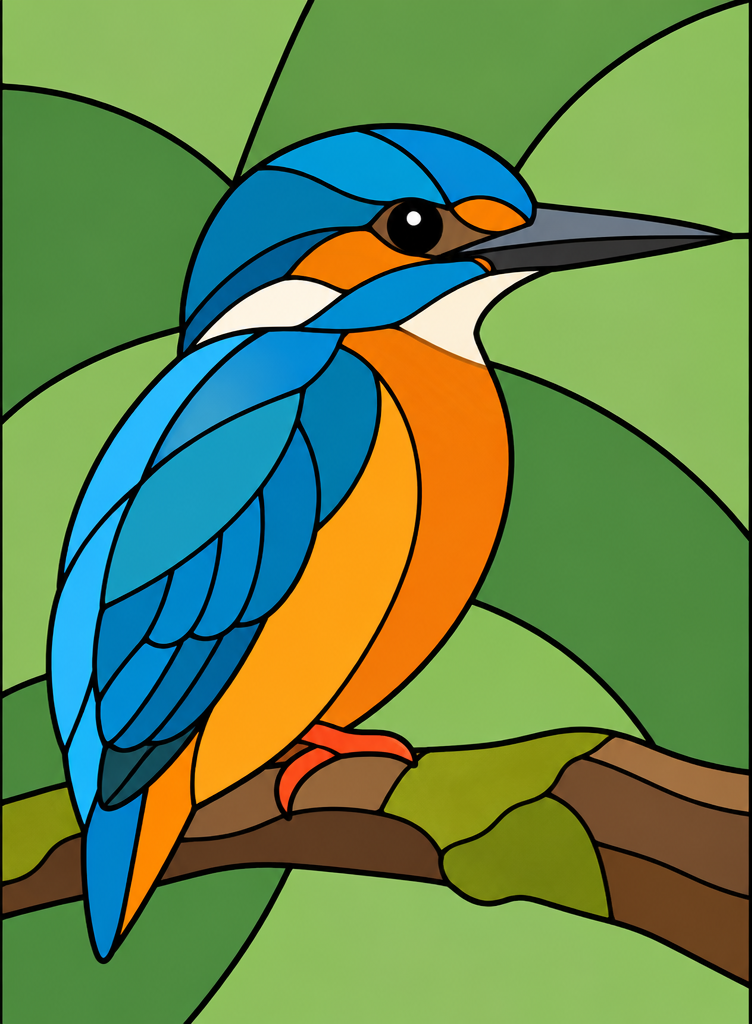
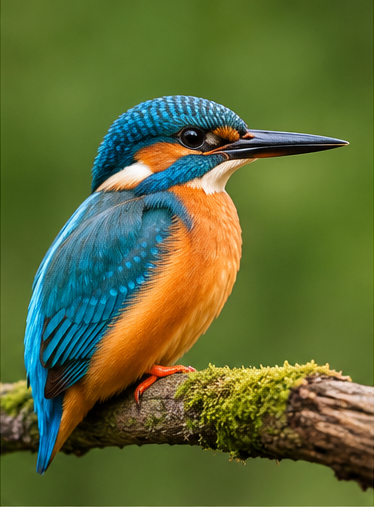
Kingfisher — From Bird Photo to Stained Glass
See how distinctive colors, feathers, and the bird's silhouette are reimagined as glass pieces.
Results are AI-generated interpretations and may differ from the original photo.
Generate a custom design from your own image. Review the pattern and piece details before using it for physical glasswork.
Your Design Files
More Than Just a Stained Glass Effect
A beautiful image is only the beginning. Get downloadable design files that help you examine each piece and continue working on your project.
Colored Stained Glass SVG
Keep the colors and outlines of your generated design in a scalable vector file. Open it in compatible vector editing software to inspect or make further adjustments.
Numbered Pattern SVG
View the individual glass-piece regions with numbered labels. Use it as a reference for organizing and planning your stained glass artwork.
AI Design Image
Save the colored image created from your original photograph. Keep it as a visual reference while planning your project.
PNG Preview
Download a convenient preview for sharing, saving, or reviewing the finished design without opening an SVG editor.
From a photo to a colored design and numbered pattern, keep the important files together in one workflow.
Simple Process
Create a Stained Glass Pattern in Three Steps
1
Upload Your Photo
Choose a flower, bird, decorative subject, or another image with a recognizable shape. Clear subjects and uncluttered compositions are a good starting point.
2
Let AI Design the Glass Pieces
AI reinterprets your photo with colored sections and dark outlines. The pattern-processing system identifies enclosed regions, reconstructs piece boundaries, and prepares the vector artwork.
3
Preview and Download Your Pattern
Explore the colored design and numbered outlines. Download the files, review small or complex pieces, and make any adjustments needed for your intended project.
Explore the original photos and their generated stained glass designs. Each example shows a different challenge, from overlapping flower petals to detailed bird feathers.
Stained Glass Design
Original Photo
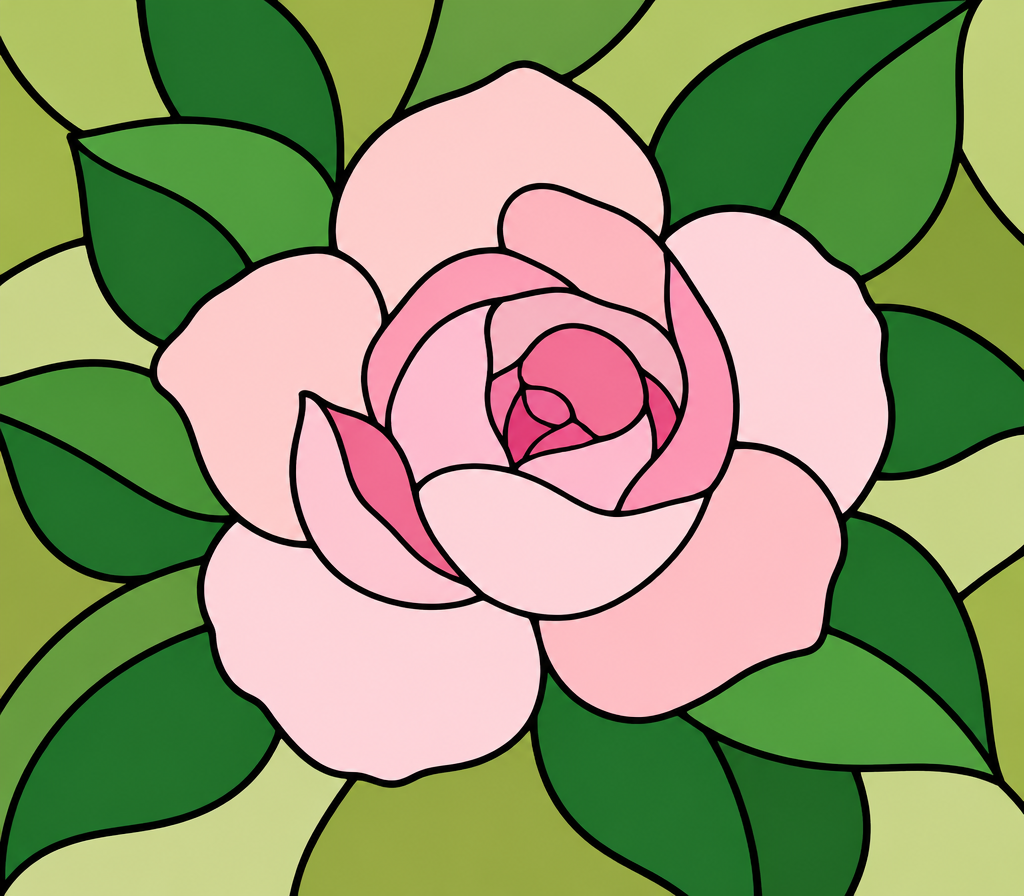
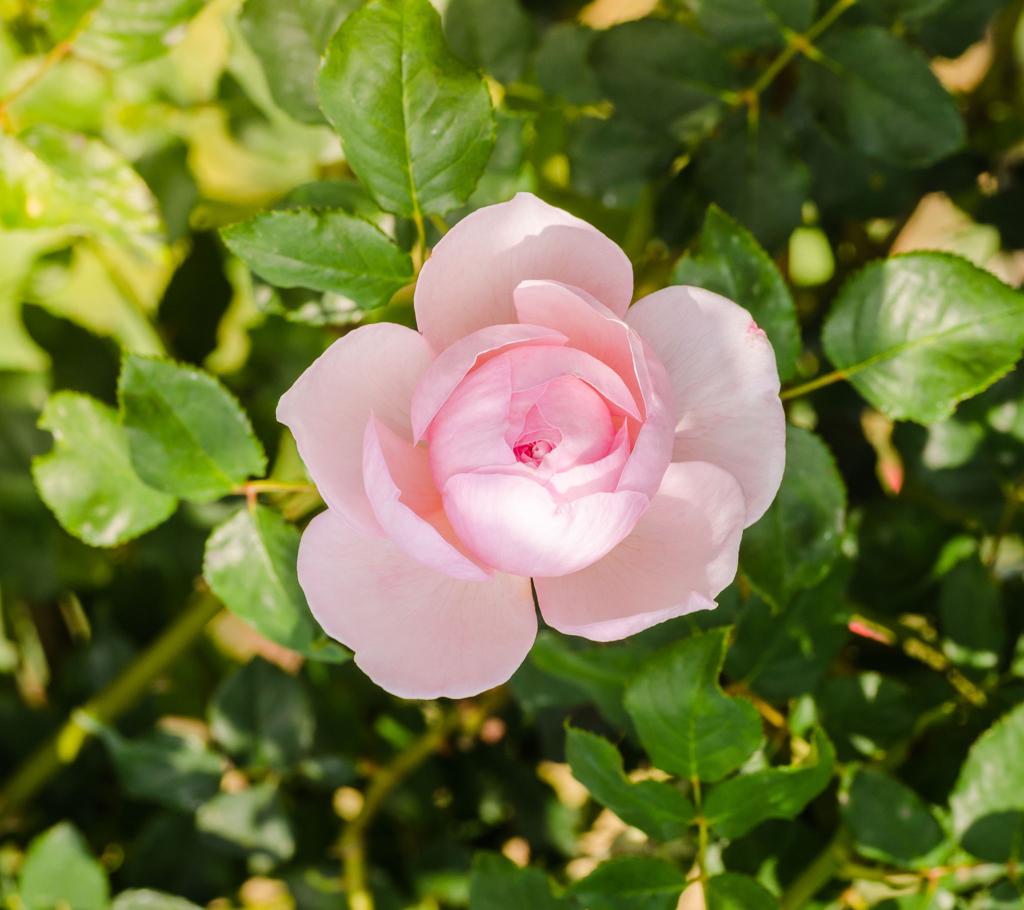
Rose Stained Glass Pattern
Before:
A flower photograph with soft petal shading and overlapping shapes.
After:
A colorful glass-inspired design that uses curved outlines and individual sections to suggest the rose's petals and leaves.
From a rose photo to a stained glass design with defined petals.
Stained Glass Design
Original Photo
Kingfisher Stained Glass Pattern
Before:
A bird photograph with layered feathers, dark details, and contrasting colors.
After:
A stylized stained glass illustration with separate colored regions for the bird, wing details, and branch.
Preserve the recognizable character of your image in a new glass-inspired composition.
Generated patterns are artistic interpretations, not exact reproductions or certified cutting plans.
Made for Makers and Designers
One Photo, More Creative Possibilities
Whether you are planning a personal art project or developing designs for customers, start with an image that means something to you.
Stained Glass Suncatcher Ideas
Turn a floral or wildlife photograph into a design concept for a colorful hanging decoration. Use the generated pattern as a starting point and review the piece shapes before fabrication.
Floral Stained Glass Artwork
Experiment with roses, flowers, and botanical references without manually tracing every petal or leaf.
Personalized Gift Designs
Reimagine a meaningful photo as stained glass-inspired artwork for a birthday, anniversary, housewarming gift, or other special occasion.
SVG Pattern Design for Sellers
Create original design concepts, then refine their geometry, sizing, and production details for digital craft products or custom commissions.
Decorative Panels and Window Art
Explore color placement and composition ideas for decorative panels, window ornaments, and glass-inspired artwork.
Craft Planning and Visual References
Use numbered regions and color previews to communicate design ideas, plan materials, or prepare a pattern for further editing.
Your final project may require resizing, manual pattern editing, or changes for the specific materials and techniques you use.
Designed for Your Workflow
Spend Less Time Tracing. More Time Creating.
Start With Photos You Already Have
You don't have to draw a stained glass pattern from scratch. Upload a photo and explore a glass-inspired design based on your subject.
Keep Important Visual Details
AI can reinterpret recognizable features such as flower petals, contrasting colors, and distinctive silhouettes while simplifying the artwork into glass-like sections.
Work With Individual Pieces
The pattern workflow identifies enclosed regions and prepares numbered outlines, making it easier to inspect the design beyond a single flattened image.
Download Scalable Artwork
Use colored and numbered SVG files in compatible software to inspect shapes, change scale, or continue editing your pattern.
Explore Design Ideas Faster
Create a first design without spending hours manually tracing a photograph. Review and refine the result rather than starting from a blank canvas.
Know What Still Needs Review
Get design files intended for creative planning, with reminders that small pieces, narrow sections, and complex shapes may require manual adjustment before physical glasswork.
Understanding Your Result
A Stained Glass Interpretation, Not a Photo Trace
Photographs contain details that don't always translate naturally into stained glass. Soft shadows, fine textures, feathers, and overlapping petals often need to become larger sections with clear borders.
Our AI design process reimagines those details as a stained glass composition. This can make the result more visually suitable for glass-inspired artwork, but it may also change the number, shape, or placement of details.
The generated design may introduce simplified shapes or rearrange parts of the background.
What to Expect
A recognizable, stylized interpretation of your photo
Distinct colored regions with outlined boundaries
Downloadable colored and numbered SVG files
Areas that may need further review or editing
What Not to Expect
–A pixel-perfect reconstruction of the photograph
–An exact glass-piece count selected in advance
–Guaranteed suitability for every cutting technique
–A fabrication-certified cutting template
Use the generated design as a creative starting point, then adjust it for your materials, dimensions, and experience level.
Photo Tips
Choose the Right Photo for a Better Pattern
The right starting image makes it easier to create a clear and attractive design.
Choose a Recognizable Subject
Look for a clear flower, bird, ornament, or other subject with a distinctive outline. Images with overlapping objects may require more interpretation.
Use Good Lighting and Contrast
A photo with visible separation between important shapes gives AI better visual information to work with.
Keep the Composition Simple
Busy backgrounds, tiny details, and overlapping objects can result in complicated designs. Cropping around your main subject may help.
Expect Fine Details to Change
Small feathers, flower centers, thin branches, and other fine structures may be simplified, combined, or reinterpreted.
Review the Numbered Pattern
A beautiful colored preview does not automatically mean every glass piece is practical to cut. Inspect narrow or unusually shaped pieces before making anything physical.
Ready to try your own photo? Upload an image and explore your stained glass design.
Before You Make It
Design With AI. Review Before Cutting.
This tool creates digital stained glass designs and numbered pattern files. It does not replace the craft knowledge required to manufacture glass pieces.
Some regions may be too small, too narrow, too sharply curved, or otherwise unsuitable for a particular cutting method.
A geometrically complete SVG does not establish that the pattern is safe or practical to fabricate.
Before cutting physical glass, review:
The real-world dimensions of individual pieces
Narrow areas and tight curves
The number and arrangement of joints
Your glass type, cutting method, and assembly technique
Any adjustments needed for foil, lead came, or other construction materials
Treat each generated pattern as an editable design reference. Make the final fabrication decisions according to your tools, materials, and skill level.
Frequently Asked Questions
Stained Glass Pattern Generator FAQ
What is a stained glass pattern generator?
A stained glass pattern generator turns an image into a design made of separate colored sections with defined outlines. Our tool creates a glass-inspired interpretation of your photo and prepares colored and numbered SVG files for review and editing.
Can I turn my own photo into a stained glass pattern?
Yes. Upload a supported photo, and the generator will create a stained glass-inspired design based on its subject, colors, and composition. The result is an AI interpretation rather than an exact trace.
What types of photos work best?
Photos with a recognizable subject, good contrast, and a relatively simple composition are a good starting point. Roses and birds have been tested in our current workflow. Other subjects may produce different results and may require additional editing.
Can I use a flower photo to create a stained glass pattern?
Yes. The generator can reinterpret a flower photograph with outlined petals, leaves, and colored sections. Subtle petal boundaries or overlapping details may be changed during the design process.
Does the generator create a numbered stained glass pattern?
Yes. The output includes a numbered SVG pattern showing individual regions of the generated design. This can help you identify pieces and organize your project. Check the labels and small regions before printing or making physical glass pieces.
What files can I download?
You can download a colored SVG design, a numbered SVG pattern, the AI-generated design image, and a PNG preview. Available output options are shown when your generation is complete.
Can I edit the SVG files?
Yes. SVG is a vector format supported by many graphic design applications. You can open the files in compatible software to inspect and modify the artwork. Some editors may interpret groups or text differently, so review the imported file before making changes.
Can I print the numbered pattern?
Yes. You can open the numbered SVG in compatible software and print it at your chosen size. Check the print scale and dimensions before using the result as a physical craft reference.
Is the generated pattern ready for glass cutting?
Not necessarily. The generator checks aspects of the digital geometry, but it does not certify that each piece can be cut or assembled safely. Small pieces, narrow sections, sharp turns, and construction requirements may need manual review.
Can I choose the exact number of glass pieces?
The current generator does not offer a guaranteed exact piece count. The number of sections depends on the uploaded photo and the AI-generated design. You can review the resulting piece count after generation.
Will the generated pattern look exactly like my photo?
No. AI simplifies and reinterprets the image to create a stained glass-inspired design. It may change fine details, petal shapes, feather markings, or parts of the background while keeping the main subject recognizable.
Can I use the patterns for Etsy products or client projects?
You can use the generated files as a starting point for your own craft and design projects, subject to the applicable service terms and any rights in the source image. If you plan to sell digital templates or physical products, review and refine the design for originality, production suitability, and your intended use.
How many credits does it cost?
A generation currently costs 30 credits. The cost is shown before you submit your image. Generating a new variation creates a separate task and uses another set of credits.
What happens if the generation fails?
If the system cannot provide a usable result, the credits charged for the failed generation are returned according to the service's failure policy. A completed design that requires manual fabrication review is not automatically considered a failed generation.
Can I remove or combine glass pieces after generating a pattern?
You can download the SVG and modify it in compatible vector editing software. The current generator does not provide a full interactive glass-piece editing studio, so some adjustments must be made outside the tool.
Does a successful geometry check mean the pattern is safe to manufacture?
No. Digital geometry checks can identify certain issues, such as invalid or overlapping regions, but they cannot determine every real-world glass-cutting or assembly difficulty. Review the design with appropriate craft knowledge before fabrication.
Turn Your Favorite Photo Into Stained Glass Art
Start with a photo, explore an AI-designed stained glass composition, and download colored and numbered SVG files for your creative project.