
Convert Images to Editable SVG
Turn logos, icons, line art, and flat illustrations into clean, scalable vector paths. Adjust color, path style, and detail before export.
Drop an image here
Choose a PNG, JPG, or WebP file, drag it here, or paste it from your clipboard.
PNG, JPG, or WebP · Maximum 10 MB
Vector settings
Works with Figma, Illustrator, Inkscape, and web browsers.
30 credits per conversion · Usually completes in under one minute.
See what it does
Works with Figma · Illustrator · Inkscape · Web browsers
Real conversion examples
See what converts best
These examples were generated once with the same SVG conversion engine and cached for fast page loading.
Logo
70 vector paths
69 detected colors
Original -> Editable SVG
Convert a Logo
Icon
57 vector paths
52 detected colors
Original -> Editable SVG
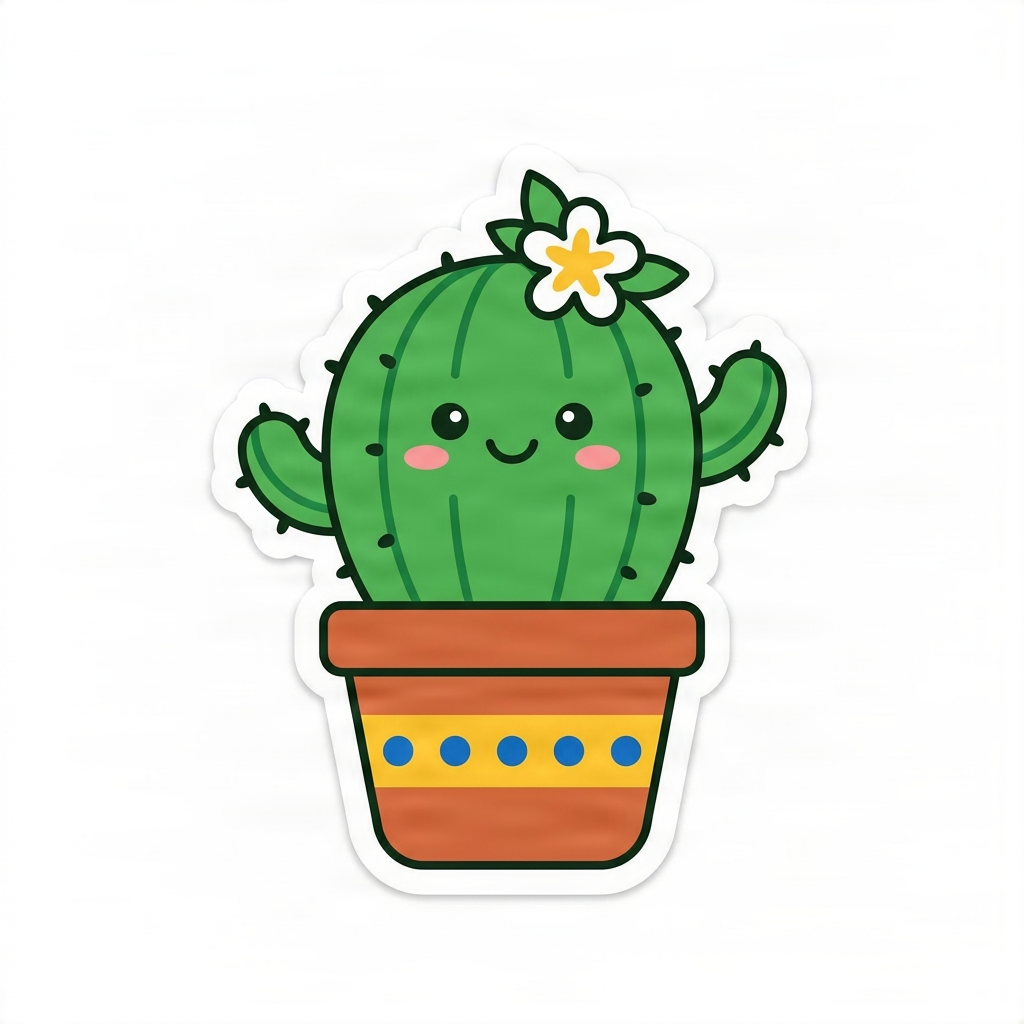
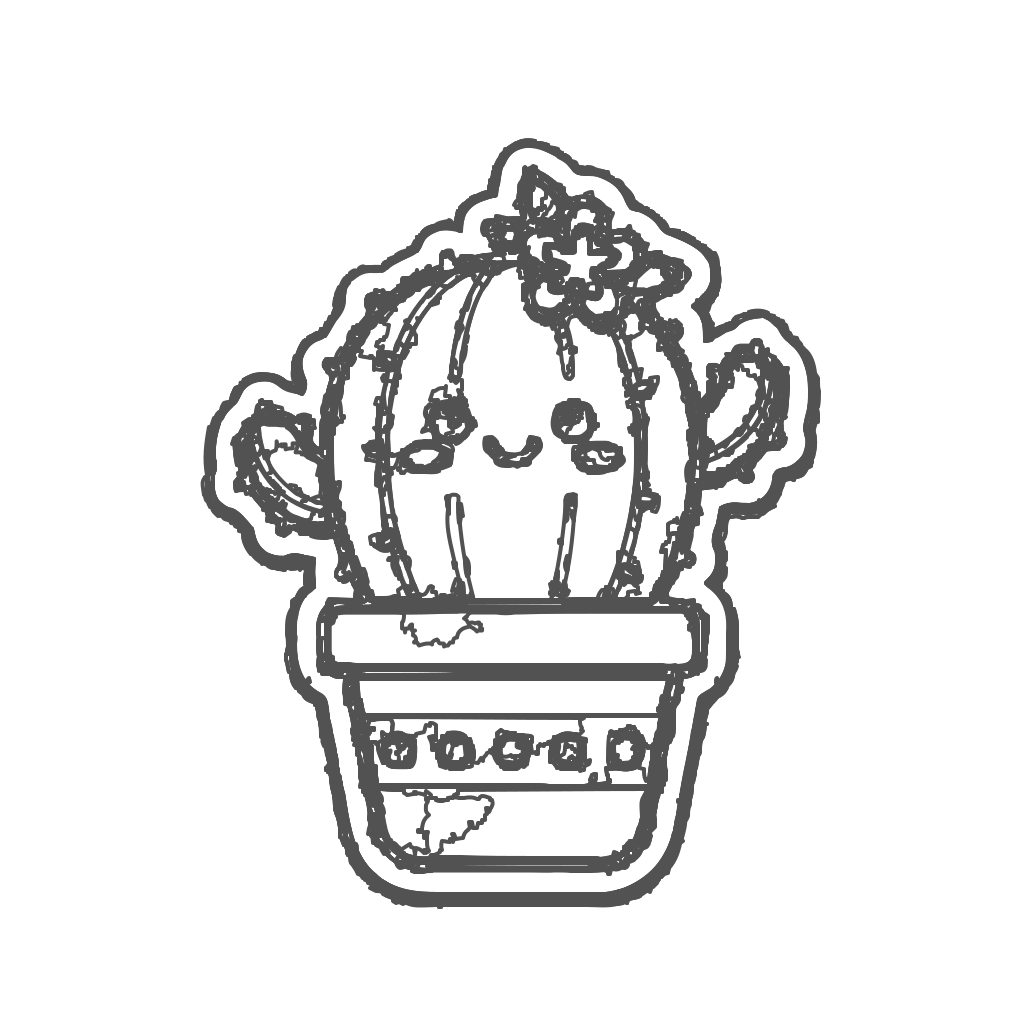
Sticker
1,887 vector paths
1,533 detected colors
Original -> Editable SVG
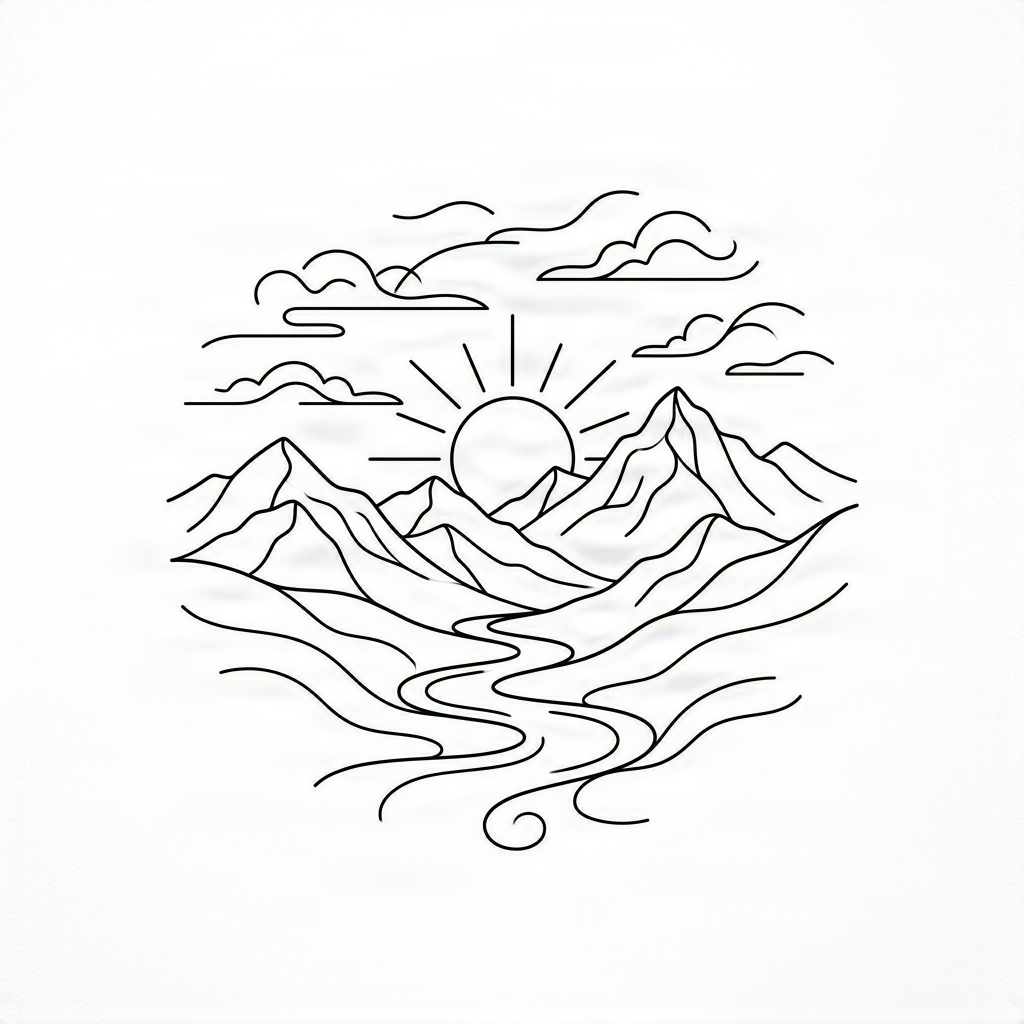
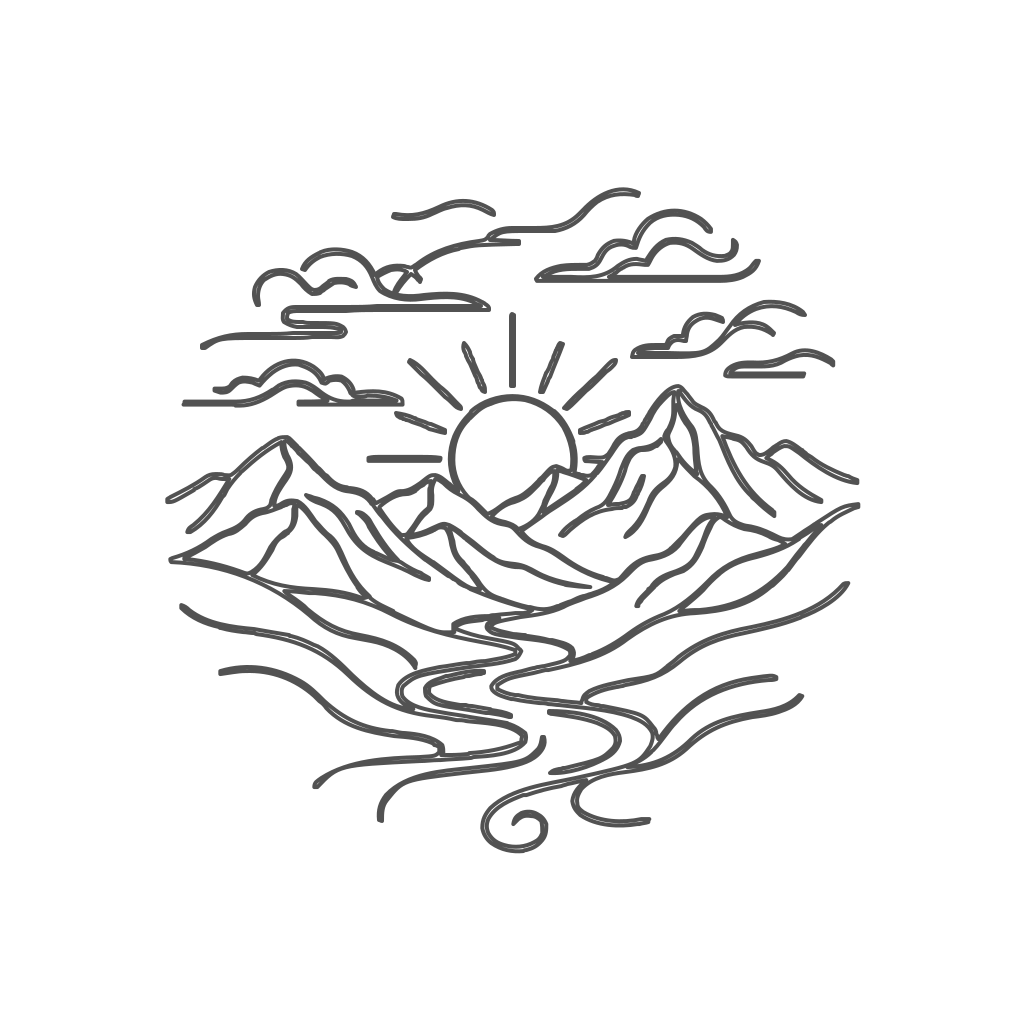
Line art
22 vector paths
1 detected colors
Original -> Editable SVG
Works best for clean graphics
Works best for
- Logos and marks
- Icons and stickers
- Line art
- Flat illustrations
- Images with clean color regions
Less suitable for
- Photographs
- Heavy gradients
- Complex textures
- Very small text
- Images with compression artifacts
Need SVG for a multi-layer shadow box or light box?
Directly vectorizing a complete photo creates cluttered paths. Use our Shadow Box to Layers tool to separate photos or scenery into clean, editable depth layers first, then convert selected layers into SVG cut files.
Preparation tools
Prepare your image
Logo to PSD
Separate a flattened logo into independent raster elements before choosing which parts to vectorize.
Separate logo layersImage to Layers
Extract transparent subjects, objects, and design elements from a complete image.
Create transparent layersLogo Upscaler
Improve a small or compressed logo before tracing its shapes into SVG paths.
Improve the sourceShadow Box to Layers
Turn photos, artwork, and scenes into editable multi-depth layers for 3D paper-cut shadow boxes and laser cutting.
Separate shadow box layersTattoo Stencil Generator
Convert a tattoo sketch or line-art image into editable SVG paths for further stencil preparation.
Prepare Tattoo ArtworkUI Screenshot to SVG
Convert app and website screenshots into editable SVG artwork for Figma.
Convert a UI screenshotQuestions
Image to SVG FAQ
What image formats can I convert to SVG?
The converter accepts PNG, JPG, JPEG, and WebP raster images up to 10 MB.
Does the result contain real vector paths?
Yes. The output contains traced SVG shapes and paths. It does not simply place the original bitmap inside an SVG container.
Can I open the SVG in Figma or Adobe Illustrator?
Yes. Downloaded SVG files can be opened in Figma, Adobe Illustrator, Inkscape, browser-based editors, and most design tools that support SVG.
Is my uploaded image stored?
Uploaded images are processed to create the SVG result and are not used to train a model. Avoid uploading files you do not have the right to process.
Which images produce the best SVG files?
Logos, icons, stickers, line art, signatures, and flat illustrations with clear edges and limited colors usually produce the most editable results.
Can I convert a photograph to SVG?
A photograph can be traced, but texture, lighting, gradients, and small details may produce a large number of paths. The output may be less practical to edit than a logo or flat illustration.
Will text become editable?
No. Visible letters are traced as vector shapes. The converter cannot recover the original font, wording settings, tracking, or editable text objects.
Why is my SVG file larger than the source image?
Highly detailed images require many vector paths. Choose a simpler detail setting or prepare a cleaner, lower-color source to reduce the SVG size.
Create a scalable version of your image
Upload a clean logo, icon, or illustration and turn its visible pixels into editable SVG paths.
Convert an image to SVGExplore More Tools in This Series
Choose a focused workflow for the image or project you are working on.
SVG craft and cutting projects
- Convert PNG to SVG for CricutTurn PNG images into clean, scalable SVG files for Cricut projects. Convert logos, clipart, decals, illustrations, and simple graphics into editable vector paths — with optional color-separated layers for multi-color cutting.
- Convert Images to SVG for Laser CuttingTurn PNG, JPG, logos, silhouettes, and graphics into clean SVG vector paths for laser cutting.
- Turn Your Photo Into a Mosaic Crochet PatternTransform a favorite photo, drawing, or simple design into a custom two-color overlay mosaic crochet pattern. Upload your image, create a simplified stitch design, and get a chart with row-by-row instructions—without drawing every stitch by hand.
- Turn Your Photo Into a Paint by Numbers TemplateMake something personal with your favorite photo. Turn it into a custom paint by numbers design with numbered sections, a matching color guide, and editable SVG artwork. Create a painting project from a picture that means something to you.
- Turn Your Photo Into a Stained Glass PatternTransform a favorite photo into a colorful stained glass design with defined glass-piece outlines and a numbered pattern. Upload your image, let AI reimagine it as stained glass artwork, and download editable SVG files for your next creative project.