
JPG Image Upscaler
Enlarge JPG images and increase their resolution with AI. Improve edges, textures, and overall clarity while preserving the natural appearance of your photo.
Image Upscaler
Click to upload or drag & drop image
Supports JPG, PNG, WebP up to 10MB · Paste with Ctrl+V
Upscale Settings
- AI-powered resolution enhancement
- Fast online processing
- No software installation
- Download the upscaled JPG
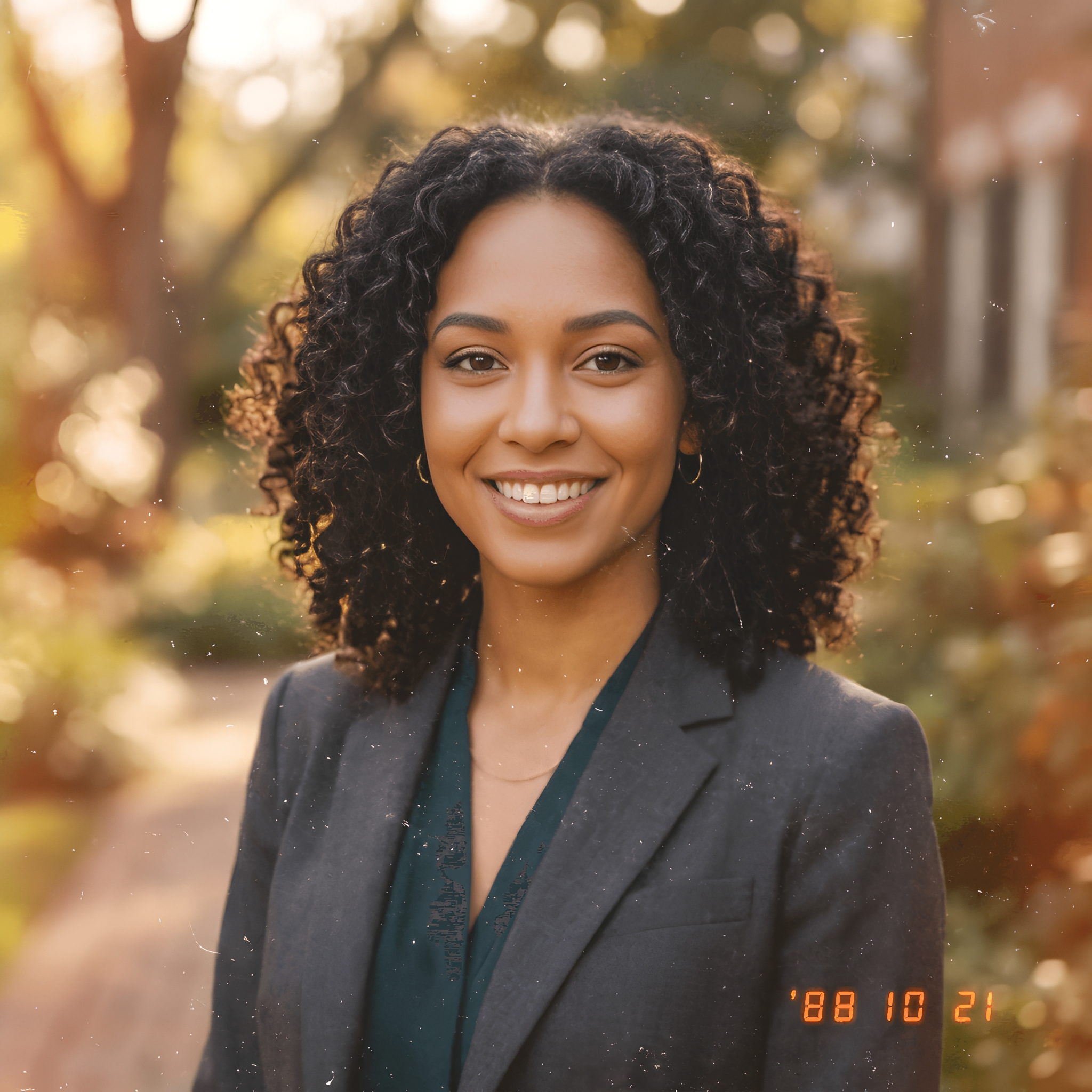
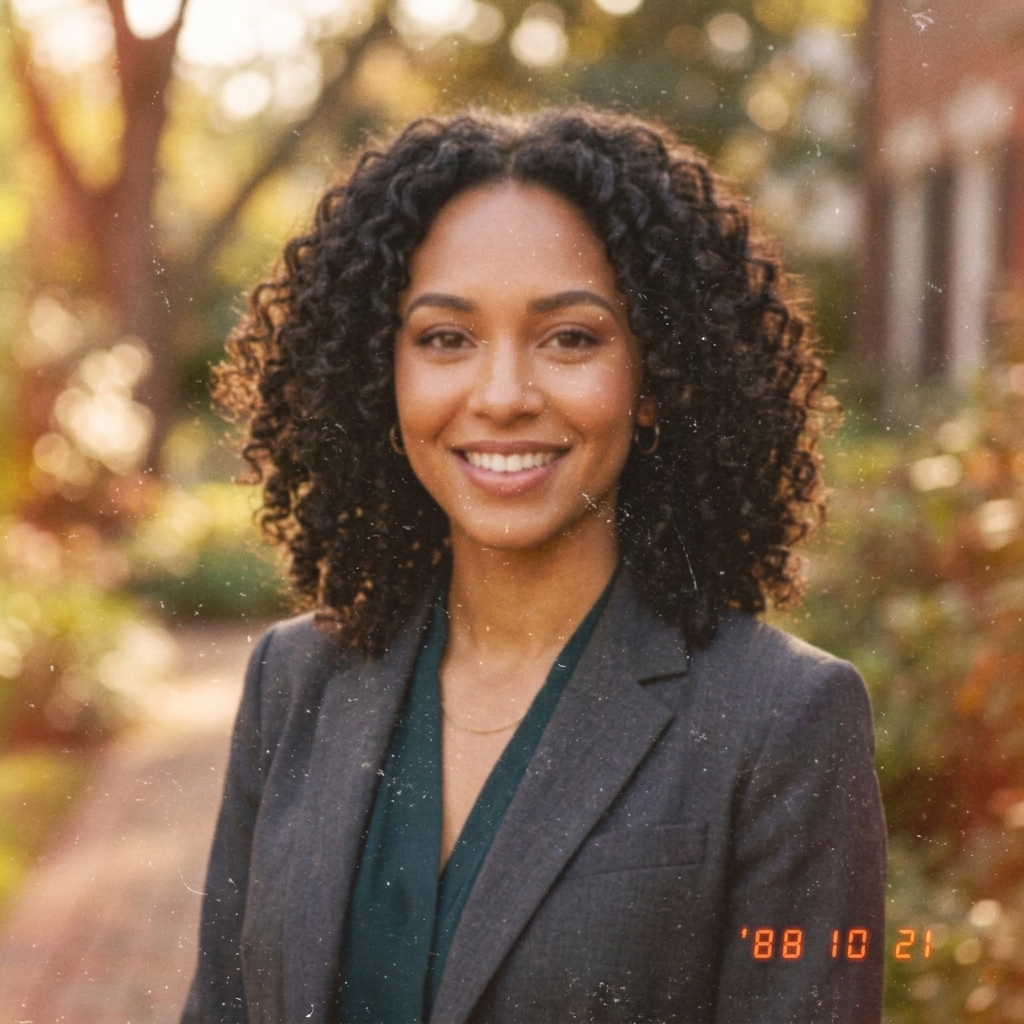
Live 4K Preview
Recovers textures & clear edges
300 DPI ultra-HD export
Retention depends on your plan
✨ Auto-scanning demo: Showing real-time enhancement from low-res original to crisp 4K.
Recent Sessions
Enlarge JPG Images Without Making Them Look Blurry
Simply stretching a JPG creates soft edges, visible pixels, and compression artifacts. Our AI JPG image upscaler analyzes the image and reconstructs additional visual detail as it increases the resolution. The result is a larger, cleaner image suitable for digital use and printing.
What Can the JPG Image Upscaler Improve?
Increase the size and clarity of compressed JPG images in just a few steps.
Increase JPG Resolution
Create a higher-resolution version of a small JPG for larger displays, layouts, and print projects.
Improve Image Clarity
Enhance edges, textures, and important visual details that may appear soft in the original image.
Reduce Visible Compression
Make distracting JPEG compression artifacts less noticeable while preserving the overall look of the image.
Enlarge Photos for Printing
Prepare product photos, portraits, artwork, and personal images for use at larger print sizes.
How to Upscale a JPG Image
Turn a small JPG into a higher-resolution image in three simple steps.
Upload Your JPG
Choose the JPG or JPEG image you want to enlarge.
Upscale with AI
The AI analyzes the image and generates a larger, more detailed version.
Preview and Download
Compare the result with the original, then download the upscaled image.
Upscale JPG Images for Any Project
Improve small or compressed JPG files before using them across digital and print projects.
Old and Personal Photos
Enlarge downloaded, scanned, or older JPG photos for albums and personal projects.
Product Photography
Increase the resolution of product images for online stores, marketplaces, and promotional materials.
Social Media Content
Prepare JPG images for larger posts, banners, profile graphics, and other social formats.
Web and Blog Images
Improve small JPG assets before using them in articles, landing pages, and website designs.
Print Materials
Create larger source images for posters, flyers, invitations, menus, and presentations.
AI-Generated Images
Upscale JPG exports from image generators before publishing, editing, or printing them.
Why Use AI to Upscale a JPG?
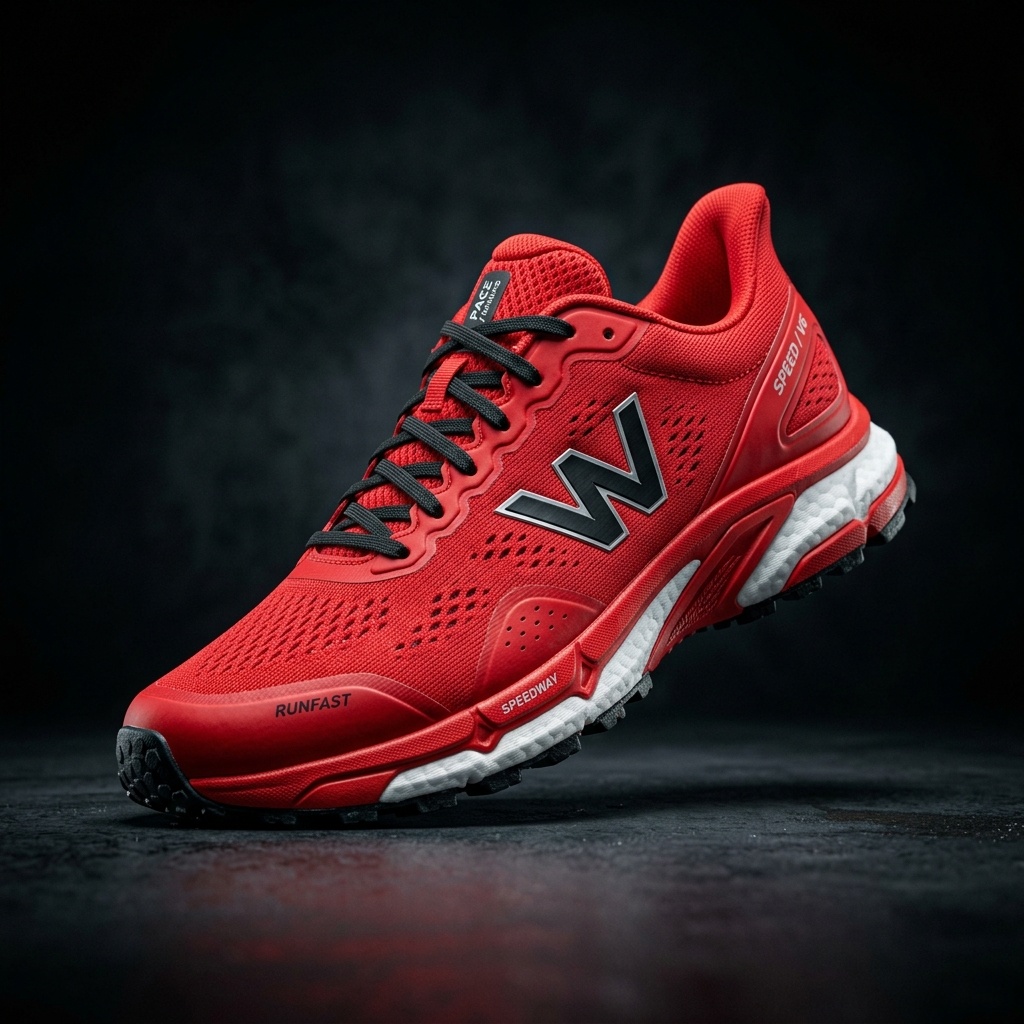
Traditional resizing only increases the number of pixels, which often makes an image look blurred or pixelated. AI upscaling uses patterns in the original JPG to generate a higher-resolution result with cleaner edges and more coherent details.
What Is a JPG Image?
JPG, also known as JPEG, is one of the most widely used image formats for photos and web graphics. Its compression keeps file sizes relatively small, making JPG images easy to upload, download, and share.
However, strong compression or repeated editing can introduce blockiness, noise, and lost detail. A JPG image upscaler can increase the image resolution and improve its appearance before it is reused.
Tips for Better JPG Upscaling Results
- Use the highest-quality version of the original JPG available.
- Avoid repeatedly saving and recompressing the image before upscaling.
- Crop unnecessary areas only after checking the upscaled result.
- Preview faces, text, and fine details before downloading.
- For transparent graphics, use the PNG Image Upscaler instead.
JPG Image Upscaler FAQ
Common questions about increasing JPG resolution and image size.
What is a JPG image upscaler?↓
A JPG image upscaler is a tool that increases the resolution and dimensions of JPG or JPEG images. AI-based upscaling can also improve edges and visual detail instead of simply stretching the original pixels.
How can I increase the resolution of a JPG?↓
Upload your JPG image, select the available upscale setting, and start processing. Once the higher-resolution version is ready, preview and download the result.
Can I enlarge a JPG without losing quality?↓
Every source image has limits, but AI upscaling generally produces a clearer result than traditional resizing. The final quality depends on the resolution, compression level, and detail in the original JPG.
Are JPG and JPEG the same format?↓
Yes. JPG and JPEG refer to the same image format. The shorter .jpg extension became common because older systems limited file extensions to three characters.
Can the tool fix a heavily compressed JPG?↓
It may reduce the visibility of some compression artifacts and improve overall clarity. However, details completely missing from the original image cannot always be restored accurately.
Can I upscale JPG images for printing?↓
Yes. Increasing resolution can make a JPG more suitable for posters, flyers, photo prints, and other printed materials. Always check the required dimensions and DPI with your printing provider.
Does upscaling change the aspect ratio?↓
No. The image can be enlarged while keeping its original width-to-height ratio.
Should I use JPG or PNG after upscaling?↓
JPG is usually suitable for photographs and smaller file sizes. PNG is useful when you need transparency or lossless output for graphics, logos, and interface assets.
Related Image Upscaling Tools
Upscale Your JPG Image
Increase JPG resolution and create a larger, clearer image with AI.
Upload JPG ImageCreative Toolkit Index
Explore More AI Features
Quick access to precision layer extraction, AI photo editing & asset tools.