
Upscale Product Photos to 4K with AI
Create larger product images for online stores, marketplace listings, advertisements, and catalogs while keeping the original composition.
Image Upscaler
Click to upload or drag & drop image
Supports JPG, PNG, WebP up to 10MB · Paste with Ctrl+V
Upscale Settings
Live 4K Preview
Recovers textures & clear edges
300 DPI ultra-HD export
Retention depends on your plan
✨ Auto-scanning demo: Showing real-time enhancement from low-res original to crisp 4K.
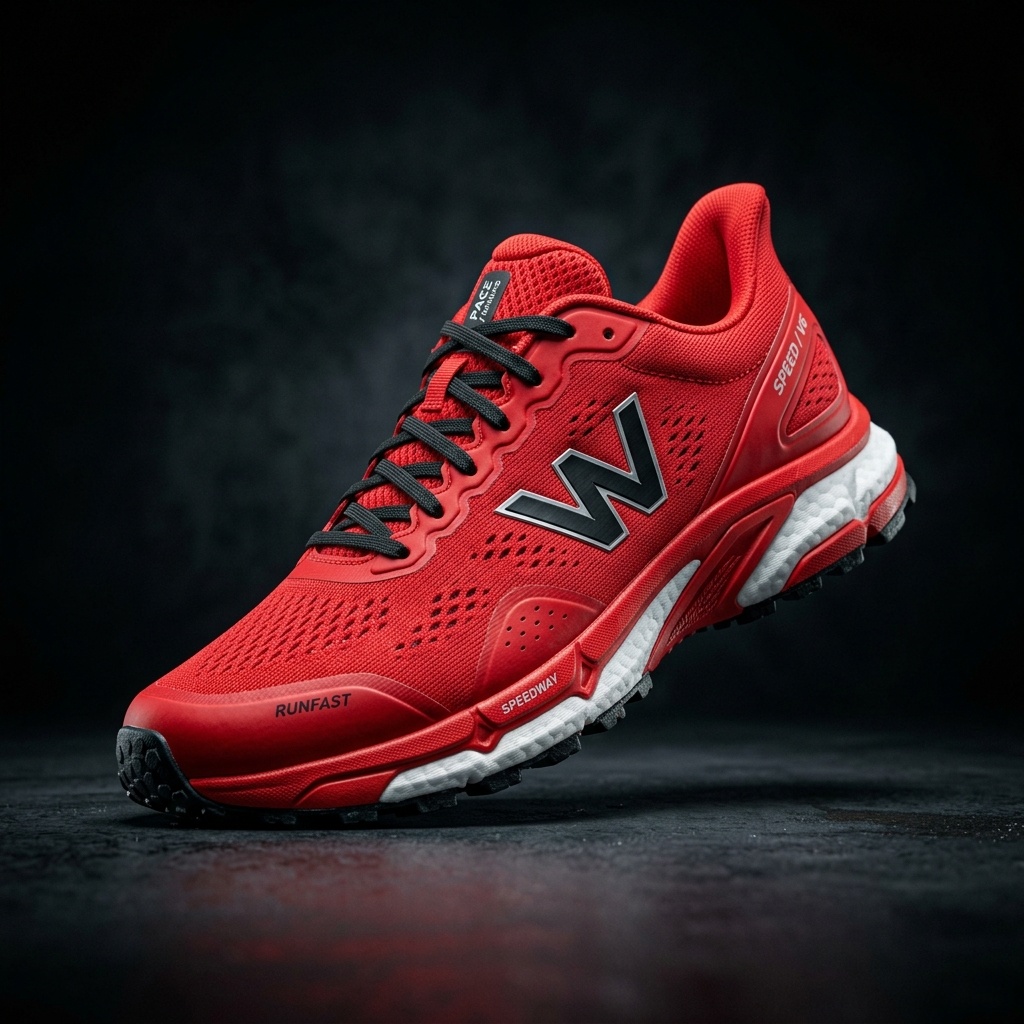
Workflow Steps:
- Step 1 · Upload Your Product Image
- Step 2 · Choose Image Type
- Step 3 · Select Output Size
Recent Sessions
Enlarge Product Photos for E-Commerce
Generate crisp, high-resolution product imagery suitable for marketplace zoom features and printed catalogs.
How to Upscale a Product Photo
Upload your product image.
Select General for most photography.
Choose 2×, 4×, or 6× based on the expected output dimensions.
Run the product photo upscaler.
Review logos, labels, text, edges, and surface details before downloading.
Where to Use Upscaled Product Images
Marketplace Listings
Prepare larger images for zoom views and high-density product displays. Always verify the current requirements of the marketplace where you publish.
Storefront Product Pages
Create larger product visuals for galleries, feature sections, comparison blocks, and landing pages.
Advertising Creative
Use the larger image as a source asset for display ads, social campaigns, and promotional layouts.
Print and Catalog Drafts
Increase pixel dimensions before placing an image into a catalog layout. Confirm the final print size and required DPI separately.
AI upscaling does not guarantee accurate reconstruction of small packaging text, logos, serial numbers, or product markings. Compare these areas with the original before commercial use.
Frequently Asked Questions
Can I upscale a product photo to 4K?↓
Yes. Select a scale that produces an output with at least 3840 pixels on one side. The expected dimensions are shown before processing.
Will the product shape remain the same?↓
The upscaler is intended to enlarge the existing image rather than create a new product design. However, very small edges and details may be reconstructed, so the output should still be reviewed.
Can it improve product label text?↓
It may make existing text appear sharper, but it cannot guarantee exact reconstruction of text that is too small or blurred in the source.
Does this create a new product background?↓
No. This page enlarges the existing image. Use Generate Background when you want a new scene or background around the product.
Does a 4K-size image automatically meet marketplace requirements?↓
No. Marketplaces may also specify aspect ratio, file format, background, compression, and maximum file size. Check the requirements of the platform where you plan to publish.
Prepare a Larger Product Image
Upload your product photo and choose the output dimensions needed for your next listing or campaign.
Upscale Product PhotoCreative Toolkit Index
Explore More AI Features
Quick access to precision layer extraction, AI photo editing & asset tools.