Advanced settingsHailuo 2.3 Fast · 6 seconds · 1080p
Camera motion
Adds a motion instruction to your prompt. This is prompt-based, not a guaranteed native camera parameter.
Estimated cost
Hailuo 2.3 Fast · 6 seconds · 1080p · auto
90 credits
Failed or canceled provider generations are automatically refunded.
PreviewHailuo 2.3 Fast · Slow Push In
A real 1080p Hailuo Fast example using the current workflow.
Slow Push In1080p · 6s
Commercial Camera Motion PresetsClick to preview & load
Real 1080p results
See what you can create
Compare the start frame with the generated six-second video. Results play automatically without sound; inspect the full prompt, then load the complete setup into the generator.
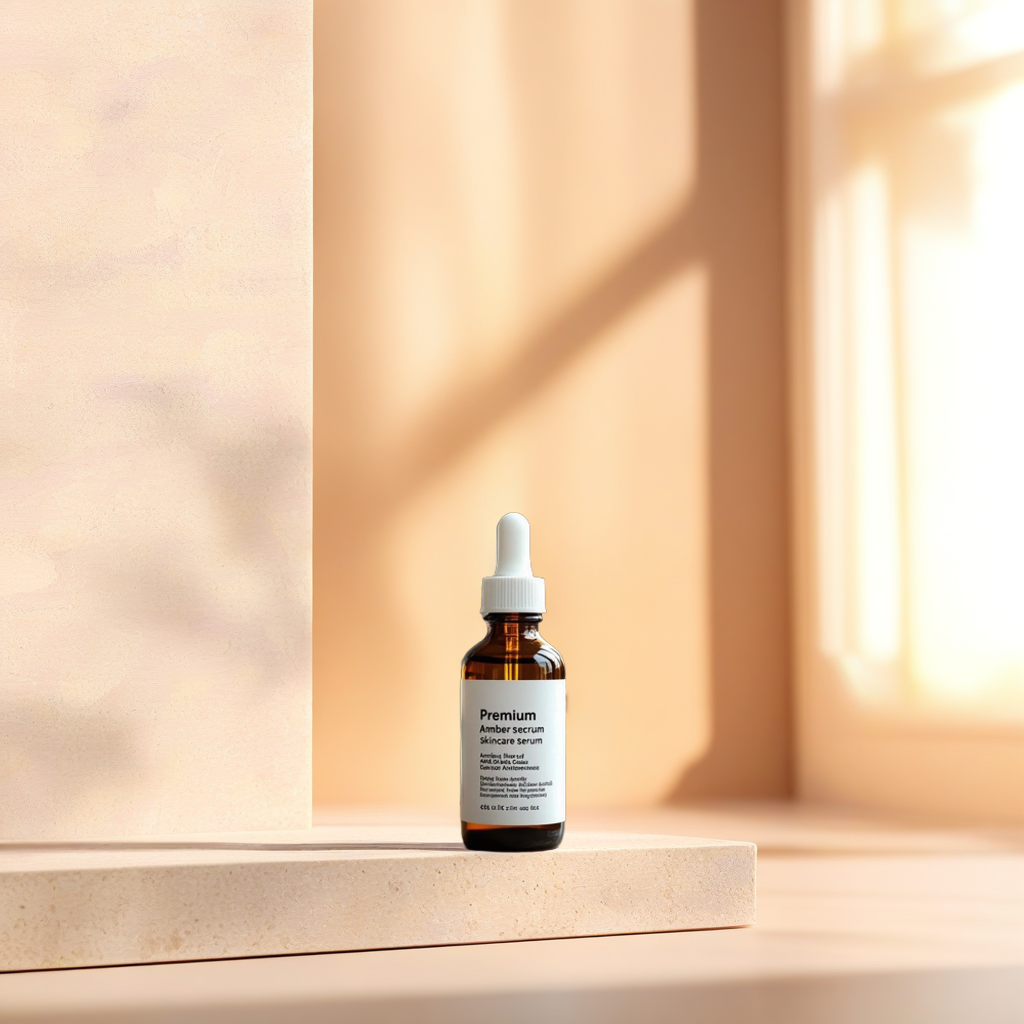
Start
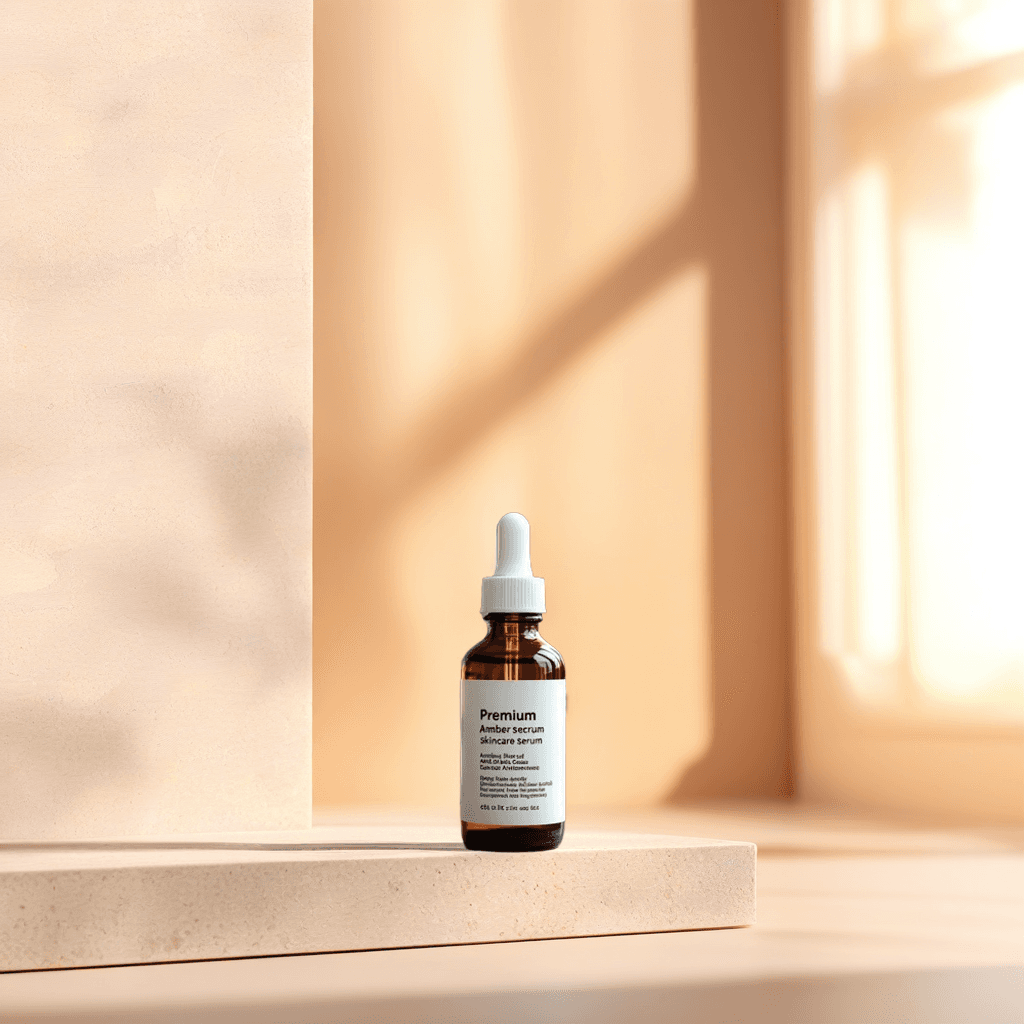
Result
Product ads
Skincare Product Reveal
Image to Video
Hailuo 2.3 Fast·6s·1080p
View prompt
Slow cinematic camera push-in toward the skincare bottle. Soft reflections move across the glass surface, delicate water droplets appear around the base, and the background light gradually becomes warmer. Keep the product shape, label, logo, and packaging completely unchanged. Premium cosmetic advertising, realistic studio lighting, subtle controlled motion.
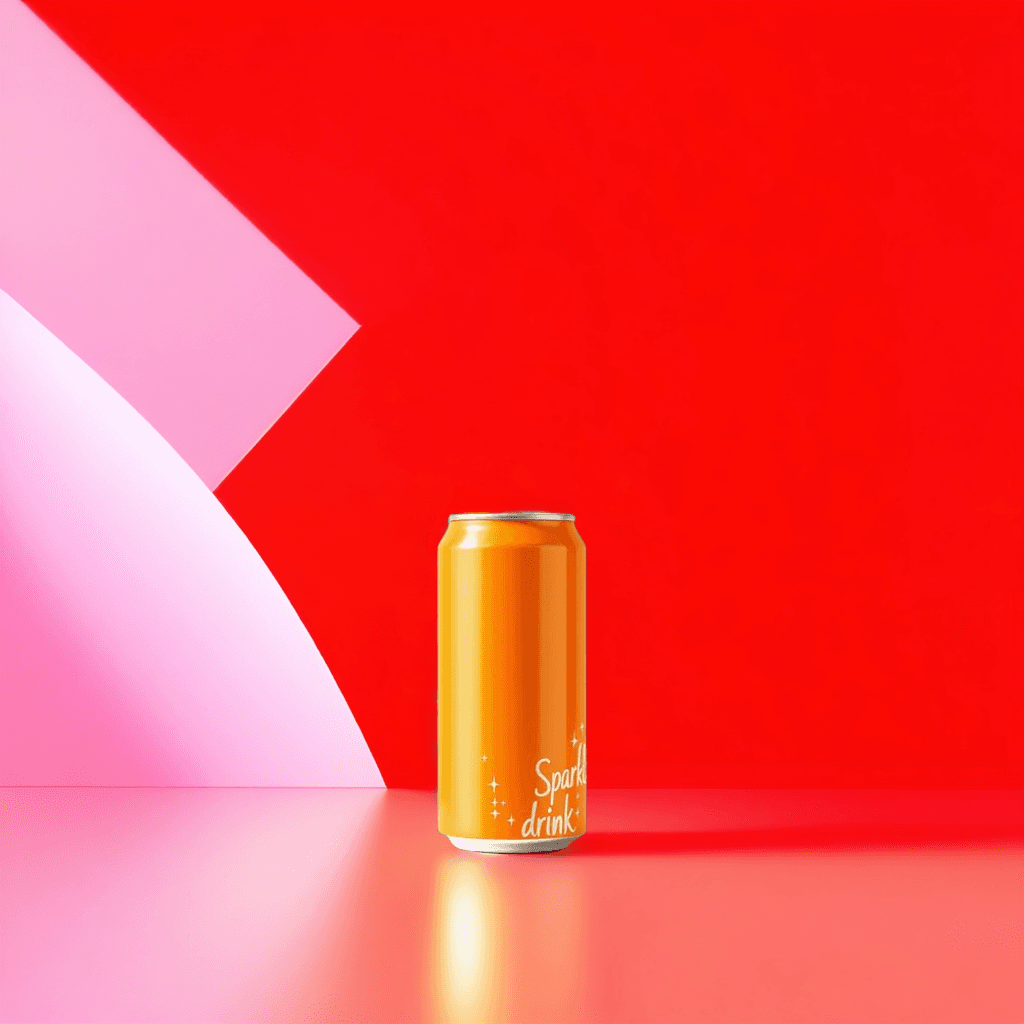
The camera slowly orbits around the beverage can while cold condensation forms on the surface. Small water droplets and ice particles move through the foreground. Keep the can design, logo, text, colors, and proportions unchanged. Energetic commercial product video, crisp lighting, dark gradient background.
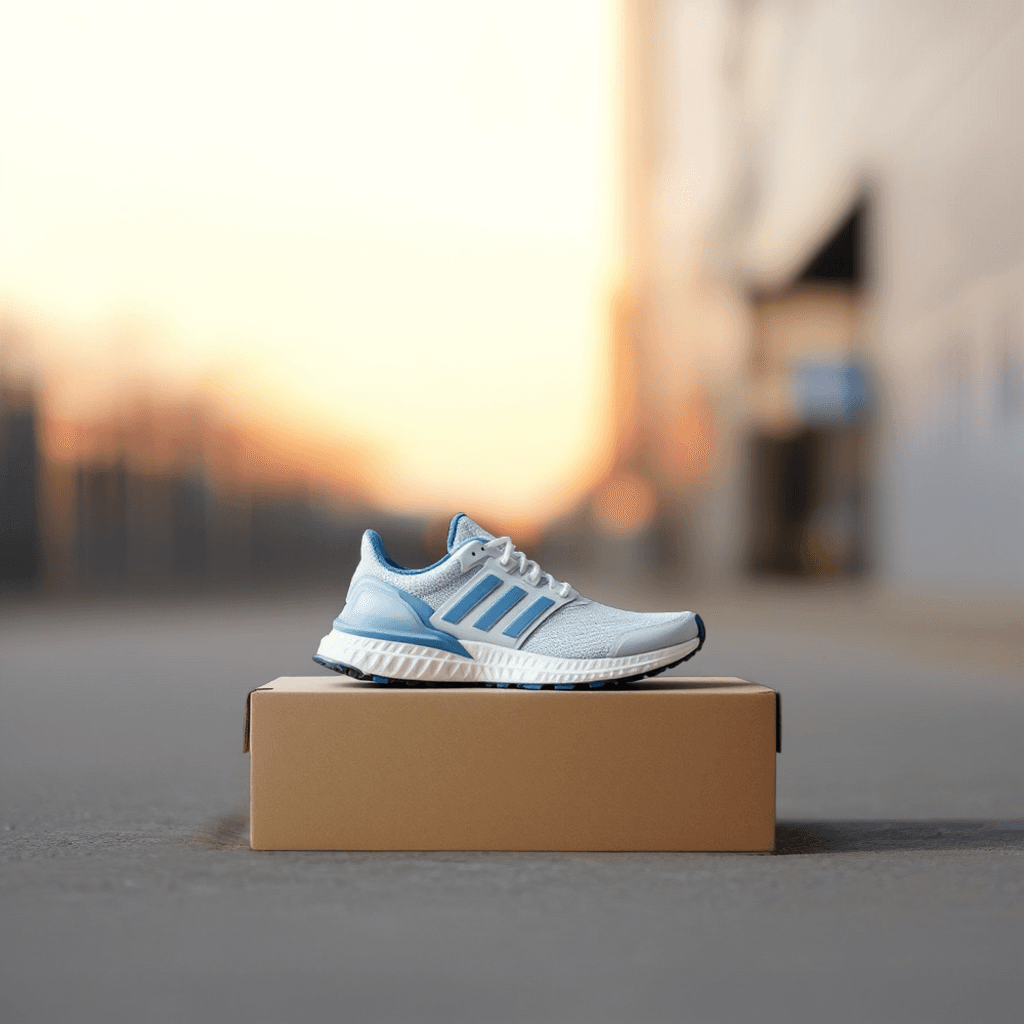
A cinematic side-to-front camera movement around the sneaker. The shoe remains stable while subtle dust particles and directional light move through the scene. Preserve the exact shoe design, materials, logo, laces, colors, and sole structure. Premium sportswear advertisement, dramatic studio lighting.
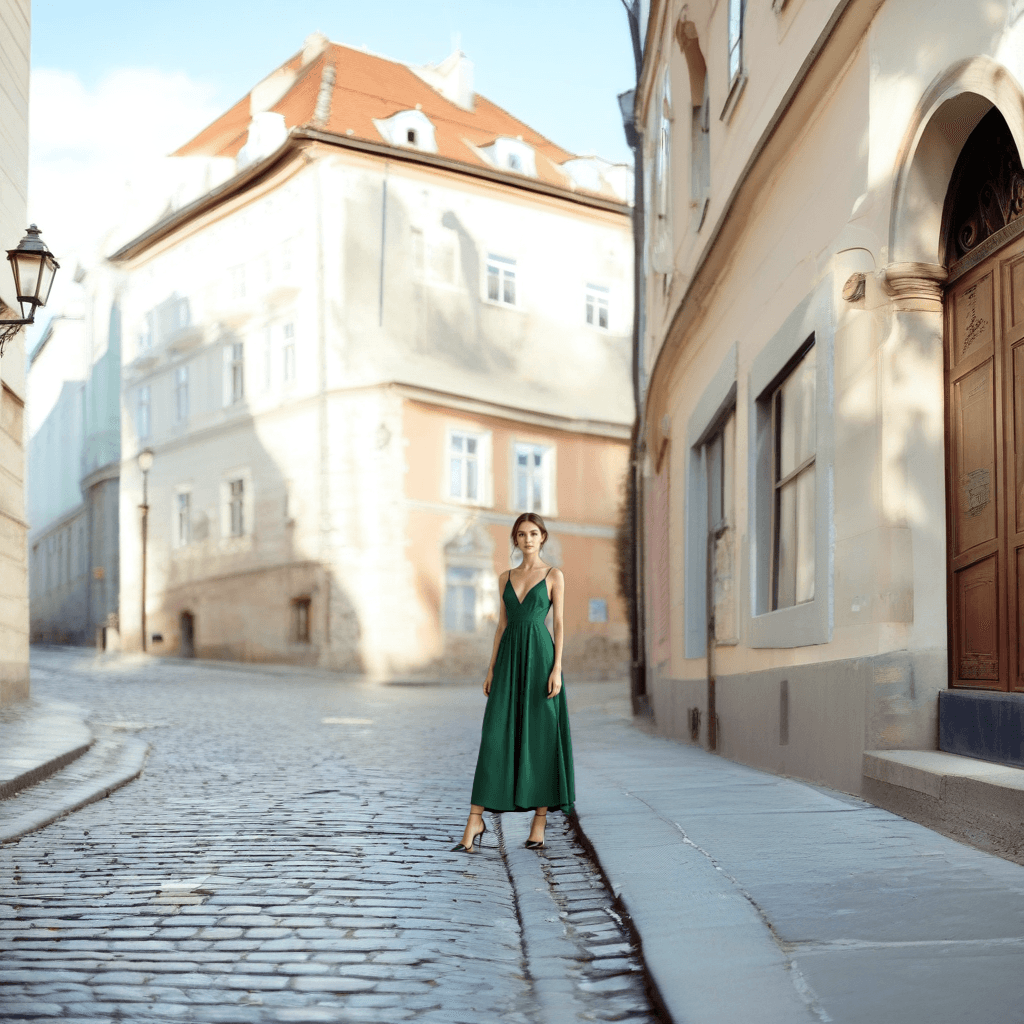
The model makes a subtle natural head turn while her hair and clothing move gently in a light breeze. The camera slowly pushes in. Preserve the person's facial identity, body proportions, outfit, hands, and background. Realistic editorial fashion video with restrained natural motion.
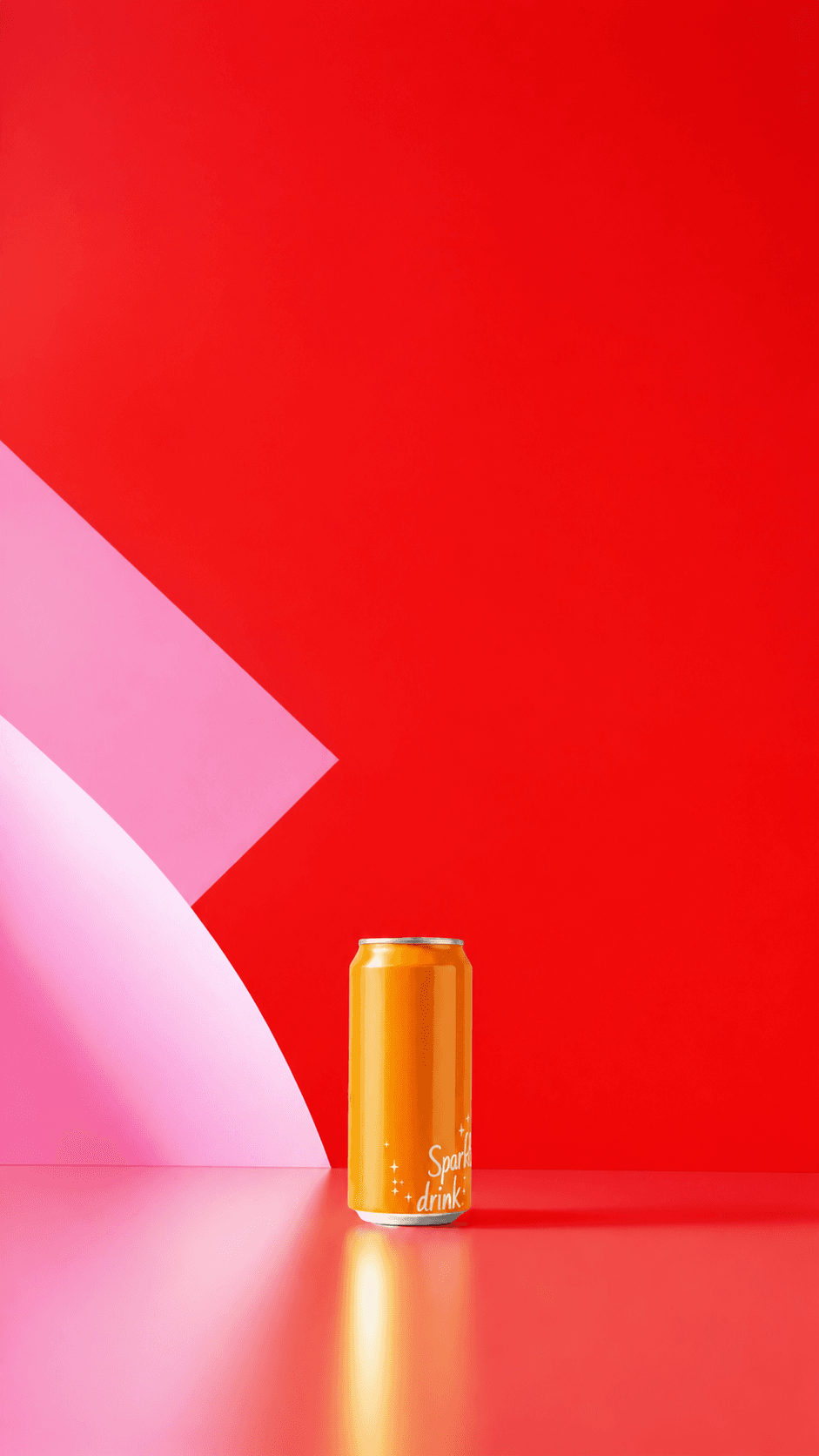
Vertical social media product ad. The camera gently pushes toward the beverage can while condensation forms and small sparkling droplets move through the foreground. Keep the can design, colors, proportions, and visible lettering unchanged. Preserve the clean negative space above the product as a text-safe area. Crisp commercial lighting, restrained controlled motion, premium short-form advertising.
A wide cinematic coastal landscape at sunrise. Low clouds drift between dark cliffs while warm sunlight moves across the ocean surface. The camera performs a slow controlled aerial push forward, with realistic water motion, atmospheric depth, and restrained natural color grading. No people, no text, no logos.
Videos play automatically, muted, and loop continuously.
Choose by goal
Which video model should you choose?
Start with what you want to create. The workspace recommends a model first, while advanced users can still compare every connected endpoint.
Fast image draft
Hailuo 2.3 Fast
Fastest
A lower-latency image-to-video path for product and social concepts while preserving strong motion quality.
768p or 1080p · 6 seconds · Image to Video
Text or image scene
Hailuo 2.3
Flexible
High-fidelity motion and prompt adherence for text-led scenes or a single start frame.
768p or 1080p · 6 seconds · Text or Image to Video
Product advertising
HappyHorse 1.1
Recommended
Longer clips and strong reference consistency make it useful for product-focused commercial motion.
720p or 1080p · Up to 15 seconds
Fast camera iteration
Runway Gen-4.5
Fast draft
Top-rated motion quality and prompt adherence for quick five- or ten-second image-led drafts.
720p · 5 or 10 seconds · Image to Video
Native audio
Seedance 2.5
Audio
Joint video and synchronized audio generation for dialogue, sound effects, music, and multi-shot storytelling.
480p or 720p · Up to 15 seconds · Native audio
Longer clips with sound
Vidu Q4
Long & high-res
Animates a first-frame image into a longer clip with native audio, from 540p up to 4K.
540p to 4K · 3 to 16 seconds · Image to Video · Native audio
Premium cinematic output
Veo 3.1
Premium
High-end visual quality, prompt following, and optional synchronized audio for finished campaign concepts.
720p or 1080p · 4, 6, or 8 seconds · Native audio
Specifications reflect the models currently connected to this workspace, not newer versions that are not yet available here.
Connected workflow
Build the start frame, animate it, continue the campaign
ImageToLayers connects image creation, product editing, video generation, and campaign formats so you can keep working without rebuilding assets from scratch.
Create the start frame
Generate the first product image or visual direction with the image workspace.
Video generations cost more than images. The workspace shows the exact estimate after every model, duration, resolution, and audio choice.
Exact credit estimate
See the selected model, duration, resolution, audio setting, and final credit total before you start.
Automatic failed-job refund
If the provider reports a failed or canceled generation, reserved credits return to their original monthly or add-on balance.
Private workspace results
Completed videos are copied into your workspace storage and delivered through signed result links.
FAQ
Questions before you spend credits
How much does a video cost?
Cost depends on the selected model, duration, resolution, and audio option. The generator shows the exact estimate before you submit; connected models currently start around 20 credits.
What happens if a video generation fails?
Provider failures and canceled generations automatically return reserved credits to the same monthly or add-on balance they came from.
Which image formats can I upload?
The start-frame uploader accepts JPEG, PNG, and WebP images up to 10 MB. Image requirements can vary by model, so use a clear image with the subject fully visible.
Can I create vertical videos for TikTok or Reels?
Yes. Choose a model that supports 9:16, or use a vertical start frame with models that inherit the source image aspect ratio.
Which models generate audio?
Seedance 2.5 and Veo 3.1 currently expose synchronized audio controls in this workspace. Models without native audio keep that option hidden.
Can I use generated videos commercially?
Commercial rights depend on the selected model's terms and your rights to every uploaded asset. Review the applicable provider terms before publishing paid campaigns.
Do generated videos contain an ImageToLayers watermark?
ImageToLayers does not add a visible watermark to the MP4 returned by the connected provider endpoint.
How long does generation take?
Most clips take roughly two to five minutes, depending on the model, resolution, duration, and provider load. You can safely leave the page while the job continues.
Turn your next image into campaign-ready motion
Start with a product photo, generated image, or text prompt. The workspace will recommend a model and show the exact credit estimate before generation.

 Start
Start