AI Video Generator

Turn your image or idea into a premium commercial video.

Video Generator Studio
JPEG, PNG, or WebP · Maximum 10 MB
Advanced settingsHailuo 2.3 Fast · 6 seconds · 1080p

Camera motion

Adds a motion instruction to your prompt. This is prompt-based, not a guaranteed native camera parameter.

Estimated cost

Hailuo 2.3 Fast · 6 seconds · 1080p · auto

90 credits

Failed or canceled provider generations are automatically refunded.
PreviewHailuo 2.3 Fast · Slow Push In

A real 1080p Hailuo Fast example using the current workflow.

Slow Push In1080p · 6s
Commercial Camera Motion PresetsClick to preview & load

Real 1080p results

See what you can create

Compare the start frame with the generated six-second video. Results play automatically without sound; inspect the full prompt, then load the complete setup into the generator.

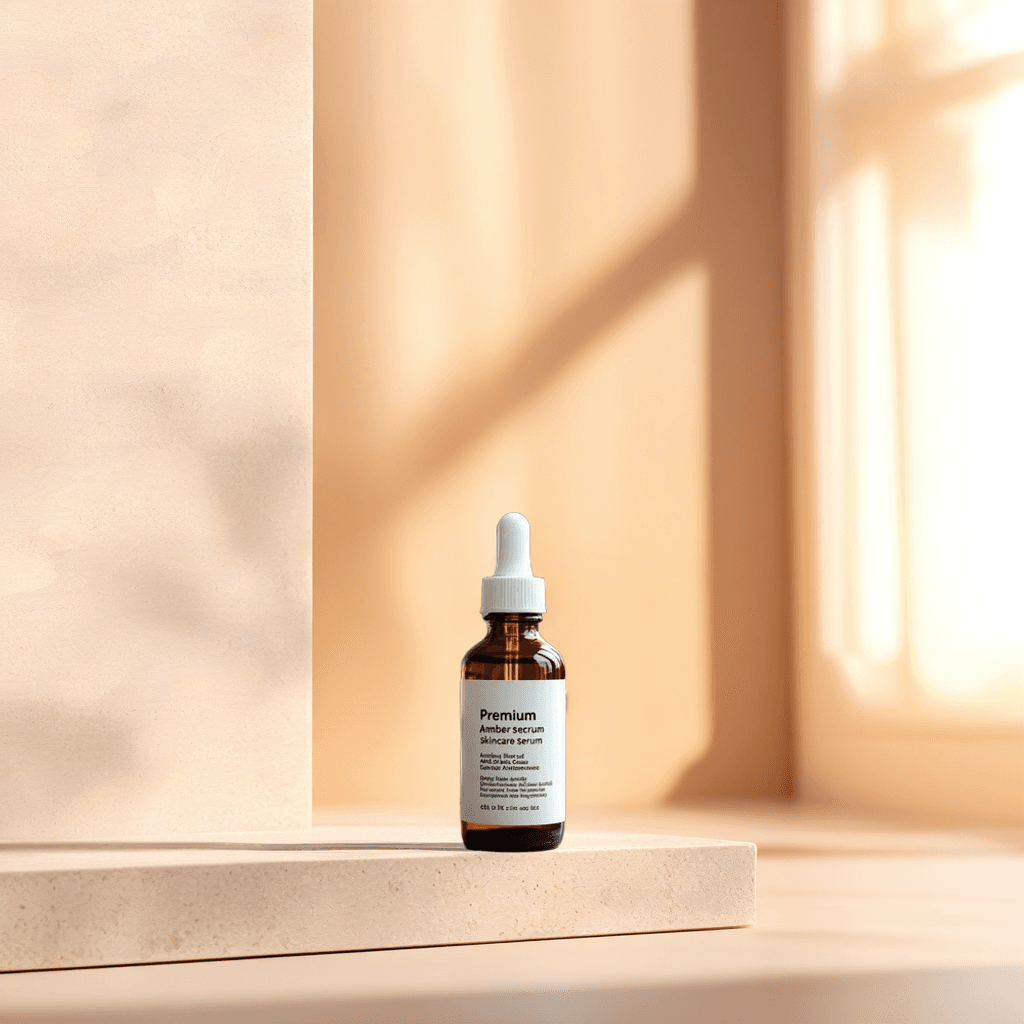
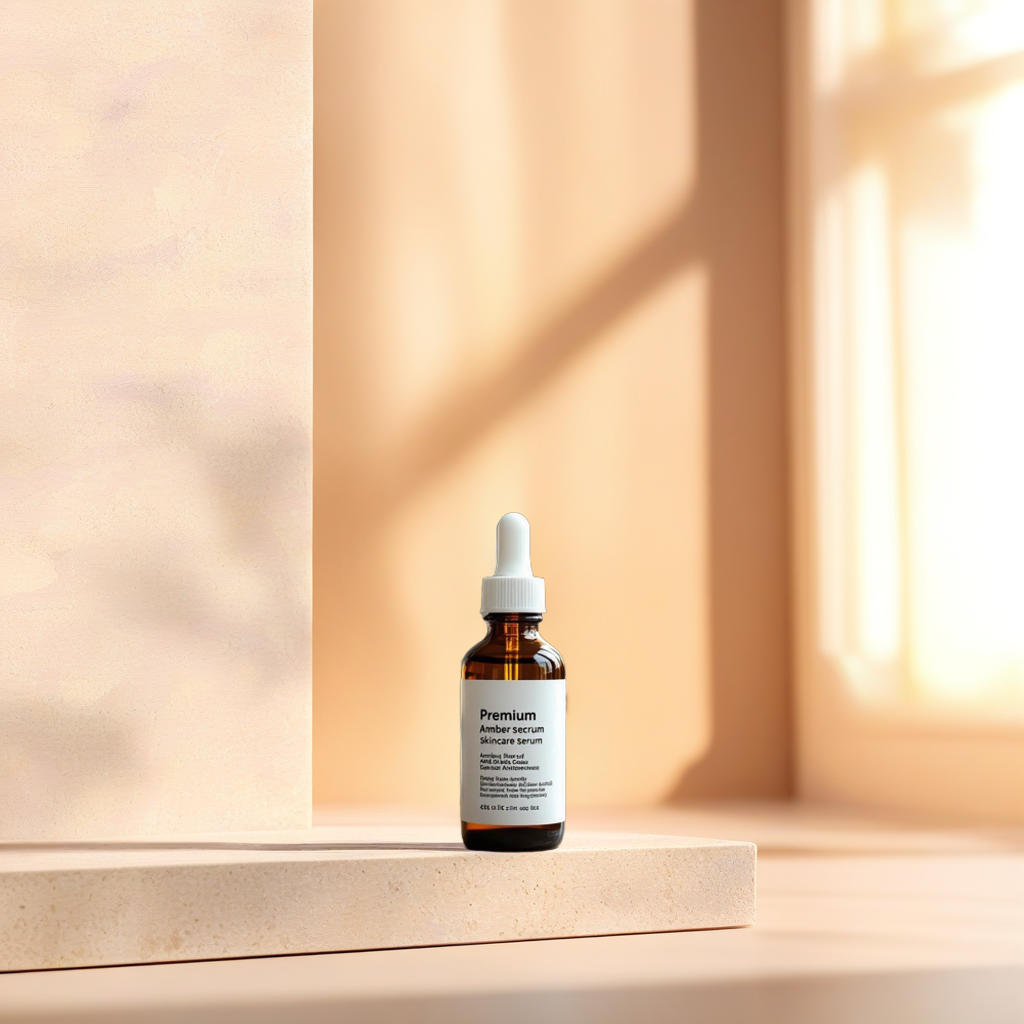
Skincare bottle start frame in a warm studioStart
Result

Product ads

Skincare Product Reveal

Image to Video
Hailuo 2.3 Fast6s1080p
View prompt

Slow cinematic camera push-in toward the skincare bottle. Soft reflections move across the glass surface, delicate water droplets appear around the base, and the background light gradually becomes warmer. Keep the product shape, label, logo, and packaging completely unchanged. Premium cosmetic advertising, realistic studio lighting, subtle controlled motion.

Use this example
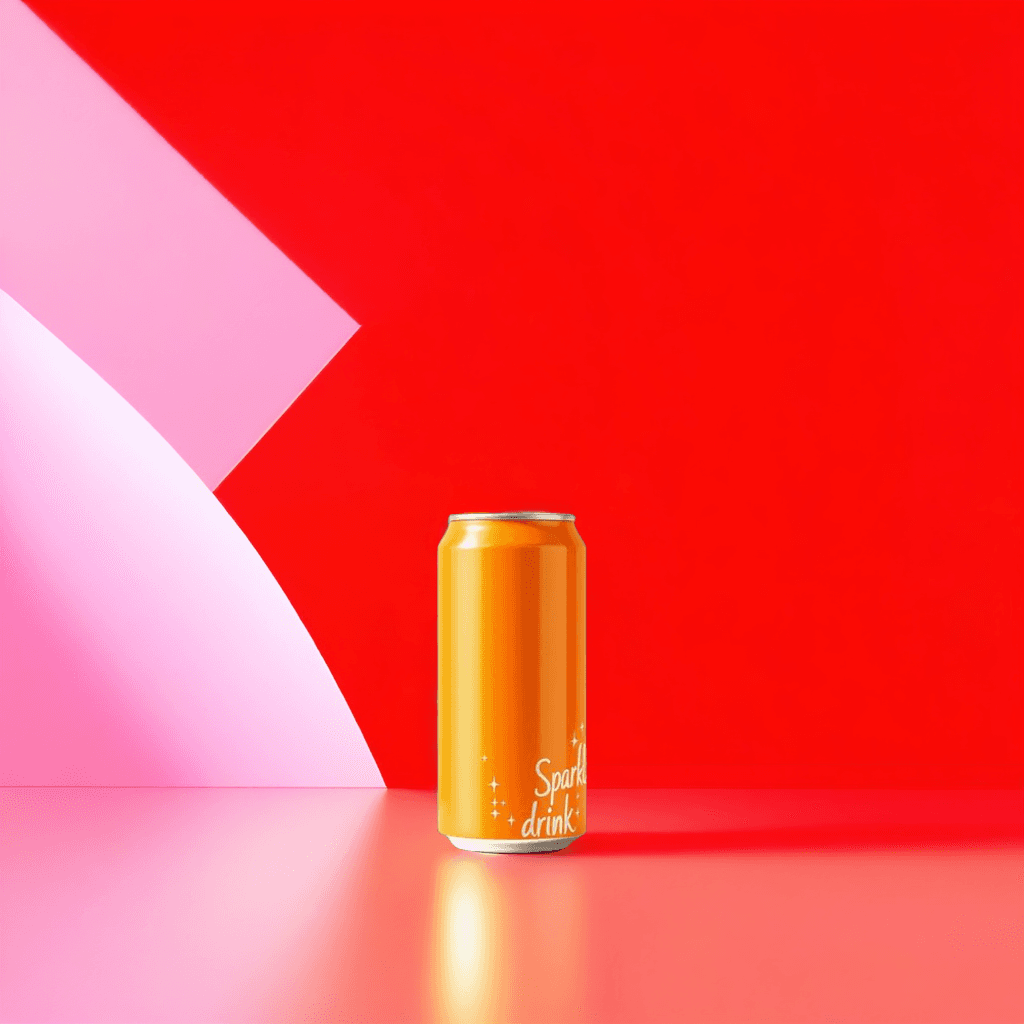
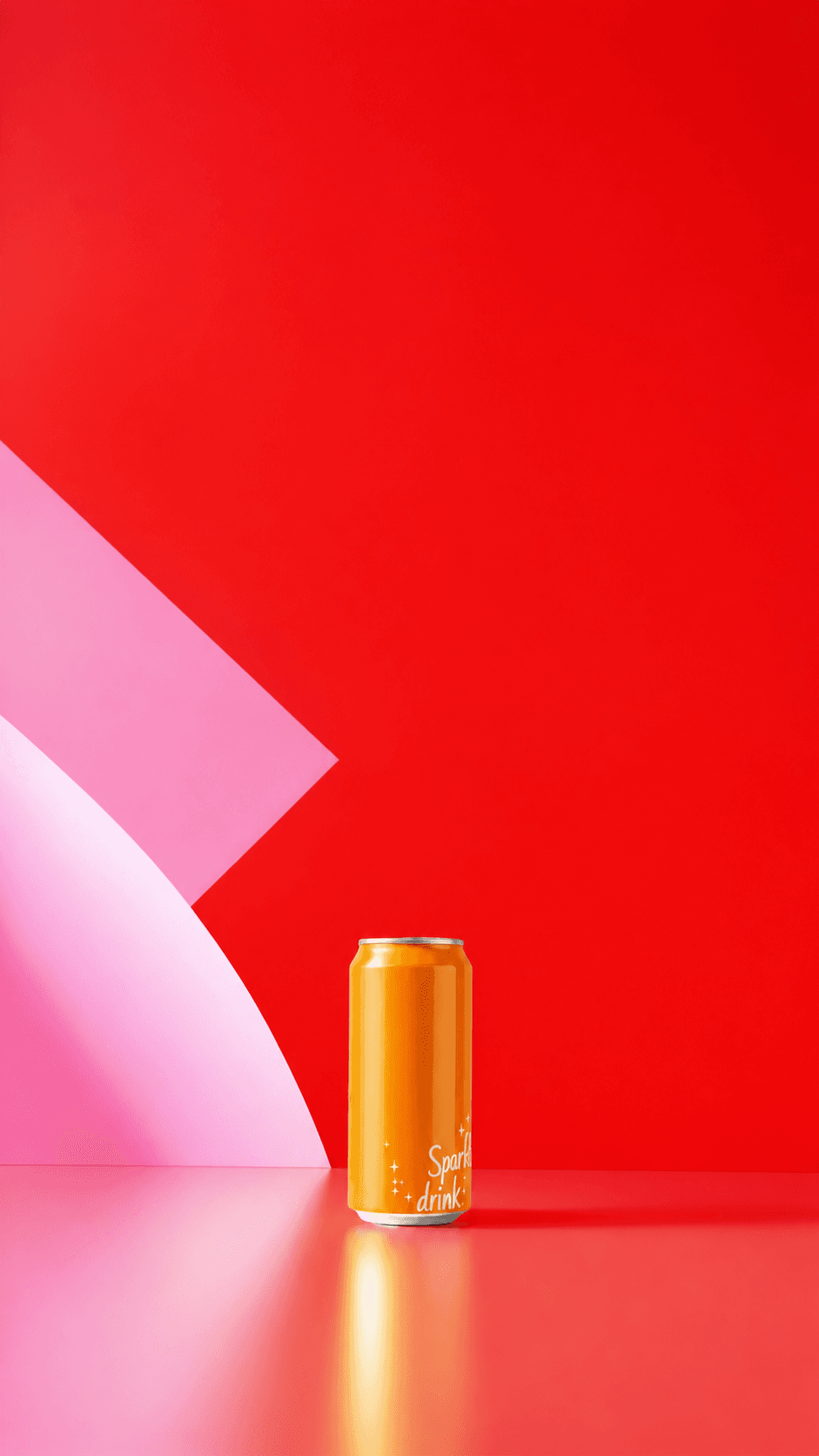
Orange beverage can start frame on a red studio setStart
Result

Product ads

Beverage Can Motion

Image to Video
Hailuo 2.3 Fast6s1080p
View prompt

The camera slowly orbits around the beverage can while cold condensation forms on the surface. Small water droplets and ice particles move through the foreground. Keep the can design, logo, text, colors, and proportions unchanged. Energetic commercial product video, crisp lighting, dark gradient background.

Use this example
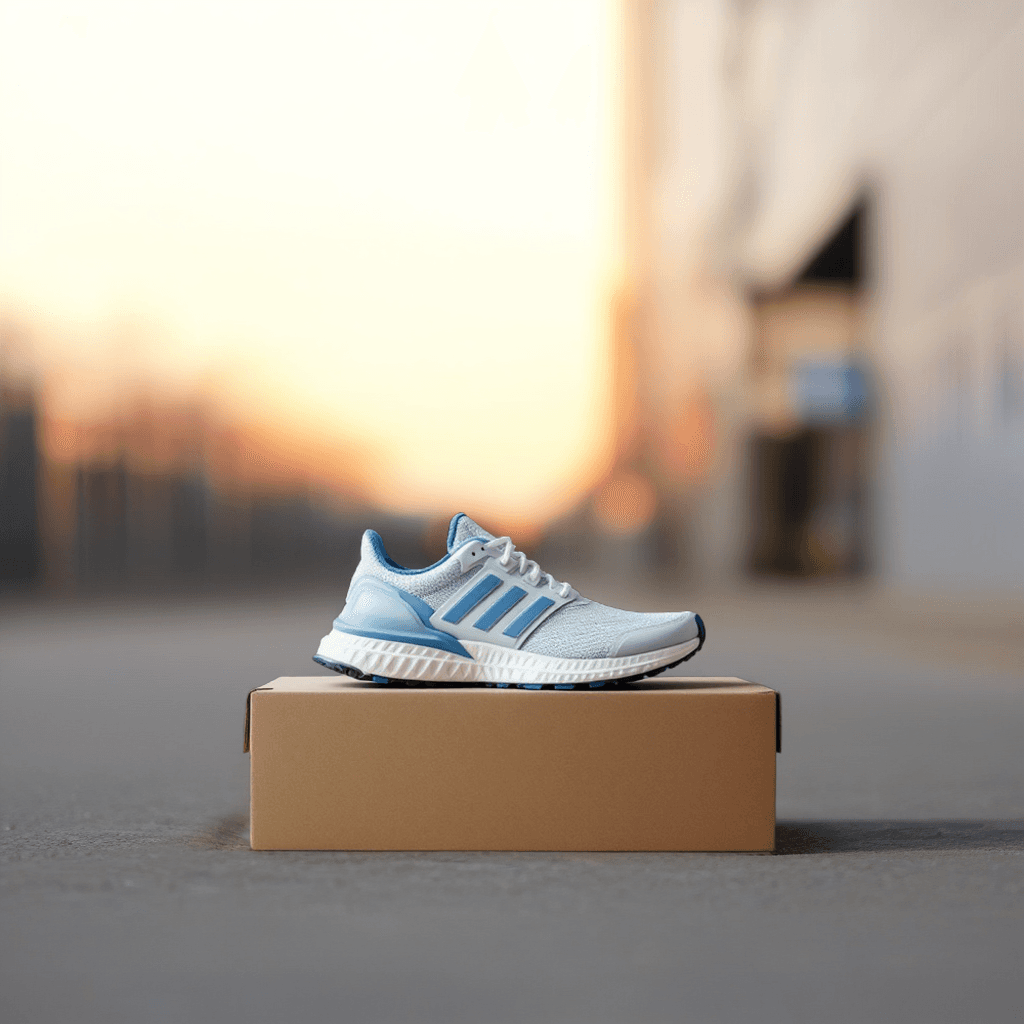
Running shoe start frame on a product displayStart
Result

E-commerce

Running Shoe Showcase

Image to Video
Hailuo 2.3 Fast6s1080p
View prompt

A cinematic side-to-front camera movement around the sneaker. The shoe remains stable while subtle dust particles and directional light move through the scene. Preserve the exact shoe design, materials, logo, laces, colors, and sole structure. Premium sportswear advertisement, dramatic studio lighting.

Use this example
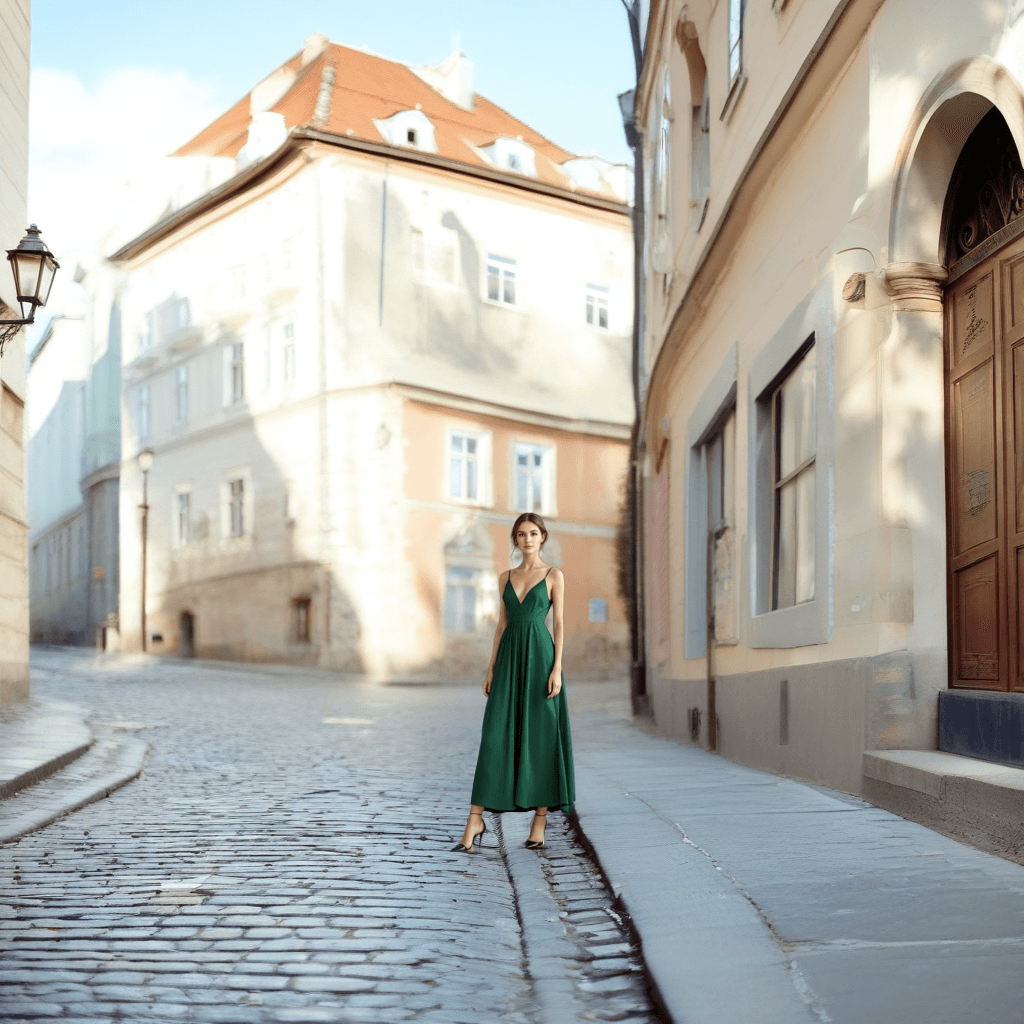
Fashion model start frame on a city streetStart
Result

Fashion motion

Fashion Editorial Motion

Image to Video
Hailuo 2.3 Fast6s1080p
View prompt

The model makes a subtle natural head turn while her hair and clothing move gently in a light breeze. The camera slowly pushes in. Preserve the person's facial identity, body proportions, outfit, hands, and background. Realistic editorial fashion video with restrained natural motion.

Use this example
Vertical beverage ad start frame with a safe text areaStart
Result

Social media

Vertical Social Ad

Image to Video
Hailuo 2.3 Fast6s1080p9:16
View prompt

Vertical social media product ad. The camera gently pushes toward the beverage can while condensation forms and small sparkling droplets move through the foreground. Keep the can design, colors, proportions, and visible lettering unchanged. Preserve the clean negative space above the product as a text-safe area. Crisp commercial lighting, restrained controlled motion, premium short-form advertising.

Use this example
Text prompt
Start
Result

Cinematic scene

Cinematic Coastal Landscape

Text to Video
Hailuo 2.36s1080p
View prompt

A wide cinematic coastal landscape at sunrise. Low clouds drift between dark cliffs while warm sunlight moves across the ocean surface. The camera performs a slow controlled aerial push forward, with realistic water motion, atmospheric depth, and restrained natural color grading. No people, no text, no logos.

Use this example

Videos play automatically, muted, and loop continuously.

Start with a real creative task

Video Ideas People Actually Need to Ship

Choose a scene that matches your next deliverable, then adapt the start frame, motion prompt, duration, and model to fit the brief.

Product reveal

Turn a clean product still into a short launch clip with a controlled push-in, rotation, light change, or detail reveal.

Vertical social post

Create a short 9:16 concept for Reels, TikTok, or Shorts, keeping the subject inside a safe area for captions and UI.

Existing-footage refresh

Replace a scene, add a product close-up, or insert a new moment into footage you already have instead of rebuilding the whole edit.

Character or cinematic shot

Animate a character or environment from a reference image while describing the action, camera movement, lighting, and atmosphere.

Choose by goal

Which video model should you choose?

Start with what you want to create. The workspace recommends a model first, while advanced users can still compare every connected endpoint.

Fast image draft

Hailuo 2.3 Fast

Fastest

A lower-latency image-to-video path for product and social concepts while preserving strong motion quality.

768p or 1080p · 6 seconds · Image to Video

Text or image scene

Hailuo 2.3

Flexible

High-fidelity motion and prompt adherence for text-led scenes or a single start frame.

768p or 1080p · 6 seconds · Text or Image to Video

Product advertising

HappyHorse 1.1

Recommended

Longer clips and strong reference consistency make it useful for product-focused commercial motion.

720p or 1080p · Up to 15 seconds

Fast camera iteration

Runway Gen-4.5

Fast draft

Top-rated motion quality and prompt adherence for quick five- or ten-second image-led drafts.

720p · 5 or 10 seconds · Image to Video

Native audio

Seedance 2.5

Audio

Joint video and synchronized audio generation for dialogue, sound effects, music, and multi-shot storytelling.

480p or 720p · Up to 15 seconds · Native audio

Longer clips with sound

Vidu Q4

Long & high-res

Animates a first-frame image into a longer clip with native audio, from 540p up to 4K.

540p to 4K · 3 to 16 seconds · Image to Video · Native audio

Premium cinematic output

Veo 3.1

Premium

High-end visual quality, prompt following, and optional synchronized audio for finished campaign concepts.

720p or 1080p · 4, 6, or 8 seconds · Native audio

Specifications reflect the models currently connected to this workspace, not newer versions that are not yet available here.

Connected workflow

Build the start frame, animate it, continue the campaign

ImageToLayers connects image creation, product editing, video generation, and campaign formats so you can keep working without rebuilding assets from scratch.

Create the start frame

Generate the first product image or visual direction with the image workspace.

Create an image

Refine the product shot

Fix the background, composition, and product presentation before adding motion.

Edit the product photo

Animate it

Choose a goal, direct camera movement, set duration and resolution, then generate.

Open the generator

Continue the campaign

Reuse the result across social, advertising, and broader product workflows.

Explore all tools

Know before you generate

Transparent cost and failure protection

Video generations cost more than images. The workspace shows the exact estimate after every model, duration, resolution, and audio choice.

Exact credit estimate

See the selected model, duration, resolution, audio setting, and final credit total before you start.

Automatic failed-job refund

If the provider reports a failed or canceled generation, reserved credits return to their original monthly or add-on balance.

Private workspace results

Completed videos are copied into your workspace storage and delivered through signed result links.

FAQ

Questions before you spend credits

How much does a video cost?

Cost depends on the selected model, duration, resolution, and audio option. The generator shows the exact estimate before you submit; connected models currently start around 20 credits.

What happens if a video generation fails?

Provider failures and canceled generations automatically return reserved credits to the same monthly or add-on balance they came from.

Which image formats can I upload?

The start-frame uploader accepts JPEG, PNG, and WebP images up to 10 MB. Image requirements can vary by model, so use a clear image with the subject fully visible.

Can I create vertical videos for TikTok or Reels?

Yes. Choose a model that supports 9:16, or use a vertical start frame with models that inherit the source image aspect ratio.

Which models generate audio?

Seedance 2.5 and Veo 3.1 currently expose synchronized audio controls in this workspace. Models without native audio keep that option hidden.

Can I use generated videos commercially?

Commercial rights depend on the selected model's terms and your rights to every uploaded asset. Review the applicable provider terms before publishing paid campaigns.

Do generated videos contain an ImageToLayers watermark?

ImageToLayers does not add a visible watermark to the MP4 returned by the connected provider endpoint.

How long does generation take?

Most clips take roughly two to five minutes, depending on the model, resolution, duration, and provider load. You can safely leave the page while the job continues.

Why did my product or character change during the shot?

Video models infer motion between frames, so fine details, logos, hands, faces, and hidden surfaces can drift. Use a clear start frame and treat the result as a generated draft that may need another pass.

Why did the camera move differently from my prompt?

Camera controls are prompt-based for many connected models rather than guaranteed native parameters. Short, concrete motion instructions usually give the model a clearer target.

Why did my generation fail or get rejected?

Failures can come from provider load, unsupported settings, file limits, or safety checks. The workspace keeps your settings visible and returns reserved credits when the provider reports a failed job.

Why does the result need another pass before publishing?

AI video is useful for fast concepts, but inspect text, hands, product markings, continuity, audio, and framing before using a clip in a paid campaign or final edit.

Turn your next image into campaign-ready motion

Start with a product photo, generated image, or text prompt. The workspace will recommend a model and show the exact credit estimate before generation.

Explore More Tools in This Series

Choose a focused workflow for the image or project you are working on.

Video creation and enhancement

Character animation and avatars

Video scene editing

    AI Video Generator – Text & Image to Video | Image to Layers