
Turn One Product Photo Into a 3D Model
Upload a product image and generate an interactive AI-created 3D model you can rotate, inspect, and download.
No manual modeling or 3D experience required · AI-reconstructed geometry may not exactly match the physical product
Upload Product Image
Upload a product image
Use one clear product photo with the full object visible.
3D Reconstruction
0° · Front
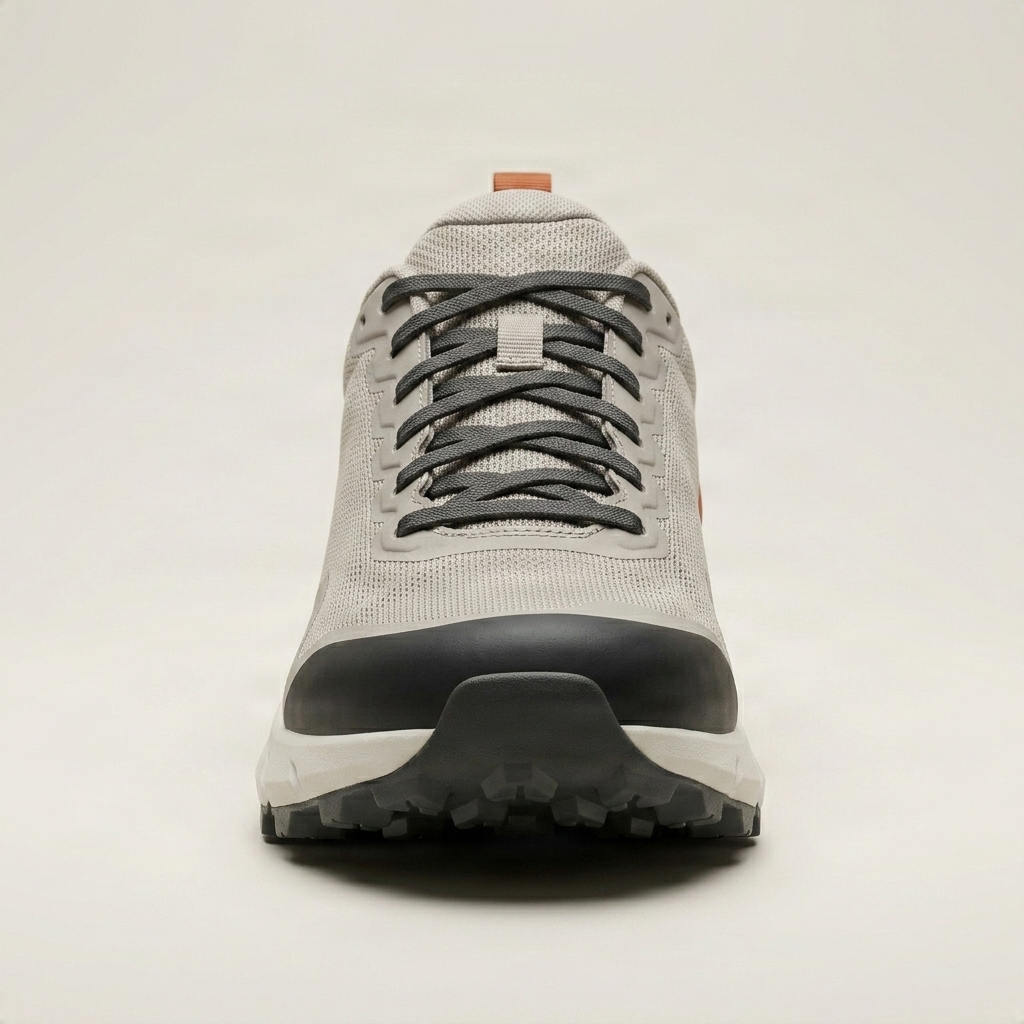
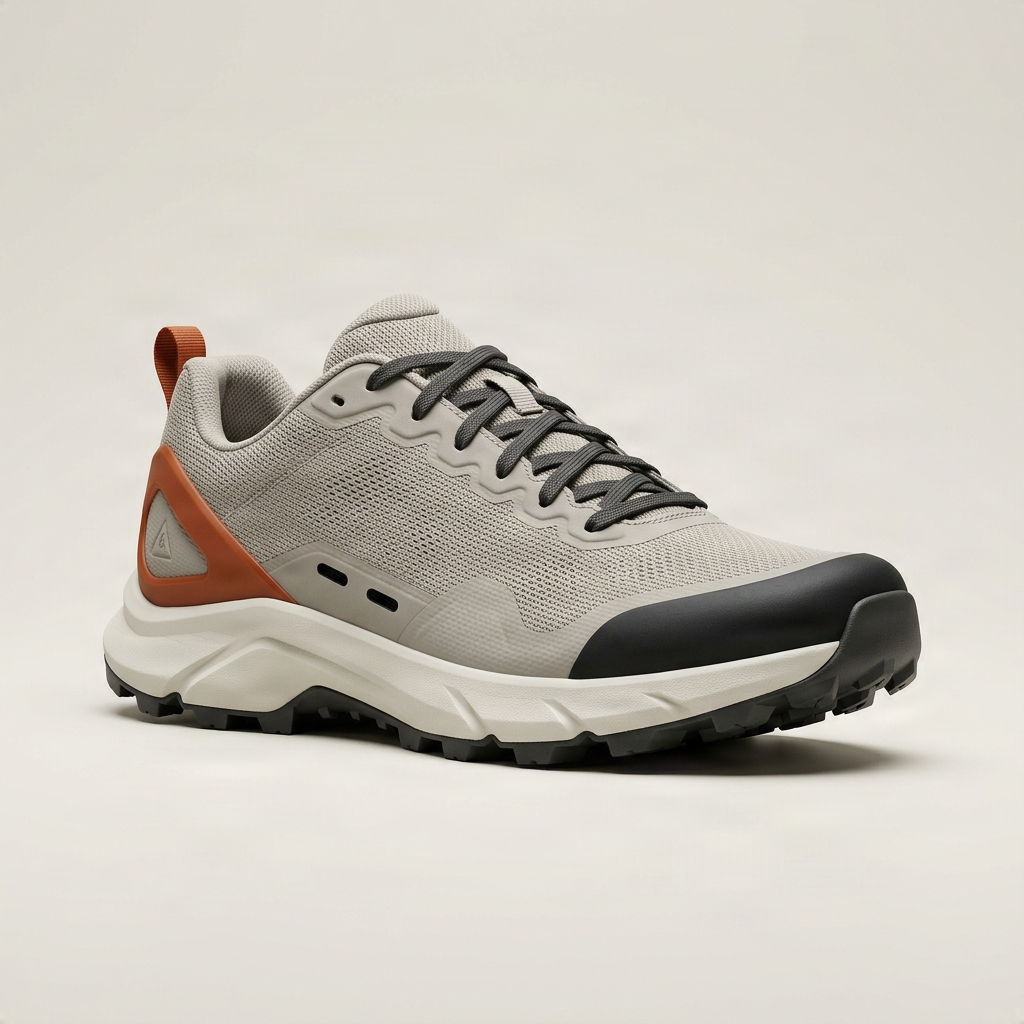
3D Reconstruction
AI reconstructs one textured 3D product asset from your source photo. Unseen sides and hidden geometry may be reconstructed by AI.
Output: interactive 3D model with GLB download, snapshots, and GIF/MP4 export
Add Your Product Image
Upload one clear product photo with the complete object visible. For better reconstruction, use a three-quarter image with a simple background and minimal obstruction.
Input Recommendations
- Show the complete product
- Use a clean or removable background
- Avoid hands, props, and heavy shadows
- Use a three-quarter or side-front view
- Make logos and small details clearly visible
Image → 3D Model
Turn a single product photo into an interactive 3D asset. Drag to rotate, scroll or pinch to zoom, and inspect the reconstruction from any direction.
Source Image
Reference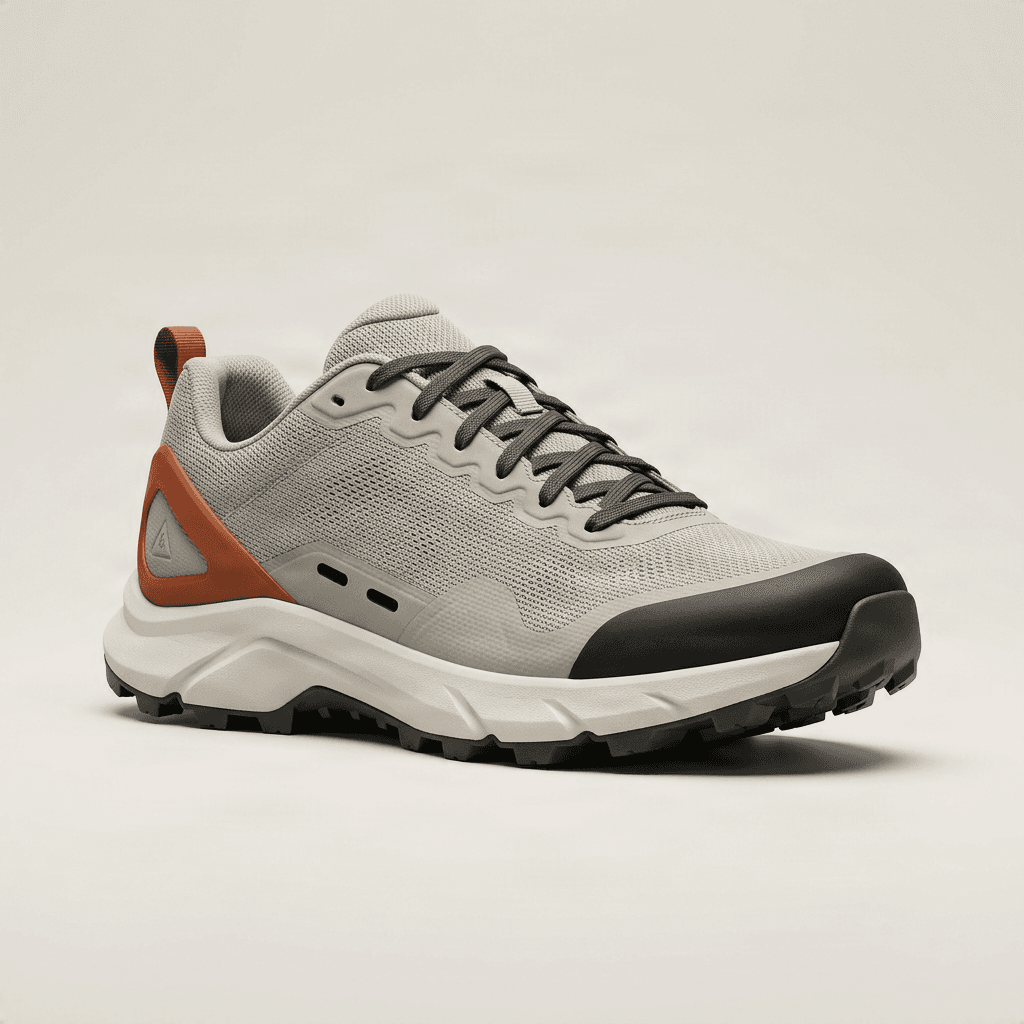
Reconstructed 3D Product
Drag to rotate, scroll or pinch to zoom — inspect the generated model from any direction.
This example was generated with the same 3D workflow available here.
Go Beyond a Single Product Photo
This tool reconstructs your product as an actual 3D asset instead of just rendering a picture that looks dimensional. The output is a real 3D model, but AI-reconstructed geometry may not exactly match the physical product.
Inspect the product from more directions
Rotate the generated asset instead of being limited to one camera angle.
Create product turntables
Turn your 3D result into GIF or MP4 rotation previews.
Prototype 3D assets faster
Explore a product in 3D without manually modeling it from scratch.
Reuse the model
Download the GLB for compatible 3D viewers, web experiences, and creative workflows.
Create a 3D Product in Three Steps
Upload a product image
Choose a clear photo with the product easy to identify. Three-quarter images often provide more information about the front, side, depth, top, and construction.
Generate the 3D model
AI reconstructs visible shape, materials, and estimated hidden geometry into one textured 3D asset.
Rotate, export, or download
Inspect the model in the interactive viewer, capture new views, export a rotation, or download the GLB.
Choose the Output You Actually Need
This tool creates an actual 3D asset that can be rotated, inspected, and downloaded — not separate static images from selected angles.
3D Product Generator
Interactive viewing, GLB downloads, 3D experimentation, turntable exports, web 3D, and product concepts.
Create an actual 3D asset that can be rotated, inspected, and downloaded.
Product 360 View Generator
Ecommerce galleries, multi-angle product images, static listings, reference images, and individual image downloads.
Generate separate product images from front, side, back, and other viewing angles.
Need separate static product images instead?
Generate Product ViewsClear, Recognizable Products Usually Perform Best
Shoes and Sneakers
Generate a 3D model showing the upper, side profile, heel, toe box, and sole edge.
Bags and Accessories
Reconstruct the front, sides, handles, opening, rear construction, and overall volume.
Furniture
Create a 3D model of chairs, stools, tables, lamps, storage products, and simple decor items.
Consumer Electronics
Generate a model of headphones, speakers, keyboards, appliances, and compact devices.
Bottles and Packaging
Reconstruct containers, cosmetic packaging, cans, boxes, jars, and other structured products.
Toys and Collectibles
Create rotatable 3D models for figures, models, decorative objects, and merchandise.
More Difficult Products
AI 3D reconstruction works best when the object has a clear shape and visible surface detail. Complex products can still generate, but geometry and texture accuracy may vary.
Generated hidden geometry and surfaces are estimates. Do not use the output as the sole source for technical documentation, manufacturing specifications, authentication, or safety-critical product information.
Create More Than a Static Product Image
Ecommerce visualization
Create interactive product previews or additional visual assets from an existing photo.
Product concepts
Turn concept images into rough 3D assets for exploration and presentation.
Web 3D
Use exported GLB assets in compatible web-based 3D viewers and experiences.
Product turntables
Generate rotating GIF or MP4 previews without filming a physical turntable.
Design exploration
Inspect an AI reconstruction from viewpoints that were not available in the source photo.
3D prototyping
Quickly create an initial 3D asset before investing in detailed manual modeling.
Start With a Clear Product Photo
Show the entire product
Avoid cropping important parts of the object.
Use a simple background
Clear separation between the product and background helps reconstruction.
Prefer a three-quarter view
A view that reveals more than one side often provides stronger shape information than a completely flat front view.
Avoid obstruction
Hands, props, packaging, or overlapping objects can hide important geometry.
Use sharp source images
Clear edges, textures, and visible materials provide stronger reconstruction cues.
Keep one main object
Single-object images are generally easier to reconstruct than crowded scenes.
More Than a Static Product Image
Interactive 3D Model
Rotate the product and inspect it from changing viewpoints.
Downloadable GLB
Download the generated 3D asset as a GLB file for compatible software and web workflows.
Product Snapshots
Capture still images from different views of the generated model.
GIF & MP4 Export
Turn the generated 3D model into a simple rotating animation for sharing or presentation.
Interactive Model or Ready-to-Use Video?
Choose 3D when you want to rotate the product yourself, inspect it interactively, or download the asset. Choose video when you just want a ready-made rotating product clip without working with a 3D model.
3D Product Generator
- Interactive, draggable 3D model
- Downloadable GLB asset
- Inspect from any direction
- Capture your own snapshots
- Best for web 3D and prototyping
Product 360 Video Generator
- Ready-made rotating video clip
- No 3D viewer required
- Best for social media and ads
- Simple to embed and share
- Best for landing pages and motion previews
Frequently Asked Questions
What is an AI 3D Product Generator?
An AI 3D Product Generator turns a product image into a generated 3D asset that can be rotated, viewed from different directions, and downloaded.
Does this tool create a real 3D model?
Yes. The output is a generated 3D asset rather than just a 2D image with a 3D appearance.
What 3D format can I download?
The generated product model can be downloaded as a GLB file from the result page.
Do I need multiple product photos?
No. The generator is designed to create a 3D reconstruction from a single product image.
Can I rotate the generated model?
Yes. The result page includes an interactive 3D viewer that lets you rotate and inspect the generated product.
Can I zoom in on the 3D model?
Yes. The interactive viewer supports closer inspection of the generated asset.
Can I export images from the 3D model?
Yes. You can capture product views from the generated model for use as additional visual assets.
Can I create a GIF or video from the generated model?
Yes. The result workflow can turn the generated 3D model into simple rotating GIF or MP4 previews.
Is the generated model an exact copy of the real product?
Not necessarily. AI reconstructs the product from the visual information in your source image, so hidden geometry and unseen details may be estimated.
Will the back of the product be accurate?
If the back is not visible in the uploaded photo, AI must infer what it may look like. The reconstructed back may therefore differ from the real item.
Are the dimensions accurate?
No. The generated model should not be treated as a dimensionally accurate scan or engineering model unless separately verified.
Can I use it for 3D printing?
The generated geometry may be useful for experimentation, but it is not automatically optimized or verified for 3D printing. Check and repair the mesh in dedicated 3D software before attempting fabrication.
Can I use the GLB on a website?
GLB is widely supported by web-based 3D viewers, but compatibility and optimization requirements depend on the platform where you plan to use it.
What products work best?
Products with clear silhouettes, visible surfaces, and recognizable geometry generally work best. Highly transparent, reflective, thin, or mechanically complex products can be more difficult.
What is the difference between Product 3D Generator and Product 360 View Generator?
Product 3D Generator creates an interactive downloadable 3D asset. Product 360 View Generator creates separate static product images from multiple viewing angles.
Continue Your Product Image Workflow
Product 360 View Generator
Generate separate product images from multiple angles.
Create Product ViewsProduct 360 Video Generator
Create a ready-to-use 360°-style rotating product video.
Create Product VideoAI Product Photography
Turn your product into styled marketing visuals.
Create Product PhotosTurn Your Product Photo Into an Interactive 3D Asset
Upload one product image and generate a 3D model you can rotate, inspect, export, and download.
AI may reconstruct geometry and details that are not visible in the original image.