
Add Furniture to a Room Photo with AI
Preview a furniture idea inside a selected area of a room photo. Results are visual concepts and may not represent exact dimensions or placement. Use it to quickly explore different interior design directions.
1. Upload an Image to Edit
Drag and drop an image here, or click to choose a file.
3. STEP 2 · SELECT AN AREA
Upload an image to start marking the area to change.
4. Describe the Furniture
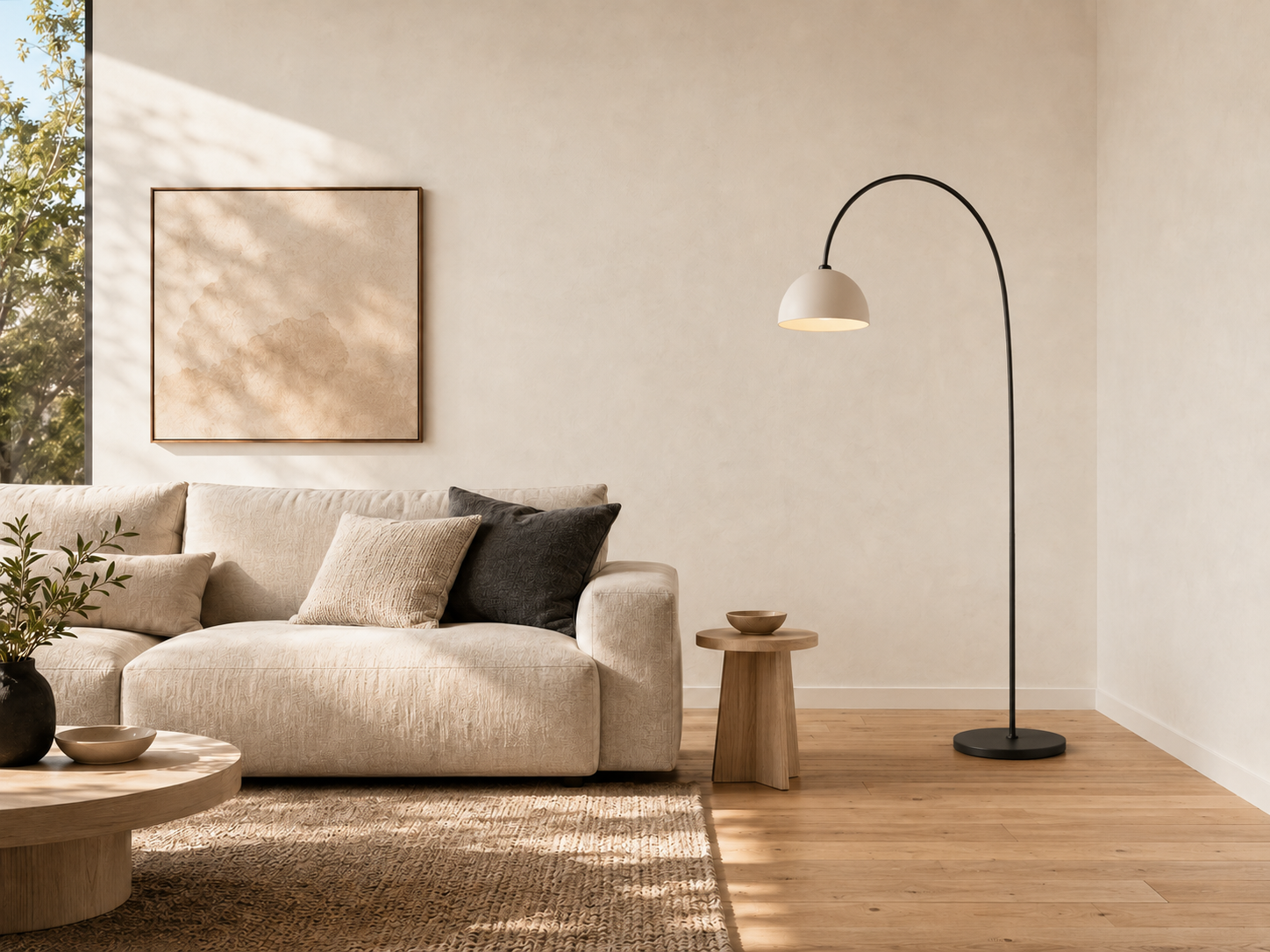
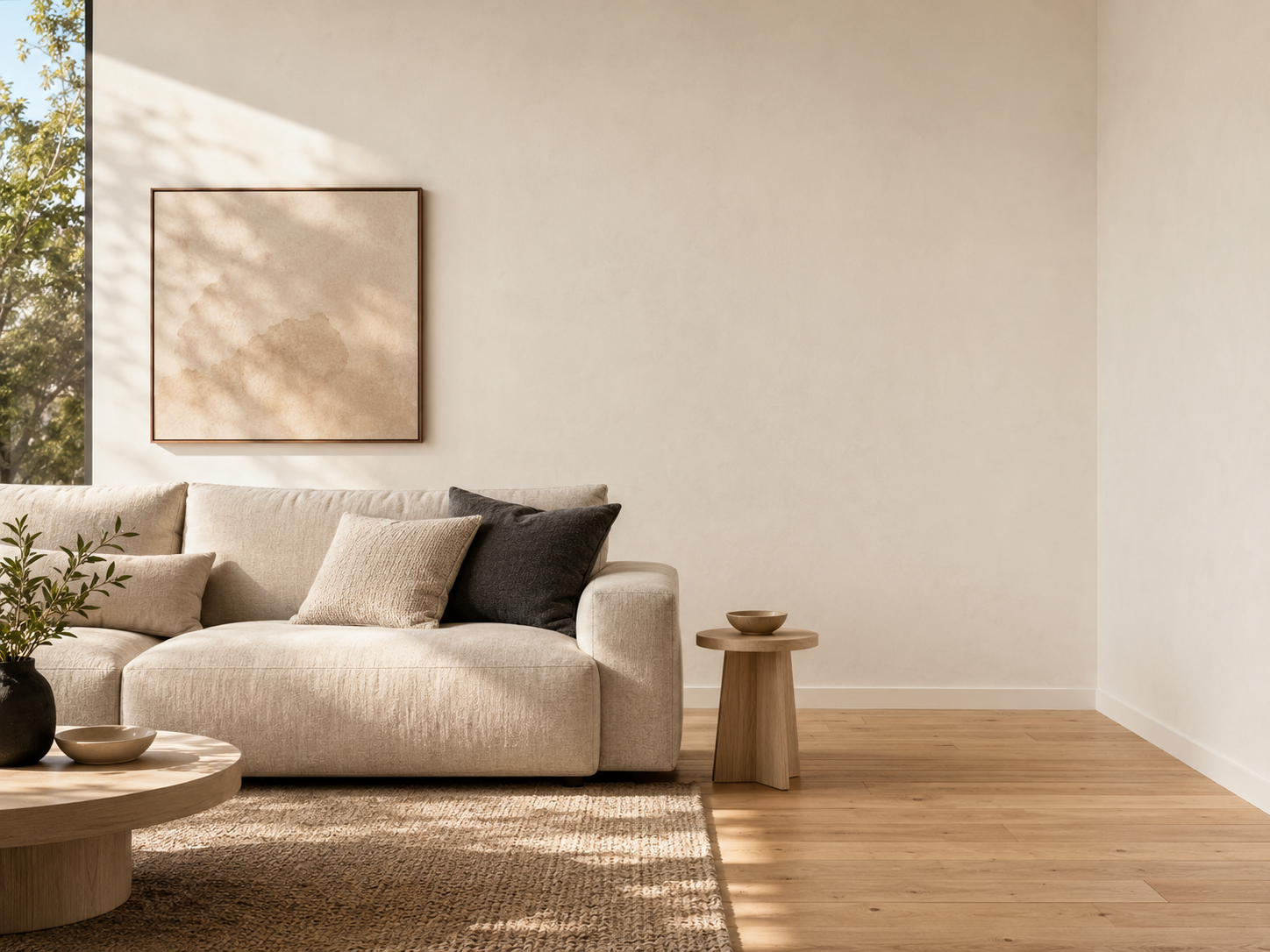
Recent Sessions
Test sofa colors and styles
Add lighting fixtures and lamps
Visualize plants and decor
Compare furniture concepts
Preview rug placements
More Generative Fill Workflows
Add Object to Photo
Paint the area where the new object should appear.
Try Object EditAdd Props to Product Photos
Create seasonal marketing variations.
Try Product EditGenerative Fill
Add, replace or repair freely.
Open Generative FillInpainting in 4 Steps
Upload a room photo
Start with a photo of an empty or partially furnished room.
Mask the target area
Select the floor or wall space where the new piece should go.
Describe the furniture
Provide details on style, material, and color.
Review concepts
Evaluate the generated visual concepts for inspiration.
Explore Interior Concepts
Add individual pieces of furniture to get a feel for different styles and layouts before making physical changes.
Ideal for Design Exploration
Interior Inspiration
Quickly visualize how a specific type of furniture might look.
Style Comparison
Compare different furniture concepts (e.g., modern vs. rustic) in the same space.
Decor Planning
Add plants, rugs, and lamps to see how they affect the room's mood.
Renovation Ideas
Communicate design directions using visual mockups.
Prompt Examples
““Modern beige sofa with two pillows against the wall.””
““Rustic wooden coffee table in the center of the rug.””
““Tall floor lamp casting warm light in the corner.””
““Large potted fiddle leaf fig plant near the window.””
Frequently Asked Questions
Is this professional virtual staging?
No. It is designed for quick visual concepts. Furniture dimensions, room scale, perspective, and placement should be reviewed before using the result in a listing.
Can I furnish a whole room at once?
For best results, add one piece of furniture at a time by masking specific areas.
Can I replace existing furniture?
Yes. Mask over the existing piece entirely and prompt for the new item you want in its place.