
Add Props to Product Photos with AI
Add realistic props to your product photos without arranging a studio shoot. ImageToLayers Generative Fill lets you select empty areas around your product and generate props with a text prompt. Use it to create richer product images for ecommerce, ads, social media, and seasonal campaigns.
1. Upload an Image to Edit
Drag and drop an image here, or click to choose a file.
3. STEP 2 · SELECT AN AREA
Upload an image to start marking the area to change.
4. Describe the Props
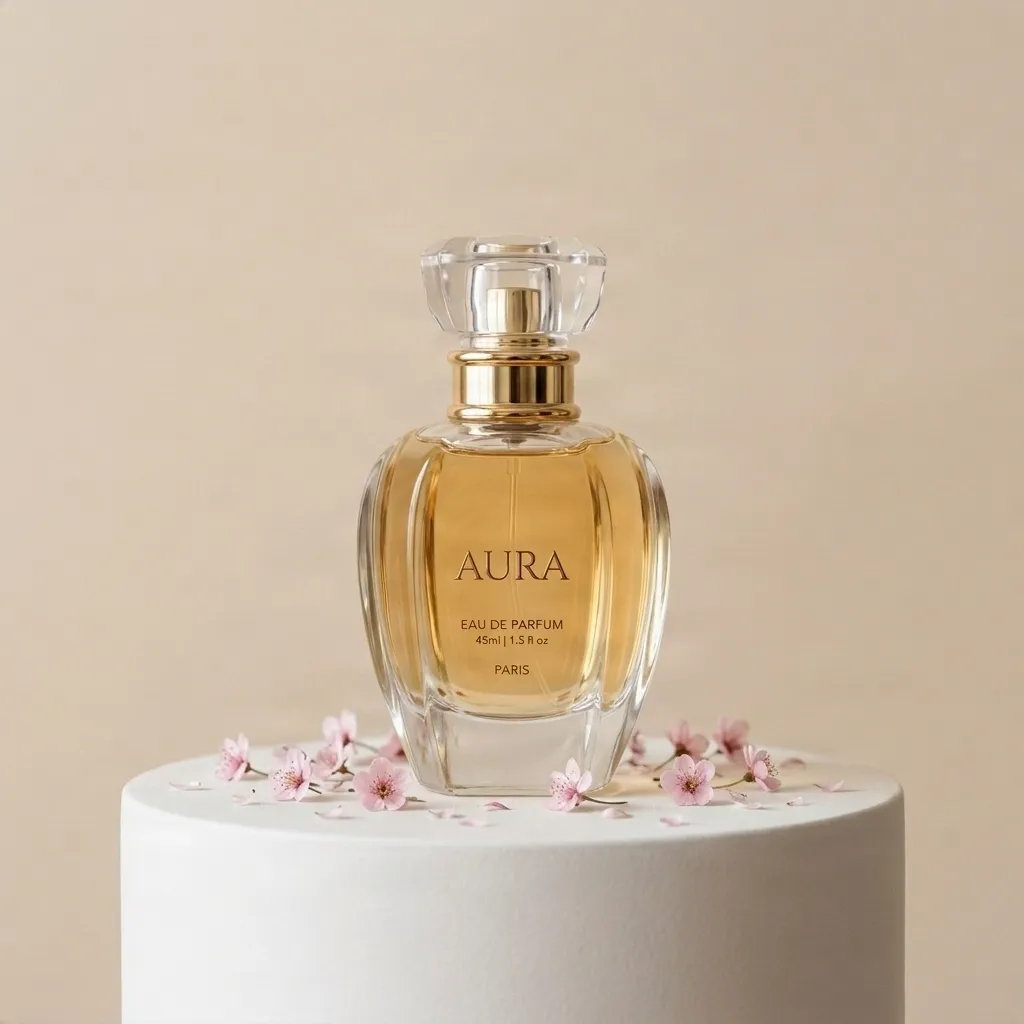
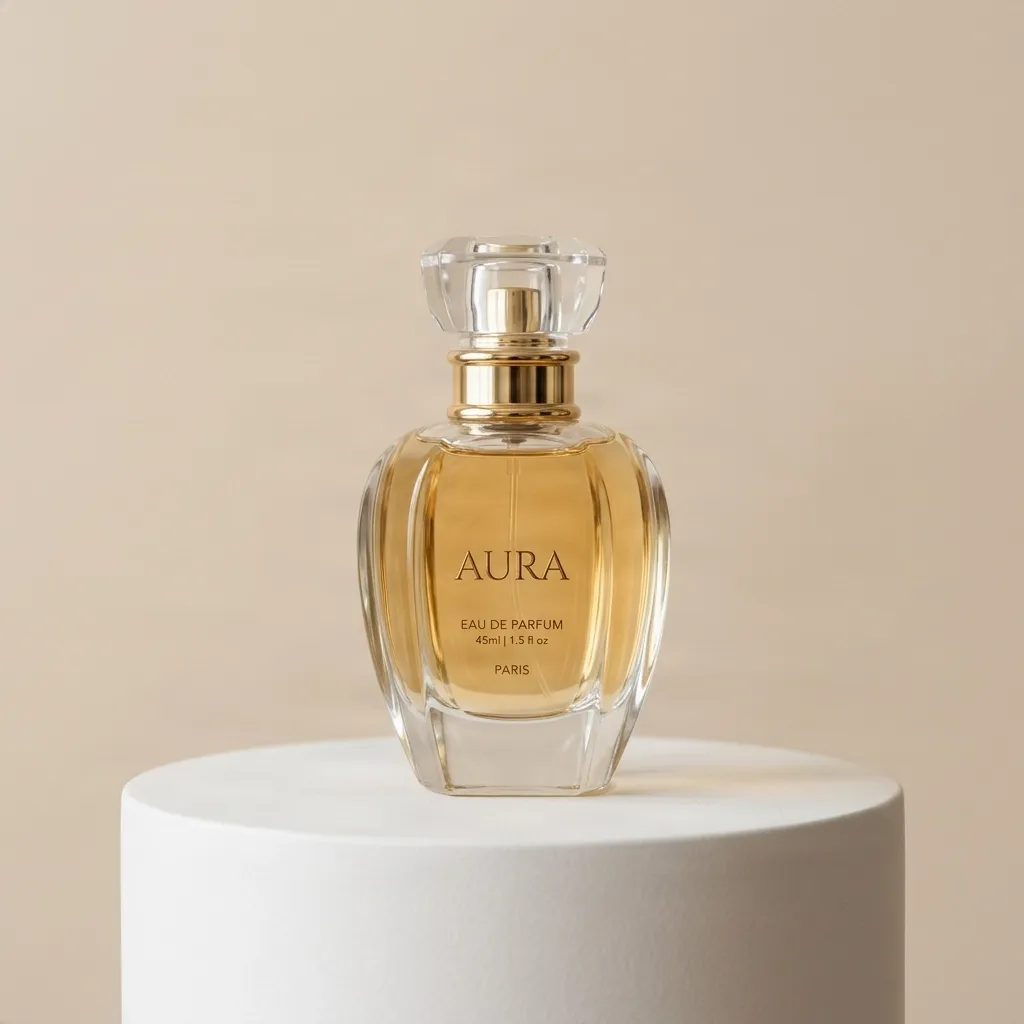
Recent Sessions
Add flowers around perfume
Add coffee and notebooks beside stationery
Add fruit near skincare products
Add kitchen props around food packaging
Add holiday decorations around gift boxes
More Generative Fill Workflows
Add Object to Photo
Paint the area where the new object should appear.
Try Object EditAdd Furniture to Room
Preview interior staging concepts.
Try Room EditGenerative Fill
Add, replace or repair freely.
Open Generative FillProtect Your Product
Help preserve the original product during the AI edit.
Inpainting in 4 Steps
Upload your product photo
Start with a clean or existing product image.
Select the empty space
Mask the area where props should appear.
Type your prompt
Describe the prop, style, lighting, and composition.
Generate and compare
Create multiple versions for different campaigns.
Turn Simple Product Photos into Styled Visuals
Props help customers understand mood, scale, occasion, and lifestyle. With AI, you can test different prop ideas quickly and create more variations from one product image.
Perfect for Marketing Teams
More Content from One Image
Create multiple campaign looks from a single product shot.
Faster Creative Testing
Try prop ideas before planning a full shoot.
Better Seasonal Assets
Adapt product images for holidays, launches, and promotions.
Consistent Visual Direction
Guide the result with prompts that match your brand style.
Prompt Examples
““Add pink flowers and soft shadows around the perfume bottle.””
““Add a coffee cup, notebook, and warm morning light near the product.””
““Add Christmas ornaments and golden ribbon beside the package.””
““Add marble texture and luxury cosmetic props around the product.””
Frequently Asked Questions
Can I add props to a product photo with AI?
Yes. Upload your product image, select the surrounding area, and describe the props you want.
Will AI change my product?
To help preserve the product, only mask the area where you want props to appear. Review the final image to ensure logos and text are intact.
What product categories work best?
Beauty, fashion, home goods, food, tech accessories, stationery, and gift products are especially suitable.