
Graphic designers
Prepare a more editable starting point when a project arrives as a flattened image.
ImageToLayers for Chrome
Right-click a web image to send it to the ImageToLayers side panel. Separate recognizable subjects, objects, and backgrounds, then review the generated layers and download supported exports.
AI processing uses credits. The extension shows your account balance and the applicable cost before you start.
The Chrome Web Store listing is not linked yet. You can use the full ImageToLayers workflow online in the meantime.
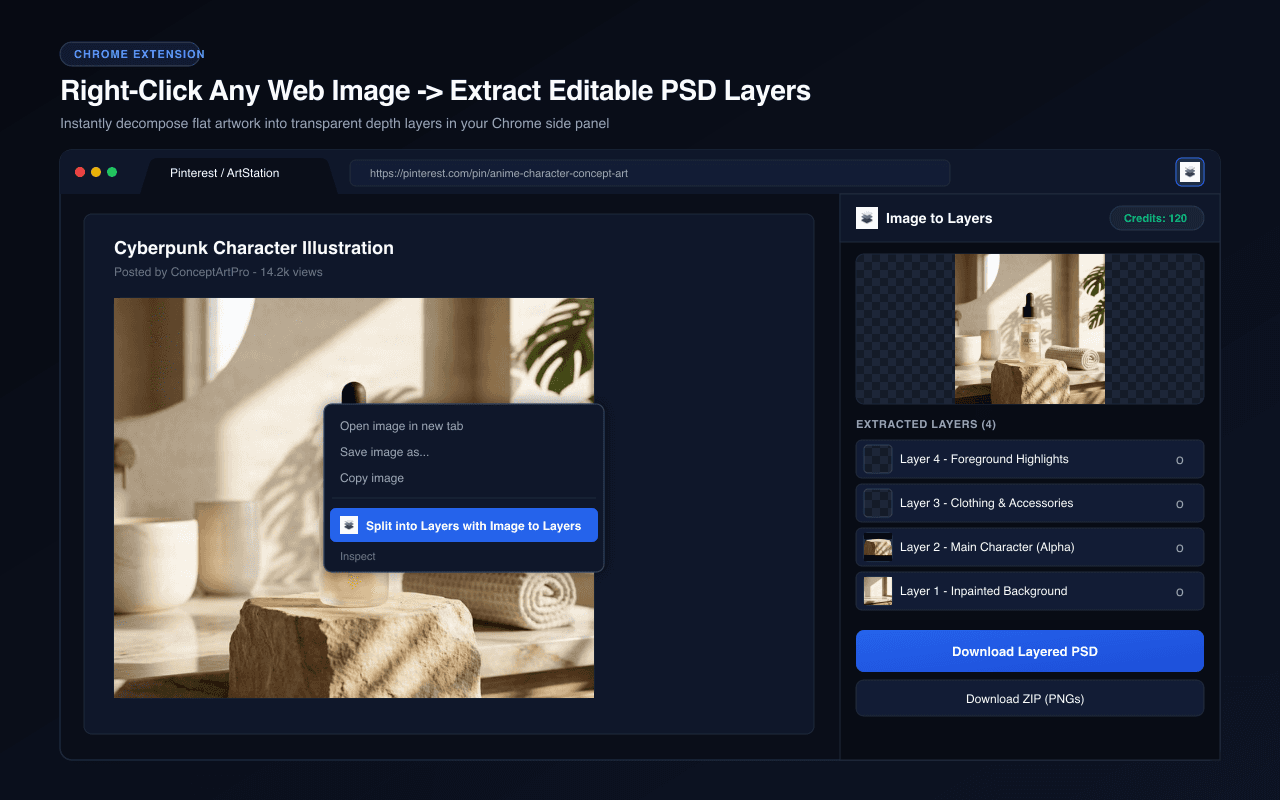
Real image separation examples
Explore existing ImageToLayers photo examples and inspect the independent raster assets. The Lifestyle Serum example includes nine layers, with a Studio Skincare example also available.
Separate visual elements into individual layers while reconstructing the background hidden behind them.
 08
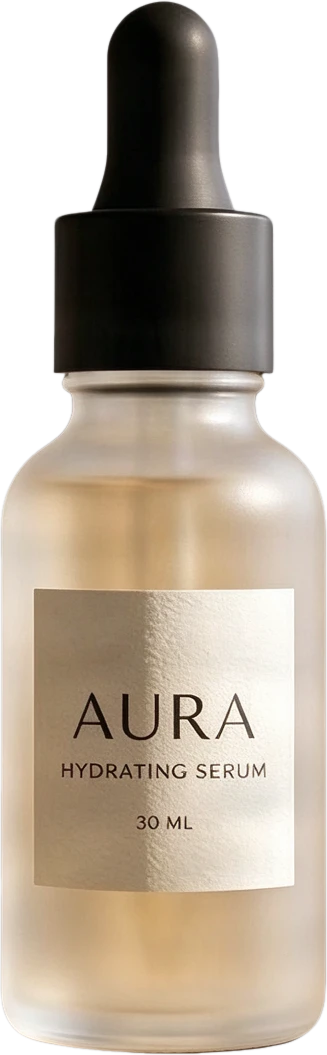
08AURA serum bottle
Frosted clear serum bottle with black dropper cap and AURA typography, presented as a standalone product.
 07
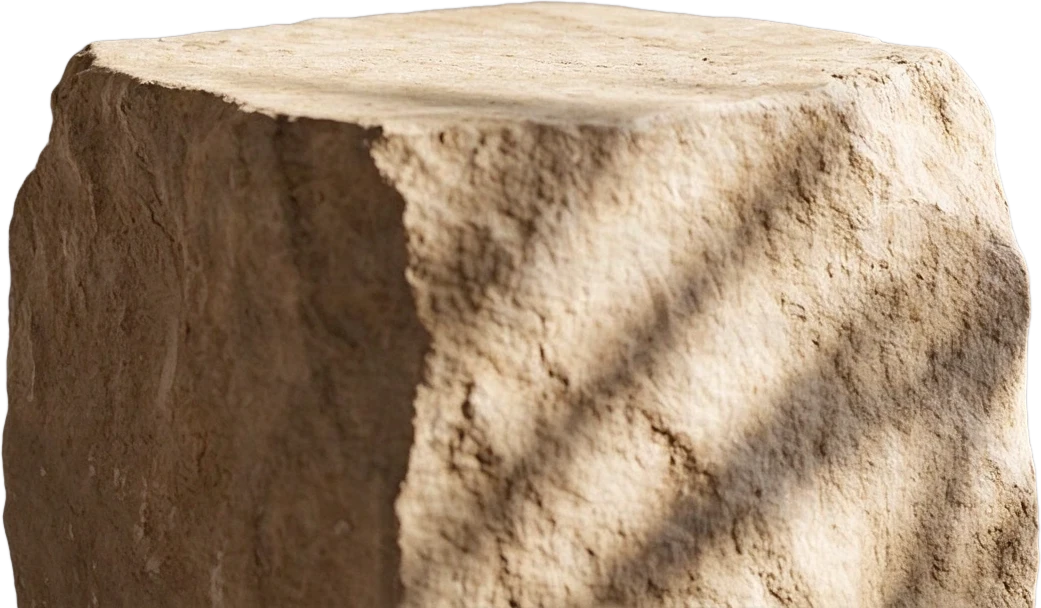
07Stone display stand
 06
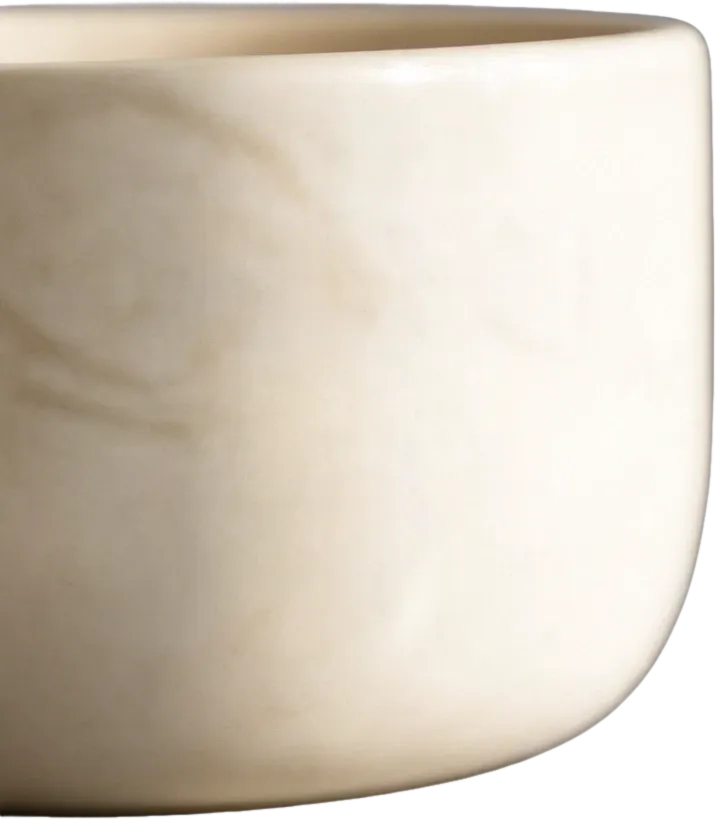
06White ceramic bowl
 05
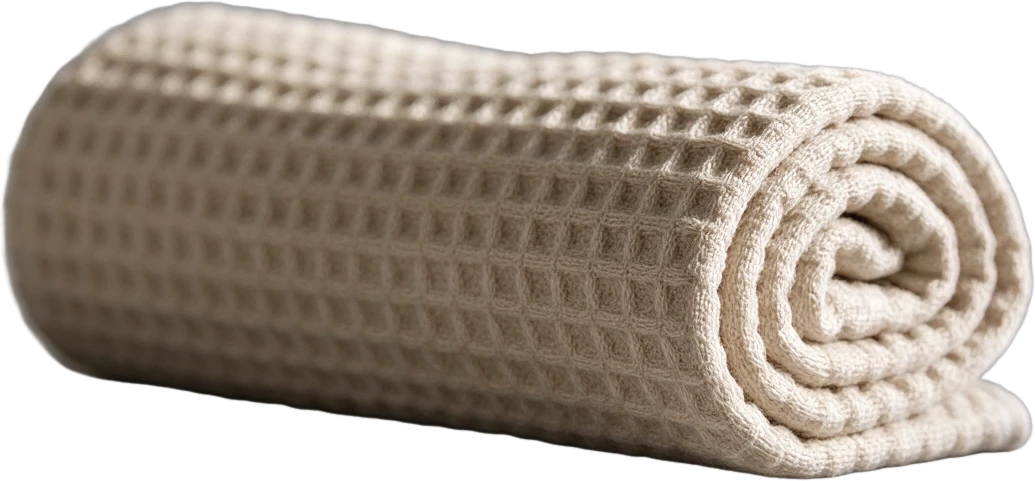
05Rolled waffle towel
 04
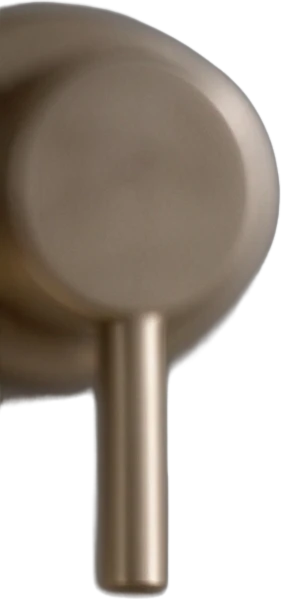
04Metal faucet
 03
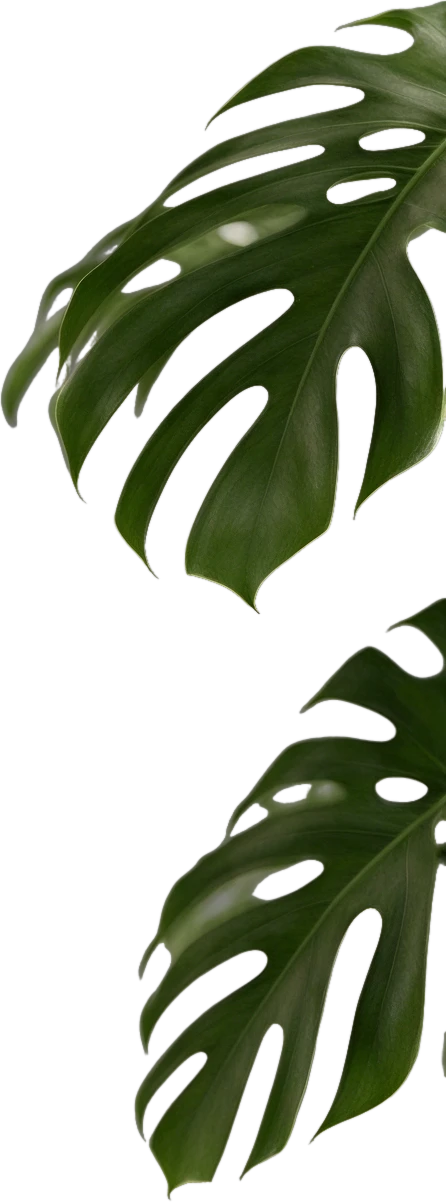
03Monstera leaf
 02
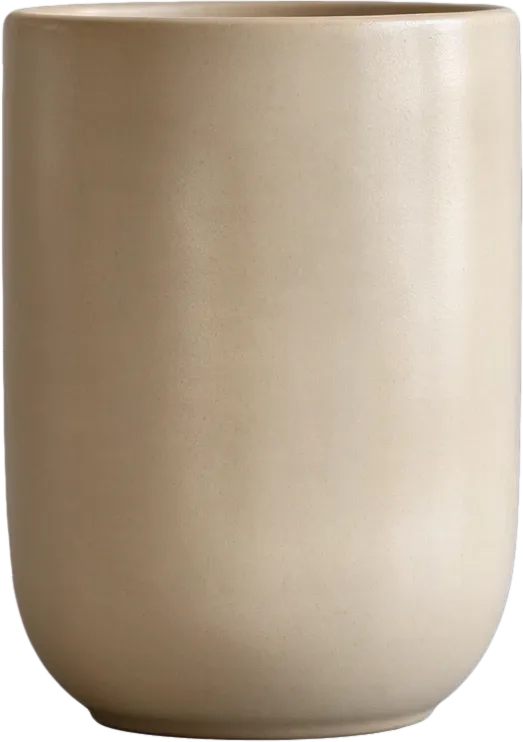
02Beige ceramic cup
 01
01Circular window decor
 00
00Inpainted background
Final Layers
Background removers create a transparent cutout. ImageToLayers also reconstructs the area hidden behind the subject, giving you complete assets for editing and composition.
Most images are processed in 60–120 seconds.
These interactive examples show the ImageToLayers web service's existing layer-generation results. They are not presented as independently verified outputs from a specific Chrome extension action.
From browsing to creating
The extension provides a browser entry point while the ImageToLayers service handles AI processing, layer review, and supported exports.
01
Right-click the specific image you want to process and choose the ImageToLayers context-menu action.
02
The selected image is passed to the Chrome side panel, where you can review it before starting a job.
03
Use your ImageToLayers account and available credits to generate layers, then inspect the result and toggle layer visibility.
04
Download supported transparent PNG layers as a ZIP. Layered PSD download is available for eligible paid plans.
The extension processes the image you select. It does not collect every image from a page or read your browsing history. Review Chrome's permission prompt and the extension privacy details before installing.
From browsing to creating
When you have permission to use an image, send the specific image you chose into a focused layer-separation workflow instead of manually cutting every object out first.
What makes layers useful
A downloaded JPG, PNG, or WebP is still usually one flat picture. The ImageToLayers service can attempt to create separate raster assets for recognizable objects, foreground details, and background areas.
AI image layer separation
The service analyzes an image and attempts to separate visually recognizable elements. Not every object is guaranteed to become an independent layer, and some results may need manual cleanup.
For creative workflows
Design revisions, ecommerce campaigns, AI artwork, and illustrations often begin with an image that has already been flattened. The extension connects your Chrome workflow with the existing ImageToLayers service.
Continue beyond the browser
The extension side panel supports reviewing separated assets and downloading them as transparent PNGs in a ZIP. It also provides a layered PSD download for accounts on eligible paid plans. You can continue in the ImageToLayers web workspace for the supported editing workflow.
Understand the output
AI creates a new raster-layer interpretation of visible content. It does not recover the image's original design file or recreate its native editing objects.
Permissions and image rights
The extension uses Chrome's context-menu and side-panel capabilities to act on a selected image. Its manifest requests sidePanel, contextMenus, and storage, along with host access for ImageToLayers and its upload storage. It does not request access to browsing history or all page content.
Who it's for
Prepare a more editable starting point when a project arrives as a flattened image.
Reuse product images and supporting objects in new compositions when you have the rights to edit them.
Continue working with a finished image by separating suitable subjects and background elements.
Explore alternate layouts from images that already fit a campaign's visual direction.
Prepare recognizable characters, illustrations, and scene elements for further raster editing.
Work from client-provided image files when the original layered source is unavailable.
It is a Chrome companion that can send a web image you choose to the ImageToLayers side panel. The ImageToLayers service provides AI-assisted layer generation, review, and supported exports.
The service can attempt to create new raster layers from suitable images, including recognizable products, people, objects, characters, foreground details, and backgrounds.
Use the Add to Chrome button on this page when an official Chrome Web Store listing is linked. If that button is not shown, the listing is not configured here yet; you can use the ImageToLayers website online.
Yes. The ImageToLayers website provides the image upload, AI layer-separation, result review, editing, and export workflows independently of the extension.
Yes. The extension adds a context-menu action for images. Right-click the specific image and choose the ImageToLayers option to send it to the side panel.
No. The extension acts on the image you explicitly select from the context menu; it does not automatically collect every image on a page.
The ImageToLayers service can attempt to separate multiple recognizable visual elements into raster layers. The number and grouping of layers depend on the source image and processing result.
Yes. Background removal typically isolates one subject. ImageToLayers can attempt to separate several recognizable elements and prepare background assets where supported.
The extension includes a layered PSD download action for accounts on eligible paid plans. The side panel also supports a ZIP download of PNG layer assets.
Yes. The extension supports downloading the generated transparent PNG layers together in a ZIP package.
Yes. You can send a suitable web image you are authorized to use or drag a local image into the side panel, then try generating new raster layers.
The service can attempt to isolate recognizable people and illustrated characters. Overlap, hair, transparent materials, and fine details can require additional cleanup.
Yes. The extension provides layered PSD downloads for eligible paid plans, and its ZIP export contains transparent raster layers that can also be opened in image editors.
You can import supported PNG assets into applications that accept them. This is a file-based workflow, not a direct Figma or Canva integration.
No. Text visible in an image is generally represented by raster pixels, not recovered as native editable text with its original font.
The service can attempt to reconstruct some covered background regions. These areas are AI-generated estimates, not recovered original pixels, and may need review.
AI generation is credit-based. The extension shows your account's remaining credits, and the applicable processing cost is shown before you start. PSD download requires an eligible paid plan.
The manifest requests sidePanel, contextMenus, and storage permissions, plus host access for ImageToLayers and its upload storage. The extension uses them to open the side panel, offer the selected-image action, and process uploads.
Only when you have the necessary rights or permission. Finding an image on a website does not automatically grant permission to modify, redistribute, or use it commercially.
Results vary by image. Review the layers in the side panel and use the available web workspace editing options to refine them. Some images may need manual corrections or another approach.
Related ImageToLayers tools
Turn a flattened image into independently editable raster elements.
Open this toolCreate a new layered Photoshop document from a supported image.
Open this toolPrepare subjects, objects, and backgrounds from finished AI artwork.
Open this toolSeparate recognizable products, props, and backgrounds from suitable product photos.
Open this toolPrepare individual characters and scene elements from finished illustrations.
Open this toolConnect your browsing workflow with AI layer separation, then review and export suitable raster assets for your next design.
The Chrome Web Store button appears only when an official listing URL is configured. AI processing uses credits, and the workspace shows the applicable cost before generation.
Creative Toolkit Index
Quick access to precision layer extraction, AI photo editing & asset tools.