
AI IMAGE TEXT FIXER
Fix Text in AI Images Without Starting Over
Your AI-generated image looks great—except for the words. Correct misspellings, garbled lettering, and awkward text while keeping the original design as your reference.
Upload Your AI Image and Fix the Text
Already have an AI image with incorrect lettering? Upload it and describe the exact words that need correcting. Include the original and replacement text in your instructions, and ask the AI to preserve everything else as closely as possible.
Tell us what's wrong with the text. For best results, put the correct wording inside quotation marks.
Correct the misspelled headline 'GRAND OPENNIG' to 'GRAND OPENING'. Keep the original poster design, colors, typography, images, and layout as close as possible. Do not add or change any other text.
Qwen Image 3.0 Studio
Typography TierMultilingual text rendering, poster composition, and multi-image spatial layout.
Image
OptionalAdd Image
Click or drag one source image here to start editing.
PNG, JPG, JPEG, or WEBP. The upload card is the primary starting point.
Enter a clear edit instruction. Cmd/Ctrl + Enter runs when ready.
0/500Advanced
Create Result
Add a prompt before running.
Qwen Image 3.0 · Proofing Canvas
Interactive before / after inspection
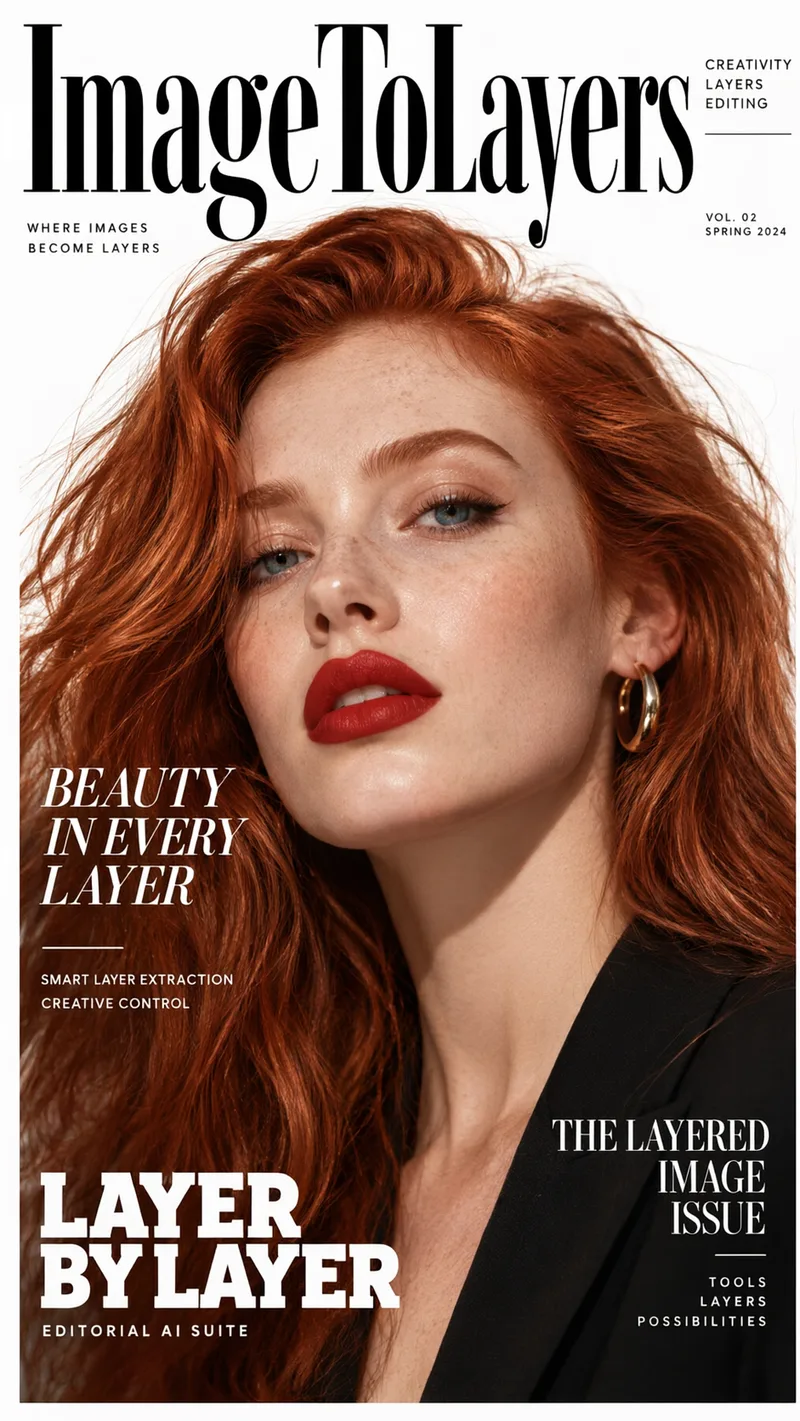
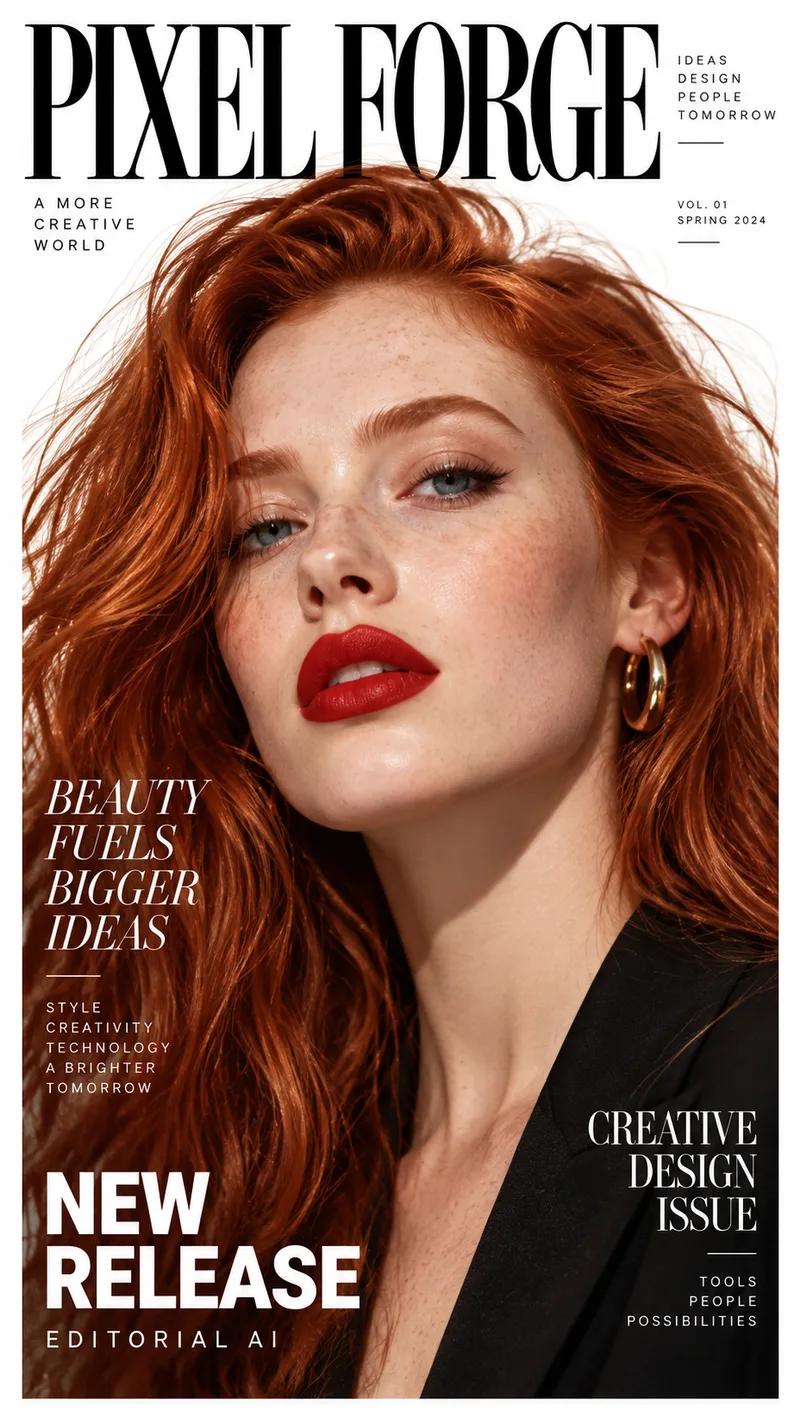
Studio Quality Standard
Recent Sessions
Studio capabilities
Output size is limited to 512-2048px per side. Mask-guided editing isn't available for this model — use a full-image edit or Send Revision instead.
Review your generated result carefully, especially spelling, numbers, logos, and small text. You can send a revision if something still needs correction.
SEE WHAT YOU CAN FIX
Keep the Image You Like. Fix the Words You Don't.
You shouldn't have to abandon a great AI-generated design because of one misspelled headline. Make the correction the focus of your next edit.
Fix a Misspelled Poster Headline
Before
GRAND OPENNIG
After
GRAND OPENING
Repair Gibberish on a Product Ad
Before
NATURRL SKN CARE
After
NATURAL SKIN CARE
Correct an Infographic Label
Before
ANNUAL GROTH
After
ANNUAL GROWTH
These examples illustrate common correction tasks. Actual results depend on the source image and the generated revision.
THE PROBLEM
Great AI Art Can Still Have Terrible Text
You finally generate an image with the right lighting, colors, subjects, and layout. Then you notice the headline has an extra letter—or the smaller text doesn't make any sense. Generating the entire image again can change everything you liked about it.
The Design Is Right, but One Word Is Wrong
The Letters Look Like Words, but Aren't
Every Regeneration Changes the Design
The Image Is Almost Ready to Publish
COMMON TEXT PROBLEMS
Fix the Text Mistakes That AI Image Generators Leave Behind
Short, clearly identified text changes are usually easier to review than rewriting every paragraph in a detailed image.
Misspelled Headlines
Gibberish and Unreadable Lettering
Incorrect Product Names
Wrong Dates, Prices, and Numbers
Broken Signs and Labels
Inconsistent Text Across a Design
WORK WITH WHAT YOU ALREADY HAVE
Don't Lose a Design You Spent Time Creating
Start With Your Favorite Result
Tell the AI Exactly What to Change
Keep the Visual Direction Consistent
Make Another Revision When Needed
HOW TO FIX AI TEXT
Correct Text in an AI-Generated Image in Four Steps
1. Upload Your AI-Generated Image
2. Enter the Correct Wording
3. Generate the Correction
4. Review, Refine, and Download
PRACTICAL USE CASES
Fix AI Text for the Images You Actually Create
AI Posters and Event Graphics
Product Advertising Images
Social Media Graphics
AI Book Covers and Thumbnails
AI-Generated Infographics
Signs, Menus, and Mockups
Whether you're a designer, marketer, content creator, or small-business owner, the goal is simple: keep more of the image you like and spend less time starting over.
BETTER INSTRUCTIONS, BETTER EDITS
Tell AI Exactly Which Text Needs Fixing
Correct a Misspelled Word
Fix the word 'OPENNIG' so it reads exactly 'OPENING'. Preserve the original font appearance, lettering size, colors, background, and composition as closely as possible. Do not change any other words.
Replace Gibberish with Real Text
Replace the unreadable lettering in the main headline with the exact words 'SUMMER COLLECTION'. Match the existing headline's style and position. Keep the remaining artwork unchanged as much as possible.
Repair Product Ad Text
Correct the product headline to read exactly 'HYDRATING SERUM'. Keep the bottle, packaging, product colors, shadows, and surrounding artwork in their existing positions. Do not introduce additional text.
Fix a Date
Change the event date from 'JUNE 32' to 'JUNE 23'. Keep the event name, typography, illustrations, and poster layout as close to the original as possible.
Fix an Infographic Heading
Correct the heading 'ANNUAL GROTH' to 'ANNUAL GROWTH'. Preserve chart values, icons, colors, section order, and other visible text. Do not modify any data.
Repair Several Short Labels
Correct only these labels: 'INTORDUCTION' to 'INTRODUCTION', 'BENFITS' to 'BENEFITS', and 'SUMMRY' to 'SUMMARY'. Keep their order, positions, and visual styles. Preserve all other parts of the image.
Be specific about both the text to change and what to preserve. Check that the AI Prompt Optimizer hasn't expanded your instruction in a way that changes the exact wording.
GET A CLEANER RESULT
Small Changes Are Easier to Review
Use the Exact Replacement Text
Name the Location
Fix One Area at a Time
Keep Your Source Image Clear
Explain What Should Stay Unchanged
Proofread Before Publishing
TWO DIFFERENT REASONS TO CHANGE TEXT
Fix AI Text vs. Edit Text in an Image
Fix Text in AI Images
Edit Text in an Image
Both tasks may use AI image editing, but the reason for editing is different.
IMPORTANT TO KNOW
AI Can Help Correct Text, but It Isn't a Traditional Typesetting Editor
Qwen Image 3 Pro generates a revised image from your source and instructions. It does not expose the original letters as editable font objects and this workflow does not offer mask-guided editing. A new generation can change nearby details, adjust lettering, or introduce another text error. Very small text, unusual fonts, complex backgrounds, and long paragraphs are harder to reproduce consistently.
For exact legal wording, nutritional information, addresses, numerical data, or print-critical typography, review the result manually and use conventional design software when pixel-perfect accuracy is required.
Fix Text in AI Images: Frequently Asked Questions
Learn what the editor can correct, how to write a clear prompt, and what to review in the result.
How do I fix text in an AI-generated image?+
Upload the image, describe the incorrect word or phrase, and include the exact replacement text. Generate a revised version, then check the output carefully before downloading it.
Can AI correct misspelled words in an image?+
AI image editing can attempt to replace misspelled words with the wording you specify. Accuracy depends on the text, its size, location, and the complexity of the surrounding image.
Can I fix gibberish text created by an AI image generator?+
You can ask the editor to replace meaningless or malformed lettering with readable text. Clearly identify the text area and provide the exact words you want.
Will the rest of my image stay exactly the same?+
Not necessarily. The model uses your original image as a reference and can try to preserve the surrounding design, but full-image AI editing may alter nearby pixels, objects, or typography.
Can I fix just one word?+
Yes. Give the model a narrow instruction, such as correcting one headline word while preserving the remaining text and artwork. It may still regenerate parts of the image.
Can I fix several text mistakes in one image?+
Yes, describe multiple corrections in one prompt. For designs with many small labels, correcting fewer items at a time may make results easier to verify.
Does the tool automatically detect all spelling mistakes?+
No. This workflow is instruction-based. You identify the text problem and provide the intended replacement. It is not a guaranteed automatic spelling checker.
Can I preserve the original font and typography?+
You can ask AI to match the existing font appearance, size, color, and placement. Exact typeface identification and pixel-perfect typography are not guaranteed.
Can I repair text in AI-generated posters?+
Yes. Posters with prominent headlines, short subtitles, and clearly visible text are suitable candidates. Review the final wording before using the poster.
Can I correct product names or text on AI packaging mockups?+
You can attempt to correct short product names, slogans, and labels. For real product packaging, verify every required detail and don't rely on generated typography for final print production.
Does it work with AI-generated infographics?+
It can help revise headings and short labels, but may change other visual details. Always verify chart values, numbers, labels, and factual statements.
Can I fix text in languages other than English?+
You can provide correction instructions for other languages, and the model can attempt multilingual text rendering. Results depend on the language, script, text length, and image quality.
Can I select the exact letters with a brush or mask?+
No. This Qwen Image 3 Pro workflow uses image-level editing instructions and does not currently provide mask-guided editing. Describe the location of the text you want corrected.
Can I edit the letters directly after downloading?+
The generated result is a flat image, not a document with editable text objects. You can explore Image to Layers separately, but native editable text is not guaranteed.
What if the corrected text is still wrong?+
Review the result and submit another revision with a clearer instruction. Quote the exact words, specify their location, and ask the model to preserve other content. Each new generation may use additional credits.
How many credits does it cost?+
The current Qwen Image 3 Pro configuration uses 50 credits per generated image. The editor shows the applicable total before submission, including when you select multiple results.
Can I use the corrected image commercially?+
Commercial-use rights depend on your subscription, the model's permitted usage, and the rights to the source image and included content. Review the applicable terms before commercial publication.
Is this a free AI image text fixer?+
This Qwen Image 3 Pro workflow uses credits for generation. The editor shows the cost before you start. Other tools on the site may have different limits and pricing.
Related Tools
Edit Text in Image
Replace readable headlines, dates, labels, and other wording when you want to deliberately change the message.
Explore toolTranslate Text in Image
Create an image revision containing copy in another language.
Explore toolQwen Image 3 Pro
Generate and revise text-heavy illustrations, posters, ads, and other visual compositions.
Explore toolImage to Layers
Separate a finished design into image layers for further visual editing.
Explore toolLove Your AI Image? Fix the Text and Keep Going.
You don't need to start every design from scratch because of one broken word. Upload the image you've already created, describe the correction you need, and generate a new version using your original design as the reference.
Fix My AI Image TextPowered by the existing Qwen Image 3 Pro editor. Review every important word before publishing.
Creative Toolkit Index
Explore More AI Features
Quick access to precision layer extraction, AI photo editing & asset tools.