Built-in negative space
Frame subjects on one side so headlines, subcopy, and CTA buttons remain clean and readable.
Web and social headers
Generate crisp 16:9 website banners, store headers, and social covers with clean negative space for headlines and buttons.
Capabilities
Frame subjects on one side so headlines, subcopy, and CTA buttons remain clean and readable.
Choose horizontal aspect ratios tailored for landing page heroes, Shopify stores, and display ads.
Split any generated banner into subject and background layers to resize or reposition elements.
Test seasonal colors, lighting moods, and product placements in seconds before finalizing.
Banner layouts
Use directional framing cues to reserve clean areas for your brand text and logos.
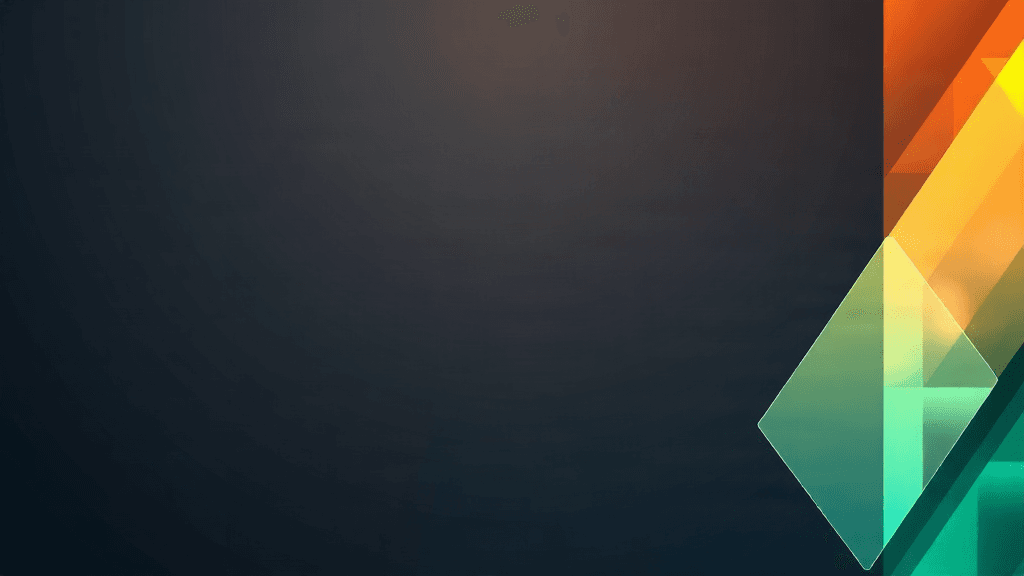
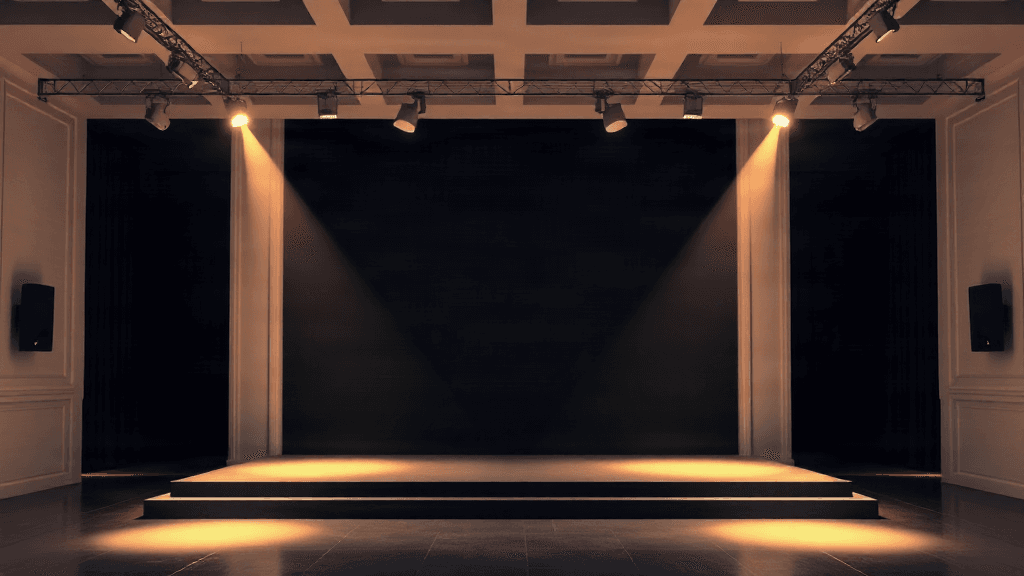
Place your hero product on the right third while keeping a soft, uncluttered gradient on the left.
Luxury wireless headphones on brushed aluminum stand on right side, soft neutral studio backdrop on left for text, 16:9
Centered focal lighting with subtle edge framing that crops cleanly across desktop and mobile.
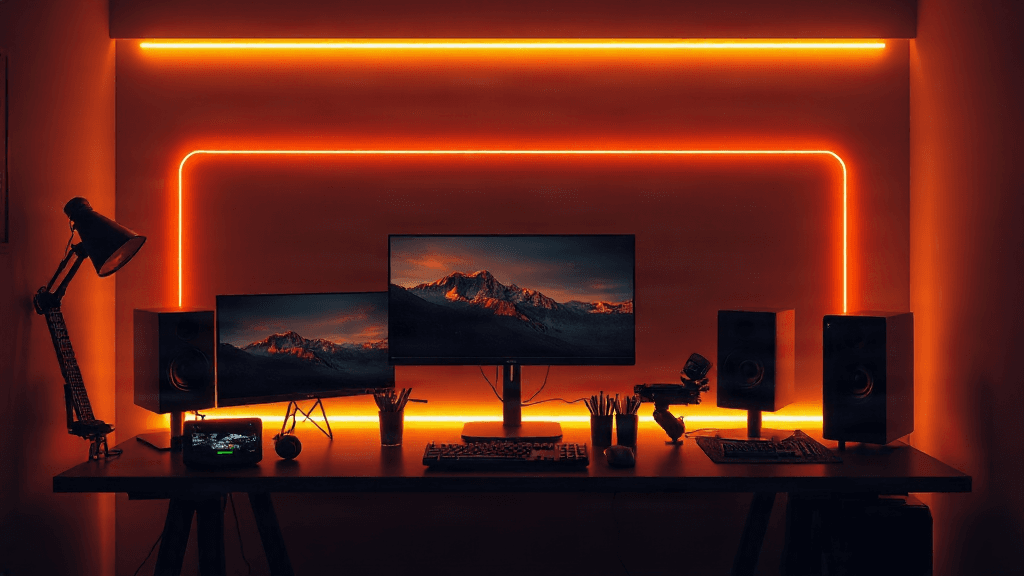
Stylized anime workspace by a rainy window at dusk, cozy warm desk lamp, wide 16:9 channel banner illustration
Editorial textures and abstract lighting that pair naturally with serif or sans-serif titles.
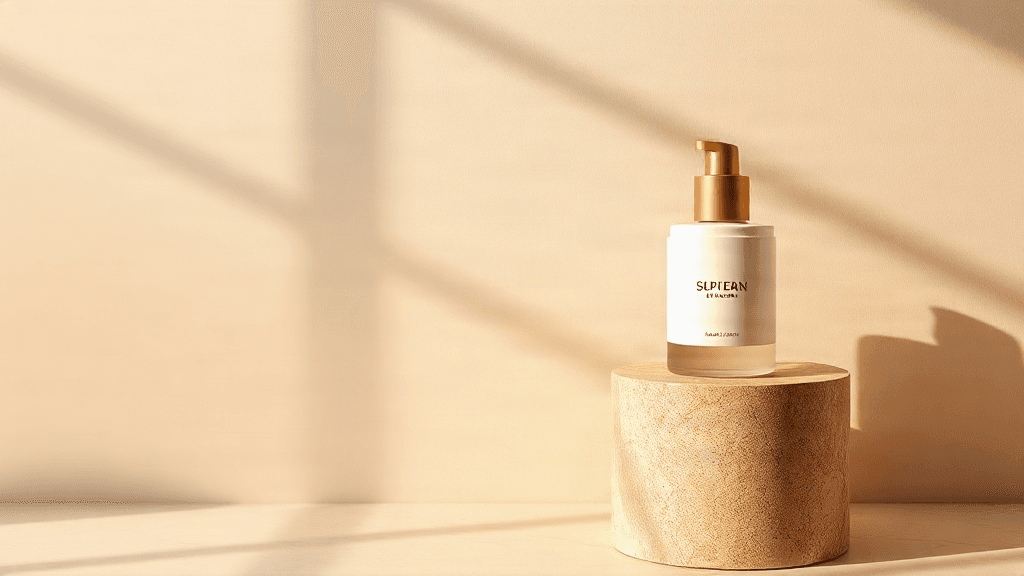
Warm sunlit paper and ceramic texture editorial banner, soft directional shadow, minimalist 16:9 header
How it works
Step 01
Select a horizontal aspect ratio matching your hero section, storefront slider, or channel header.
Step 02
Describe your visual subject and mention where you want clean negative space for your headline.
Step 03
Open the result in Edit Text in Banner or Image to Layers to tweak copy and isolate objects.
Use cases
Launch seasonal sale headers and collection banners without waiting for a full studio shoot.
Refresh profile headers and launch announcements with cohesive lighting and brand colors.
Produce multiple visual hooks quickly for A/B testing hero sections and ad creatives.
Next step
Change headlines, translate promotional copy, or separate banner graphics into editable PSD layers without starting over.
FAQ
Include framing instructions like 'subject positioned on the right, clean minimal negative space on the left for text' in your prompt.
Yes. Use our Edit Text in Banner tool to rewrite or translate text on the banner while preserving the background.
16:9 works best for most website hero sections, YouTube headers, and presentation slides; 3:2 works well for blog cards and editorial headers.
Yes. Run the generated image through Image to Layers or Ad Delayer to separate foreground objects, text, and background into an editable PSD.
Yes. Use Image Extender to outpaint a 16:9 banner into 4:5, 1:1, or 9:16 ratios without cropping out your main subject.
Prompt the generator for clean negative space without text first, or add and edit crisp typography afterward using Edit Text in Banner.
You can choose standard or higher-resolution outputs depending on the model, and upscale finished banners up to 4x with Image Upscaler for hero displays.
Yes. Banners created on paid plans include commercial usage rights for storefronts, landing pages, newsletters, and paid social campaigns.
Related tools
Update promotional headlines, prices, or languages directly inside any banner image.
Decompose finished ad banners into separate foreground, copy, and background PSD layers.
Expand a square or vertical photo into a wide 16:9 banner canvas with natural outpainting.
Generate widescreen hero and ad banners from text, then edit copy or export PSD layers.
Creative Toolkit Index
Quick access to precision layer extraction, AI photo editing & asset tools.
Select a template to populate your prompt and output format.