
BeforeAfter
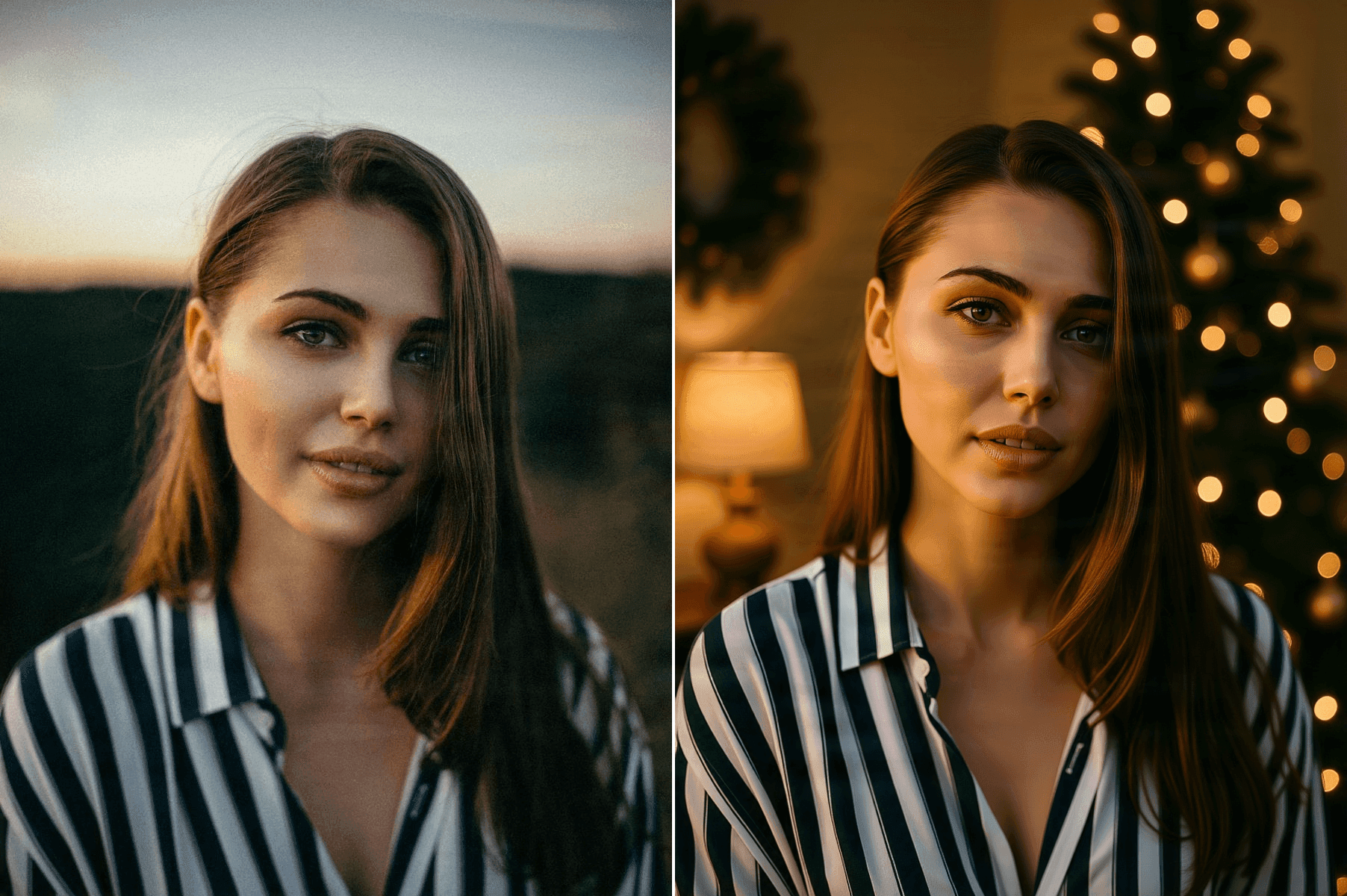
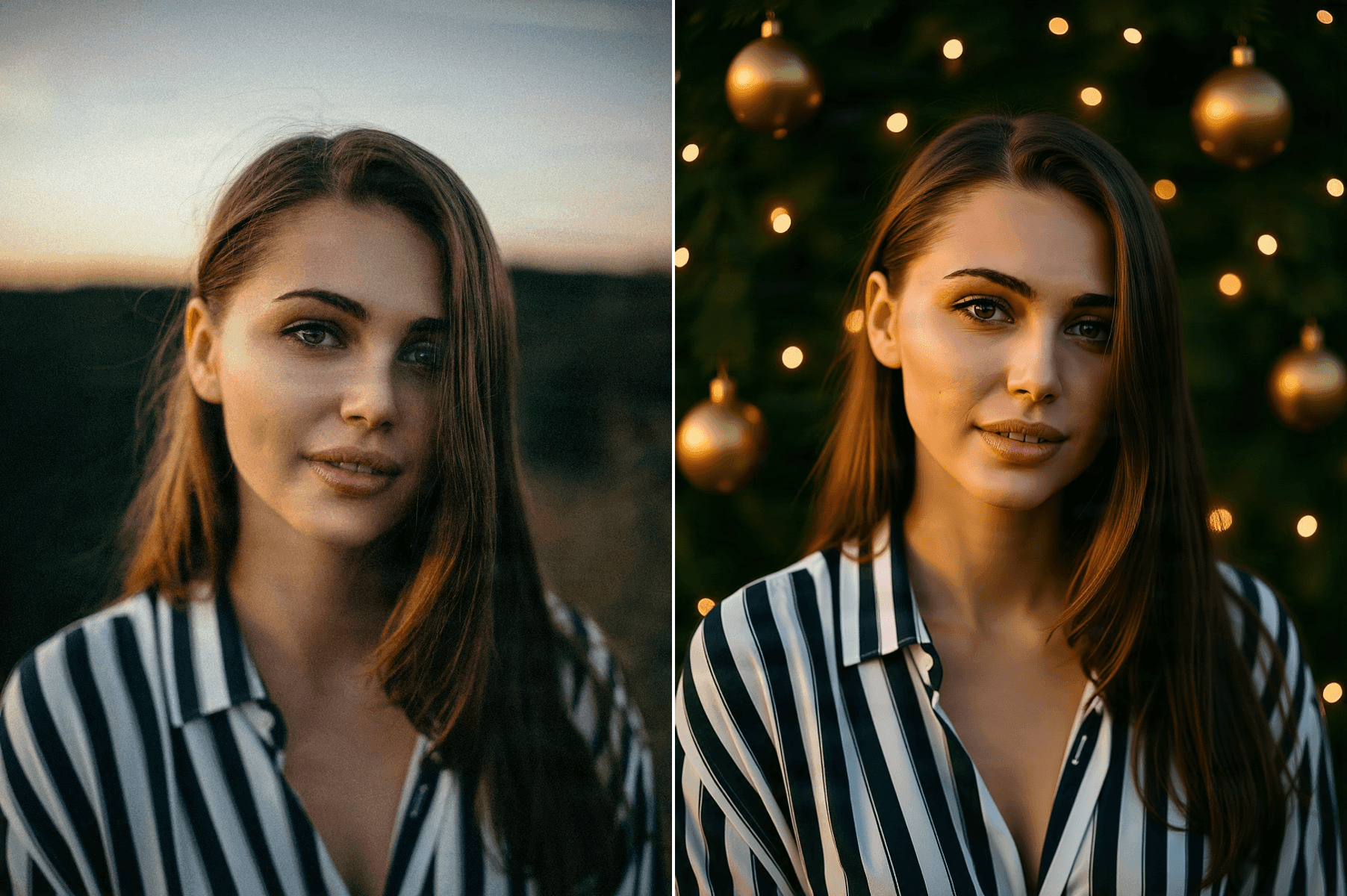
Everyday portrait to cozy Christmas portrait
Warm tree lights, evergreen details, and soft golden bokeh for a classic holiday-card atmosphere.
Turn an everyday photo into a warm, festive holiday portrait. Upload your image, choose a holiday look, and create Christmas-ready portraits with seasonal lighting, winter scenery, and festive styling.
No prompt writing required. Start from your own photo and choose the look you want.
Drop image or click to browse
PNG, JPG, or WebP up to 10MB
Before and after
One photo required
Five holiday looks
No prompt writing
Keep editing after generation
Photo to holiday portrait
You do not need a holiday photoshoot to explore a festive portrait. Start with a clear photo you already have and apply a ready-made seasonal look built around Christmas lights, snowy scenery, warm interiors, or elegant holiday styling.
The workflow uses your uploaded image as the visual reference, so the goal is to keep the people recognizable while changing the atmosphere around them.
Generate different holiday versions without rewriting a long image prompt every time, then keep the one that fits your card, profile, or gift.
Before and after
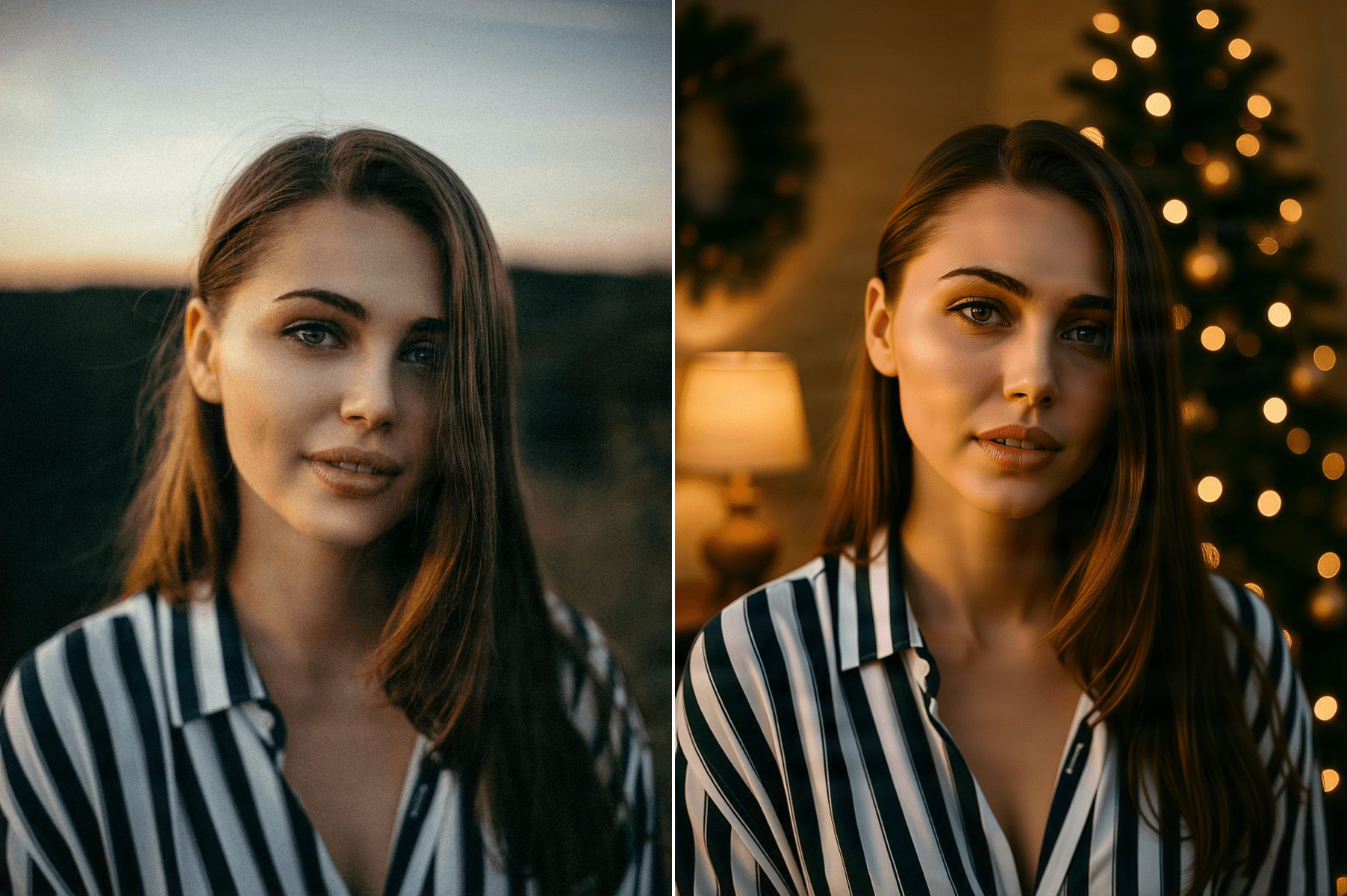
See how ordinary portraits can become festive seasonal images while keeping the original subject and overall portrait structure recognizable.
Warm tree lights, evergreen details, and soft golden bokeh for a classic holiday-card atmosphere.
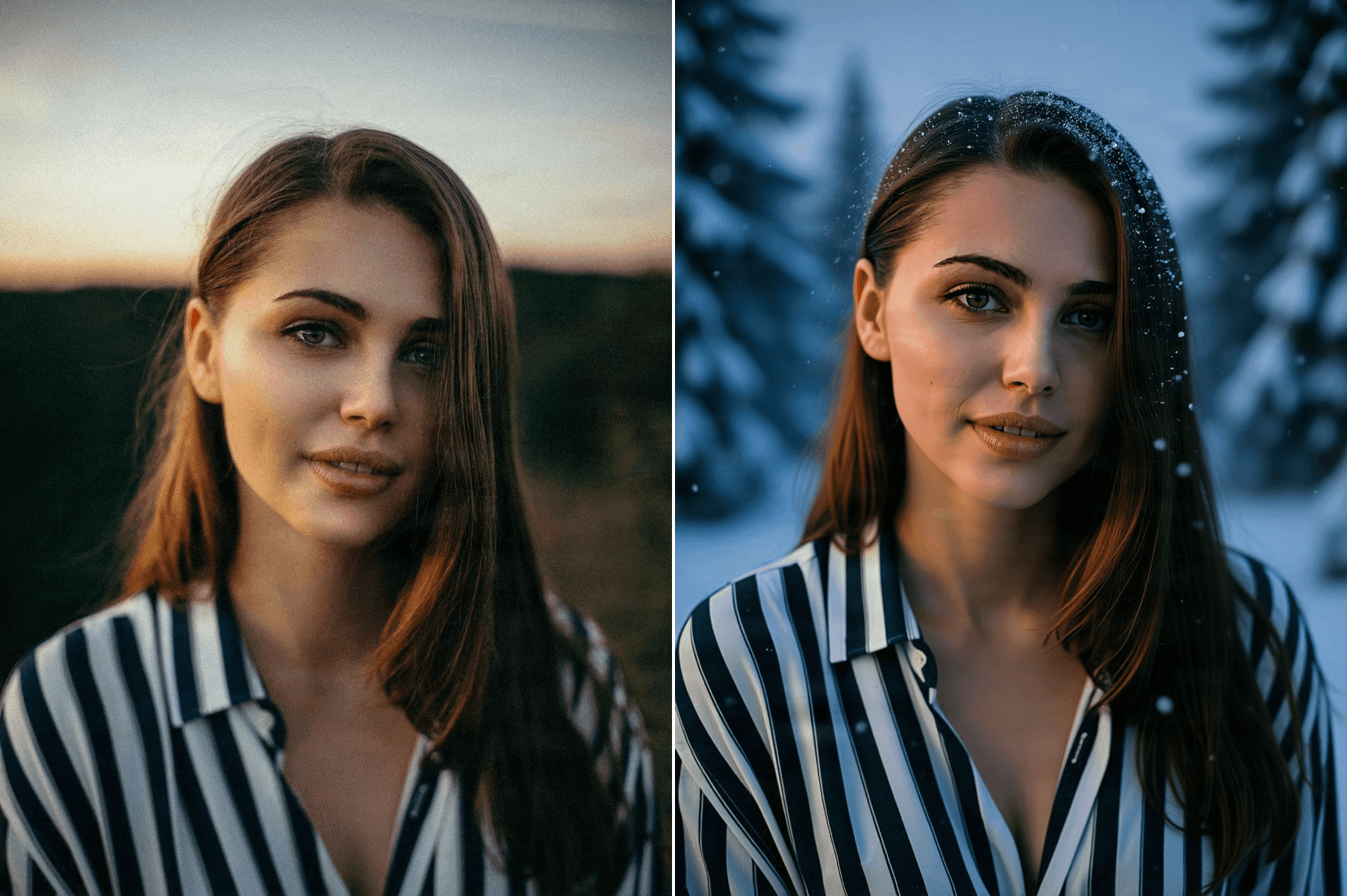
The same portrait moved into a calm winter setting with soft snowfall and cool seasonal light.
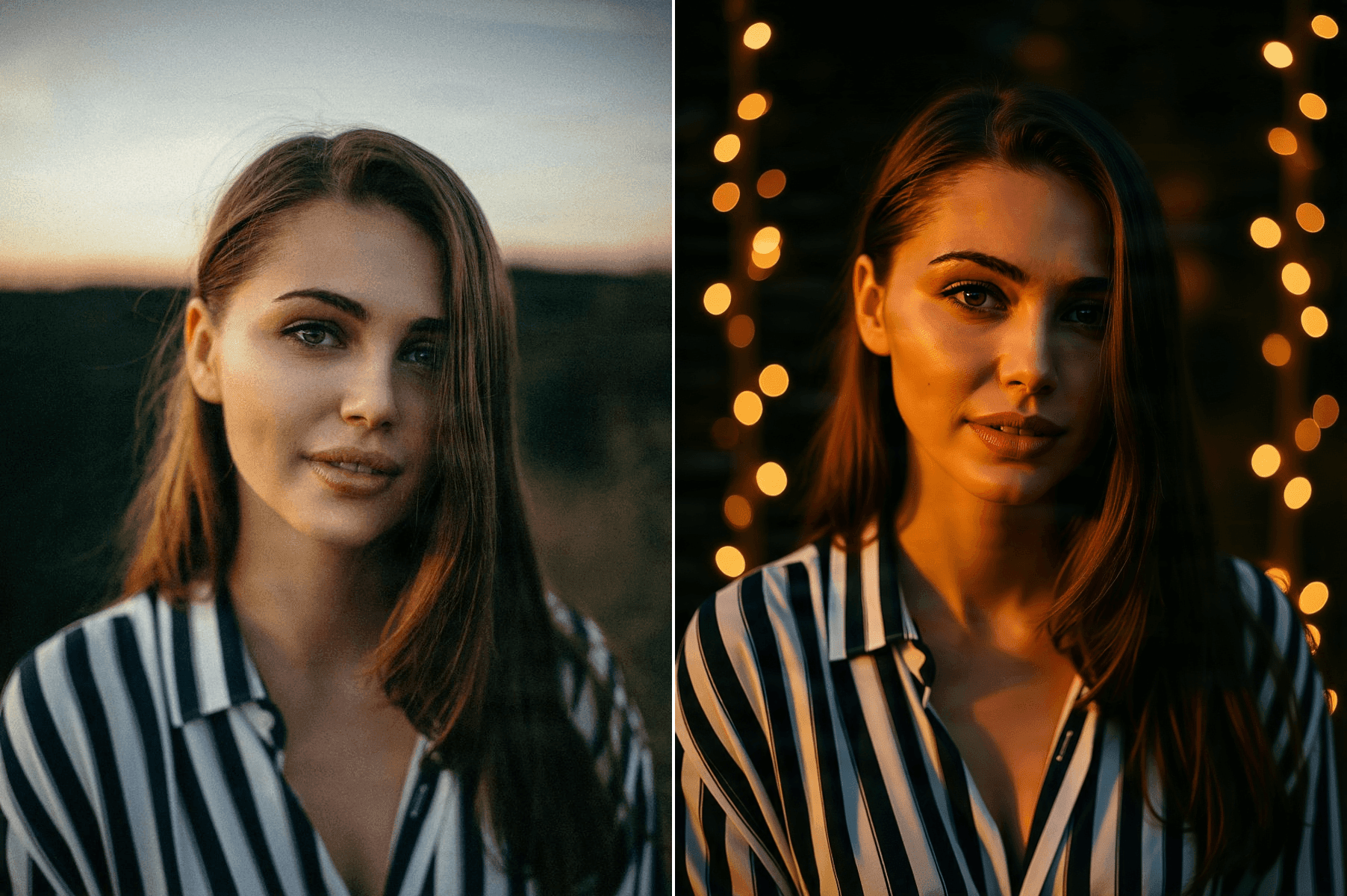
Warm holiday string lights and golden bokeh for a polished nighttime portrait.
Richer seasonal colors, gold ornaments, and refined lighting for a more polished holiday portrait.
Looking for a different transformation from the same uploaded photo? Try the AI Sketch Generator
Holiday styles
Simple workflow
Step 1
Choose a clear selfie, portrait, couple photo, or small family image.
Step 2
Select Cozy Christmas, Snowy Winter, Holiday Lights, Fireside, or Elegant Holiday.
Step 3
AI uses the uploaded image as a reference and applies the selected festive look.
Step 4
Save your result or continue with background editing, image enhancement, or other ImageToLayers workflows.
For better results
AI has more visual information to work with when the image is sharp and not heavily compressed.
Faces that are well lit and not heavily covered are easier to keep recognizable.
Strong beauty filters or blur reduce the detail the model can preserve.
Simple compositions where every face is clearly visible are more consistent than crowded ones.
Holiday ideas
More than a filter
A basic holiday filter usually adds snowflakes, frames, or color effects over the original picture. An AI holiday portrait can reinterpret the surrounding scene, lighting, seasonal styling, and atmosphere while using your uploaded portrait as its visual reference.
A holiday filter keeps the same original scene with decorative overlays and limited lighting changes. An AI holiday portrait builds a new festive environment with seasonal lighting and styling, guided by your reference photo. Generated portraits can still reinterpret clothing, hands, jewelry, and decorations, so review the final image before printing or sharing it.
More tools
Turn a photo into pencil, charcoal, ink, or line-art styles.
Open AI Sketch GeneratorCreate 16:9 thumbnail concepts from an idea and reference image.
Open AI YouTube Thumbnail GeneratorTurn a product image into advertising creative.
Open AI Product Ad GeneratorCreate new images from prompts and reference images.
Open AI Image GeneratorIt uses an uploaded photo as a reference and creates a new portrait with seasonal lighting, winter scenery, Christmas decorations, or other festive styling.
Yes. Upload a clear portrait and choose a Christmas or winter preset to create a seasonal variation.
No. Each holiday style includes a ready-made generation direction. You only need to upload a photo and choose a preset.
Yes. Clear selfies and portrait photos with a visible face are good starting points.
Yes, although simpler compositions with clearly visible faces are generally easier for AI to interpret consistently.
The uploaded photo is used as the visual reference, but AI-generated images can still change facial or fine visual details. Review the result carefully if likeness is important.
The presets include Cozy Christmas, Snowy Winter, Holiday Lights, Cozy Fireside, and Elegant Holiday.
Yes. Generate the portrait first, then use the image in your preferred holiday-card layout or design workflow.
Yes. You can continue with ImageToLayers tools for background editing, enhancement, generation, or layer-based workflows.
Use a clear, well-lit image with visible faces and enough resolution for the model to understand important details.
Upload a favorite photo, choose a seasonal look, and turn it into a festive portrait for cards, profiles, gifts, or holiday posts.
Creative Toolkit Index
Quick access to precision layer extraction, AI photo editing & asset tools.