
AI Product Ad Generator
Turn a simple product photo into a polished advertising visual. Upload your product, choose an ad style, add your headline, and create campaign-ready product images with AI.
For ecommerce, social ads, product launches, promotions, food, beauty, fashion, electronics, and more.
Upload your product
Drop a product photo here or click to upload
Use a clear image. AI will keep the product recognizable while rebuilding the campaign around it.
Product ad directions
Turn one product photo into multiple campaign-ready visual directions.
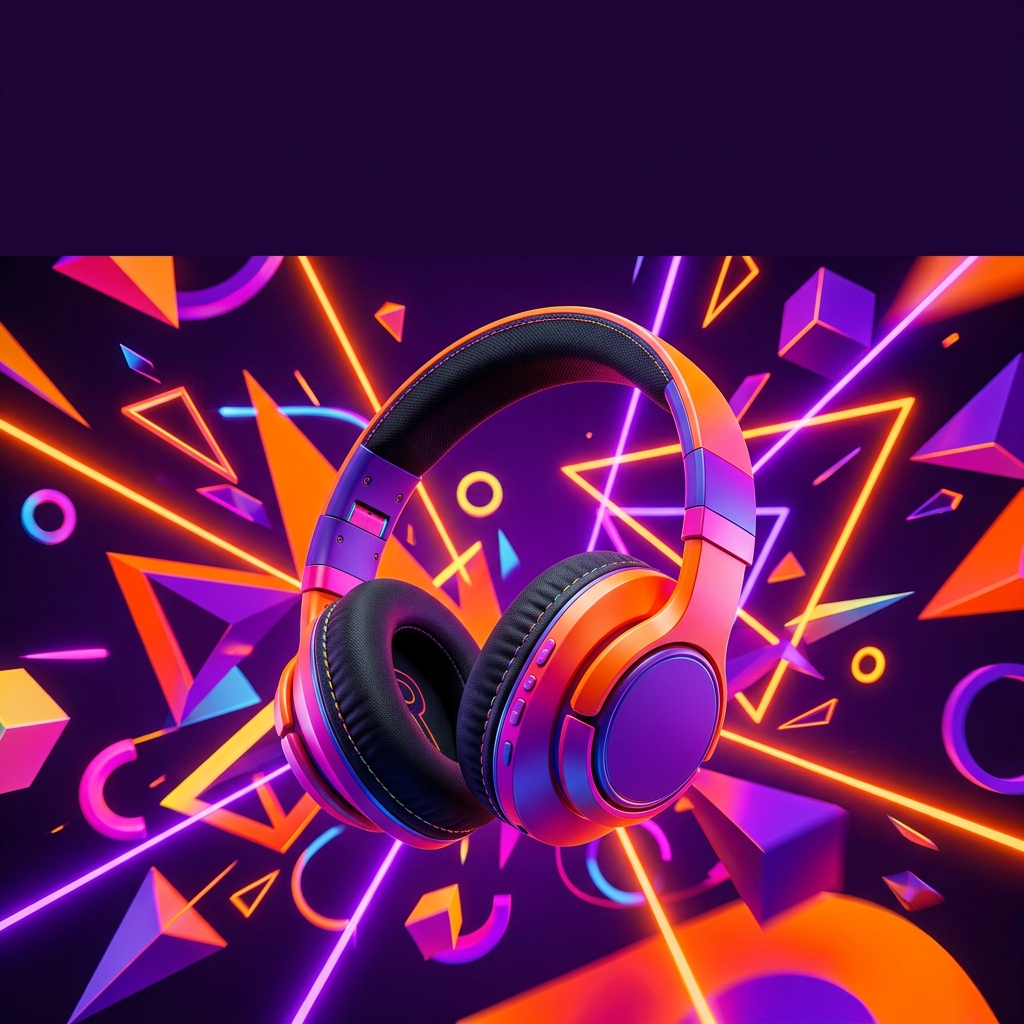
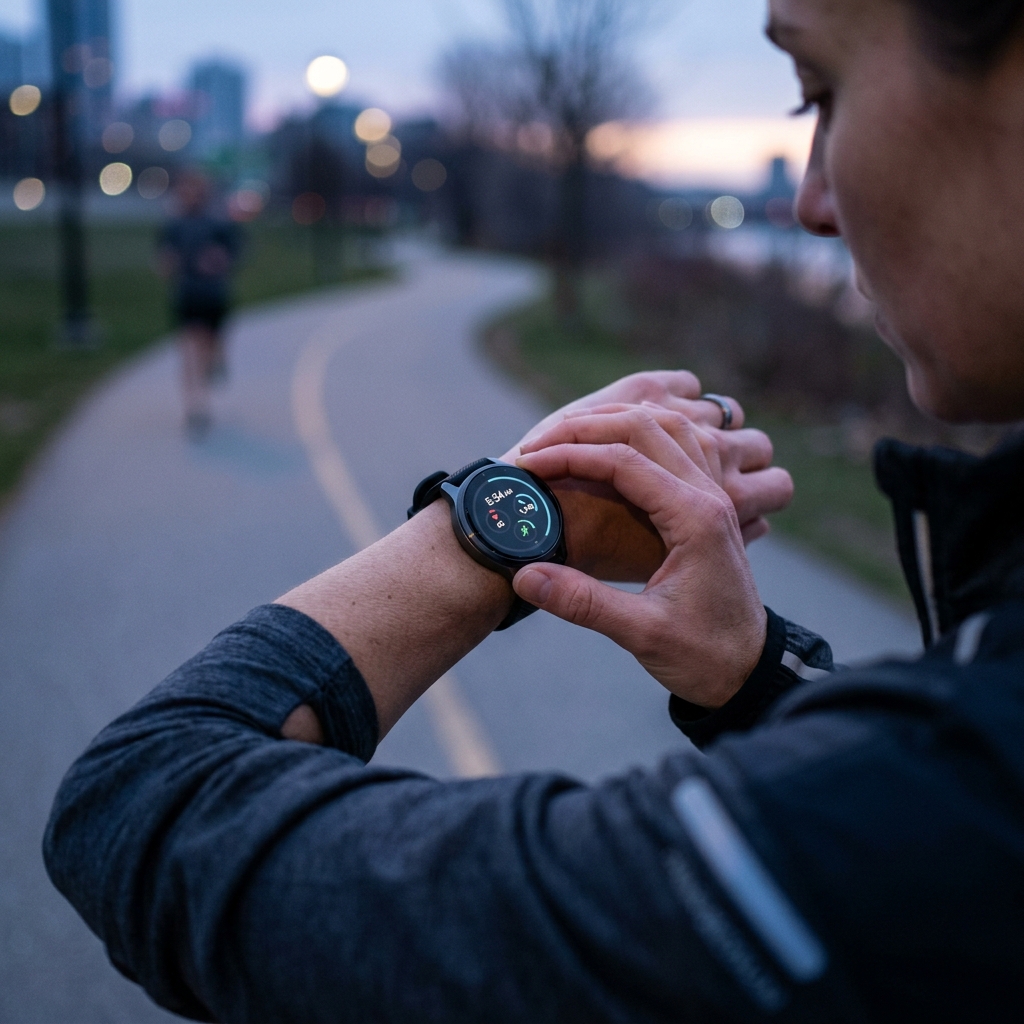
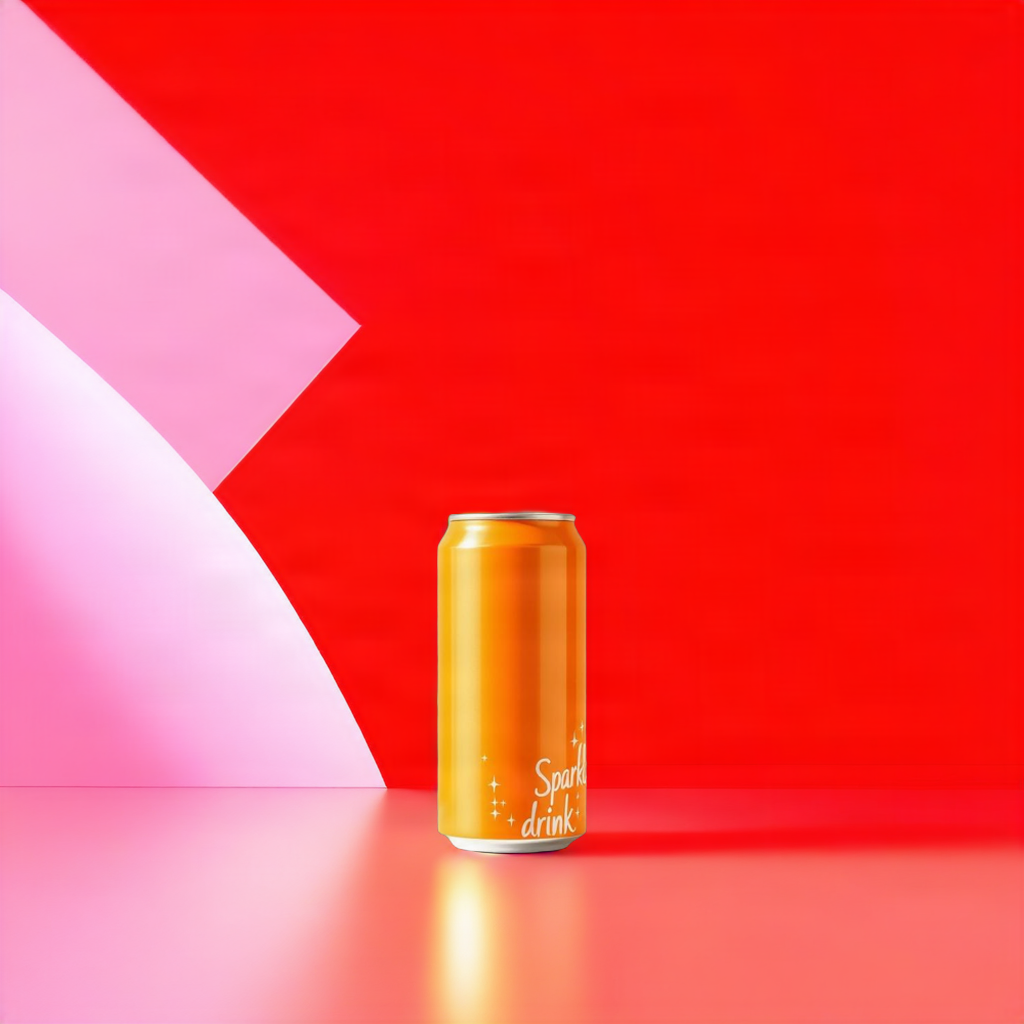
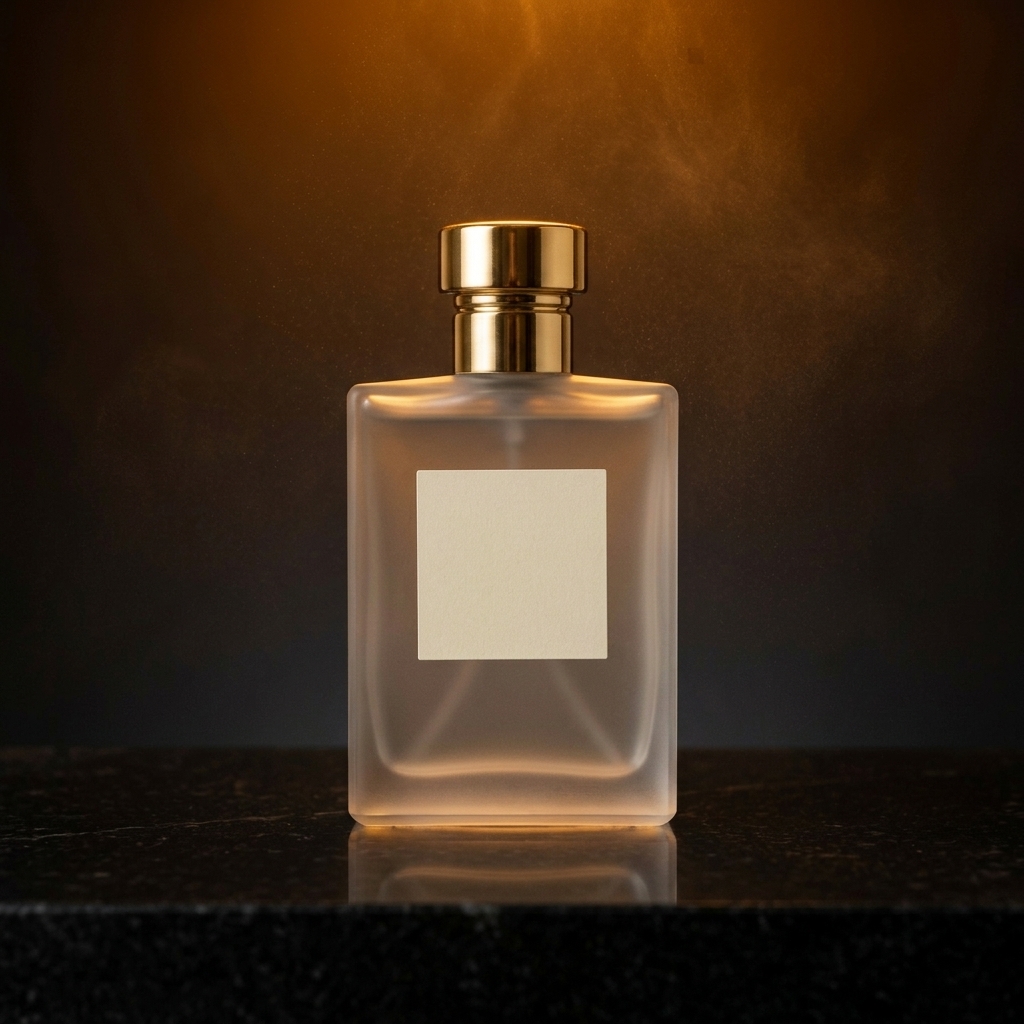
Product advertising
Turn product photos into ads with AI
You do not need a full photoshoot to explore a new campaign idea.
Upload one product photo and create advertising visuals with new backgrounds, lighting, composition, messaging, and campaign styles while keeping the product at the center.
Need a clean product image before building the campaign? Start with AI Product Photography.
Related generators
Build the rest of your product campaign
Create Product Visuals From Text
Develop product image concepts from a written description.
AI Product Photography
Create clean professional product photos before adding campaign messaging.
Background Changer
Place a product into a different scene or environment.
AI YouTube Thumbnail Generator
Turn campaign ideas into 16:9 video thumbnail creative.
Image Generator Templates
Browse all current task-specific image generator templates.
Campaign examples
AI product ad examples
Start with one product photo and transform it for different campaigns.
Luxury product ad
A premium dark studio scene with dramatic lighting and restrained typography.
Watches · Electronics · Accessories
Beverage ad
Water, condensation, ice, mist, and fresh campaign lighting.
Drinks · Launches · Refreshment
Food ad
Preserve the recognizable dish while improving styling, background, and presentation.
Restaurants · Delivery · Food brands
Minimal product ad
Clean background, hero composition, copy space, headline, and tagline.
DTC · Ecommerce · Landing pages
Bold social ad
Bright color, oversized type, graphic effects, and launch energy.
Promotions · Sales · Social
Lifestyle product ad
Place the product into a believable everyday environment.
Beauty · Wellness · Home
Art direction
Choose the right advertising style
Minimal
Studio light, gradients, negative space, and product focus.
Luxury
Premium environments, reflections, and refined typography.
Bold
Bright colors, dramatic scale, and oversized copy.
Lifestyle
Believable scenes that show how the product is used.
Food & Beverage
Appetizing light, texture, splashes, and ingredients.
Beauty
Polished surfaces, soft highlights, and editorial composition.
Tech
Glass, metallic surfaces, gradients, and modern lighting.
Seasonal
Campaign direction for holidays, launches, and sales.
Workflow
How to create a product ad with AI
Step 1
Upload your product
Start with a clear product photo.
Step 2
Describe your campaign
Explain what you are promoting and the intended visual.
Step 3
Add your copy
Optionally provide a headline and tagline.
Step 4
Choose an ad style
Select Minimal, Luxury, Bold, Lifestyle, or another direction.
Step 5
Generate
AI creates the ad environment around the original product.
Step 6
Download or edit
Export the ad or continue with ImageToLayers.
Product fidelity
Keep your product. Change the campaign.
Recognizable product identity
Preserve shape, structure, packaging, colors, and key details.
Campaign-ready surroundings
Change lighting, background, effects, and presentation.
Controlled marketing copy
Render only the headline and tagline you provide.
Multiple formats
Create square, portrait, story, and landscape ads.
Marketing channels
Create ads for different channels
Social media ads
Ecommerce promotions
Product launches
DTC campaigns
Seasonal promotions
Website hero images
From photo to campaign
More than product photography
A traditional product photo shows the product. A product advertisement tells a story around it.
Use Product Ad Generator when you need campaign messaging, promotional layouts, art direction, brand color, visual effects, and product storytelling around the uploaded item.
FAQ
AI Product Ad Generator FAQ
What is an AI Product Ad Generator?
It turns product photos and campaign ideas into complete advertising visuals.
Can I upload my own product photo?
Yes. The uploaded image is used as the primary product reference.
Will AI change my product?
The prompt is designed to preserve recognizable shape, packaging, color, proportions, and key details.
Can I add text to the ad?
Yes. Provide a headline and optional tagline.
What products can I use?
Electronics, food, beverages, cosmetics, fashion, packaged goods, home products, and more.
Can I create social media ads?
Yes. Choose square, portrait, story, or landscape formats.
Can I use different styles?
Yes. Explore Minimal, Luxury, Bold, Lifestyle, Food, Beauty, Tech, and seasonal directions.
How is this different from product photography?
Product advertising adds campaign art direction, messaging, typography, graphics, and promotional layout.
Can I create several concepts from one image?
Yes. Keep the same product while changing style, format, and campaign copy.
Turn your product photo into an ad
Upload one product image and explore campaign-ready visual ideas without planning another photoshoot.