
BeforeSketch
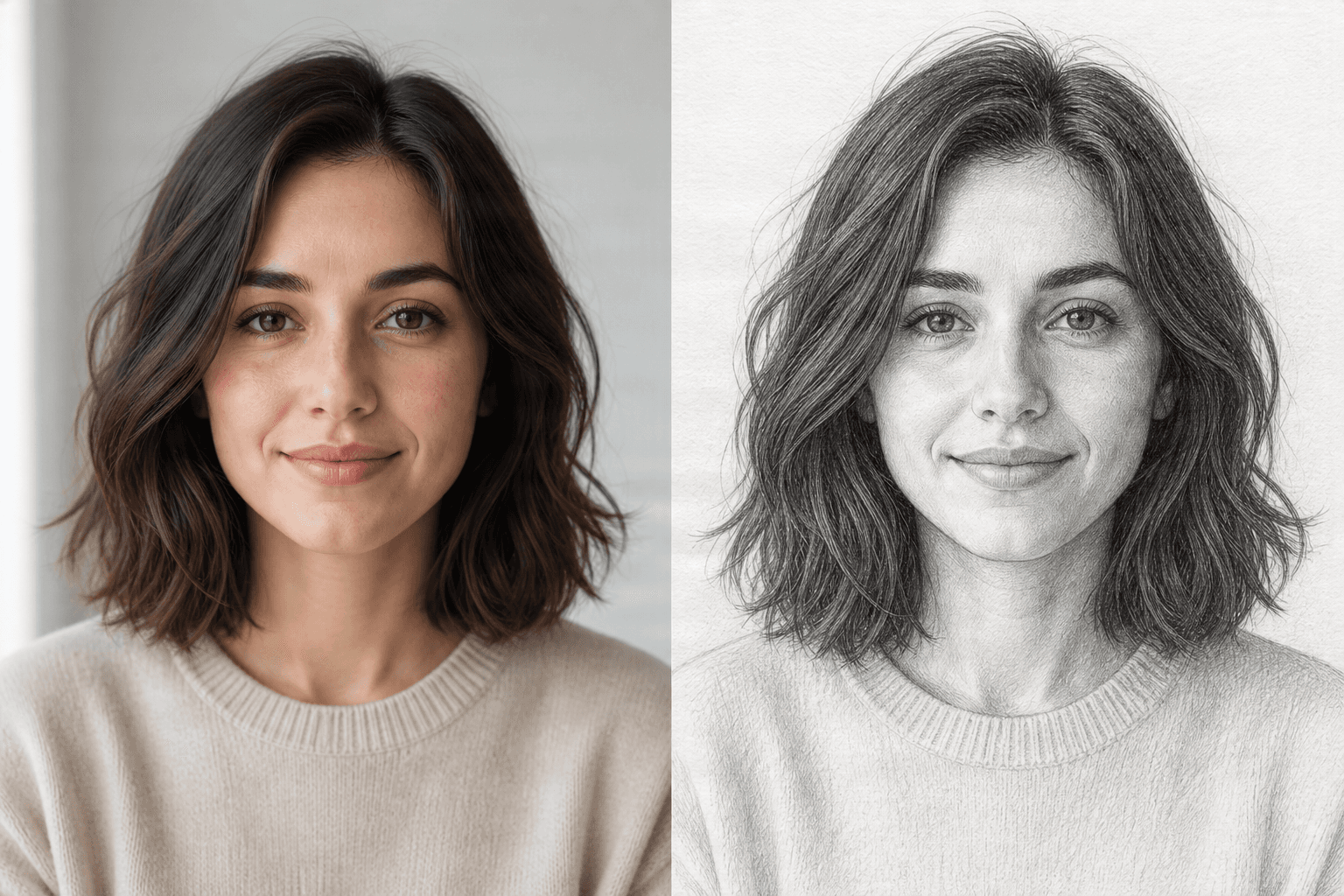
Portrait to pencil sketch
Turn a portrait into a realistic pencil drawing with natural shading and hand-drawn detail.
Turn any photo into a beautiful sketch in seconds. Upload an image and generate pencil sketches, charcoal drawings, line art, ink drawings, or detailed illustrations with AI.
No design skills required. Preserve the subject while changing the visual style.
Drop image or click to browse
PNG, JPG, or WebP up to 10MB
Before and after
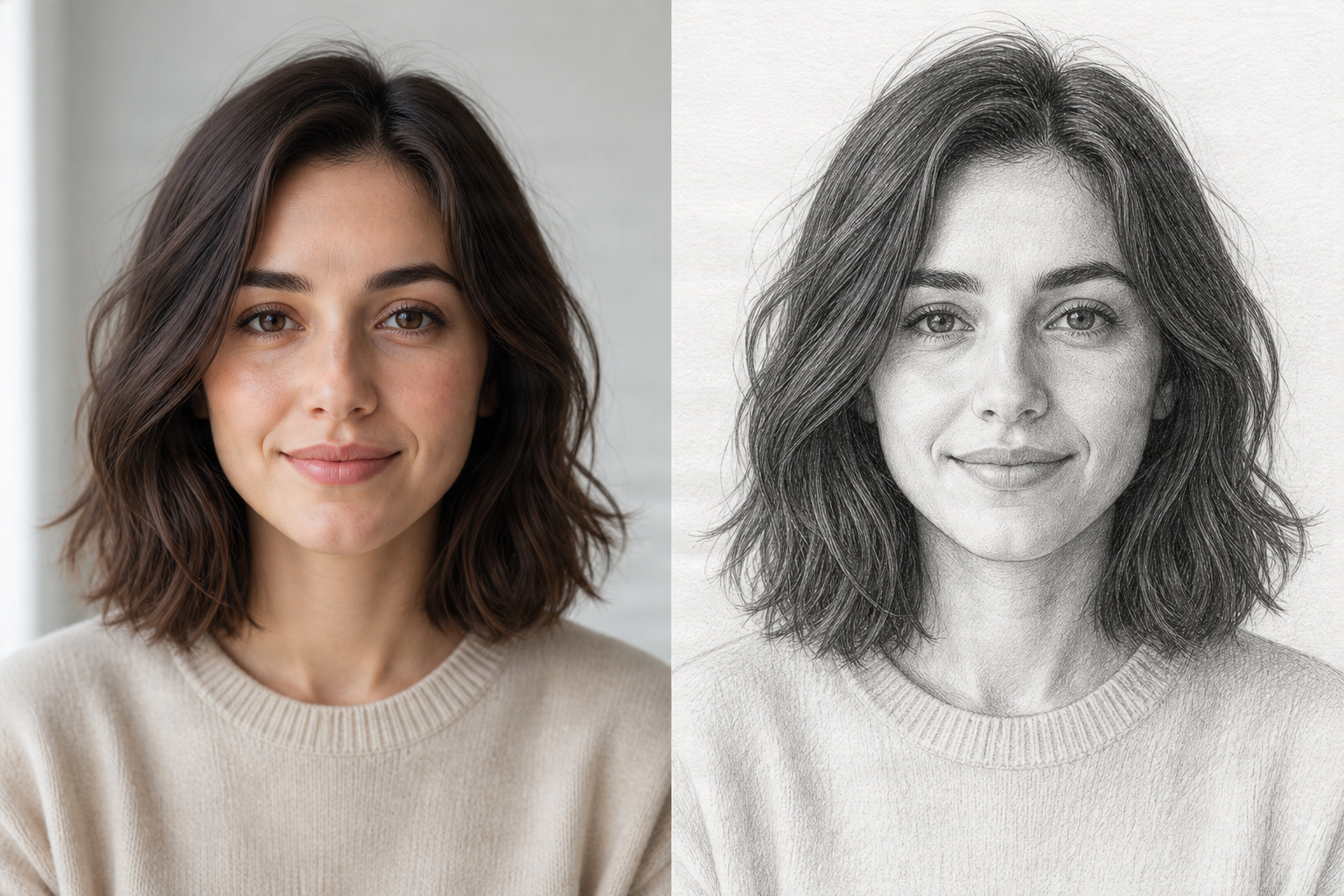
Turn photos into sketches instantly
Five sketch styles in one workflow
Works with portraits, pets, products, and scenes
Continue editing the generated result
Photo to sketch
Create a soft pencil portrait, bold charcoal effect, clean line art, ink drawing, or detailed illustration from your own image in a few steps.
Upload a photo, choose a style, and generate a sketch while keeping the original subject and composition recognizable. Use the result for social content, gifts, design references, personal projects, or product concepts.
Before and after
Each example keeps the subject, framing, and viewpoint consistent while changing only the rendering style.
Turn a portrait into a realistic pencil drawing with natural shading and hand-drawn detail.
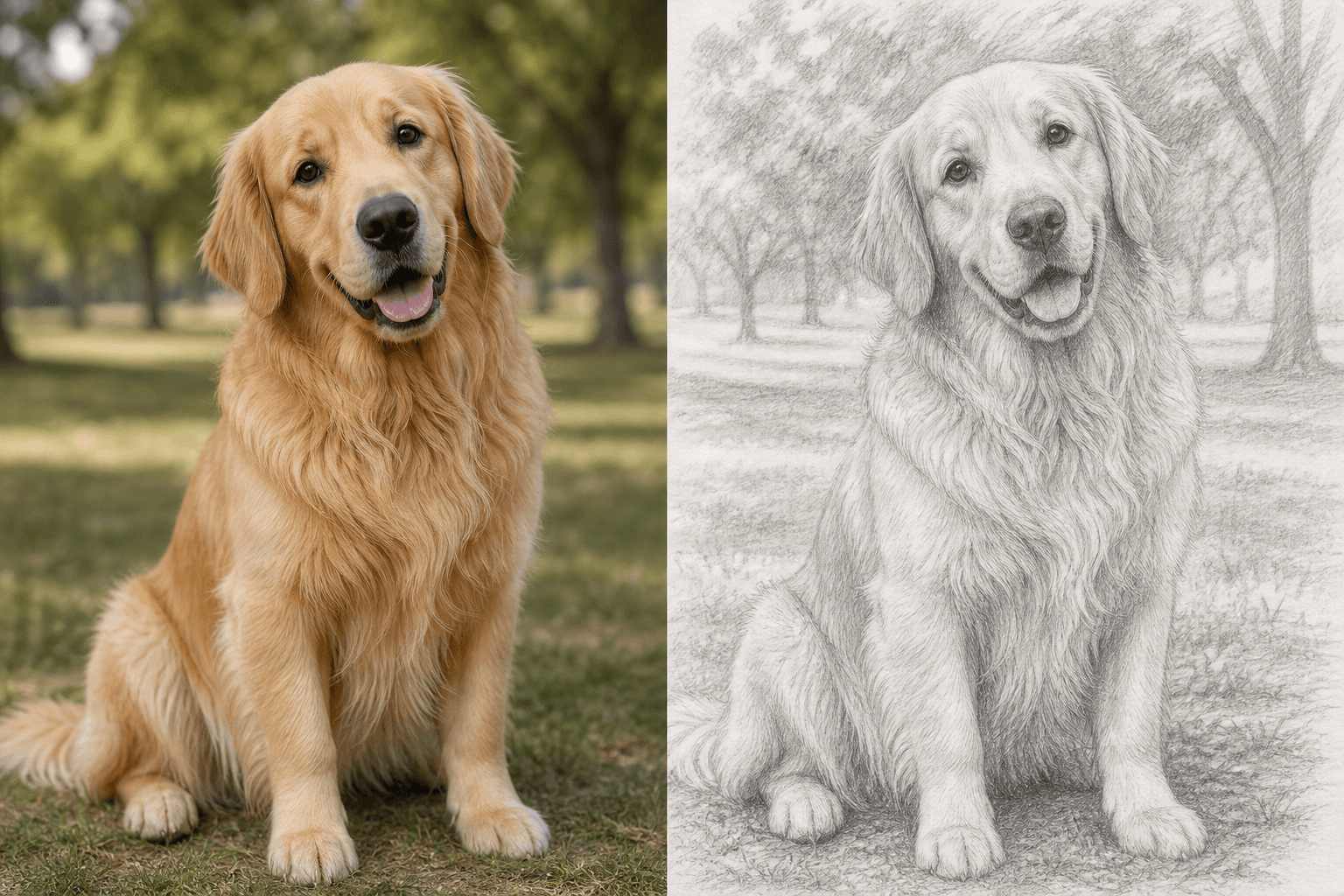
Keep a pet's personality and defining features in a detailed graphite illustration.
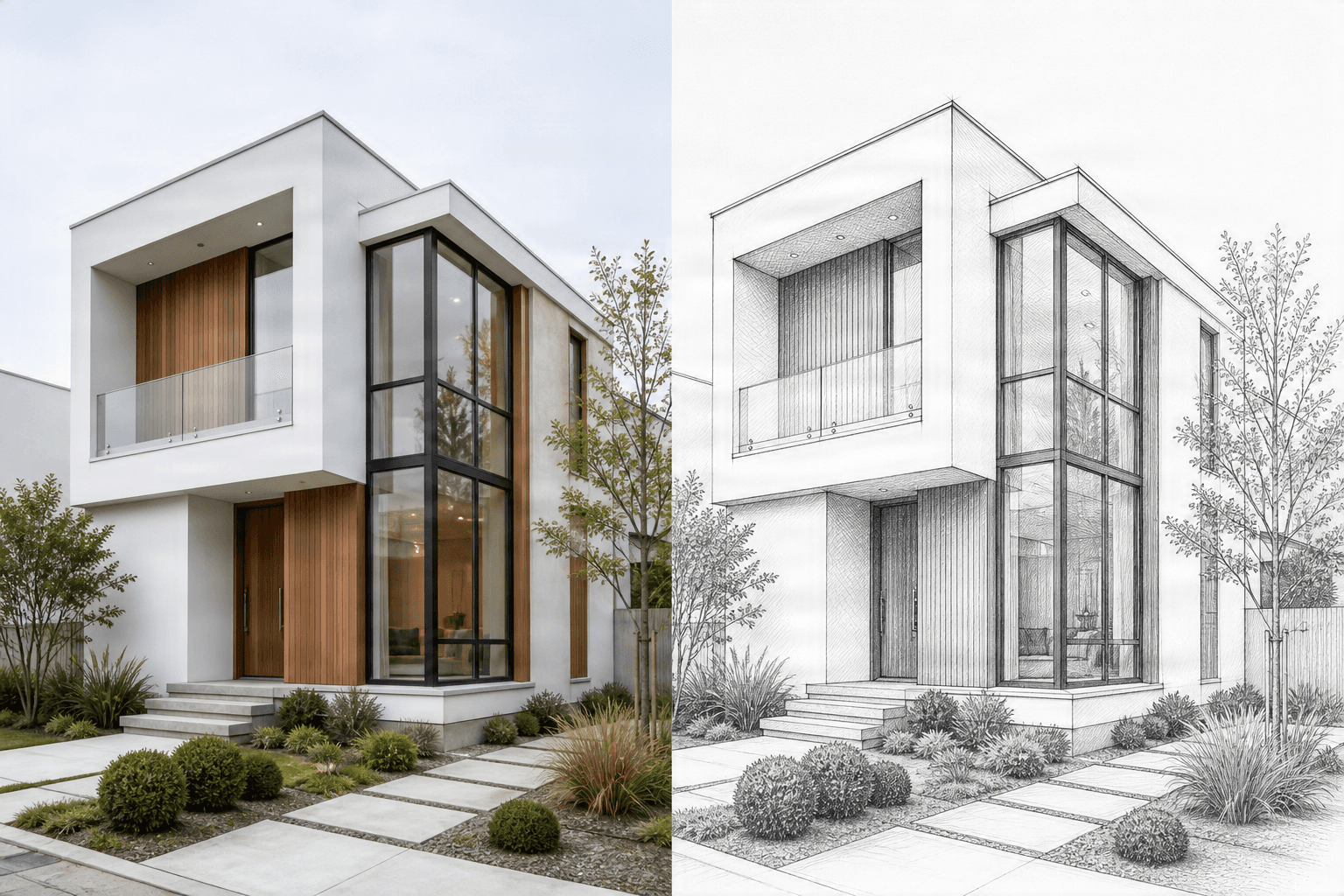
Convert architecture into clean linework for concept boards, references, and presentations.
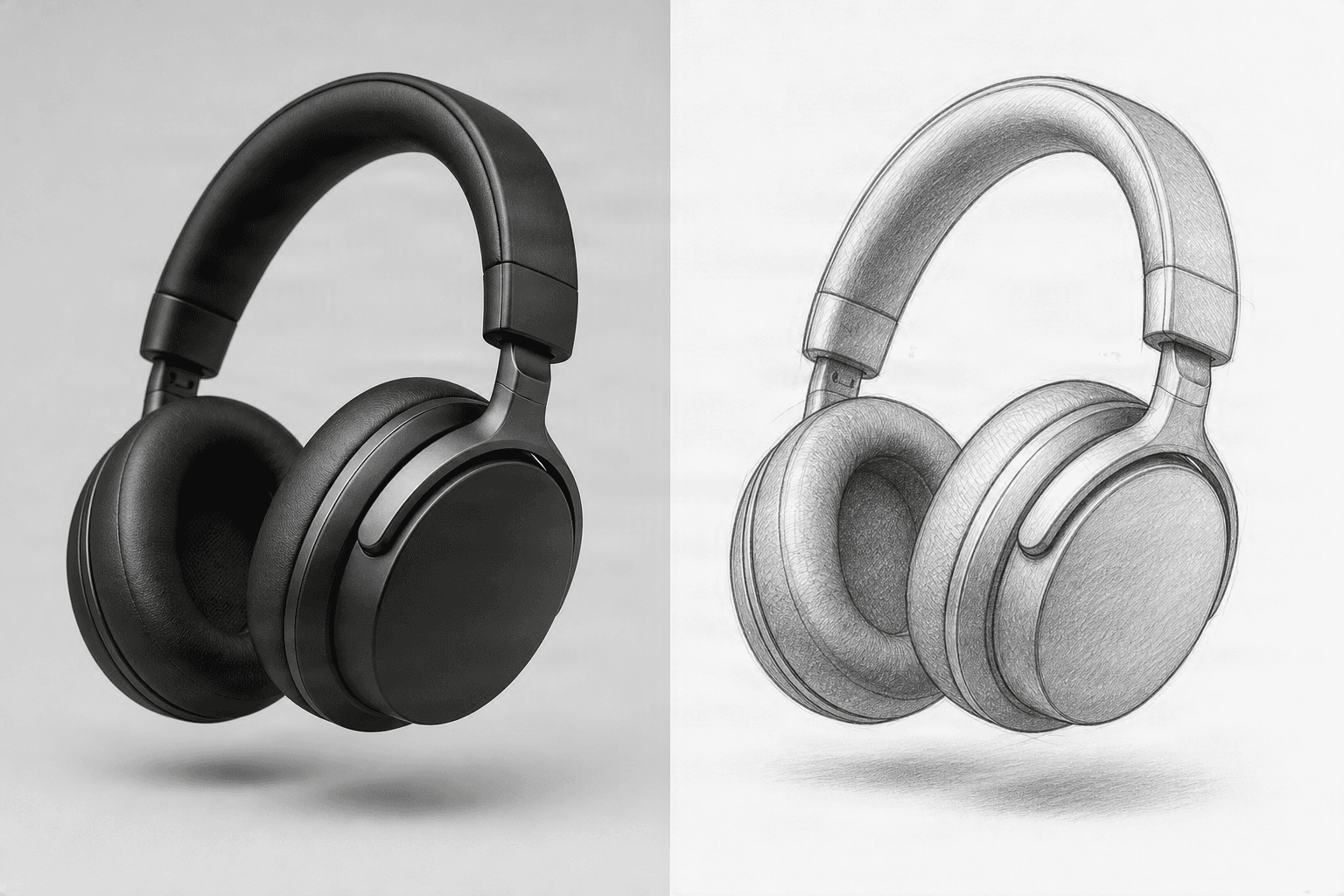
Create recognizable product sketches for concept reviews and visual development.
Want to create something beyond a sketch? Explore every AI Image Generator workflow.
Sketch styles
Simple workflow
Step 1
Start with a portrait, pet photo, product, building, or scene you want to convert.
Step 2
Select pencil, charcoal, line art, ink, or a detailed illustration preset.
Step 3
Review the prompt and generate a sketch version that follows the source composition.
Step 4
Use the result in your project or continue with other ImageToLayers workflows.
Built for quick exploration
Create sketch-style images without drawing manually or learning complex software.
Explore pencil, charcoal, ink, line art, and detailed illustration in one place.
Use portraits, pets, products, interiors, architecture, travel scenes, and more.
Generate a sketch, then refine it, replace the background, or separate it into layers.
Creative uses
More control
A basic filter applies one fixed effect. This workflow lets you choose a sketch style, start from your own image, and refine the transformation with a prompt.
After generating a sketch, continue with ImageToLayers to remove or change the background, refine the image, or separate the result into editable layers.
Related generators
Create images from prompts or reference images.
Open image generatorCreate a 16:9 thumbnail from a topic, headline, and optional image.
Create a thumbnailTurn a product reference into campaign-ready advertising creative.
Create a product adBrowse all task-specific image generator workflows.
Browse templatesIt transforms a source photo into a sketch-style image using AI, including pencil, charcoal, line art, ink, and illustration effects.
Yes. Upload a photo, select a sketch style, review the prompt, and generate the result in your browser.
Clear portraits, pet photos, products, buildings, interiors, and scenes with a distinct subject usually work well.
Yes. The presets include pencil, charcoal, line art, ink drawing, and detailed illustration.
No. You can also transform pets, products, objects, architecture, interiors, and landscapes.
Yes. Continue with background editing, image refinement, or layer separation after generation.
No. The presets provide a clear starting point, and the optional prompt lets you refine the look.
A filter applies a fixed visual effect. AI generation can follow a selected style and additional instructions while interpreting the source image.
Upload an image and create anything from a soft pencil portrait to bold line art.
Creative Toolkit Index
Quick access to precision layer extraction, AI photo editing & asset tools.