
Try Clothes On Your Photo
AI Clothes Try-On
Add a person photo and one clothing image to create a try-on preview.
Your Photo
Upload the person who will wear the clothes.
Works best with a clear subject, natural pose, and good lighting.
Add Clothes
Upload the clothing item you want to preview.
Clear product photos and flat-lay images work well.
Clothing type
Optional instructions
Usually you can leave this blank. Add a note only if the clothing image contains more than one garment.
Try-On Preview
Example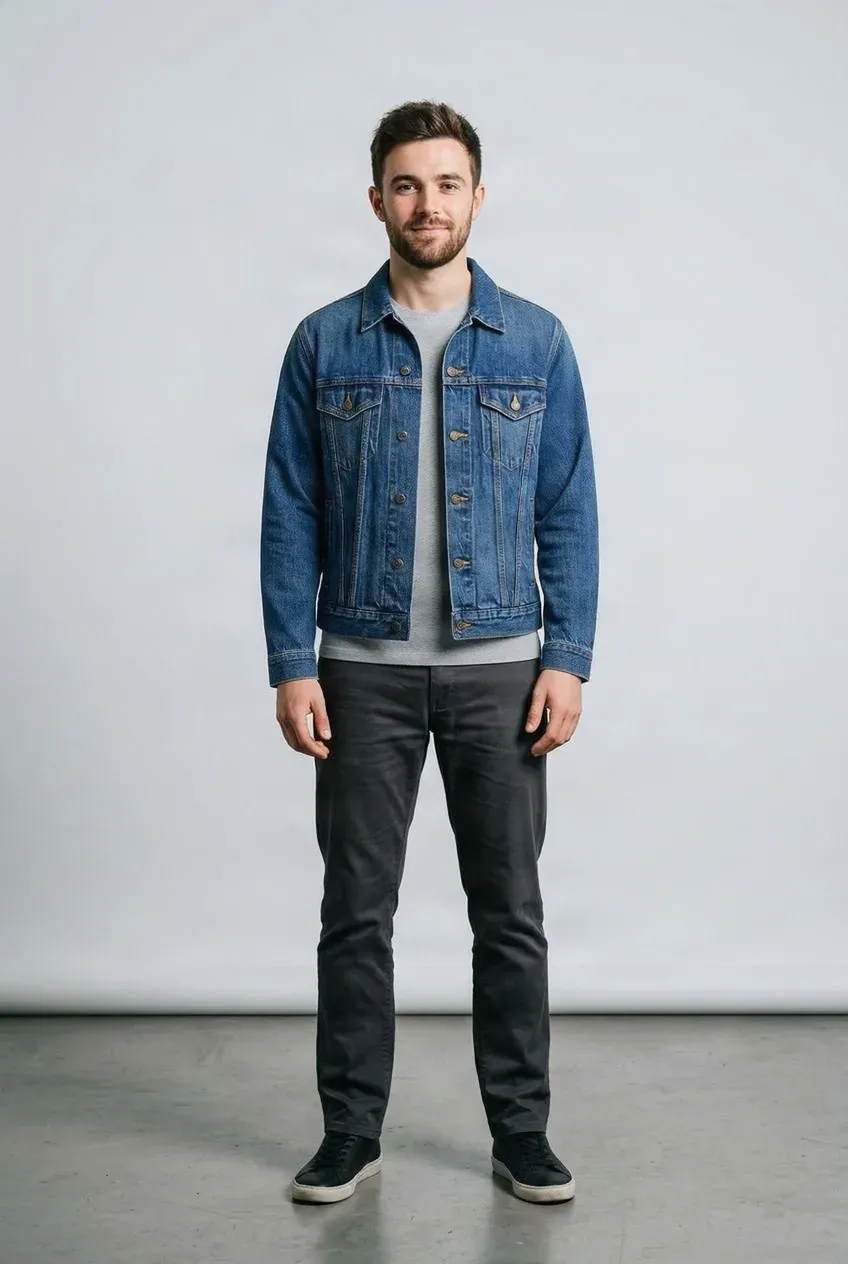
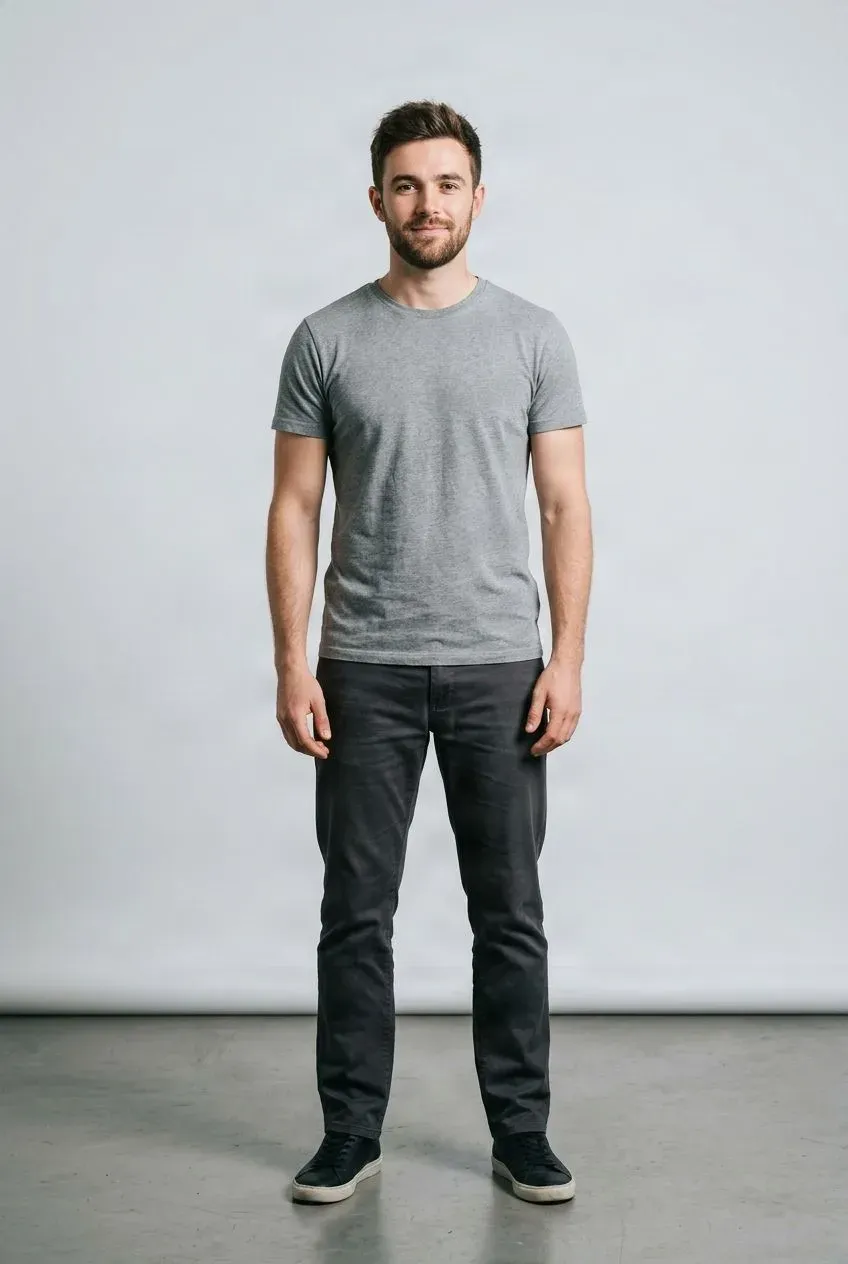
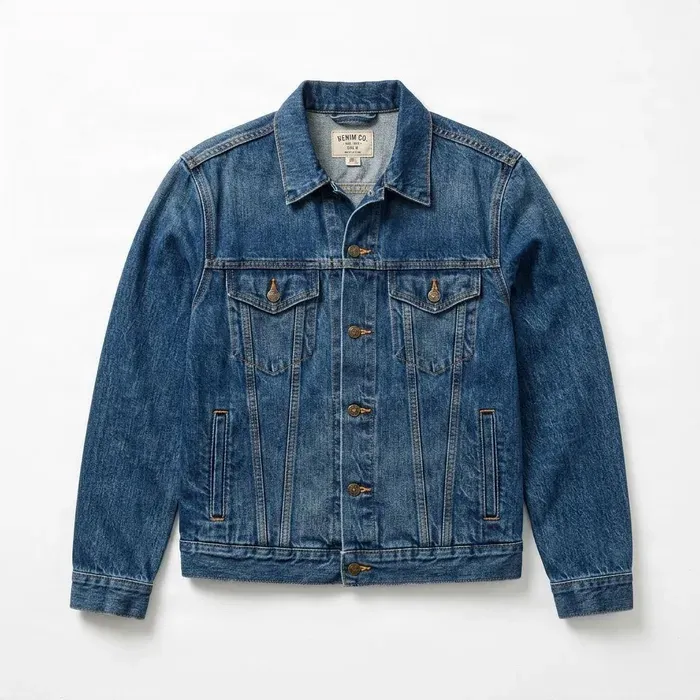 Jacket
Drag to compare — the same person in a different outfit.
Upload a person photo and a clothing image to get started.
Upload a photo of yourself and the clothes you want to try. See a visual preview without changing outfits or taking another photo.
See it in action
One Photo. Different Clothes.
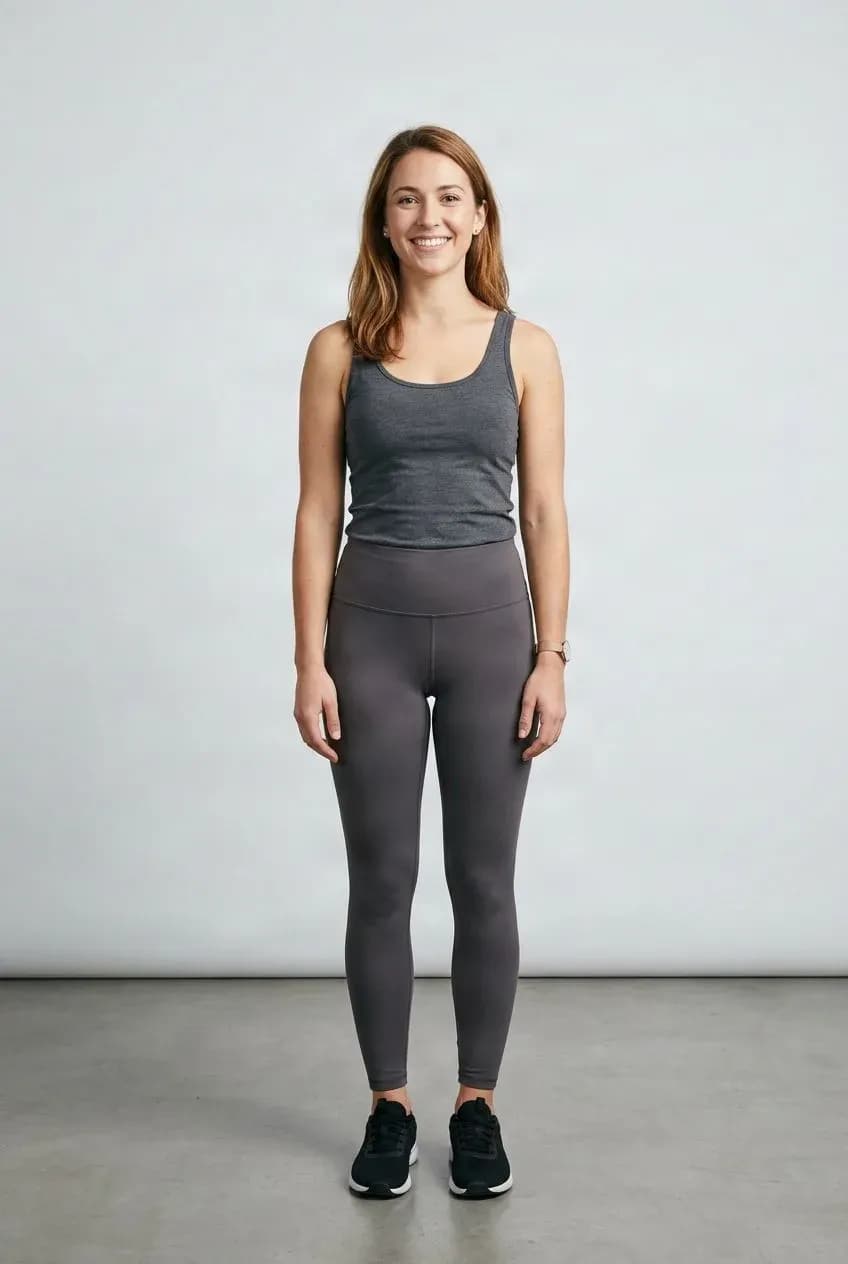
Every result below was created with this tool. Same person and pose, different clothes.
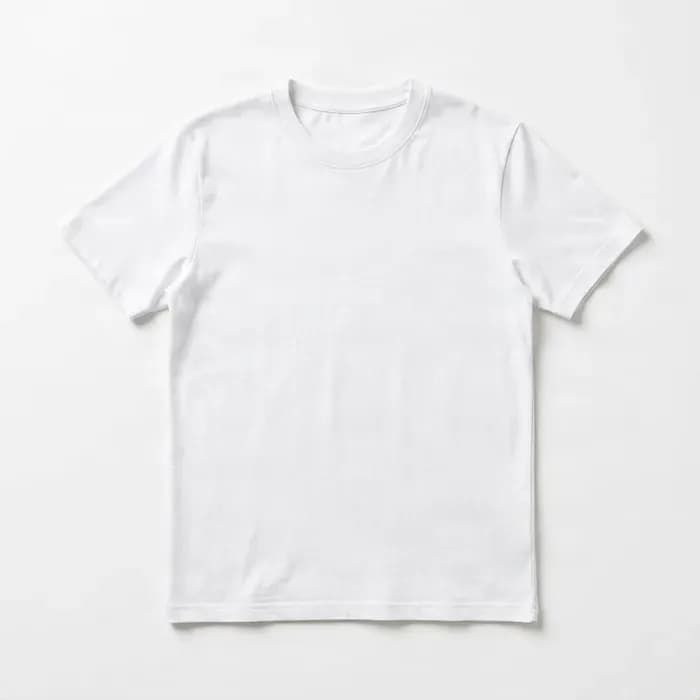
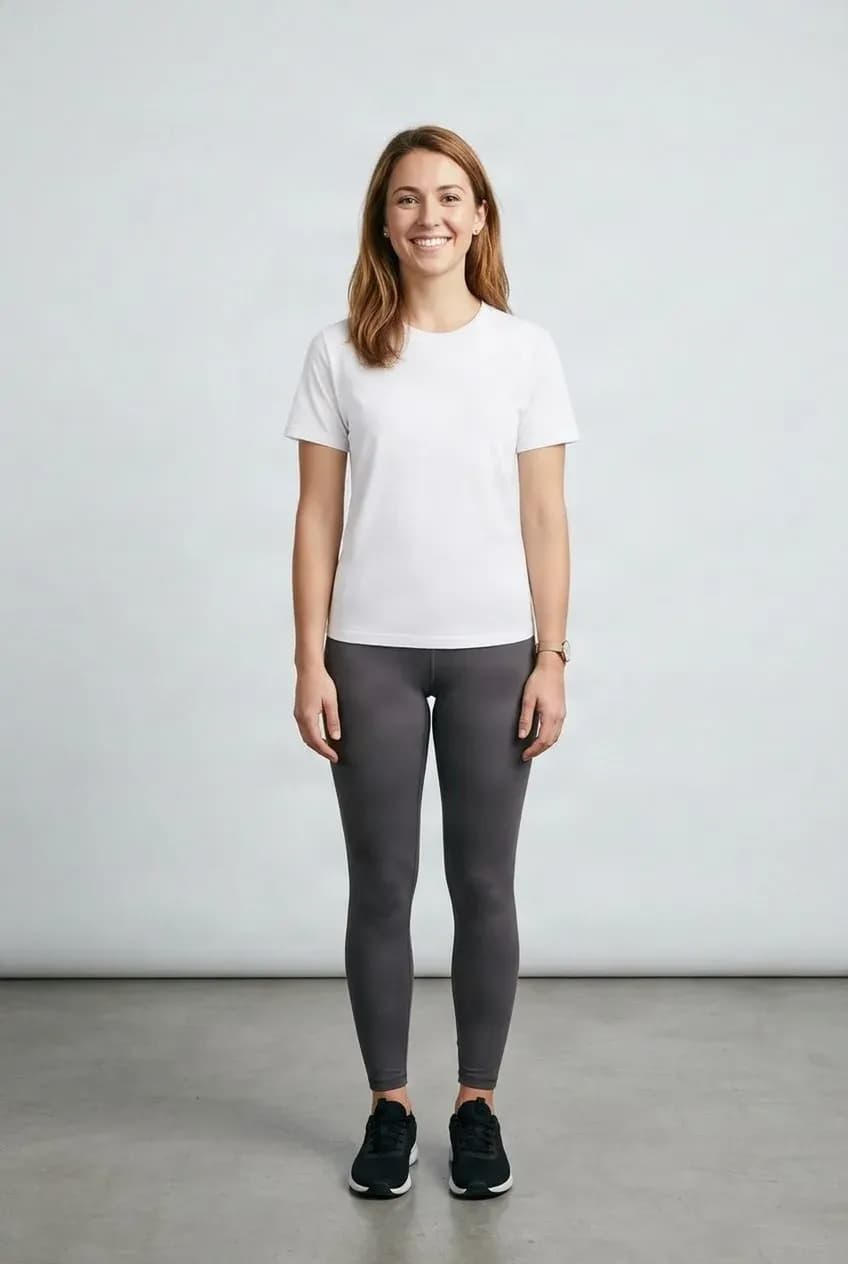
Try a Different Top
Preview a shirt, T-shirt, or blouse using the photo you already have.
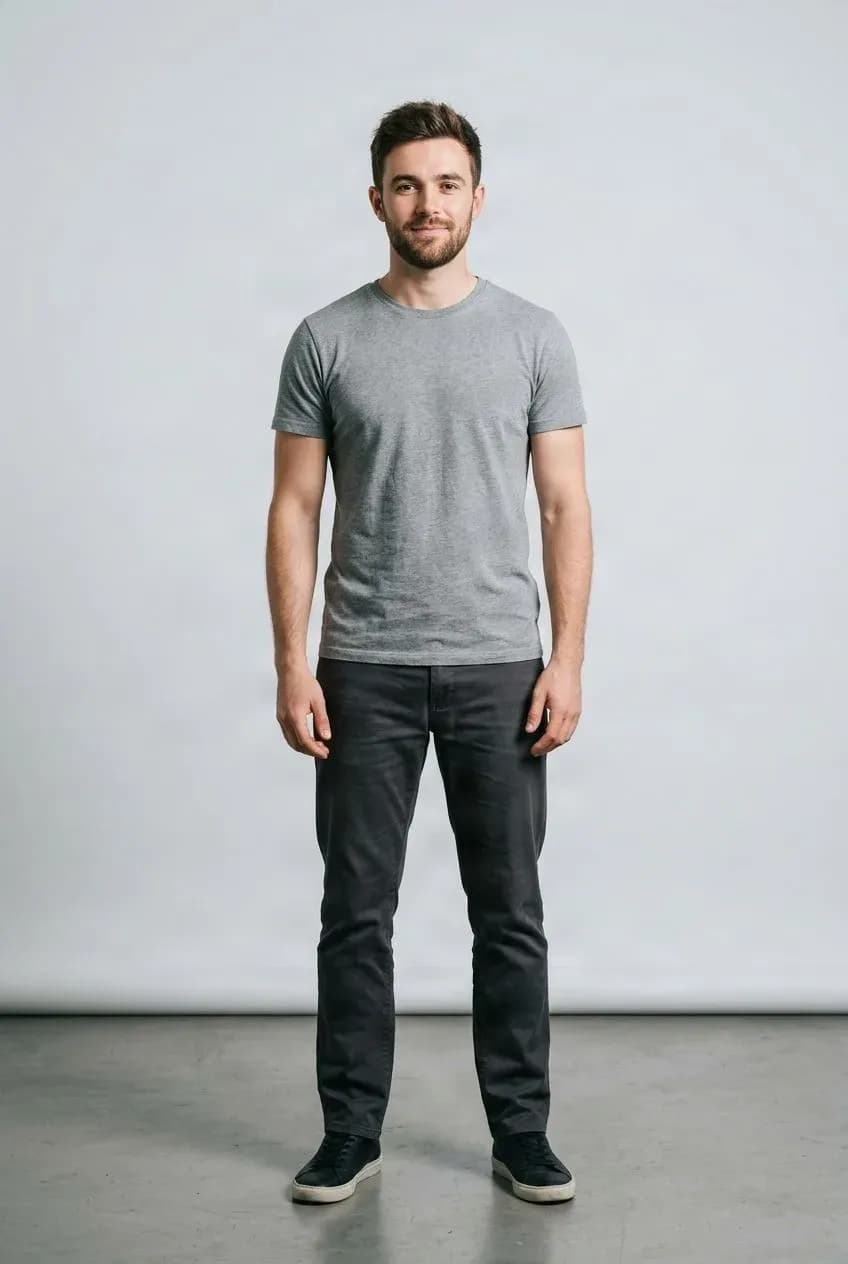
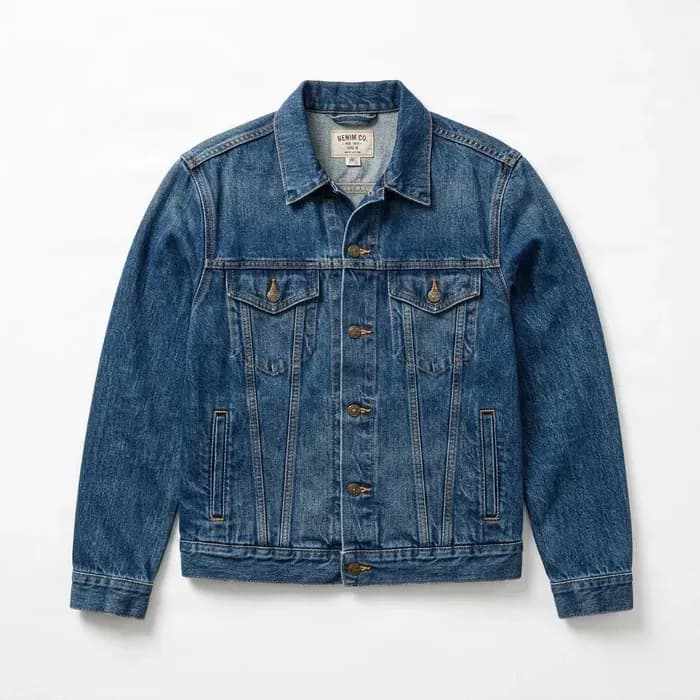
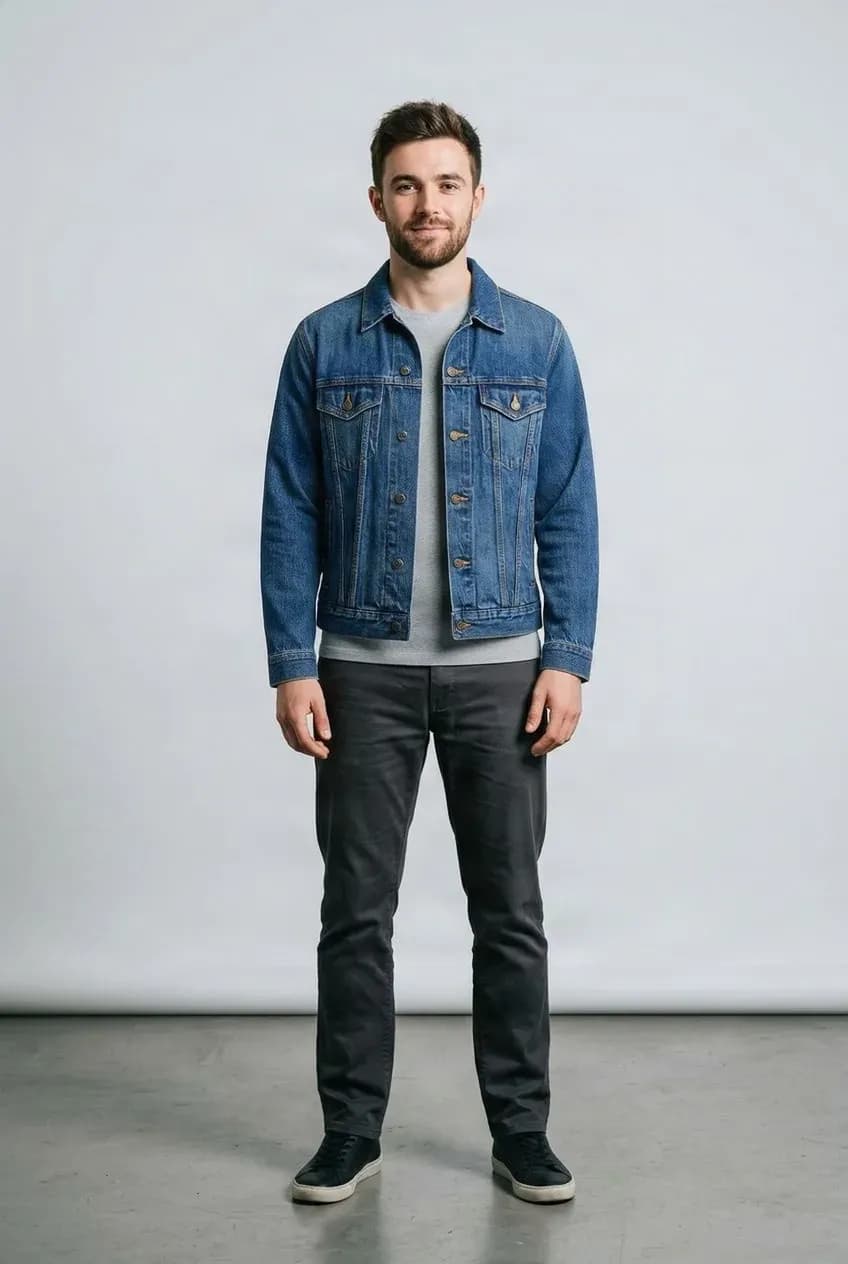
Add a Jacket or Outer Layer
See how an outer layer may work with the person's current look.
See the Clothes Before You Change Outfits
Sometimes you just want to know whether a different style works with the person in your photo.
Virtual try-on gives you a quick visual preview so you can compare clothes, explore styling ideas, or narrow down options before trying them in person.
What People Use It For
Compare Styles
Try several clothing options with the same photo.
Plan an Outfit
Explore different combinations before deciding what to wear.
Preview a Purchase
Get a visual sense of an item before making a decision.
Reuse Your Photo
Keep the same person photo while trying different clothes.
Try Clothes On in Three Steps
Upload Your Photo
Choose a clear photo of the person.
Add the Clothing
Upload the shirt, jacket, pants, dress, or other item.
Review the Result
Compare the try-on preview and try another item if you want.
A Visual Preview, Not a Fit Simulation
The result shows how the clothing may look in an image. It does not measure the body, predict exact garment sizing, or simulate how fabric will physically fit, stretch, or feel. Patterns, logos, and small details may also change during generation.
Related Try-On Tools
AI Clothes Try-On FAQ
Will this show exactly how the clothes fit?
No. It creates a visual preview, not a physical sizing or fit simulation. It does not know exact body measurements, garment measurements, fabric stretch, or comfort.
Can I use a normal product photo?
Yes. Clear product photos and flat-lay clothing images are usually good inputs.
Do I need a full-body photo?
Not always. For tops, the upper body should be visible. For dresses, pants, or full outfits, showing more of the body usually gives better context.
Will my face stay the same?
The goal is to keep the person recognizable while changing the clothing. Small visual changes can still happen, especially with blurry photos, unusual poses, or heavy occlusion.
Can I try more than one piece?
For complete outfit combinations, use the Virtual Outfit Try-On tool, which accepts multiple clothing references at once.
Try Clothes On Your Photo
Upload a photo and a clothing image to create your first try-on preview.
Try on clothes