
Try a Complete Outfit on Your Photo
Virtual Outfit Try-On
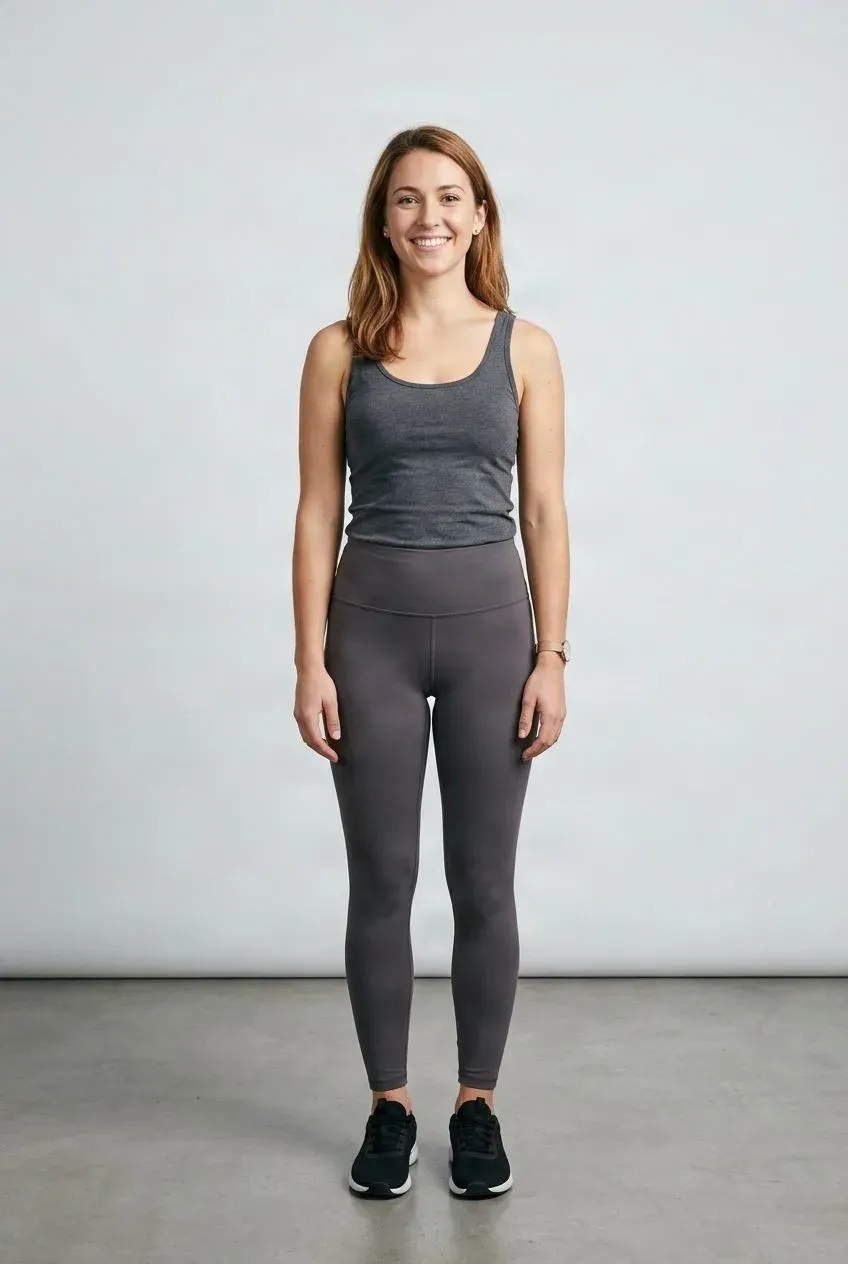
Add a person photo, then build an outfit from a top, bottom, outerwear, and more.
Your Photo
Upload the person who will wear the outfit.
Works best with a clear subject, natural pose, and good lighting.
Build Your Outfit
Add the clothing pieces you want to combine. Drag to reorder.
Start with a few clearly visible pieces. You can add up to six clothing references.
Optional instructions
Usually you can leave this blank. Add a note only if a reference image contains more than one garment.
Outfit Preview
Example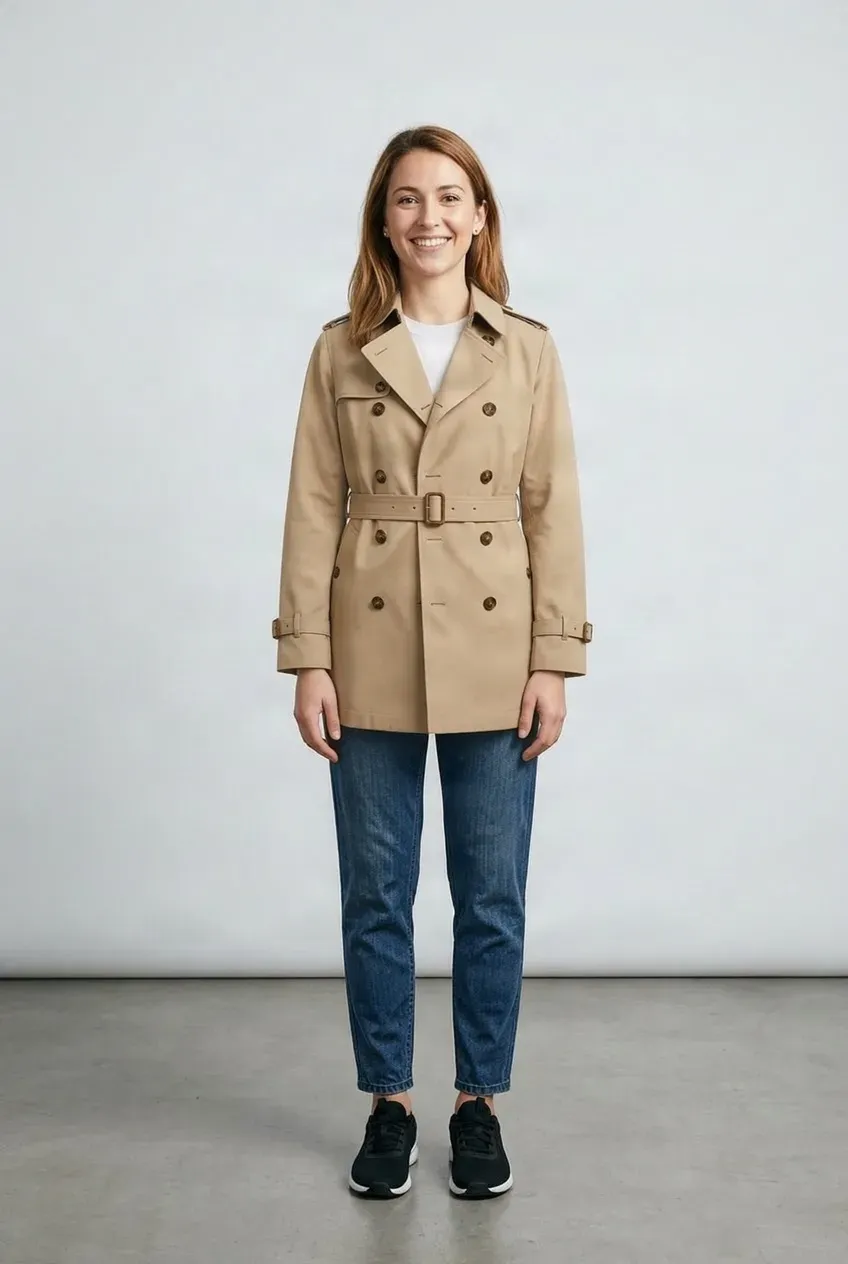
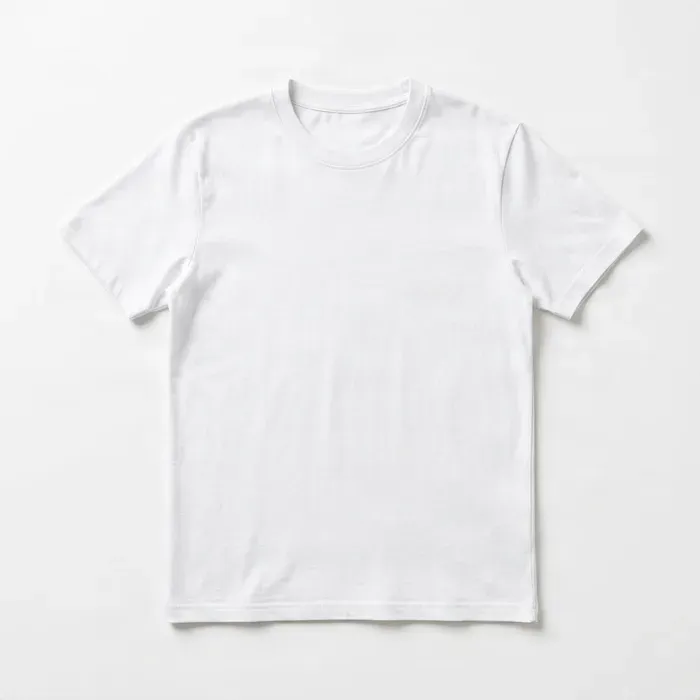
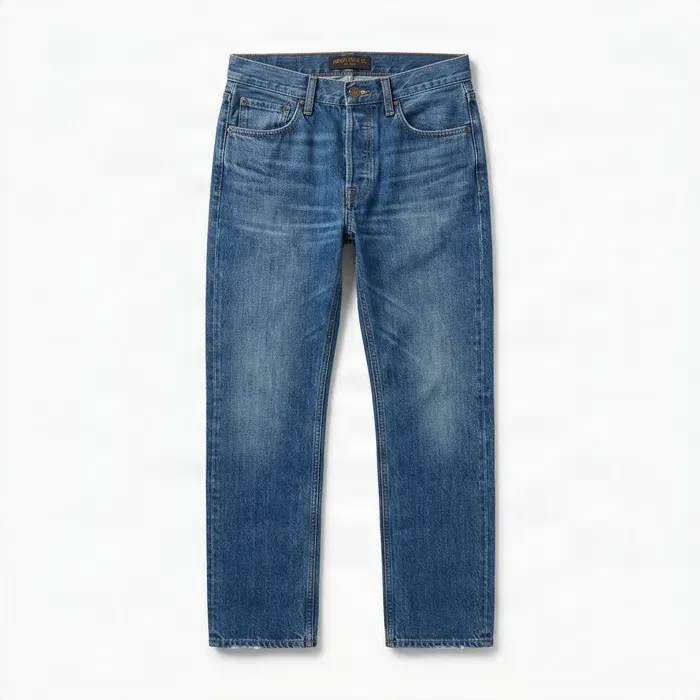
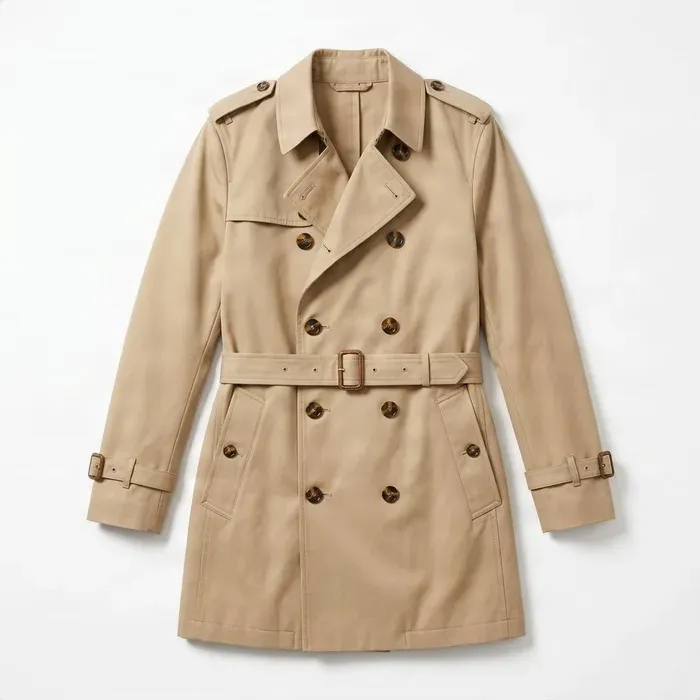 Outfit
Drag to compare — the same person in a different outfit.
Upload a person photo and at least one clothing image to get started.
Combine several clothing pieces and preview the whole look on one photo. Try a top, bottom, jacket, and more without changing clothes between each option.
See it in action
See the Whole Look Come Together
Every result below was created with this tool. One person photo, several garment references, one complete outfit.
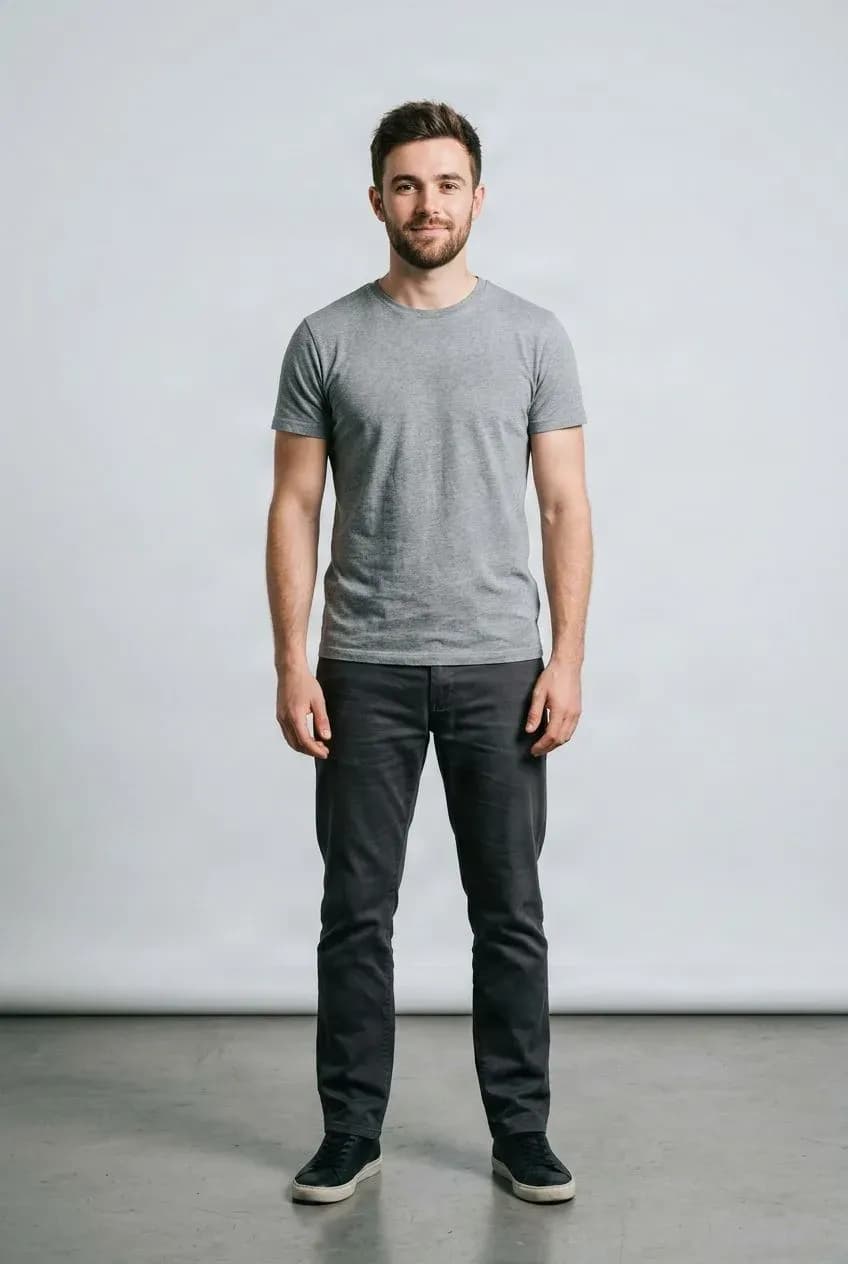
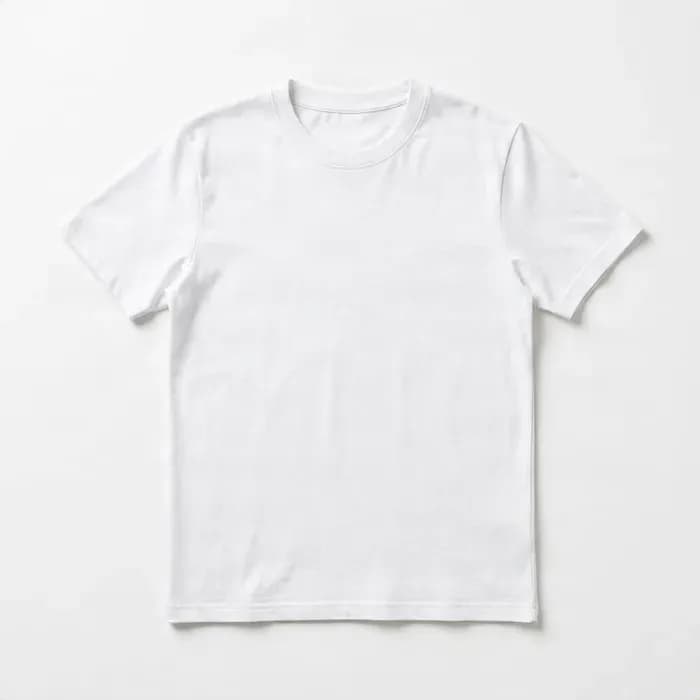
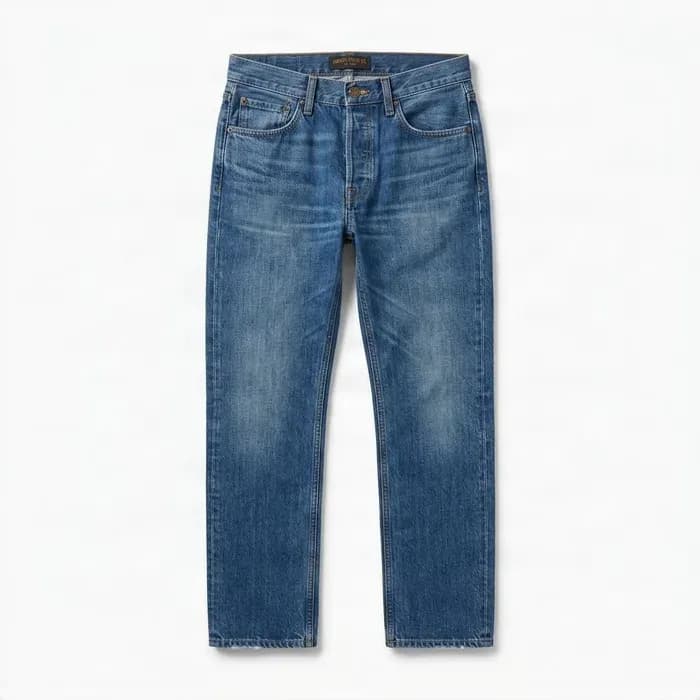
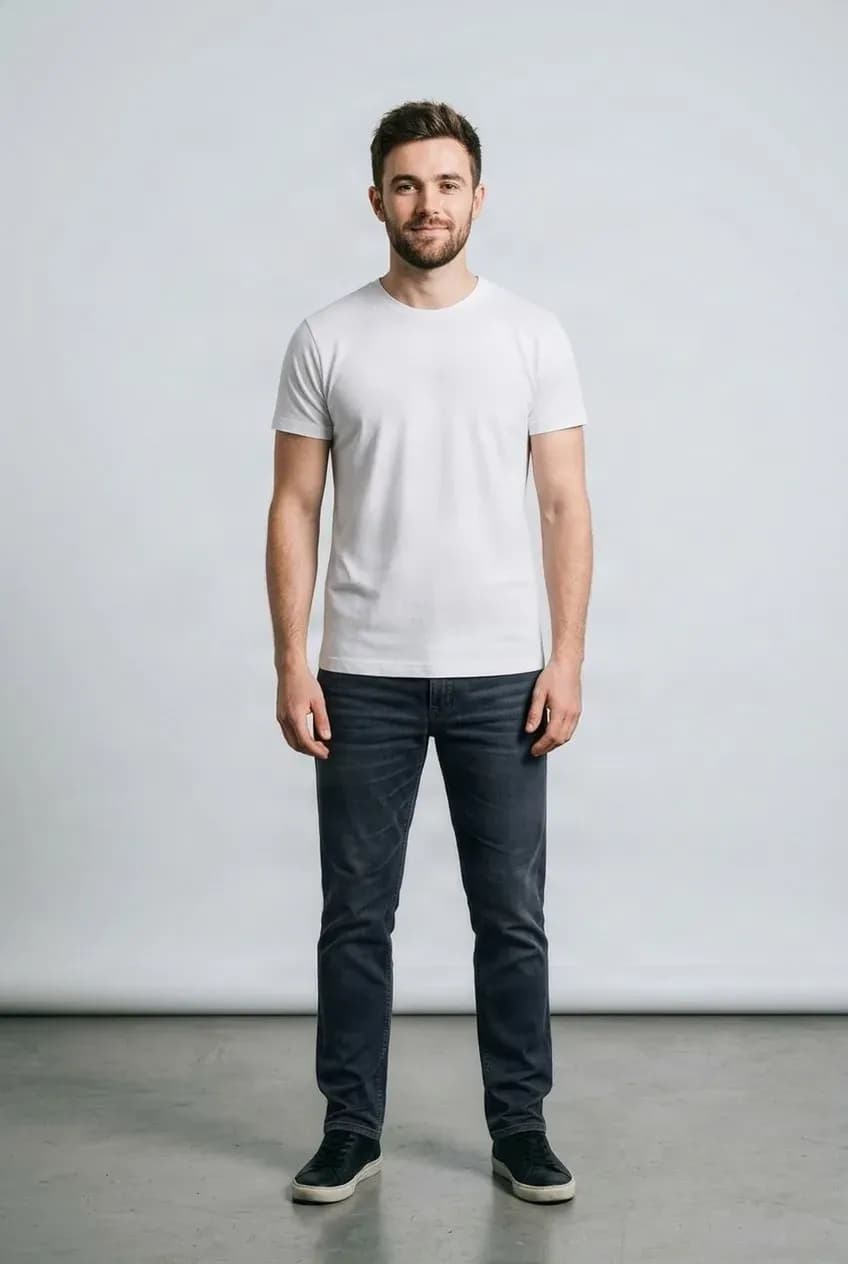
Build a Casual Outfit
Combine a top and bottom and see how they work together.
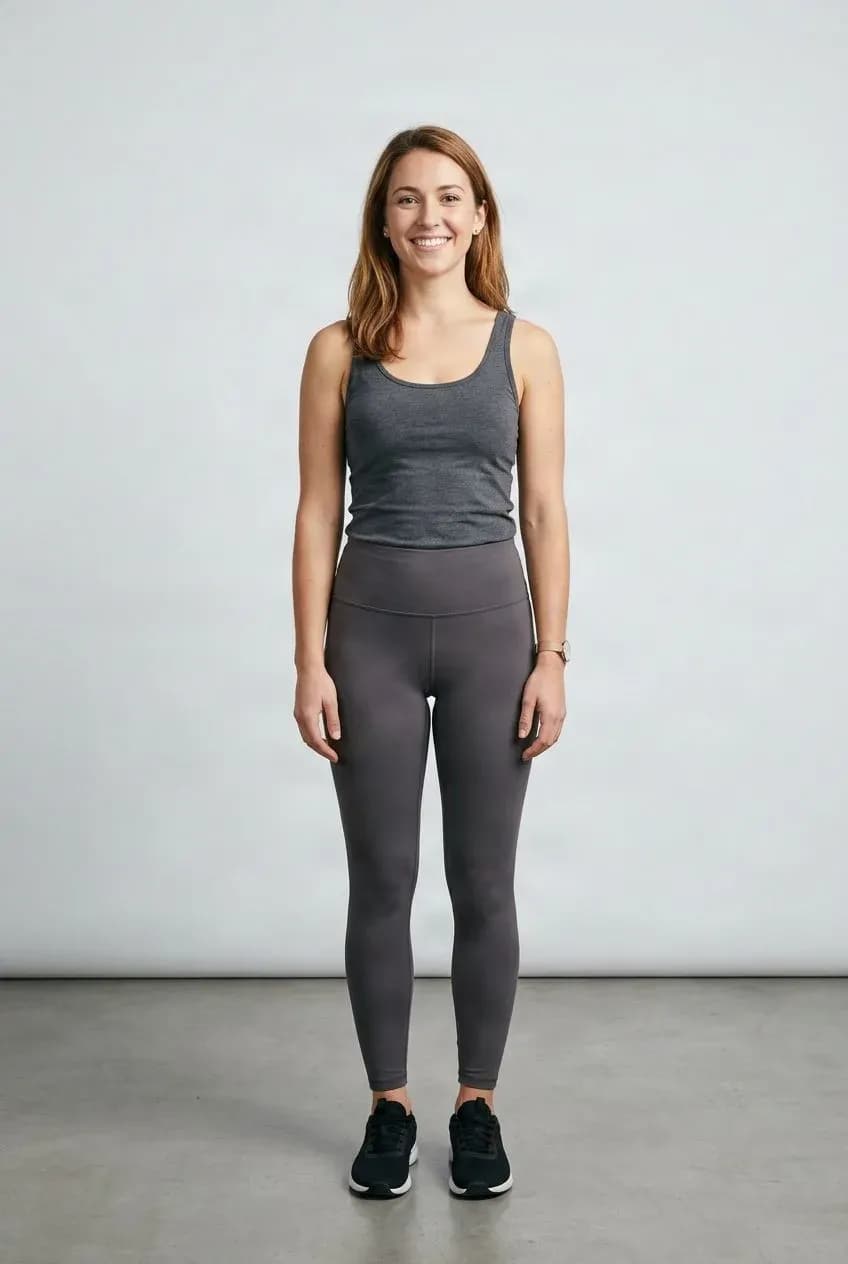
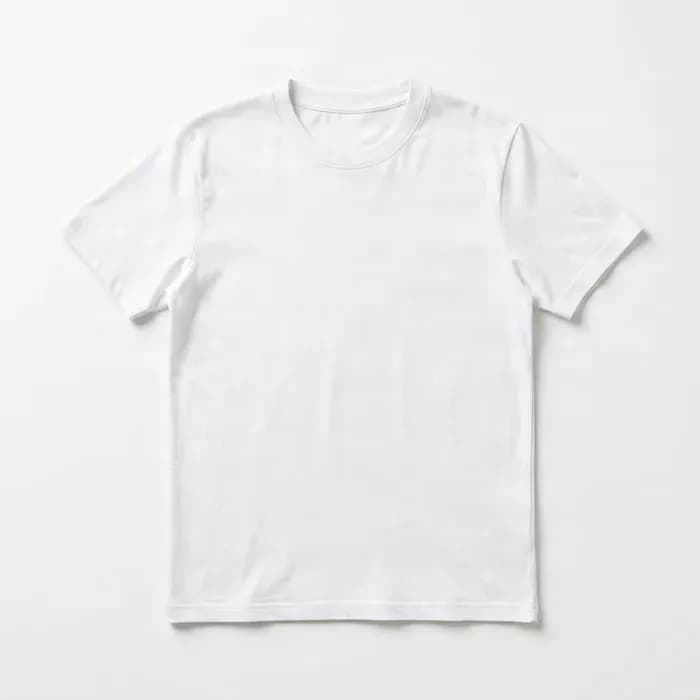
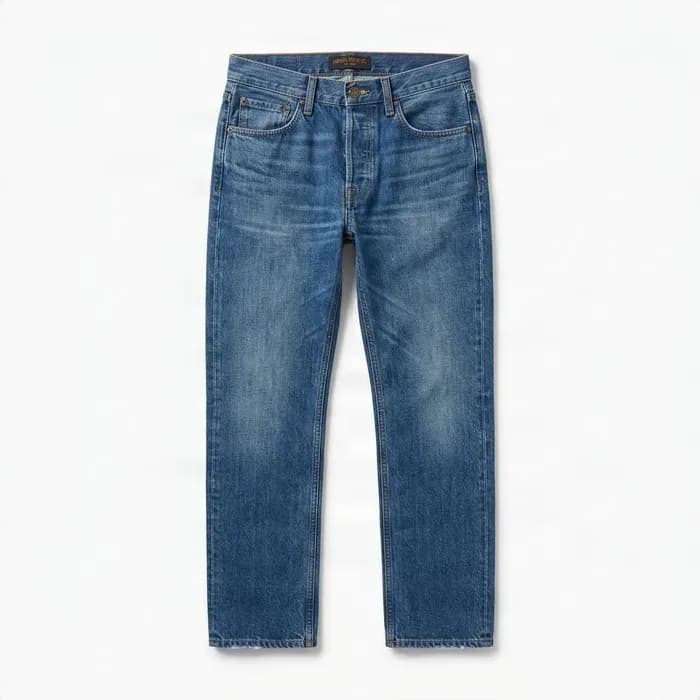
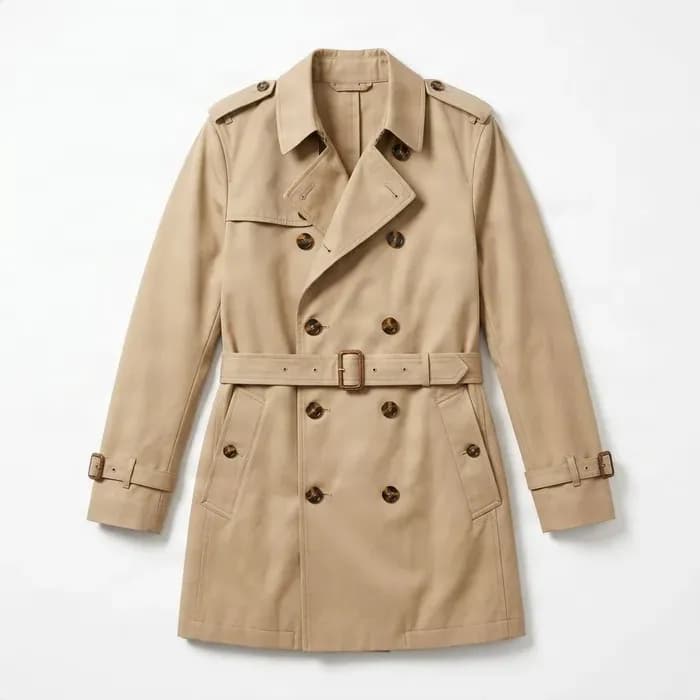
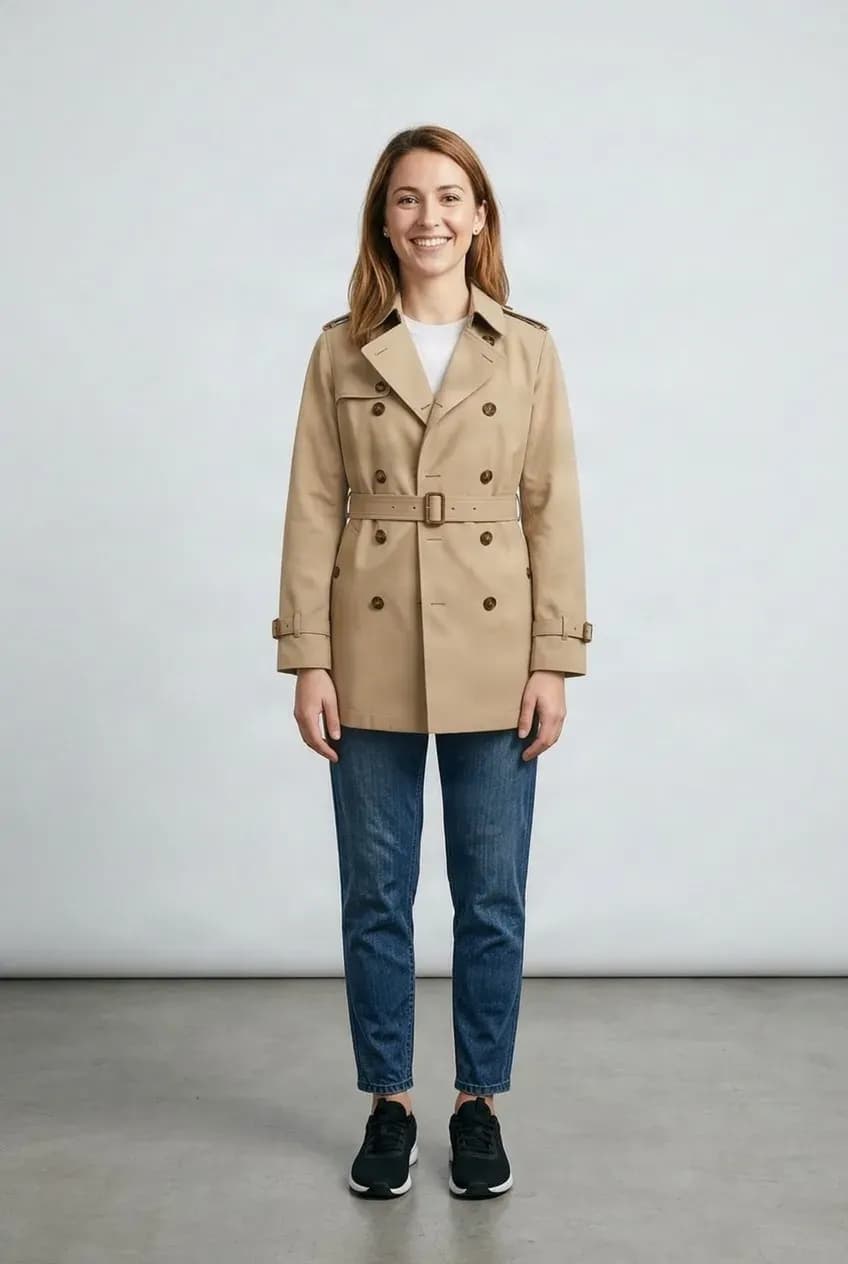
Add an Outer Layer
Stack a top, bottom, and outerwear into one complete look.
See How the Pieces Work Together
A shirt may look good on its own. So might a jacket or pair of pants. The harder question is whether the whole outfit works together.
Virtual Outfit Try-On lets you combine several clothing references and preview the complete look on one person.
More Than One Garment at a Time
Mix & Match
Combine tops, bottoms, and outerwear into one look.
Compare Full Looks
Keep the same person photo while testing different combinations.
Plan Before You Change
Explore outfit ideas before getting dressed or arranging a new shoot.
Reuse Your Photo
Try several complete outfits without taking new photos.
Build an Outfit in Three Steps
Upload Your Photo
Choose a clear photo of the person who will wear the outfit.
Build the Outfit
Add a top and bottom, then add outerwear or more pieces. Drag to reorder.
Review the Result
Compare the full look, then swap a piece and try again if you want.
A Visual Styling Preview, Not a Fit Simulation
The result shows how the outfit may look in an image. It does not predict physical fit or sizing. Small logos, text, stitching, and patterns may change, and complex layering, crossed arms, long hair, or overlapping garments can make the result harder to generate.
Related Try-On Tools
Virtual Outfit Try-On FAQ
How many clothing items can I add?
You can add up to six clothing references. For better results, start with a few clearly visible pieces rather than a large number of overlapping items.
Can I combine a shirt, pants, and jacket?
Yes. That is one of the main uses of the outfit workflow.
Does the order of the clothing images matter?
Drag to set the order you want. Outerwear such as jackets or coats is treated as the outer layer.
Can I try two completely different outfits on the same photo?
Yes. Keep the person photo and replace the garment references to create another look.
Will every clothing detail stay exactly the same?
Not always. Small logos, text, stitching, patterns, and hidden garment details may change during generation.
Does it predict whether the outfit fits physically?
No. It is a visual styling preview, not a sizing or fabric simulation.
What if one item covers another incorrectly?
Complex layering, crossed arms, long hair, loose clothing, and overlapping garments can make the result harder to generate. Trying fewer pieces or clearer product photos may help.
Try a Complete Outfit on Your Photo
Upload a photo and build an outfit from a few clothing references.
Build an outfit